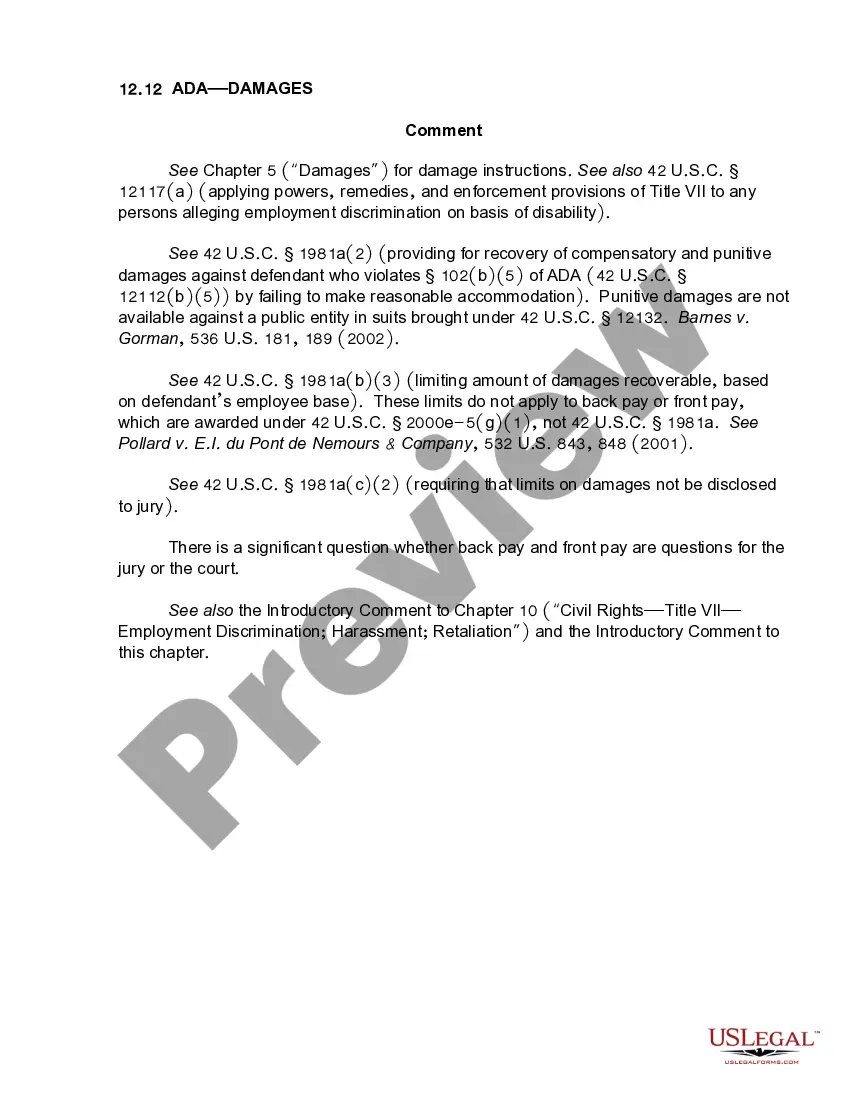
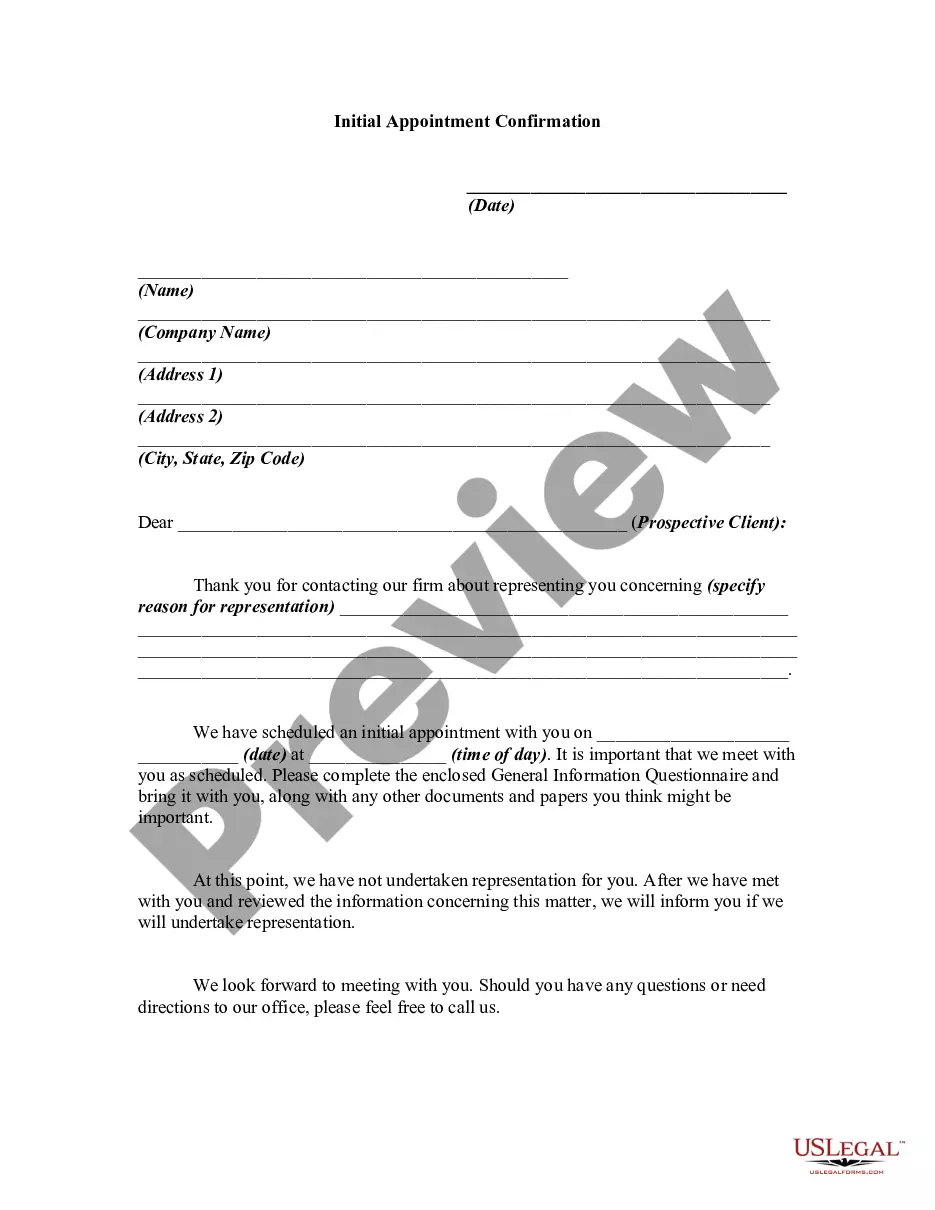
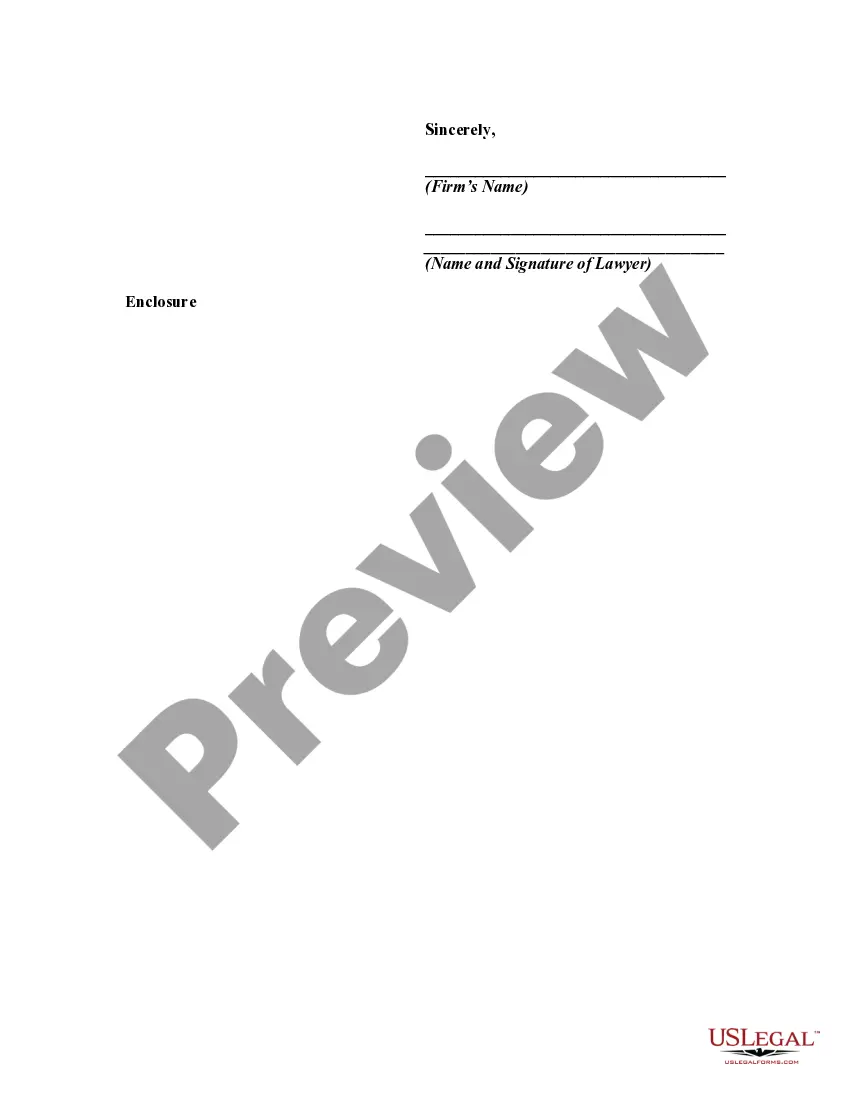
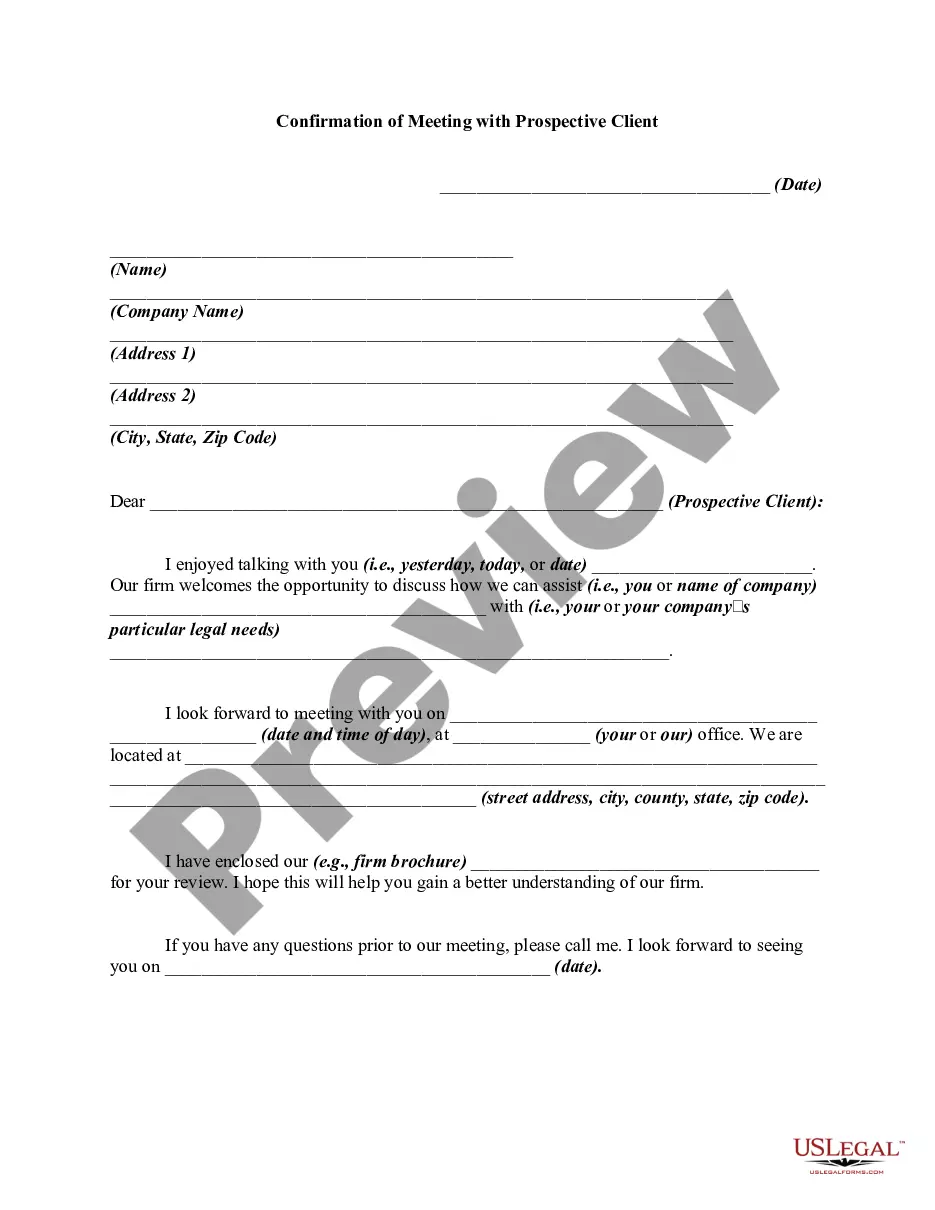
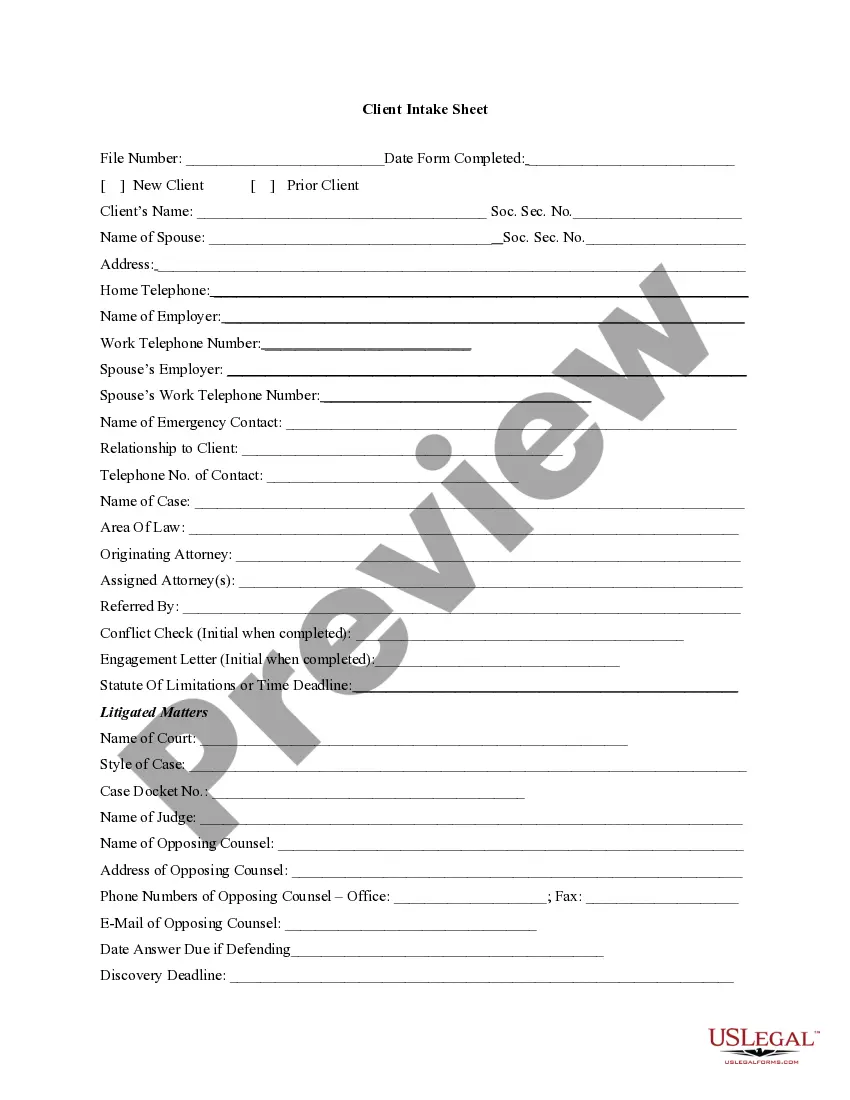
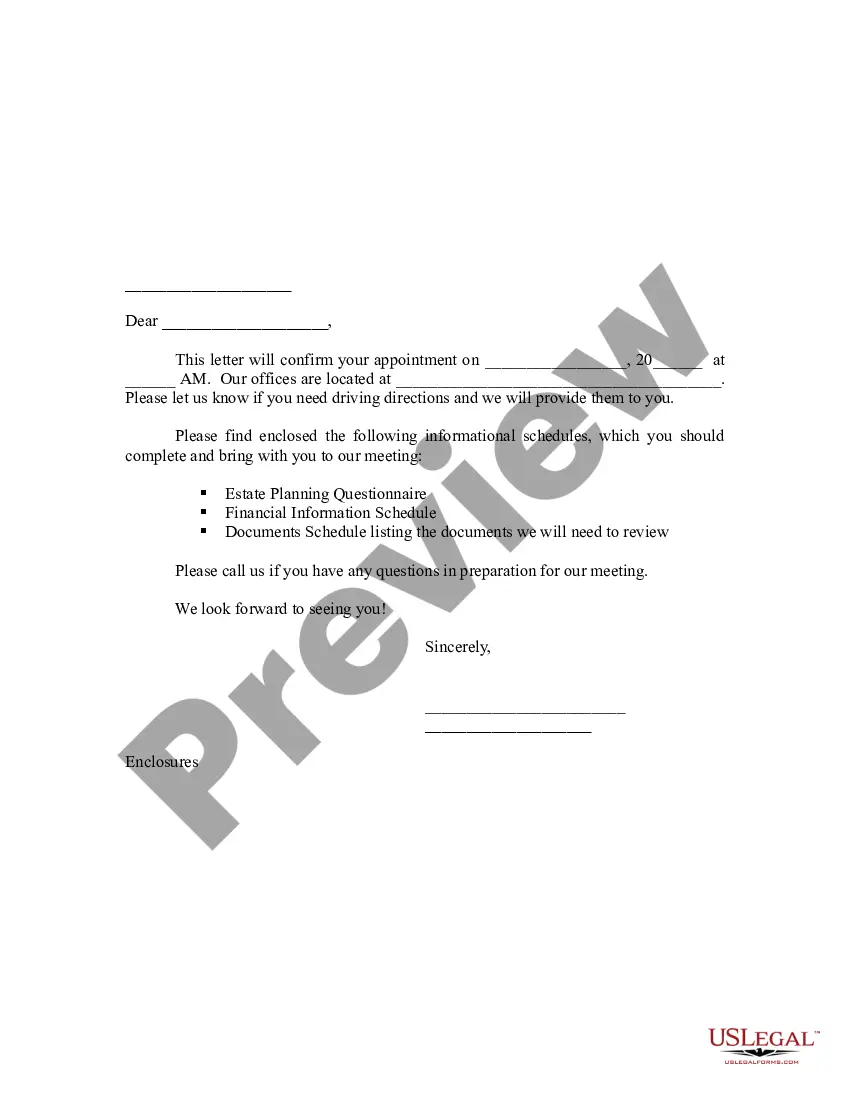
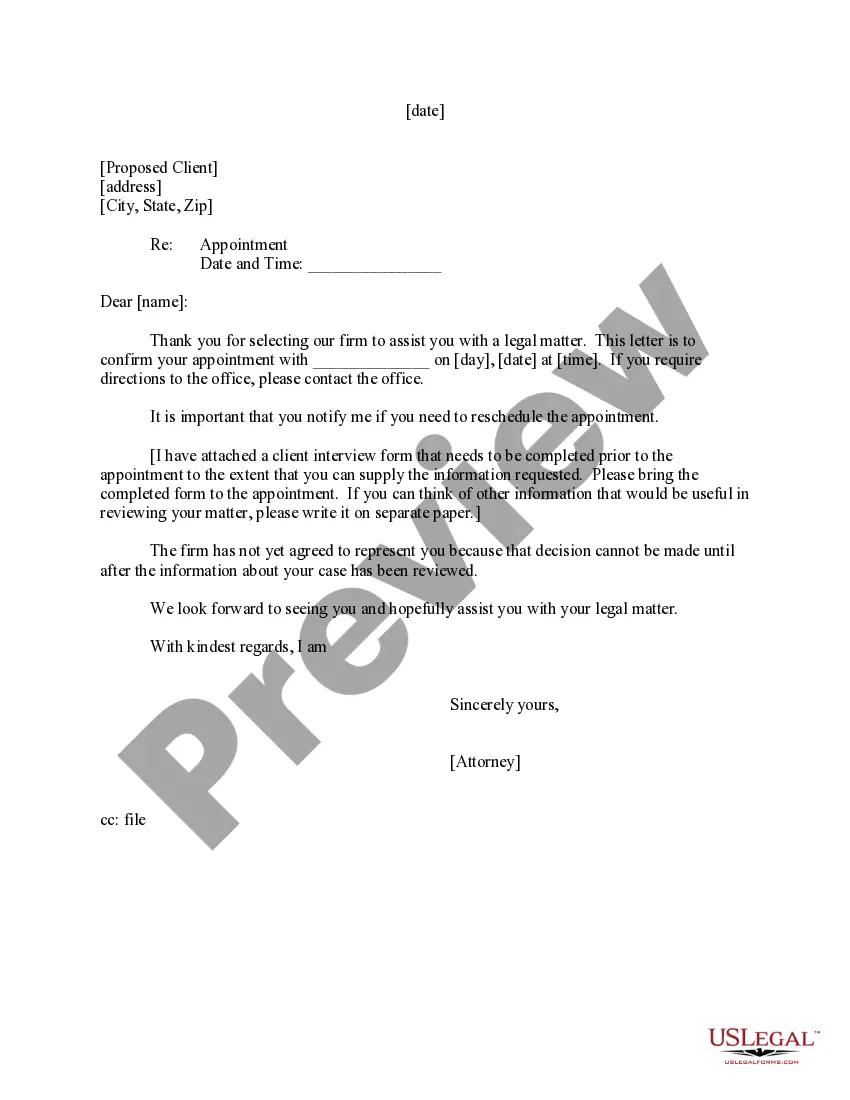
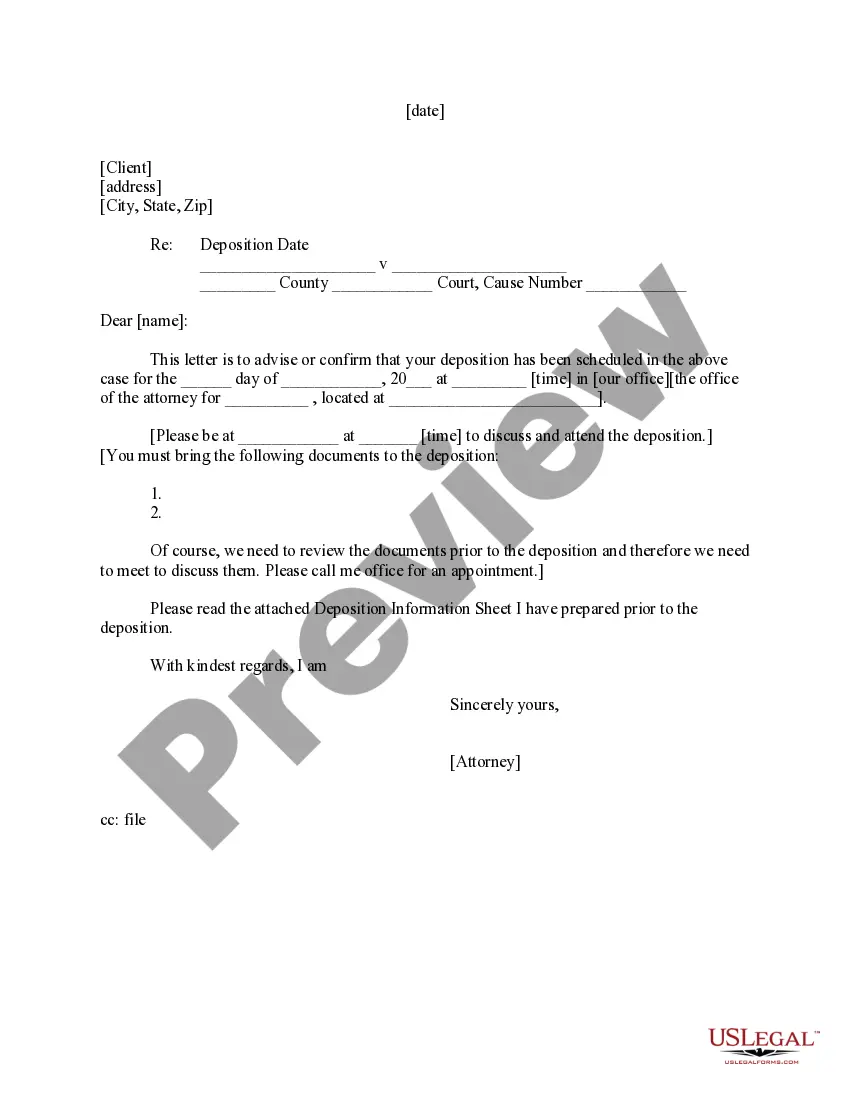
This letter may be used after a contact is made with a potential client who asks your firm to represent him/her.
Wisconsin Initial Appointment Confirmation
Instant download
Description
Free preview
Get your form ready online
Our built-in tools help you complete, sign, share, and store your documents in one place.
Built-in online Word editor
Make edits, fill in missing information, and update formatting in US Legal Forms—just like you would in MS Word.
Export easily
Download a copy, print it, send it by email, or mail it via USPS—whatever works best for your next step.
E-sign your document
Sign and collect signatures with our SignNow integration. Send to multiple recipients, set reminders, and more. Go Premium to unlock E-Sign.
Notarize online 24/7
If this form requires notarization, complete it online through a secure video call—no need to meet a notary in person or wait for an appointment.
Store your document securely
We protect your documents and personal data by following strict security and privacy standards.

Make edits, fill in missing information, and update formatting in US Legal Forms—just like you would in MS Word.

Download a copy, print it, send it by email, or mail it via USPS—whatever works best for your next step.

Sign and collect signatures with our SignNow integration. Send to multiple recipients, set reminders, and more. Go Premium to unlock E-Sign.

If this form requires notarization, complete it online through a secure video call—no need to meet a notary in person or wait for an appointment.

We protect your documents and personal data by following strict security and privacy standards.
Looking for another form?
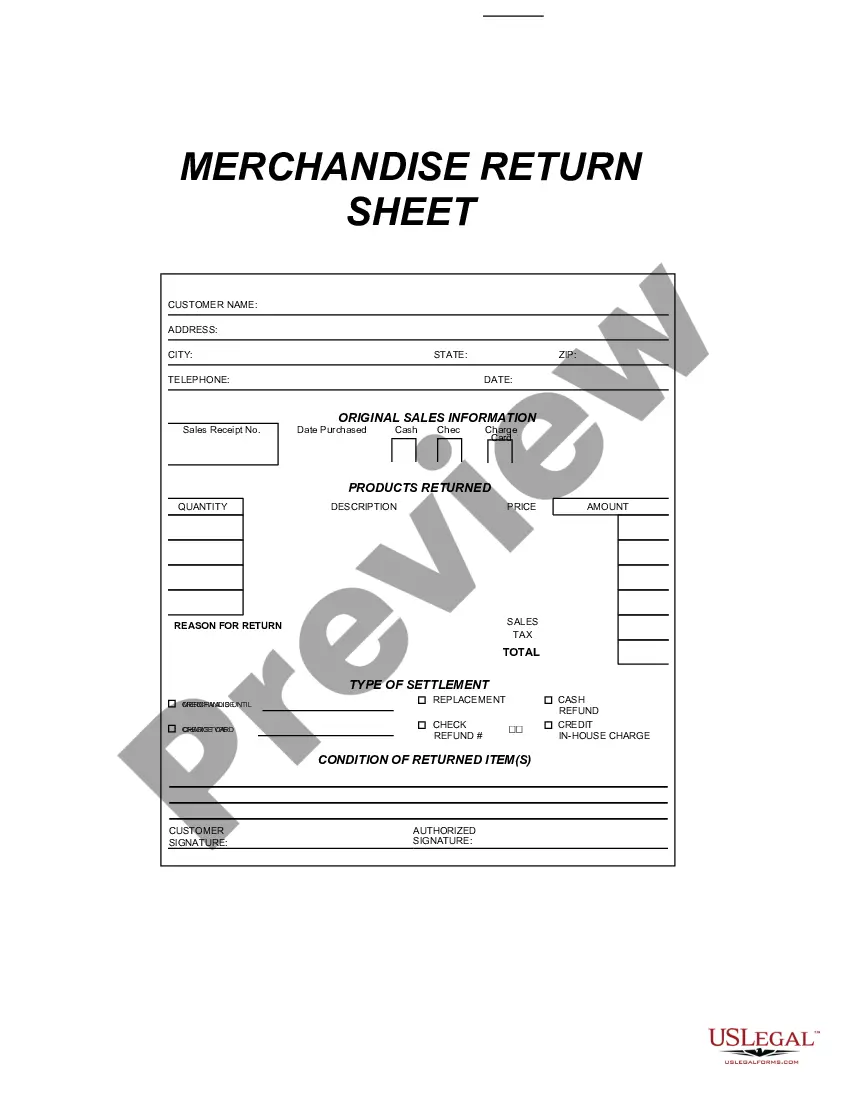
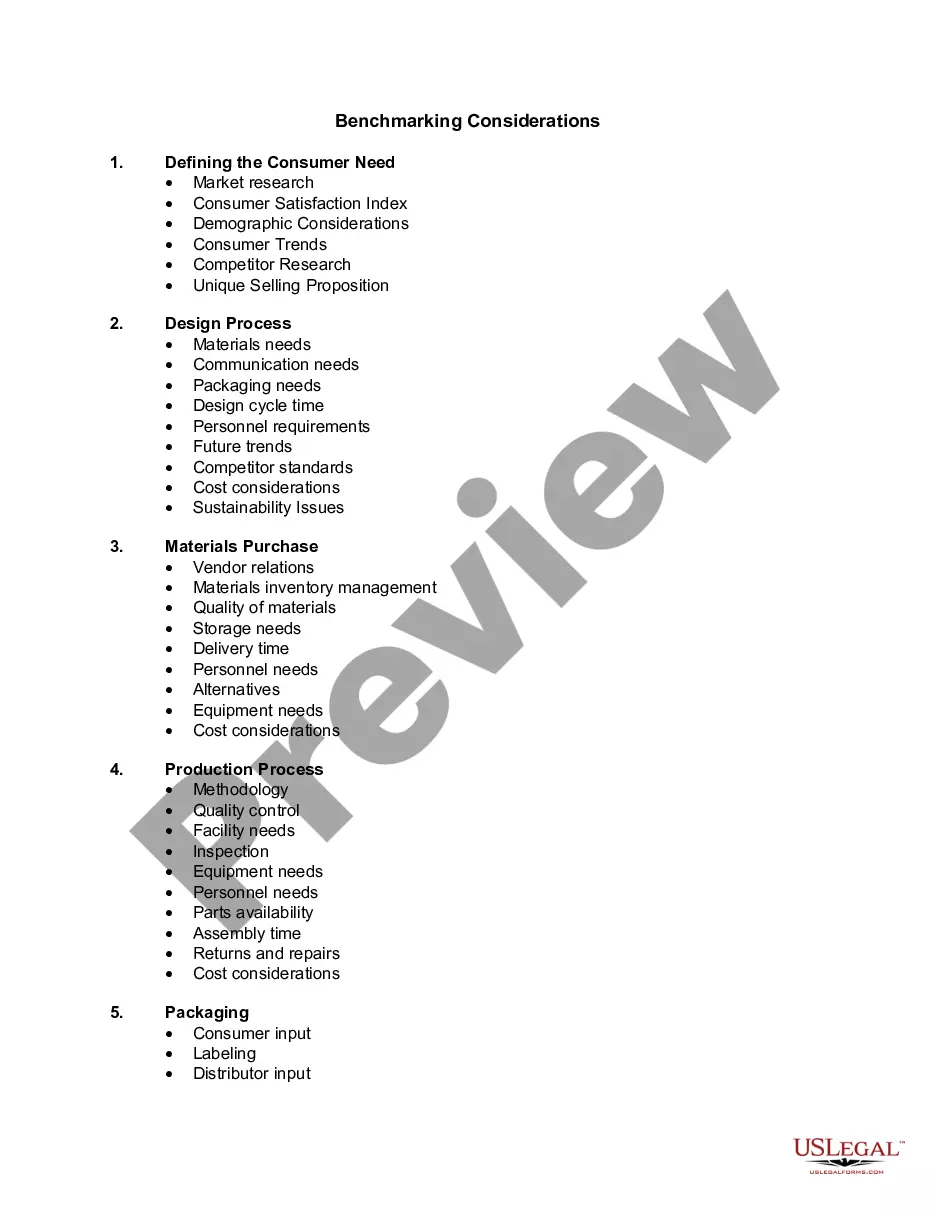
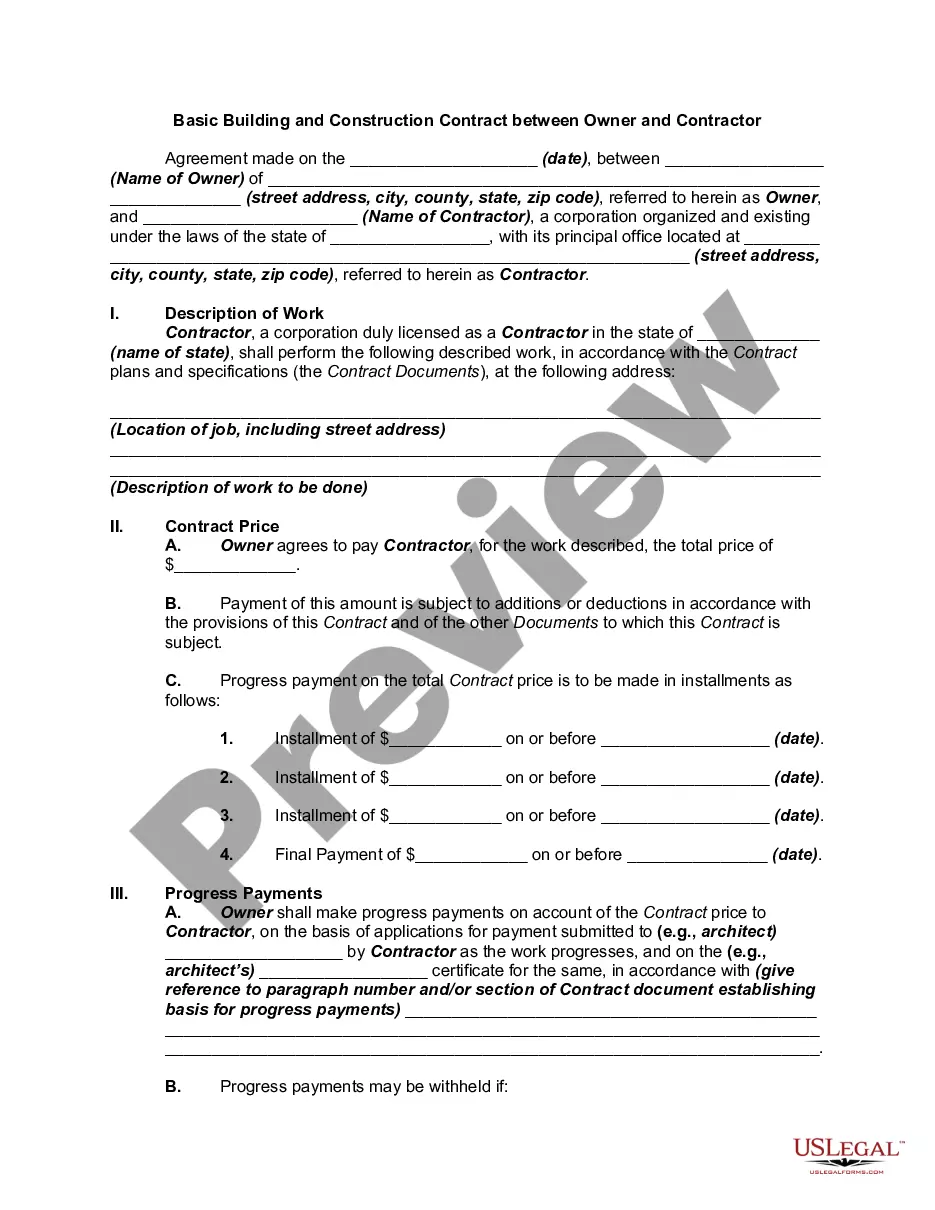
How to fill out Initial Appointment Confirmation?
If you wish to total, download, or print valid document templates, utilize US Legal Forms, the largest repository of valid forms available online.
Take advantage of the site's straightforward and user-friendly search to find the documents you require. Various templates for business and personal purposes are organized by categories and states, or keywords.
Use US Legal Forms to locate the Wisconsin Initial Appointment Confirmation in just a few clicks.
Step 5. Process the transaction. You can use your credit card or PayPal account to complete the transaction.
Step 6. Select the format of the valid form and download it to your device. Step 7. Complete, edit, and print or sign the Wisconsin Initial Appointment Confirmation. Each valid document template you purchase is your property forever. You have access to every form you downloaded within your account. Click the My documents section and select a form to print or download again. Complete and download, and print the Wisconsin Initial Appointment Confirmation with US Legal Forms. There are thousands of professional and state-specific forms you can use for your business or personal needs.
- In case you are currently a US Legal Forms customer, Log In to your account and click on the Obtain button to get the Wisconsin Initial Appointment Confirmation.
- You can also access forms you previously downloaded in the My documents tab of your account.
- If you are using US Legal Forms for the first time, follow the instructions below.
- Step 1. Ensure you have chosen the form for the correct area/state.
- Step 2. Use the Preview option to review the form's content. Don’t forget to check the outline.
- Step 3. If you are dissatisfied with the form, use the Search field at the top of the screen to find other versions of the valid form template.
- Step 4. Once you have found the form you need, select the Buy now button. Choose the payment plan you prefer and enter your credentials to register for an account.
Form popularity
FAQ
Checking Your Application and Materials Status To check your application status: Visit the Student Center*. Any outstanding materials will be noted under ?Tasks? on the ?To Do List.? Please note your document(s) may take up to 14 business days to process, once they are received.
You can check to see if you have a hold on your account by logging onto your MyUW Student Center, selecting Tasks and reviewing any Holds listed. Some holds require you to take action; others are informational only.
Enrollment Verification You can obtain an official PDF letter certifying enrollment status (full-time, half-time, etc.) through Academic Records in your Student Center. The PDF version is an official letter.
Dates and Timelines CampusUW-Eau ClaireCampusUW-MadisonBegin Reviewing ApplicationsSeptember 1Approx. Review Process LengthSpring Regular Decision (due 10/1) will hear on or before 12/31, Fall Early Action (due 11/1) will hear on or before 1/31, Fall Regular Decision (due 1/15) will hear on or before 3/3196 more rows
The acceptance rate at University of Wisconsin - Madison is 51.7%. For every 100 applicants, 52 are admitted.
Logging in to MyUW If you've already created your UW NetID, use the MyUW login to access your application information.
Dates and Timelines CampusUW-Eau ClaireCampusUW-MadisonBegin Reviewing ApplicationsSeptember 1Approx. Review Process LengthSpring Regular Decision (due 10/1) will hear on or before 12/31, Fall Early Action (due 11/1) will hear on or before 1/31, Fall Regular Decision (due 1/15) will hear on or before 3/3196 more rows