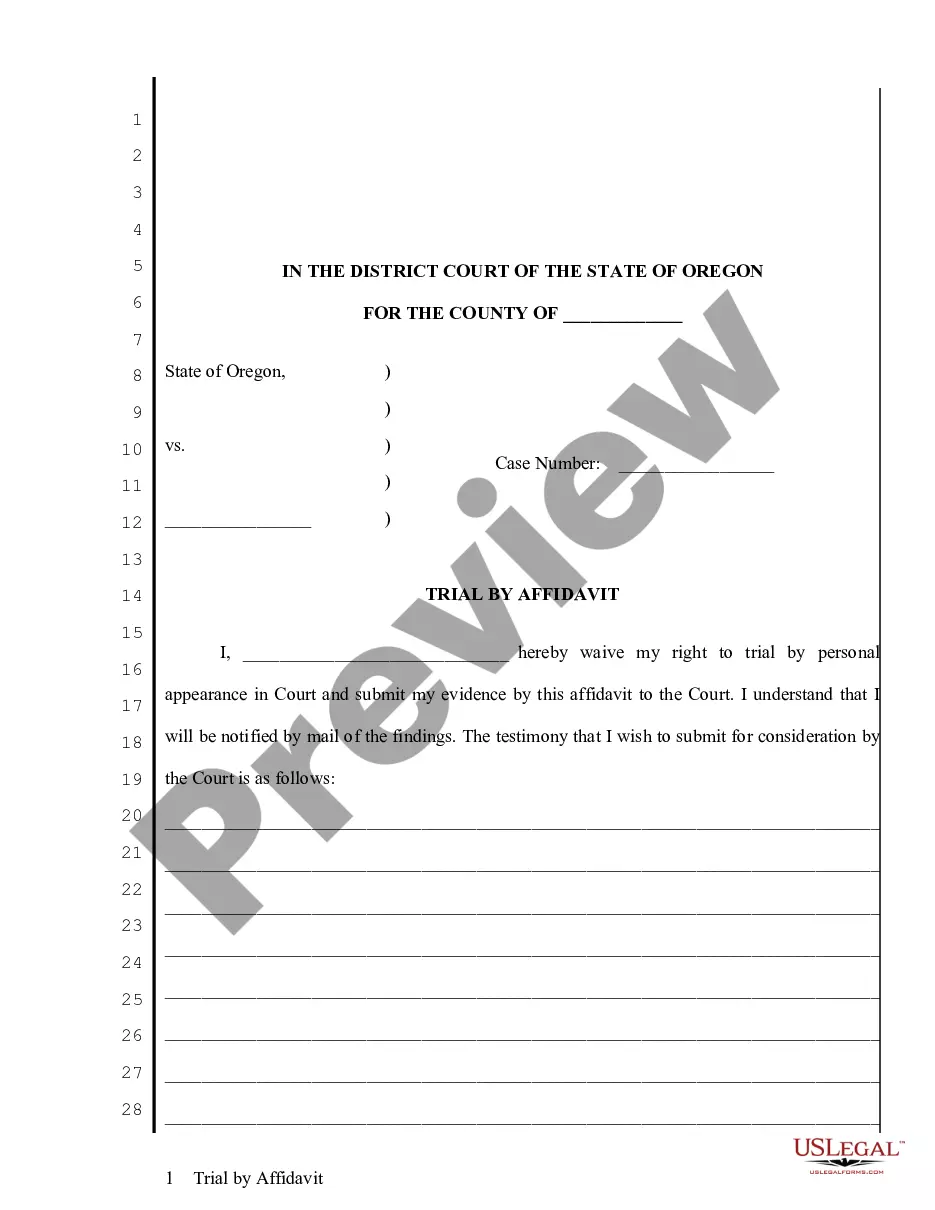
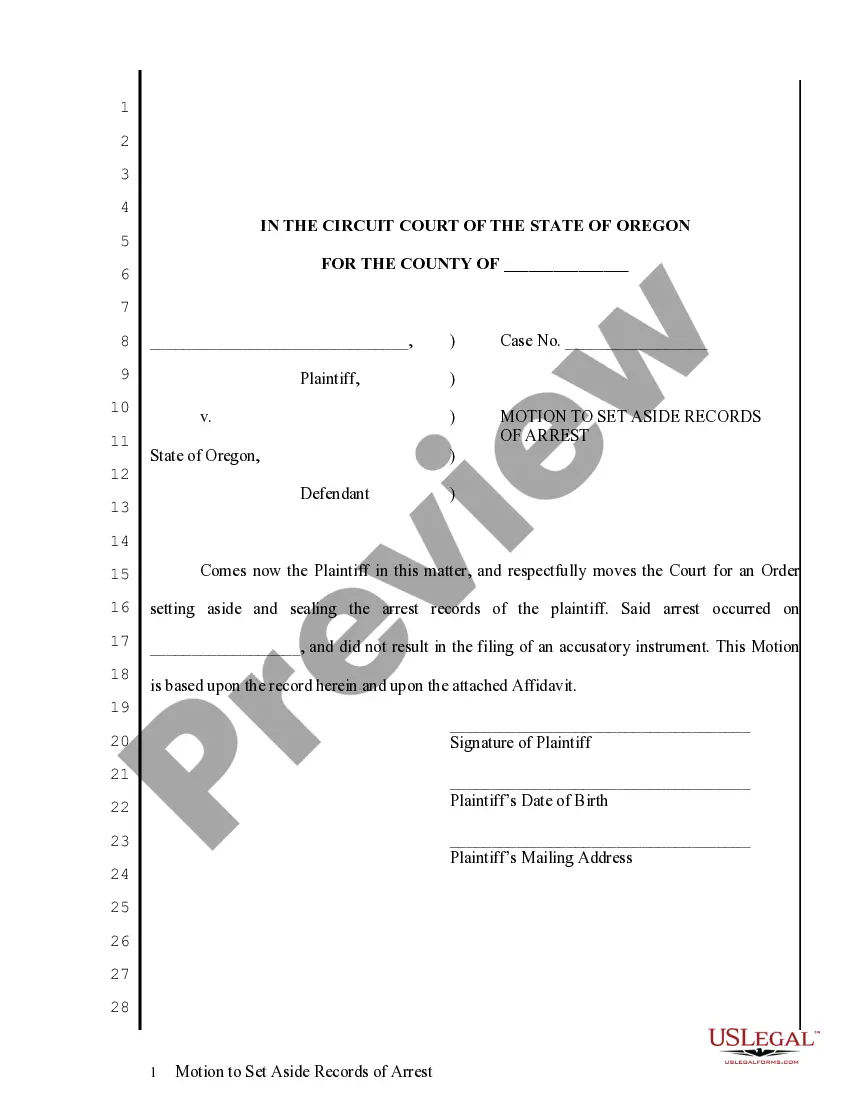
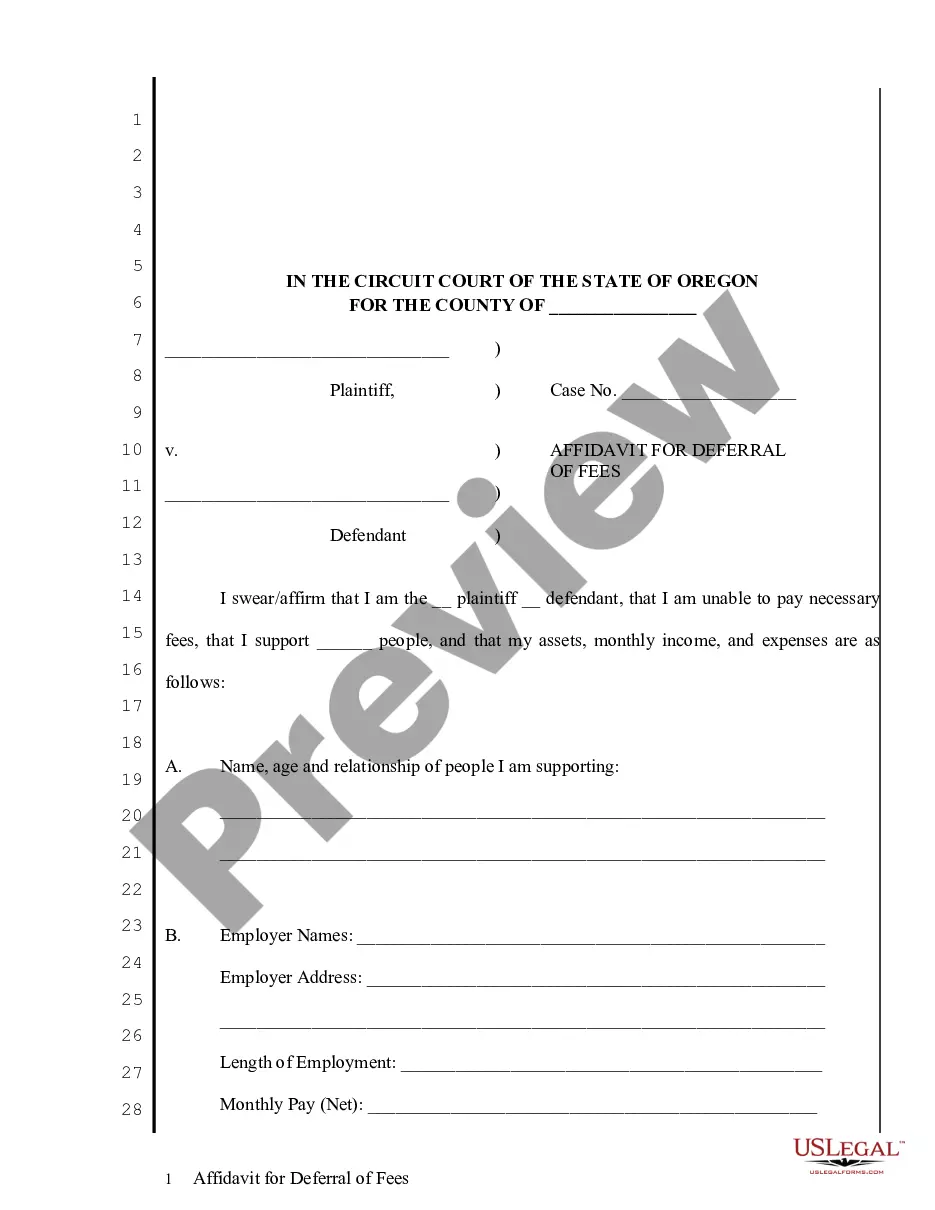
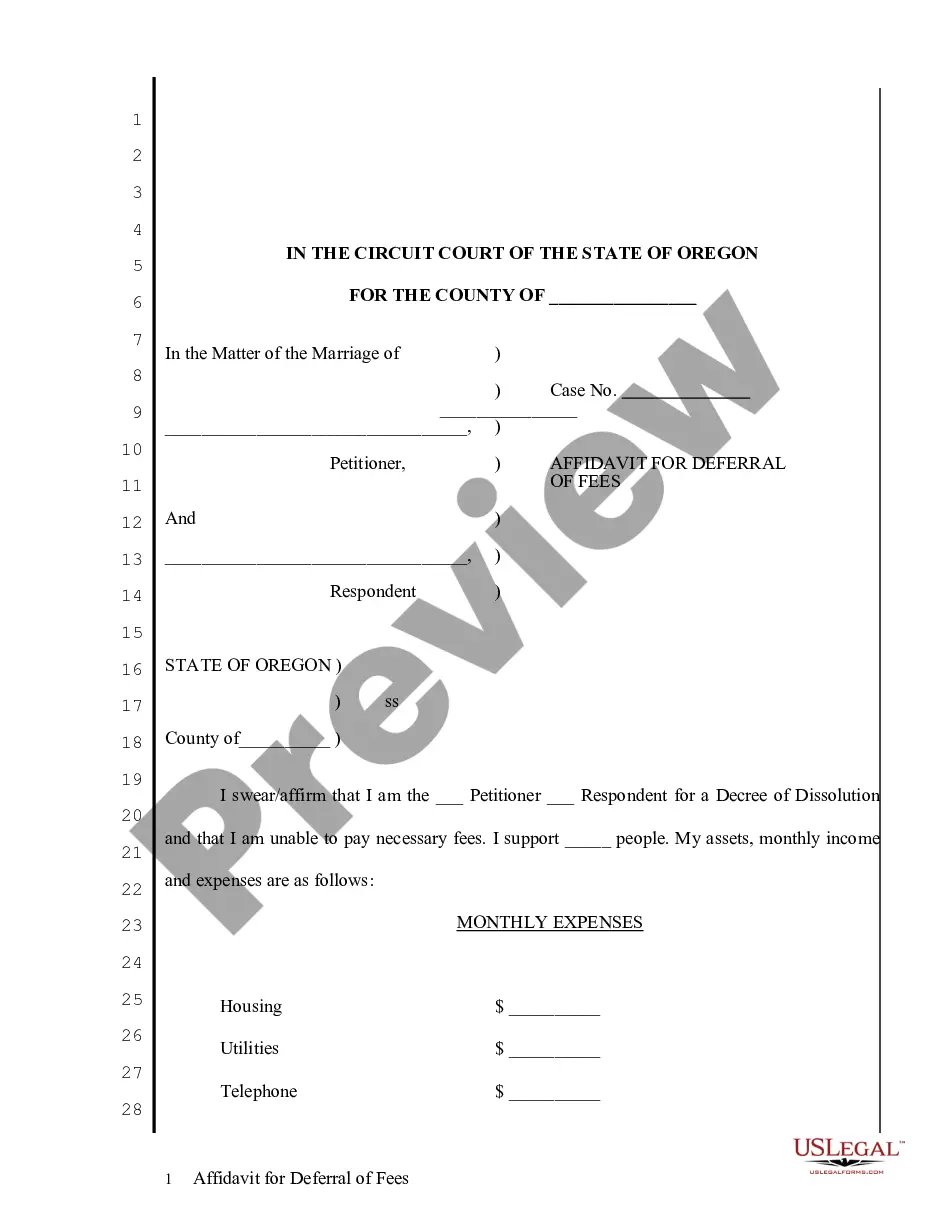
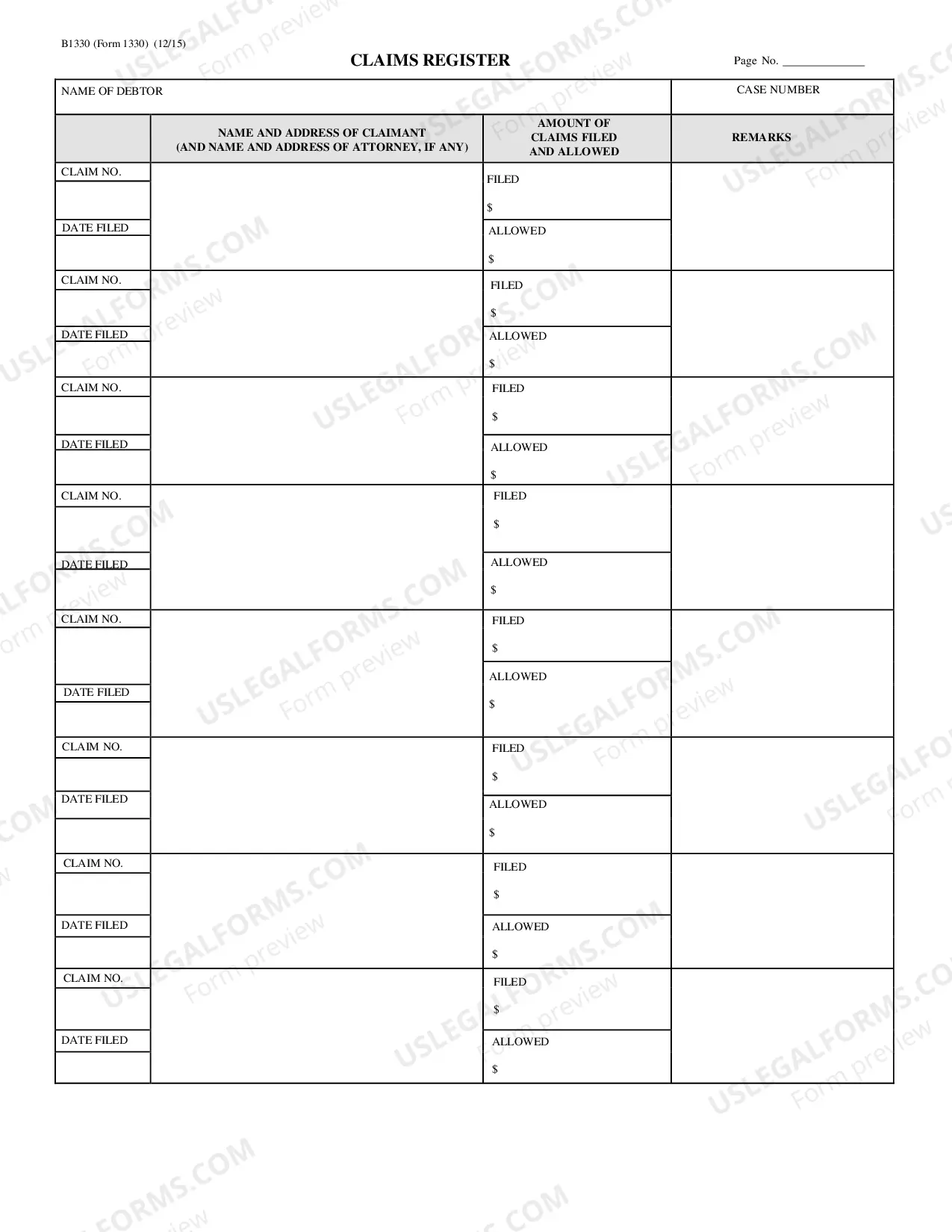
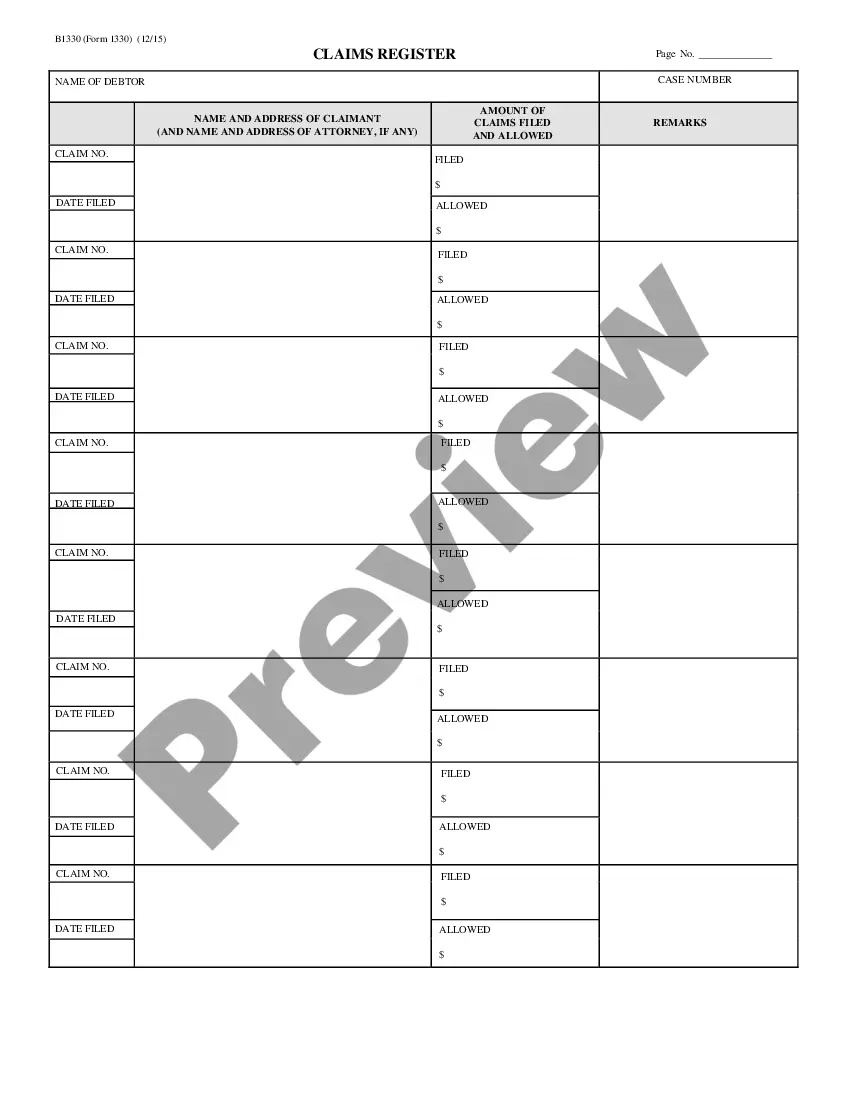
The Wisconsin Claims Register (WAR) is an online database of civil court cases that have been filed in Wisconsin state courts. It includes information on case numbers, parties involved, court locations, case types, attorneys, filing dates, and dispositions. The WAR is managed by the Wisconsin Court System in cooperation with the Wisconsin Department of Justice. The WAR is divided into three distinct types of records: 1. Circuit Court: This portion of the WAR contains records from all Wisconsin circuit courts, including small claims court. It includes information on civil lawsuits, including divorces, evictions, foreclosures, personal injury cases, contract disputes, and other types of civil litigation. 2. Municipal Court: This portion of the WAR contains records from municipal courts in Wisconsin. It includes information on civil and criminal cases, including traffic violations, ordinance violations, and other general disputes. 3. Appellate Court: This portion of the WAR contains records from the Wisconsin Court of Appeals and the Wisconsin Supreme Court. It includes information on civil and criminal appeals, including decisions made by the appellate courts.
Wisconsin Claims Register
Description
Get your form ready online
Our built-in tools help you complete, sign, share, and store your documents in one place.
Make edits, fill in missing information, and update formatting in US Legal Forms—just like you would in MS Word.
Download a copy, print it, send it by email, or mail it via USPS—whatever works best for your next step.
Sign and collect signatures with our SignNow integration. Send to multiple recipients, set reminders, and more. Go Premium to unlock E-Sign.
If this form requires notarization, complete it online through a secure video call—no need to meet a notary in person or wait for an appointment.
We protect your documents and personal data by following strict security and privacy standards.

Make edits, fill in missing information, and update formatting in US Legal Forms—just like you would in MS Word.

Download a copy, print it, send it by email, or mail it via USPS—whatever works best for your next step.

Sign and collect signatures with our SignNow integration. Send to multiple recipients, set reminders, and more. Go Premium to unlock E-Sign.

If this form requires notarization, complete it online through a secure video call—no need to meet a notary in person or wait for an appointment.

We protect your documents and personal data by following strict security and privacy standards.
Looking for another form?

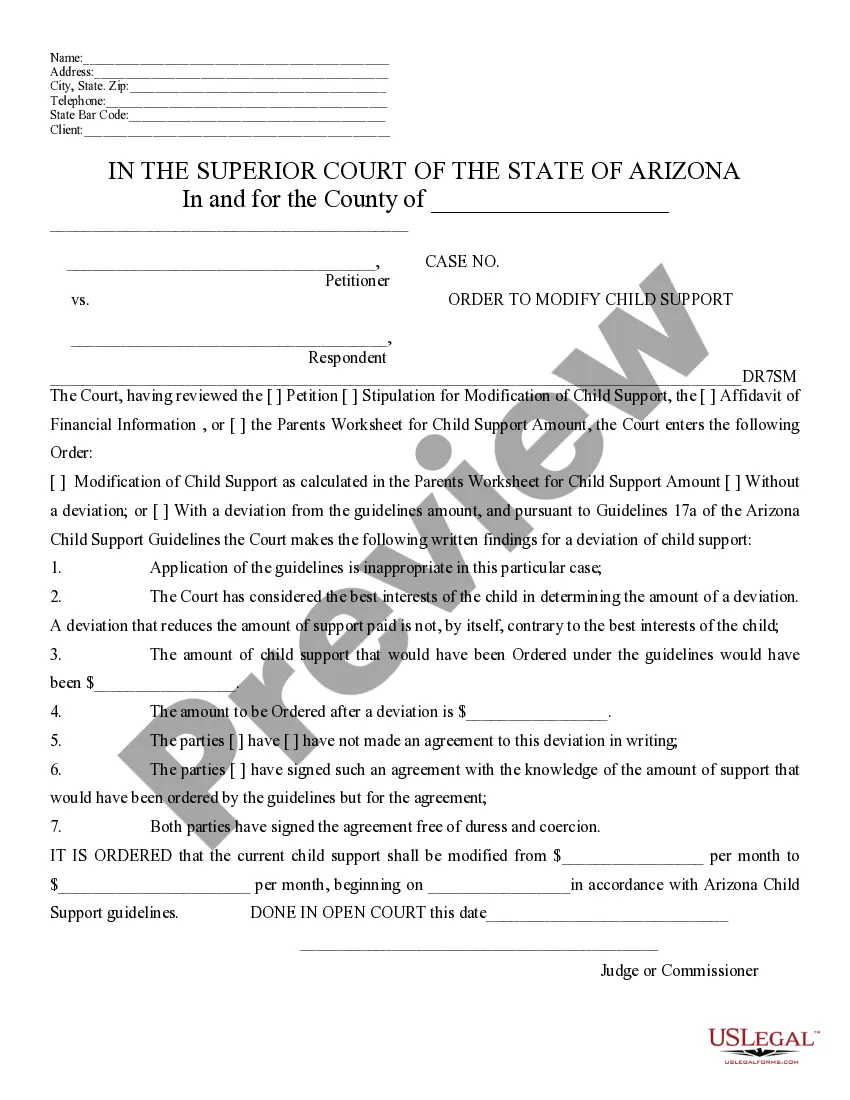
How to fill out Wisconsin Claims Register?
US Legal Forms is the most straightforward and cost-effective way to locate appropriate legal templates. It’s the most extensive online library of business and individual legal paperwork drafted and verified by attorneys. Here, you can find printable and fillable templates that comply with national and local regulations - just like your Wisconsin Claims Register.
Getting your template takes just a few simple steps. Users that already have an account with a valid subscription only need to log in to the website and download the document on their device. Afterwards, they can find it in their profile in the My Forms tab.
And here’s how you can obtain a properly drafted Wisconsin Claims Register if you are using US Legal Forms for the first time:
- Look at the form description or preview the document to make certain you’ve found the one meeting your requirements, or locate another one using the search tab above.
- Click Buy now when you’re sure of its compatibility with all the requirements, and select the subscription plan you like most.
- Create an account with our service, sign in, and pay for your subscription using PayPal or you credit card.
- Choose the preferred file format for your Wisconsin Claims Register and download it on your device with the appropriate button.
After you save a template, you can reaccess it whenever you want - just find it in your profile, re-download it for printing and manual completion or upload it to an online editor to fill it out and sign more effectively.
Take advantage of US Legal Forms, your trustworthy assistant in obtaining the corresponding official paperwork. Try it out!
Form popularity
FAQ
A written statement filed in a bankruptcy case setting forth a creditor's claim is called a proof of claim. A proof of claim should include a copy of any documentation giving rise to the claim as well as any evidence in support of the claim, such as evidence of secured status if the claim is secured.
Providing Supporting Documentation A Proof of Claim must include any pertinent documentation, such as promissory notes, purchase orders, contracts, invoices, delivery receipts or security agreements. Other documentation might include monthly statements, pay records and ledgers.
A Proof of Claim is a form used by the creditor (person who has a claim) to indicate the amount of debt owed by the debtor on the date of the bankruptcy filing. Creditors may electronically file a Proof of Claim through our Court's website (recommended for creditors) or mail/deliver a paper Proof of Claim to the Court.
What Is a Proof of Claim? A proof of claim is an essential element in the bankruptcy process. It documents your right as a creditor to repayment from the debtor. A debtor's chapter 11 bankruptcy filing may significantly impact a creditor and can jeopardize its ability to handle its own financial responsibilities.
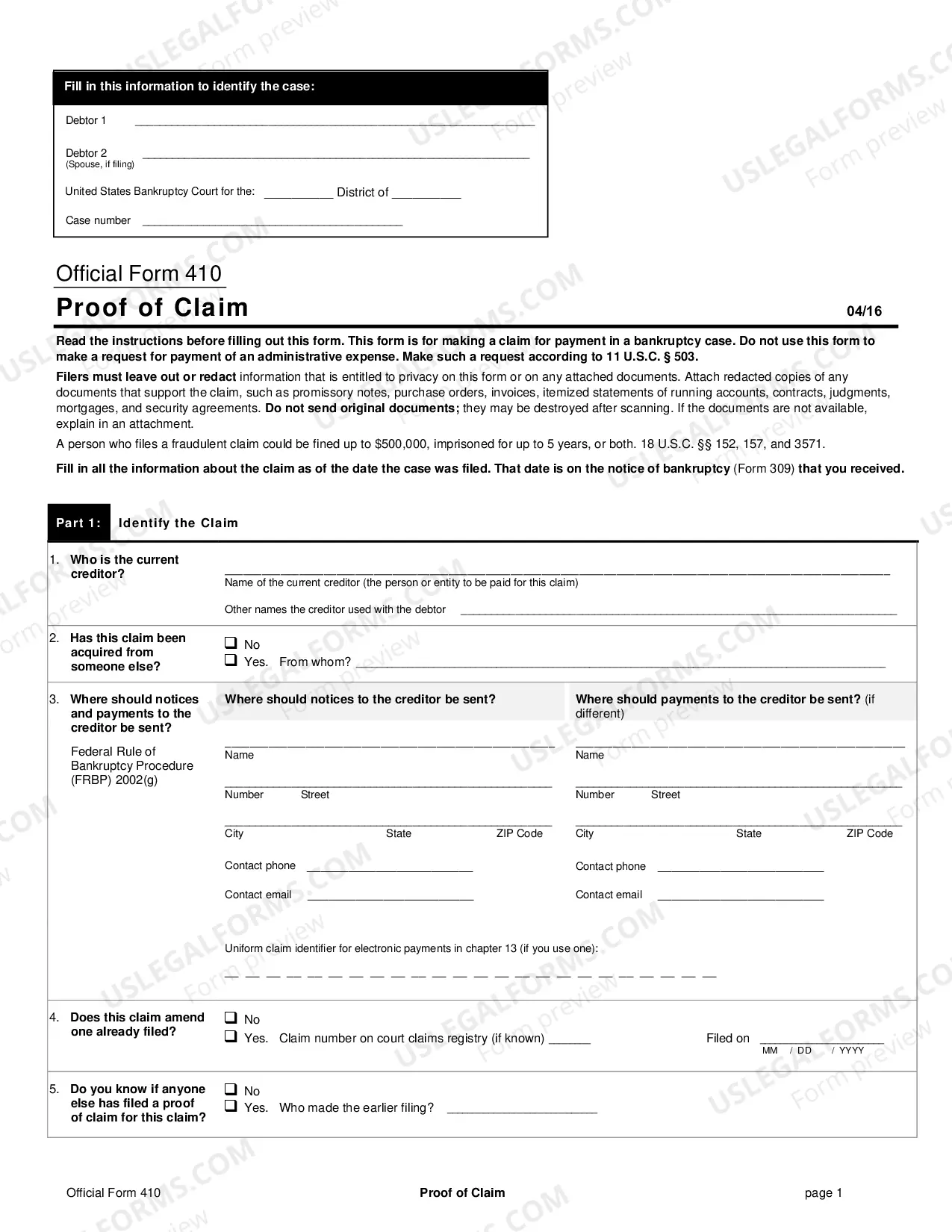
Form 410 is the form used by creditors to file a proof of claim. In some cases, a bankruptcy judge may accept an informal proof of claim. This must be a written document filed with the bankruptcy court, and it must make a demand against the debtor's bankruptcy estate.
The Submit a Proof of Claim form program contains a fillable Form 410 Proof of Claim form. Supplemental documentation to the claim may be attached. The attorney may file the proof of claim through the website, indicating, "filed by: attorney" or may obtain a live ECF login and password.