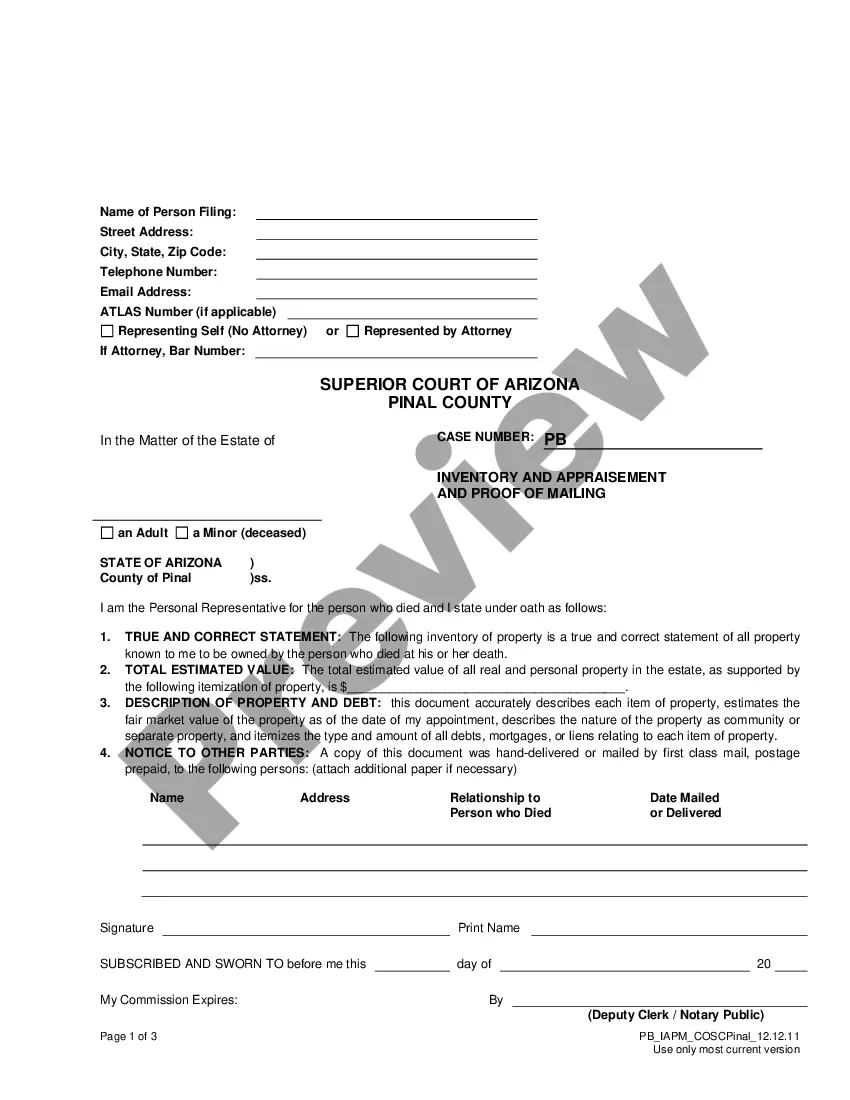
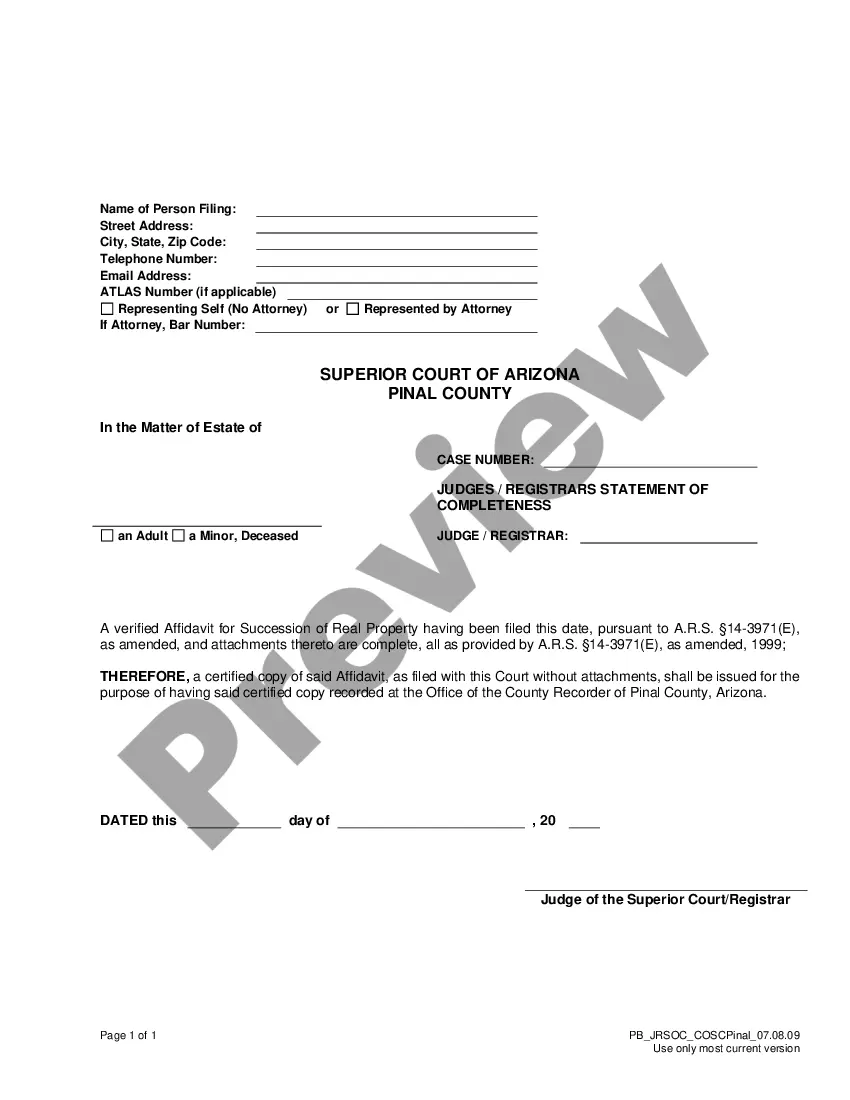
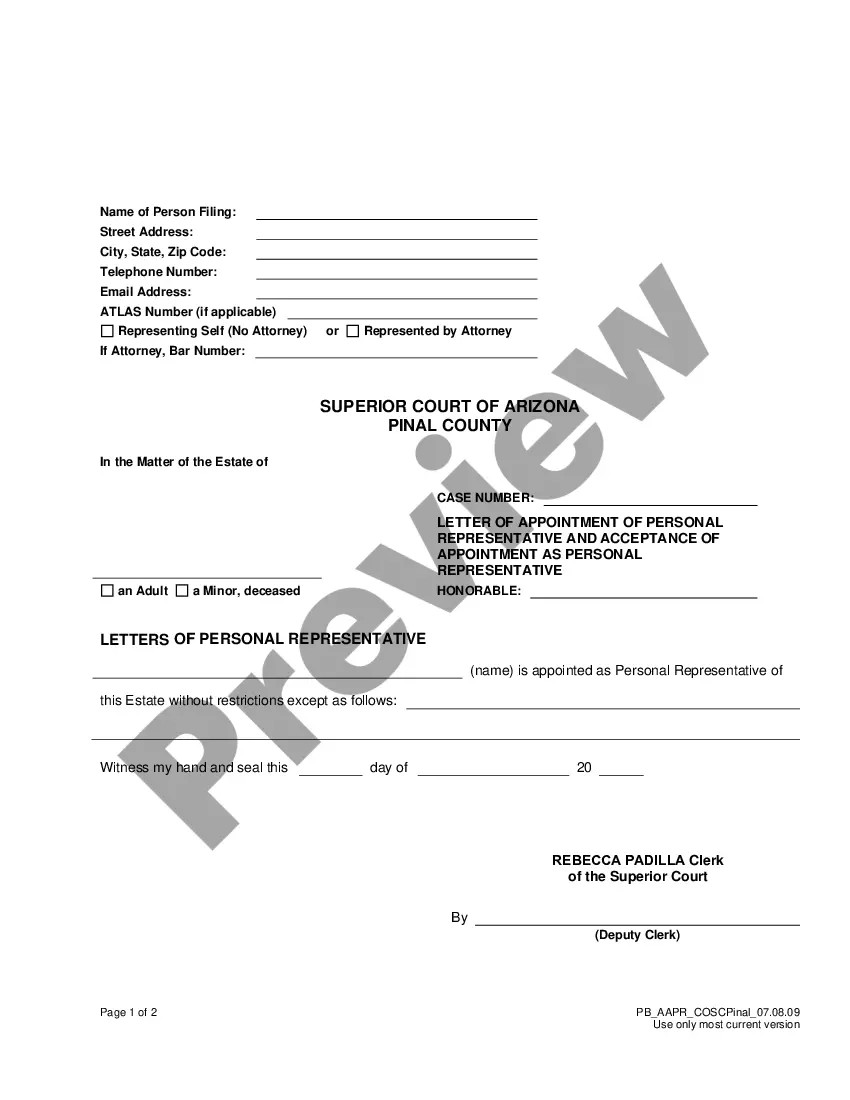
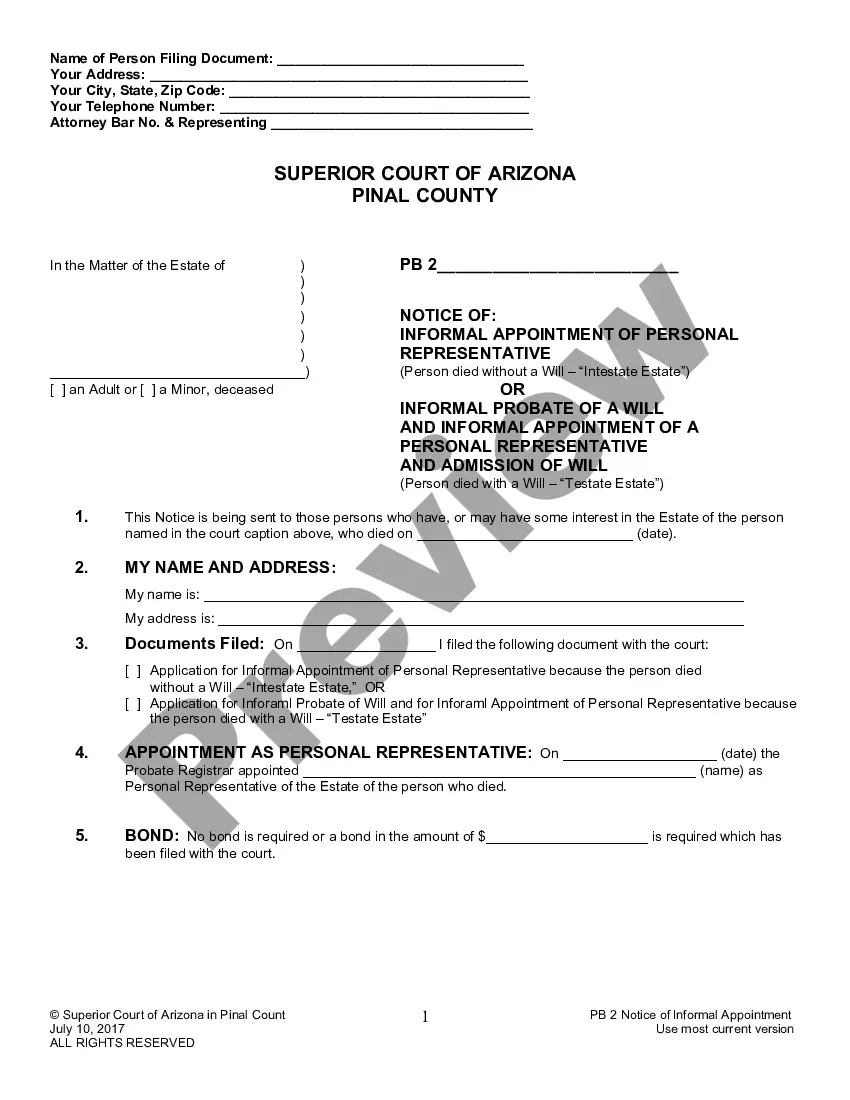
Wisconsin Notice of Completion
About this form
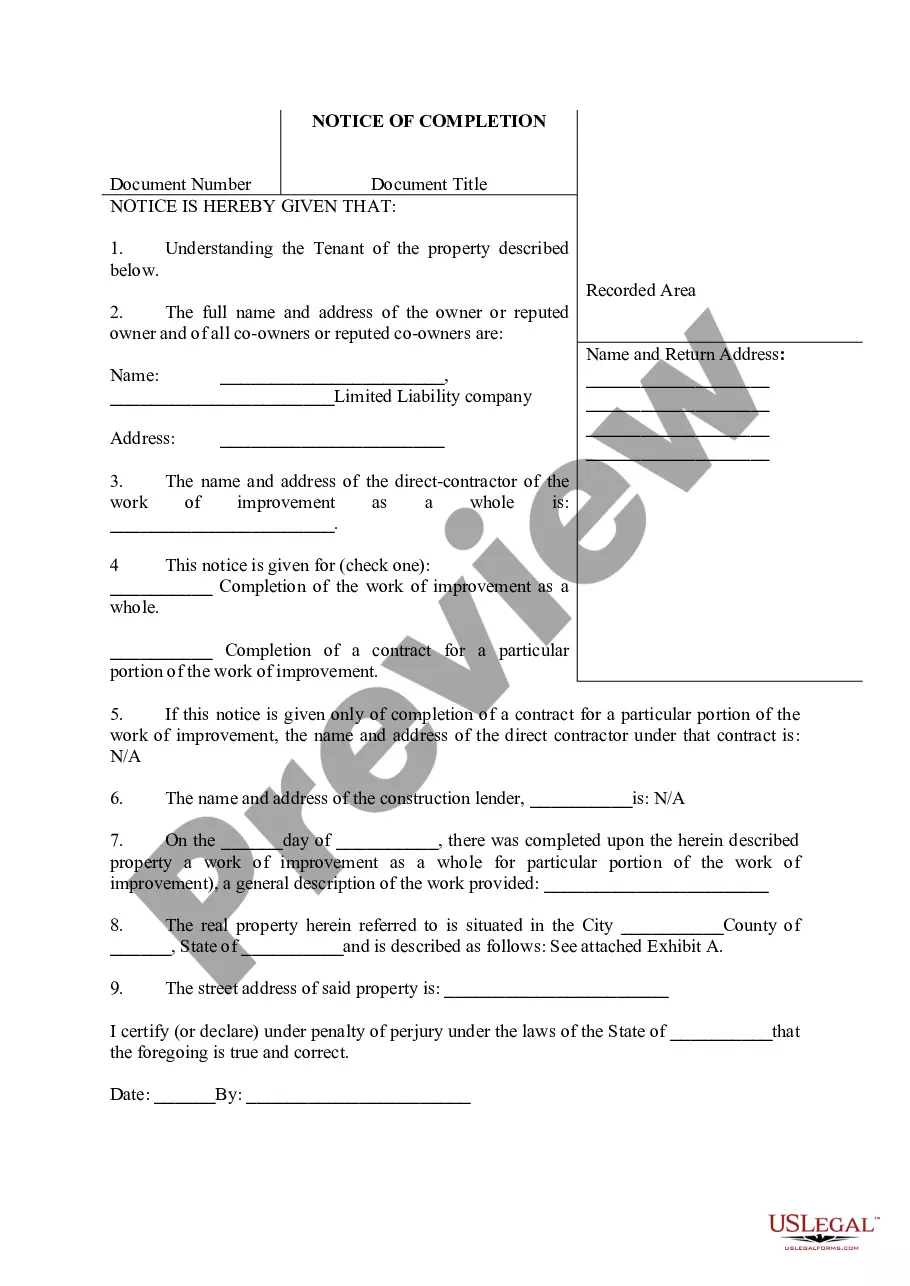
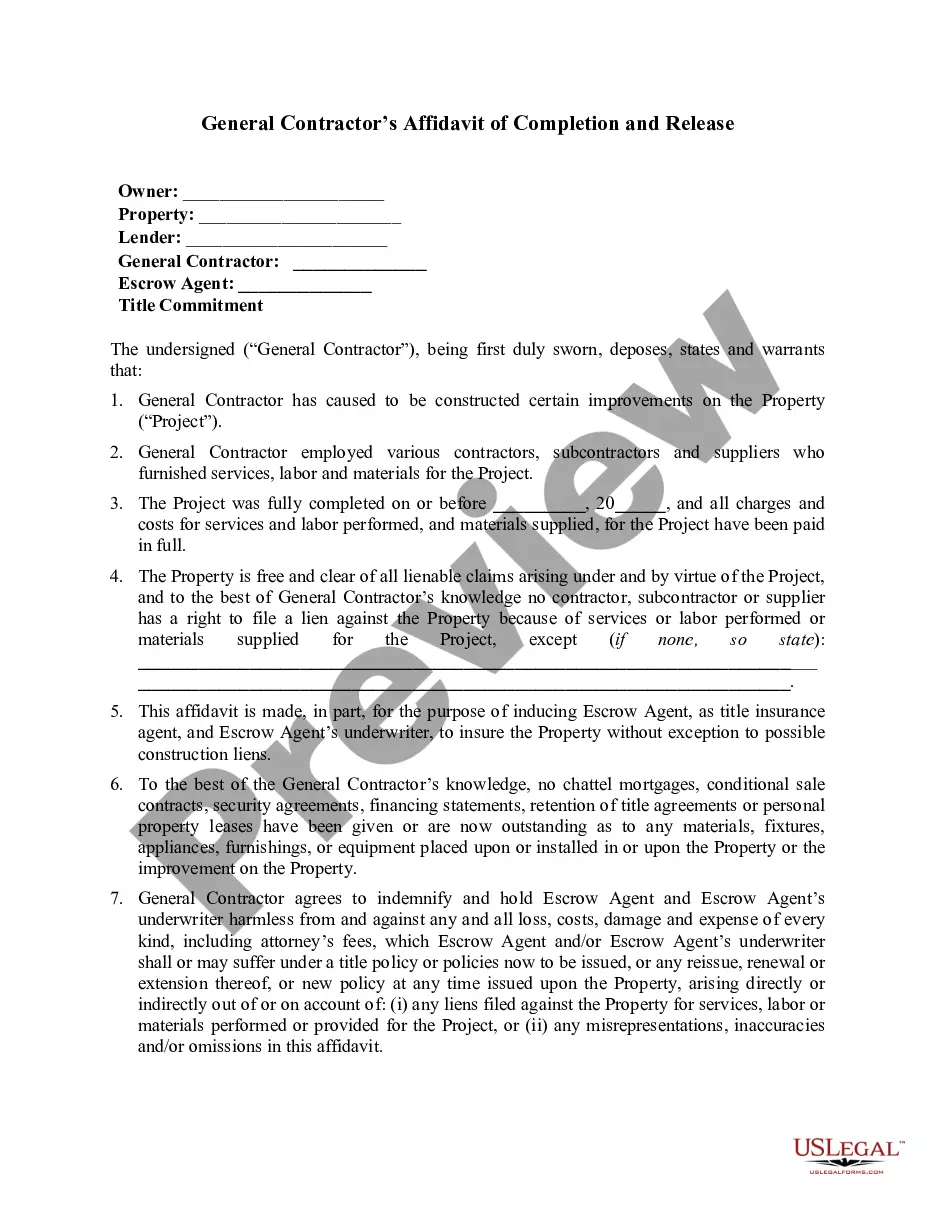
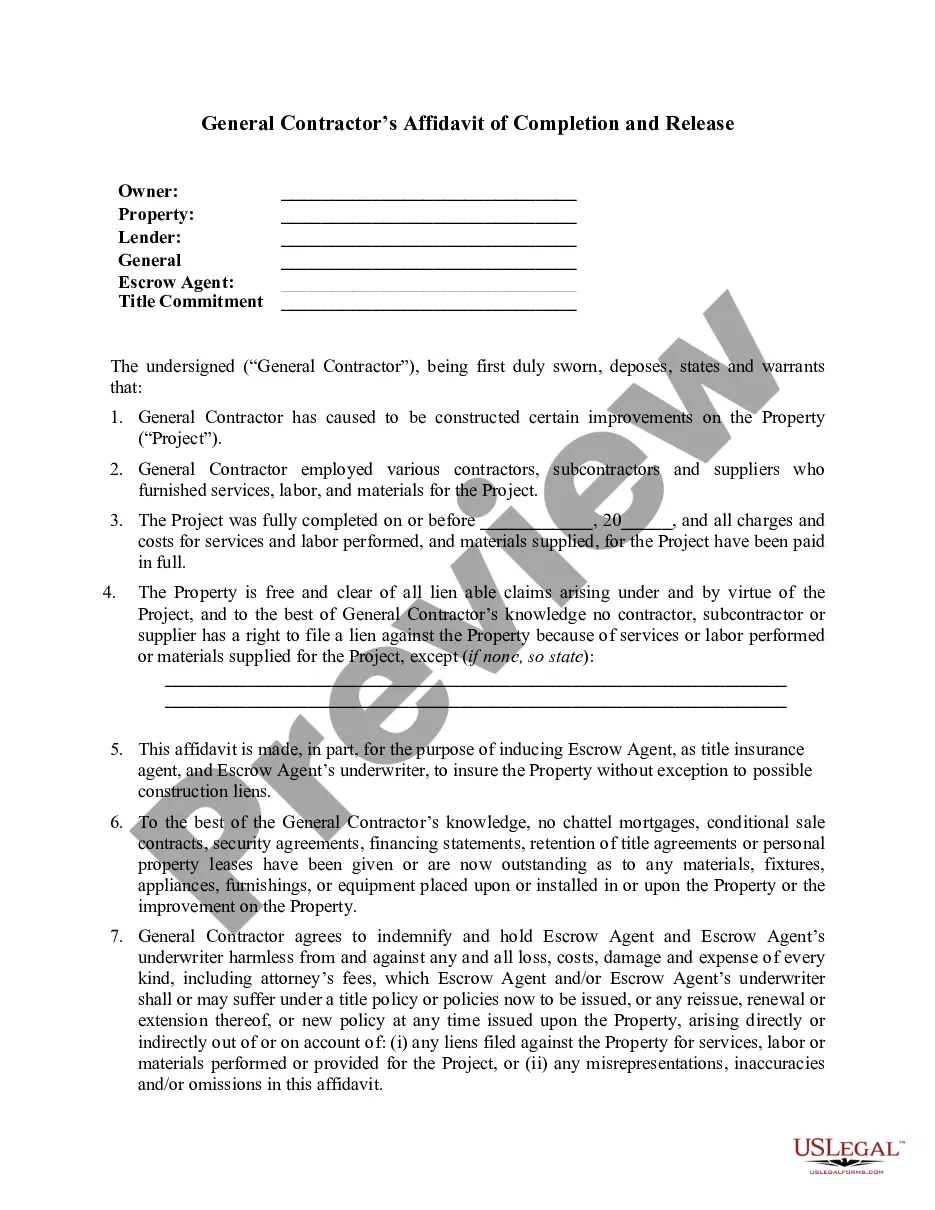
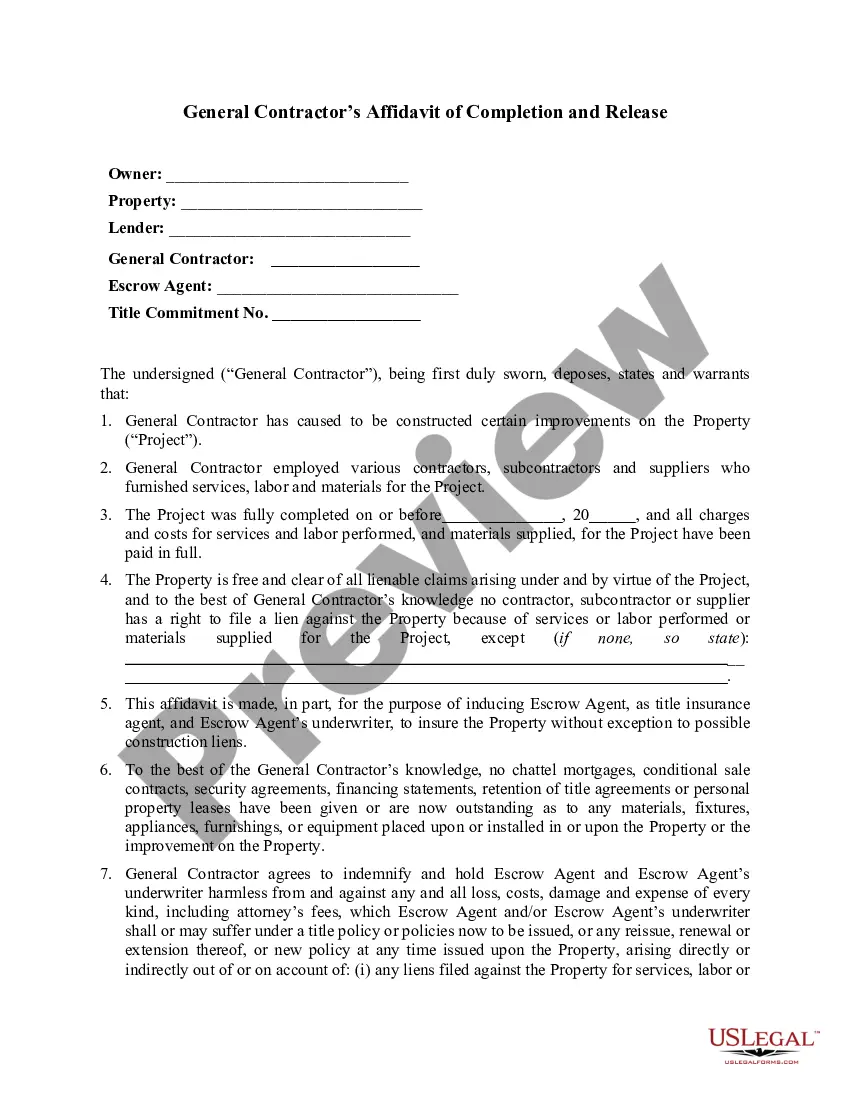
The Notice of Completion is a legal document used to inform tenants that construction or contractor work on a property has been completed. This form serves as an official declaration of the work's completion, providing essential details to the tenant and addressing potential issues related to the construction timeline. Unlike other forms, the Notice of Completion specifically focuses on notifying tenants rather than addressing payment or contract disputes.
Key parts of this document
- Identification of the tenant and the property
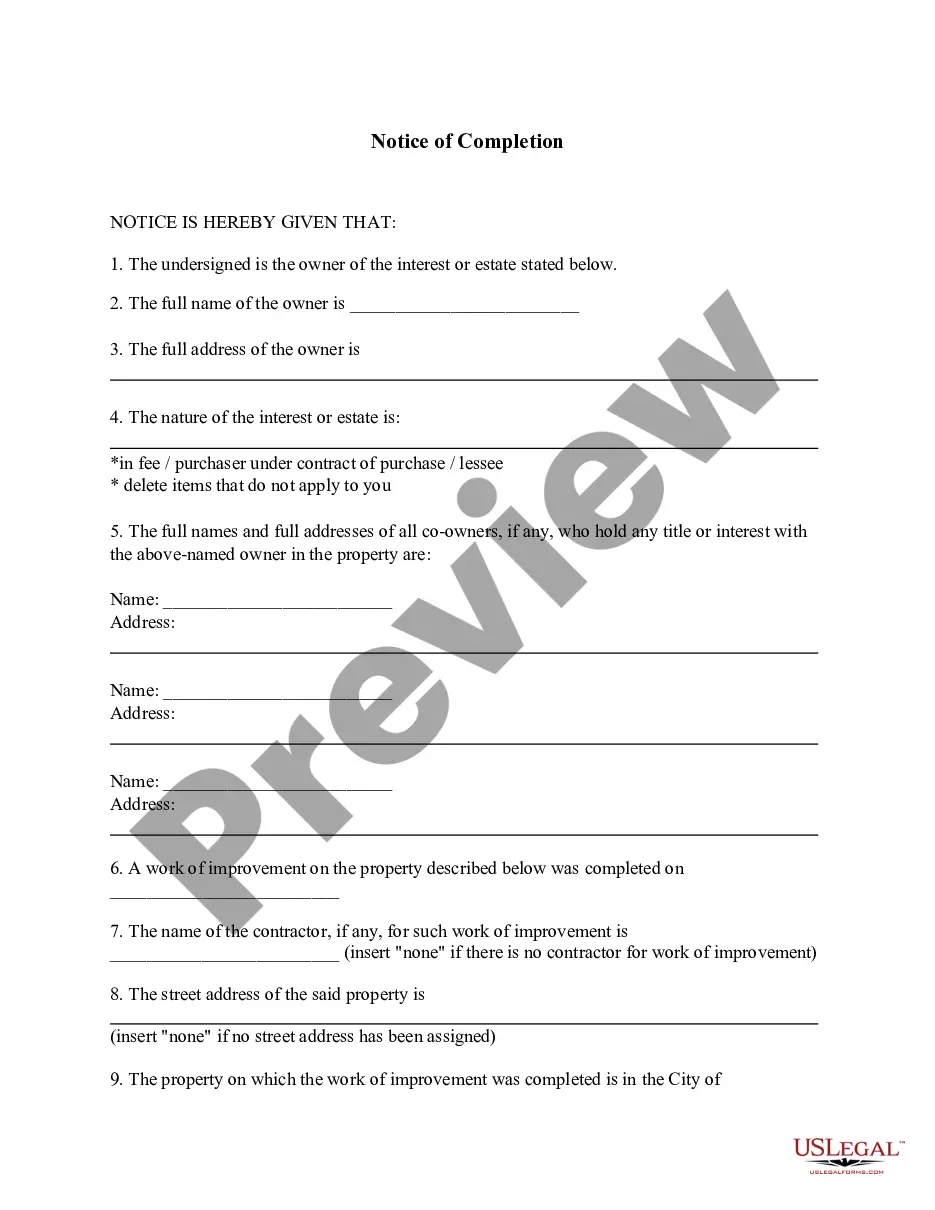
- Names and addresses of the property owner and contractors
- Declaration of completion for the entire project or a specific portion
- Description of the work performed
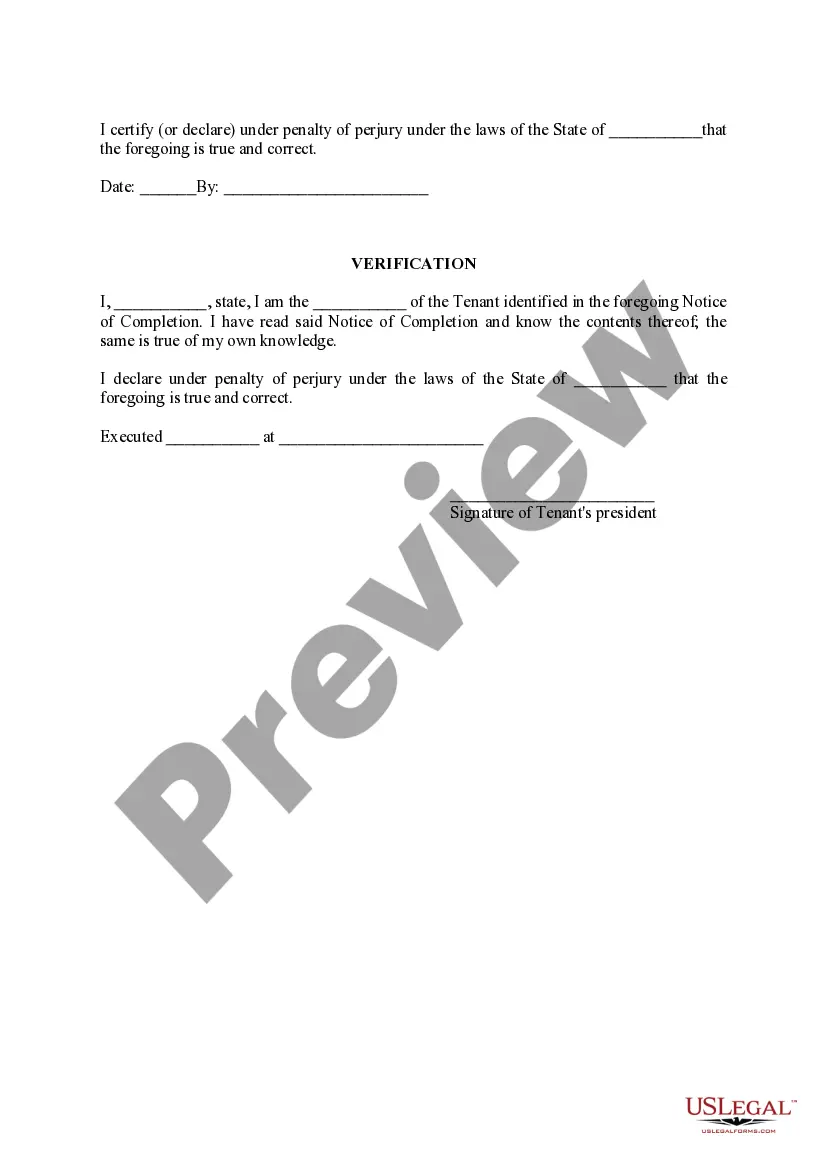
- Certification of truthfulness under penalty of perjury

When to use this document
This form should be used when construction or improvement work on a rental property has been completed, and the landlord or property owner needs to inform the tenant. It is particularly useful after significant renovations, building additions, or completing scheduled maintenance that impacts lifestyle or property condition.
Who needs this form
Typically, the following individuals or entities should use this form:
- Property owners or landlords
- Contractors who completed the work
- Tenants receiving notice of completion
- Legal representatives acting on behalf of property owners
Completing this form step by step
- Identify the involved parties by entering the tenant's name and the property details.
- Provide the full names and addresses of the property owner and contractor.
- Check the appropriate box to indicate whether the notice is for the completion of the whole work or a specific portion.
- Describe the type of work completed clearly and provide the date of completion.
- Sign and date the form to certify the information is correct.
Does this form need to be notarized?
This form does not typically require notarization unless specified by local law. However, for added validation, you may consider having it notarized to ensure its legal weight.
Get your form ready online
Our built-in tools help you complete, sign, share, and store your documents in one place.
Make edits, fill in missing information, and update formatting in US Legal Forms—just like you would in MS Word.
Download a copy, print it, send it by email, or mail it via USPS—whatever works best for your next step.
Sign and collect signatures with our SignNow integration. Send to multiple recipients, set reminders, and more. Go Premium to unlock E-Sign.
If this form requires notarization, complete it online through a secure video call—no need to meet a notary in person or wait for an appointment.
We protect your documents and personal data by following strict security and privacy standards.

Make edits, fill in missing information, and update formatting in US Legal Forms—just like you would in MS Word.

Download a copy, print it, send it by email, or mail it via USPS—whatever works best for your next step.

Sign and collect signatures with our SignNow integration. Send to multiple recipients, set reminders, and more. Go Premium to unlock E-Sign.

If this form requires notarization, complete it online through a secure video call—no need to meet a notary in person or wait for an appointment.

We protect your documents and personal data by following strict security and privacy standards.
Avoid these common issues
- Failing to include all required names and addresses.
- Incorrectly marking the completion status.
- Not providing a description of the completed work.
- Omitting signatures or dates.
Benefits of using this form online
- Convenience of completing the form at any time.
- Easy access to downloadable templates which can be customized.
- Increased accuracy, reducing the risk of errors.
- Immediate availability, allowing for swift communication with tenants.
Legal use & context
- This form serves as an official communication regarding the completion of work on a property.
- It is important for establishing timelines concerning tenant rights and contractor obligations.
- Failure to issue this notice could impact the enforcement of rights related to the completion of work.