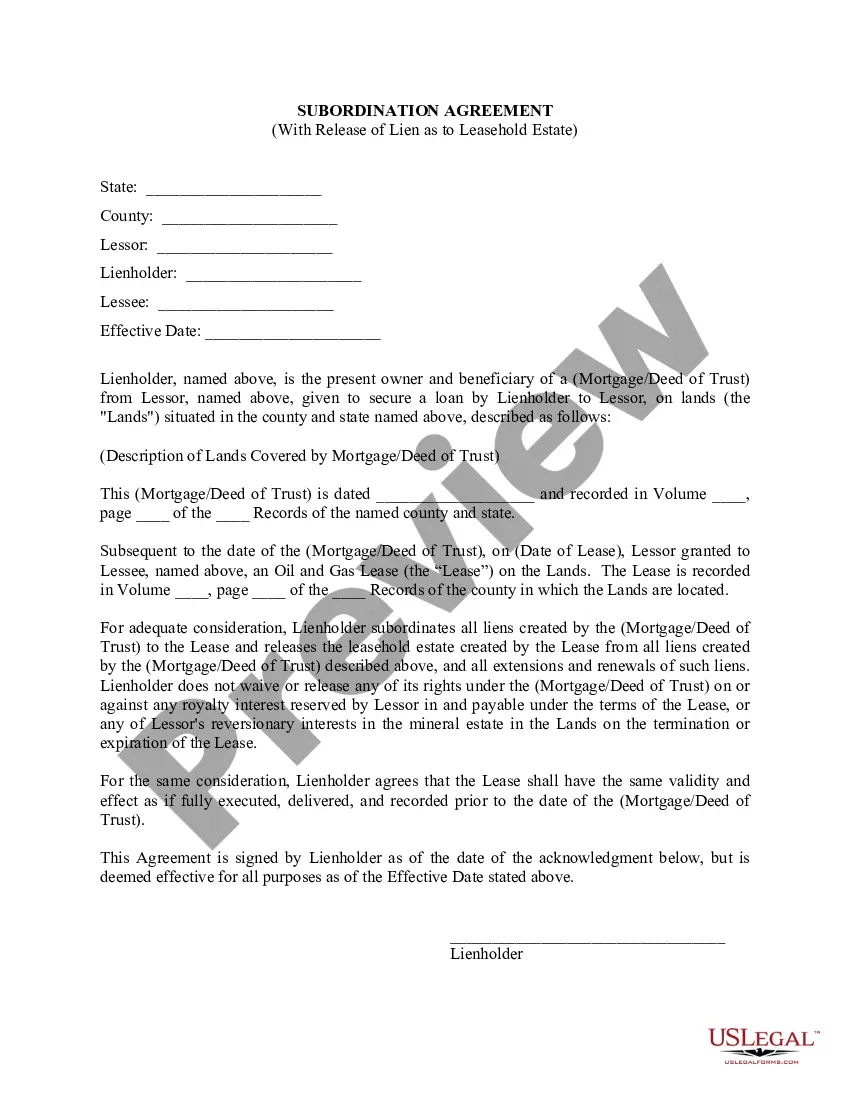
Wisconsin Decision And Order
Description
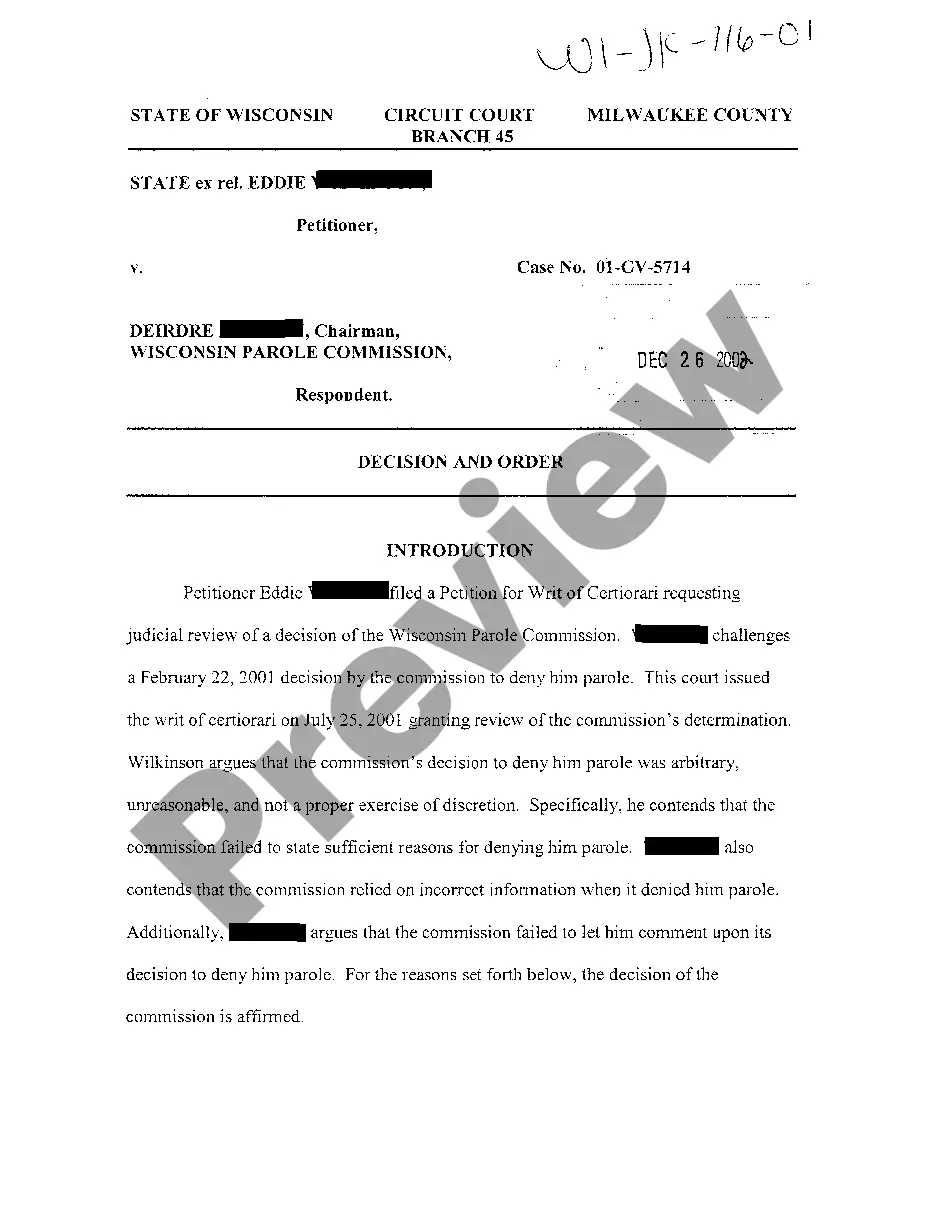
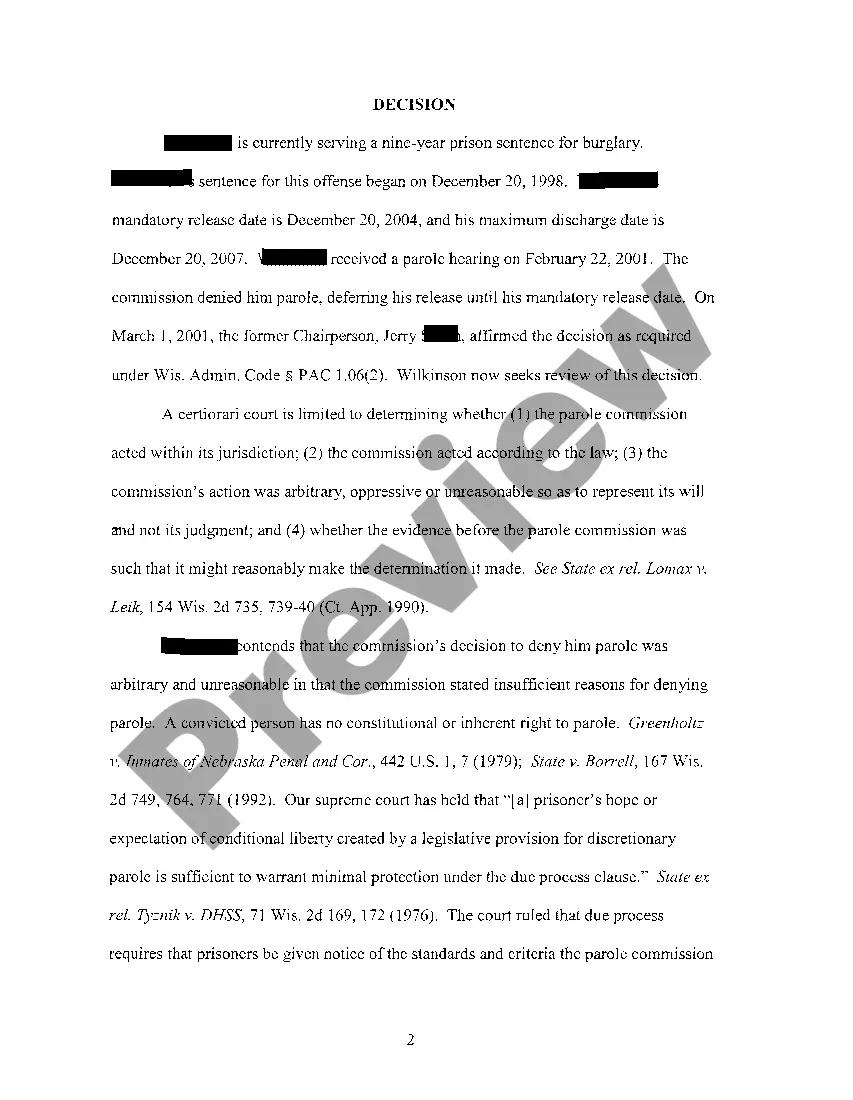
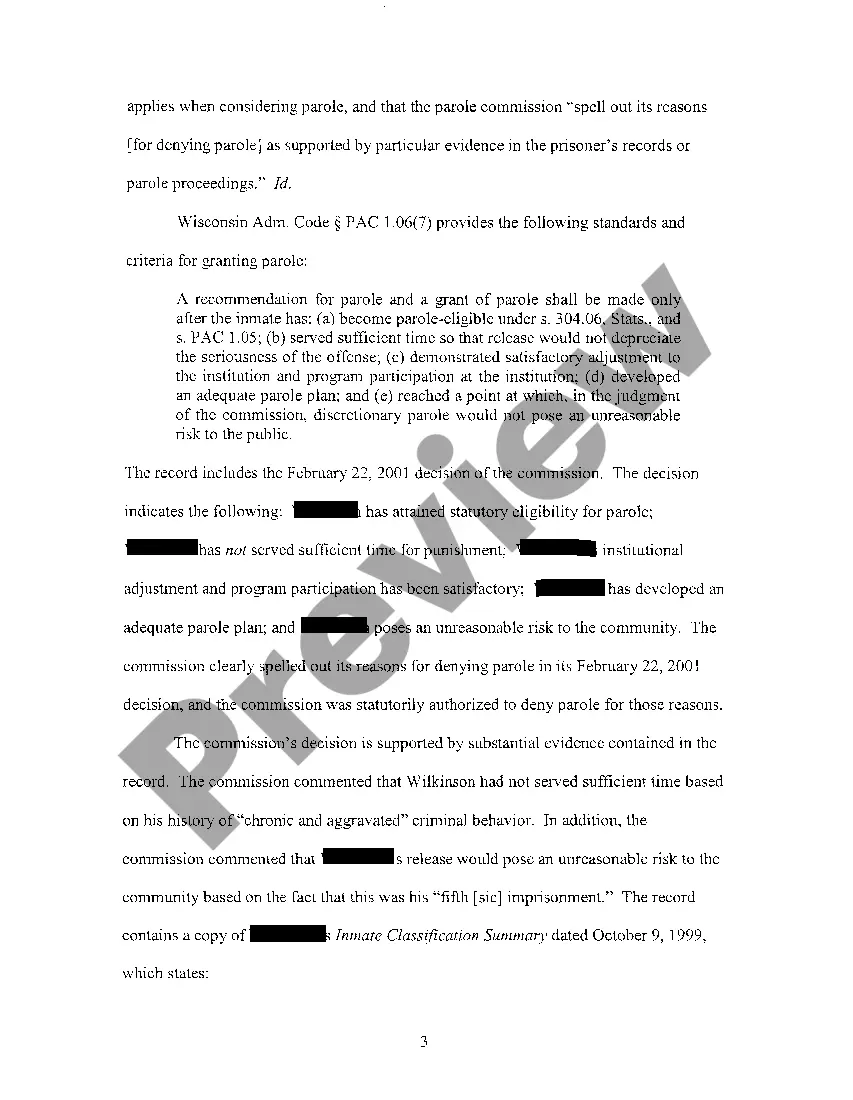
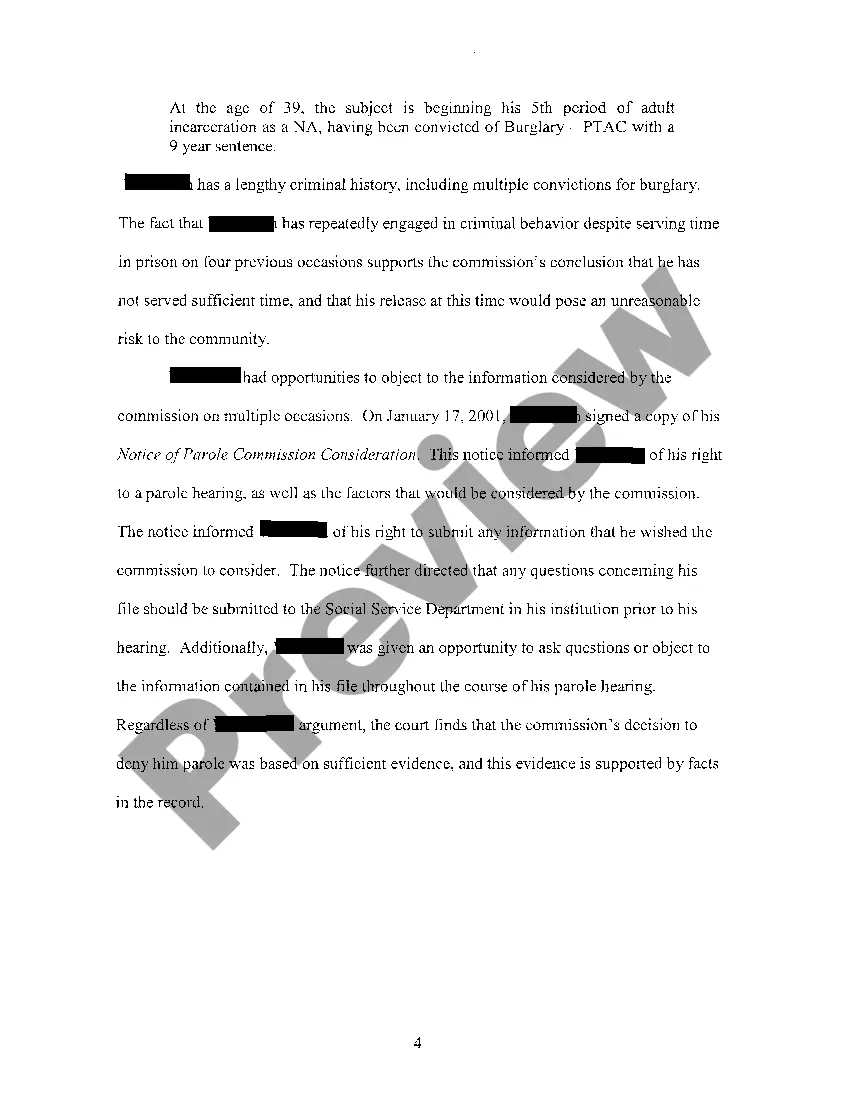
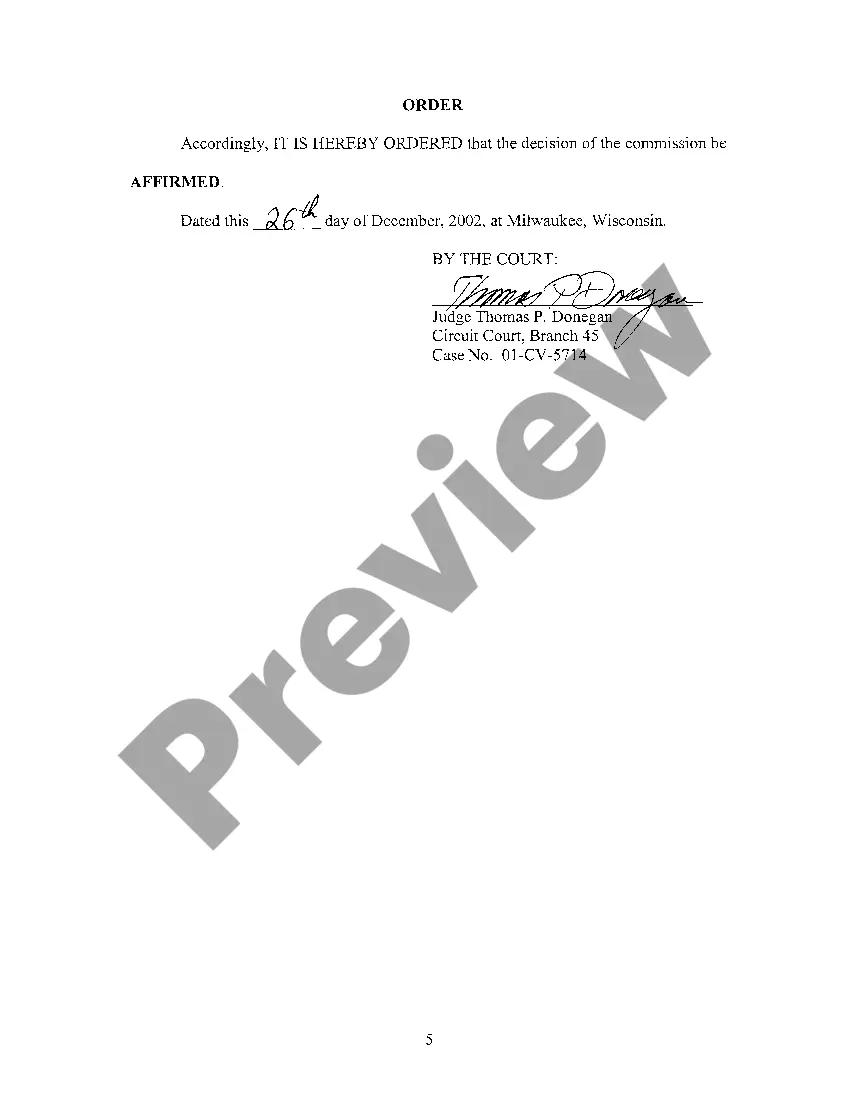
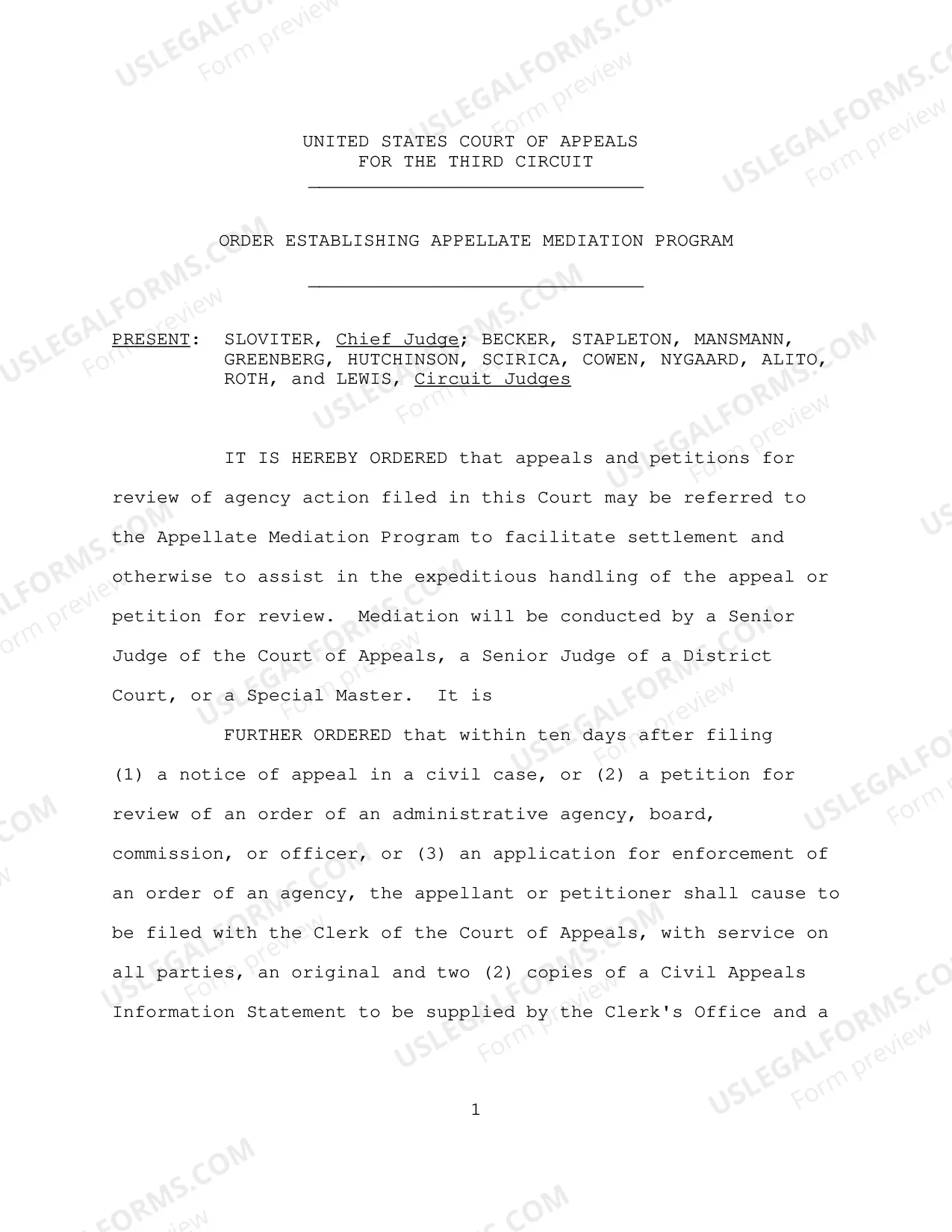
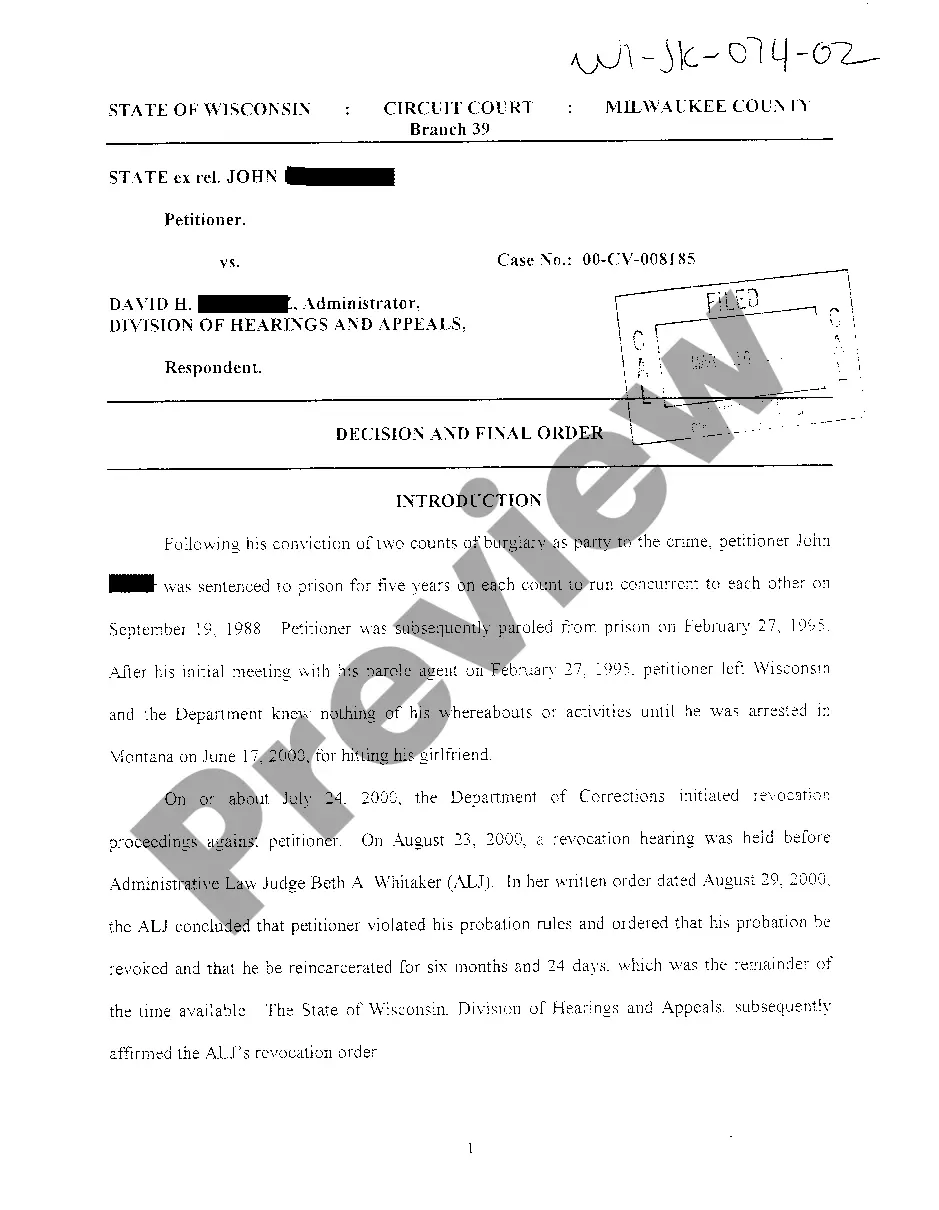
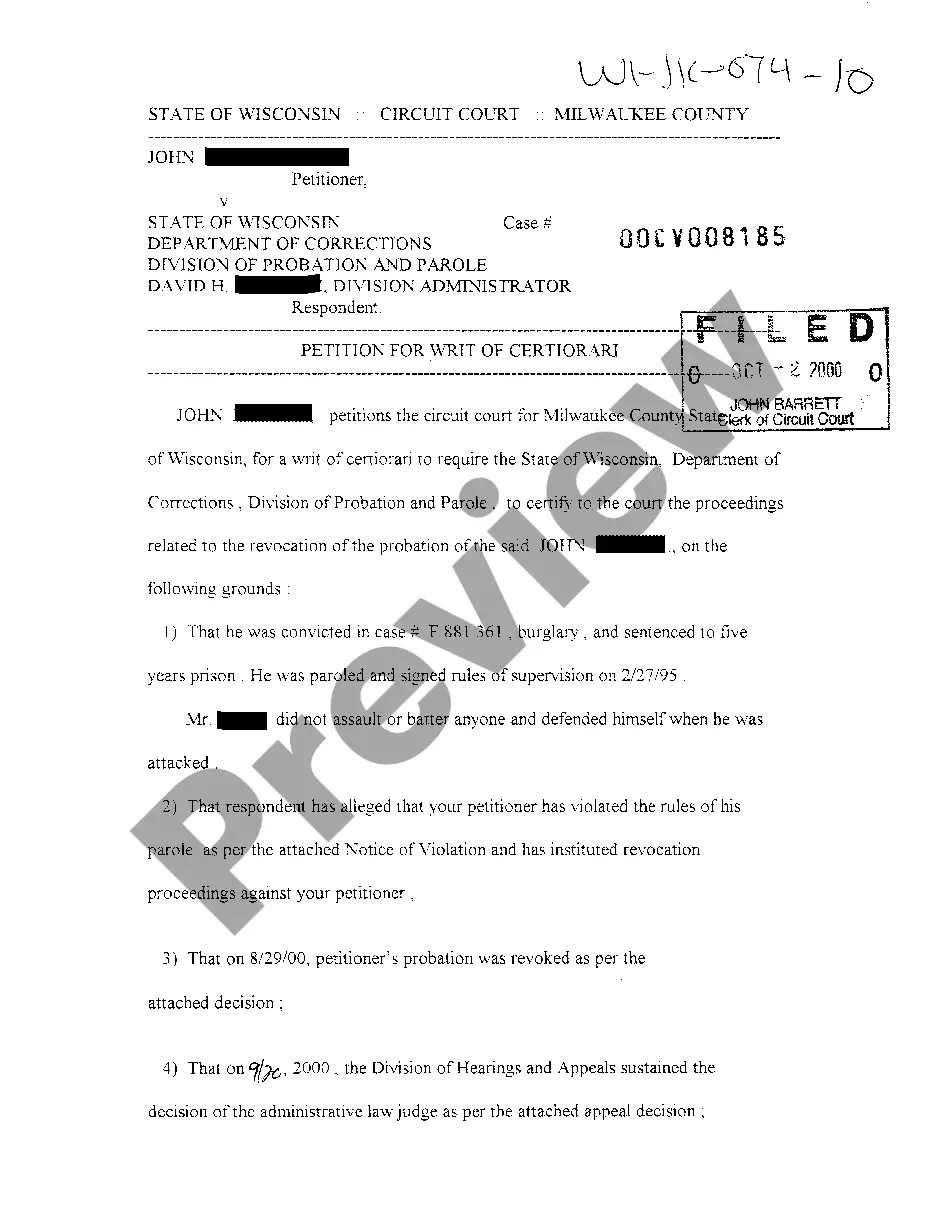
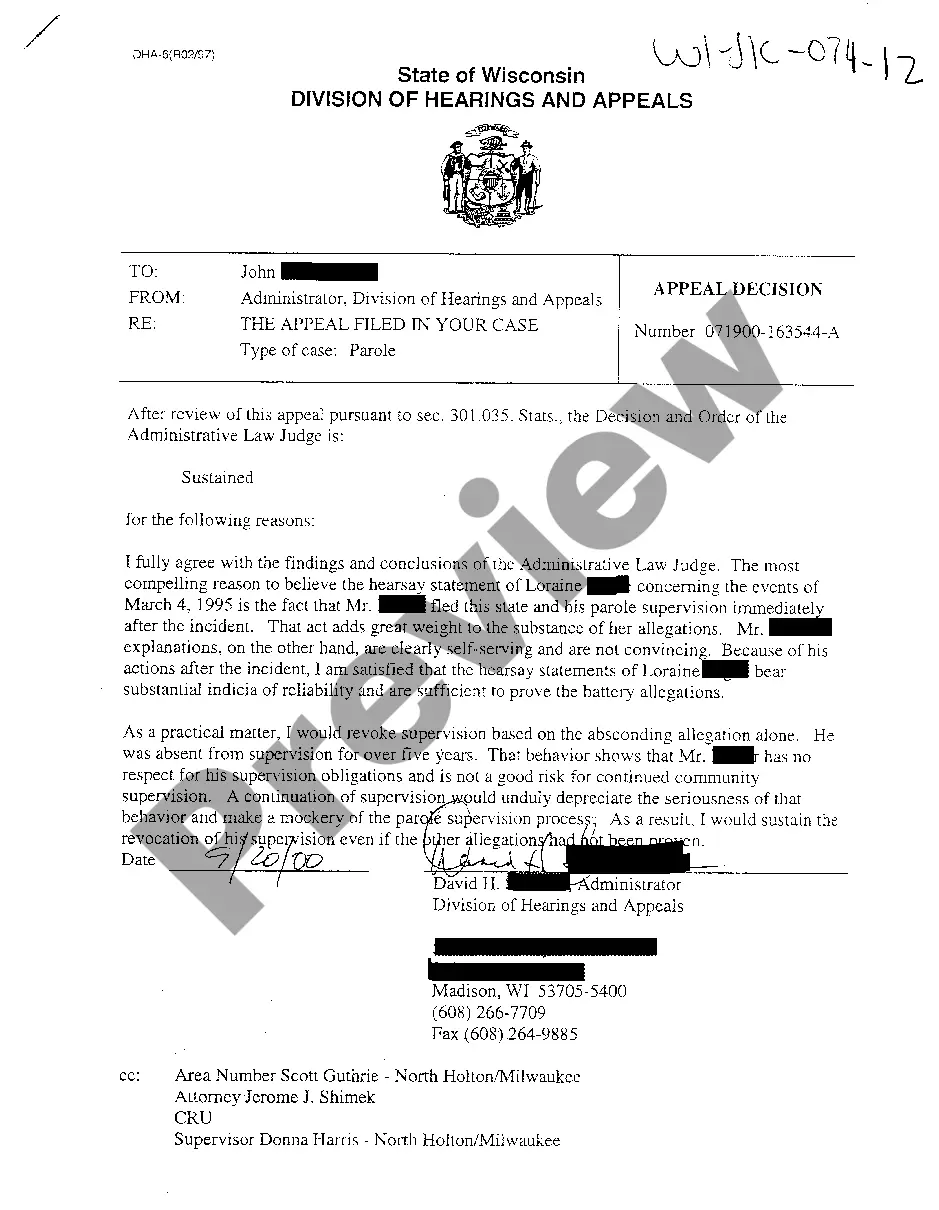
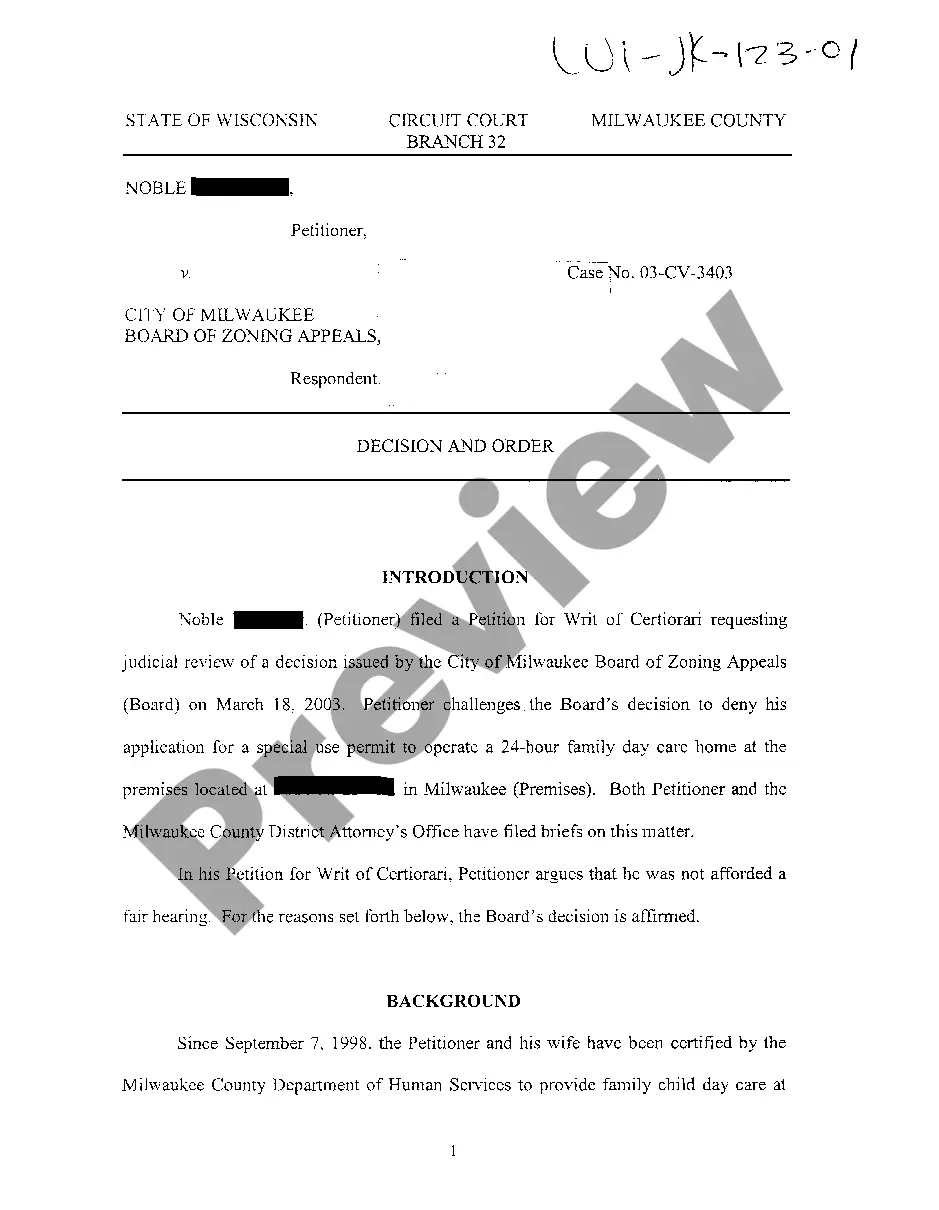
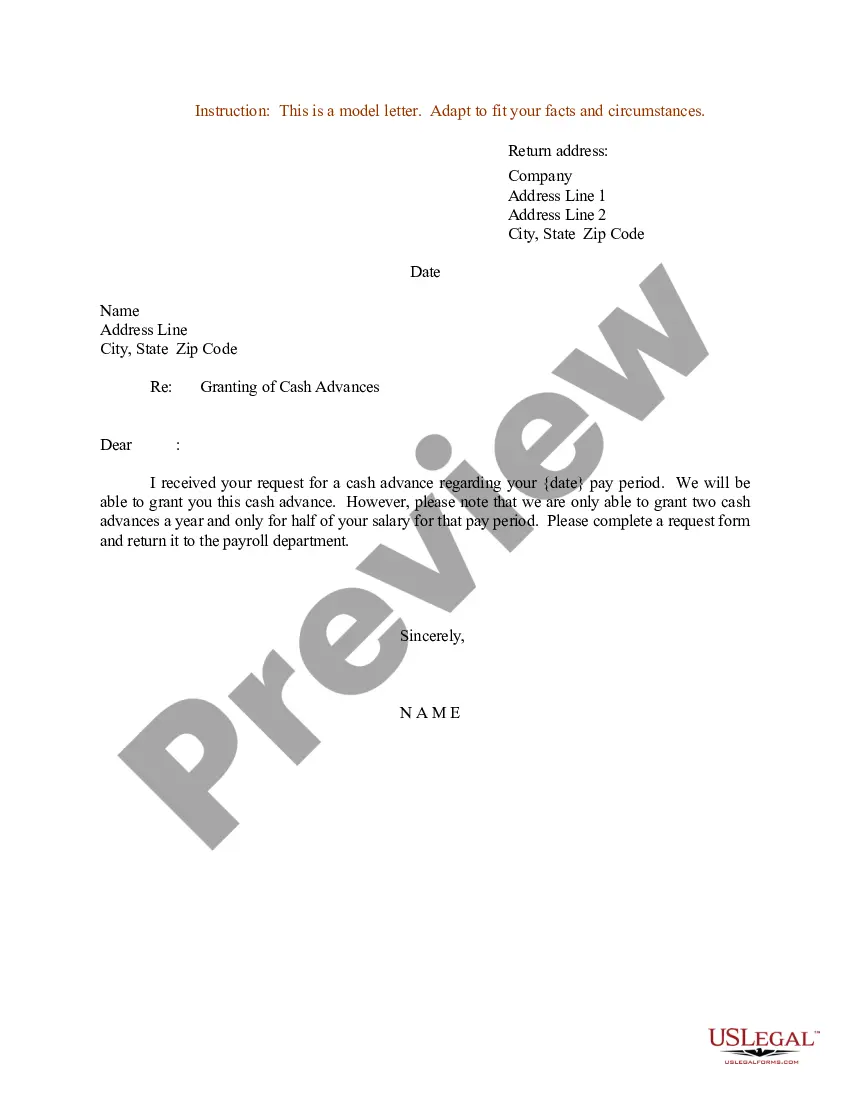
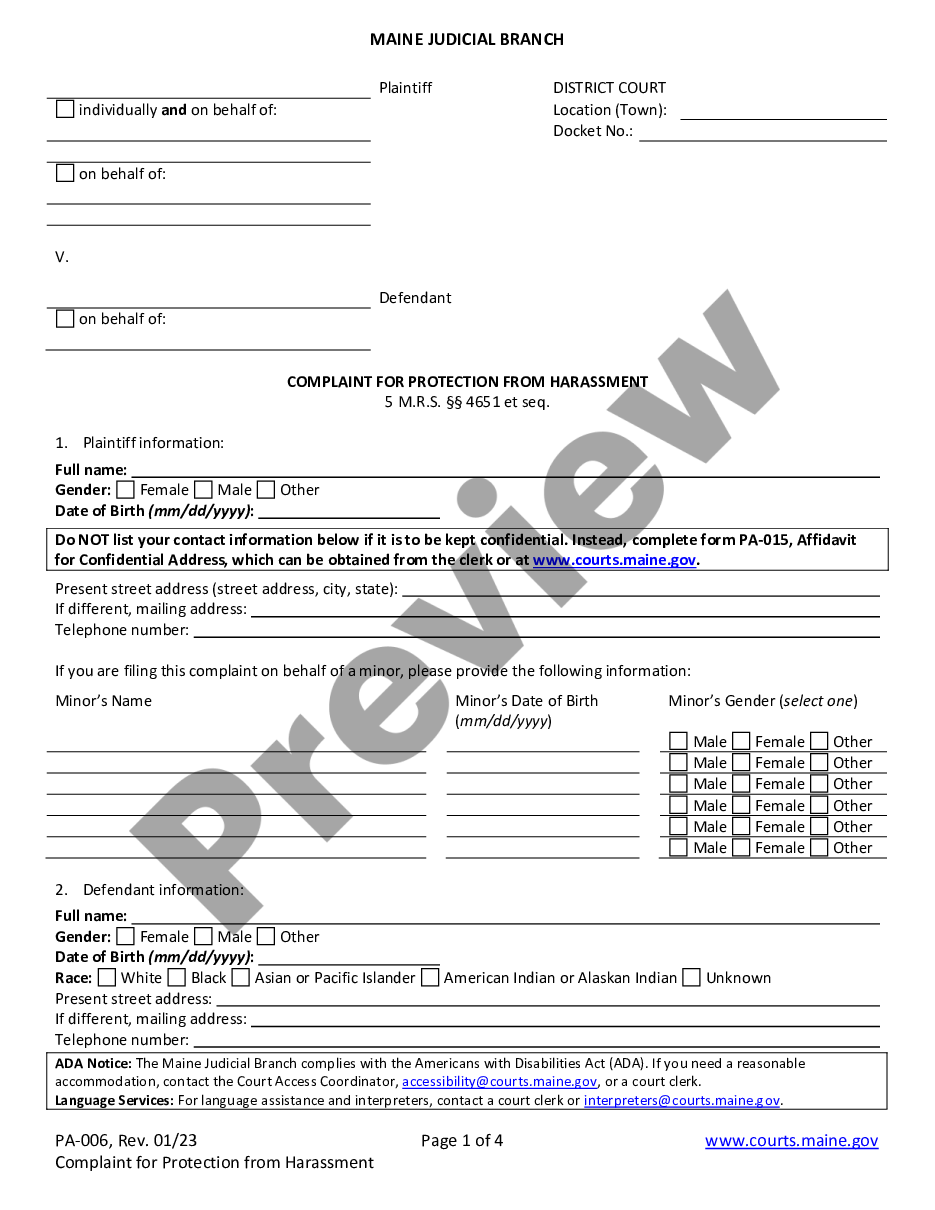
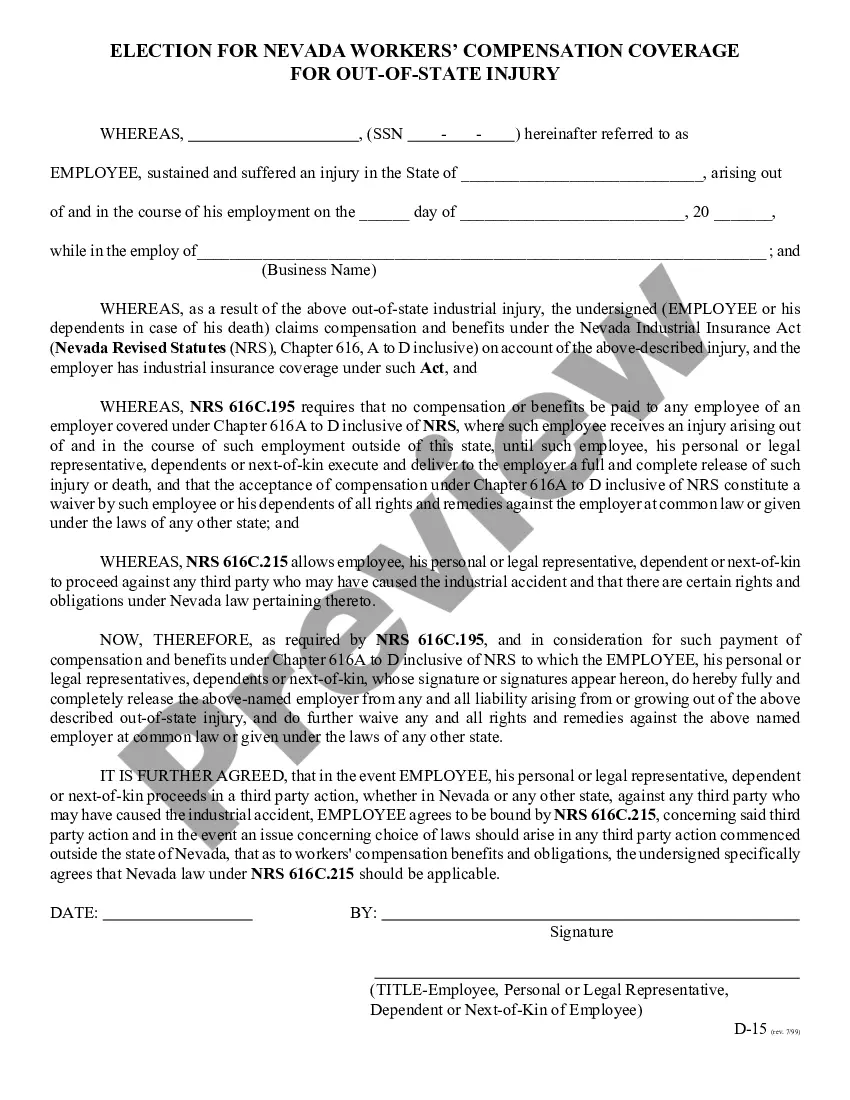
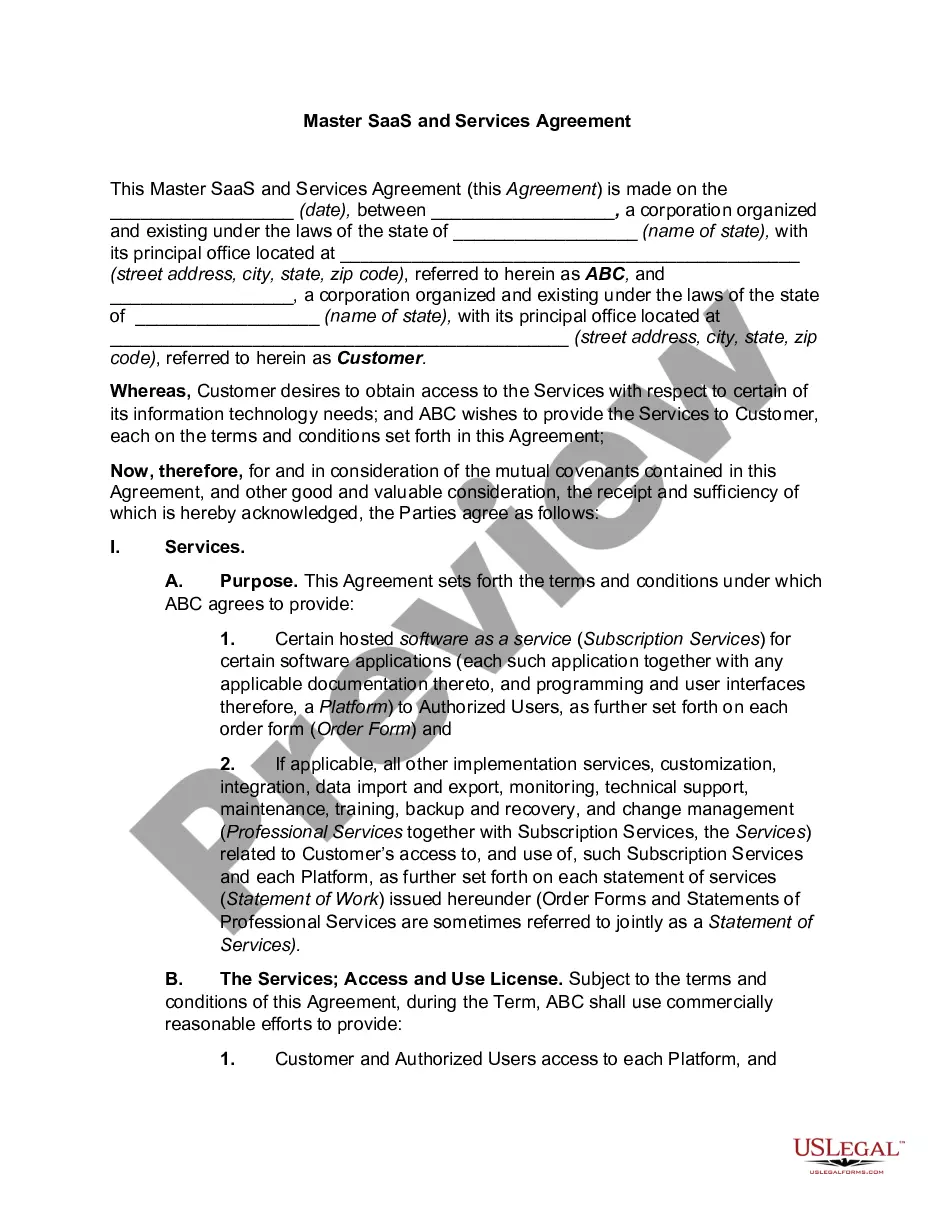
How to fill out Wisconsin Decision And Order?
Out of the great number of platforms that provide legal templates, US Legal Forms offers the most user-friendly experience and customer journey while previewing templates prior to buying them. Its complete library of 85,000 samples is categorized by state and use for simplicity. All of the forms available on the platform have been drafted to meet individual state requirements by licensed legal professionals.
If you have a US Legal Forms subscription, just log in, look for the template, click Download and get access to your Form name in the My Forms; the My Forms tab holds all your saved forms.
Follow the tips listed below to obtain the document:
- Once you see a Form name, make certain it’s the one for the state you really need it to file in.
- Preview the form and read the document description before downloading the sample.
- Search for a new sample through the Search field in case the one you’ve already found is not proper.
- Click on Buy Now and select a subscription plan.
- Create your own account.
- Pay using a card or PayPal and download the template.
Once you’ve downloaded your Form name, you can edit it, fill it out and sign it with an online editor that you pick. Any form you add to your My Forms tab might be reused multiple times, or for as long as it remains to be the most updated version in your state. Our platform offers easy and fast access to templates that fit both legal professionals as well as their clients.
Form popularity
FAQ
Where can a person find Wisconsin criminal records? Criminal records including arrest records are available to employees through the Wisconsin Department of Justice Crime Information Bureau. Most employers conduct a search using a person's name as opposed to one with fingerprints.
How do I change my child's placement in Wisconsin? In Wisconsin, you can change your child's placement either by agreement with the other parent or by filing for a post-judgment modification through the courts.
A parent hires an attorney to ask the court for a review. A parent asks the court for a review using a pro se form. Parents can contact their family court commissioner for information on pro se forms or visit https://dcf.wisconsin.gov/cs/resources/court.
Request copies of documents and get more information on a case from the Clerk of Court in each county. Court of Appeals and Supreme Court opinions can be found online on the Wisconsin Court System website from 1995 to present.
CCAP is responsible for supporting the IT needs of the entire Wisconsin Court System. CCAP brings state-of-the-art computer technology and software to Wisconsin's circuit courts by developing hardware and software and providing training and technical support.