Web-Wrap Agreement for Electronic Mail Service
Overview of this form
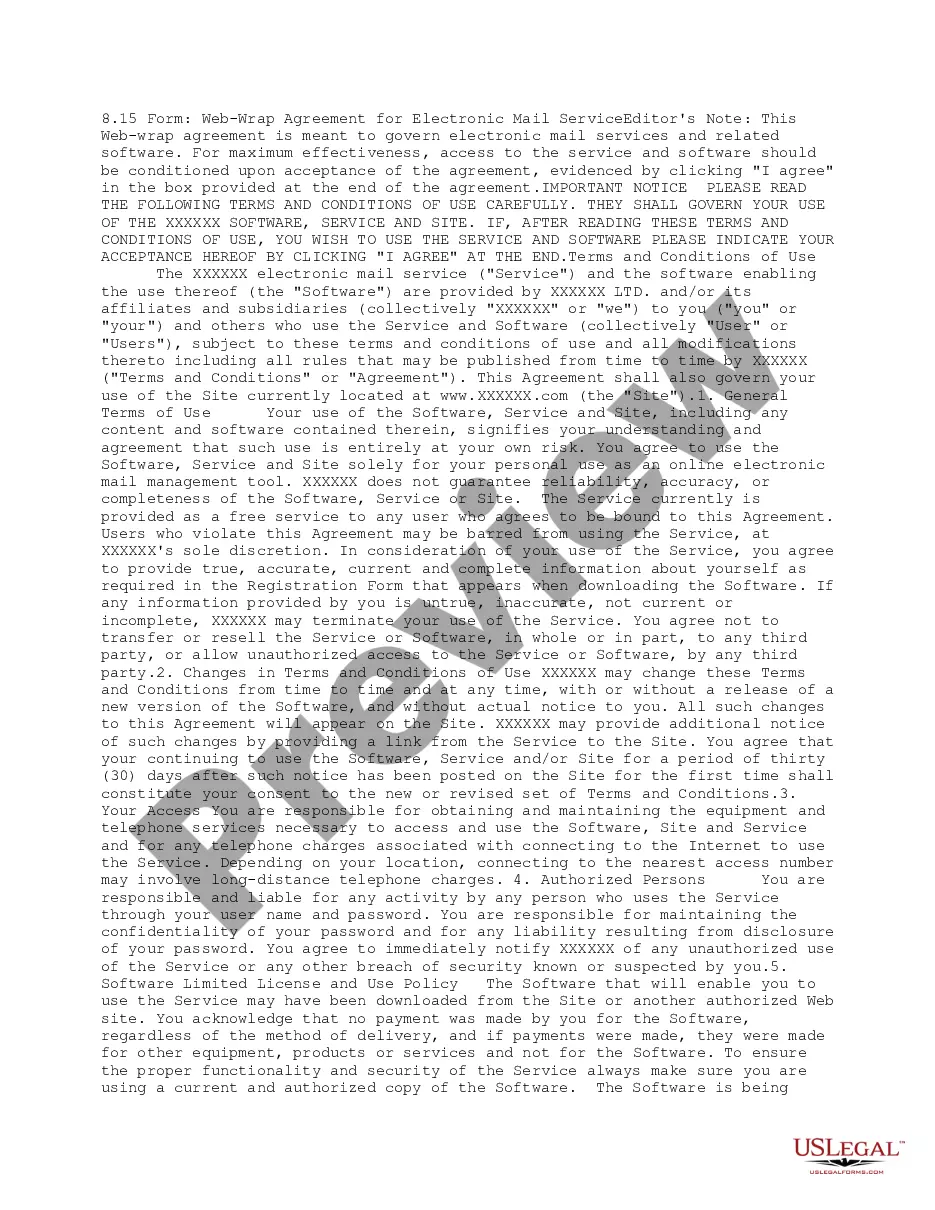
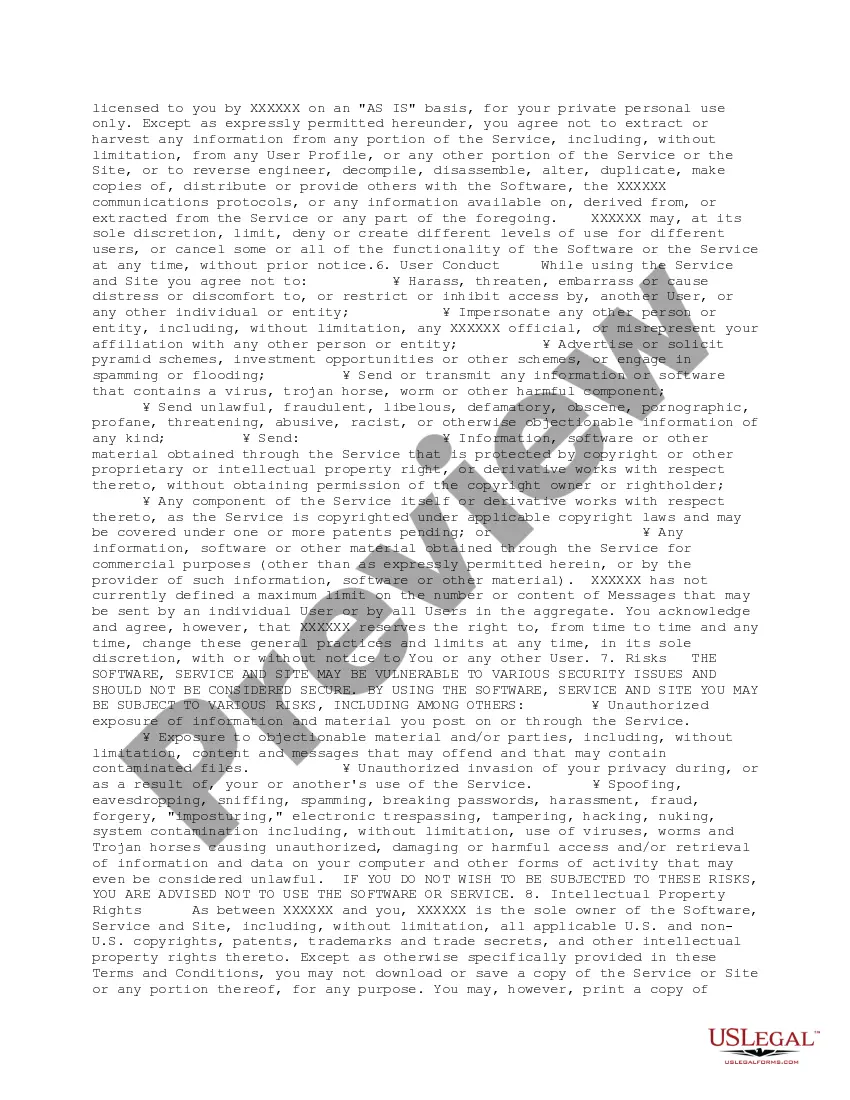
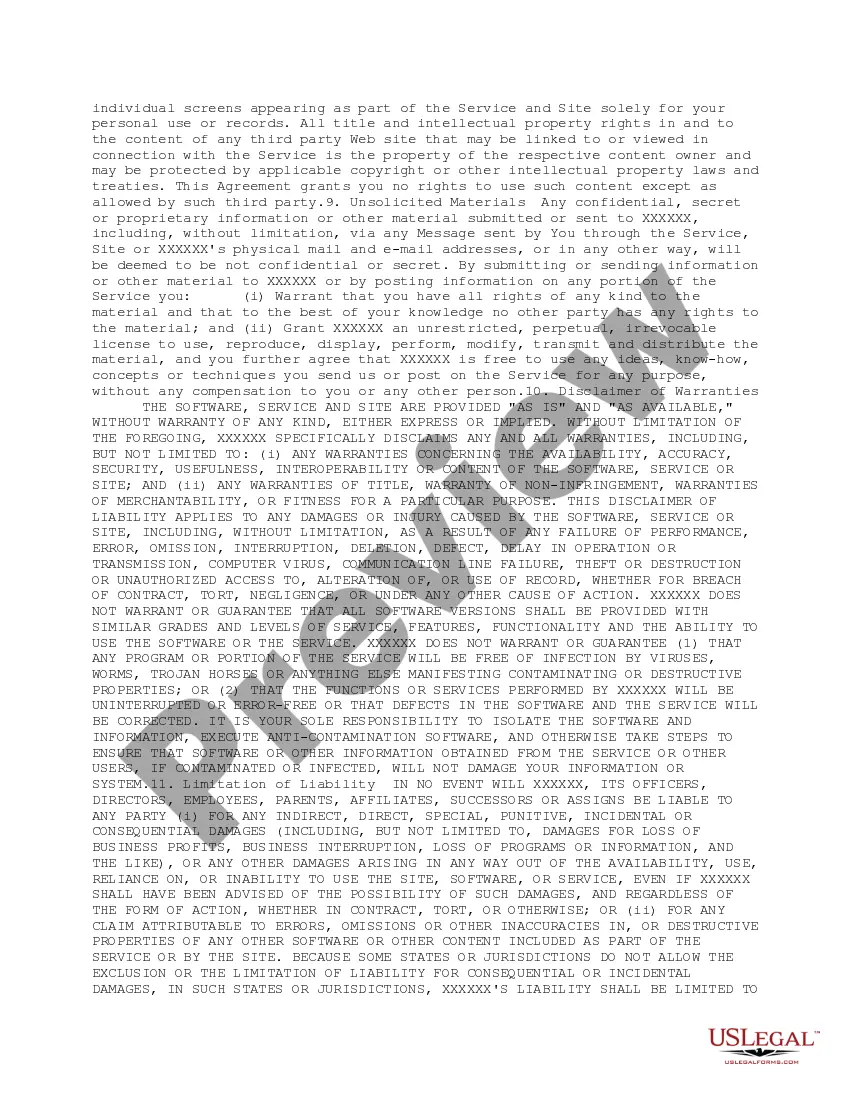
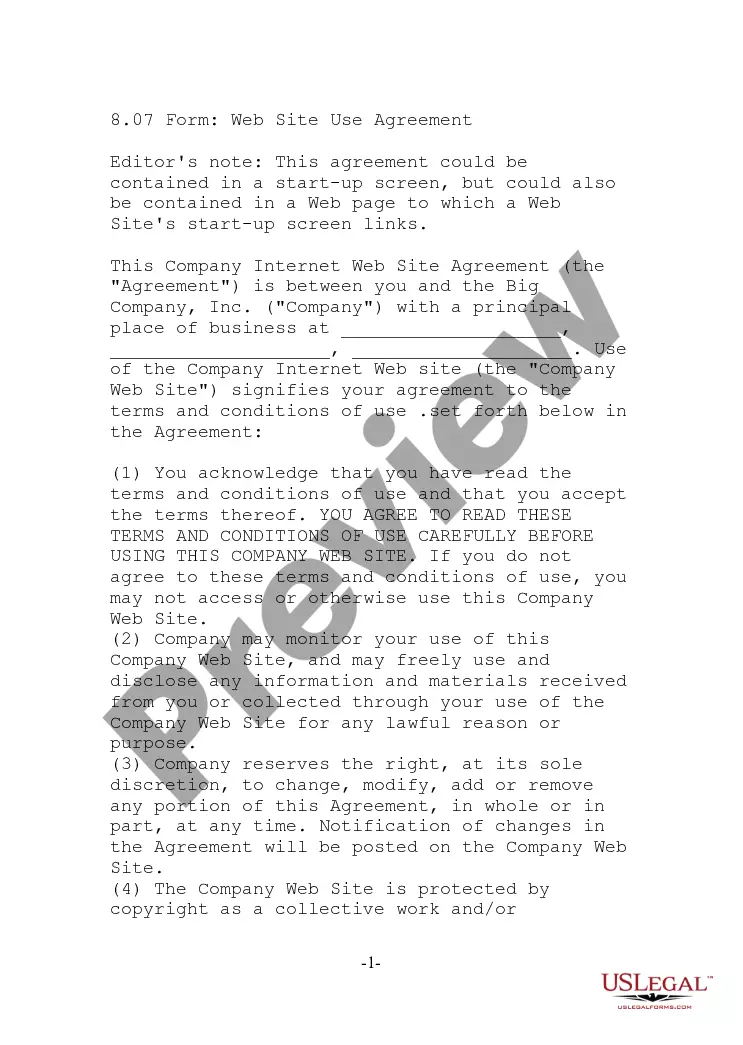
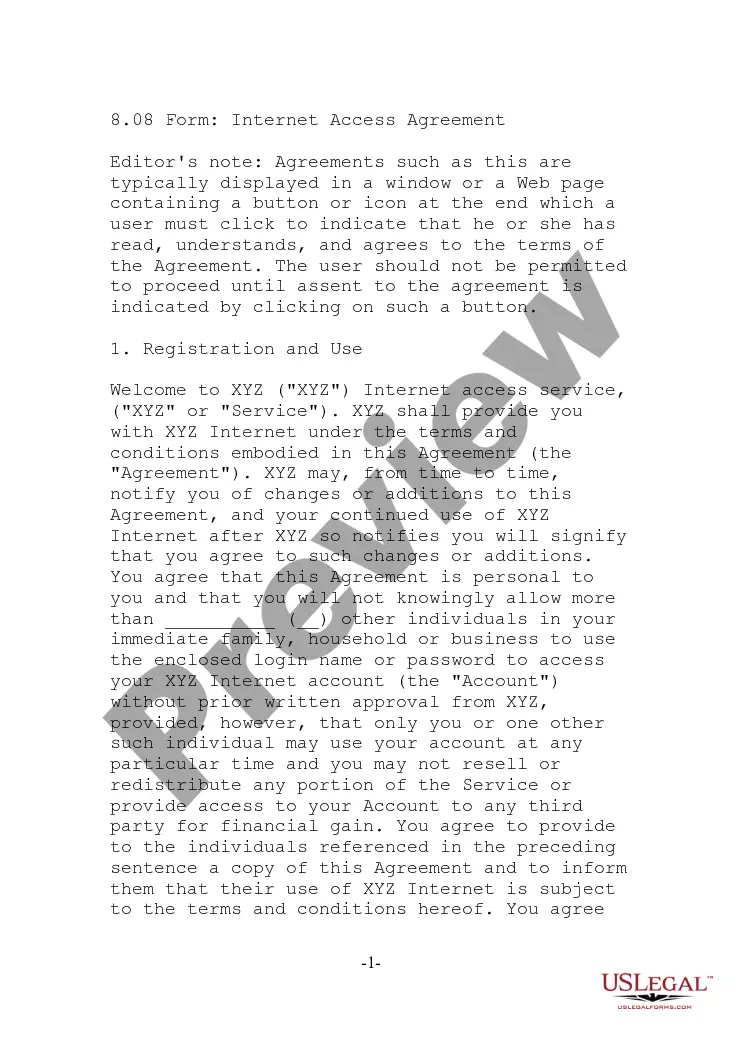
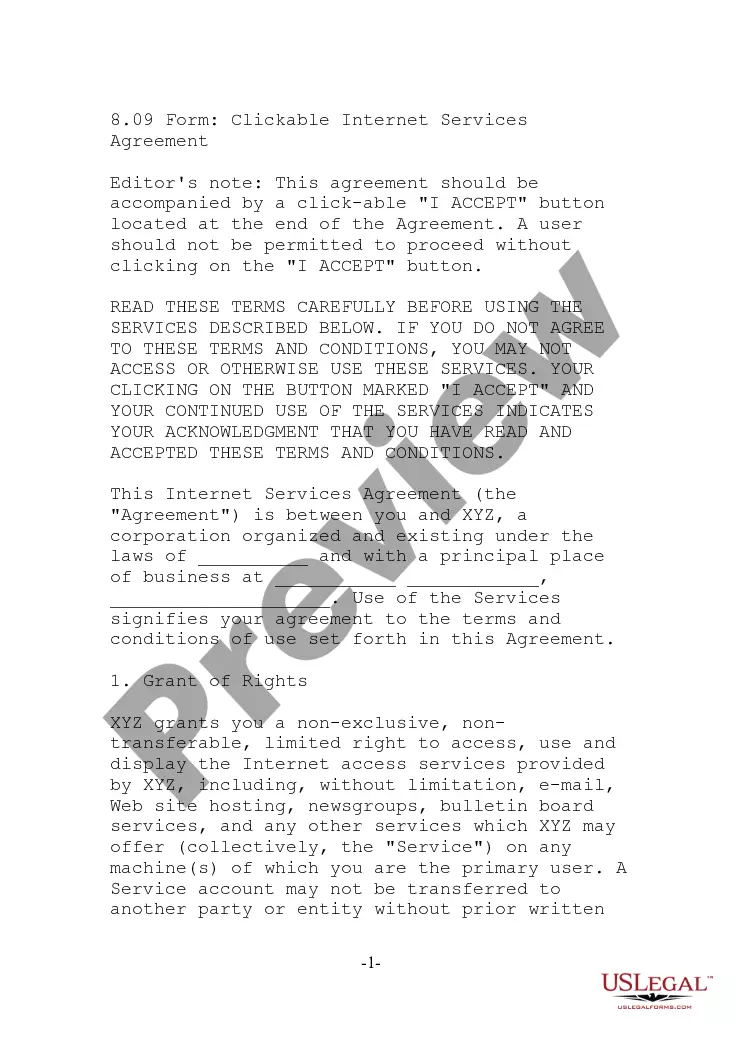
The Web-Wrap Agreement for Electronic Mail Service is a legal document that outlines the terms and conditions governing the use of electronic mail services and related software. It is essential for users to accept this agreement to access the software and services provided. Unlike typical contracts, this web-wrap agreement includes an acceptance checkbox, ensuring that users understand their rights and obligations upon using the service.
What’s included in this form
- Terms of use detailing user responsibilities and limitations.
- Conditions for accessing the electronic mail service and software.
- Authorization requirements for service usage.
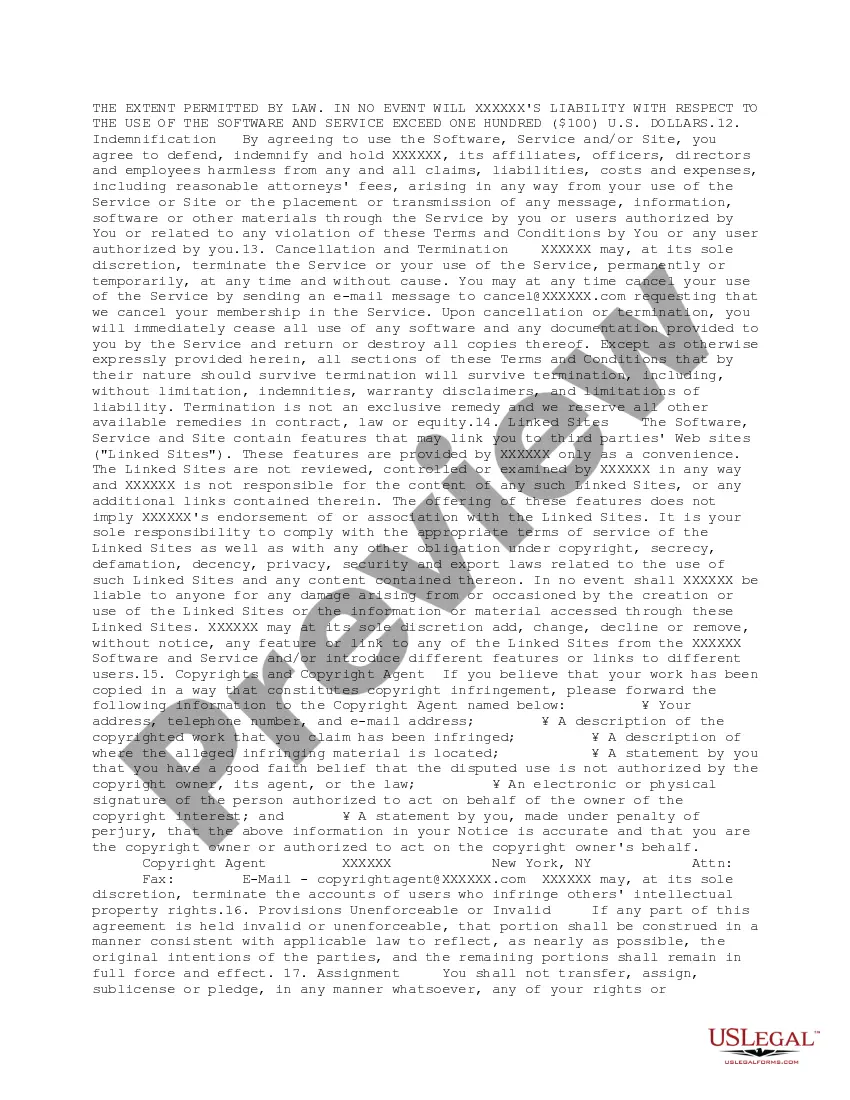
- Liability limitations regarding software and service performance.
- Cancellation and termination policies for user accounts.
- Modification of terms and how users are notified of changes.
Situations where this form applies
This agreement should be used when a user intends to access electronic mail services that are provided under specific terms. It is especially relevant for businesses offering email solutions or software developers providing email management tools. By using this form, parties are clear about usage guidelines and legal protections established by the service provider.
Who should use this form
- Individuals using electronic mail services for personal purposes.
- Businesses offering email services to clients.
- Developers of email-related software wishing to ensure legal compliance.
- Organizations necessitating clear service usage policies for employees.
How to complete this form
- Read the terms and conditions detailed in the agreement.
- Confirm understanding of the usage policies and user responsibilities.
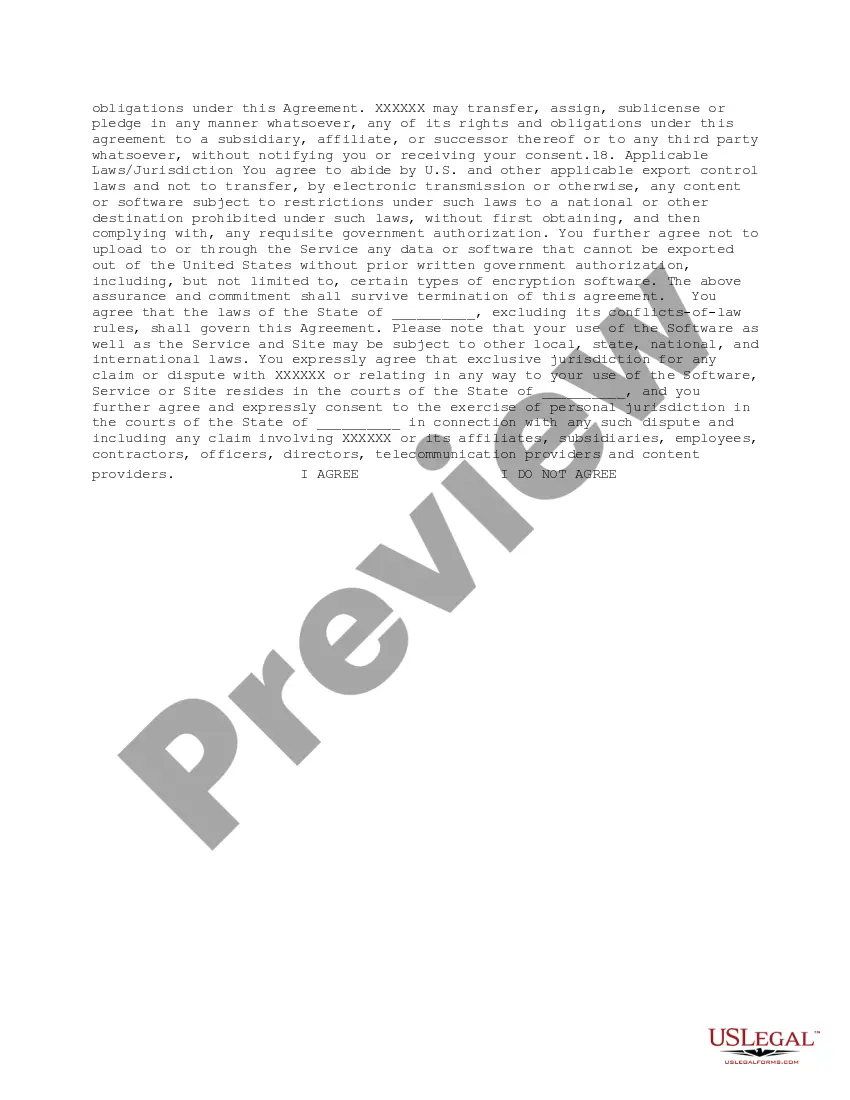
- Indicate acceptance by checking the "I agree" box at the end of the document.
- Provide accurate personal information when prompted during the registration process.
- Keep a copy of the agreement for your records.
Is notarization required?
This form does not typically require notarization unless specified by local law. Users should confirm their specific requirements to ensure legal validity.
Get your form ready online
Our built-in tools help you complete, sign, share, and store your documents in one place.
Make edits, fill in missing information, and update formatting in US Legal Forms—just like you would in MS Word.
Download a copy, print it, send it by email, or mail it via USPS—whatever works best for your next step.
Sign and collect signatures with our SignNow integration. Send to multiple recipients, set reminders, and more. Go Premium to unlock E-Sign.
If this form requires notarization, complete it online through a secure video call—no need to meet a notary in person or wait for an appointment.
We protect your documents and personal data by following strict security and privacy standards.

Make edits, fill in missing information, and update formatting in US Legal Forms—just like you would in MS Word.

Download a copy, print it, send it by email, or mail it via USPS—whatever works best for your next step.

Sign and collect signatures with our SignNow integration. Send to multiple recipients, set reminders, and more. Go Premium to unlock E-Sign.

If this form requires notarization, complete it online through a secure video call—no need to meet a notary in person or wait for an appointment.

We protect your documents and personal data by following strict security and privacy standards.
Common mistakes
- Failing to read the full agreement before acceptance.
- Not providing accurate information during registration.
- Ignoring changes to terms that may be posted later.
Benefits of using this form online
- Convenient access to legal terms anytime, anywhere.
- Ability to easily revise or customize information as needed.
- Ensures compliance with legal standards via structured agreement.
Legal use & context
- This agreement is legally binding once users accept the terms by clicking âI agree.â
- Users indicate consent electronically, which is recognized in many jurisdictions as equivalent to a handwritten signature.
- It is essential to notify users of any changes to the agreement to maintain enforceability.
Looking for another form?

Form popularity
FAQ
The name of the person signing. The address of the person signing. The date the contract is signed. Space for your client (or new employee) to actually sign the contract.
Get it in writing. Keep it simple. Deal with the right person. Identify each party correctly. Spell out all of the details. Specify payment obligations. Agree on circumstances that terminate the contract. Agree on a way to resolve disputes.
To summarize, the main difference to be aware of between browsewrap and clickwrap is that browsewrap doesn't require a user to do anything but visit the website for the site to assume consent to terms, whereas clickwrap requires the user to do something to show consent.
In contract law unequal bargaining power (contracts of adhesion) is frowned upon. However, even with the lack of bargaining power eCommerce TOS are typically enforceable if they clearly list the requirements for use of the site, and avoid demanding the user to give up too much in order to use the site.
A website agreement (typically the website's terms of use or service) that aims to bind the user by virtue of the user browsing the website.Instead, browsewrap terms typically states that use of the website is deemed acceptance of the agreement.
Clickwrap is becoming more commonly known as a legally secure and easy way of creating binding agreements with your users online.
A form of agreement used for software licensing, websites, and other electronic media.It requires the user to agree to terms and conditions before using a website or completing an installation or online purchase process.
Be conspicuous. Present agreements in simple, easy-to-understand language. Provide ample opportunity to read the agreements. Make it clear that acceptance is mandatory. Do not use pre-tick checkboxes.