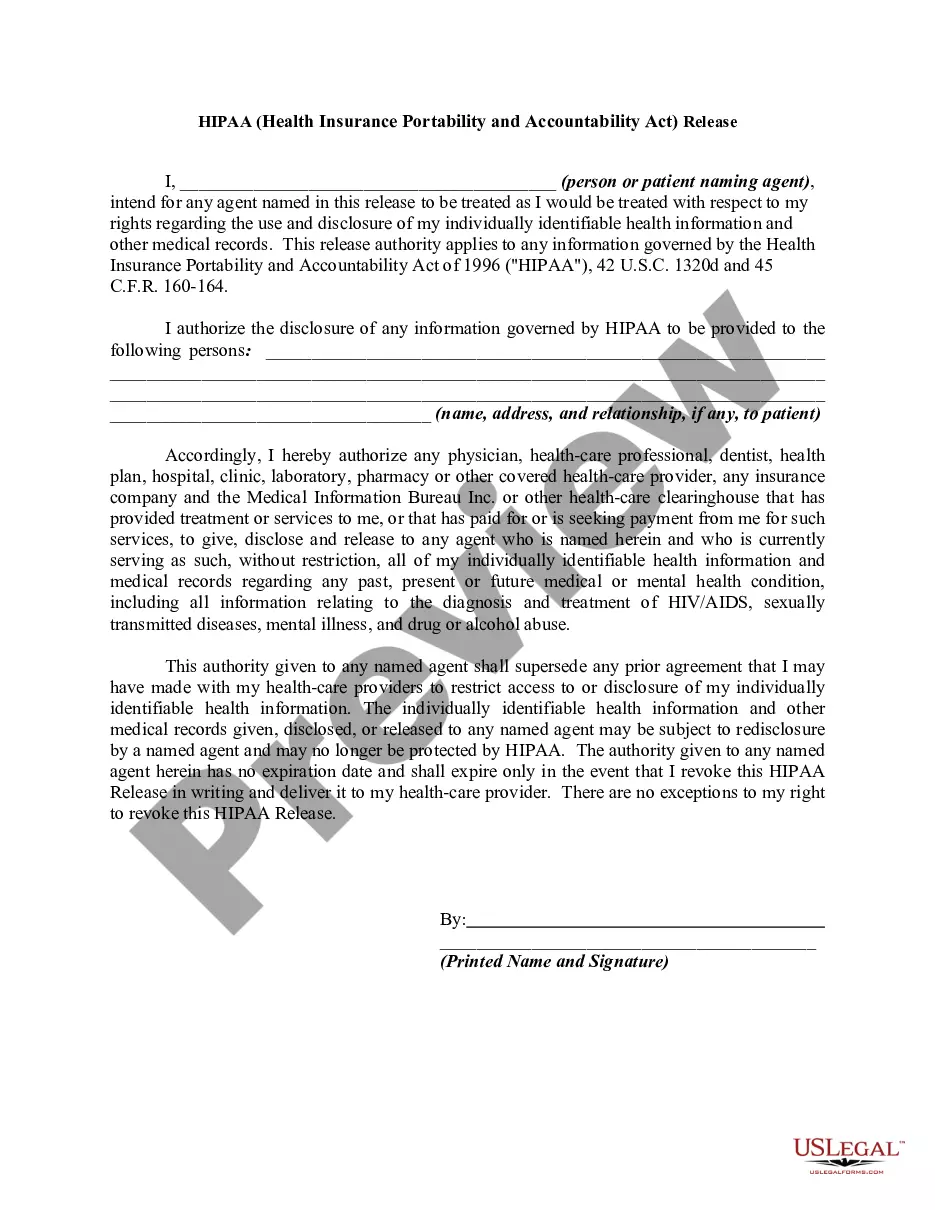
Vermont The (Name of Family) Screen Time Agreement
Description
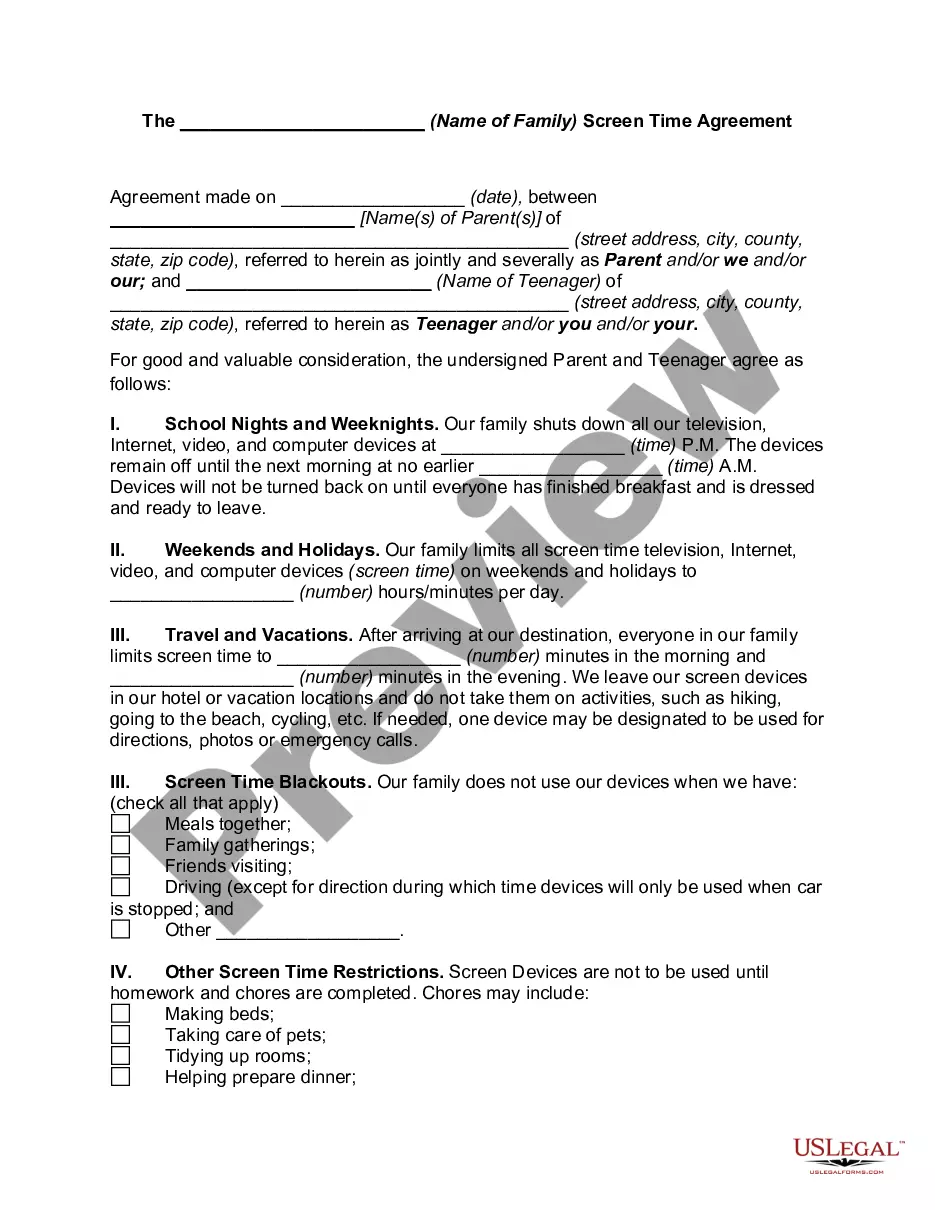
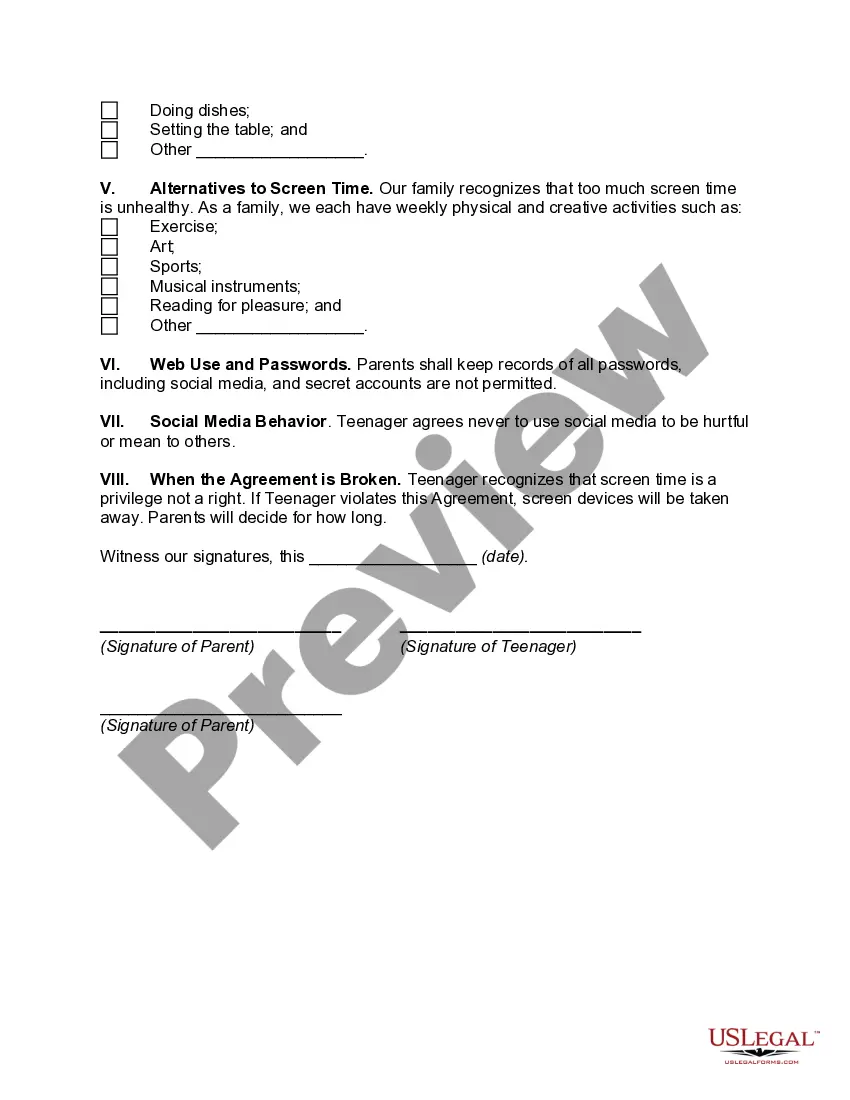
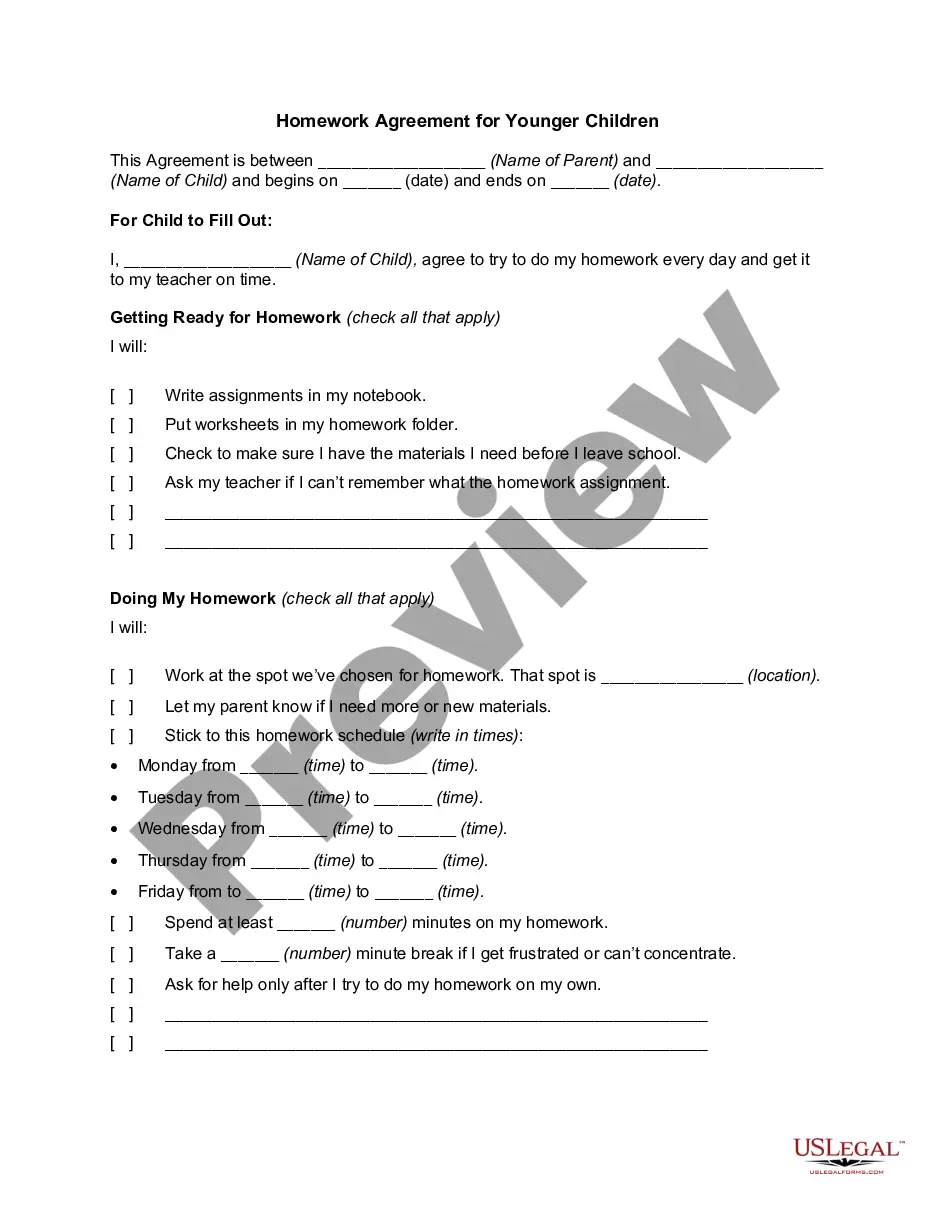
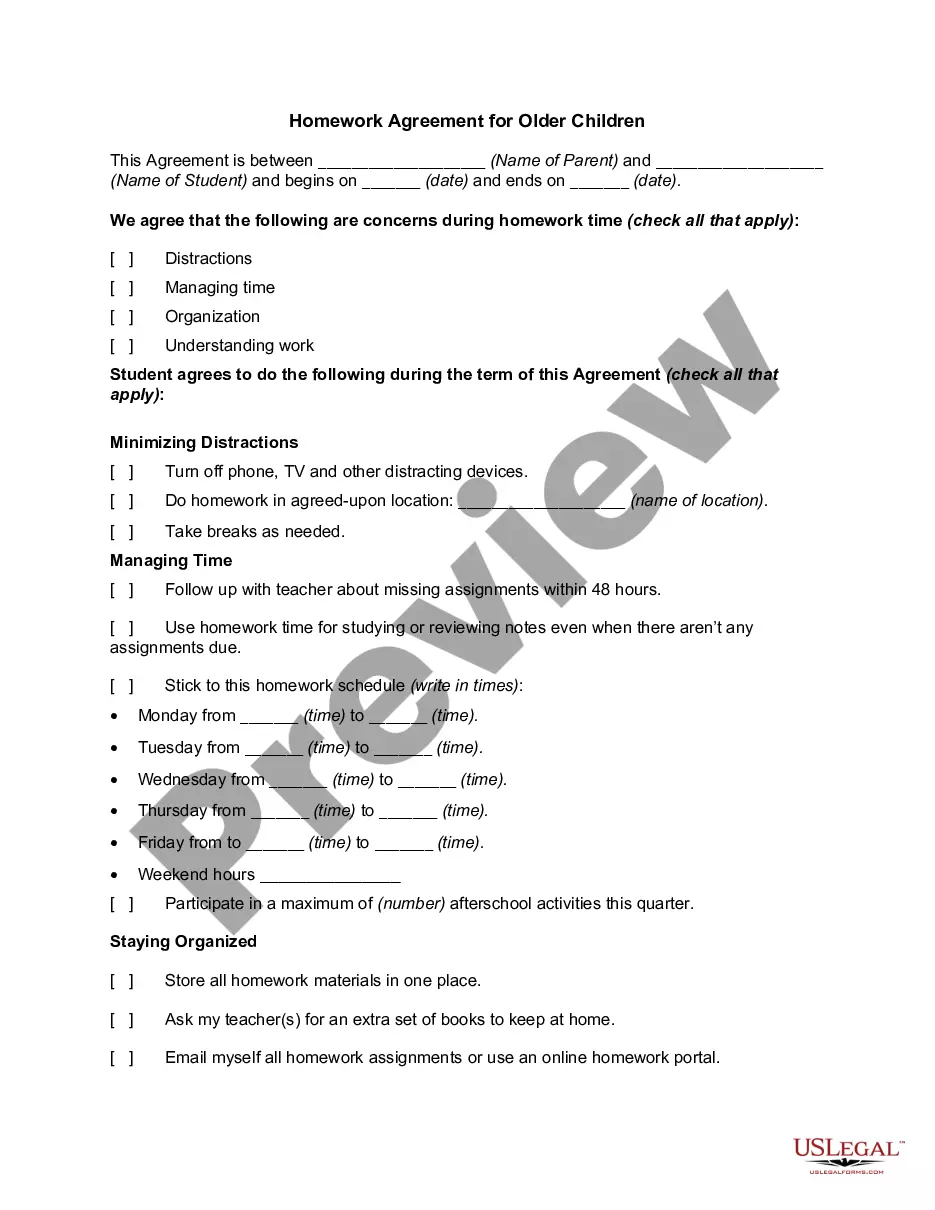
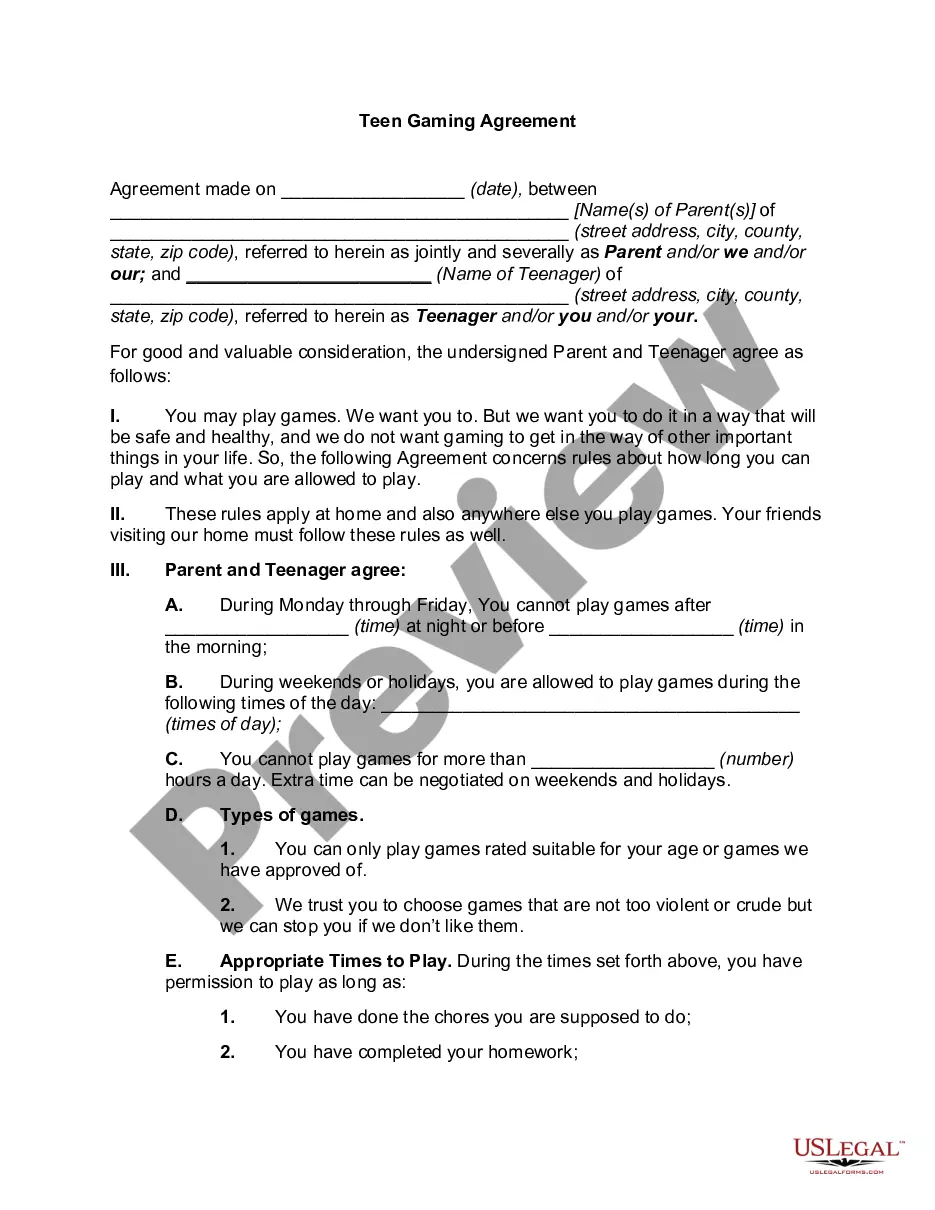
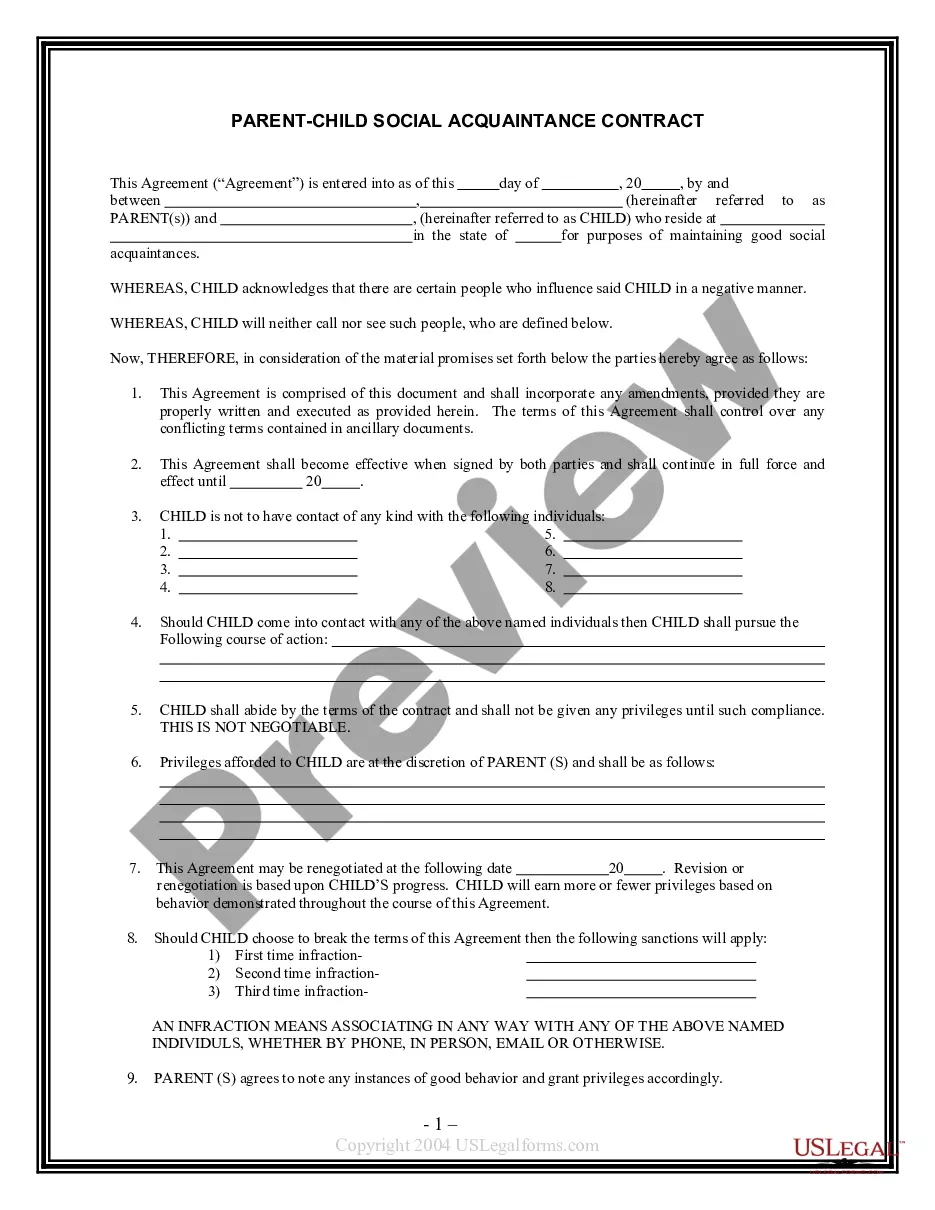

How to fill out The (Name Of Family) Screen Time Agreement?
US Legal Forms - one of the largest collections of legal documents in the United States - offers a range of legal document templates available for download or printing.
By using the website, you can access thousands of forms for both business and personal purposes, organized by categories, states, or keywords.
You can obtain the latest versions of forms such as the Vermont The (Name of Family) Screen Time Agreement within moments.
Choose the Preview button to view the content of the form. Review the summary to confirm you have chosen the right form.
If the form does not meet your needs, utilize the Search box at the top of the screen to find the one that does.
- If you already have a monthly subscription, Log In and download the Vermont The (Name of Family) Screen Time Agreement from the US Legal Forms collection.
- The Acquire button will be visible on every form you view.
- You have access to all previously obtained forms in the My documents section of your account.
- If you are using US Legal Forms for the first time, here are simple steps to help you get started.
- Ensure you have selected the correct form for your area/county.
Form popularity
FAQ
Create agreements collaboratively. Tell your family that you're going to do a special activity together during which you're going to create Family Agreements.Keep it simple and positive; be specific. 3 5 clear yet comprehensive agreements are better than a laundry list.Make it visible.Celebrate!Review and revise.
If you're a parent, you can find your child's Android device location in the Family Link app.Open the Family Link app .Select your child.On the "Location" card, tap Set up.Turn on the settings required to find your child's location.Tap Turn on. It might take up to 30 minutes to find your child's device location.
Check if Family Sharing members have accepted their invites. Members must opt into Family Sharing for Screen Time reports to work. Go to Family Sharing settings to view the status of your invites if you're the group Organizer. Under each parent or child's name, check if they've accepted your invitation or not.
Definition of family contract : a contract between the members of a family settling the distribution or descent of its estates.
Launch the Settings app on your mobile device. Tap Screen Time. Under Family, tap your child's name. Select Communication Limits.
How to enable Screen Time from the Family Sharing settings:Open Settings on your device.Select your name at the top.Tap Family Sharing.Choose Screen Time at the bottom to turn it on.Select your family member.Tap Turn On Screen Time.
Set up Screen Time for a childGo to Settings > your name > Family Sharing > Screen Time.Tap the name of a child in your family group, tap Turn On Screen Time, then follow the onscreen instructions. For information about Screen Time settings, see Set up Screen Time for a family member on iPhone.
How to enable Screen Time from the Family Sharing settings:Open Settings on your device.Select your name at the top.Tap Family Sharing.Choose Screen Time at the bottom to turn it on.Select your family member.Tap Turn On Screen Time.
To use Screen Time with Family Sharing, you need to be the family organizer or parent/guardian in your family group, on iOS 12. Your child must be under age 18, in your family group with their own Apple ID, and on iOS 12. Go to Settings and tap Screen Time.
Create agreements collaboratively. Tell your family that you're going to do a special activity together during which you're going to create Family Agreements.Keep it simple and positive; be specific. 3 5 clear yet comprehensive agreements are better than a laundry list.Make it visible.Celebrate!Review and revise.