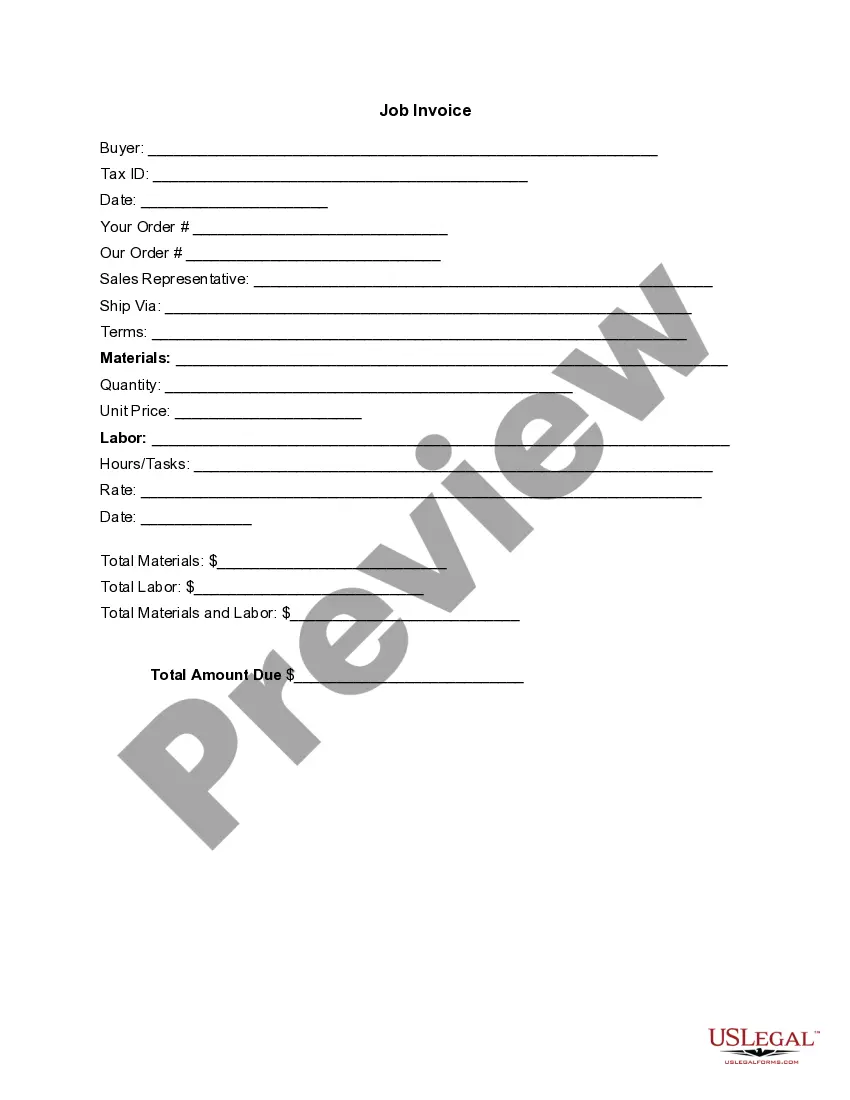
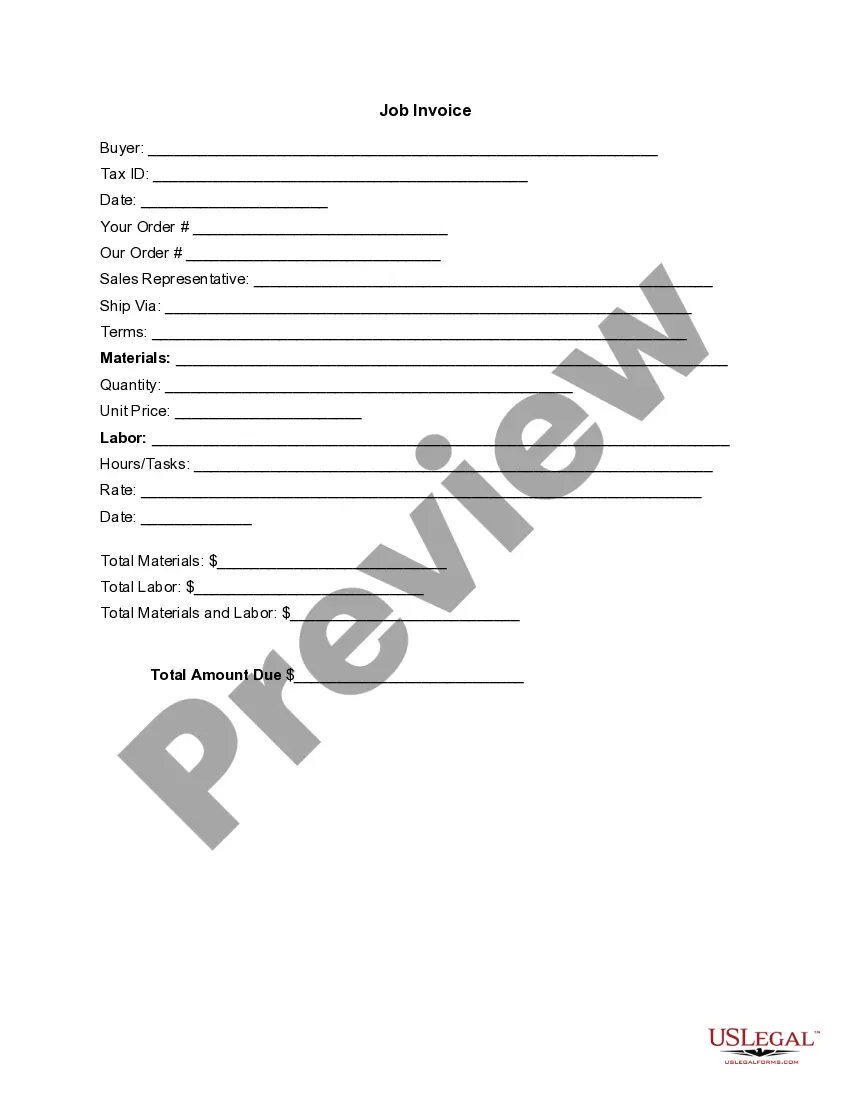
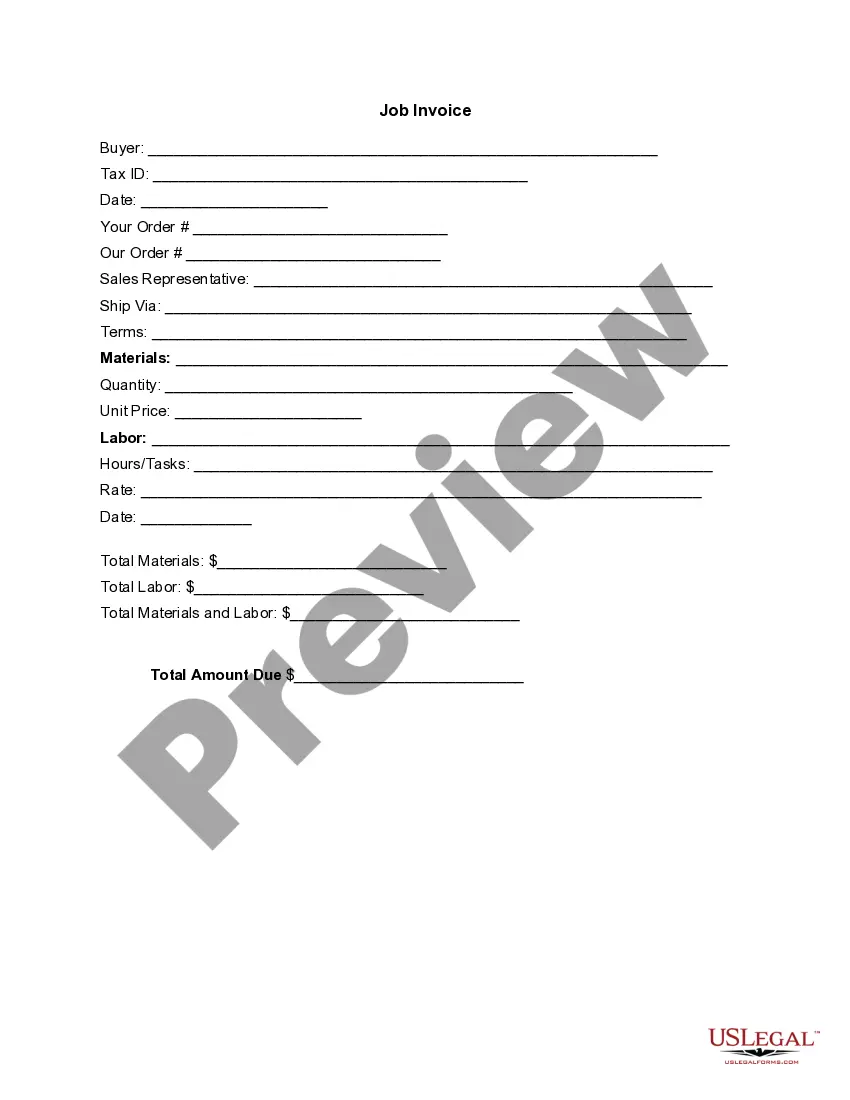
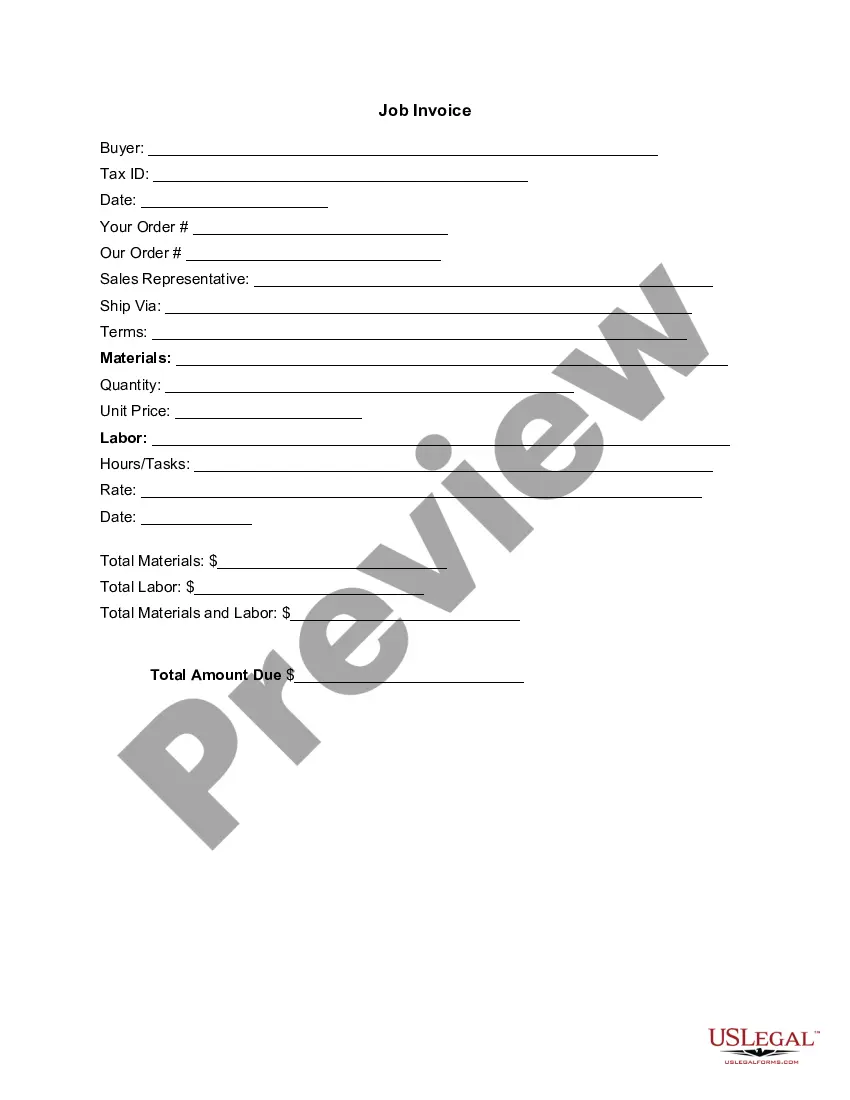
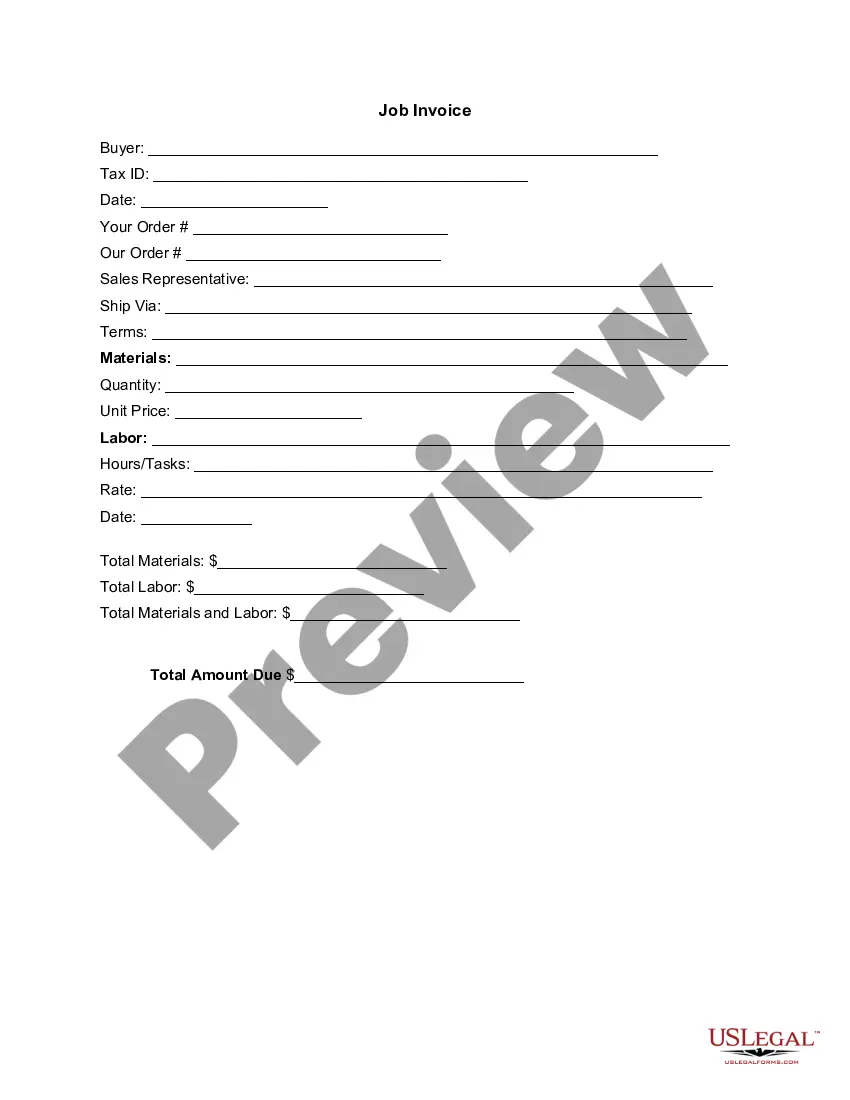
Vermont Invoice Template for Designer
Description

Get your form ready online
Our built-in tools help you complete, sign, share, and store your documents in one place.
Make edits, fill in missing information, and update formatting in US Legal Forms—just like you would in MS Word.
Download a copy, print it, send it by email, or mail it via USPS—whatever works best for your next step.
Sign and collect signatures with our SignNow integration. Send to multiple recipients, set reminders, and more. Go Premium to unlock E-Sign.
If this form requires notarization, complete it online through a secure video call—no need to meet a notary in person or wait for an appointment.
We protect your documents and personal data by following strict security and privacy standards.

Make edits, fill in missing information, and update formatting in US Legal Forms—just like you would in MS Word.

Download a copy, print it, send it by email, or mail it via USPS—whatever works best for your next step.

Sign and collect signatures with our SignNow integration. Send to multiple recipients, set reminders, and more. Go Premium to unlock E-Sign.

If this form requires notarization, complete it online through a secure video call—no need to meet a notary in person or wait for an appointment.

We protect your documents and personal data by following strict security and privacy standards.
Looking for another form?




How to fill out Invoice Template For Designer?
You are capable of spending hours online searching for the legal document template that aligns with the federal and state requirements you need.
US Legal Forms offers a vast array of legal forms that have been assessed by experts.
You can easily acquire or print the Vermont Invoice Template for Designer from their service.
Once you have located the template you need, click on Get now to proceed.
- If you have a US Legal Forms account, you can Log In and select the Download option.
- After that, you can complete, modify, print, or sign the Vermont Invoice Template for Designer.
- Every legal document template you purchase belongs to you permanently.
- To obtain another copy of the acquired form, go to the My documents section and click on the corresponding option.
- If you are using the US Legal Forms website for the first time, follow the simple instructions below.
- First, ensure that you have selected the correct document template for your county/town of interest.
- Review the form summary to make sure you have selected the right type.
Form popularity
FAQ
Making a design invoice requires you to choose the right format and include specific details about your work. Utilizing a Vermont Invoice Template for Designer is a smart choice, as it guides you in capturing all essential information. Fill in each section with your client’s information, project details, and payment instructions. With this organized approach, you can ensure your invoices are both professional and easy to understand.
Yes, you can definitely create an invoice yourself. Using a Vermont Invoice Template for Designer will streamline the process and ensure you include all necessary elements. You’ll need to list your services, specify payment terms, and include your brand details. This self-made invoice not only reinforces your professional image but also helps you manage finances effectively.
Creating a modeling invoice involves detailing the services rendered, the rates, and any additional expenses incurred during the project. You may want to use a Vermont Invoice Template for Designer, which simplifies tracking your hours and costs. Highlight the modeling sessions and any materials used, ensuring your client clearly understands the charges. This thorough approach helps in receiving timely payments.
Yes, Google Docs offers several invoice templates, including options suitable for designers. You can easily customize any template to meet your needs. However, for a more tailored solution, consider using a Vermont Invoice Template for Designer from uslegalforms. This template provides specific fields relevant to design work, making invoicing straightforward.
To create a design invoice, start by gathering your client’s details and the services provided. You can choose a Vermont Invoice Template for Designer to simplify the process. Once you have the template, fill in important information like the project description and payment terms. Finally, save and send the invoice to your client for prompt payment.
The correct format for an invoice includes your business name and contact details at the top, followed by the client’s information. Clearly label the document as an invoice, and include an invoice number, the date, and the payment terms. Using a Vermont Invoice Template for Designer can ensure that all these elements are present and formatted correctly for better organization.
To craft an effective invoice for design services, begin with your business information and the client’s details. List the services provided in detail, along with their respective prices. By utilizing a Vermont Invoice Template for Designer, you can ensure that your invoices look professional and include all crucial components.
Creating a simple invoice is straightforward. Start with your business name, contact information, and the client's details. Include a clear title labeled 'Invoice,' the invoice date, and a unique invoice number. Using a Vermont Invoice Template for Designer can help you streamline this process, ensuring you include all essential elements.
To create a PDF invoice template, begin with a comprehensive design tool or software. Select the Vermont Invoice Template for Designer for its user-friendly layout, and input your business information, payment details, and terms. Save your finished product as a PDF for easy future use, ensuring that your invoices remain consistent and professional.
Creating a PDF invoice template involves starting with a basic layout that includes mandatory sections. You can customize the Vermont Invoice Template for Designer to suit your style, incorporating your logo and colors. Save it using PDF software, making it easy to update with new details each time you need to issue an invoice.