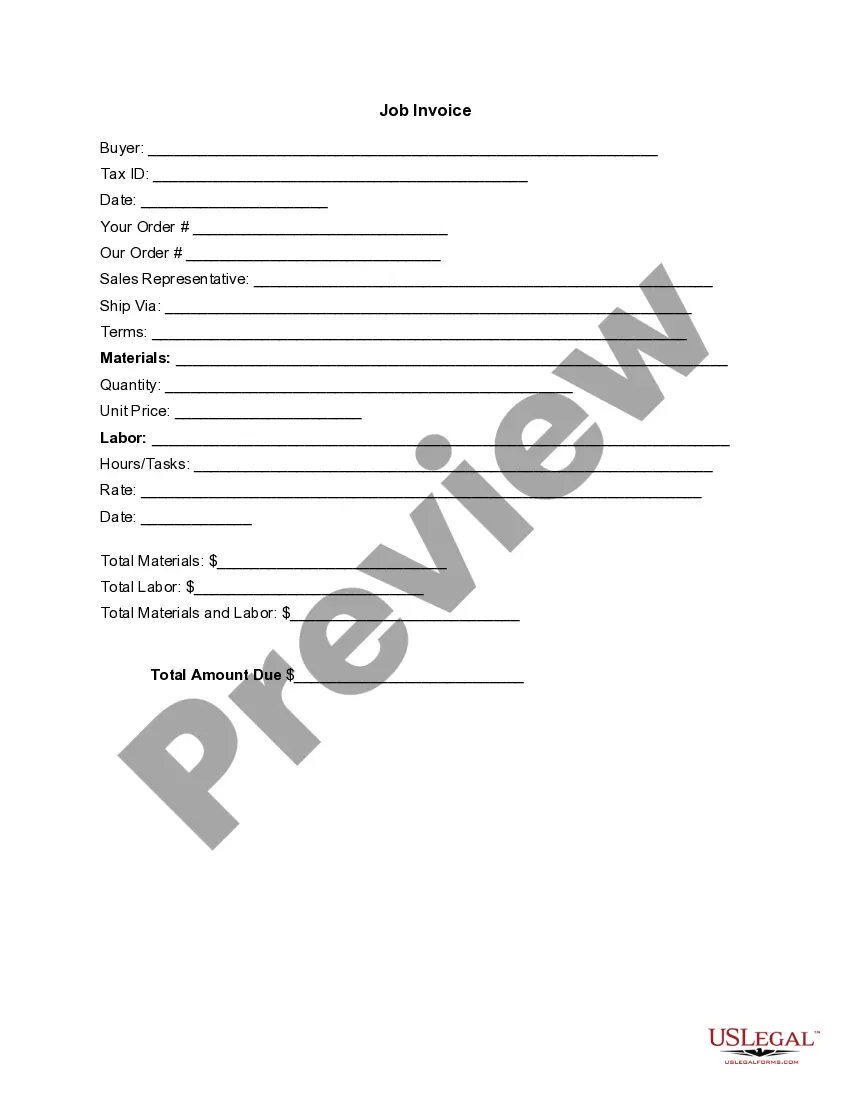
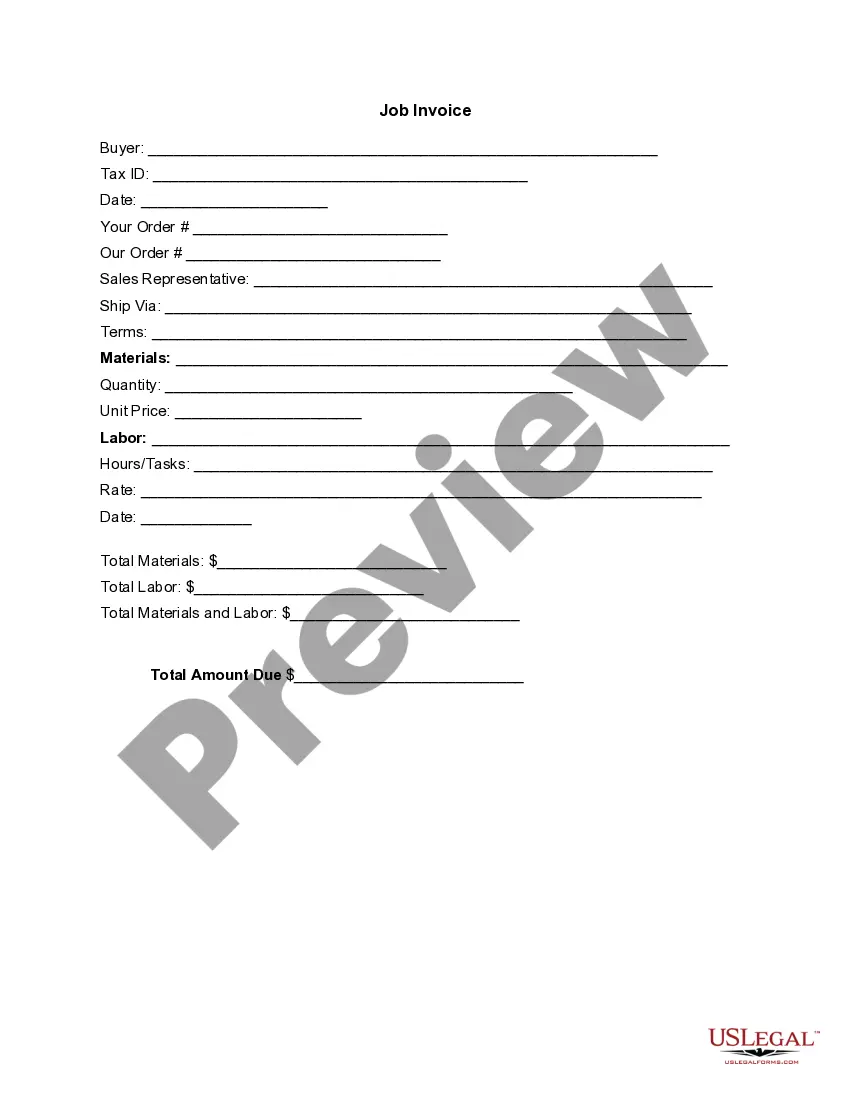
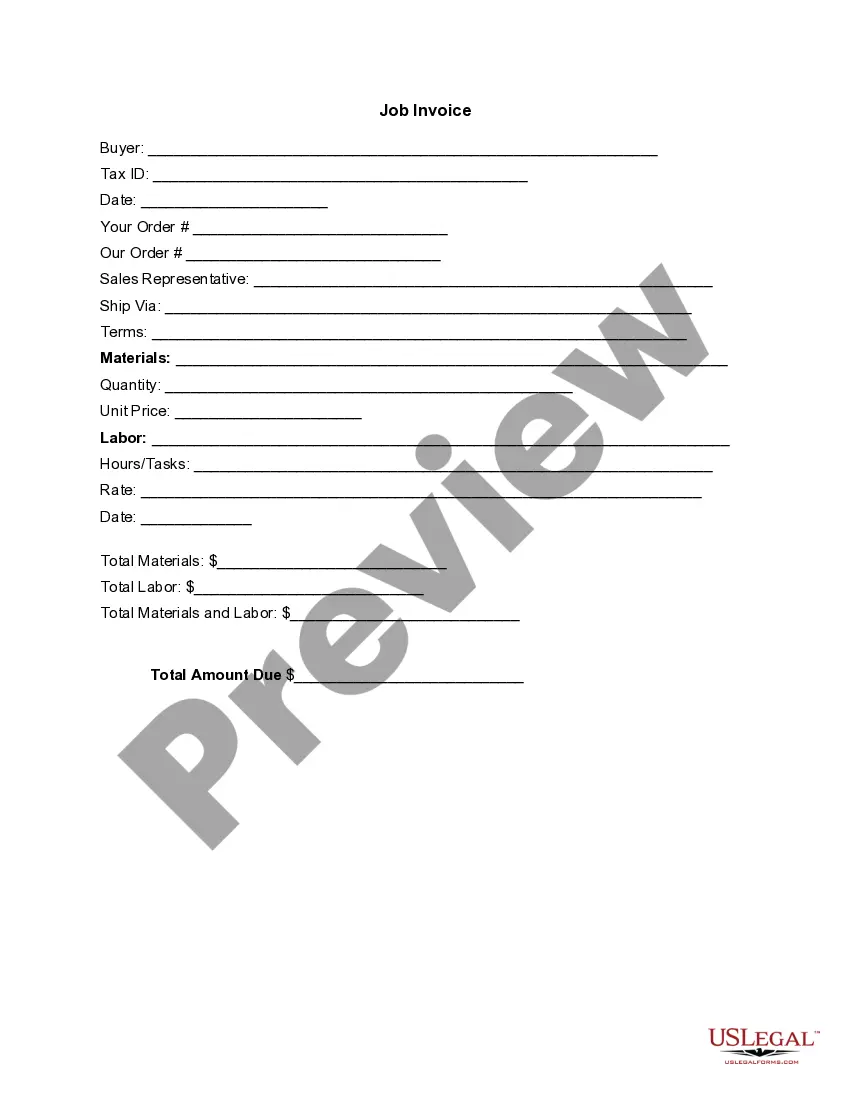
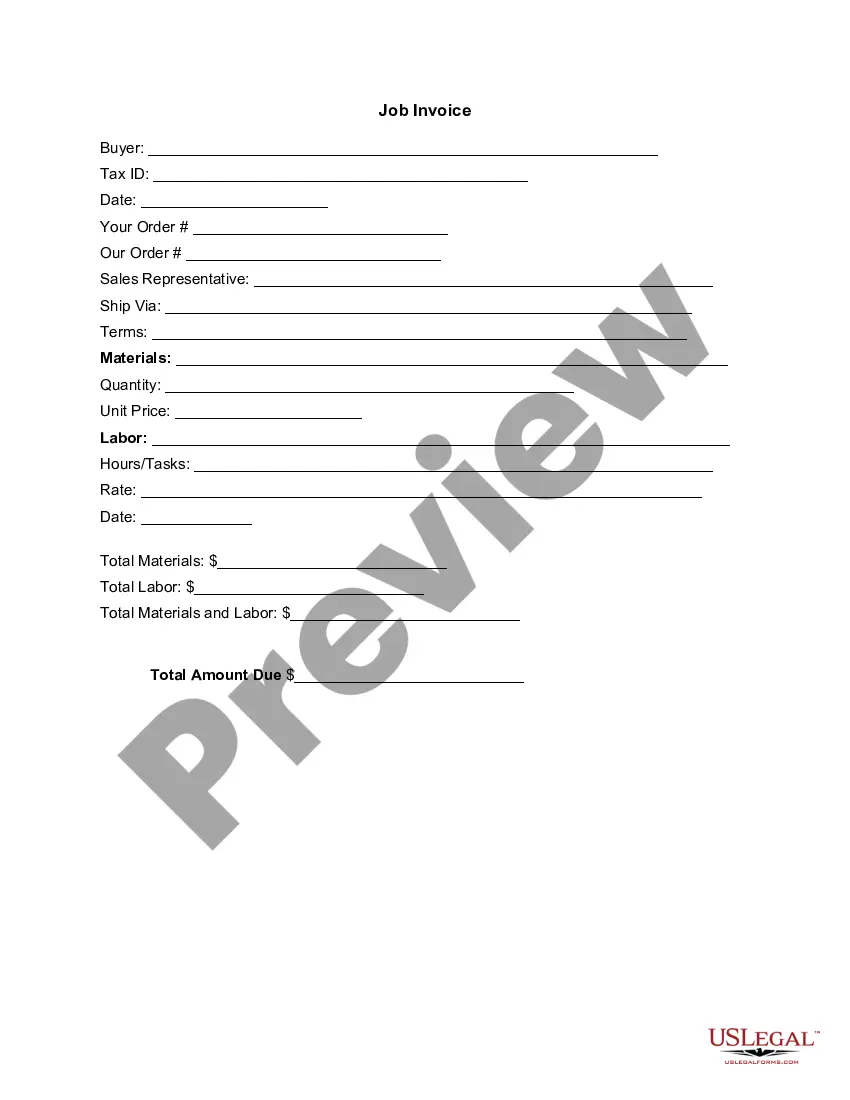
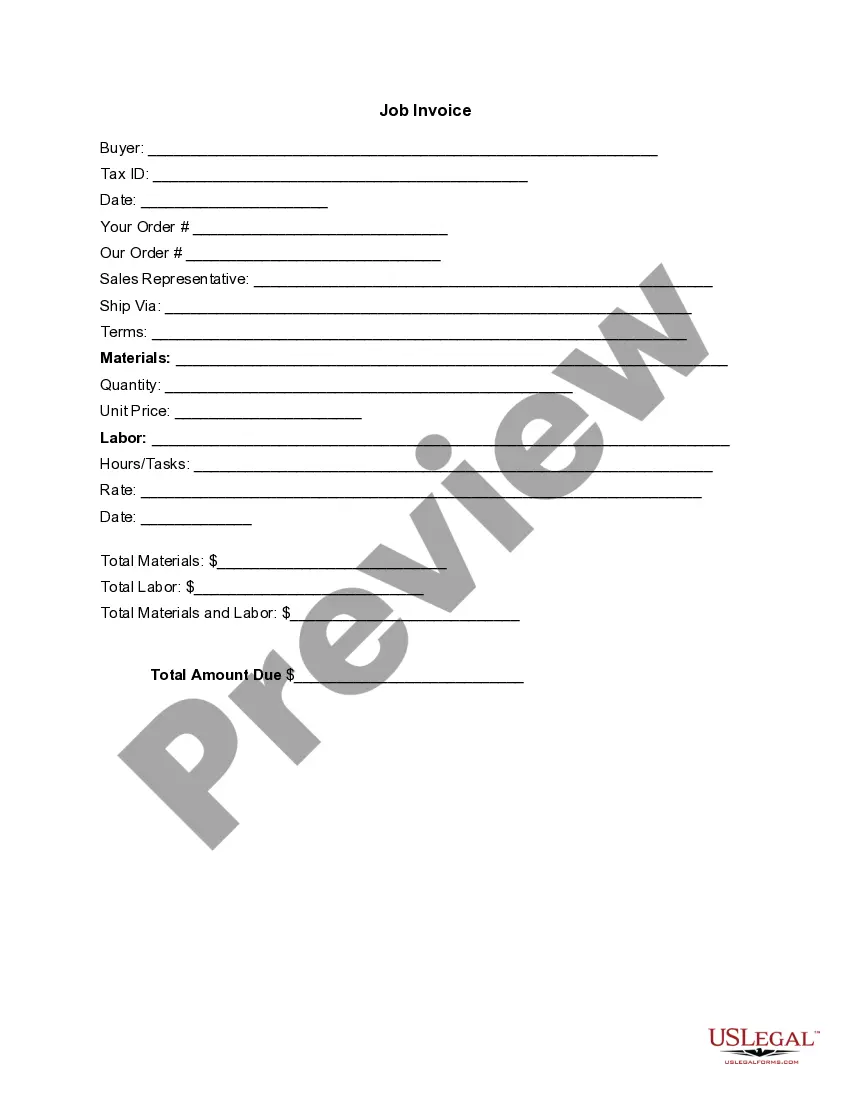
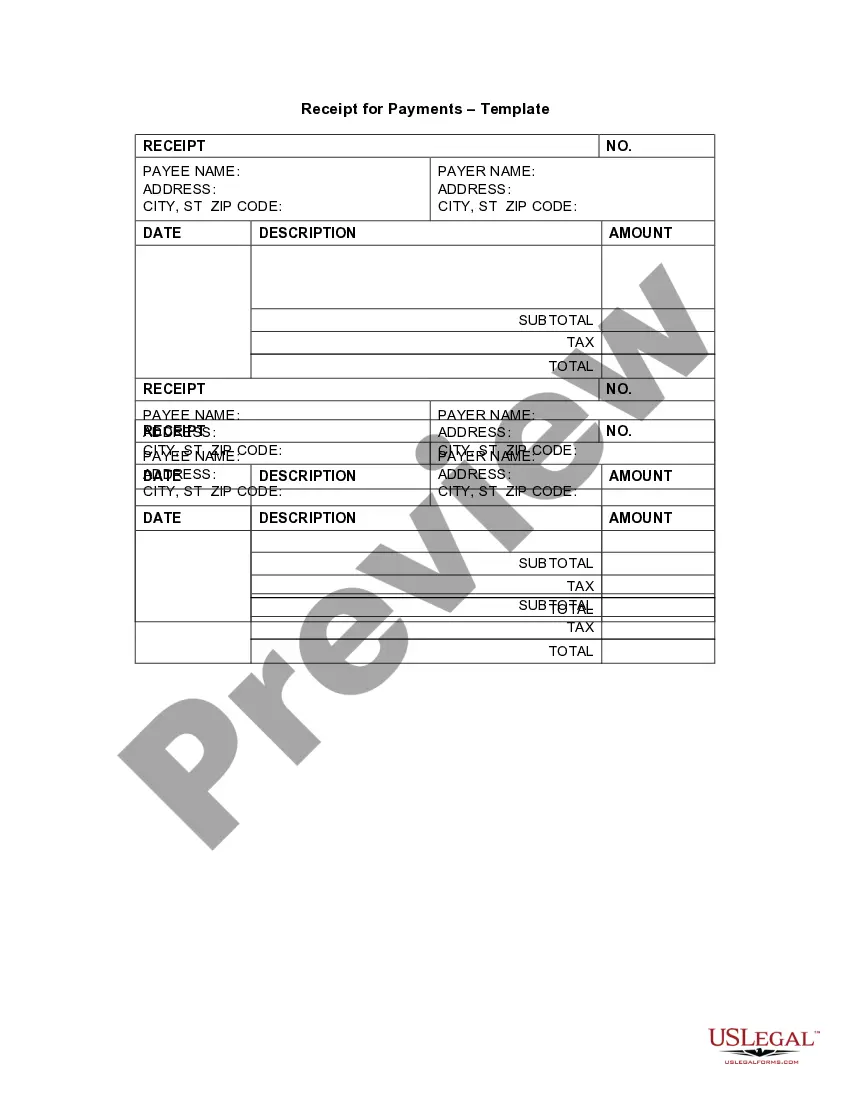
Vermont Invoice Template for Freelancers
Description

Get your form ready online
Our built-in tools help you complete, sign, share, and store your documents in one place.
Make edits, fill in missing information, and update formatting in US Legal Forms—just like you would in MS Word.
Download a copy, print it, send it by email, or mail it via USPS—whatever works best for your next step.
Sign and collect signatures with our SignNow integration. Send to multiple recipients, set reminders, and more. Go Premium to unlock E-Sign.
If this form requires notarization, complete it online through a secure video call—no need to meet a notary in person or wait for an appointment.
We protect your documents and personal data by following strict security and privacy standards.

Make edits, fill in missing information, and update formatting in US Legal Forms—just like you would in MS Word.

Download a copy, print it, send it by email, or mail it via USPS—whatever works best for your next step.

Sign and collect signatures with our SignNow integration. Send to multiple recipients, set reminders, and more. Go Premium to unlock E-Sign.

If this form requires notarization, complete it online through a secure video call—no need to meet a notary in person or wait for an appointment.

We protect your documents and personal data by following strict security and privacy standards.
Looking for another form?

How to fill out Invoice Template For Freelancers?
Selecting the appropriate legal document format can be quite a challenge.
Naturally, there are numerous templates accessible online, but how do you obtain the legal form you need.
Utilize the US Legal Forms website. The service offers a multitude of templates, including the Vermont Invoice Template for Freelancers, which can be utilized for both business and personal purposes.
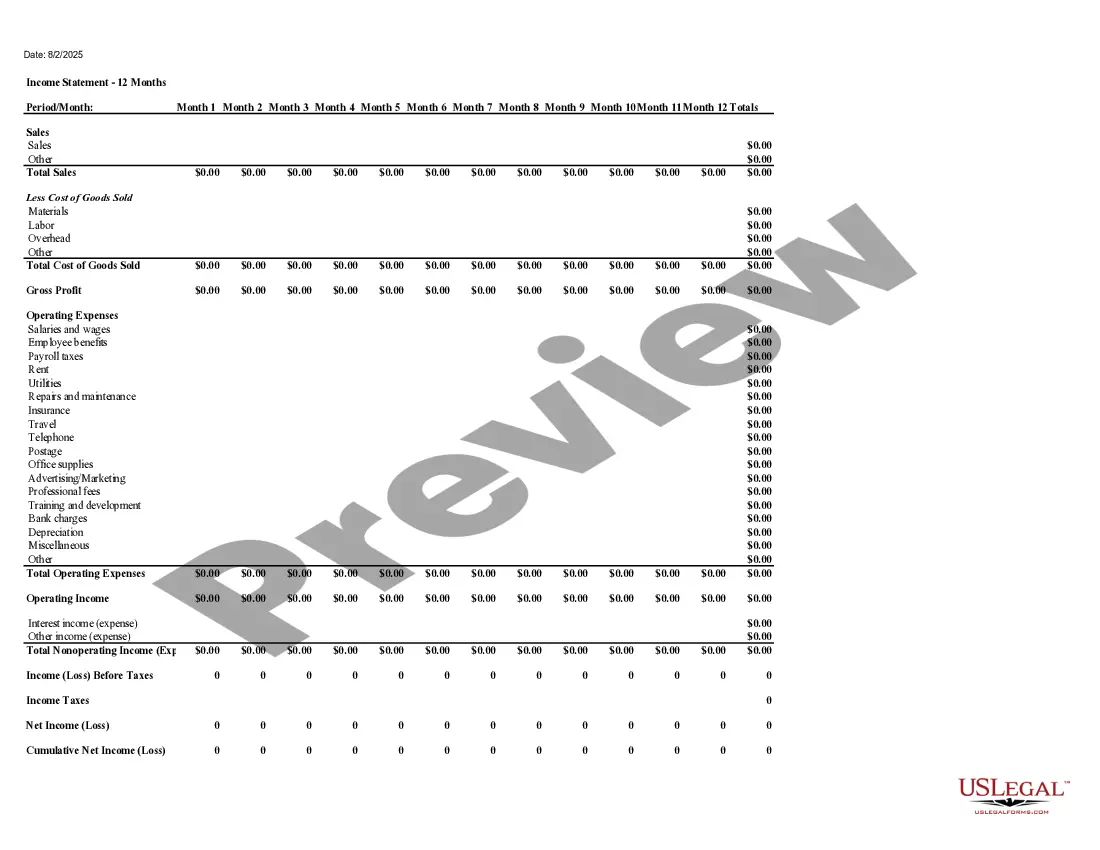
You can preview the form using the Review button and examine the form description to confirm this is the one for you.
- All forms are reviewed by professionals and comply with state and federal regulations.
- If you are currently registered, Log In to your account and click the Download button to access the Vermont Invoice Template for Freelancers.
- Use your account to browse the legal forms you have previously purchased.
- Navigate to the My documents tab in your account and obtain an additional copy of the document you need.
- If you are a new user of US Legal Forms, here are simple instructions for you to follow.
- First, ensure you have chosen the correct form for your area.
Form popularity
FAQ
Writing an invoice as a self-employed individual is similar to freelancing. Start with your personal and business details at the top, followed by the client's information. Use a Vermont Invoice Template for Freelancers to ensure a polished look, and clearly outline the services rendered and payments expected. This structured approach promotes timely payments and professionalism.
Submitting an invoice to an independent contractor is straightforward. First, ensure your invoice is complete and professional, preferably using a Vermont Invoice Template for Freelancers. Attach the invoice to an email or other communication method, and provide any additional information as needed. Don't forget to follow up if you don't receive confirmation of receipt.
To create an invoice, start by gathering all relevant information first. Next, choose a suitable format, or better yet, use a Vermont Invoice Template for Freelancers to save time. Fill in the necessary details, including your service description, rates, and totals. Finally, review the invoice for accuracy before sending it to your client.
An invoice for freelancing should include your name, business name, contact details, and the client's information. You must also detail the services provided, the amount due, and the payment terms. Using a Vermont Invoice Template for Freelancers can help streamline this process, ensuring you don't miss any vital elements.
To issue an invoice as a freelancer, you need to create it with clear details about the work completed and the total amount due. Ensure you include your branding, add payment terms, and send it to your client promptly after the work is done. By using a Vermont Invoice Template for Freelancers, you can streamline this process, making it easy to issue invoices that reflect your professionalism.
Freelancers issue an invoice by preparing a document that outlines the services provided and the payment expected. Once you complete the invoice, send it directly to your client, either electronically or by mail. Utilizing a Vermont Invoice Template for Freelancers ensures that each invoice is professionally formatted and contains all necessary information, enhancing your billing process.
Creating an invoice as a freelance model involves detailing the work performed, the number of hours worked, and your hourly rate. You should also add any applicable taxes or fees, along with payment terms. A Vermont Invoice Template for Freelancers can make this task easier by ensuring you capture all necessary details efficiently and professionally.
To format an invoice as a freelancer, start with your name, address, and contact details at the top. Next, include your client's information before detailing the services you provided. Make sure to list the services, their rates, and the total amount due clearly. Using a Vermont Invoice Template for Freelancers can simplify this process, providing a structured format to follow.
Yes, you can make an invoice without an LLC. As a freelancer, you can create invoices using your personal name or business name. The Vermont Invoice Template for Freelancers accommodates both situations by allowing you to enter your details in a professional format. This way, you can still provide clients with a proper invoice regardless of your business structure.
Making a self-invoice involves documenting your own services and providing a detailed breakdown of charges. You can use a Vermont Invoice Template for Freelancers for this purpose. This template allows you to easily customize your invoice with your information and ensures you do not miss any critical components. Keeping detailed records with self-invoices can also aid in tax preparation.