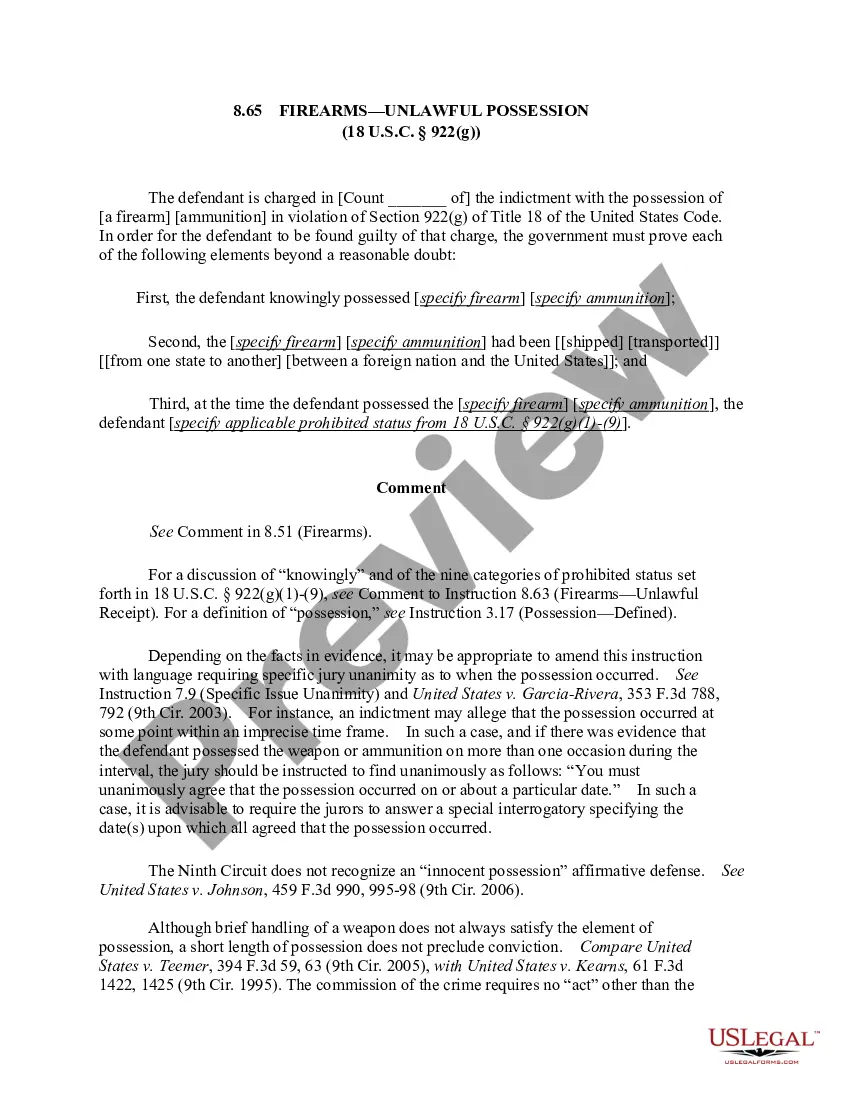
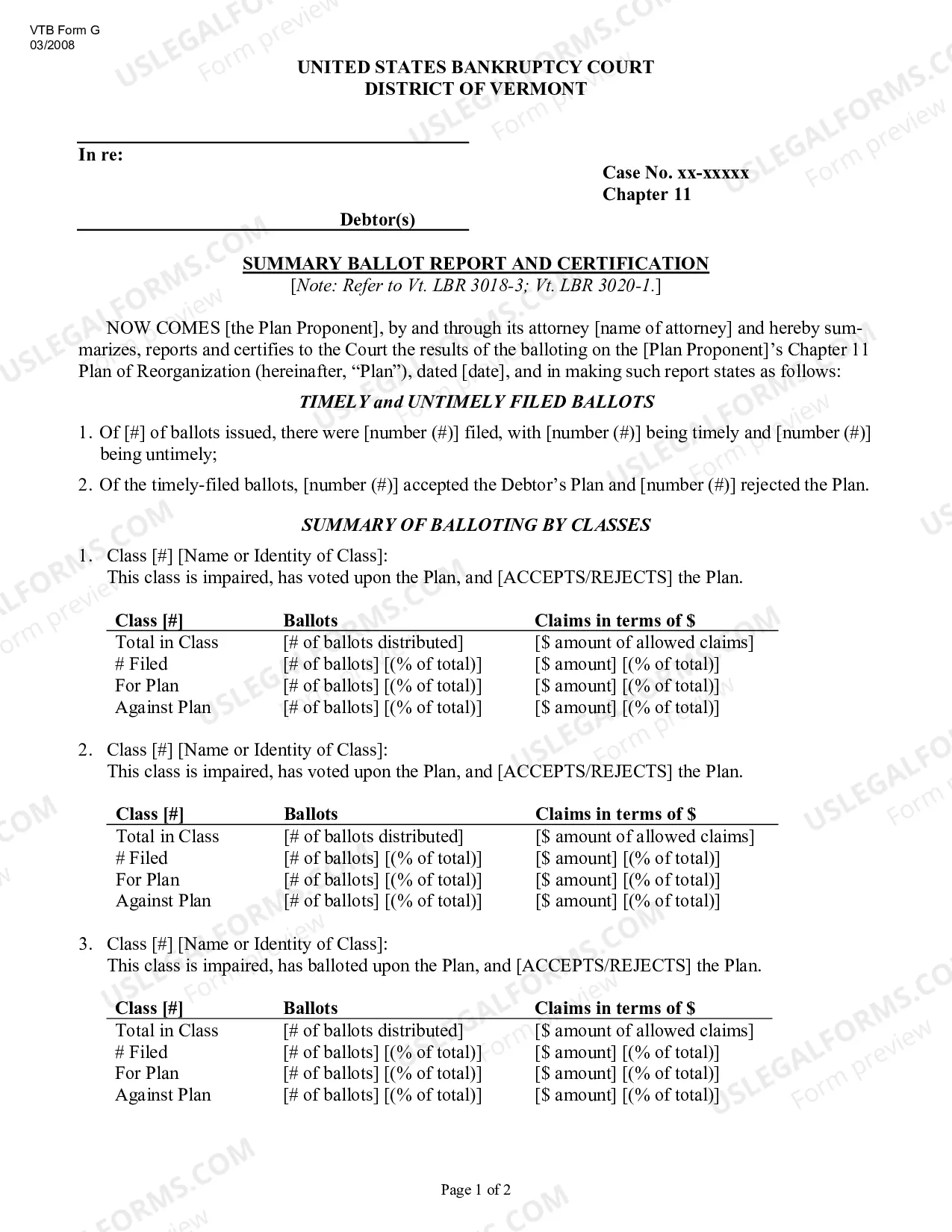
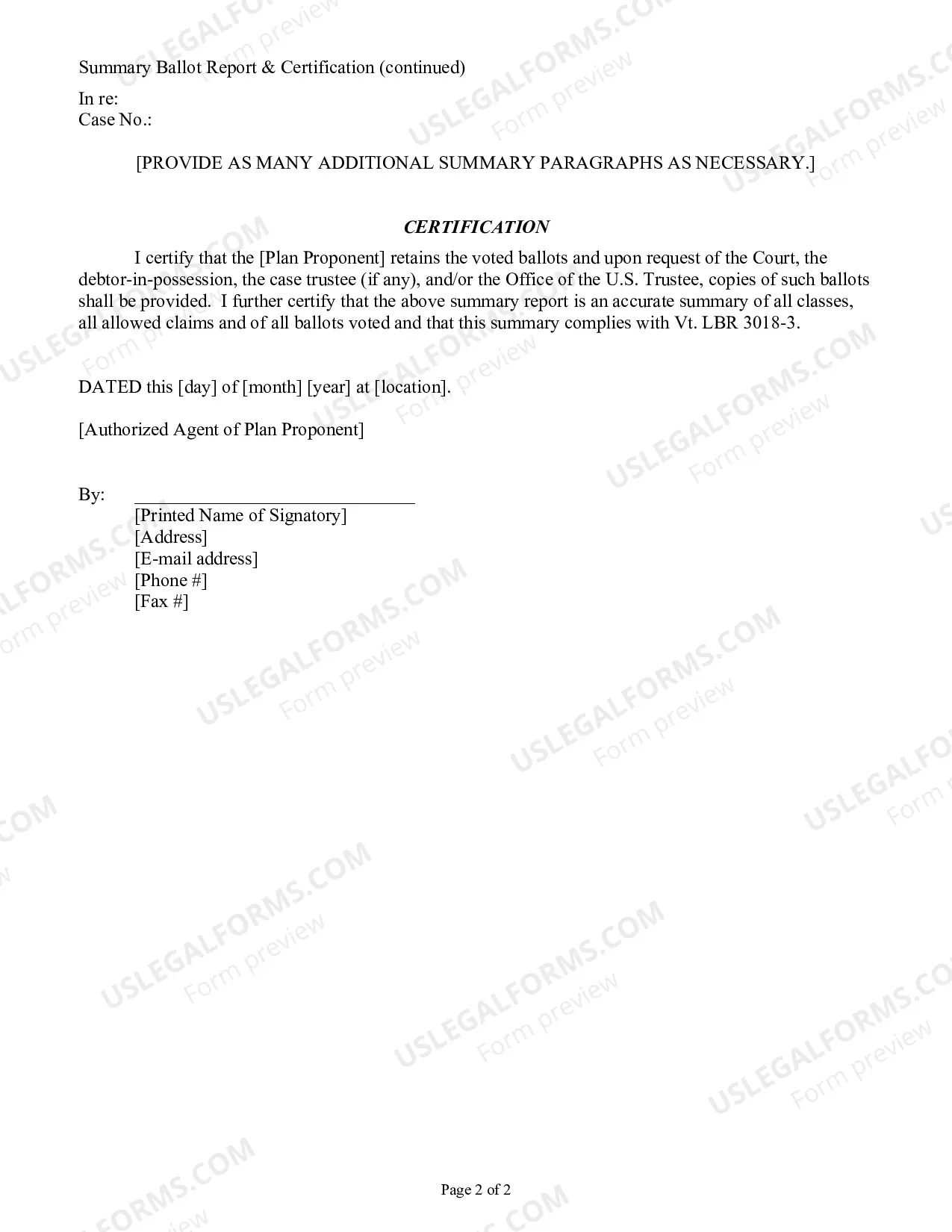
Vermont Summary Ballot Report and Certification is a document prepared by the State of Vermont that provides a summary of all votes cast in an election. This report is used to certify the accuracy of the votes cast in the election, and to ensure that all votes are counted and reported accurately. There are two types of Vermont Summary Ballot Reports and Certification: the General Election Summary Report and Certification and the Primary Election Summary Report and Certification. The General Election Summary Report and Certification includes the total number of votes cast, as well as the number of votes cast for each candidate. The Primary Election Summary Report and Certification includes the total number of votes cast, as well as the number of votes cast for each party. Both reports also include the total number of spoiled ballots and the total number of valid ballots. Both the General Election Summary Report and Certification and the Primary Election Summary Report and Certification are signed by the Secretary of State and the Town Clerk, and are used to certify the accuracy of the election results.
Vermont Summary Ballot Report and Certification
Description

Get your form ready online
Our built-in tools help you complete, sign, share, and store your documents in one place.
Make edits, fill in missing information, and update formatting in US Legal Forms—just like you would in MS Word.
Download a copy, print it, send it by email, or mail it via USPS—whatever works best for your next step.
Sign and collect signatures with our SignNow integration. Send to multiple recipients, set reminders, and more. Go Premium to unlock E-Sign.
If this form requires notarization, complete it online through a secure video call—no need to meet a notary in person or wait for an appointment.
We protect your documents and personal data by following strict security and privacy standards.

Make edits, fill in missing information, and update formatting in US Legal Forms—just like you would in MS Word.

Download a copy, print it, send it by email, or mail it via USPS—whatever works best for your next step.

Sign and collect signatures with our SignNow integration. Send to multiple recipients, set reminders, and more. Go Premium to unlock E-Sign.

If this form requires notarization, complete it online through a secure video call—no need to meet a notary in person or wait for an appointment.

We protect your documents and personal data by following strict security and privacy standards.
Looking for another form?
How to fill out Vermont Summary Ballot Report And Certification?
If you’re searching for a way to appropriately complete the Vermont Summary Ballot Report and Certification without hiring a legal professional, then you’re just in the right place. US Legal Forms has proven itself as the most extensive and reputable library of formal templates for every individual and business situation. Every piece of paperwork you find on our online service is created in accordance with nationwide and state regulations, so you can be sure that your documents are in order.
Adhere to these straightforward instructions on how to get the ready-to-use Vermont Summary Ballot Report and Certification:
- Make sure the document you see on the page meets your legal situation and state regulations by examining its text description or looking through the Preview mode.
- Enter the document name in the Search tab on the top of the page and choose your state from the list to locate another template in case of any inconsistencies.
- Repeat with the content verification and click Buy now when you are confident with the paperwork compliance with all the requirements.
- Log in to your account and click Download. Sign up for the service and select the subscription plan if you still don’t have one.
- Use your credit card or the PayPal option to pay for your US Legal Forms subscription. The blank will be available to download right after.
- Decide in what format you want to save your Vermont Summary Ballot Report and Certification and download it by clicking the appropriate button.
- Upload your template to an online editor to fill out and sign it rapidly or print it out to prepare your hard copy manually.
Another great thing about US Legal Forms is that you never lose the paperwork you acquired - you can pick any of your downloaded templates in the My Forms tab of your profile whenever you need it.