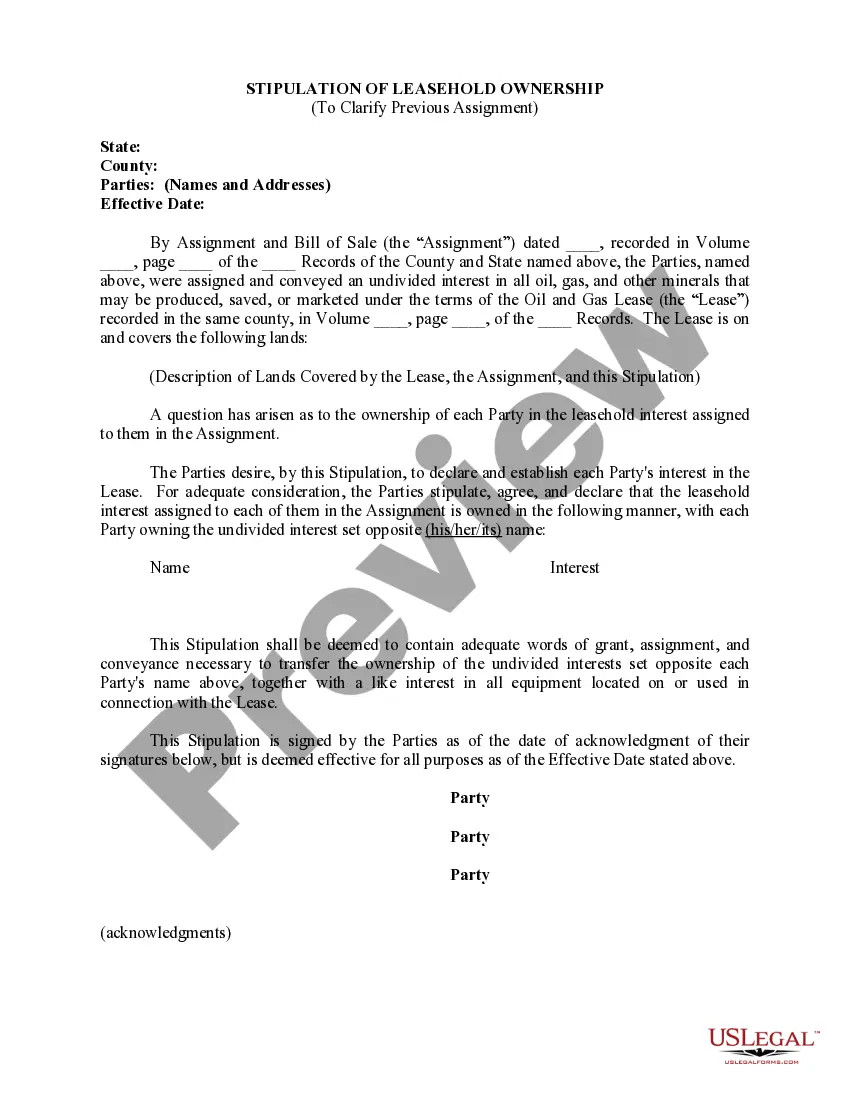
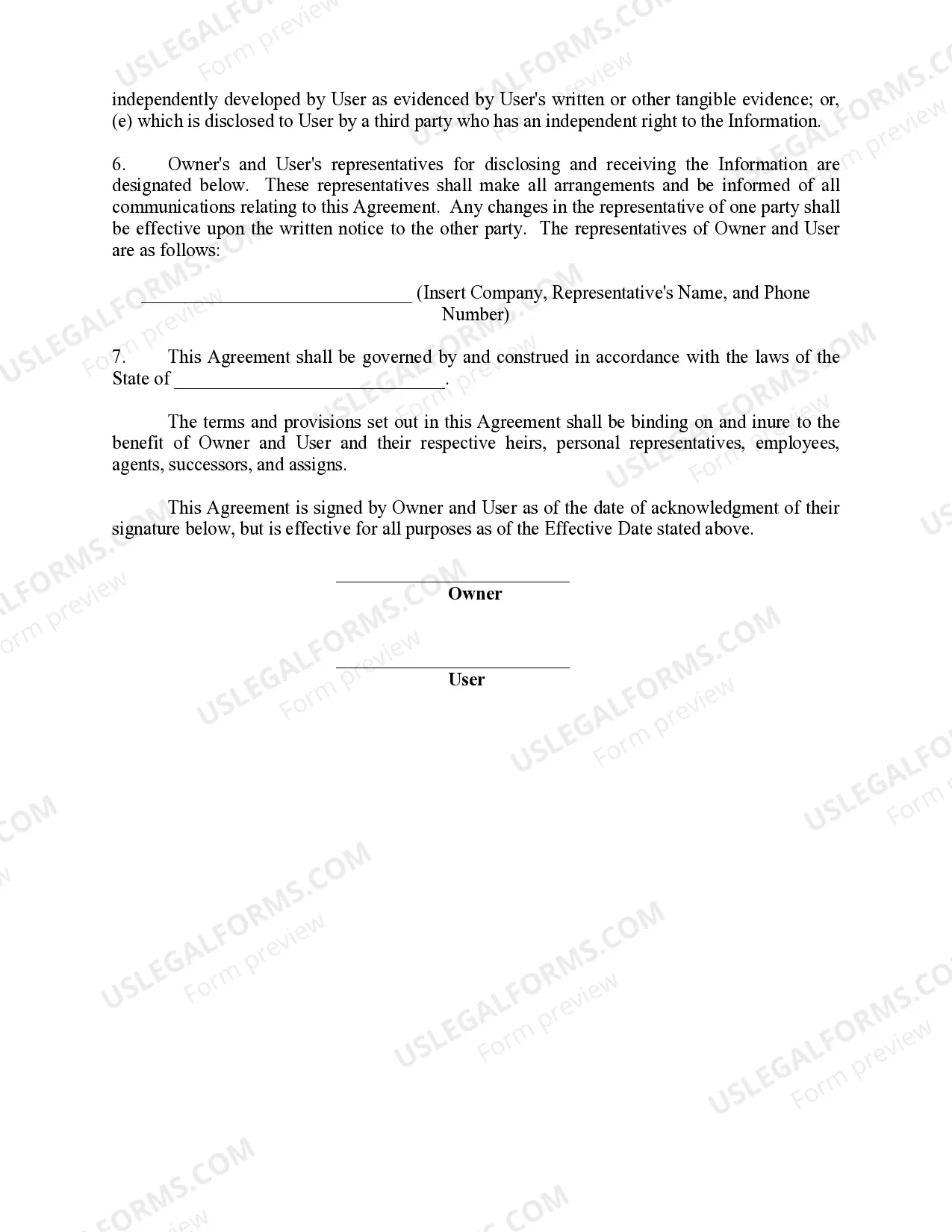
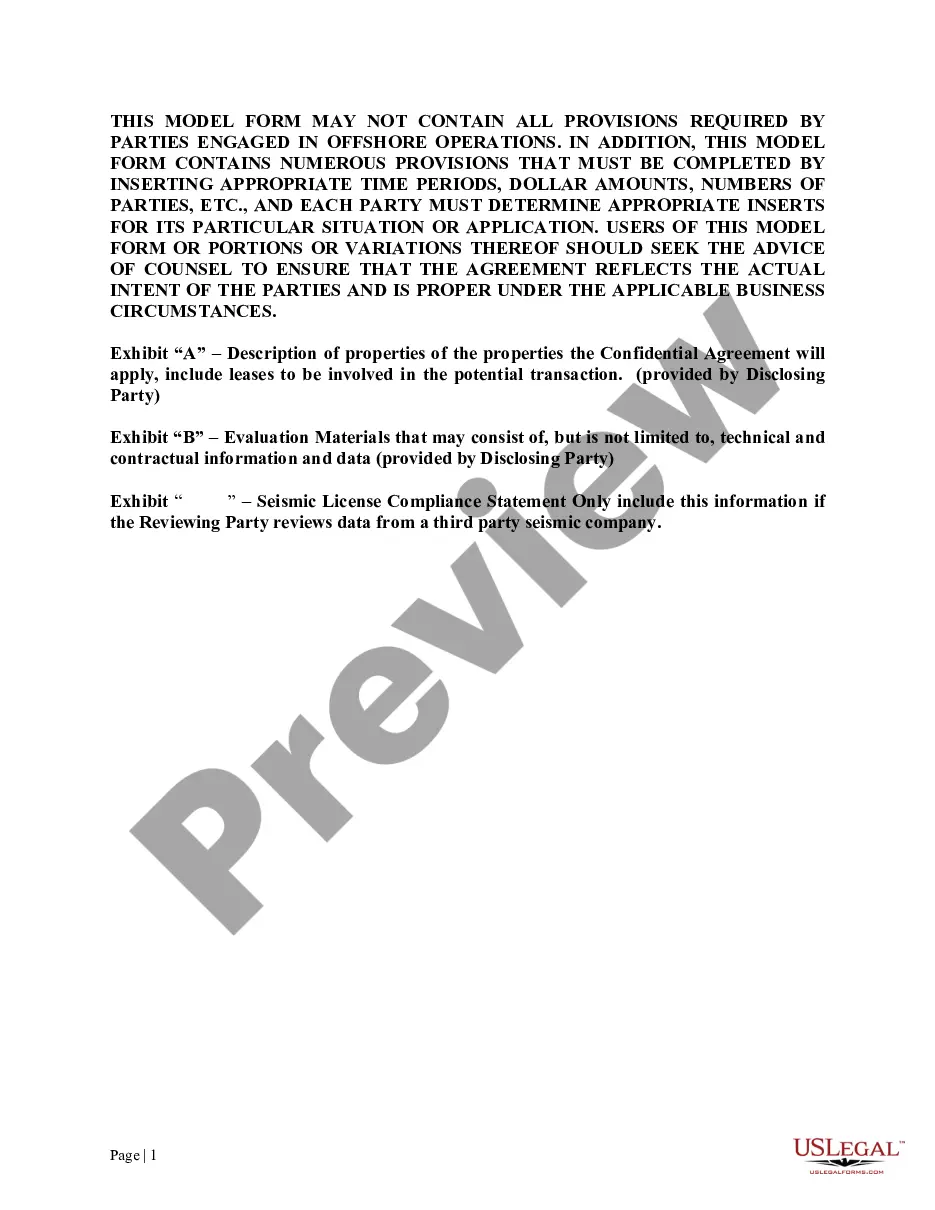
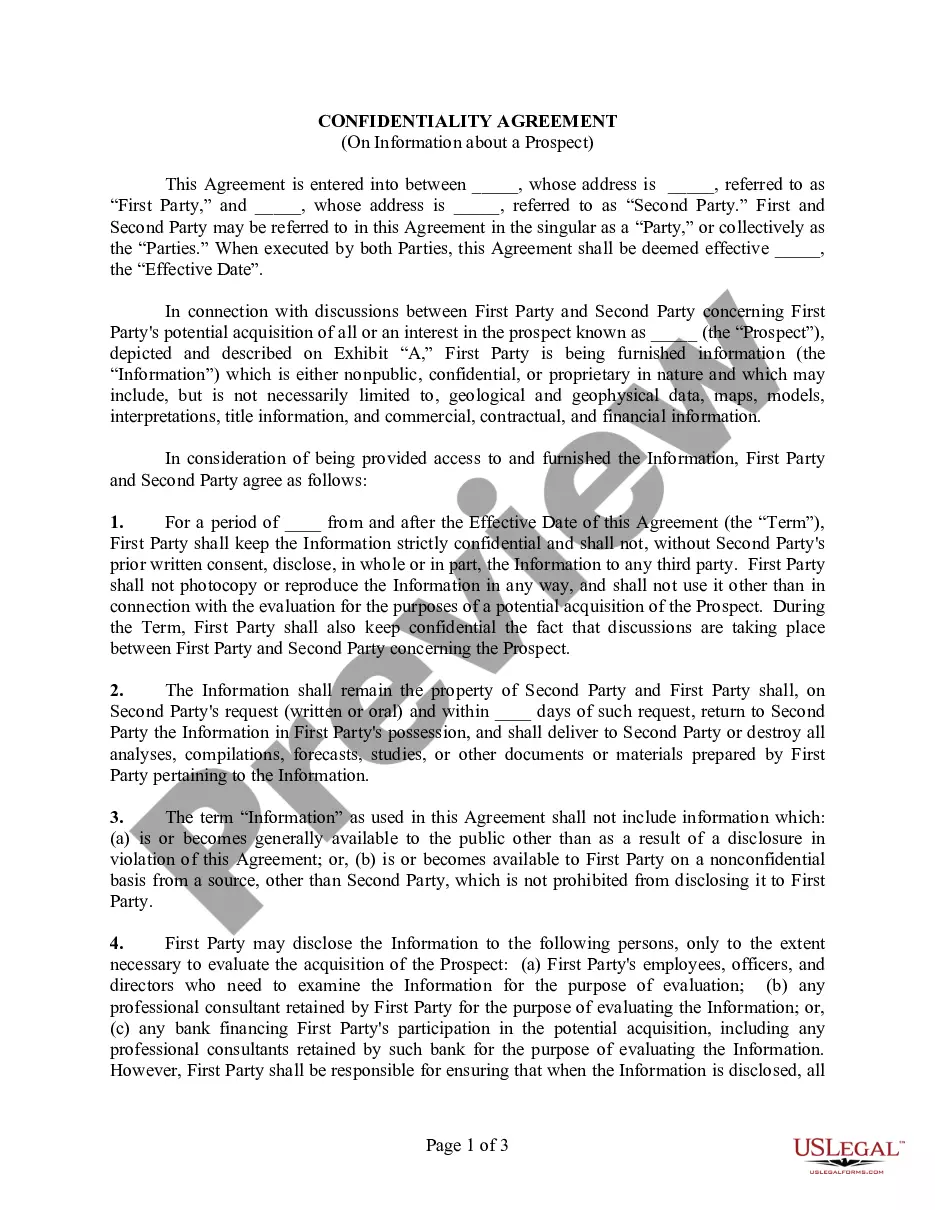
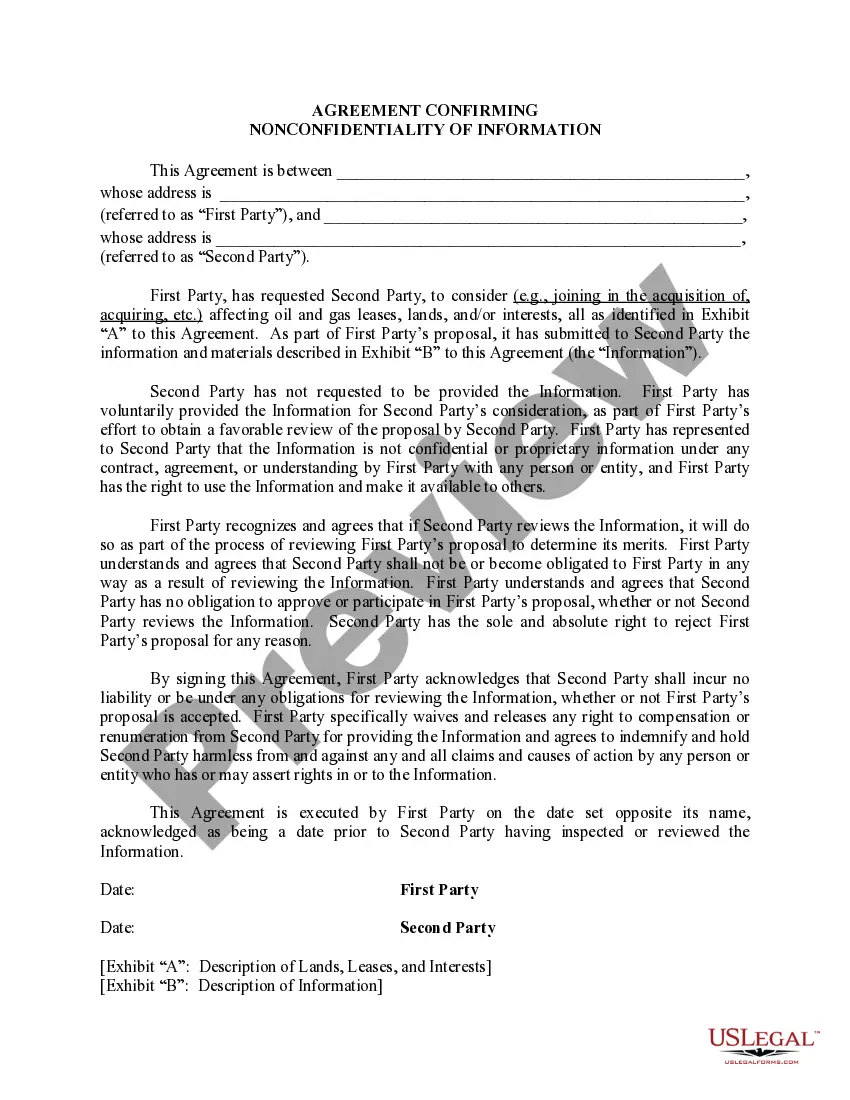
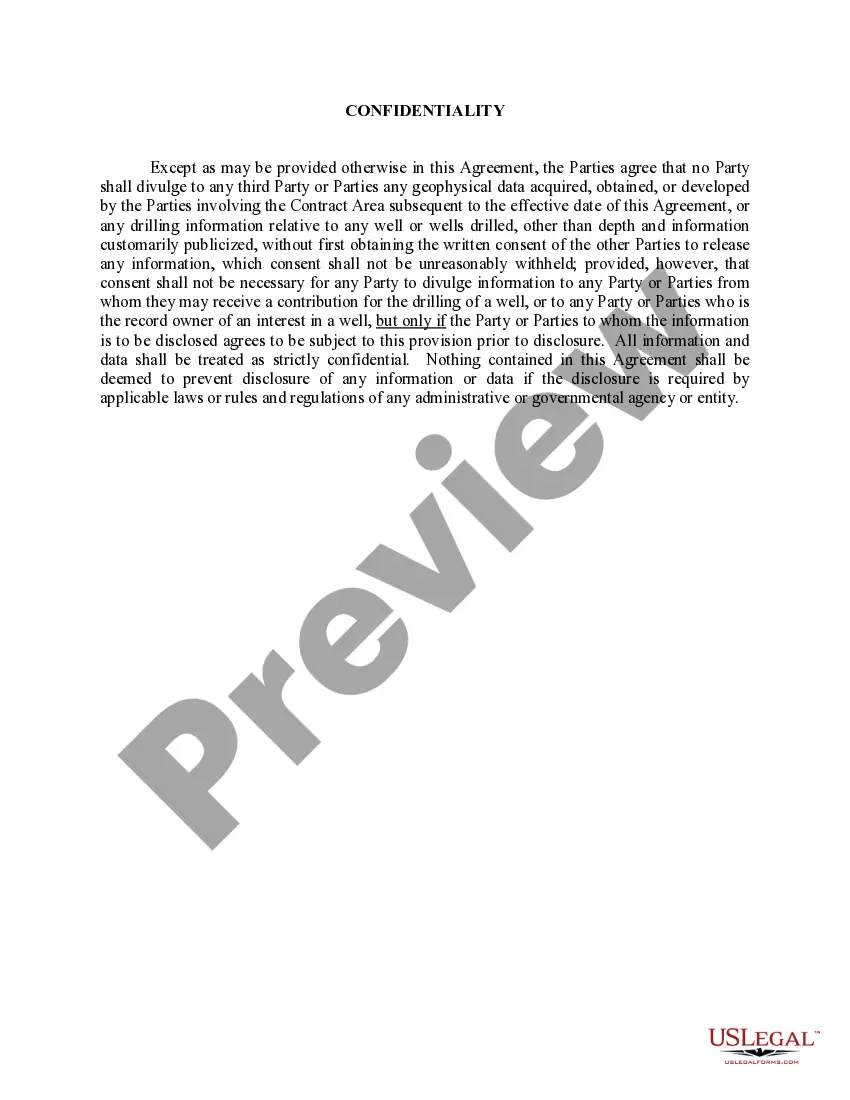
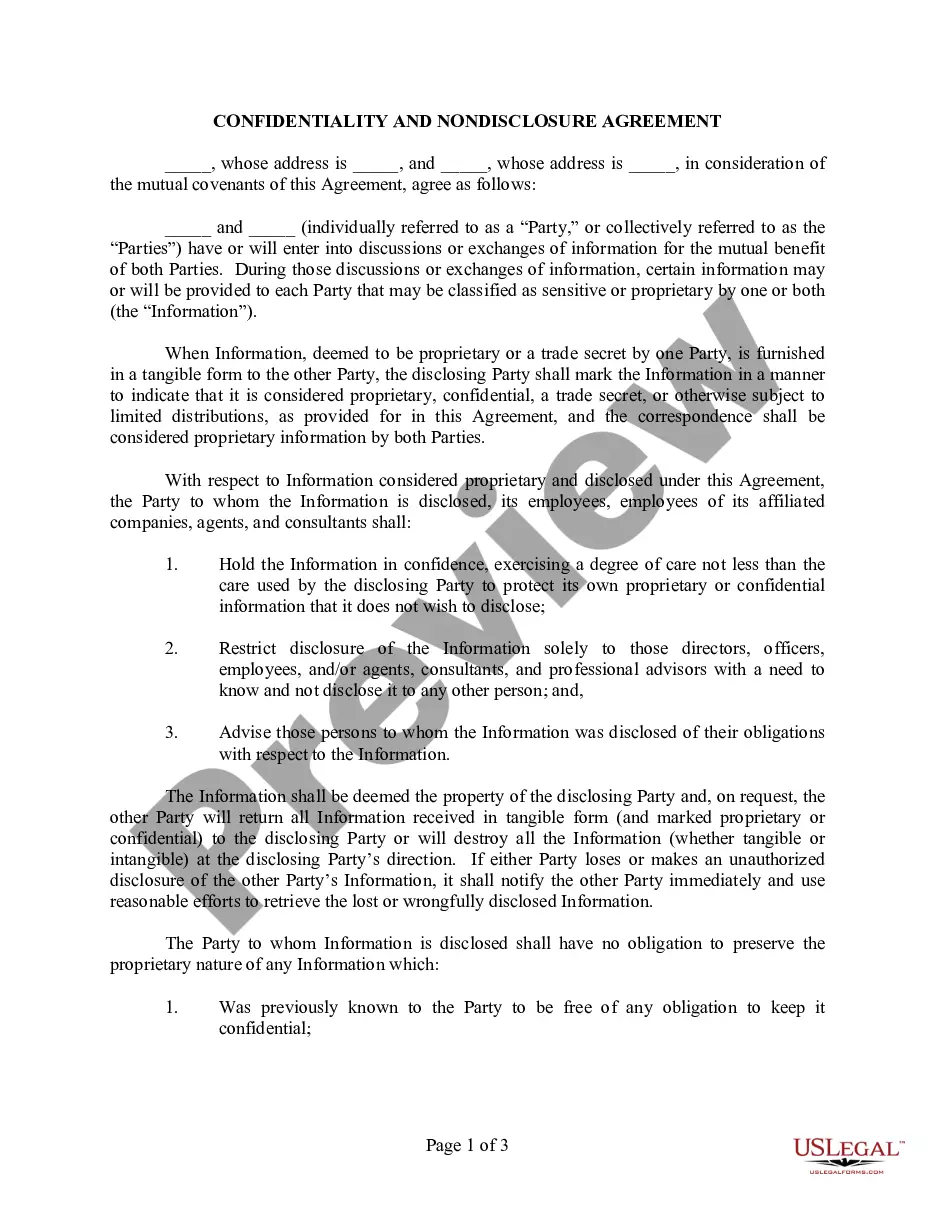
This form is used when an Owner owns and possesses proprietary information which includes, but is not limited to: data, know how, formulas, processes, designs, sketches, photographs, plans, drawings, specifications, samples, reports, customer lists, price lists, studies, findings, formulas, inventions, ideas, etc. User desires to obtain and make use of the Information with the understanding that the trade secret, confidential, and proprietary status of the Information is to be maintained.
Virgin Islands Nondisclosure Agreement Concerning Information Furnished to User
Category:
State:
Multi-State
Control #:
US-OG-194
Format:
Word;
Rich Text
Instant download
Description
Free preview

Get your form ready online
Our built-in tools help you complete, sign, share, and store your documents in one place.
Built-in online Word editor
Make edits, fill in missing information, and update formatting in US Legal Forms—just like you would in MS Word.
Export easily
Download a copy, print it, send it by email, or mail it via USPS—whatever works best for your next step.
E-sign your document
Sign and collect signatures with our SignNow integration. Send to multiple recipients, set reminders, and more. Go Premium to unlock E-Sign.
Notarize online 24/7
If this form requires notarization, complete it online through a secure video call—no need to meet a notary in person or wait for an appointment.
Store your document securely
We protect your documents and personal data by following strict security and privacy standards.

Make edits, fill in missing information, and update formatting in US Legal Forms—just like you would in MS Word.

Download a copy, print it, send it by email, or mail it via USPS—whatever works best for your next step.

Sign and collect signatures with our SignNow integration. Send to multiple recipients, set reminders, and more. Go Premium to unlock E-Sign.

If this form requires notarization, complete it online through a secure video call—no need to meet a notary in person or wait for an appointment.

We protect your documents and personal data by following strict security and privacy standards.
Looking for another form?






How to fill out Nondisclosure Agreement Concerning Information Furnished To User?
Locating the appropriate legal document template can be a challenge. Certainly, there are numerous templates accessible online, but how do you discover the legal form you require? Utilize the US Legal Forms website. The service offers thousands of templates, including the Virgin Islands Nondisclosure Agreement Regarding Information Provided to User, which you can employ for business and personal purposes. All of the forms are reviewed by professionals and comply with state and federal regulations.
If you are already registered, Log In to your account and click the Download button to retrieve the Virgin Islands Nondisclosure Agreement Regarding Information Provided to User. Use your account to check the legal forms you have purchased previously. Navigate to the My documents section of your account and obtain another copy of the document you need.
If you are a new user of US Legal Forms, here are simple instructions for you to follow: First, ensure that you have selected the correct form for your city/state. You can browse the form using the Review option and read the form details to confirm that it is the right one for you. If the form does not meet your needs, use the Search field to find the appropriate form. Once you are confident that the form is suitable, click the Get now button to acquire the form. Select the pricing plan you desire and enter the necessary information. Create your account and pay for the transaction using your PayPal account or credit card. Choose the file format and download the legal document template to your device. Complete, modify, print, and sign the received Virgin Islands Nondisclosure Agreement Regarding Information Provided to User.
Make the most of US Legal Forms to secure the legal documents you need quickly and efficiently.
- US Legal Forms is the largest repository of legal forms where you can find various document templates.
- Utilize the service to obtain professionally crafted documents that adhere to state requirements.
- The templates are designed to cater to both business and personal needs.
- Each form goes through a thorough review process by experts to ensure compliance.
- You can access your previously purchased forms easily through your account.
- The platform offers a user-friendly interface for navigating and acquiring legal documents.
Form popularity
FAQ
You may not need a lawyer to create a Virgin Islands Nondisclosure Agreement Concerning Information Furnished to User, especially if you use a reliable online service like uslegalforms. These services offer user-friendly templates that guide you through the process without requiring legal expertise. However, consulting a lawyer can provide additional assurance that the agreement fully protects your interests and complies with local laws. Ultimately, the choice depends on your comfort level and the complexity of the information involved.
To obtain a Virgin Islands Nondisclosure Agreement Concerning Information Furnished to User, you can easily access templates online through platforms like uslegalforms. These platforms often provide customizable agreements that meet legal standards in the Virgin Islands. After selecting a suitable template, you can fill in the necessary details specific to your situation. Finally, ensure both parties review and sign the document to make it legally binding.
An example of a non-disclosure agreement outlines the terms under which sensitive information is shared between parties. It typically includes the identities of the parties, a detailed description of the confidential information, and the responsibilities of the receiving party to maintain confidentiality. For your specific requirements, consider the Virgin Islands Nondisclosure Agreement Concerning Information Furnished to User, which can be easily accessed through USLegalForms.
A simple non-disclosure agreement includes basic elements such as the names of the disclosing and receiving parties, a definition of confidential information, and the obligations regarding that information. You might also include a clause about the duration of confidentiality. For specific needs, the Virgin Islands Nondisclosure Agreement Concerning Information Furnished to User can serve as a straightforward example, especially when using platforms like USLegalForms.
Filling out a non-disclosure agreement requires careful attention to detail. Begin by providing the names of the parties and the effective date of the agreement. Ensure that you outline what constitutes confidential information and the obligations of each party. For a comprehensive experience, consider using USLegalForms, which offers a tailored Virgin Islands Nondisclosure Agreement Concerning Information Furnished to User.
To fill out a nondisclosure agreement, start by clearly identifying the parties involved. Include specific details about the information being shared and the purpose of sharing that information. Make sure to specify the duration of the confidentiality obligation. Utilizing resources like USLegalForms can streamline this process, especially for the Virgin Islands Nondisclosure Agreement Concerning Information Furnished to User.
Yes, you can create your own non-disclosure agreement, but it is crucial to ensure it meets legal standards and adequately protects your interests. When drafting, include clear definitions of confidential information, obligations of the parties, and the duration of confidentiality. For a more straightforward approach, consider using a pre-made template like the Virgin Islands Nondisclosure Agreement Concerning Information Furnished to User offered by US Legal Forms, which provides a solid foundation for your agreement.
A confidentiality agreement and a nondisclosure agreement (NDA) serve similar purposes, but there are distinctions. A confidentiality agreement typically covers a broader range of information and can be used in various situations, while an NDA usually focuses specifically on protecting sensitive information shared between parties. Both agreements aim to prevent unauthorized disclosures, but the Virgin Islands Nondisclosure Agreement Concerning Information Furnished to User is tailored for specific scenarios and legal contexts.
It is not advisable to enter NDA information into ChatGPT or any other AI tool. Sharing sensitive information can lead to unintended disclosure, violating the terms of your Virgin Islands Nondisclosure Agreement Concerning Information Furnished to User. Always prioritize confidentiality and share sensitive data only with trusted parties. If you need guidance on managing your NDA, consult legal resources or professionals.
Filling a confidentiality and non-disclosure agreement involves clearly stating the names of the parties, the purpose of sharing information, and the type of information to be kept confidential. Make sure to include the duration for which the agreement remains in effect and any exceptions to confidentiality. Review the document carefully to ensure all terms are clear and mutually understood. Using a Virgin Islands Nondisclosure Agreement Concerning Information Furnished to User can simplify this process with pre-filled clauses.