Virgin Islands Picture and Name Release
Description
Get your form ready online
Our built-in tools help you complete, sign, share, and store your documents in one place.
Make edits, fill in missing information, and update formatting in US Legal Forms—just like you would in MS Word.
Download a copy, print it, send it by email, or mail it via USPS—whatever works best for your next step.
Sign and collect signatures with our SignNow integration. Send to multiple recipients, set reminders, and more. Go Premium to unlock E-Sign.
If this form requires notarization, complete it online through a secure video call—no need to meet a notary in person or wait for an appointment.
We protect your documents and personal data by following strict security and privacy standards.

Make edits, fill in missing information, and update formatting in US Legal Forms—just like you would in MS Word.

Download a copy, print it, send it by email, or mail it via USPS—whatever works best for your next step.

Sign and collect signatures with our SignNow integration. Send to multiple recipients, set reminders, and more. Go Premium to unlock E-Sign.

If this form requires notarization, complete it online through a secure video call—no need to meet a notary in person or wait for an appointment.

We protect your documents and personal data by following strict security and privacy standards.
Looking for another form?







How to fill out Picture And Name Release?
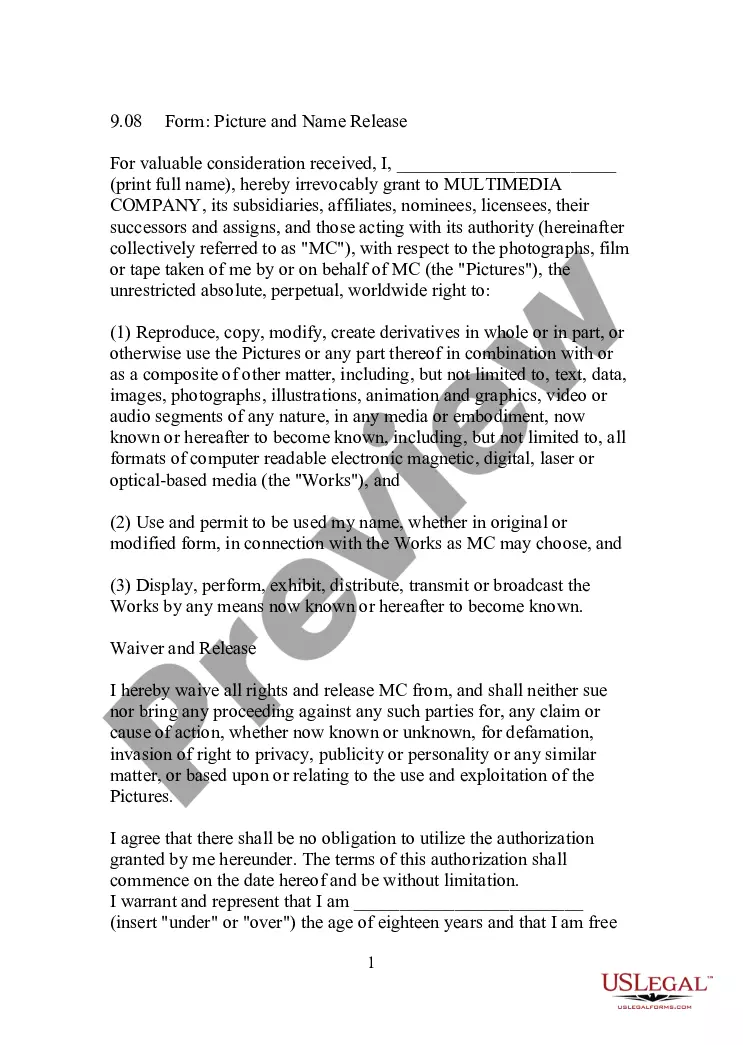
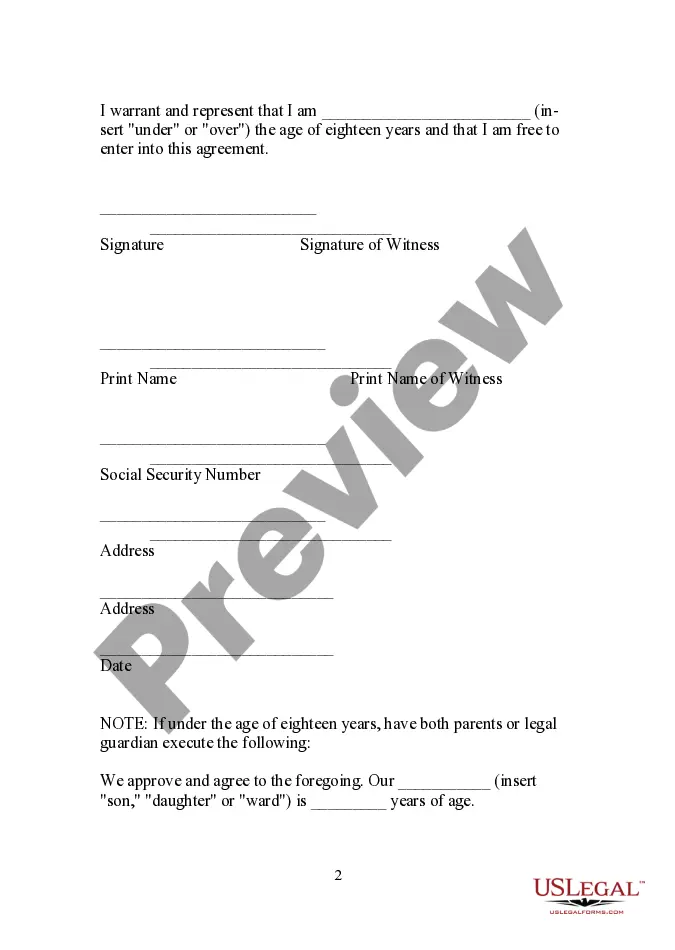
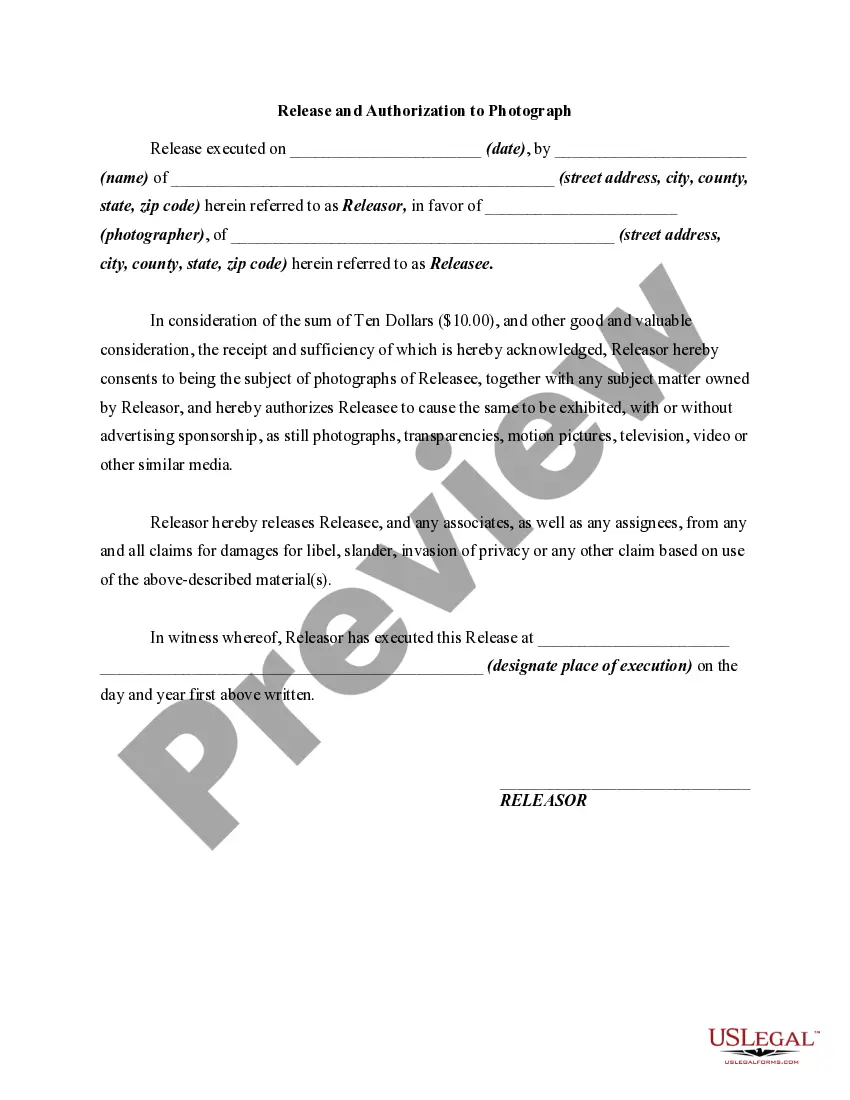
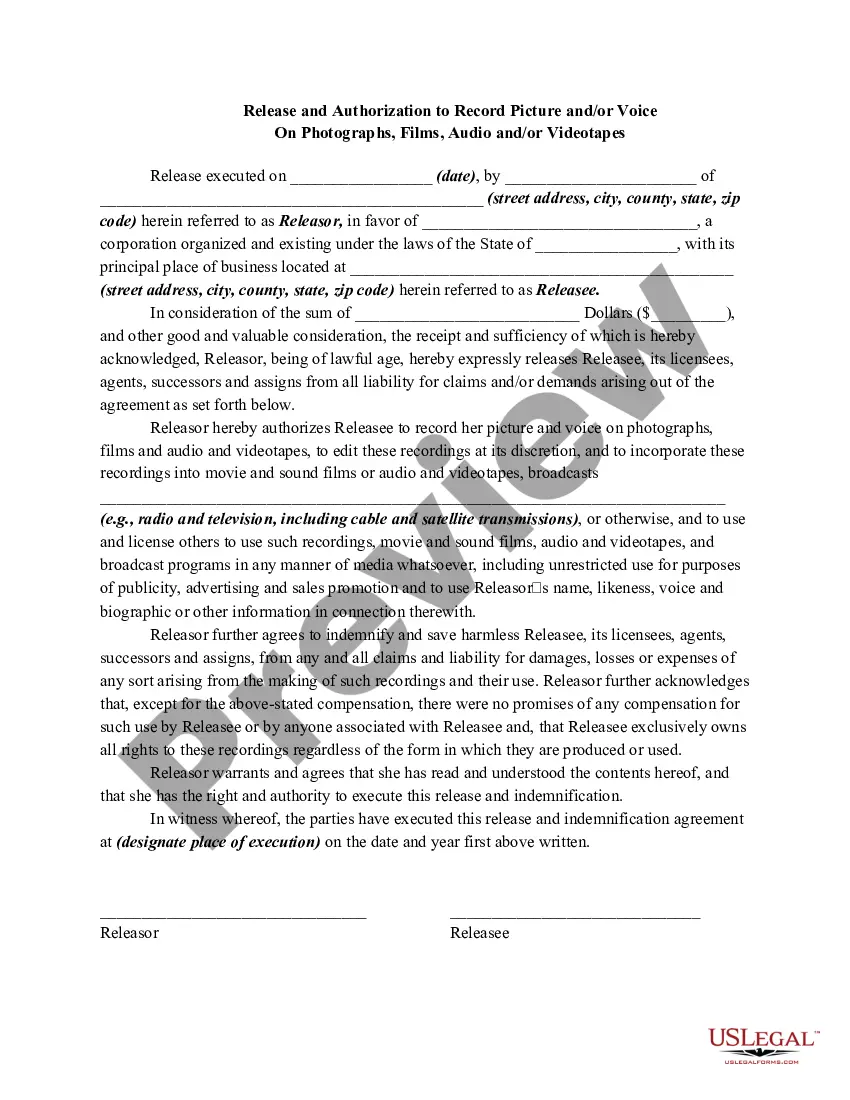
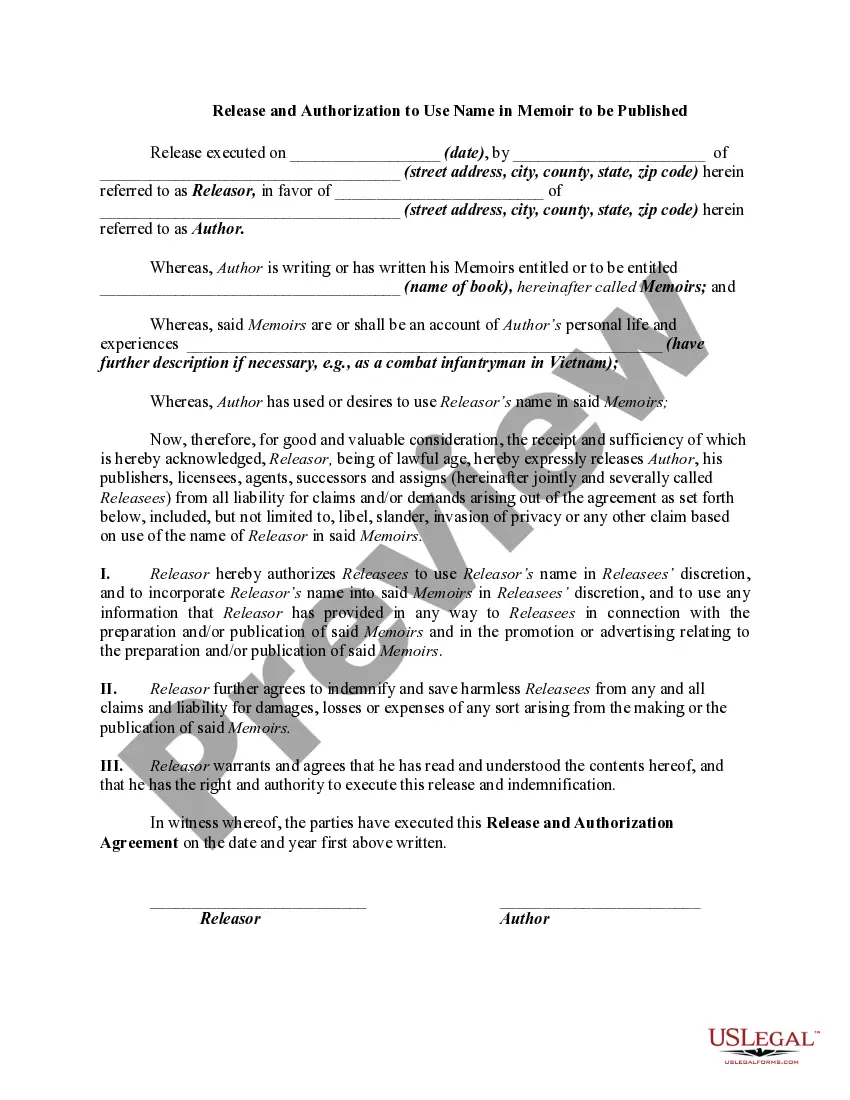
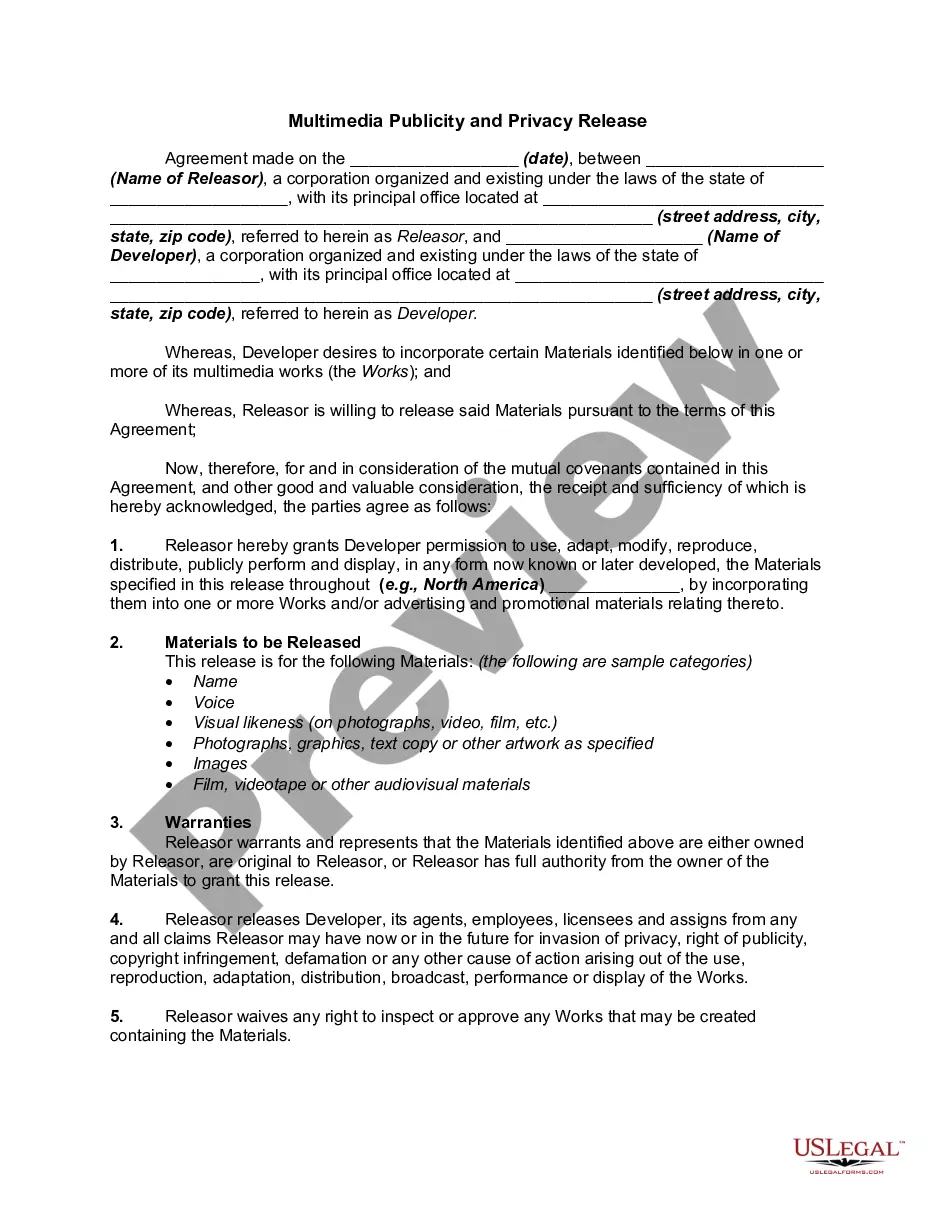
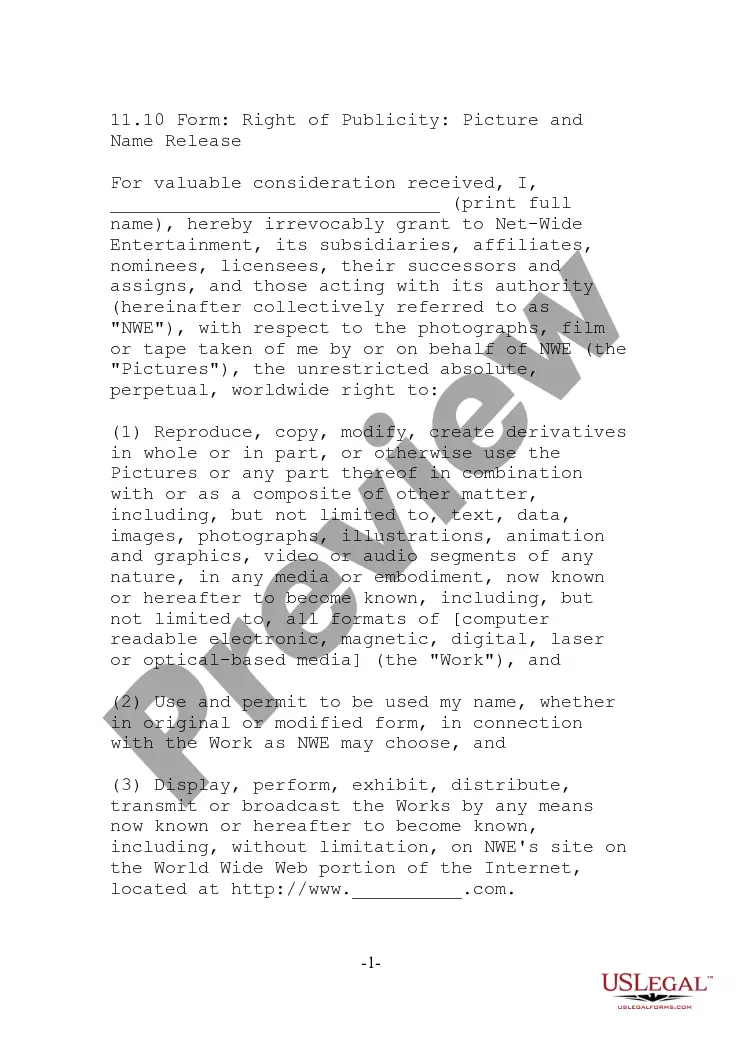
Choosing the right lawful document web template can be quite a have a problem. Obviously, there are a lot of themes available on the net, but how would you get the lawful form you want? Utilize the US Legal Forms site. The services provides a huge number of themes, including the Virgin Islands Picture and Name Release, that you can use for enterprise and personal requirements. Each of the kinds are inspected by pros and satisfy state and federal requirements.
In case you are already authorized, log in to the profile and click on the Download switch to find the Virgin Islands Picture and Name Release. Make use of your profile to look through the lawful kinds you possess purchased earlier. Visit the My Forms tab of your respective profile and get another copy in the document you want.
In case you are a brand new end user of US Legal Forms, listed below are simple directions that you can follow:
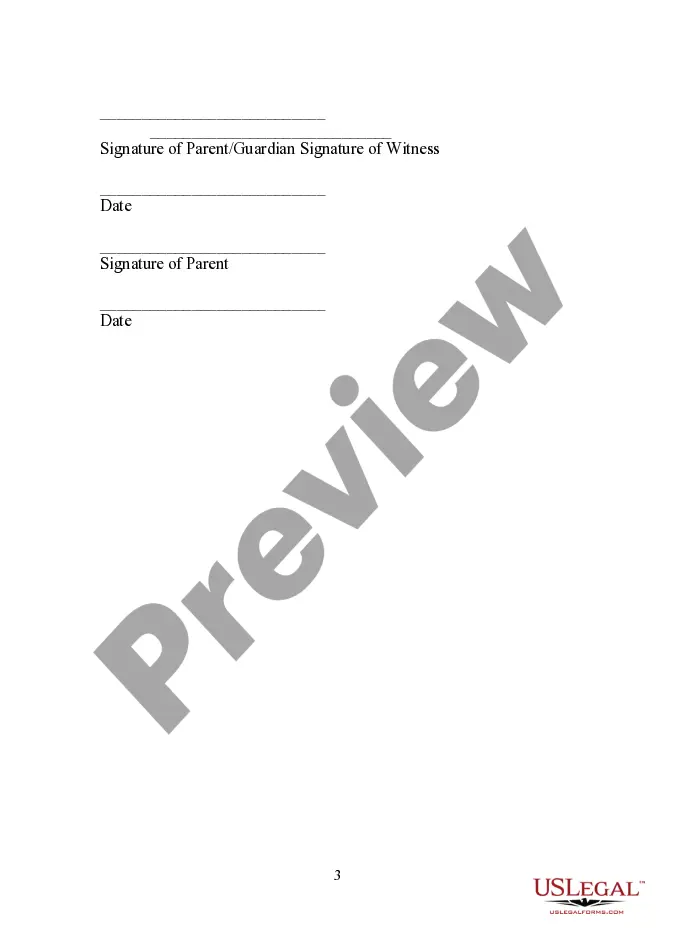
- Initial, make certain you have selected the proper form for your area/state. It is possible to look through the shape using the Preview switch and browse the shape outline to make certain this is basically the right one for you.
- In the event the form is not going to satisfy your needs, use the Seach industry to obtain the appropriate form.
- Once you are certain the shape is suitable, select the Buy now switch to find the form.
- Select the pricing strategy you need and type in the needed information. Build your profile and buy the transaction making use of your PayPal profile or bank card.
- Select the submit formatting and acquire the lawful document web template to the gadget.
- Total, edit and produce and sign the attained Virgin Islands Picture and Name Release.
US Legal Forms may be the most significant catalogue of lawful kinds where you can see a variety of document themes. Utilize the company to acquire expertly-produced paperwork that follow status requirements.
Form popularity
FAQ
To ensure the privacy of individuals and children, images will not be identified using full names or personal identifying information without written approval from the photographed subject, parent, or legal guardian.
I hereby grant permission to (your library's name) to use photographs and/or video of me taken on (date) at (location) in publications, news releases, online, and in other communications related to the mission of (your library or institution's name). Thank you!
What Information to Include in a Release Form Names. Names of both parties should be included in a photo release to properly identify who is either granting or receiving permission to use the photos. Terms. ... Description of the shoot. ... Agreement statement. ... Dated signature.
I understand that my image may be edited, copied, exhibited, published or distributed and waive the right to inspect or approve the finished product wherein my likeness appears. Additionally, I waive any right to royalties or other compensation arising or related to the use of my image or recording.
You should use a photo release consent form any time you plan on using an image for commercial purposes. In other words, if your picture is going to generate money ? even indirectly for marketing or sales purposes ? you need a release form.
Information to include. While there's no exact template, include at least the following: Names of both parties and whether they're giving or receiving permission to use the photo. Brief description of the images, the photographer, and the date.