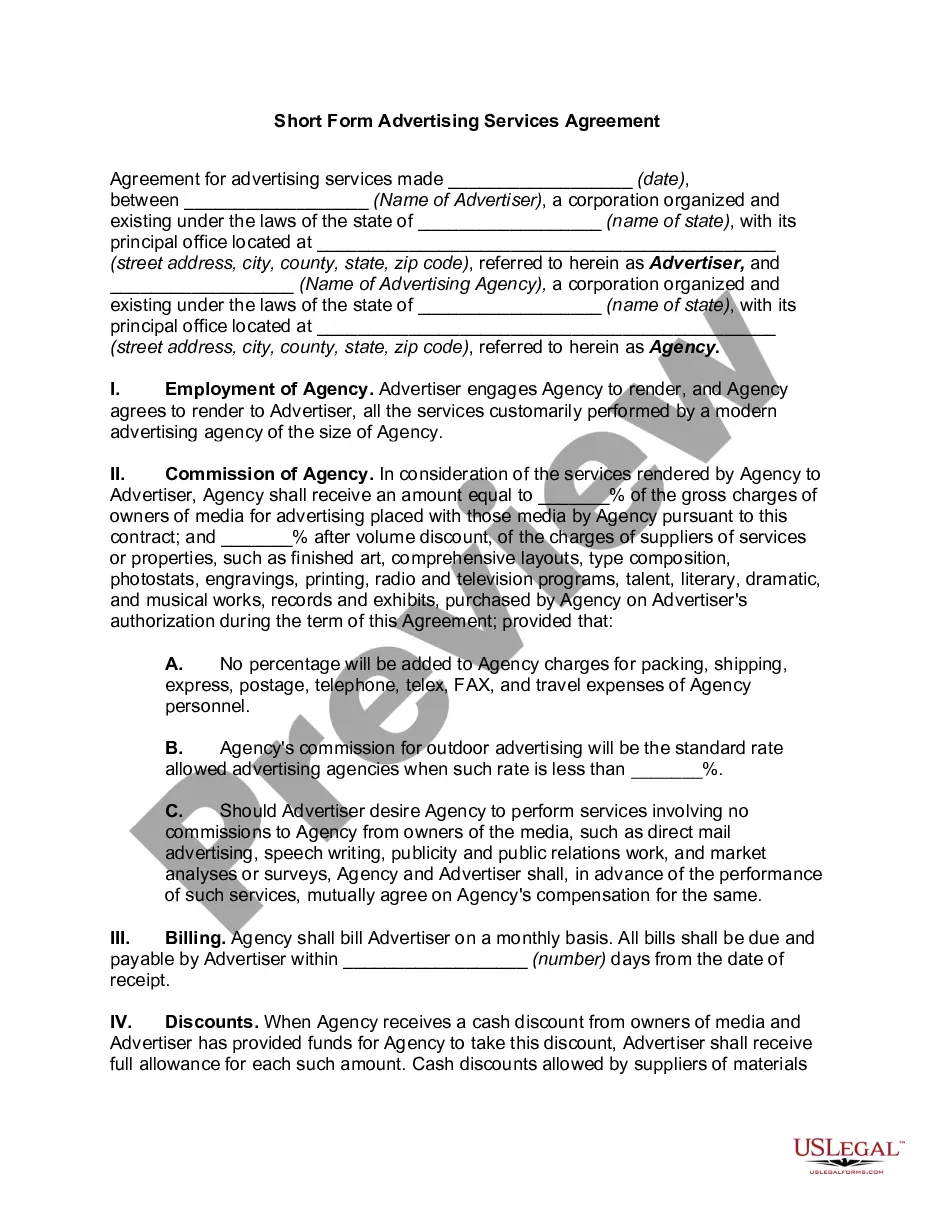
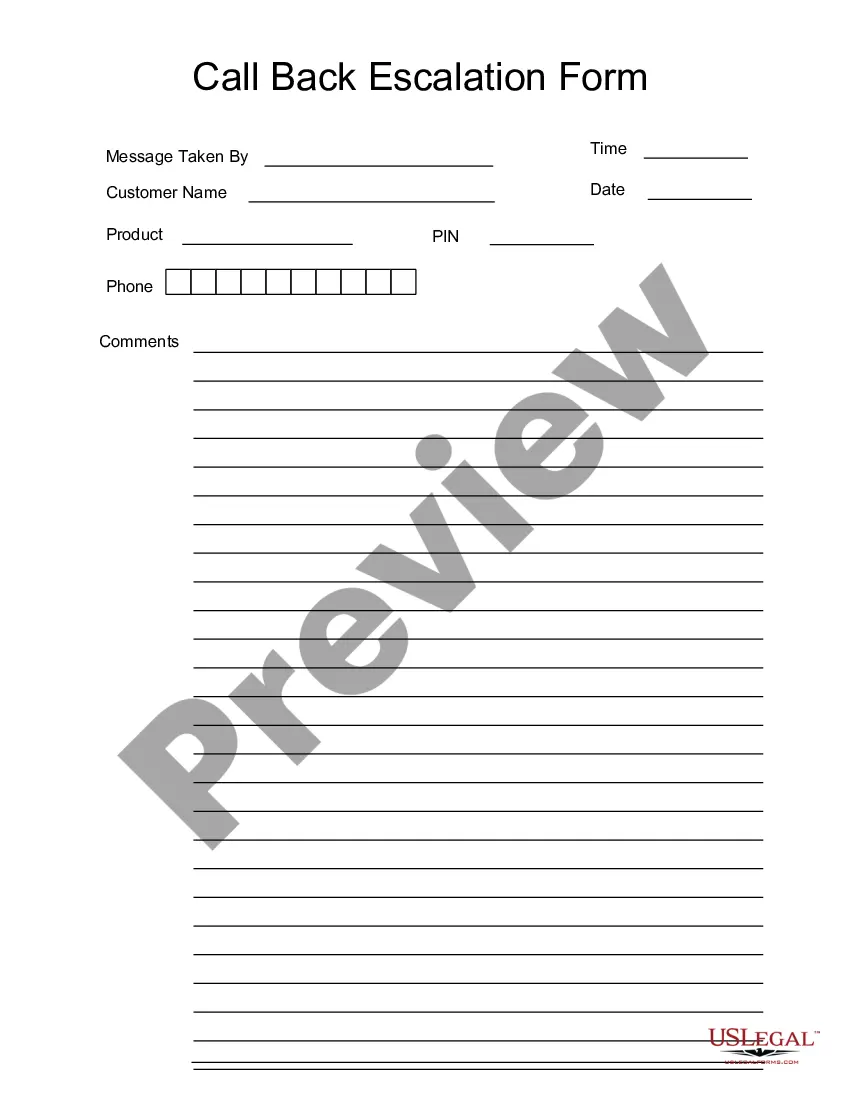
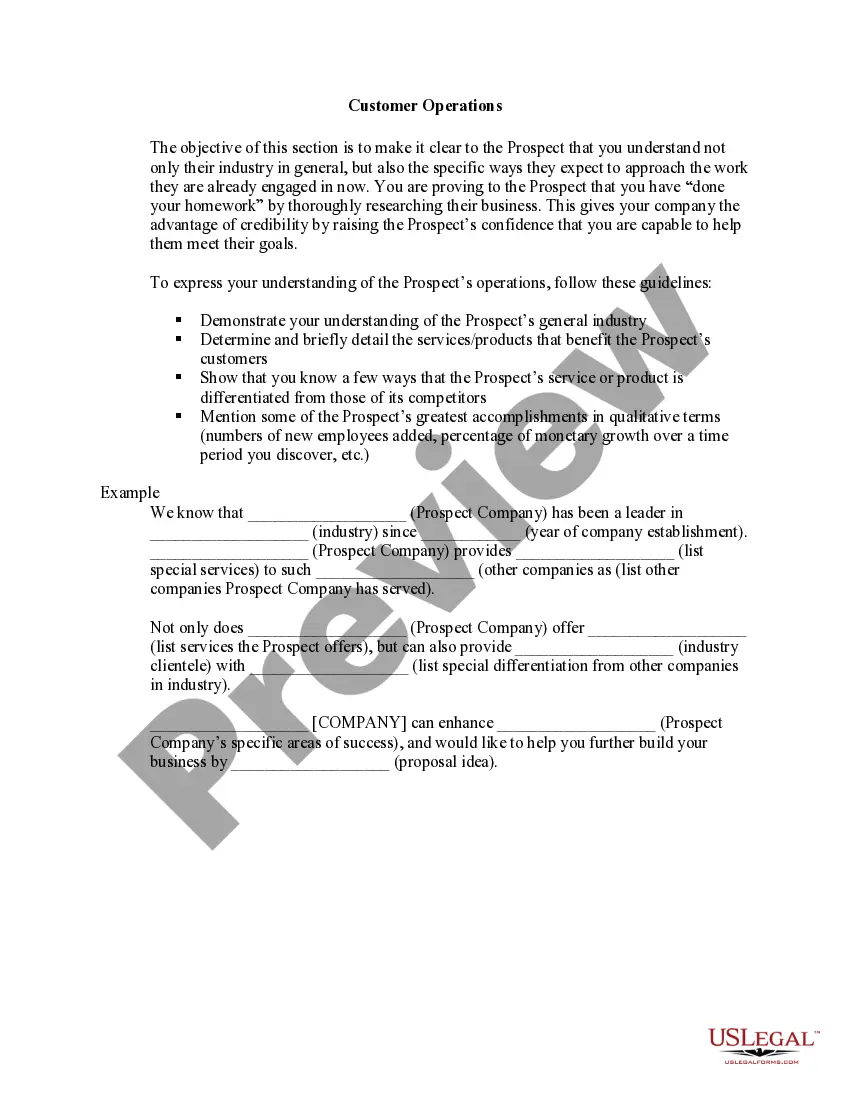
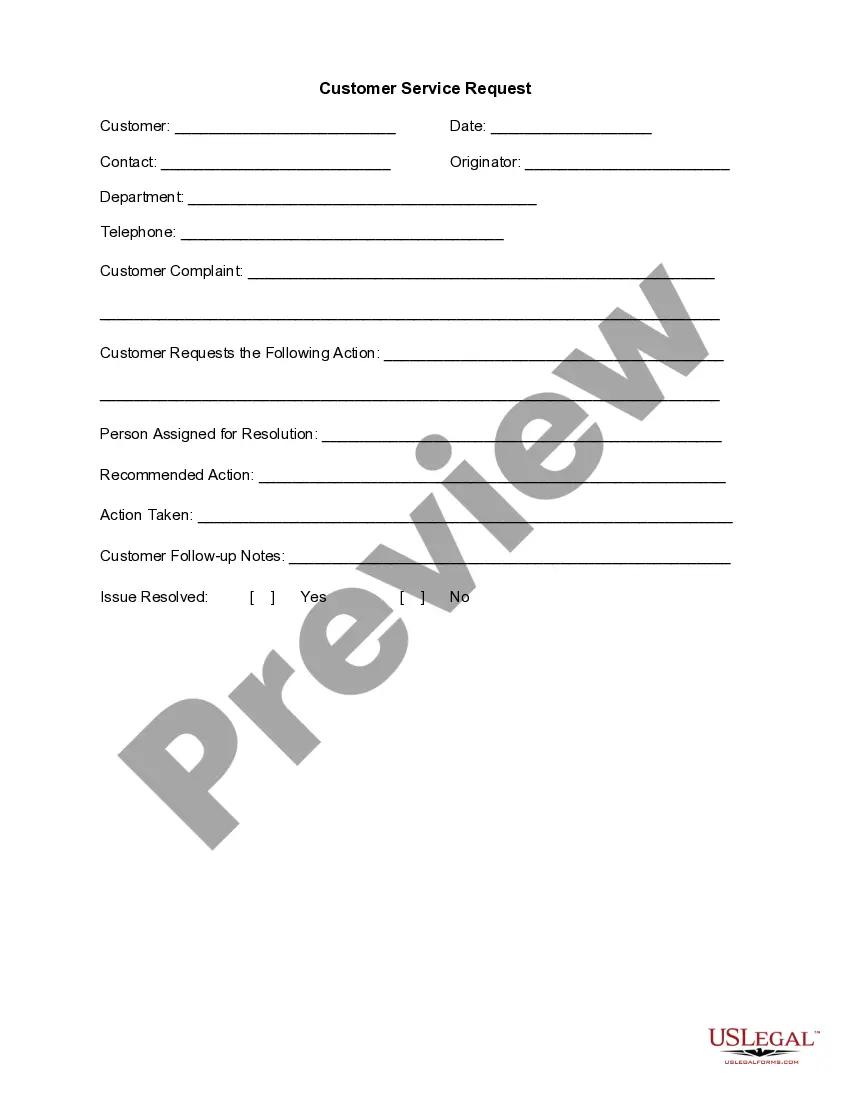
This form is a business type form that is formatted to allow you to complete the form using Adobe Acrobat or Word. The word files have been formatted to allow completion by entry into fields. Some of the forms under this category are rather simple while others are more complex. The formatting is worth the small cost.
Virgin Islands Call Back Escalation Form
Category:
State:
Multi-State
Control #:
US-125-AZ
Format:
Word;
PDF;
Rich Text
Instant download
Description
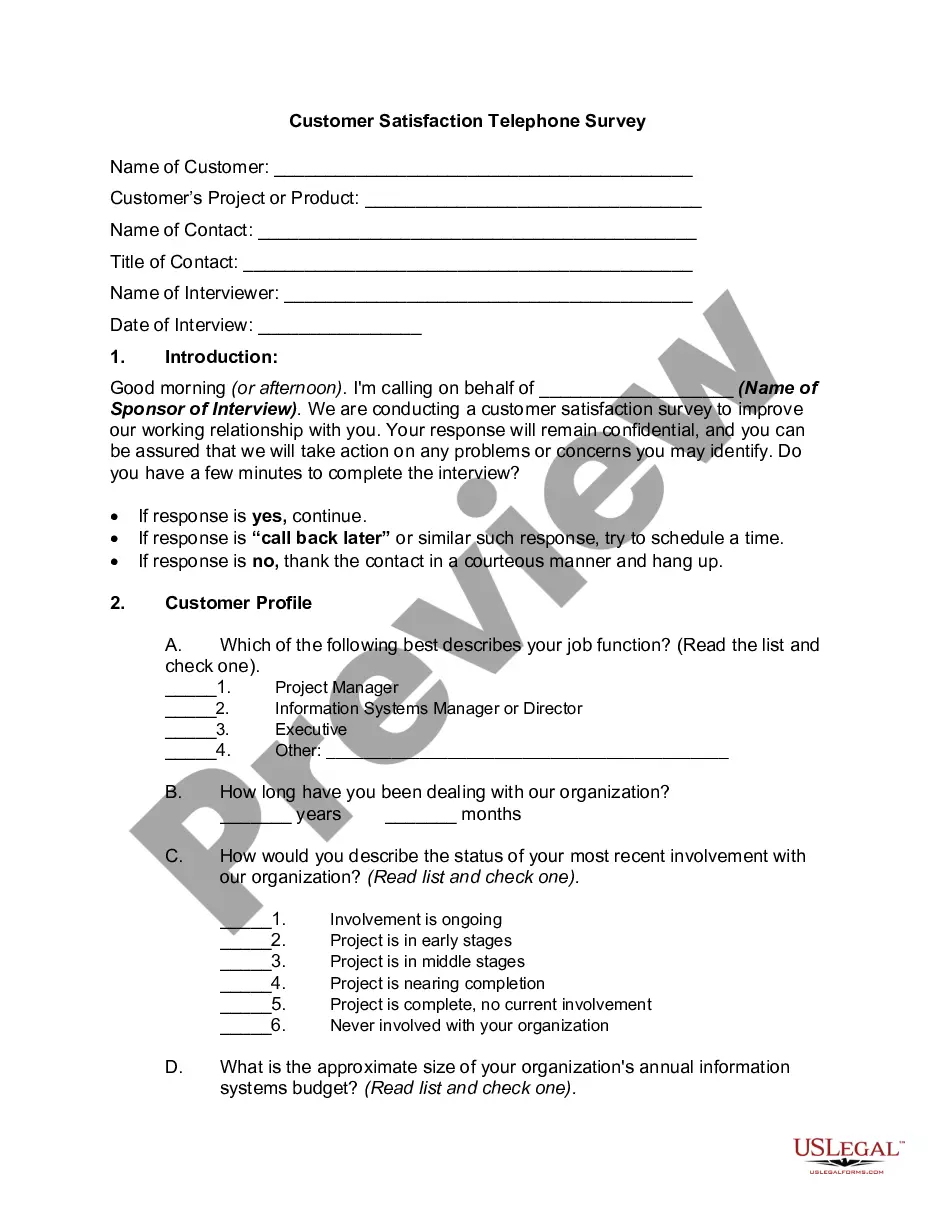
Get your form ready online
Our built-in tools help you complete, sign, share, and store your documents in one place.
Built-in online Word editor
Make edits, fill in missing information, and update formatting in US Legal Forms—just like you would in MS Word.
Export easily
Download a copy, print it, send it by email, or mail it via USPS—whatever works best for your next step.
E-sign your document
Sign and collect signatures with our SignNow integration. Send to multiple recipients, set reminders, and more. Go Premium to unlock E-Sign.
Notarize online 24/7
If this form requires notarization, complete it online through a secure video call—no need to meet a notary in person or wait for an appointment.
Store your document securely
We protect your documents and personal data by following strict security and privacy standards.

Make edits, fill in missing information, and update formatting in US Legal Forms—just like you would in MS Word.

Download a copy, print it, send it by email, or mail it via USPS—whatever works best for your next step.

Sign and collect signatures with our SignNow integration. Send to multiple recipients, set reminders, and more. Go Premium to unlock E-Sign.

If this form requires notarization, complete it online through a secure video call—no need to meet a notary in person or wait for an appointment.

We protect your documents and personal data by following strict security and privacy standards.
Looking for another form?



How to fill out Call Back Escalation Form?
If you need exhaustive, obtain, or generate legal document templates, utilize US Legal Forms, the most significant assortment of legal forms, accessible online.
Employ the site’s straightforward and convenient search feature to find the documents you need.
A range of templates for business and personal purposes are organized by categories and regions, or keywords.
Step 5. Complete the payment process. You can use your credit card or PayPal account to finalize the transaction.
Step 6. Locate the template of the legal form and download it to your device. Step 7. Complete, edit and print or sign the Virgin Islands Call Back Escalation Form. Every legal template you purchase is yours permanently. You have access to all forms you saved in your account. Check the My documents section and select a form to print or download again. Compete and acquire, and print the Virgin Islands Call Back Escalation Form with US Legal Forms. There are countless professional and state-specific templates you can use for your business or personal needs.
- Use US Legal Forms to access the Virgin Islands Call Back Escalation Form in just a few clicks.
- If you are already a US Legal Forms user, Log In to your account and click on the Download button to obtain the Virgin Islands Call Back Escalation Form.
- You can also retrieve forms you previously saved from the My documents section of your account.
- If you are using US Legal Forms for the first time, follow the steps outlined below.
- Step 1. Verify that you have selected the form for the correct state/country.
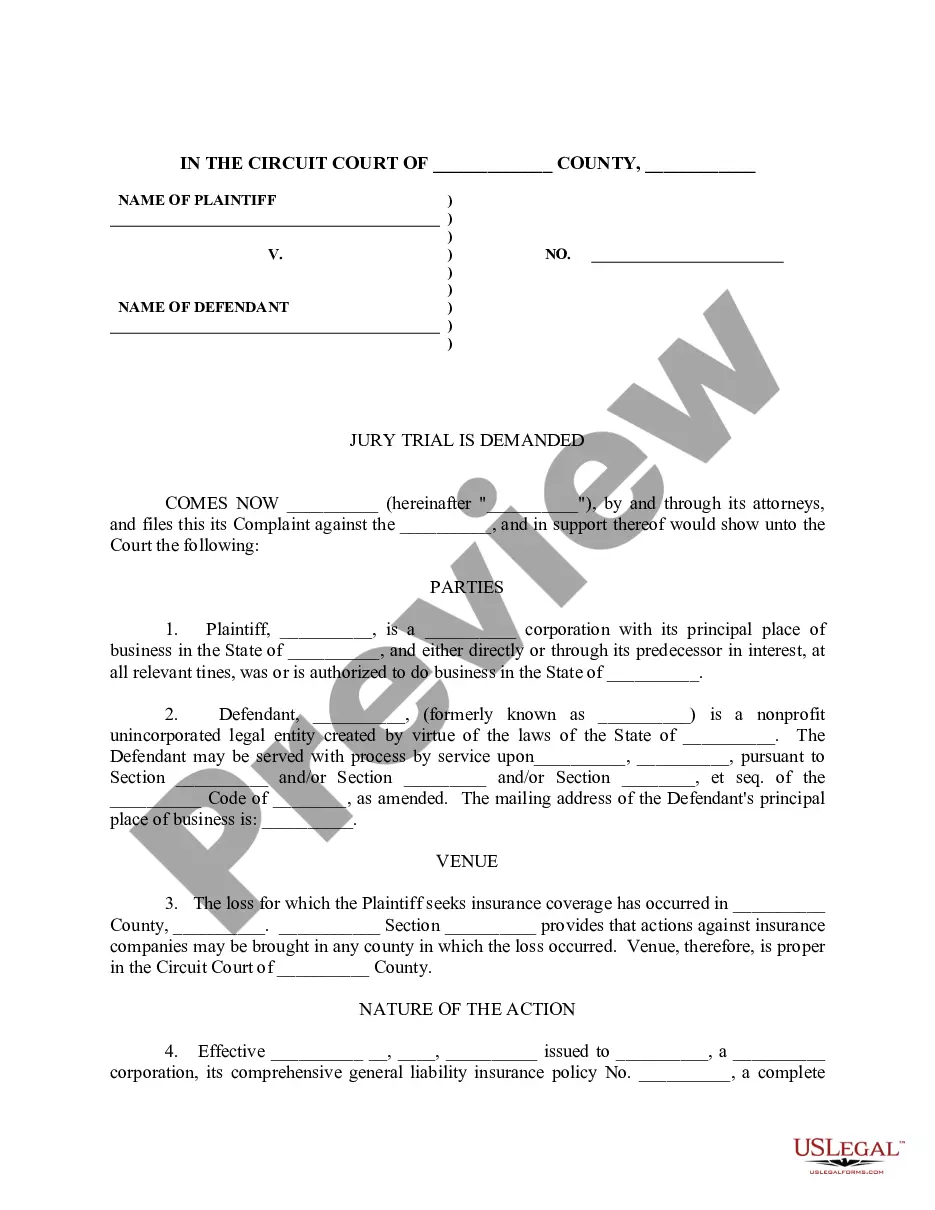
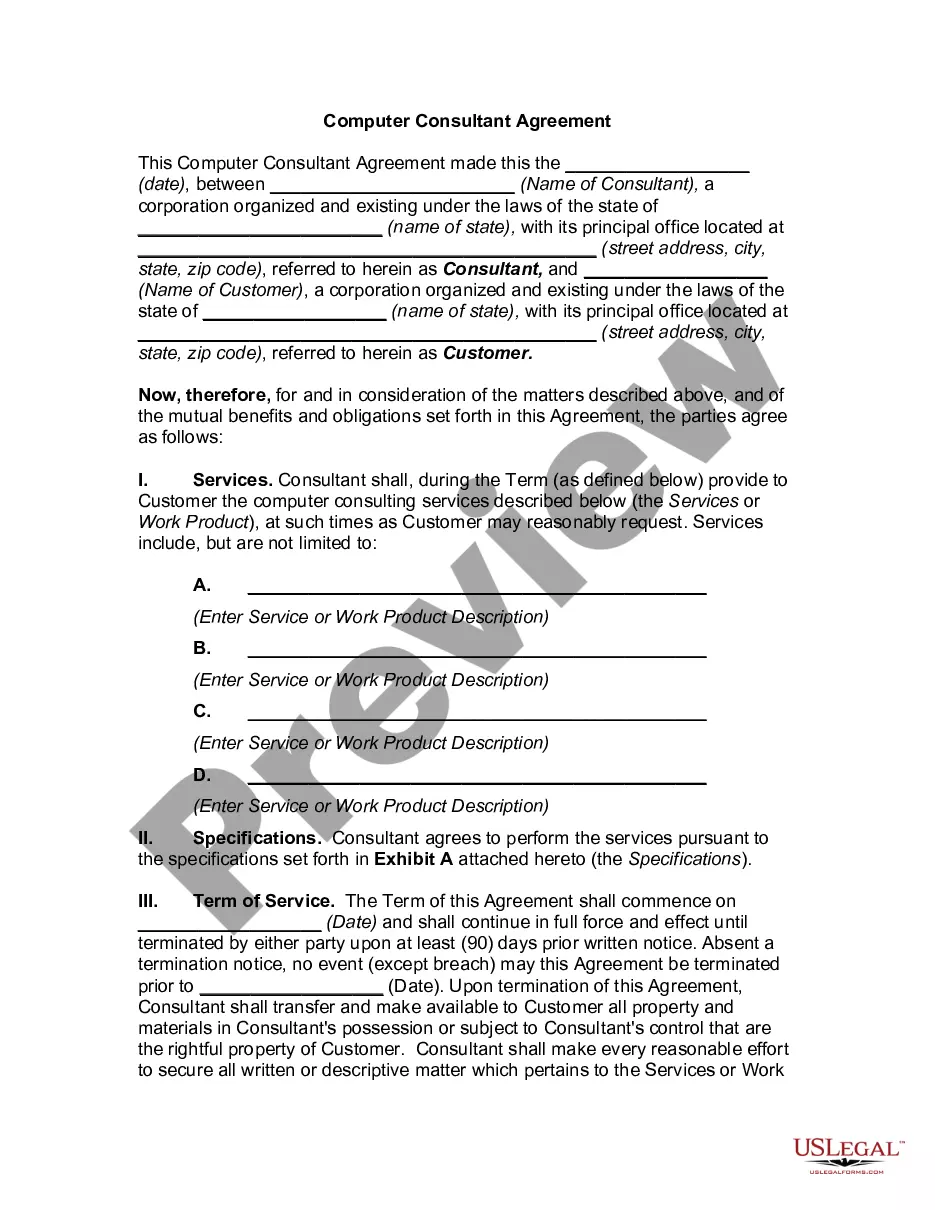
- Step 2. Use the Preview option to review the form's content. Don’t forget to check the description.
- Step 3. If you are dissatisfied with the form, utilize the Search field at the top of the screen to find alternative versions of the legal form template.
- Step 4. Once you have found the form you want, click the Purchase now button. Choose the pricing plan you prefer and provide your details to register for an account.
Form popularity
FAQ
Call our Royal Customer Service Team at 800-256-6649 (24 hours / 7 days a week). Submit an online cancelation using our online form.
Enter your My Virgin Media sign in details at mail2.virginmedia.com and go to Compose. Type your message. Use the toolbar options to change your formatting, font or text colour, as well as the Attachments button to add files (documents, photos) to your email from your device.
Call us from a textphone on 18001 0345 454 1111. Or you can get in touch through a sign language interpreter for Video Relay Service, 7 days a week from 8am until midnight.
Report your issue or complaint with Royal Caribbean by contacting its Post Cruise Guest Relations department. Call 800/256-6649 (514/285-9723 for outside the U.S.). If you prefer written complaints, email it or send a letter to Post Cruise Guest Relations at 1050 Caribbean Way, Miami, FL 33132.
If you want to make reservations, make custom air arrangements or have post-cruise questions, contact 1800 754500. If you'd like to speak with a customer service representative, call 1800 754 500. If you're in the media and need information, contact our Corporate Communications department.
Please email RoyalCustomerServiceUK@rccl.com to send us details of your concerns or call us on 0344 493 4005. Our team will review your points with you and escalate through our management team if they're unable to fix things for you.
How to escalate a customer complaintComplain without delay, preferably in person. When it comes to customer service, there's no time like the present.Research their complaints process.Give them a call.Leave a review.Take to social media.Consider escalating internally.Get the law on your side.
We always aim to resolve complaints in the first instance and respond within 7 days, but this isn't as quick as calling us. In some cases, it can take up to 28 days. This depends on the issues you've raised, as we always try to give your comments the attention they deserve.
INTERNATIONAL OFFICESPhone+1-305-341-0204.E-mail: reservasint2@rccl.com.
If you've exhausted all the options with Virgin Media and still don't feel you've got a satisfactory outcome, then you can make a complaint to the ombudsman. Each broadband provider uses one of two ombudsman services; for complaints about Virgin, you need to contact CISAS.