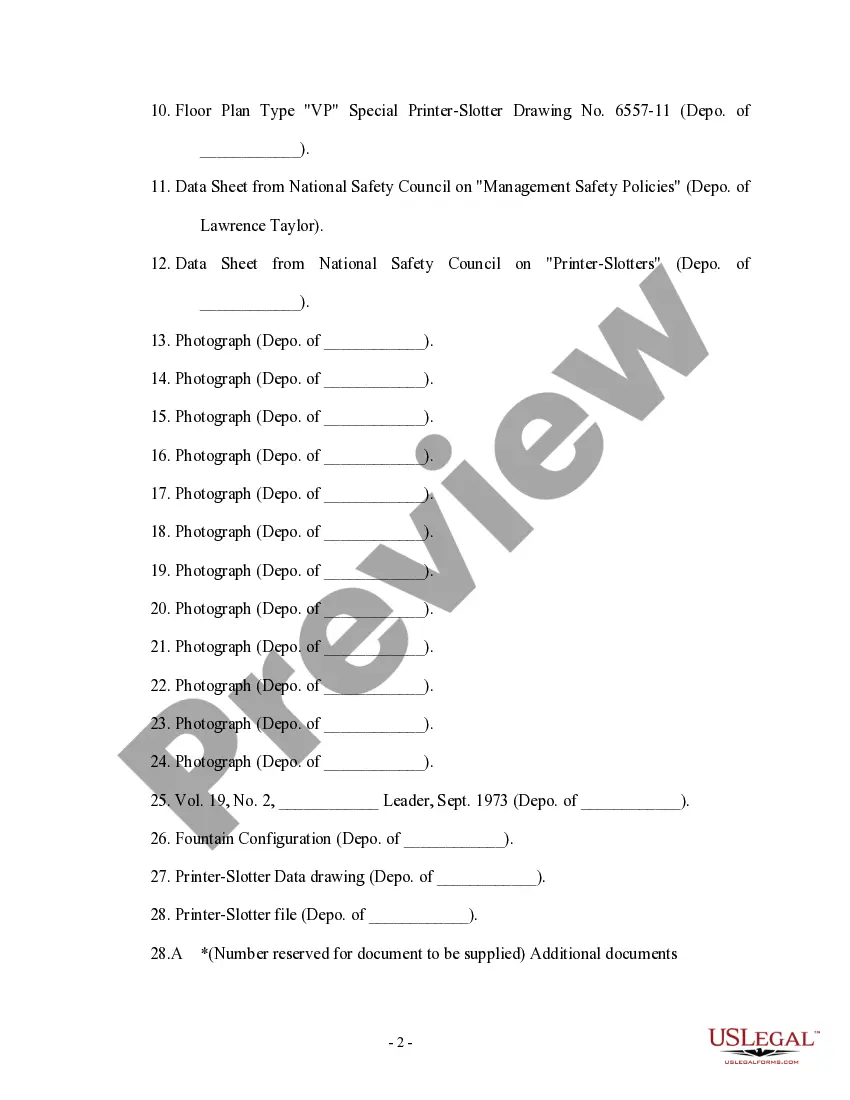
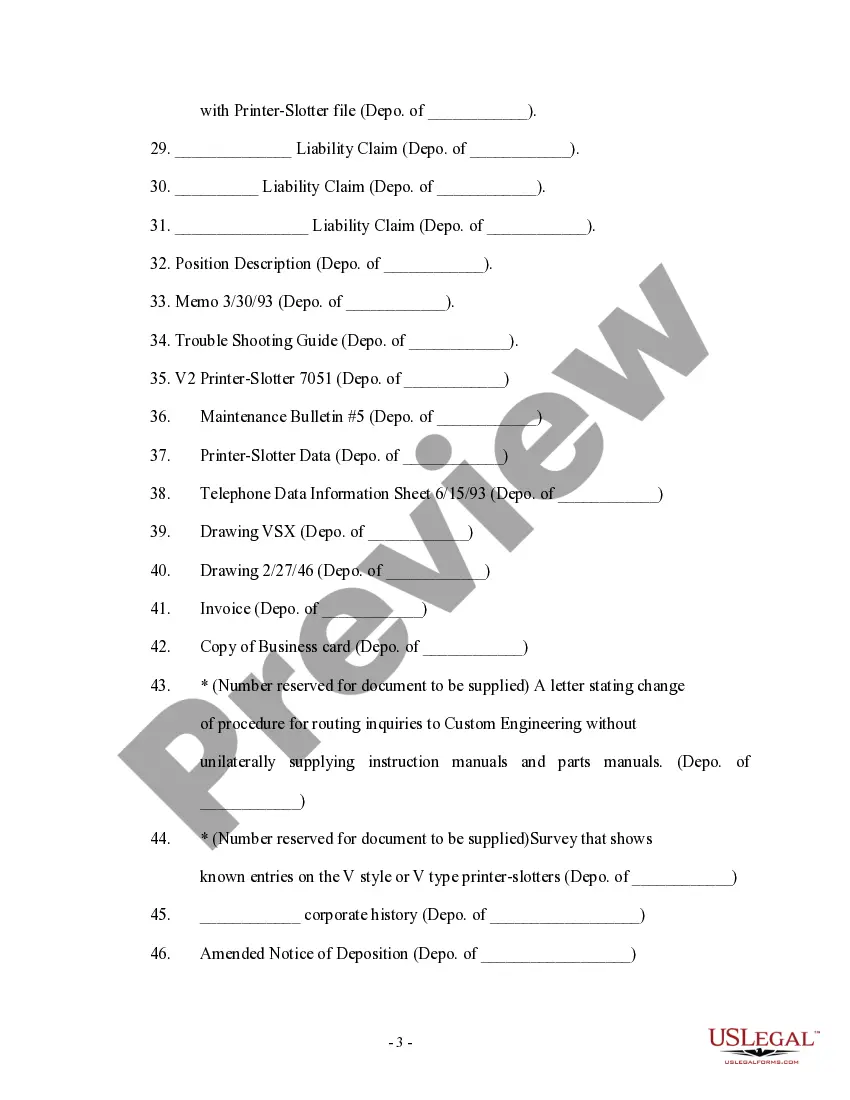
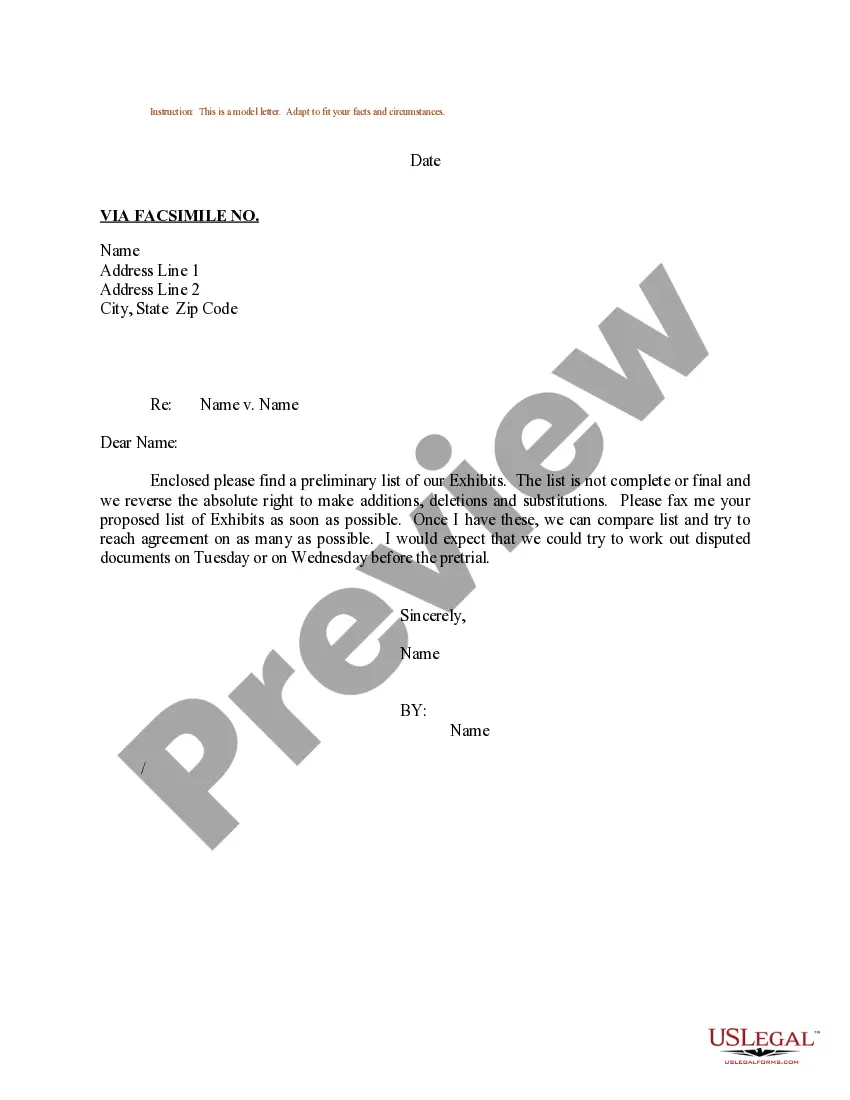
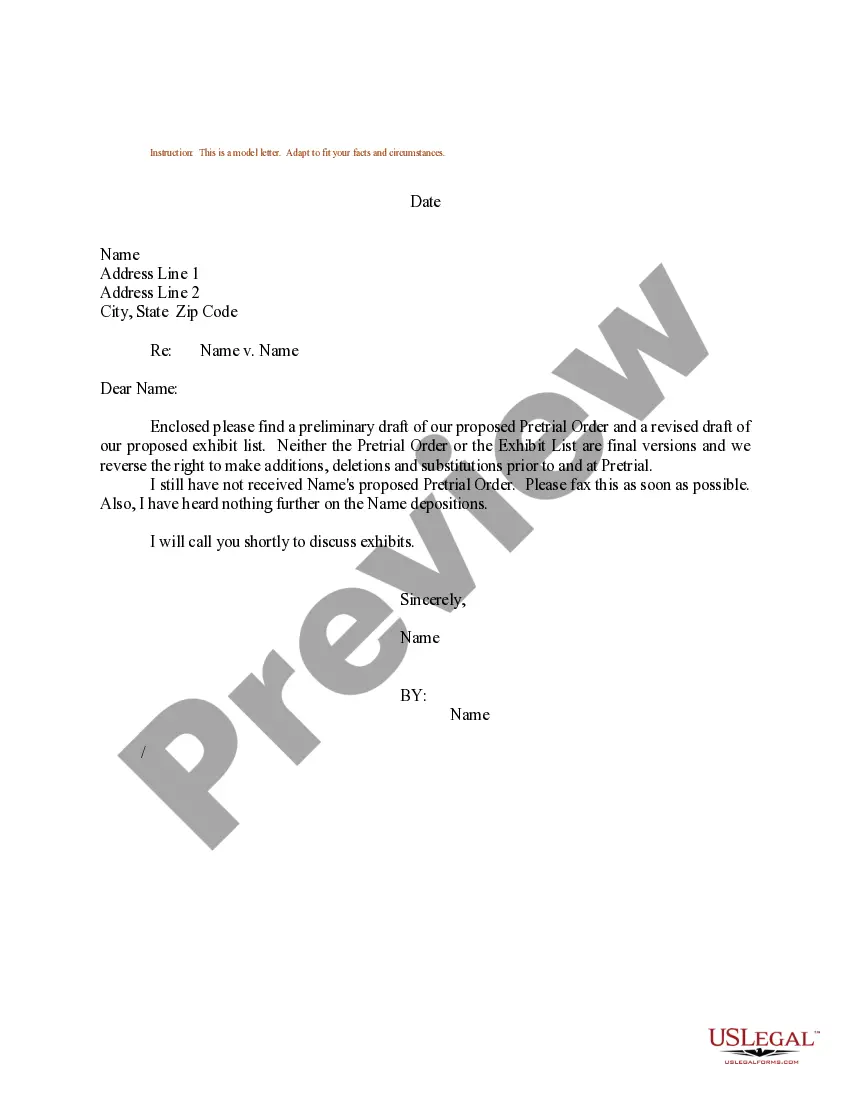
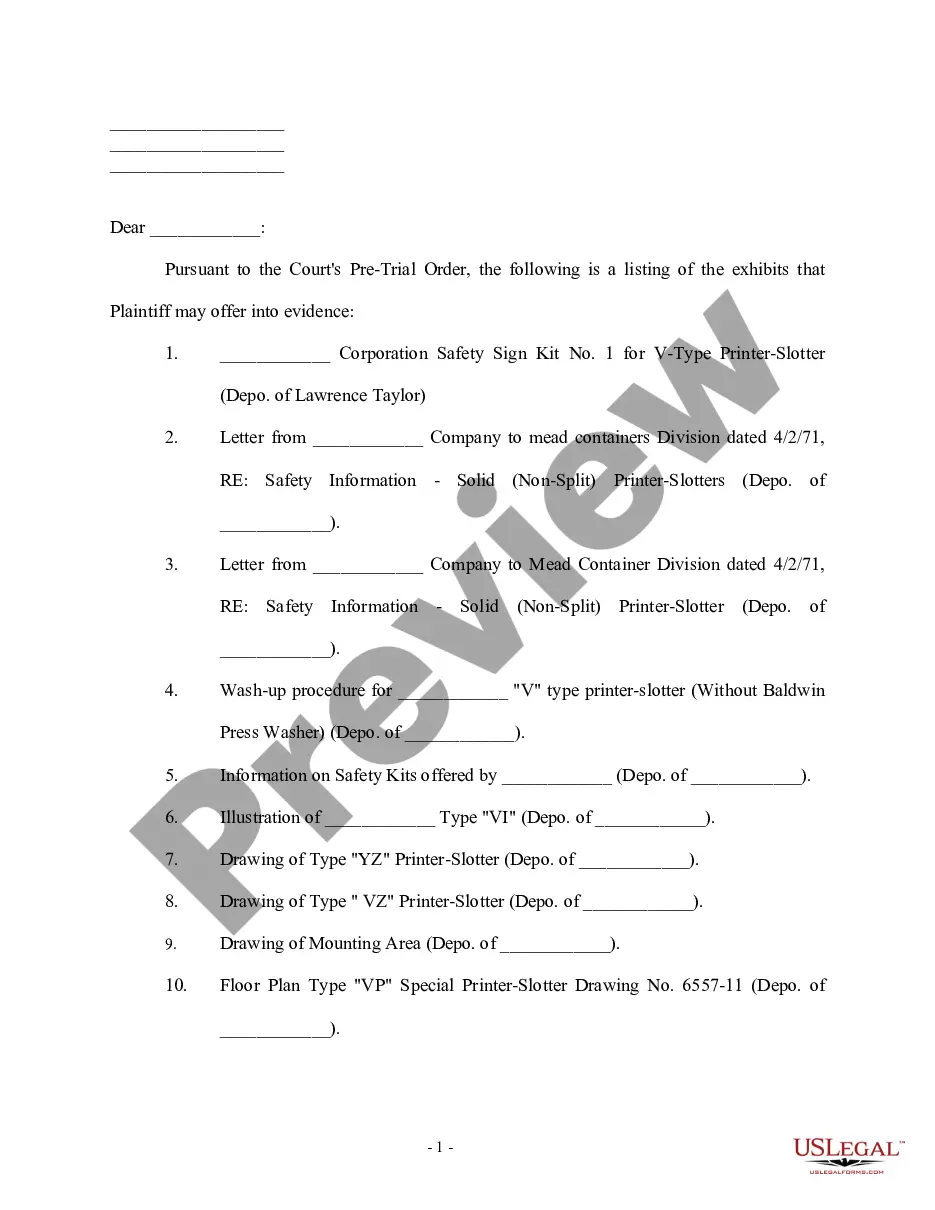
Virgin Islands Sample Letter for Anticipated Exhibits to be Offered at Trial
Description
Get your form ready online
Our built-in tools help you complete, sign, share, and store your documents in one place.
Make edits, fill in missing information, and update formatting in US Legal Forms—just like you would in MS Word.
Download a copy, print it, send it by email, or mail it via USPS—whatever works best for your next step.
Sign and collect signatures with our SignNow integration. Send to multiple recipients, set reminders, and more. Go Premium to unlock E-Sign.
If this form requires notarization, complete it online through a secure video call—no need to meet a notary in person or wait for an appointment.
We protect your documents and personal data by following strict security and privacy standards.

Make edits, fill in missing information, and update formatting in US Legal Forms—just like you would in MS Word.

Download a copy, print it, send it by email, or mail it via USPS—whatever works best for your next step.

Sign and collect signatures with our SignNow integration. Send to multiple recipients, set reminders, and more. Go Premium to unlock E-Sign.

If this form requires notarization, complete it online through a secure video call—no need to meet a notary in person or wait for an appointment.

We protect your documents and personal data by following strict security and privacy standards.
Looking for another form?


How to fill out Sample Letter For Anticipated Exhibits To Be Offered At Trial?
You are able to invest time on the Internet searching for the lawful papers web template that meets the state and federal requirements you require. US Legal Forms offers 1000s of lawful varieties that happen to be examined by specialists. It is possible to acquire or printing the Virgin Islands Sample Letter for Anticipated Exhibits to be Offered at Trial from the assistance.
If you currently have a US Legal Forms bank account, you can log in and click on the Obtain button. Following that, you can comprehensive, revise, printing, or indicator the Virgin Islands Sample Letter for Anticipated Exhibits to be Offered at Trial. Each and every lawful papers web template you get is your own eternally. To obtain another copy for any bought type, check out the My Forms tab and click on the related button.
If you use the US Legal Forms site for the first time, keep to the basic instructions beneath:
- Initial, ensure that you have chosen the right papers web template to the area/city of your liking. Look at the type information to make sure you have picked the proper type. If readily available, use the Preview button to search with the papers web template also.
- In order to locate another variation of the type, use the Look for discipline to get the web template that meets your needs and requirements.
- Once you have found the web template you would like, click Buy now to carry on.
- Choose the pricing program you would like, type in your references, and sign up for a merchant account on US Legal Forms.
- Total the purchase. You should use your charge card or PayPal bank account to pay for the lawful type.
- Choose the file format of the papers and acquire it to the system.
- Make changes to the papers if necessary. You are able to comprehensive, revise and indicator and printing Virgin Islands Sample Letter for Anticipated Exhibits to be Offered at Trial.
Obtain and printing 1000s of papers layouts making use of the US Legal Forms Internet site, which offers the biggest variety of lawful varieties. Use skilled and express-specific layouts to deal with your company or specific demands.
Form popularity
FAQ
Label them so they are identifiable (ex. Exhibit A, B, C, etc) Mention them in the text of the motions (ex. Attached hereto as Exhibit A is a letter Defendant received from Plaintiff and which shows?"
Many paralegals know the correct way to assign letters for exhibits. The first 26 exhibits are easy, EX-A through EX-Z, and the next exhibit is also usually correct, EX-AA, but it's after that where things can go awry. The 28th exhibit should be EX-AB (not EX-BB) followed by EX-AC, EX-AD, EX-AE, EX-AF and so on.
(f) Format of exhibits (1) An index of exhibits must be provided. The index must briefly describe the exhibit and identify the exhibit number or letter and page number.
Include a typed notation within the body of the legal document where the exhibit should be referenced. Thereafter, assign the exhibit with an identifying number or letter. For instance, this notation can state either "See Exhibit A" or "See Exhibit 1". Label the exhibit with the assigned identifying number or letter.
The plaintiff's exhibits are traditionally numbered (?Exhibit 1?), while the defendant's exhibits are lettered (?Exhibit A?). Your court may want you to label your own exhibits as you introduce them or the court may prefer that the court clerk labels the exhibits instead.