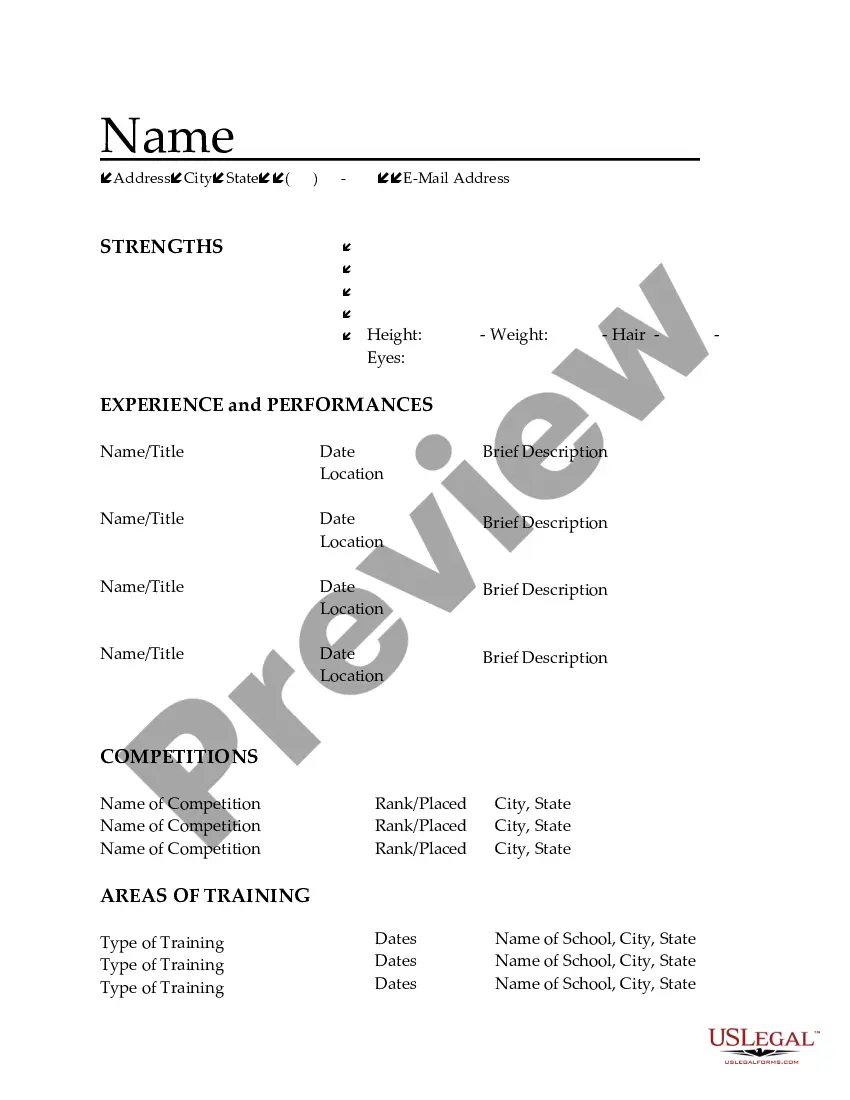
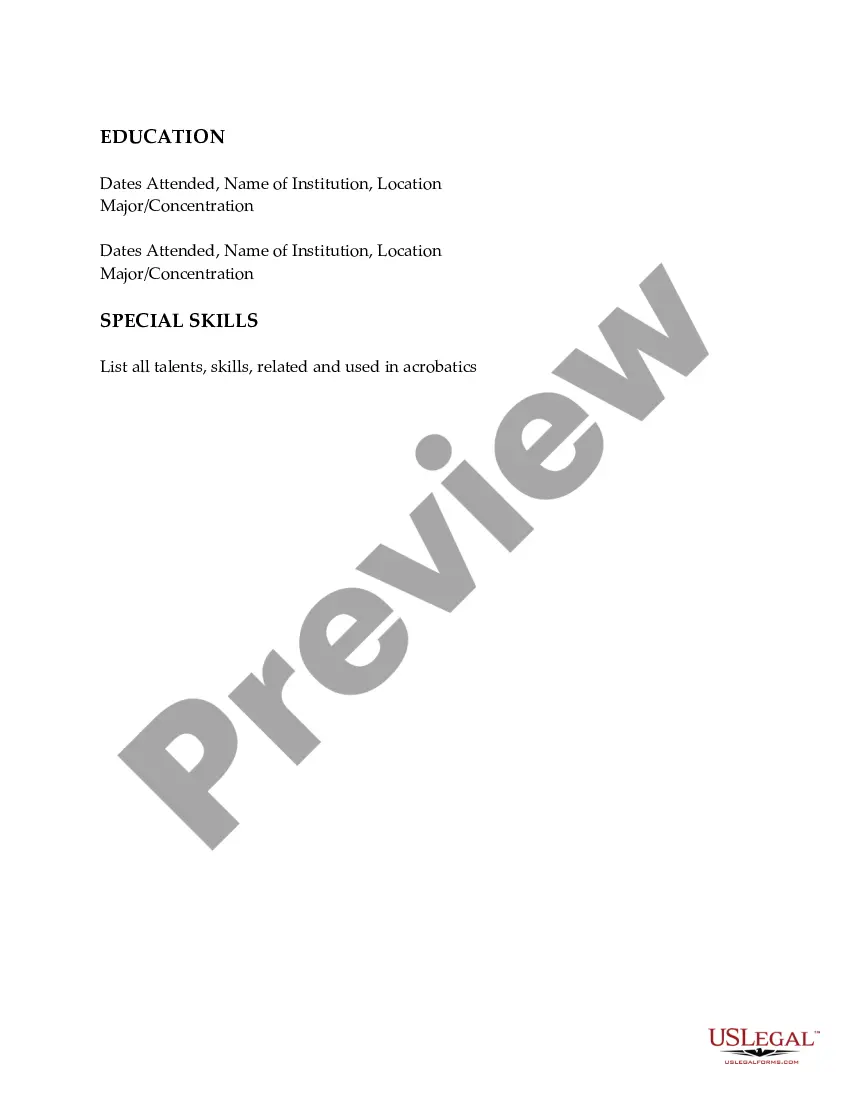
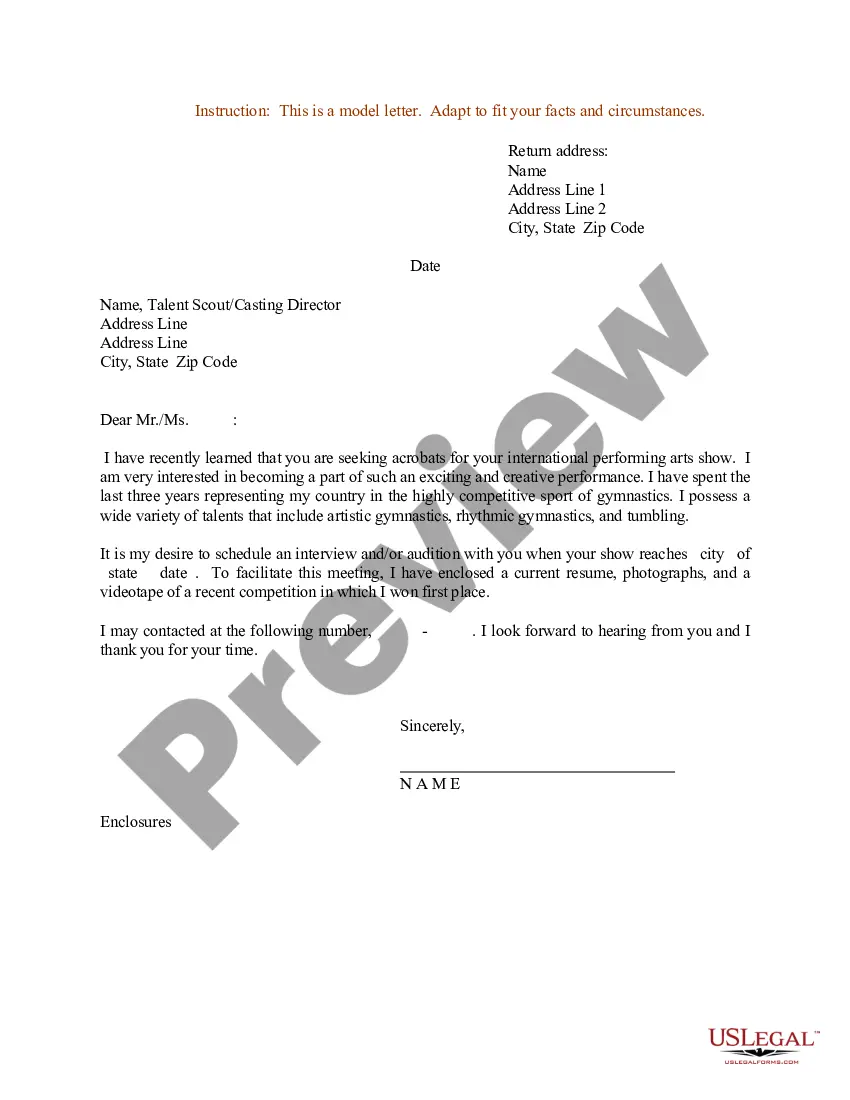
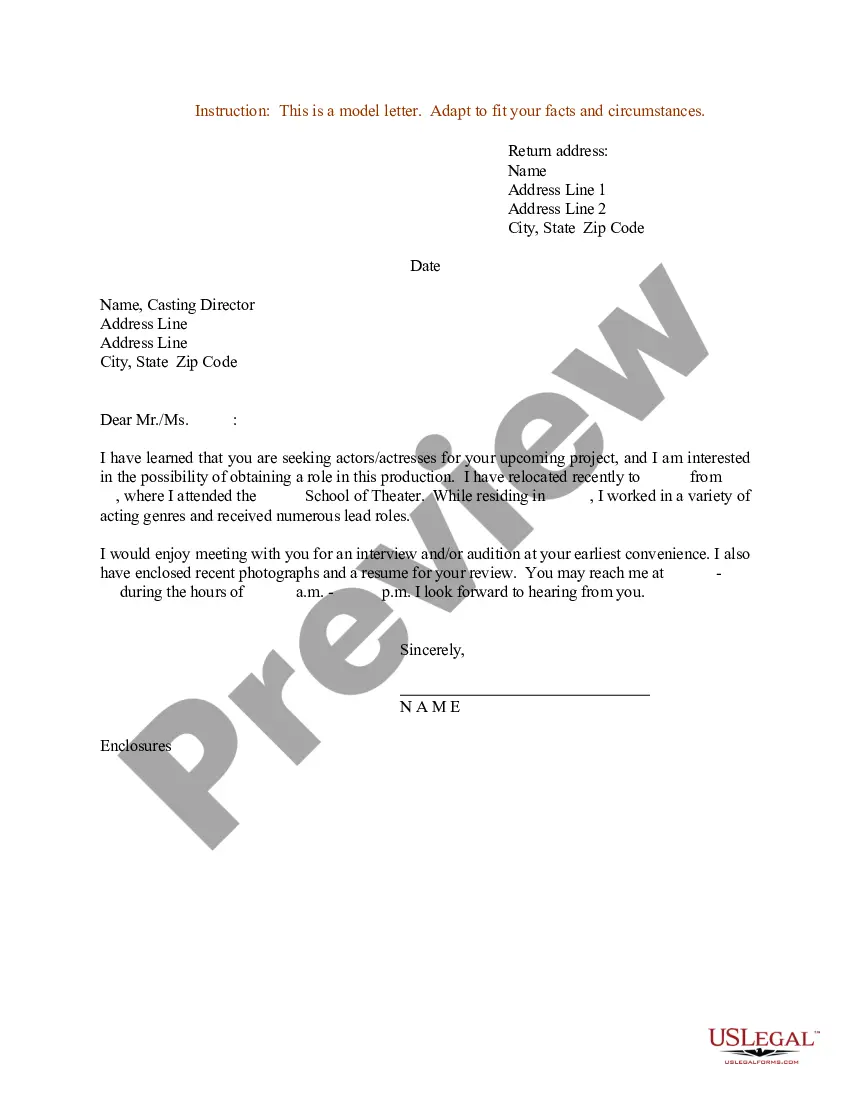
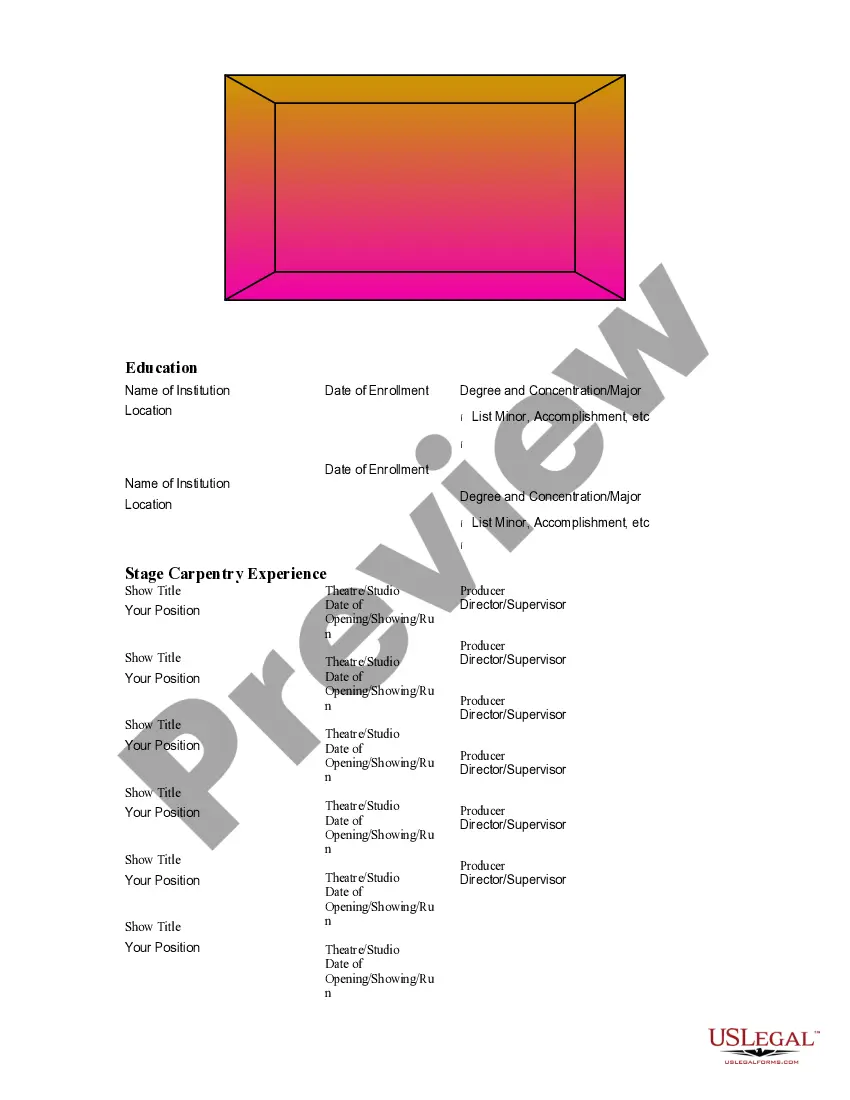
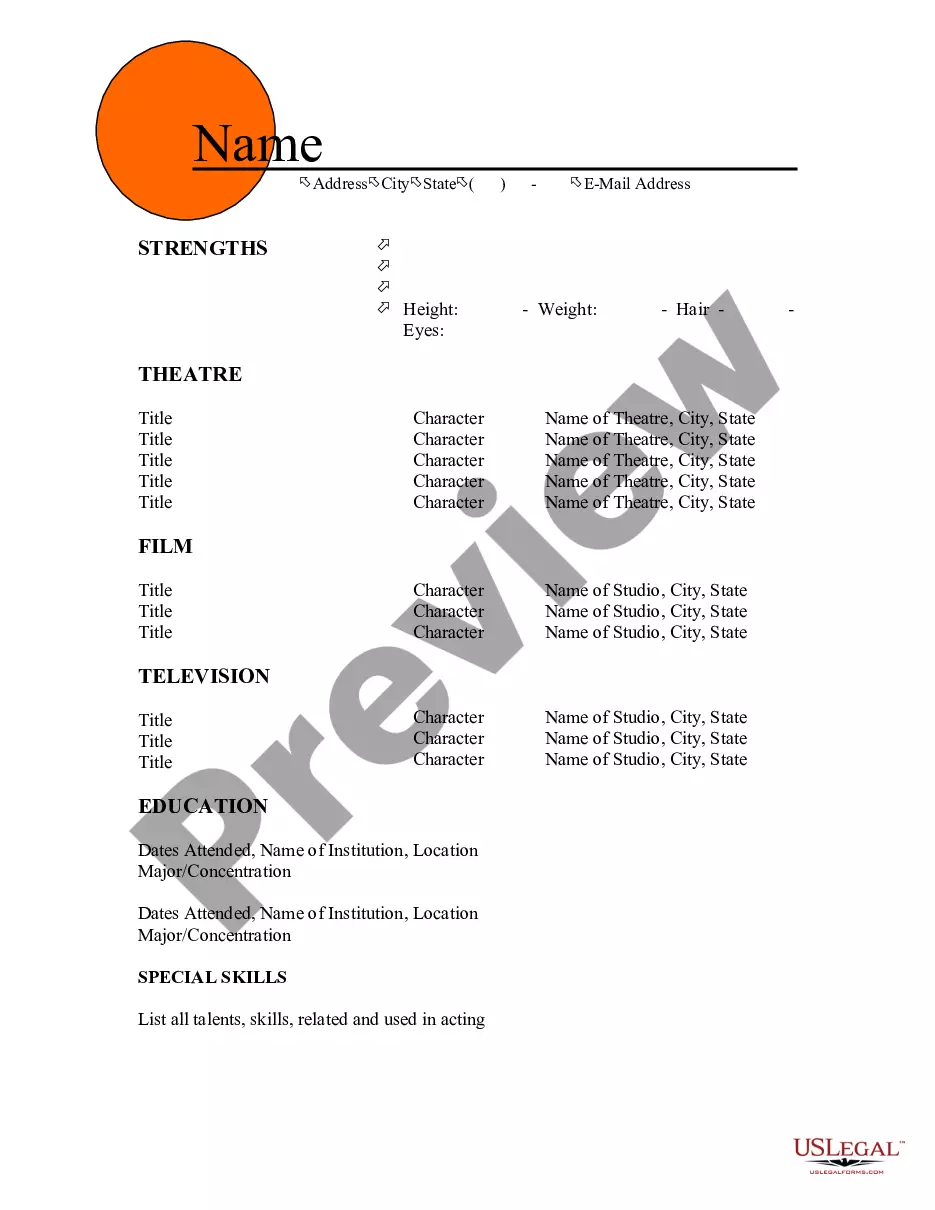
Virginia Resume for Acrobats
Description
Get your form ready online
Our built-in tools help you complete, sign, share, and store your documents in one place.
Make edits, fill in missing information, and update formatting in US Legal Forms—just like you would in MS Word.
Download a copy, print it, send it by email, or mail it via USPS—whatever works best for your next step.
Sign and collect signatures with our SignNow integration. Send to multiple recipients, set reminders, and more. Go Premium to unlock E-Sign.
If this form requires notarization, complete it online through a secure video call—no need to meet a notary in person or wait for an appointment.
We protect your documents and personal data by following strict security and privacy standards.

Make edits, fill in missing information, and update formatting in US Legal Forms—just like you would in MS Word.

Download a copy, print it, send it by email, or mail it via USPS—whatever works best for your next step.

Sign and collect signatures with our SignNow integration. Send to multiple recipients, set reminders, and more. Go Premium to unlock E-Sign.

If this form requires notarization, complete it online through a secure video call—no need to meet a notary in person or wait for an appointment.

We protect your documents and personal data by following strict security and privacy standards.
Looking for another form?
How to fill out Resume For Acrobats?
Have you ever been in a situation where you need documents for potential business or particular purposes almost every day? There are numerous official document templates accessible online, but locating ones you can rely on is not straightforward.
US Legal Forms offers thousands of form templates, including the Virginia Resume for Acrobats, which are designed to comply with federal and state regulations.
If you are already familiar with the US Legal Forms website and possess an account, simply Log In. Then, you can download the Virginia Resume for Acrobats template.
Select a convenient file format and download your copy.
Find all the document templates you have purchased in the My documents menu. You can obtain another copy of the Virginia Resume for Acrobats at any time if needed. Just select the necessary form to download or print the document template.
- If you do not have an account and need to start using US Legal Forms, follow these steps.
- Obtain the form you need and verify it is for your correct area/county.
- Utilize the Preview button to examine the form.
- Review the description to confirm that you have chosen the correct form.
- If the form is not what you are looking for, use the Search box to find the form that meets your needs and criteria.
- Once you find the right form, click Acquire now.
- Choose the pricing plan you want, fill out the required information to create your account, and pay for your order using your PayPal or credit card.
Form popularity
FAQ
To make a voice actor resume, focus on showcasing your vocal range, experience, and training. Include any relevant projects, such as commercials, animations, or audiobooks, and be sure to mention any special skills, like accents or singing. A Virginia Resume for Acrobats can help you format your resume effectively. Consider using uslegalforms to access templates and guidance tailored for performers.
Creating a Virginia Resume for Acrobats involves highlighting your unique skills and experiences in the performance arts. Start by listing your relevant performances, training, and certifications. Use a clean, professional format to ensure your resume is easy to read. Remember, a well-crafted resume can significantly increase your chances of landing auditions or gigs.
The 5 P's of a resume are Purpose, Positioning, Presentation, Proof, and Personalization. Start by defining the purpose of your Virginia Resume for Acrobats, which is to land an interview. Positioning involves strategically placing your most relevant skills and experiences where they can be easily seen. Presentation focuses on the overall design and readability of your resume. Proof refers to backing up your claims with quantifiable achievements, and Personalization means customizing your resume for each job application.
The 3 F's of resume writing are Focus, Format, and Function. Focus means tailoring your Virginia Resume for Acrobats to the specific job by highlighting relevant skills and experiences. Format refers to how you present your information, ensuring it is organized and visually appealing. Lastly, Function emphasizes the purpose of your resume: to effectively communicate your qualifications and persuade employers to consider you for the role.
To write an effective Virginia Resume for Acrobats, start with a strong summary statement that captures your unique abilities and experience in the field. Follow this with sections for your work experience, education, and skills, ensuring each entry is tailored to the job you want. Use action verbs to describe your accomplishments and keep your formatting consistent for a professional look. Remember, clarity and relevance are key to making a lasting impression.
The 7 second rule suggests that hiring managers spend only about seven seconds reviewing a resume before deciding whether to move forward. To capture attention quickly, your Virginia Resume for Acrobats should highlight key skills and achievements right at the top. Use clear formatting and bullet points to make your information easy to scan. This approach can significantly increase your chances of standing out in a competitive job market.
To become a circus performer, you typically need a combination of physical skills, training, and creativity. A Virginia Resume for Acrobats should reflect your rigorous training in acrobatics, dance, or other performance arts. Additionally, experience in team collaboration and stage presence can significantly enhance your qualifications. Consider utilizing resources from uslegalforms to ensure your application effectively highlights your strengths and aligns with industry standards.
A good summary for an operator's resume emphasizes relevant skills and experiences in the field. For those creating a Virginia Resume for Acrobats, it should highlight strength, agility, and performance history. Include specific achievements that showcase your unique capabilities and contributions to past productions. This summary serves as a powerful introduction to captivate potential employers and illustrate your suitability for acrobatic roles.