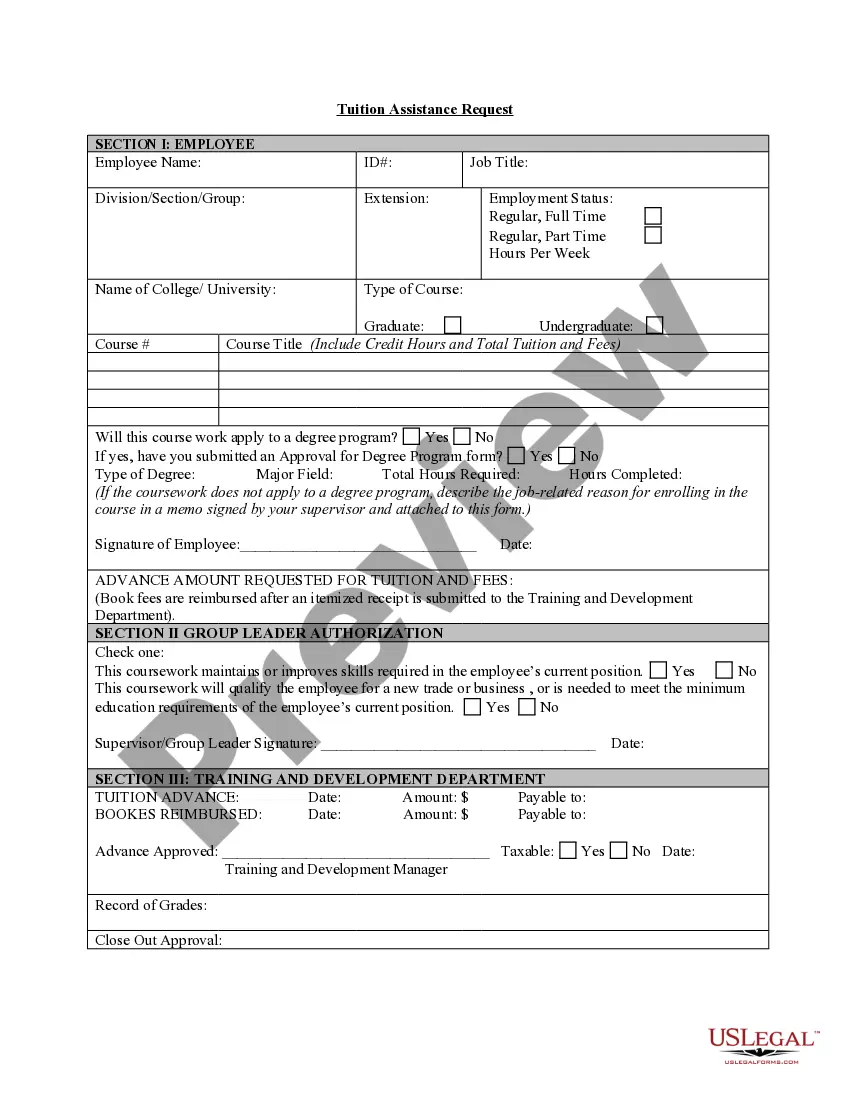
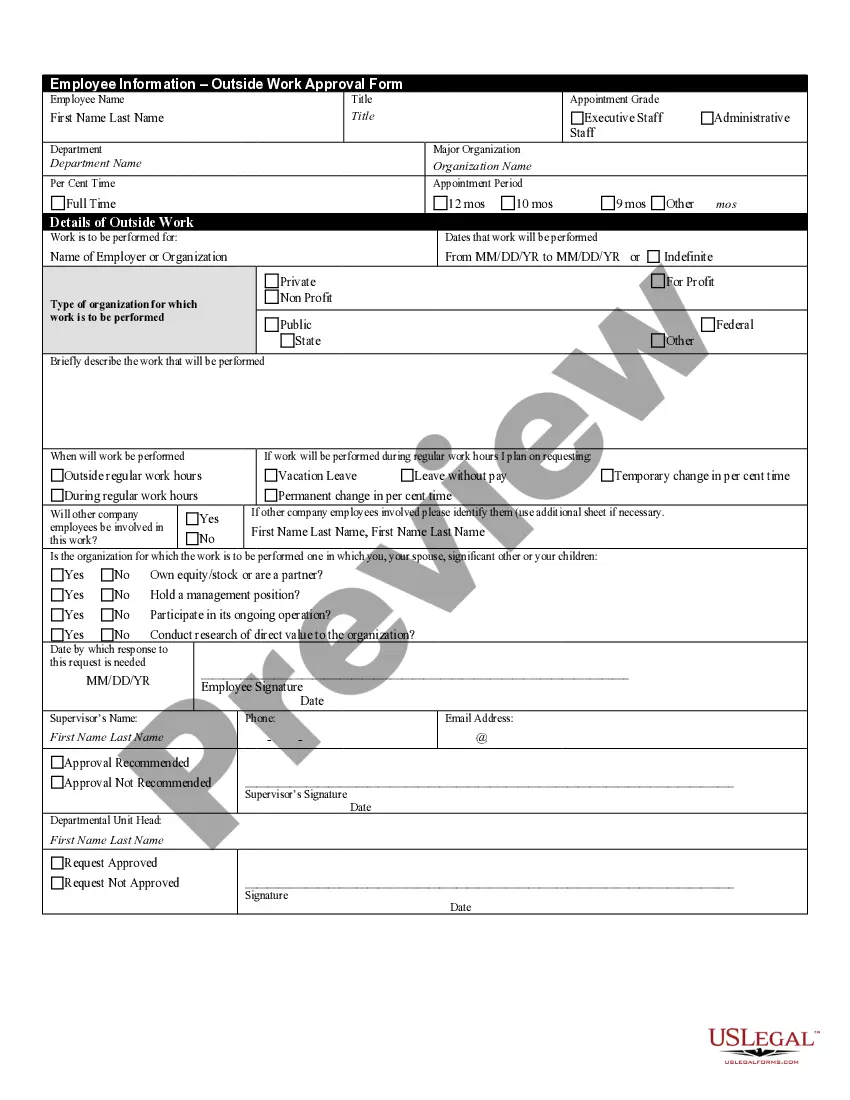
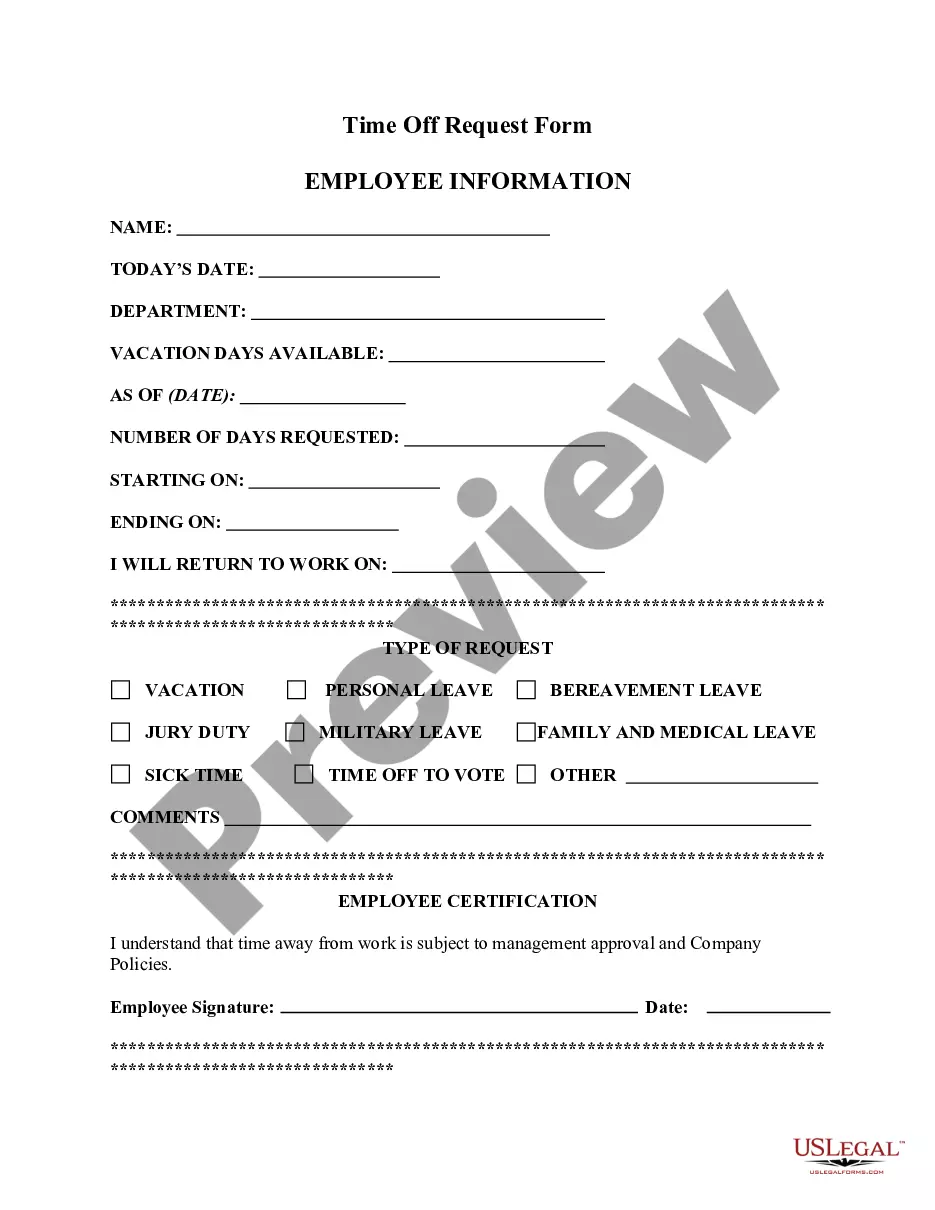
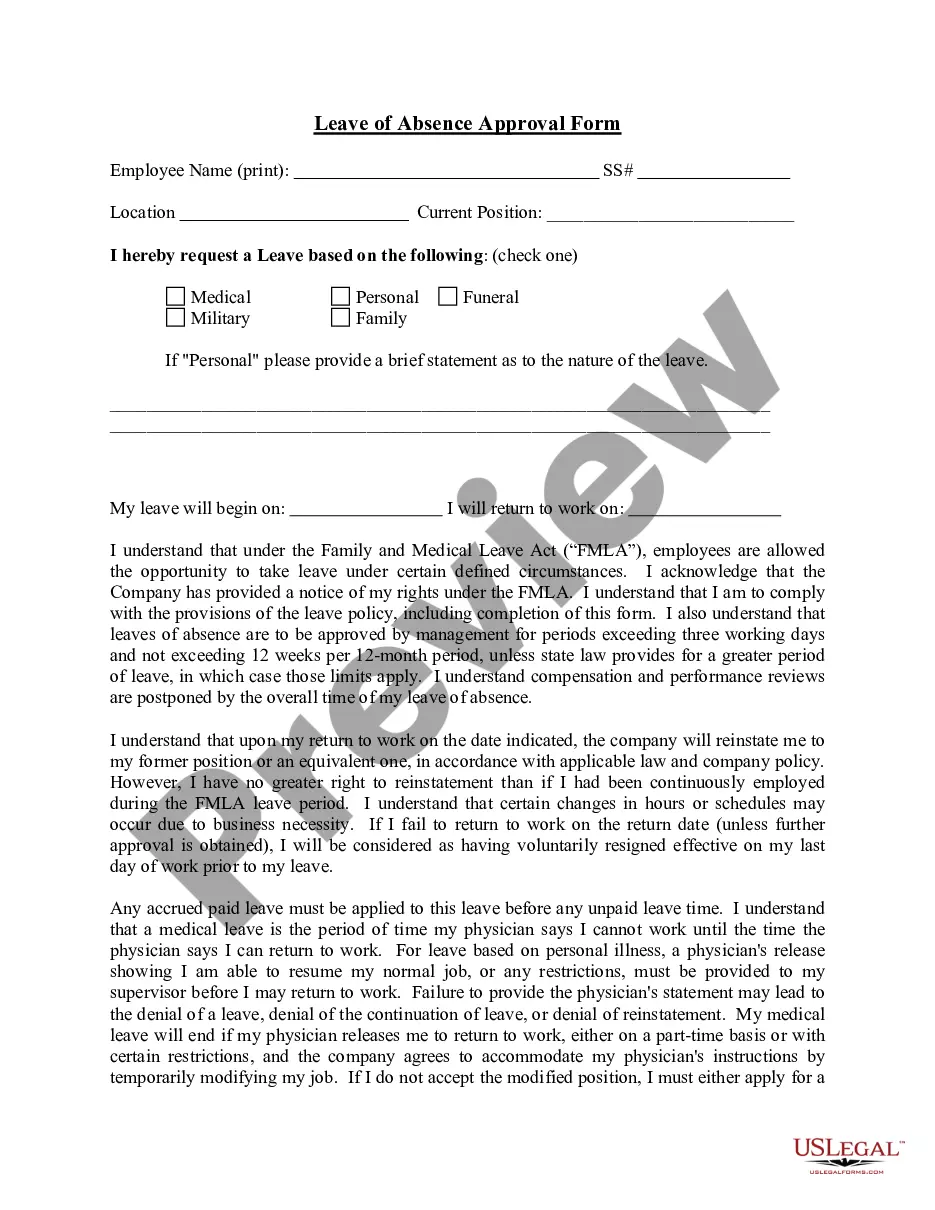
Virginia Outside Work Approval Form
Description

Get your form ready online
Our built-in tools help you complete, sign, share, and store your documents in one place.
Make edits, fill in missing information, and update formatting in US Legal Forms—just like you would in MS Word.
Download a copy, print it, send it by email, or mail it via USPS—whatever works best for your next step.
Sign and collect signatures with our SignNow integration. Send to multiple recipients, set reminders, and more. Go Premium to unlock E-Sign.
If this form requires notarization, complete it online through a secure video call—no need to meet a notary in person or wait for an appointment.
We protect your documents and personal data by following strict security and privacy standards.

Make edits, fill in missing information, and update formatting in US Legal Forms—just like you would in MS Word.

Download a copy, print it, send it by email, or mail it via USPS—whatever works best for your next step.

Sign and collect signatures with our SignNow integration. Send to multiple recipients, set reminders, and more. Go Premium to unlock E-Sign.

If this form requires notarization, complete it online through a secure video call—no need to meet a notary in person or wait for an appointment.

We protect your documents and personal data by following strict security and privacy standards.
Looking for another form?


How to fill out Outside Work Approval Form?
If you wish to thoroughly acquire, download, or print legal document templates, utilize US Legal Forms, the most extensive assortment of legal forms available online.
Take advantage of the site’s straightforward and convenient search to find the documents you require.
Numerous templates for corporate and personal purposes are categorized by types and states, or keywords.
Step 4. Once you have identified the form you need, click on the Get now button. Choose the pricing plan you prefer and provide your credentials to register for an account.
Step 5. Process the payment. You can use your Visa or MasterCard or PayPal account to complete the transaction.
- Utilize US Legal Forms to locate the Virginia Outside Work Approval Form in just a few clicks.
- If you are already a US Legal Forms user, Log Into your account and click the Get button to obtain the Virginia Outside Work Approval Form.
- You can also access forms you previously saved in the My documents section of your account.
- If you are using US Legal Forms for the first time, follow the directions below.
- Step 1. Ensure you have selected the form for the correct city/state.
- Step 2. Use the Preview option to review the form’s content. Don’t forget to read the details.
- Step 3. If you are not satisfied with the form, use the Search field at the top of the screen to find alternative types of the legal form format.
Form popularity
FAQ
When a company asks you to take on duties that were not covered under your stated responsibilities, you are working outside of your job description. This can be used to your advantage when you leverage these extra duties to receive appropriate benefits.
An employee may accept outside employment as long as their outside employment and volunteer activities will not create a real or perceived conflict of interest or a conflict of commitment.
Other post-employment benefits (OPEB) refers to the benefits, other than pensions, that a state or local government employee receives as part of his or her package of retirement benefits.
An outside employment agreement establishes company guidelines relating to employees obtaining or engaging in outside employment which may interfere with their primary job responsibilities.
The entity has an obligation to pay employees that choose voluntary redundancy a lump sum equal to twice their gross annual salary. What is the obligation to pay employees that choose voluntary redundancy? It is an insurance policy the proceeds from which are used to pay only employee benefits.
Or pre-em·ployA·mentbeing required or accomplished before an employee begins a new job: a preemployment medical exam. noun. the period of testing, processing, etc., before the start of employment.
Work done off the premises of a business.
Short-term employee benefits are those expected to be settled wholly before twelve months after the end of the annual reporting period during which employee services are rendered, but do not include termination benefits.
Post employment is a term used by the Government Accounting Standards Board in the reporting of benefits after a state, federal or local official leaves their position.
Outside worker means a classified person who carries out services in the controlled area of any employer (other than the controlled area of his own employer);