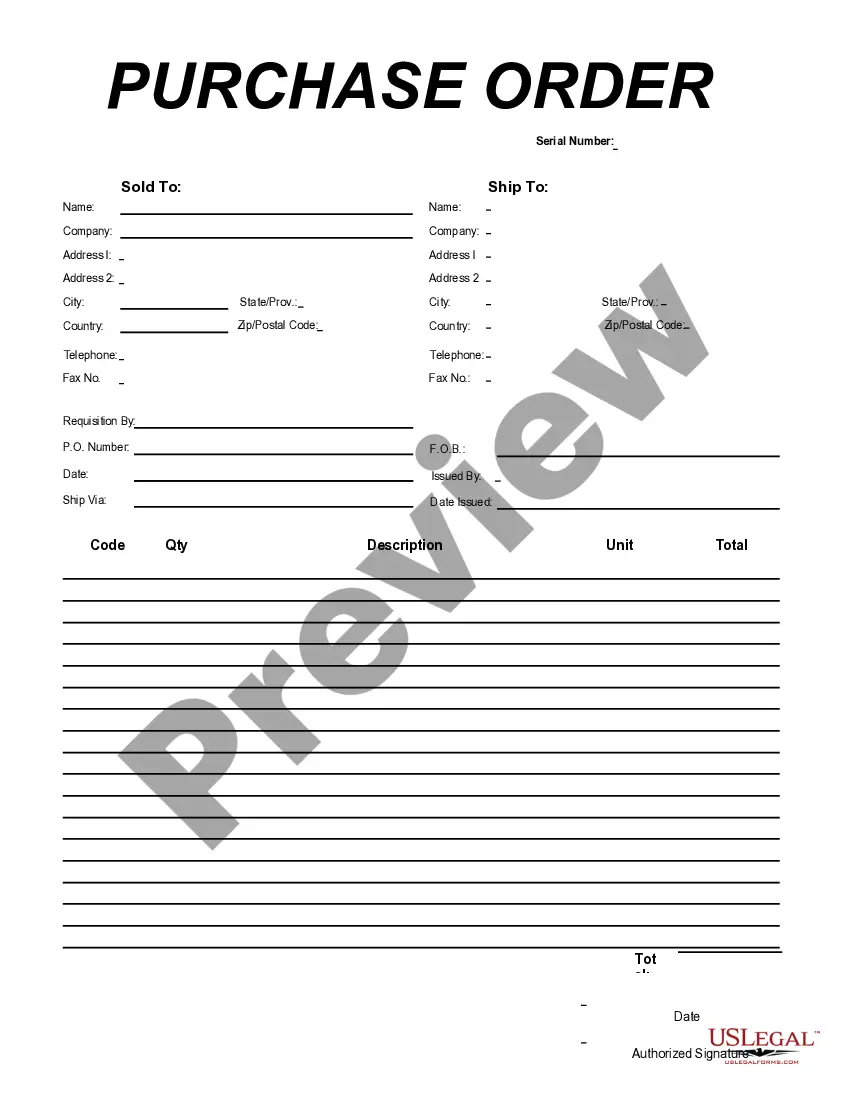
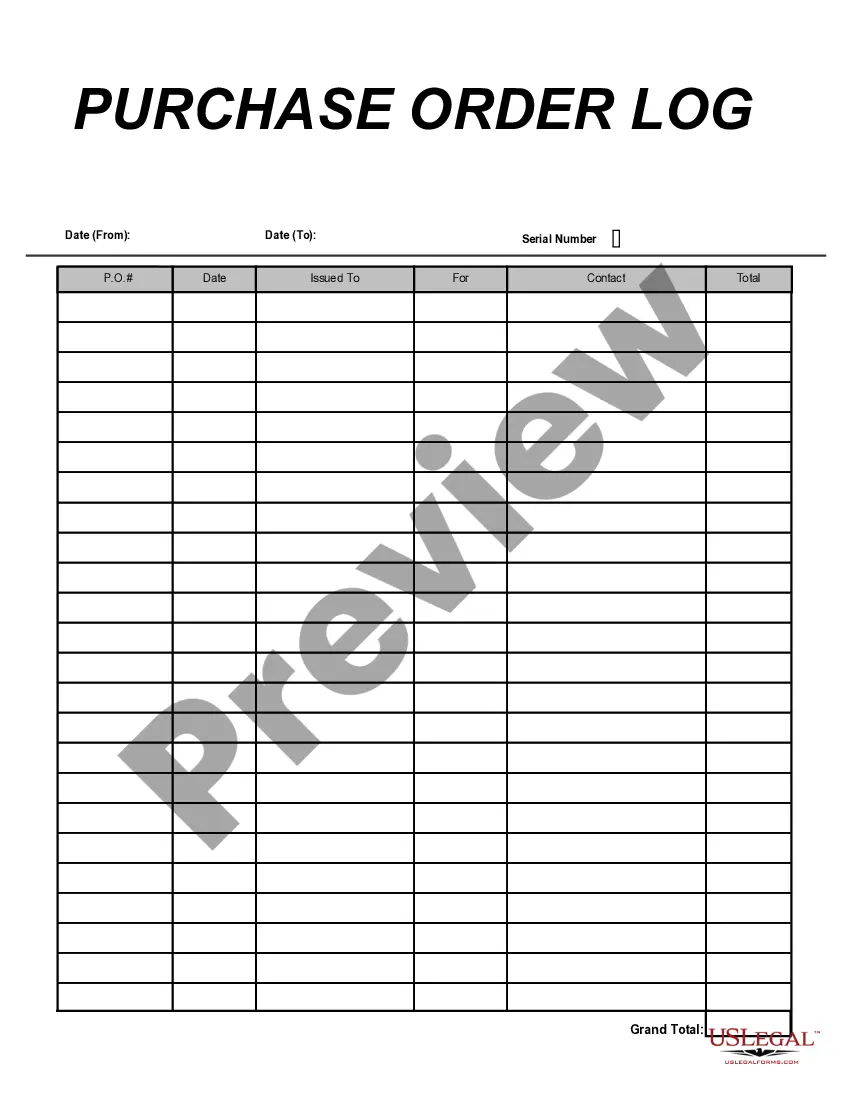
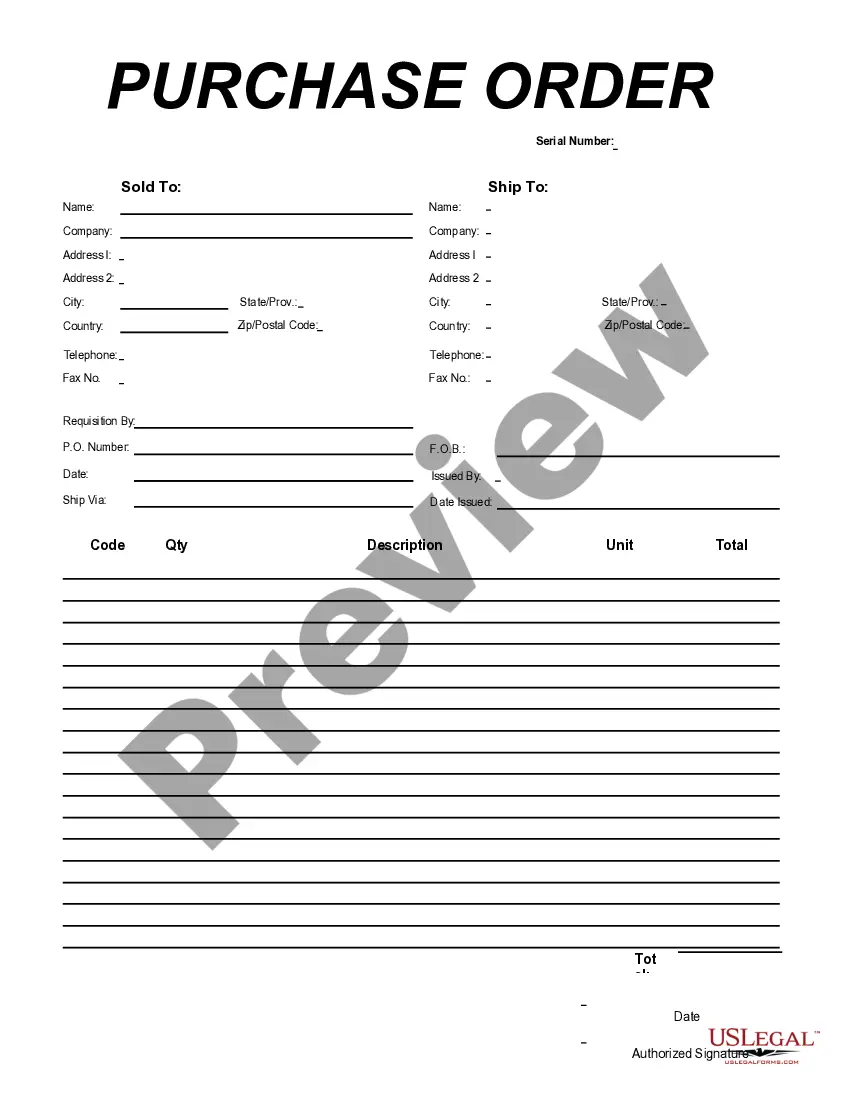
Virginia Purchase Order for Import Format
Description


Get your form ready online
Our built-in tools help you complete, sign, share, and store your documents in one place.
Make edits, fill in missing information, and update formatting in US Legal Forms—just like you would in MS Word.
Download a copy, print it, send it by email, or mail it via USPS—whatever works best for your next step.
Sign and collect signatures with our SignNow integration. Send to multiple recipients, set reminders, and more. Go Premium to unlock E-Sign.
If this form requires notarization, complete it online through a secure video call—no need to meet a notary in person or wait for an appointment.
We protect your documents and personal data by following strict security and privacy standards.

Make edits, fill in missing information, and update formatting in US Legal Forms—just like you would in MS Word.

Download a copy, print it, send it by email, or mail it via USPS—whatever works best for your next step.

Sign and collect signatures with our SignNow integration. Send to multiple recipients, set reminders, and more. Go Premium to unlock E-Sign.

If this form requires notarization, complete it online through a secure video call—no need to meet a notary in person or wait for an appointment.

We protect your documents and personal data by following strict security and privacy standards.
Looking for another form?

How to fill out Purchase Order For Import Format?
Locating the correct valid document template can be a challenge.
Naturally, there are numerous templates accessible on the web, but how do you identify the authentic type you require? Utilize the US Legal Forms website.
The service offers thousands of templates, such as the Virginia Purchase Order for Import Format, which can be utilized for both business and personal purposes. All forms are validated by professionals and comply with state and federal regulations.
Fill out, modify, print, and sign the acquired Virginia Purchase Order for Import Format. US Legal Forms is the largest repository of legal forms where you can find various document templates. Take advantage of the service to download professionally crafted files that comply with state regulations.
- First, ensure you have selected the appropriate type for your region/county.
- You can preview the document using the Review option and read the document details to confirm this is the right one for you.
- If the document does not meet your needs, use the Search field to find the correct type.
- When you are confident that the document is accurate, click on the Get now button to retrieve the form.
- Select the pricing plan you prefer and enter the necessary information. Create your account and purchase the order using your PayPal account or Visa or Mastercard.
- Choose the file format and download the legitimate document template to your device.
Form popularity
FAQ
Understanding the different types of purchase orders is essential when dealing with a Virginia Purchase Order for Import Format. The four main types are standard purchase orders, planned purchase orders, blanket purchase orders, and contract purchase orders. Each type serves a specific purpose and helps businesses manage their purchasing processes efficiently. Knowing which type to use can streamline your operations and enhance vendor relationships.
A purchase order, or PO, is a document showing the official offer that you (the buyer) issue to your supplier. A purchase order differs from a sales order, or SO, because the sales order is issued by your supplier and references the purchase order sent earlier.
Issuance of a international purchase order is normally preceded by an exchange of information between exporter and importer with respect to the price, quality and quantity of products, etc. When the transaction details have been agreed, the seller may issue an informal price quote or a more detailed proforma invoice.
How does a purchase order work?Buyer decides to order items from the seller.Buyer drafts the purchase order and sends it to the seller for approval.Seller reviews the purchase order and confirms if it can fulfill the request.Purchase order is approved.Product or service fulfillment.The invoice is paid.
There is no Microsoft supplied PO template.
9 Main Purchase Order Features You Need to ConsiderVendor Database.Automated Purchase Orders.Purchase Order Document Creation.Purchase Order Status Tracking.Blanket Purchase Orders.Matching Purchase Orders with Invoices.Supplier Lead Time Management.Managing Approvals and Requisitions.More items...?
Format of a Purchase Order Form TemplateHeader Provide your company details, including the company name, business address, purchase order date, and order number.Vendor information Indicate the proper recipient for the purchase order.More items...?
Types of purchase ordersStandard purchase order (PO) The standard purchase order is the type most of us are familiar with.Planned purchase order (PPO)Blanket purchase order (BPO)Contract purchase orders (CPO)
Who creates a purchase order? A purchase order is created by the buyer after the purchase request is approved. It is then sent to the vendor or supplier.
The first step in automating the process is to create a purchase order template that contains all the details needed to approve and pay for the order when the time comes. The purchase order process: A PO is raised by a buyer. The purchase order is approved by the relevant people at the buyer's end.