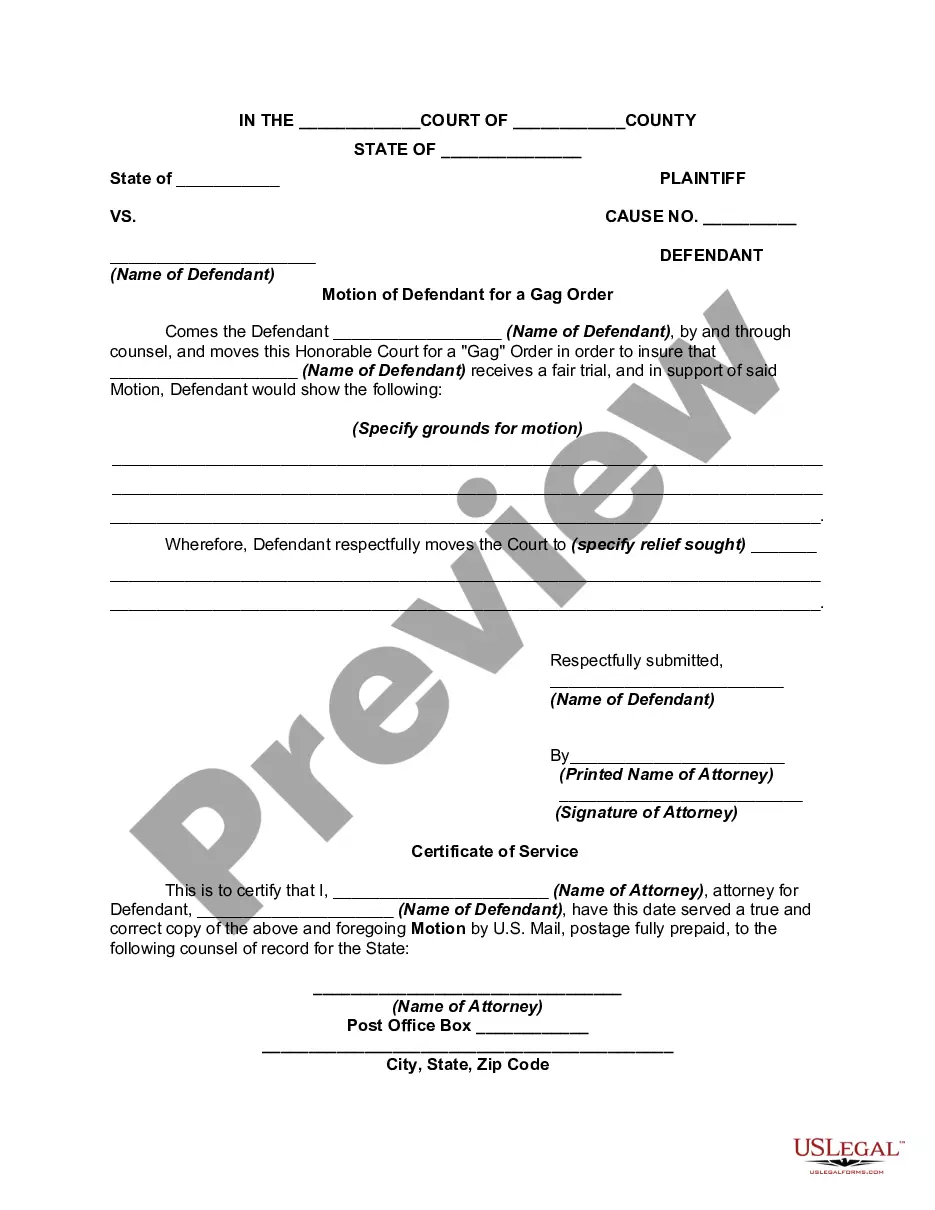
Virginia Motion to Prohibit Electronic and Photographic Coverage
Description
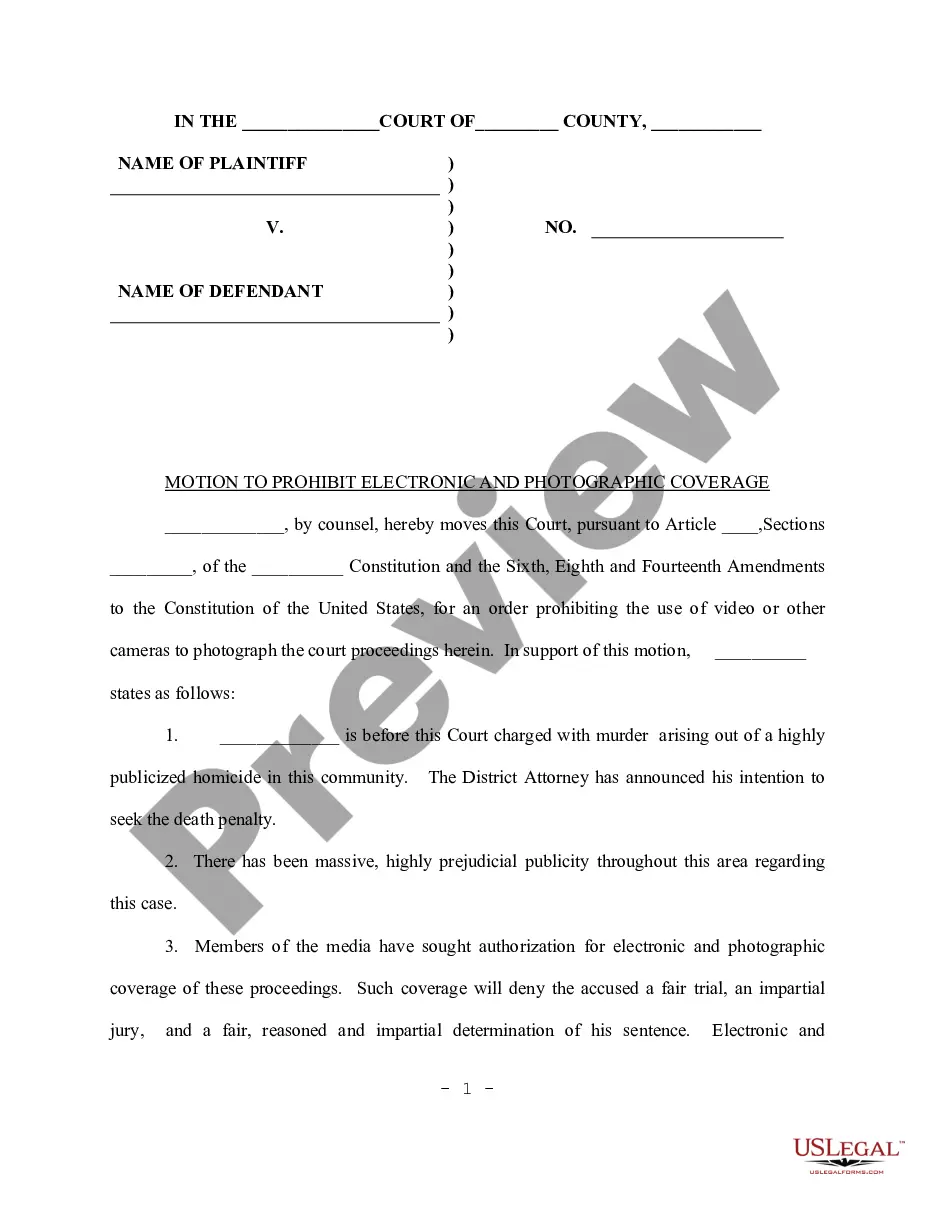
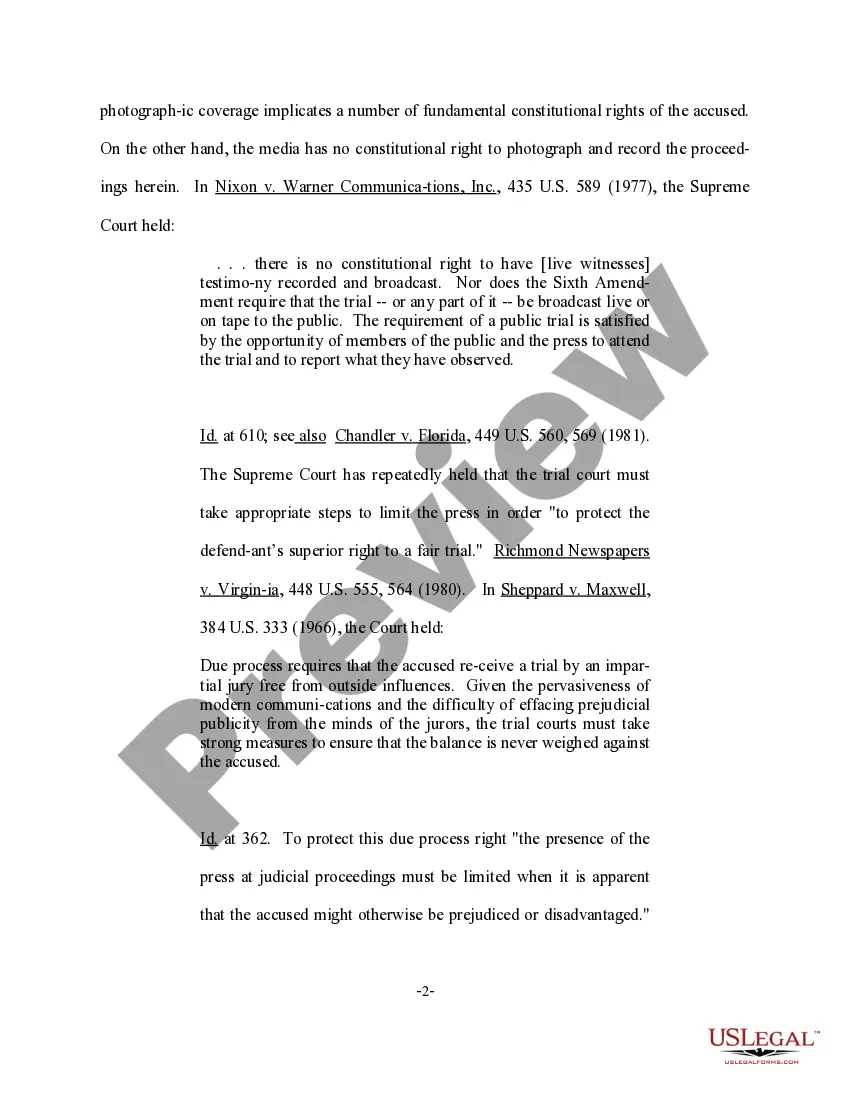
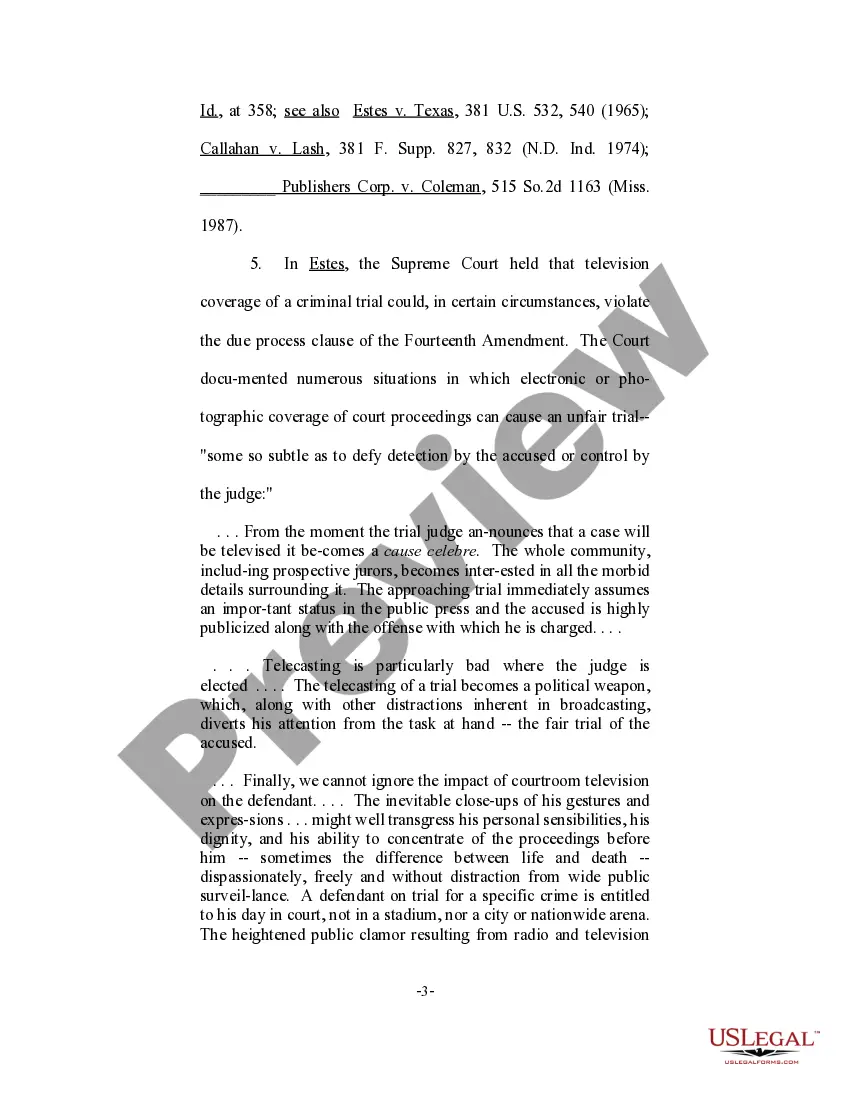
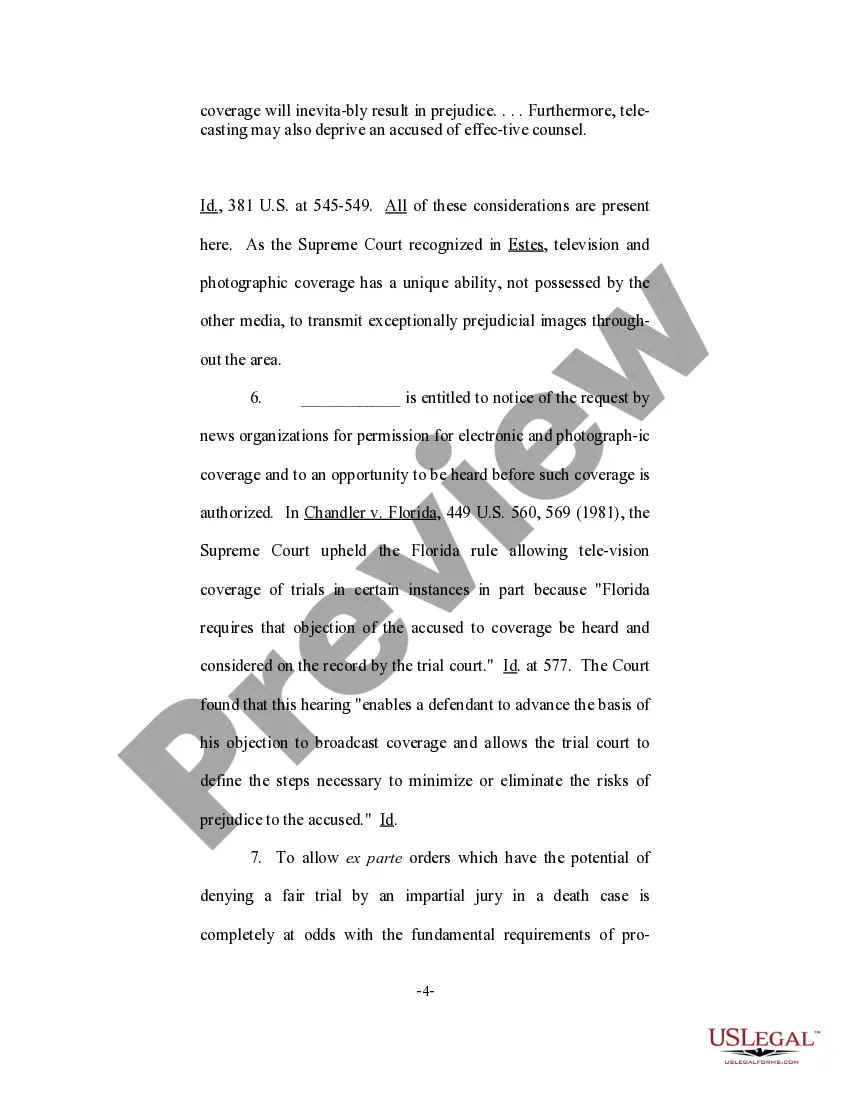
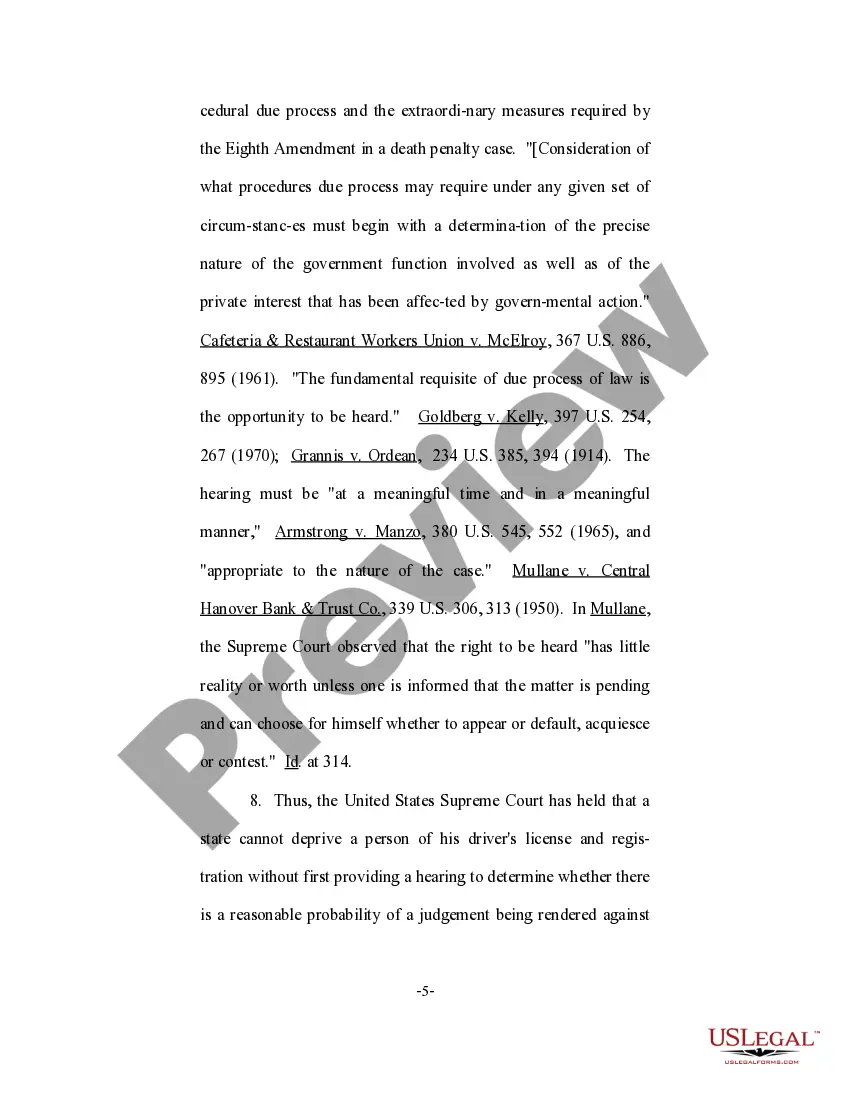
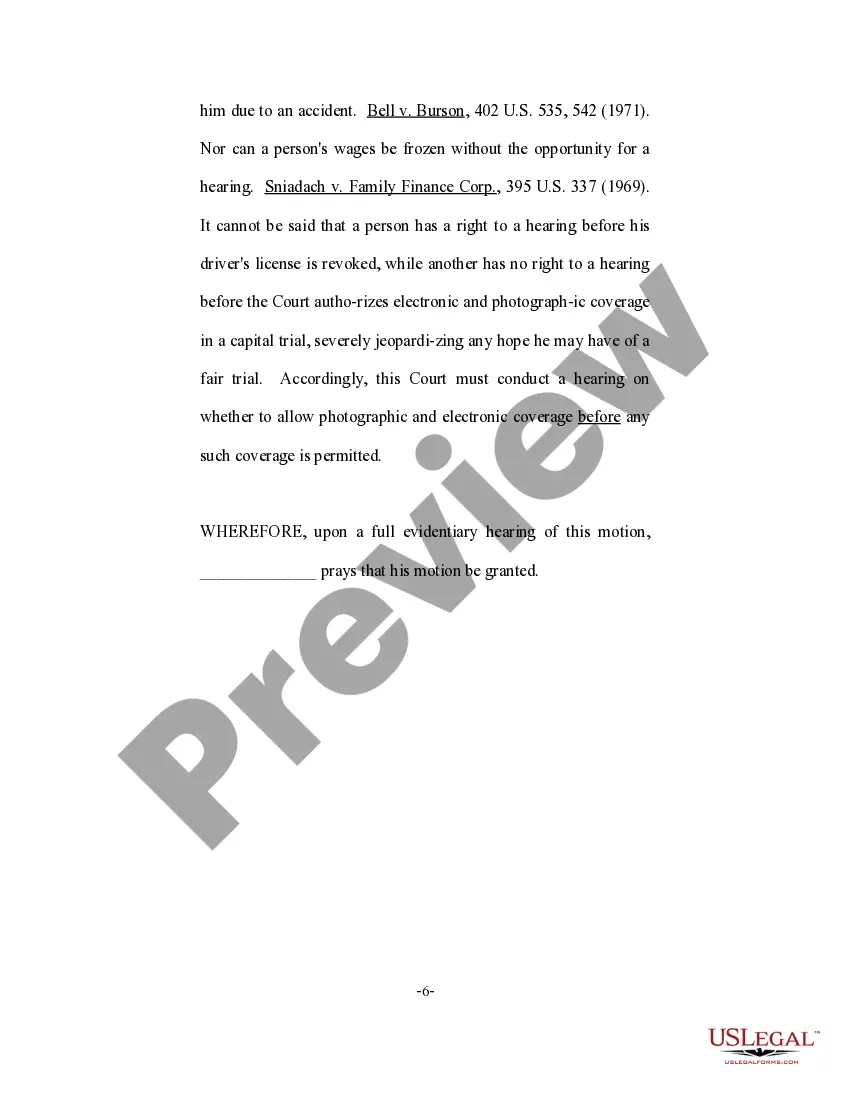
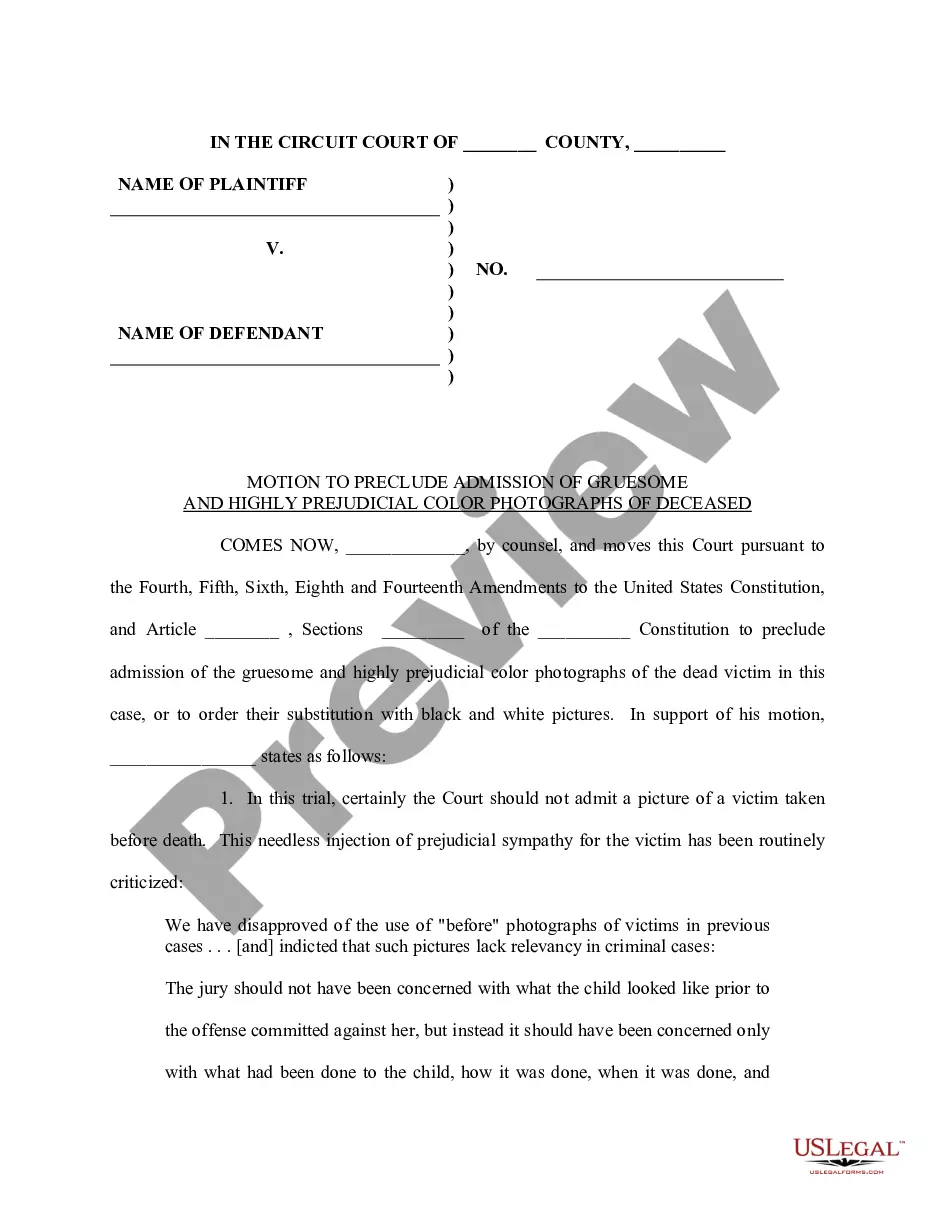
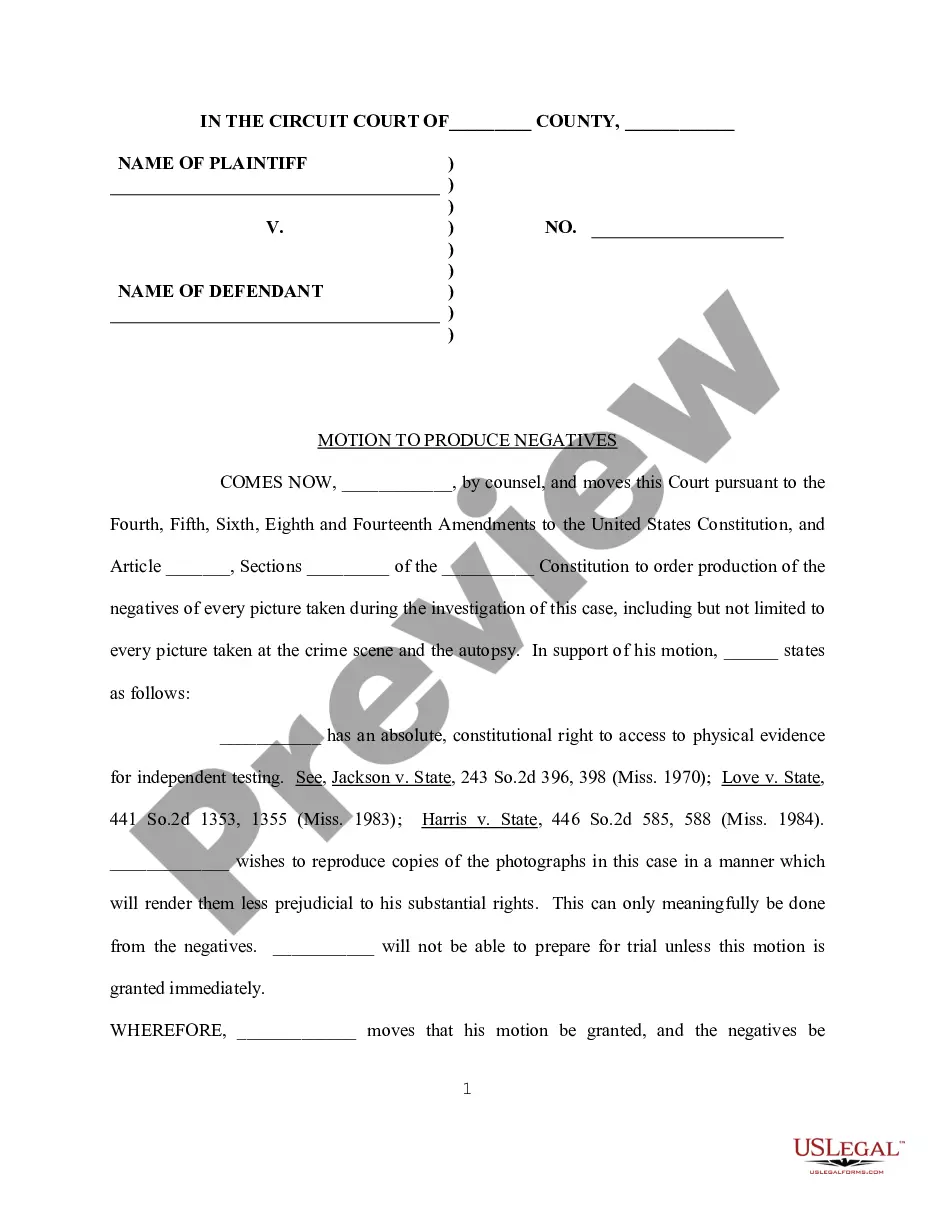
Get your form ready online
Our built-in tools help you complete, sign, share, and store your documents in one place.
Make edits, fill in missing information, and update formatting in US Legal Forms—just like you would in MS Word.
Download a copy, print it, send it by email, or mail it via USPS—whatever works best for your next step.
Sign and collect signatures with our SignNow integration. Send to multiple recipients, set reminders, and more. Go Premium to unlock E-Sign.
If this form requires notarization, complete it online through a secure video call—no need to meet a notary in person or wait for an appointment.
We protect your documents and personal data by following strict security and privacy standards.

Make edits, fill in missing information, and update formatting in US Legal Forms—just like you would in MS Word.

Download a copy, print it, send it by email, or mail it via USPS—whatever works best for your next step.

Sign and collect signatures with our SignNow integration. Send to multiple recipients, set reminders, and more. Go Premium to unlock E-Sign.

If this form requires notarization, complete it online through a secure video call—no need to meet a notary in person or wait for an appointment.

We protect your documents and personal data by following strict security and privacy standards.
Looking for another form?
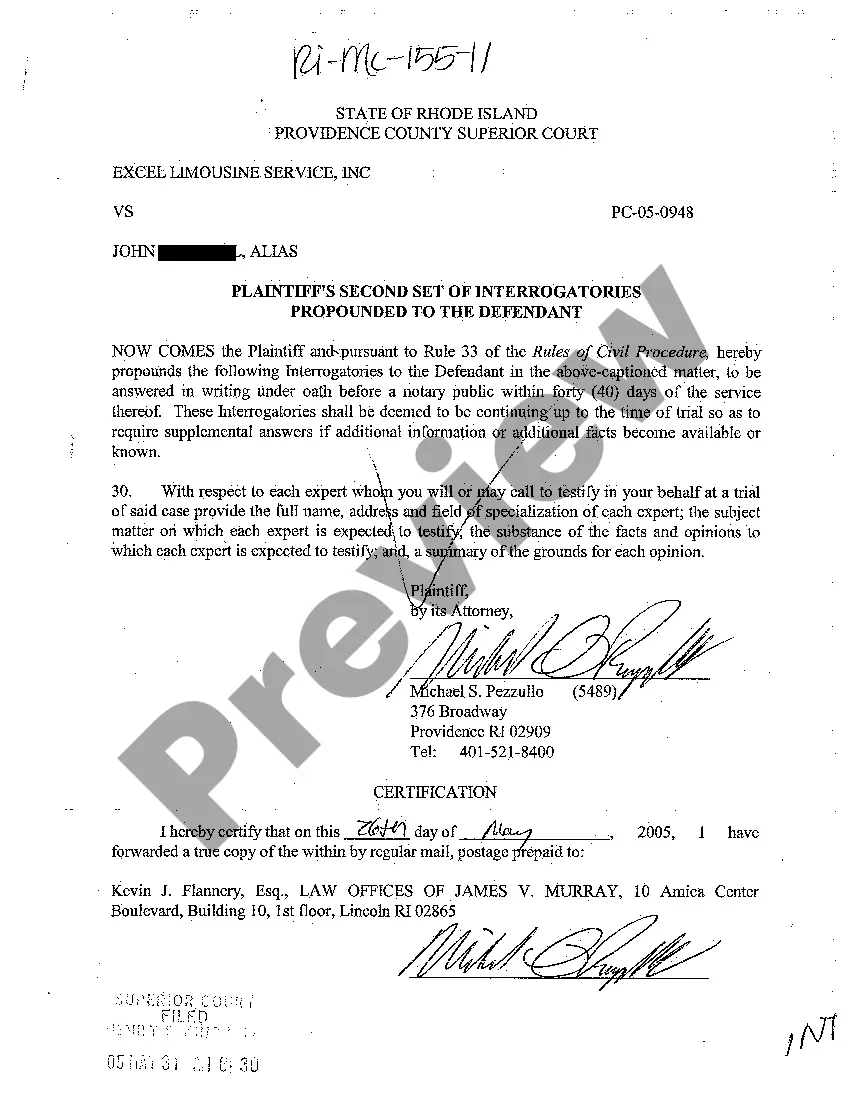


How to fill out Motion To Prohibit Electronic And Photographic Coverage?
If you want to complete, download, or print legal document templates, utilize US Legal Forms, the largest collection of legal forms available online. Use the site’s straightforward and user-friendly search to find the documents you require. Various templates for business and personal purposes are categorized by groups and states, or keywords. Access US Legal Forms to obtain the Virginia Motion to Prohibit Electronic and Photographic Coverage in just a few clicks.
If you are already a US Legal Forms user, Log In to your account and click on the Obtain option to retrieve the Virginia Motion to Prohibit Electronic and Photographic Coverage. You can also access forms you have previously acquired from the My documents tab of your account.
If you are using US Legal Forms for the first time, follow the steps below: Step 1. Ensure you have selected the form for the correct city/state. Step 2. Utilize the Review option to verify the form’s details. Remember to check the description. Step 3. If you are not satisfied with the form, use the Search field at the top of the screen to find other versions of the legal form template. Step 4. Once you have located the form you need, click on the Acquire now option. Choose the pricing plan you prefer and enter your credentials to create an account. Step 5. Complete the transaction. You may use your credit card or PayPal account to finalize the transaction. Step 6. Select the format of your legal form and download it to your device. Step 7. Complete, review, and print or sign the Virginia Motion to Prohibit Electronic and Photographic Coverage.
By using US Legal Forms, you ensure that you have access to a wide range of legal documents tailored to your needs.
Whether for personal or business purposes, US Legal Forms provides a comprehensive solution for obtaining legal paperwork.
- Every legal document template you obtain is yours indefinitely.
- You have access to every form you purchased with your account.
- Visit the My documents section and select a form to print or download again.
- Complete and download, and print the Virginia Motion to Prohibit Electronic and Photographic Coverage with US Legal Forms.
- There are millions of professional and state-specific forms you can utilize for your business or personal needs.
- Make sure to follow the steps carefully for a smooth process.
- Your satisfaction is paramount, so don't hesitate to search for alternatives.
Form popularity
FAQ
When a party submits a foreign subpoena to a clerk of court in the Commonwealth, the clerk, in ance with that court's procedure, shall promptly issue a subpoena for service upon the person to which the foreign subpoena is directed.
(1) Permit the Commonwealth to inspect and copy or photograph any written reports of autopsy examinations, ballistic tests, fingerprint analyses, handwriting analyses, blood, urine and breath analyses, and other scientific testing within the accused's possession, custody or control that the defense intends to proffer ...
A court might, upon a proper motion, quash a subpoena duces tecum if the agency did not have the power to issue the subpoena, the materials sought are not relevant to an authorized investigation, and the items sought are not described with particularity and definiteness, as required by the Fourth Amendment of the U.S. ...
If a tangible copy cannot be reasonably produced, the subpoenaed person must permit the parties to review the information on a computer or by other electronic means during normal business hours, provided that the information can be accessed and isolated.
In the trial of all criminal cases, whether the same be felony or misdemeanor cases, the court may, in its discretion, exclude from the trial any persons whose presence would impair the conduct of a fair trial, provided that the right of the accused to a public trial shall not be violated.
A. Unless otherwise directed by the court, the person serving process shall make return thereof to the clerk's office within seventy-two hours of service, except when such return would be due on a Saturday, Sunday, or legal holiday.
4 Valid Reasons to Get Out of a Subpoena Avoidance. If you live within the court's area, somebody will eventually serve you a copy of the subpoena in person. ... Objection. If you are subpoenaed to provide documents or other materials, you may object in writing to the subpoena. ... Undue Burden. ... Privileged Information.
How summons for witness issued and to whom directed; how witness released from attorney-issued subpoena; prior permission of court to summon certain officials and judges.