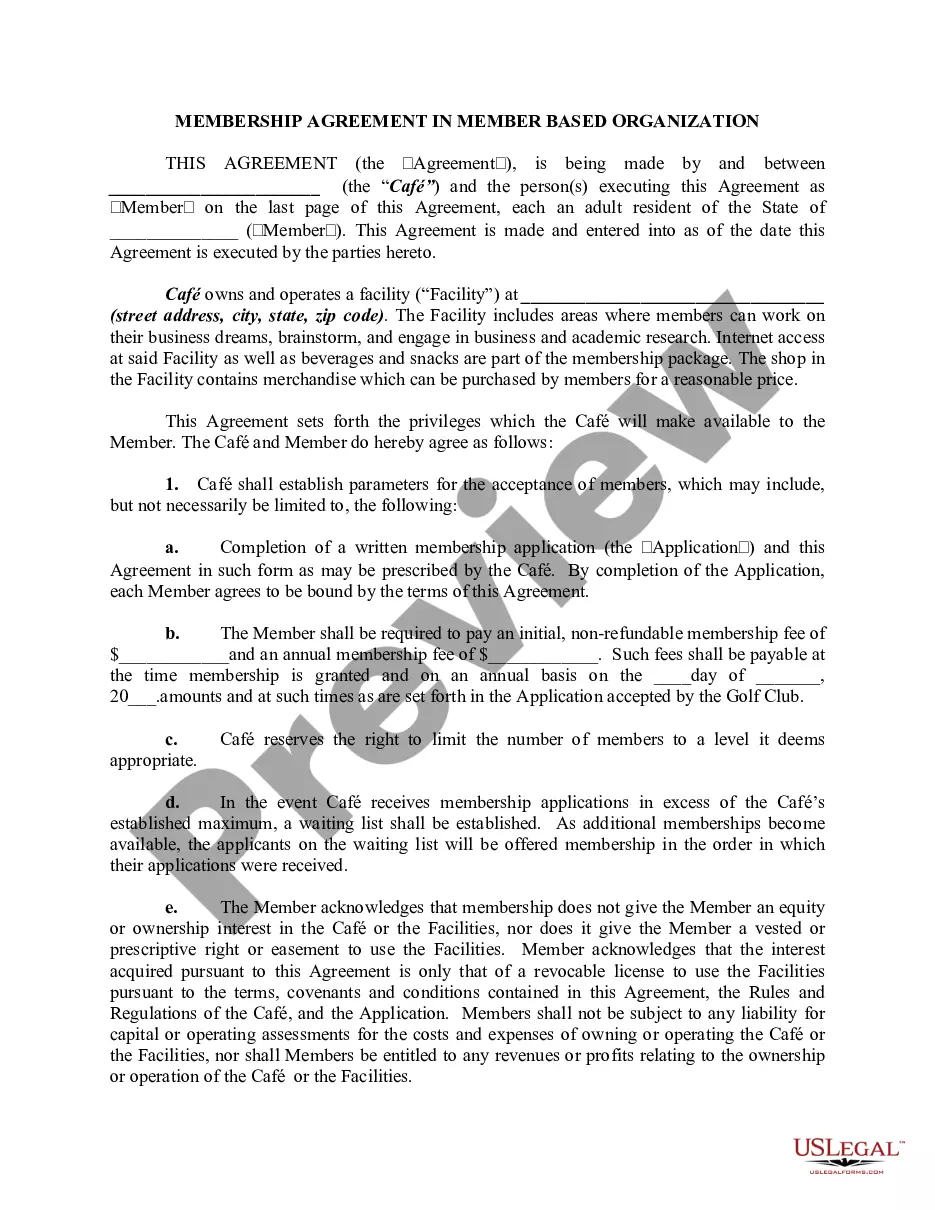
Utah Answer and Jury Demand
Description
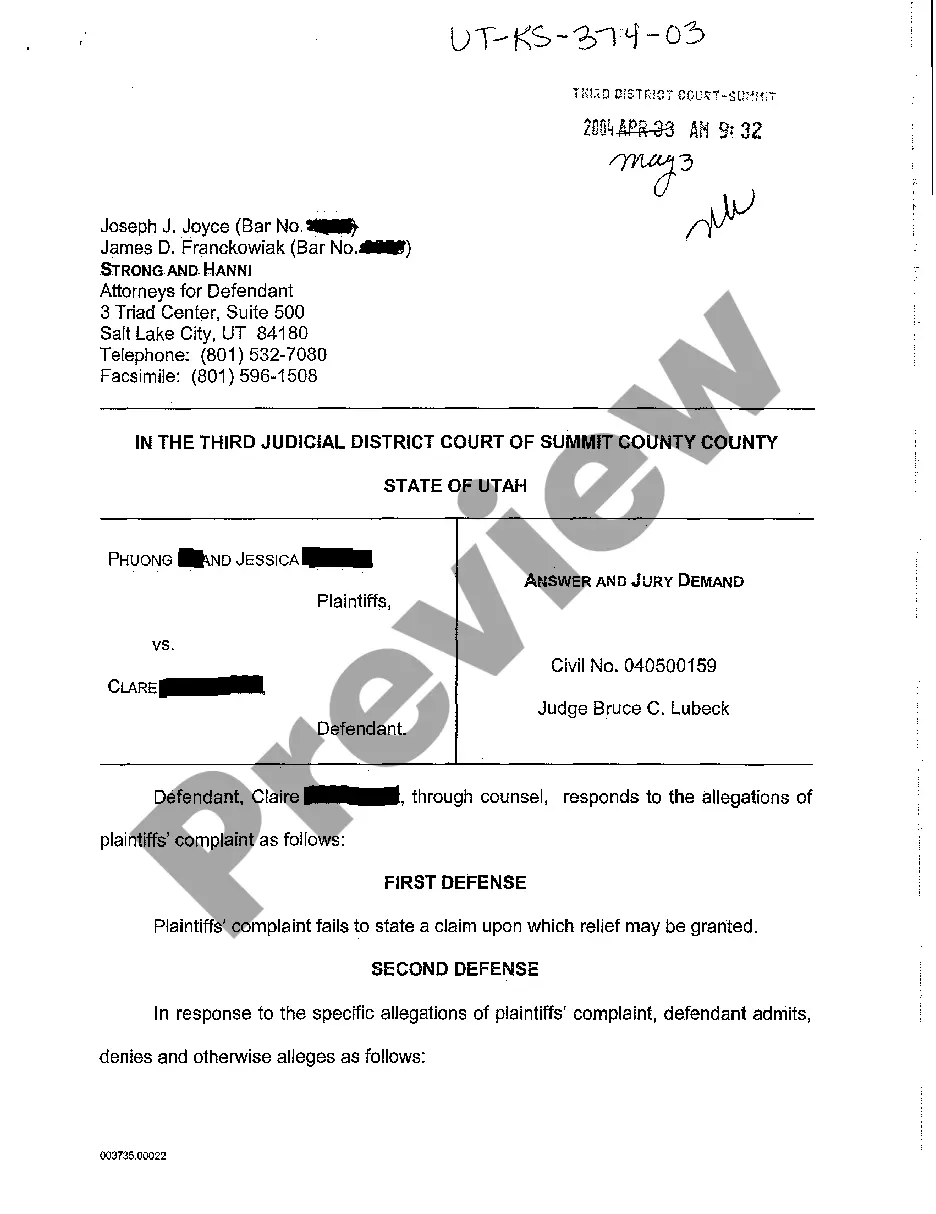
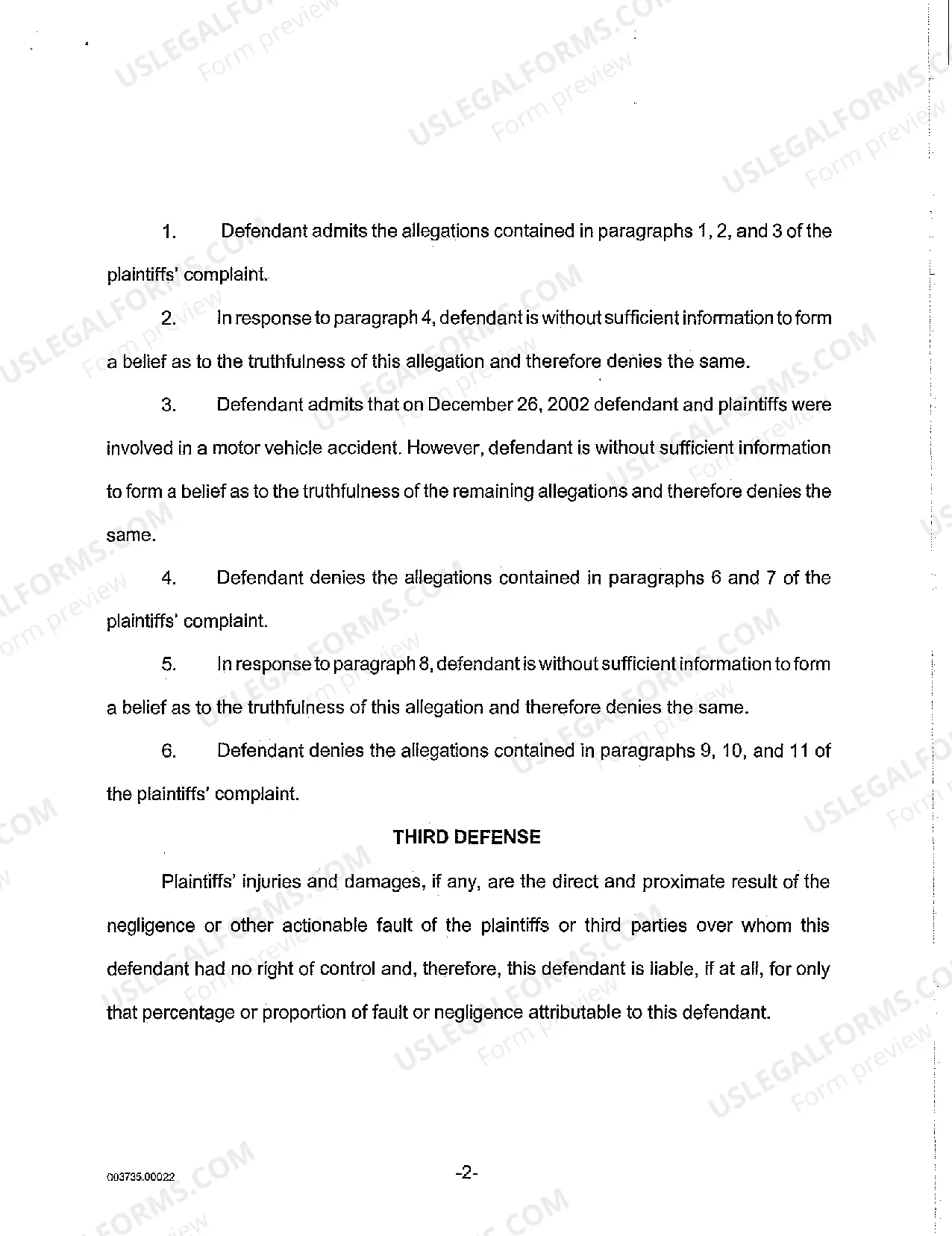
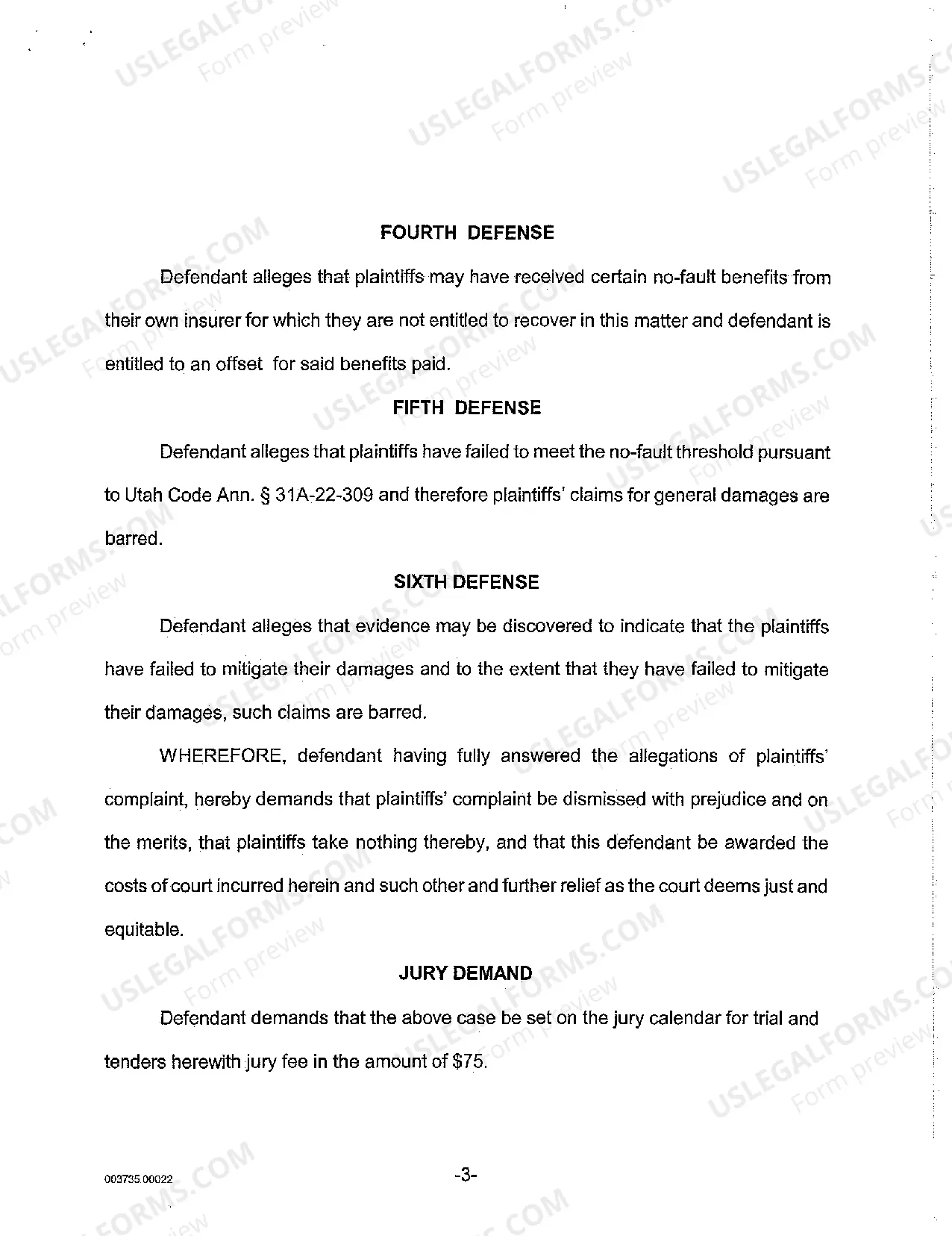
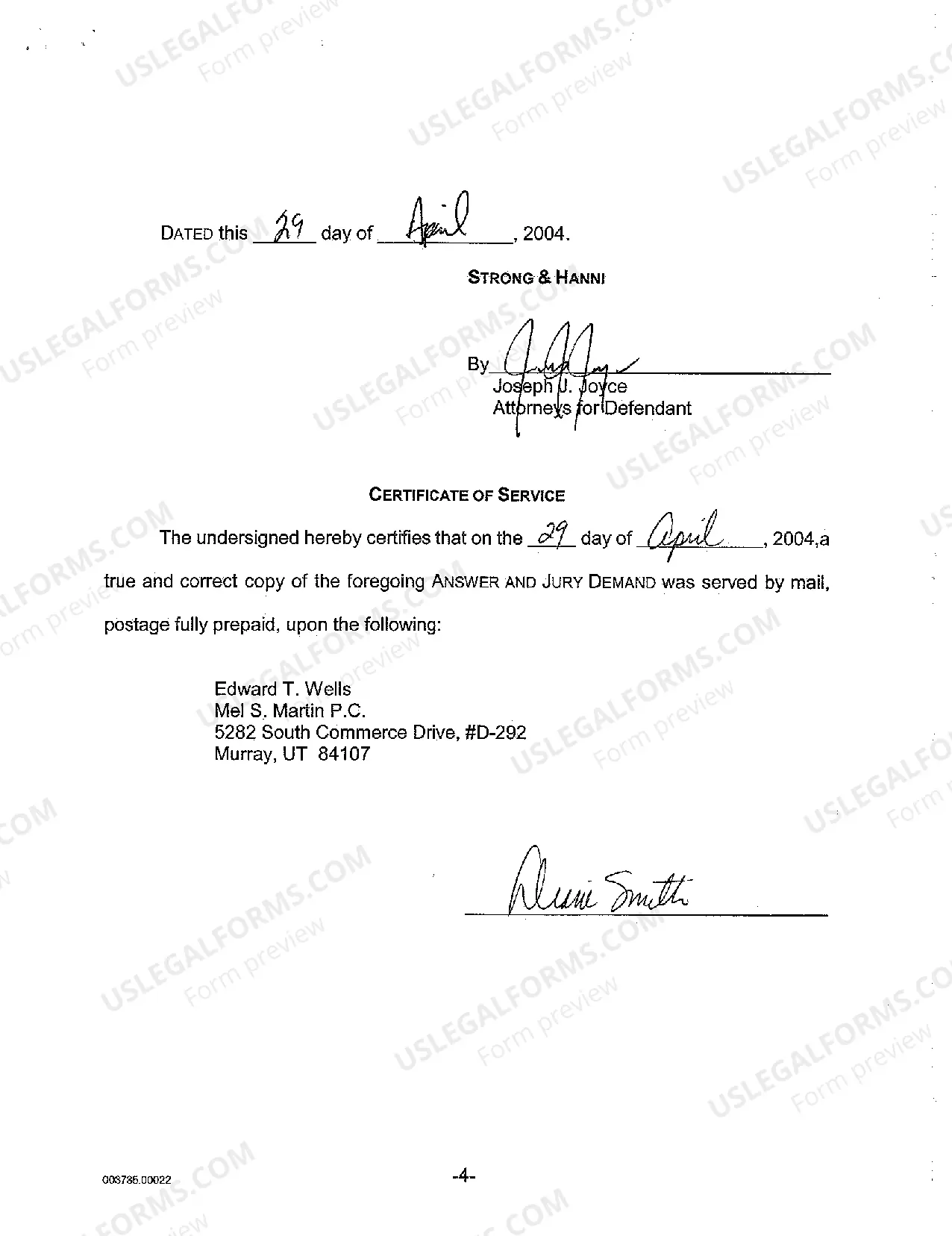
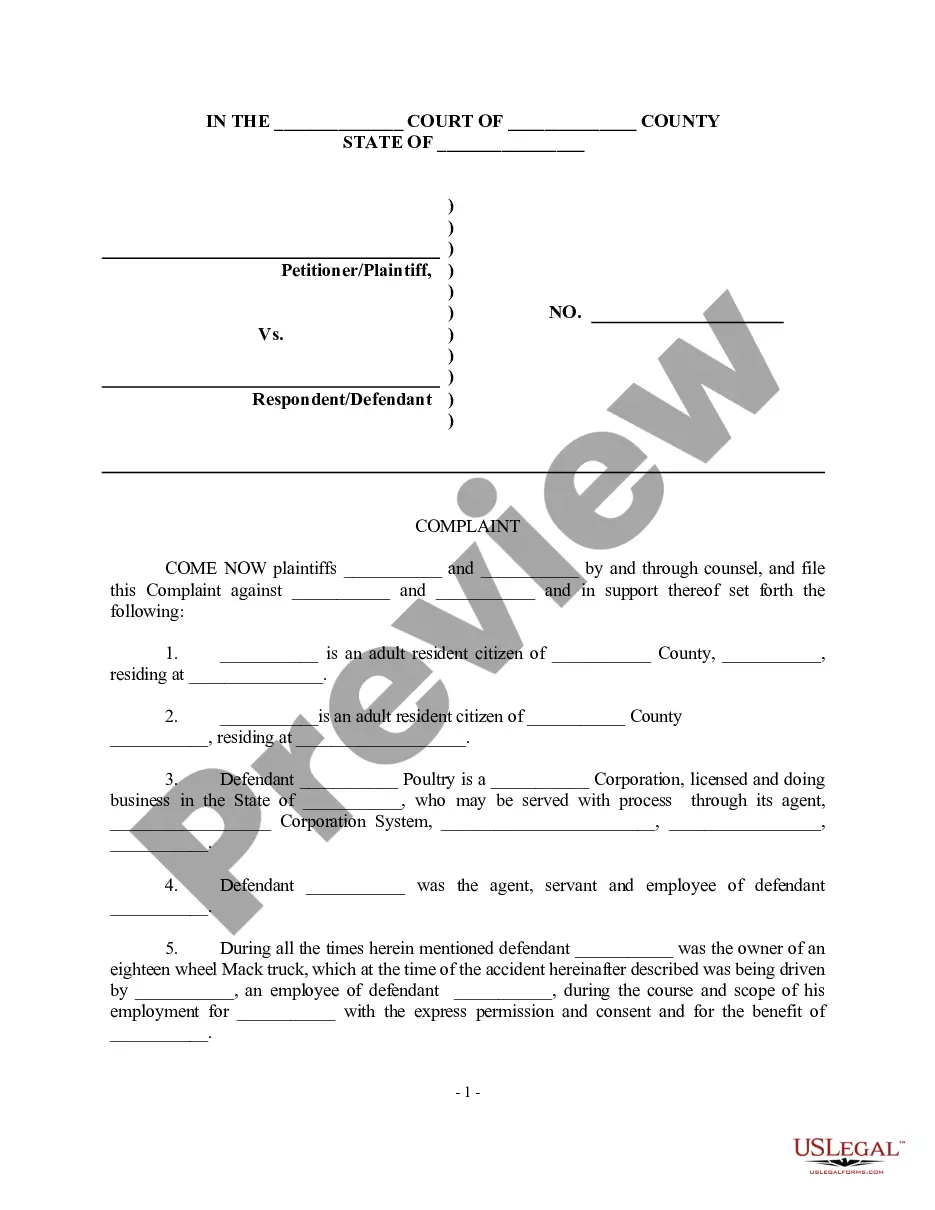
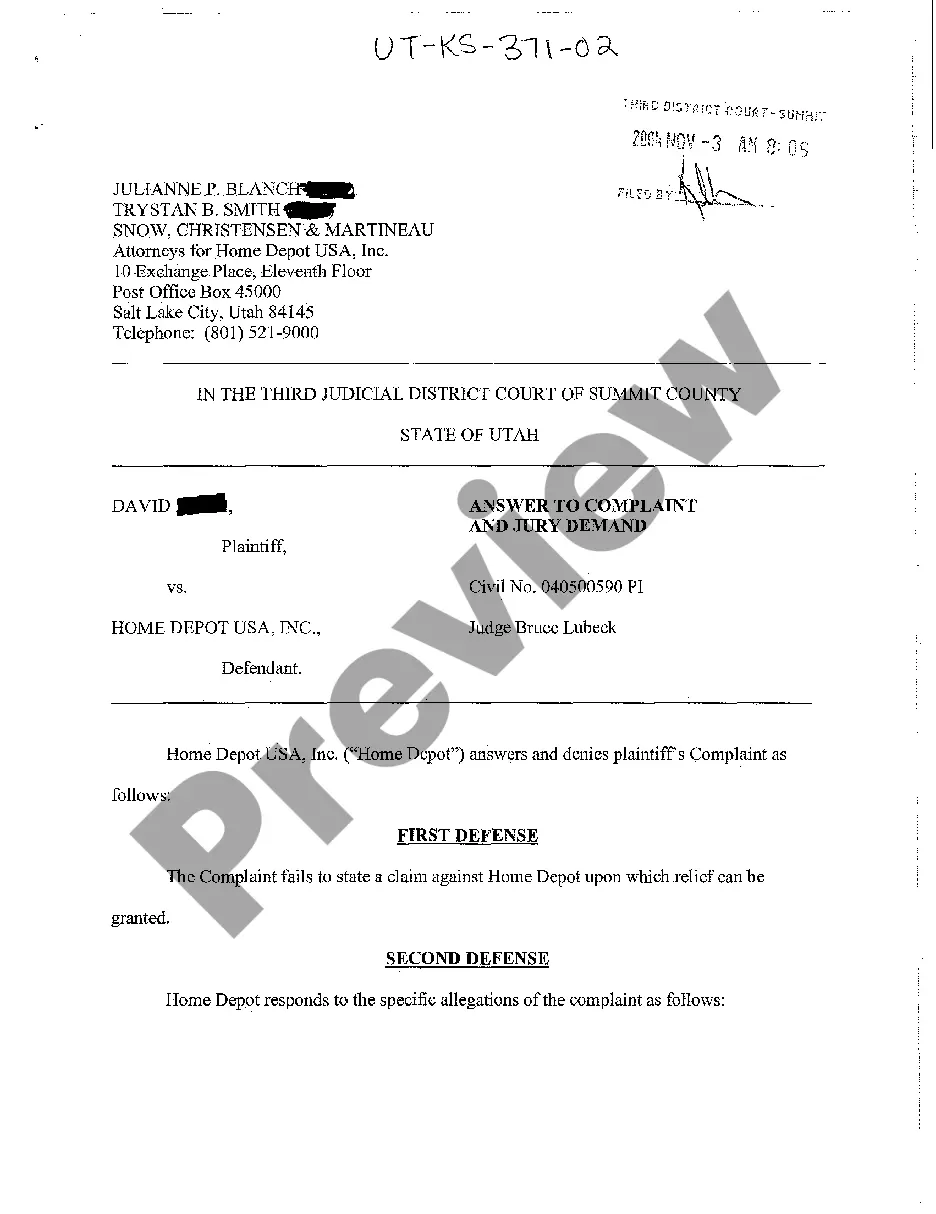
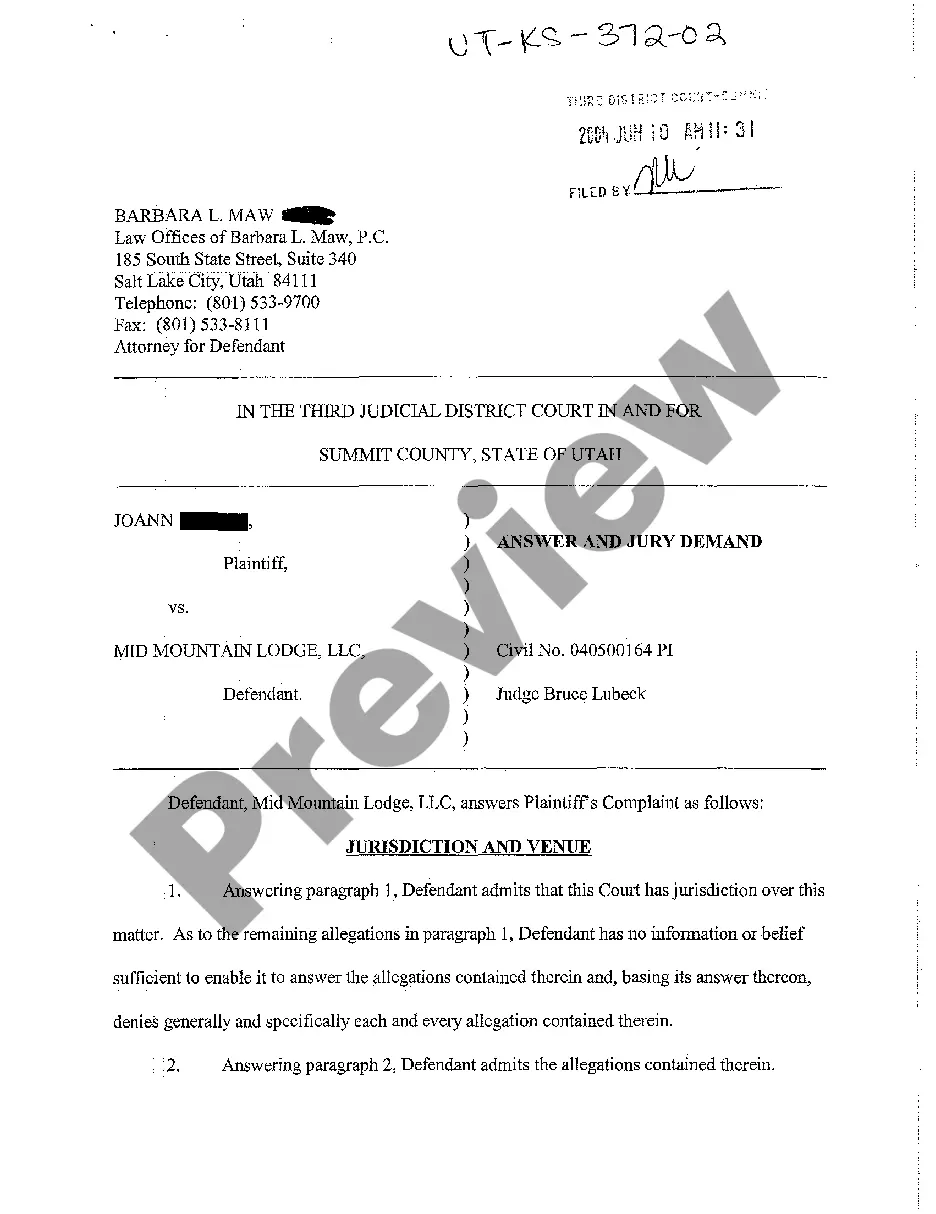
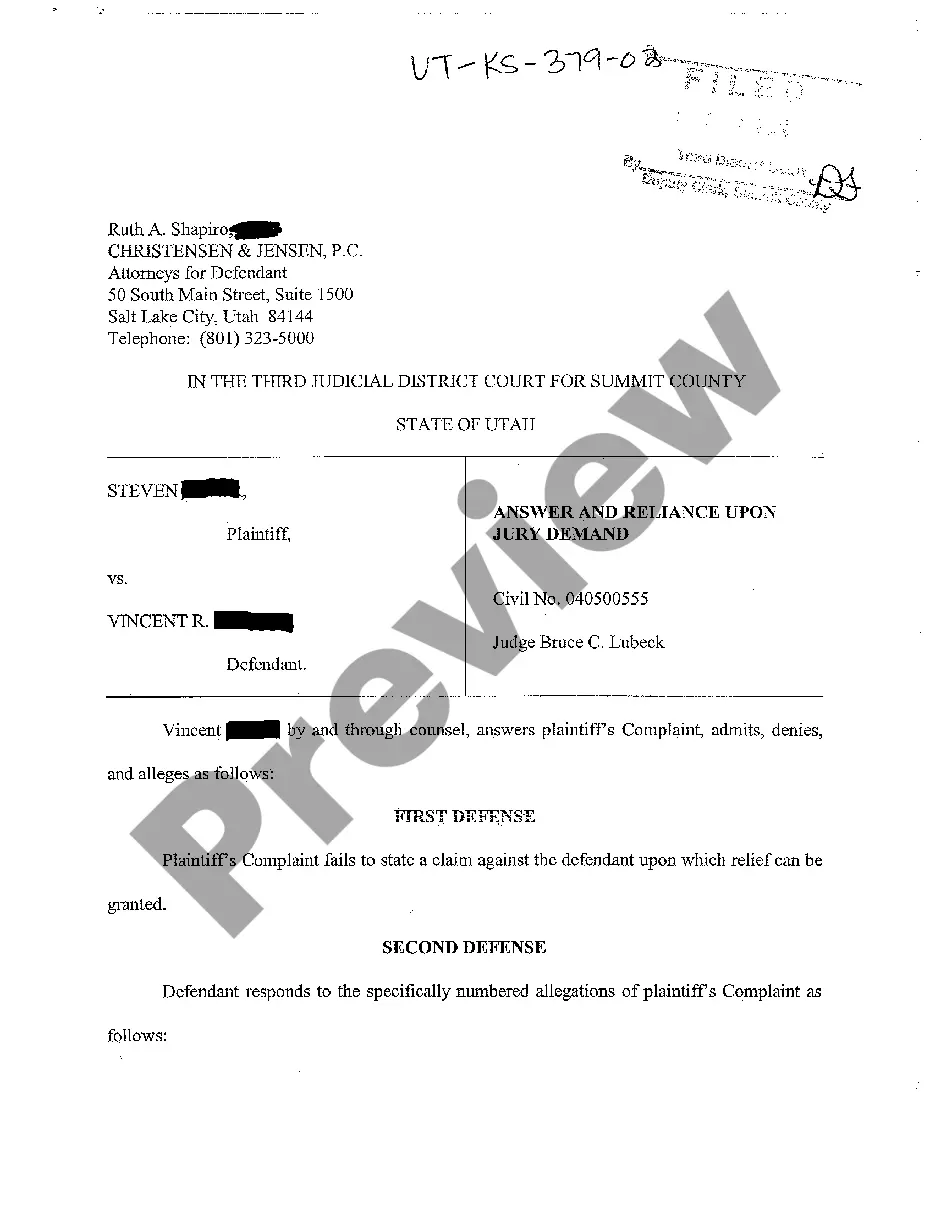
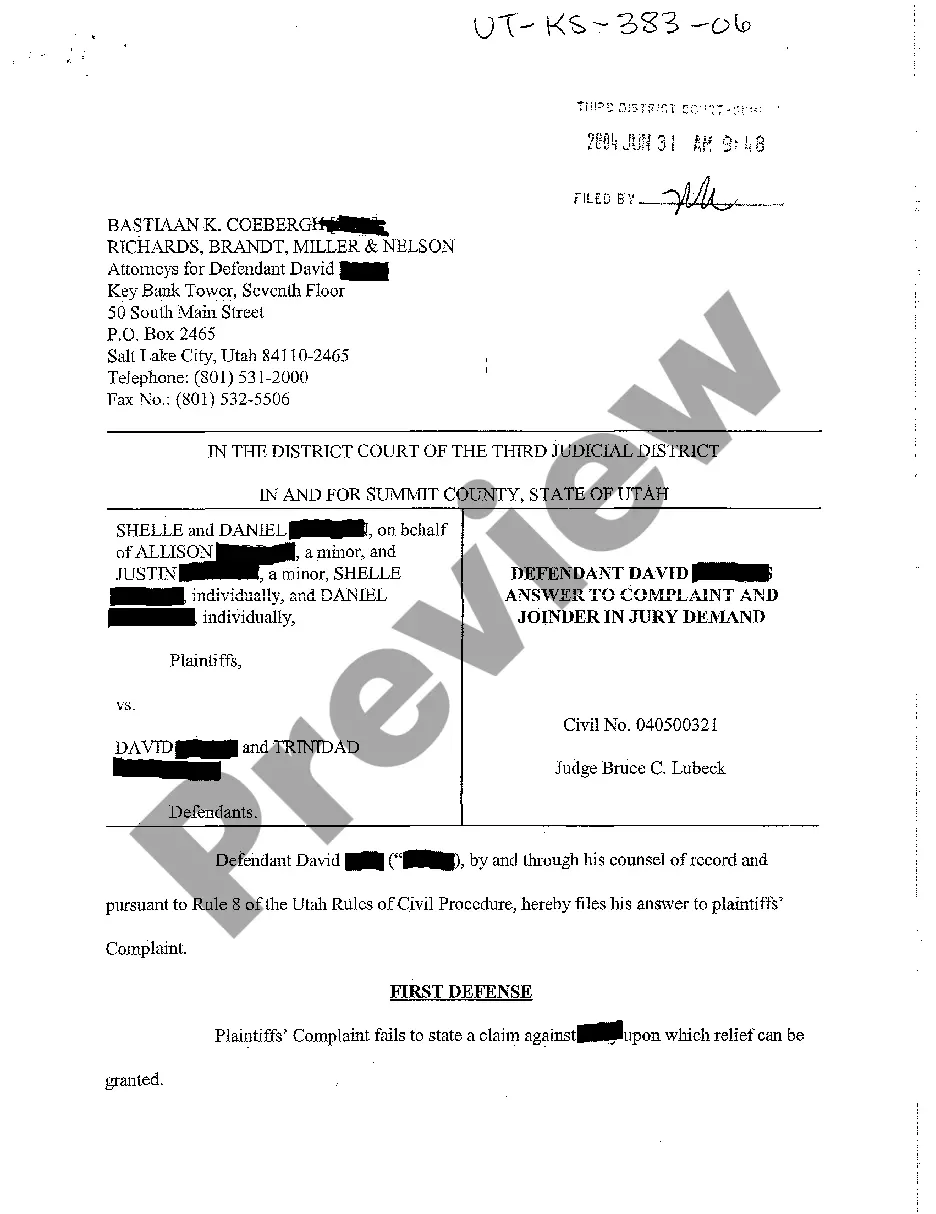


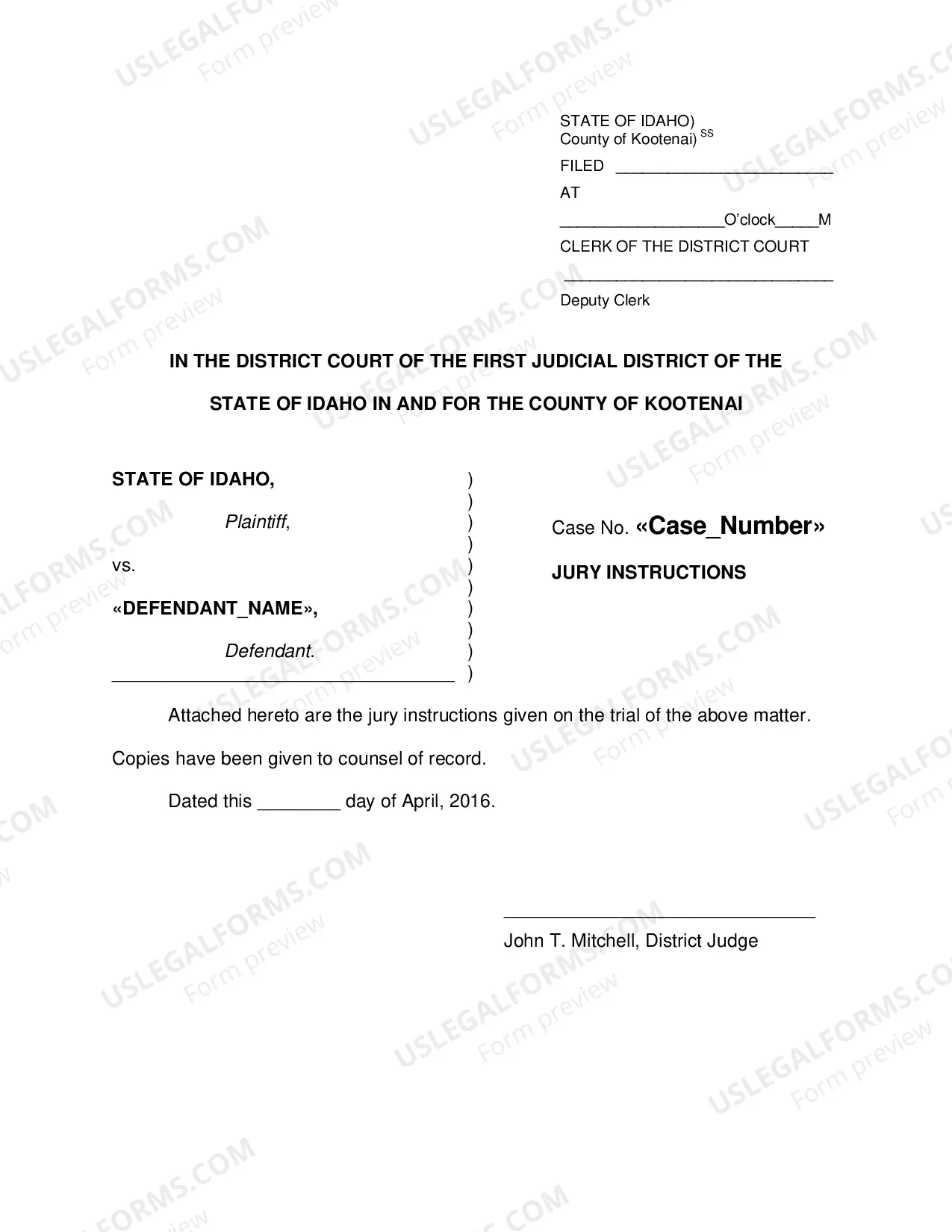
How to fill out Utah Answer And Jury Demand?
Among hundreds of free and paid templates that you can find on the net, you can't be certain about their accuracy and reliability. For example, who created them or if they are competent enough to deal with what you require these people to. Keep calm and utilize US Legal Forms! Find Utah Answer and Jury Demand templates created by skilled lawyers and get away from the high-priced and time-consuming procedure of looking for an lawyer and then having to pay them to write a document for you that you can find on your own.
If you have a subscription, log in to your account and find the Download button next to the form you’re searching for. You'll also be able to access your previously saved examples in the My Forms menu.
If you’re utilizing our service the very first time, follow the instructions below to get your Utah Answer and Jury Demand with ease:
- Ensure that the file you discover applies in your state.
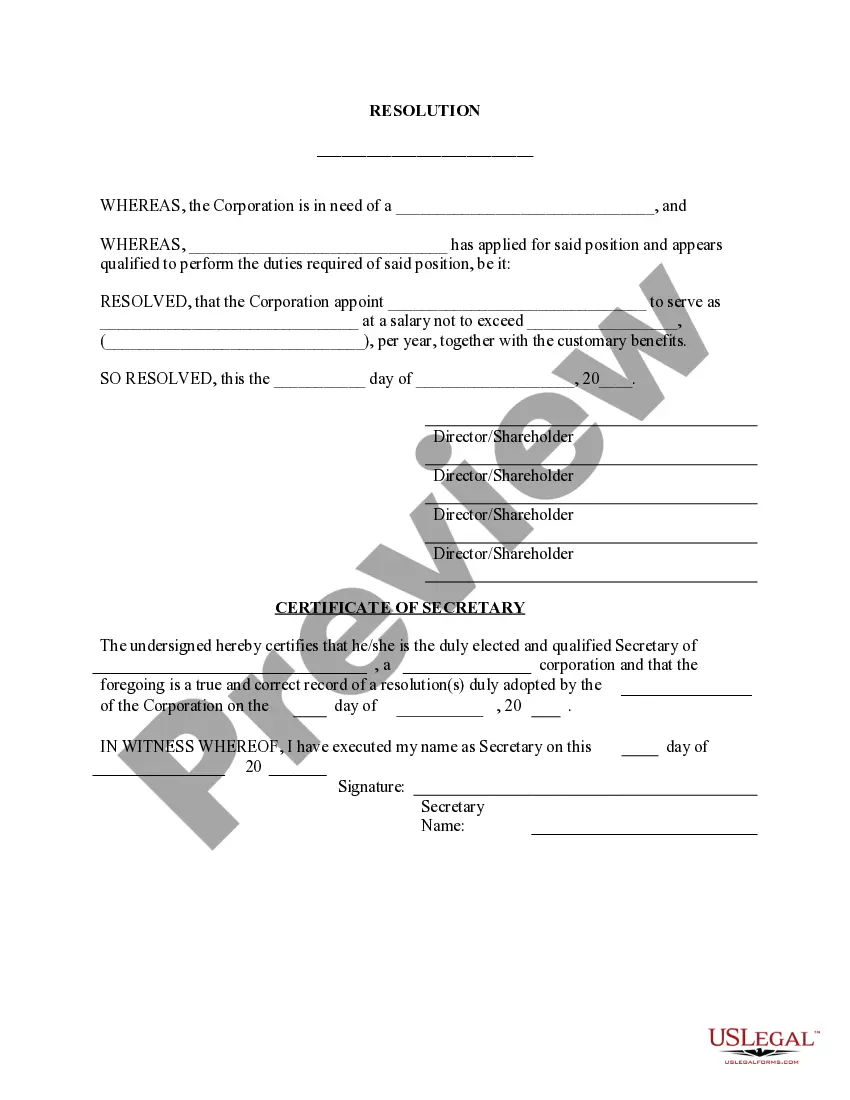
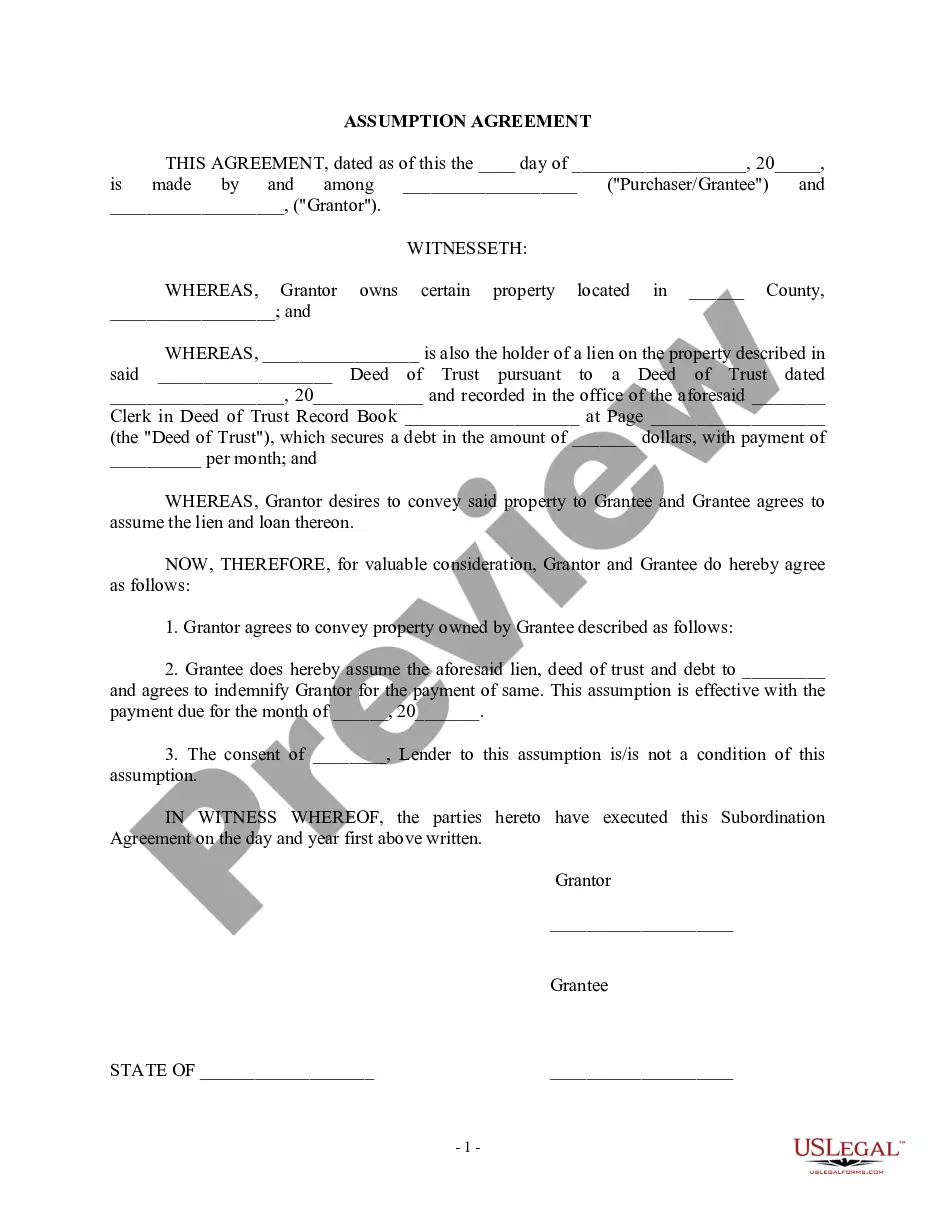
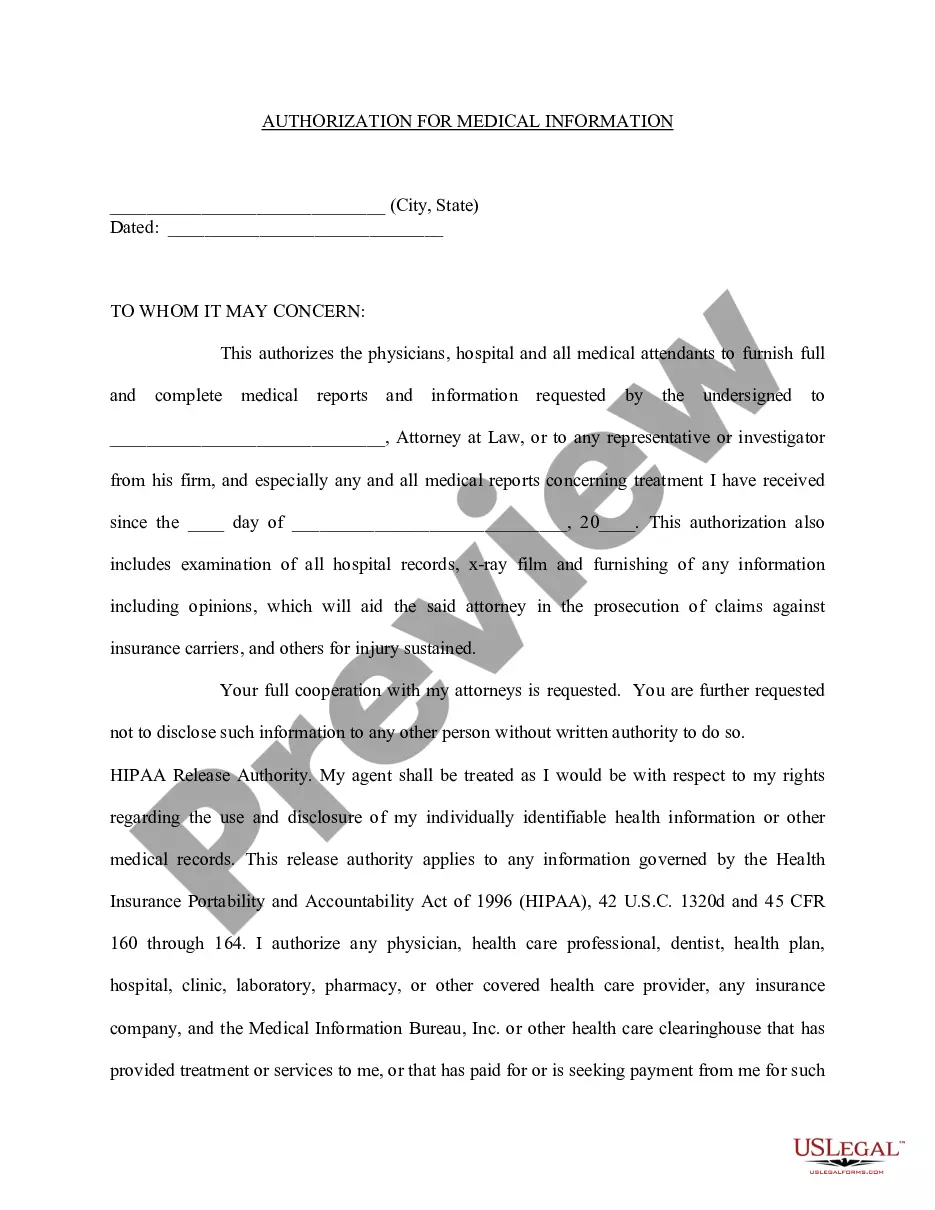
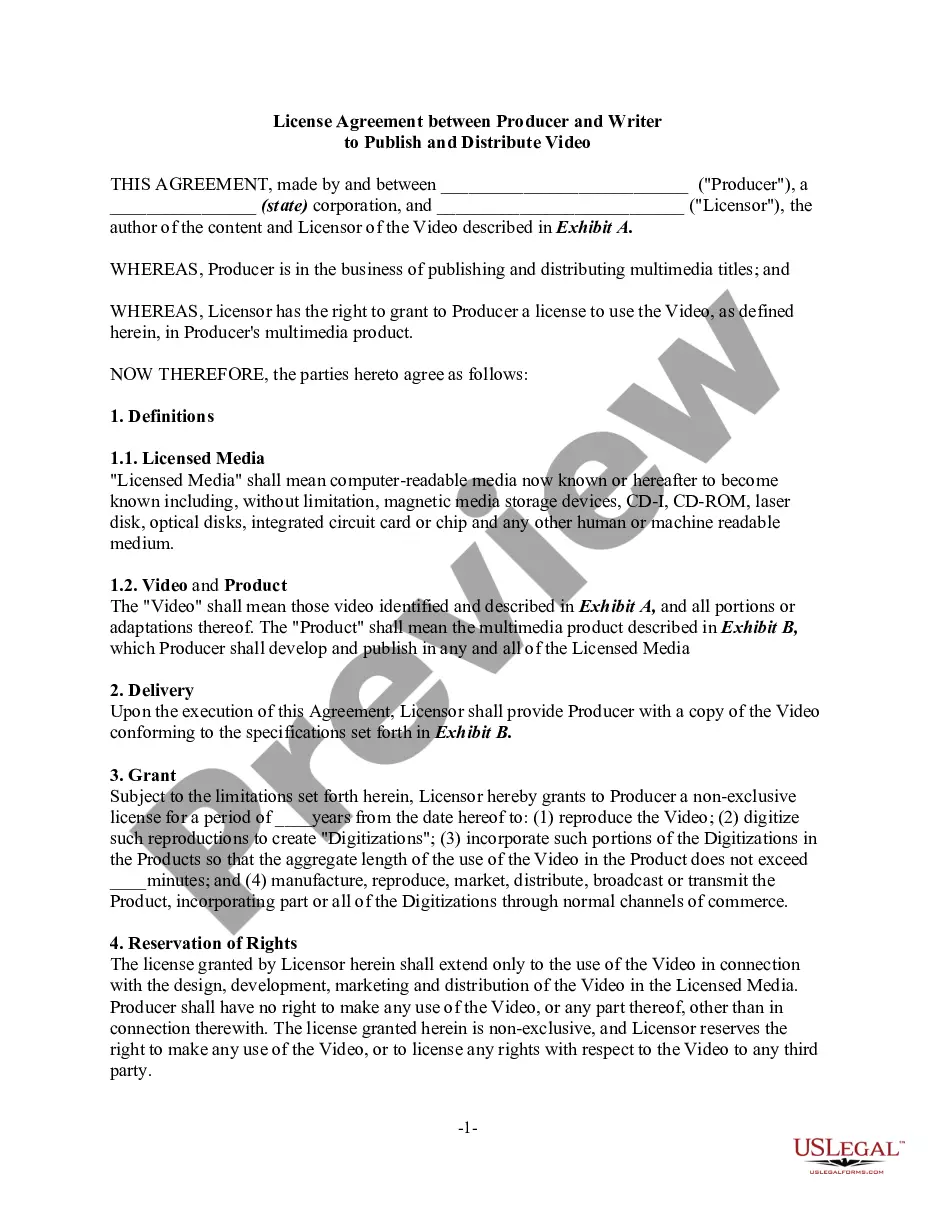
- Look at the template by reading the information for using the Preview function.
- Click Buy Now to begin the ordering procedure or look for another template utilizing the Search field located in the header.
- Choose a pricing plan and create an account.
- Pay for the subscription with your credit/debit/debit/credit card or Paypal.
- Download the form in the required format.
As soon as you’ve signed up and purchased your subscription, you can utilize your Utah Answer and Jury Demand as many times as you need or for as long as it continues to be active in your state. Edit it in your favored online or offline editor, fill it out, sign it, and create a hard copy of it. Do a lot more for less with US Legal Forms!
Form popularity
FAQ
Contact the clerk's office of the court where the lawsuit was filed. You'll find a phone number and address for the clerk's office on your summons. The clerk will be able to tell you exactly what documents you should file with your answer and whether any filing fee is required.
Answer each issue of the complaint. Assert affirmative defenses. File the answer with the court and serve the plaintiff with answer.
Read the summons and make sure you know the date you must answer by. Read the complaint carefully. Write your answer. Sign and date the answer. Make copies for the plaintiff and yourself. Mail a copy to the plaintiff. File your answer with the court by the date on the summons.
A defendant may respond in an answer that admits or denies each of the plaintiff's allegations in the complaint. The answer will list defenses and counter-claims or cross-claims against the plaintiff or other defendants. The answer will state whether the defendant wants a jury trial. The case will then continue.
Pull the header information from the plaintiff's petition. Title your Answer Answer to Plaintiff's Petition/Complaint. Center this title and make it bold. Introduce yourself. Admit, deny, or claim that you lack sufficient knowledge to admit or deny each of the plaintiff's numbered allegations.