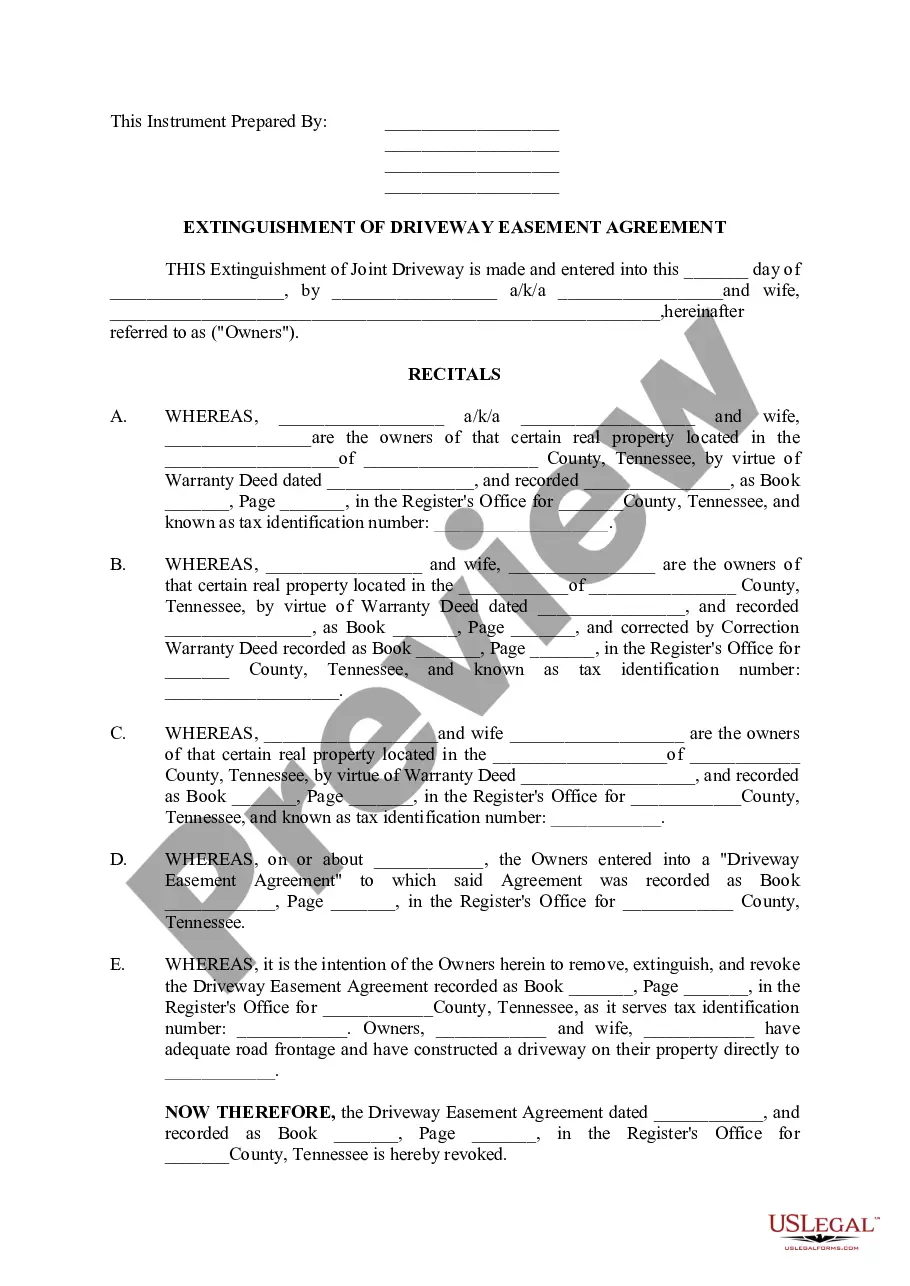
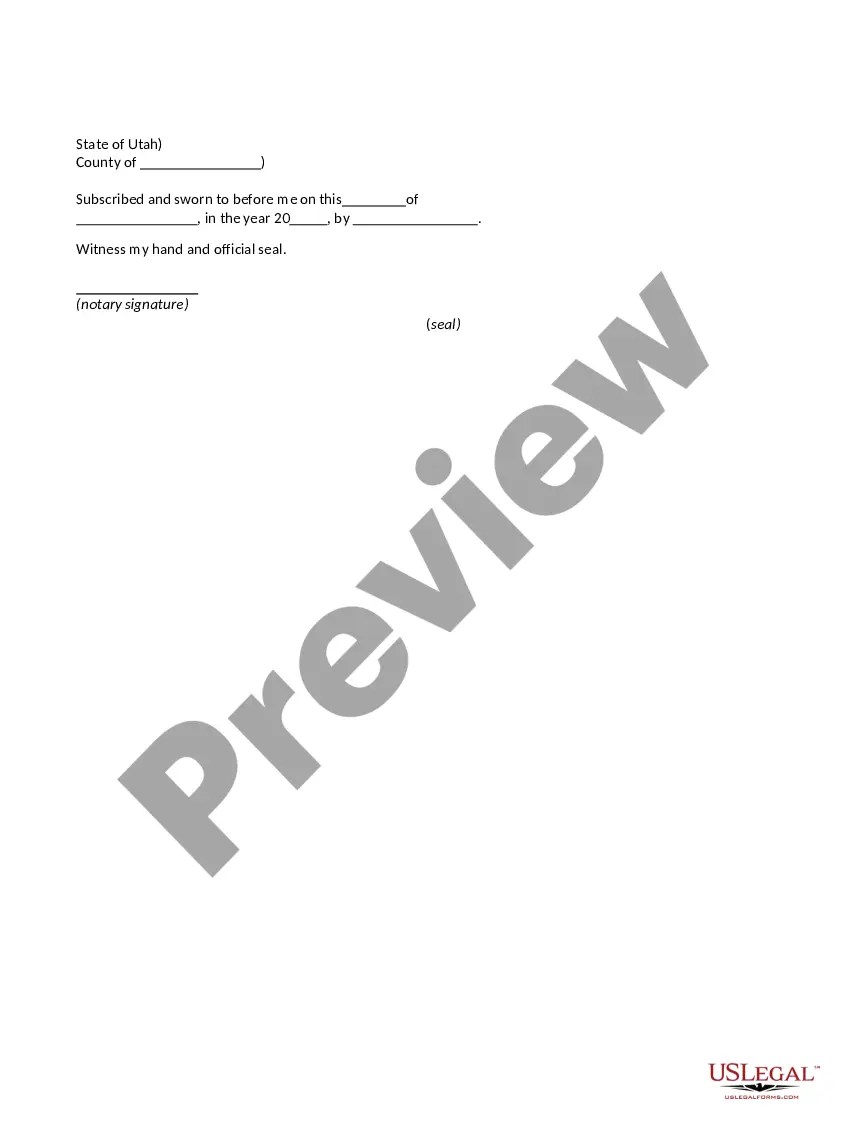
Utah Jurat Acknowlegment
What this document covers
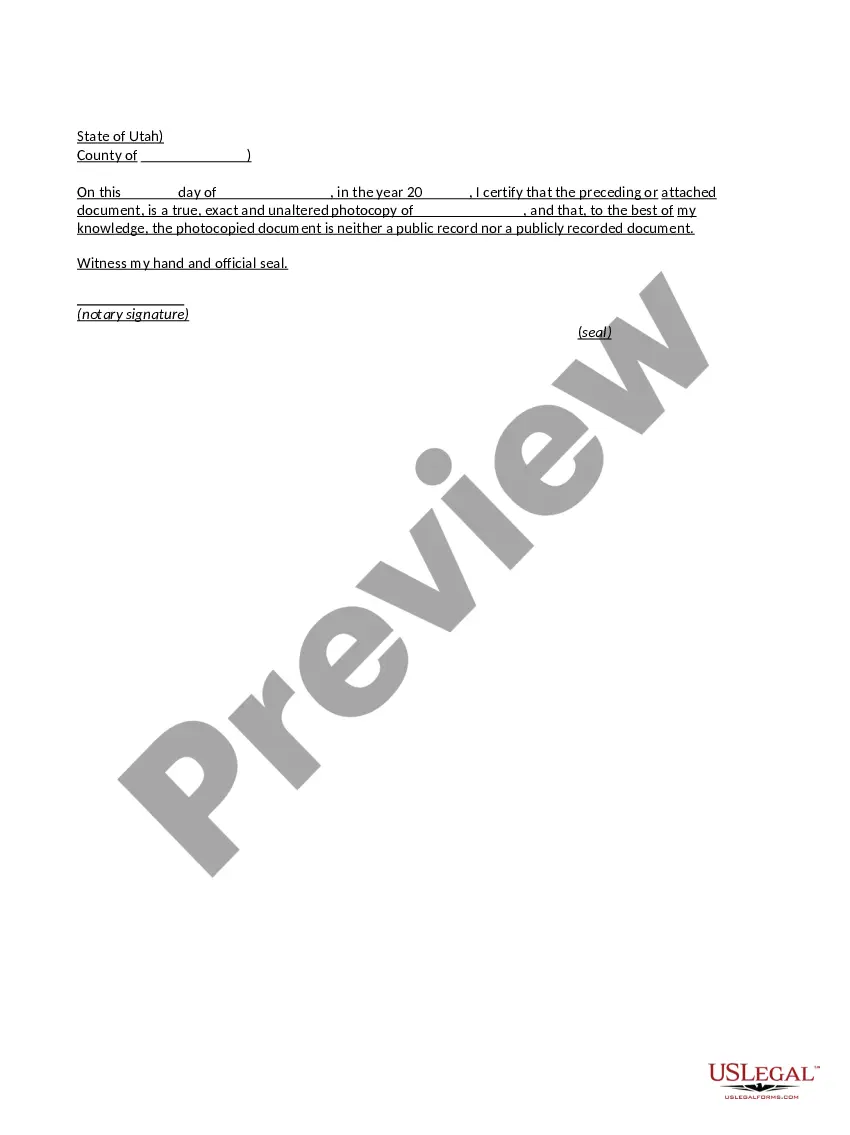
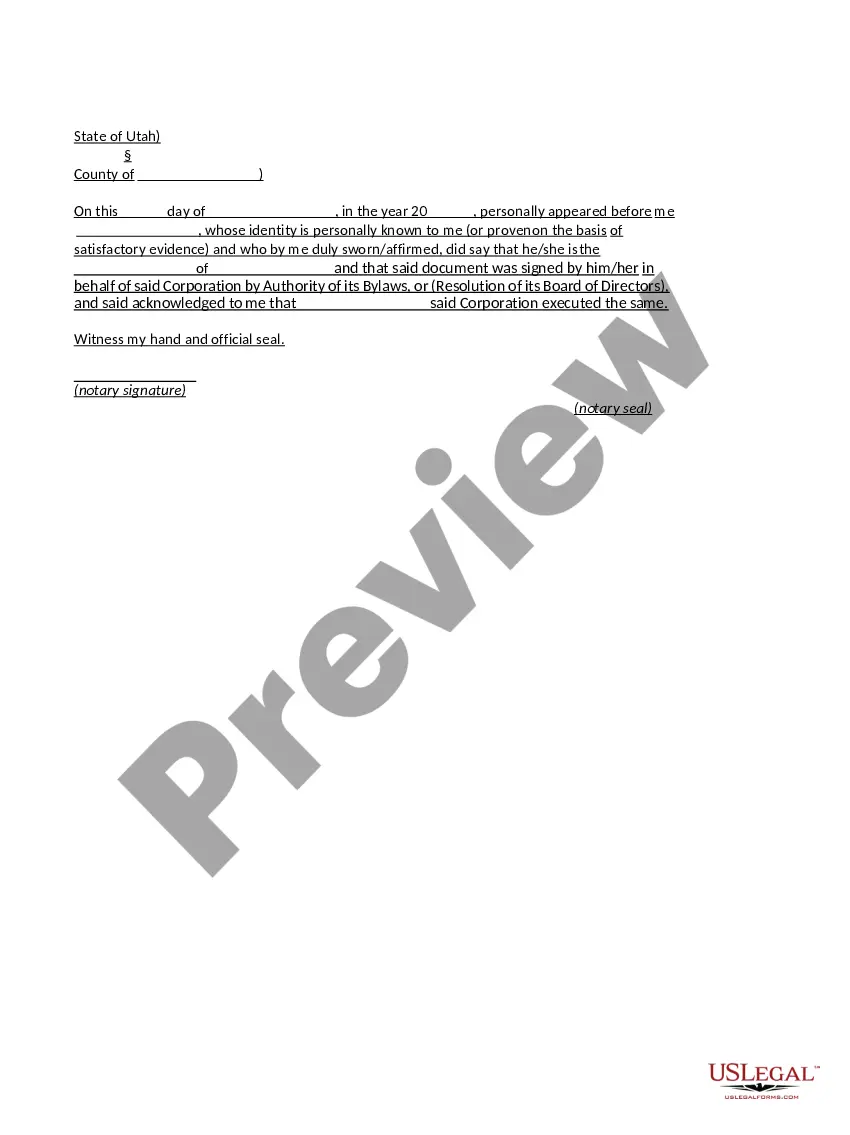
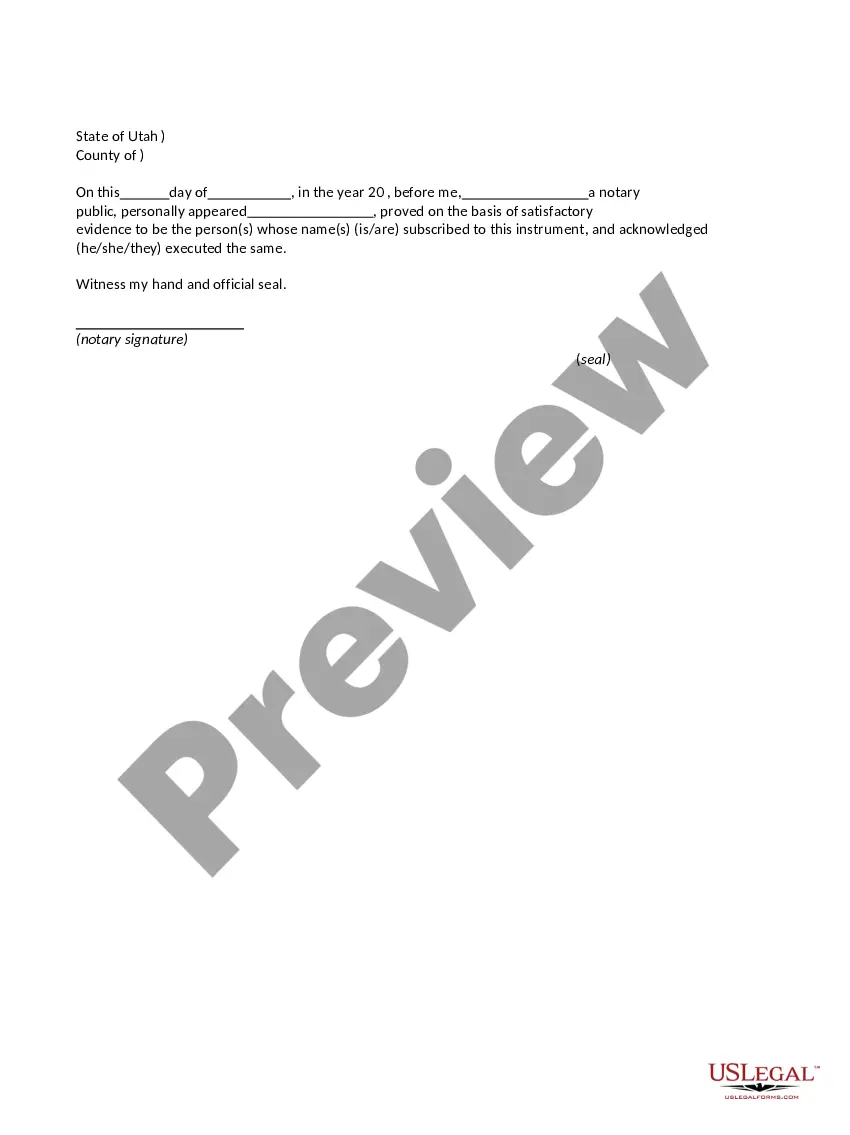
The Jurat Acknowledgment is a legal document that certifies that a person has sworn an oath or affirmed the truth of a statement before a notary public or authorized official. This form is essential in legal proceedings where the authenticity of a document is questioned, differentiating it from standard affidavits by confirming not only the signature but also the act of swearing under oath.
What’s included in this form
- Location and date of the acknowledgment
- Name of the signer and the statement being affirmed
- Notary public's information, including signature and seal
- Statement indicating that the signer was sworn in
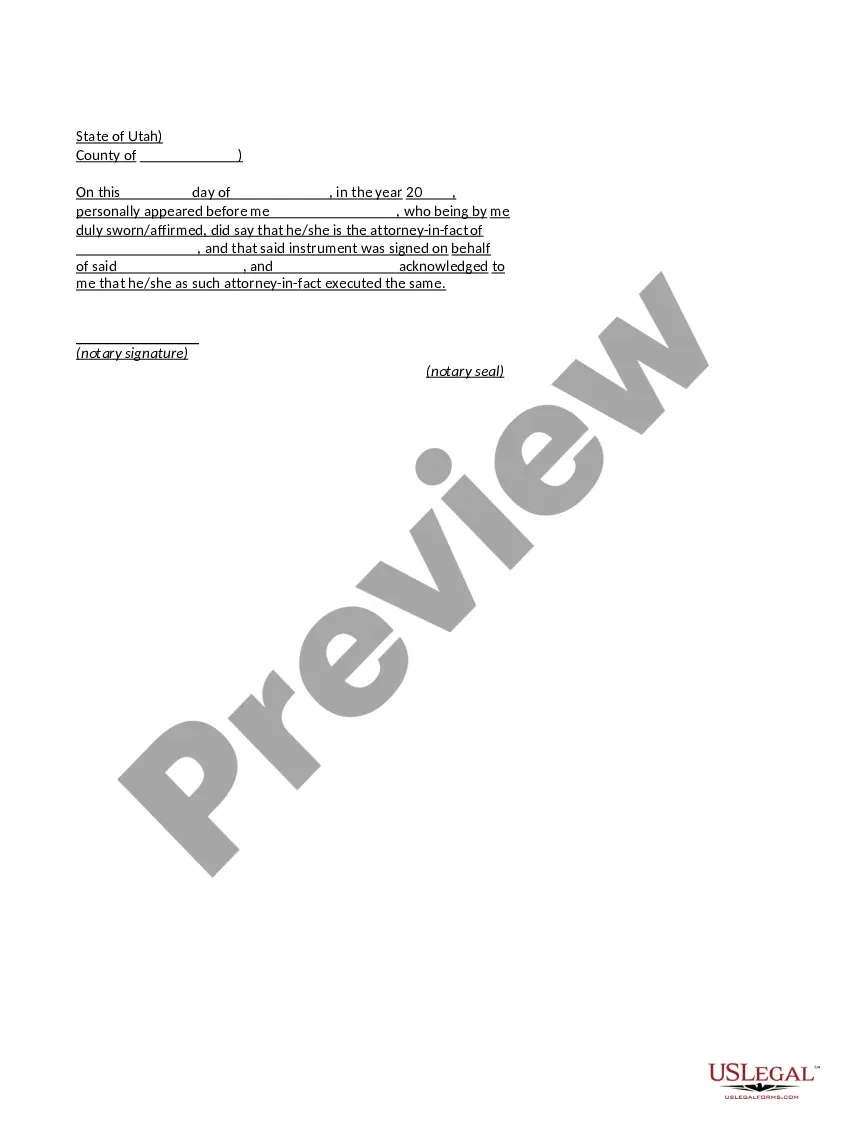
When to use this document
This form should be used when an individual needs to formally declare the truth of a statement in legal contexts. Examples include submitting documents for court cases, applying for certain licenses, or verifying claims in contracts. It provides assurance that the signer's testimony can be considered valid and accountable under oath.
Who needs this form
This form is intended for:
- Individuals who need to affirm the truthfulness of statements in legal matters
- Notaries public verifying affirmations and oaths
- Legal professionals requiring sworn statements from clients
How to complete this form
- Identify the parties involved, including the signer and the notary.
- Enter the date and location where the acknowledgment takes place.
- Specify the statement that is being sworn to by the signer.
- The notary should complete their information, including signature and seal.
- Ensure all fields are completed before submitting the document for legal use.
Is notarization required?
Yes, this form must be notarized to be legally valid. Notarization confirms the identity of the signer and the authenticity of the document. US Legal Forms offers integrated online notarization services, providing 24/7 availability for secure and legally recognized notarization.
Get your form ready online
Our built-in tools help you complete, sign, share, and store your documents in one place.
Make edits, fill in missing information, and update formatting in US Legal Forms—just like you would in MS Word.
Download a copy, print it, send it by email, or mail it via USPS—whatever works best for your next step.
Sign and collect signatures with our SignNow integration. Send to multiple recipients, set reminders, and more. Go Premium to unlock E-Sign.
If this form requires notarization, complete it online through a secure video call—no need to meet a notary in person or wait for an appointment.
We protect your documents and personal data by following strict security and privacy standards.

Make edits, fill in missing information, and update formatting in US Legal Forms—just like you would in MS Word.

Download a copy, print it, send it by email, or mail it via USPS—whatever works best for your next step.

Sign and collect signatures with our SignNow integration. Send to multiple recipients, set reminders, and more. Go Premium to unlock E-Sign.

If this form requires notarization, complete it online through a secure video call—no need to meet a notary in person or wait for an appointment.

We protect your documents and personal data by following strict security and privacy standards.
Common mistakes
- Failing to have the document signed in the presence of the notary.
- Leaving any required fields blank, including the date and location.
- Using an outdated version of the form that does not comply with current laws.
Advantages of online completion
- Convenience of downloading and printing the form anytime and anywhere.
- Editability allows you to easily customize the form for your specific needs.
- Reliability of professionally drafted templates ensures legal validity.
Legal use & context
Utilizing a Jurat Acknowledgment ensures that statements are legally binding. Courts often require this document to confirm the veracity of claims and statements made during legal proceedings.
What to keep in mind
- The Jurat Acknowledgment is essential for verifying sworn statements.
- It is suitable for various legal situations requiring affirmation of truth.
- Accurate completion and notarization are crucial for legal validity.
Looking for another form?
Form popularity
FAQ
Unlike jurats, an acknowledgment does not need to be signed in the presence of a notary. However, the affiant does need to swear or affirm that they signed under their own free will.
The signer was physically in front of you when you performed the notarization. You verified the signer's identity, if required by your state, using a method acceptable in your state. You witnessed the signer sign the document in front of you.
The appropriate verbal wording for an oath for a jurat is as follows: Do you solemnly swear that the statements in this document are true to the best of your knowledge and belief, so help you God?
Acknowledgment And Jurat CertificatesIn general, an acknowledgment certificate will contain the words, acknowledged before me or similar wording. Jurat certificates will contain the words, subscribed and sworn to (or affirmed) before me.
Step 1: Require Personal Appearance. Step 2: Check Over The Document. Step 3: Carefully Identify The Signer. Step 4: Record Your Journal Entry. Step 5: Complete The Notarial Certificate. A Last Note: Never Give Advice.
Jurats. A jurat is used when the signer is swearing to the content of the document. The notary must administer an oath or affirmation to the signer in order to complete the jurat. A jurat also requires that the signer signs in the presence of the notary.
A notary acknowledgement ensures that the signer of the document is indeed the person named in the document. The function of the notary in this case is to verify the identity of the signer. On the other hand, a notary is asked to perform a Jurat, when the signer takes an oath or makes an affirmation.
An acknowledgment requires the following steps: The signer must physically appear before you. You as the notary must positively identify the signer according to your state's rules. The signer may either sign the document before appearing before you, or in your presence.
When you see (here insert the name and character of the officer) next to a blank as shown below, it means you should insert Your name, Notary Public in the blank.