Information Protection Guidelines for Employees
Understanding this form
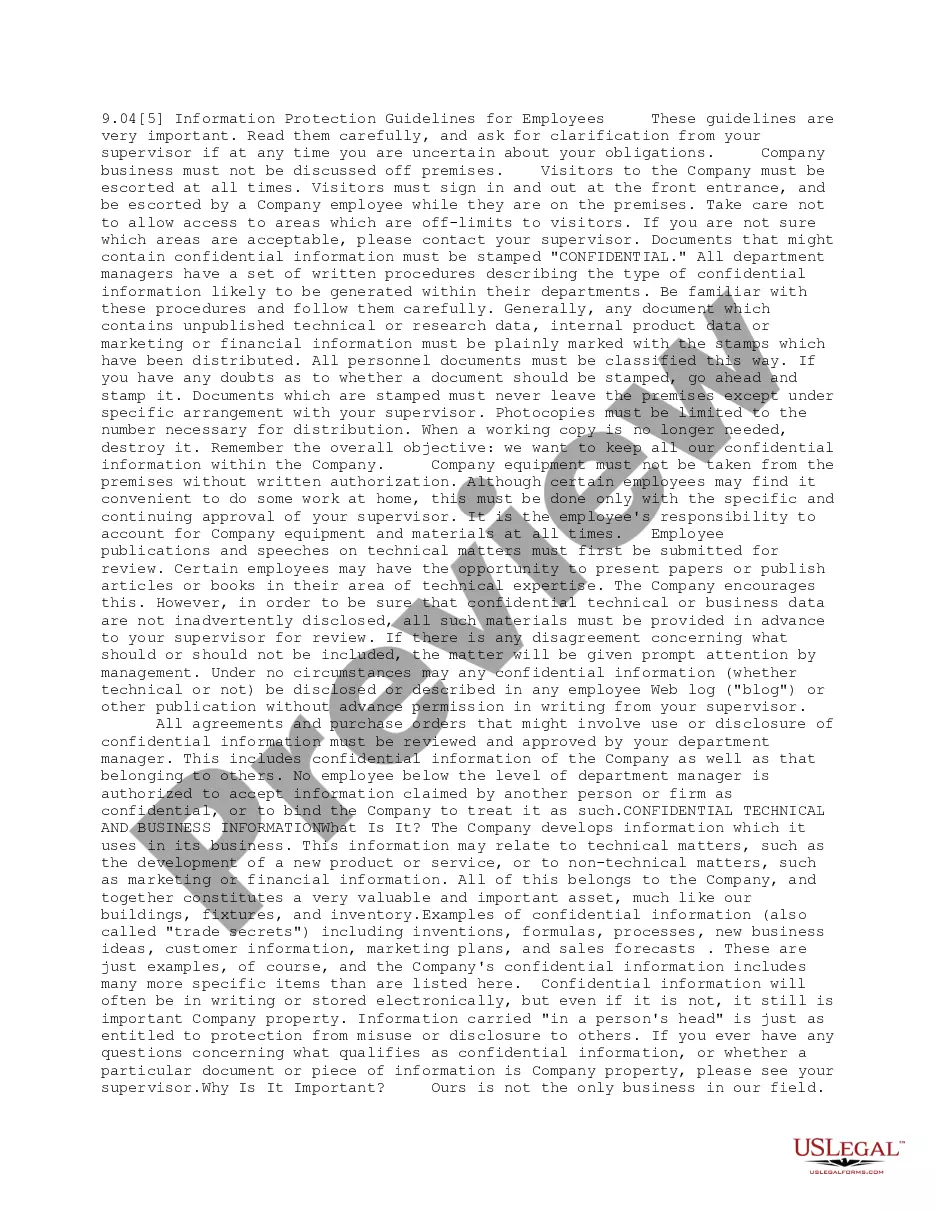
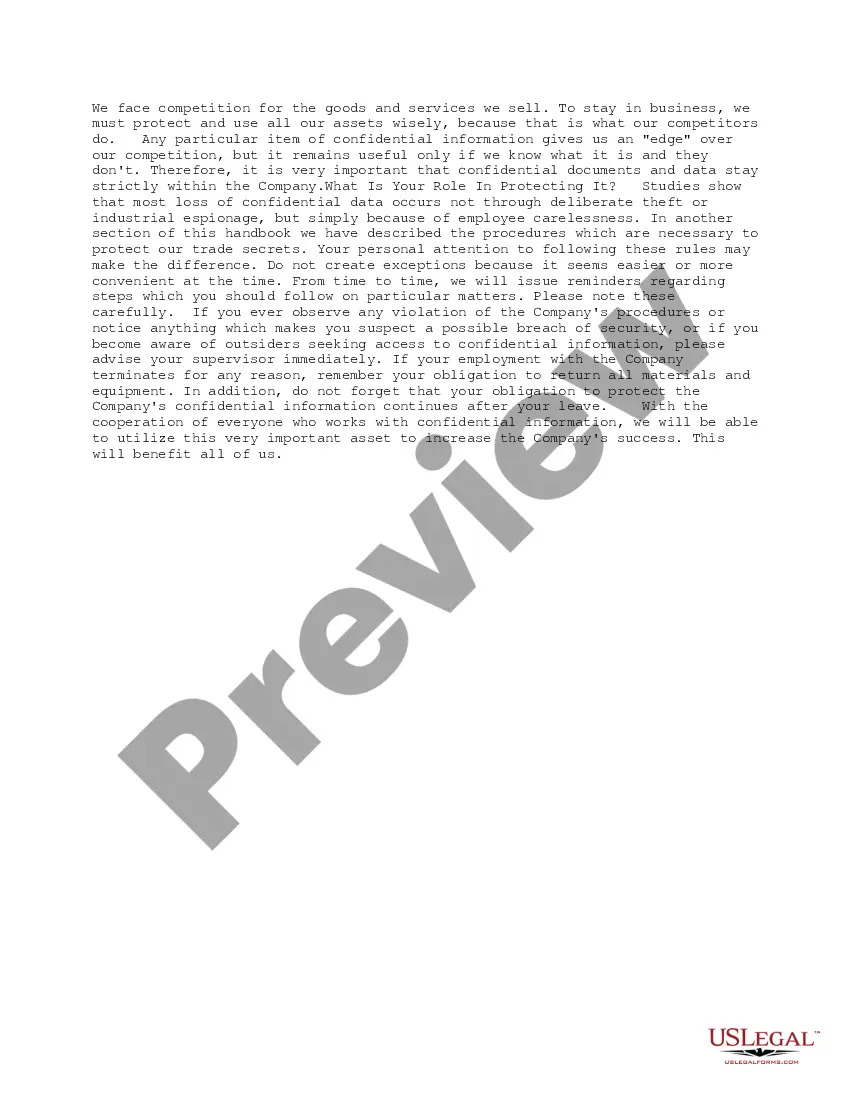
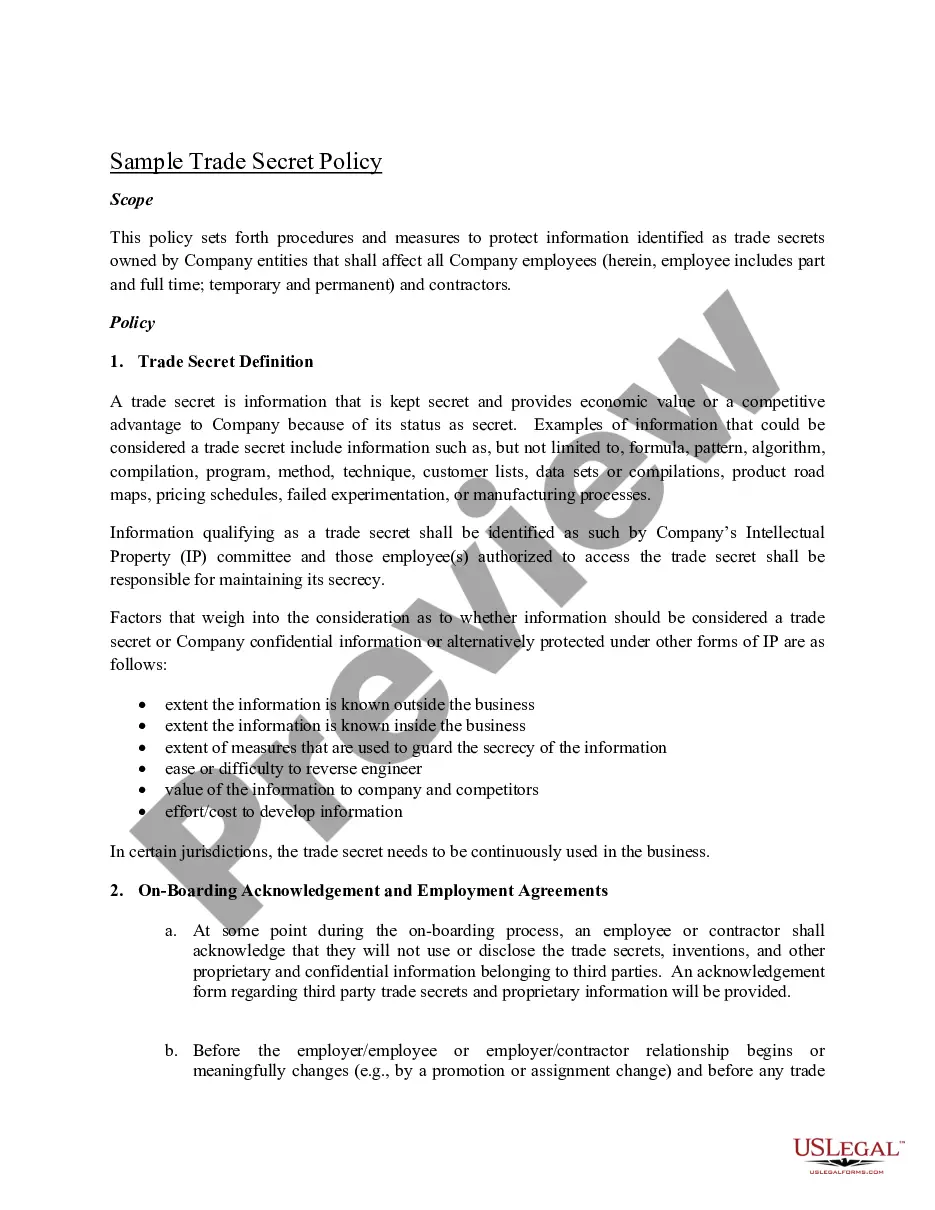
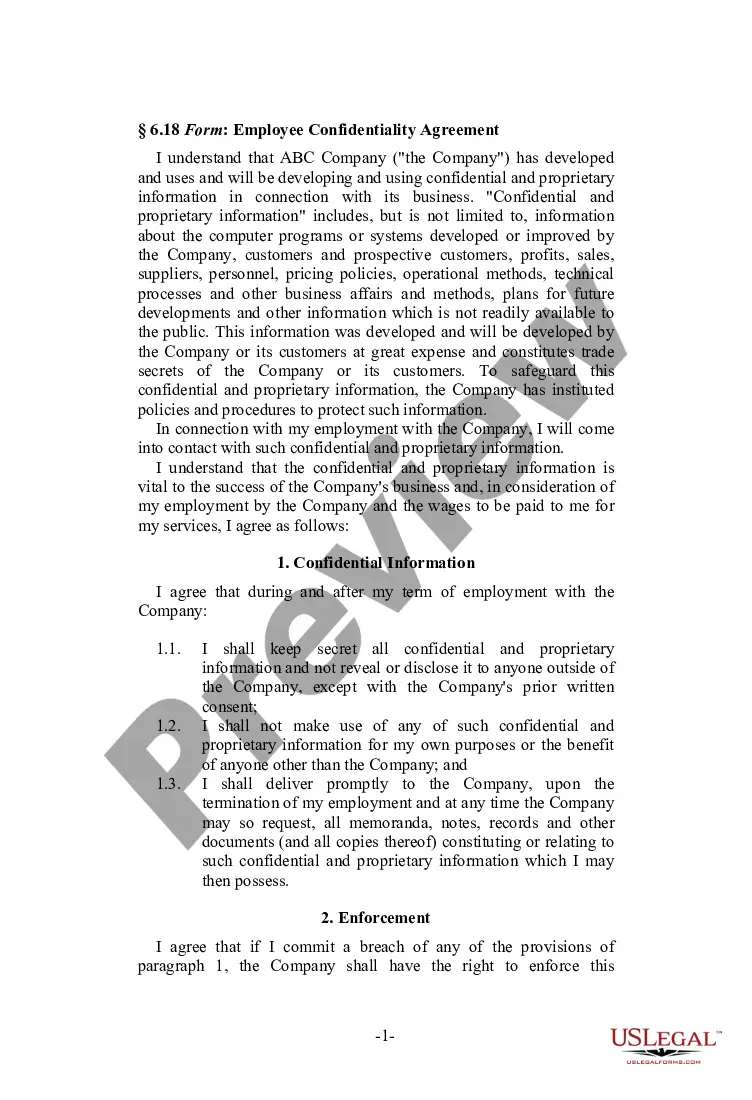
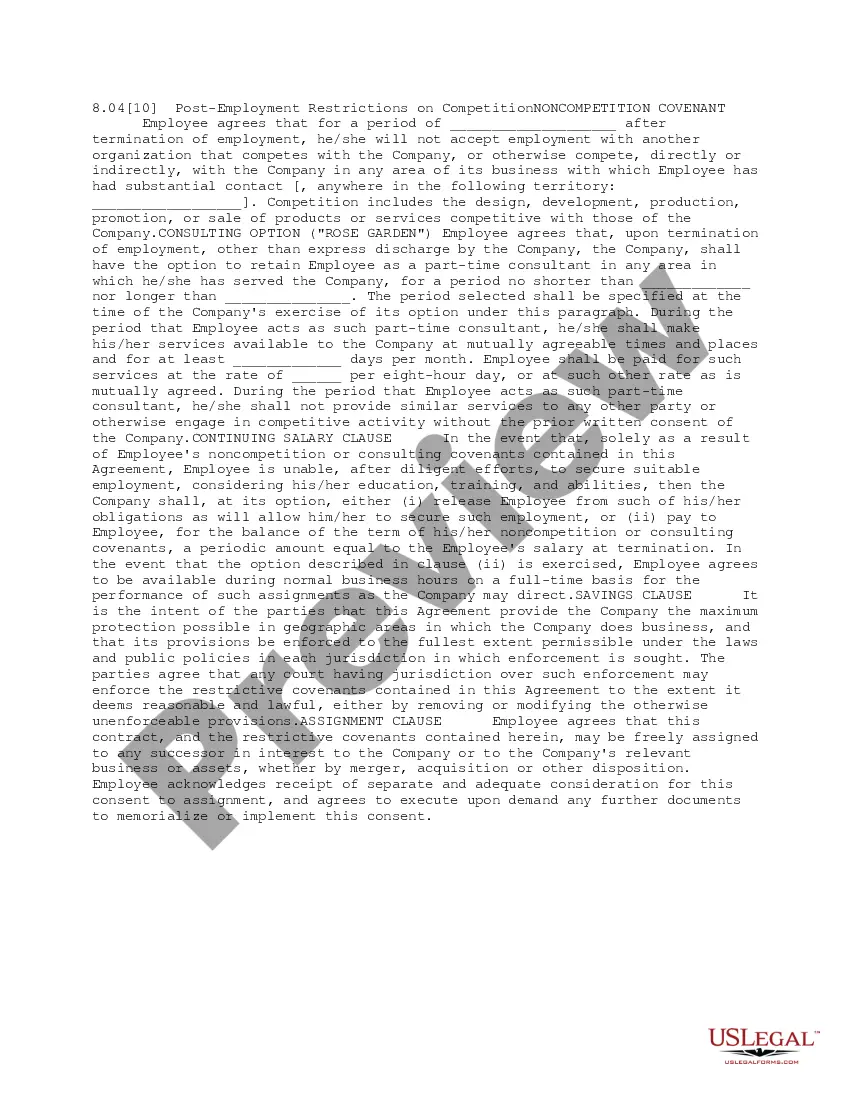
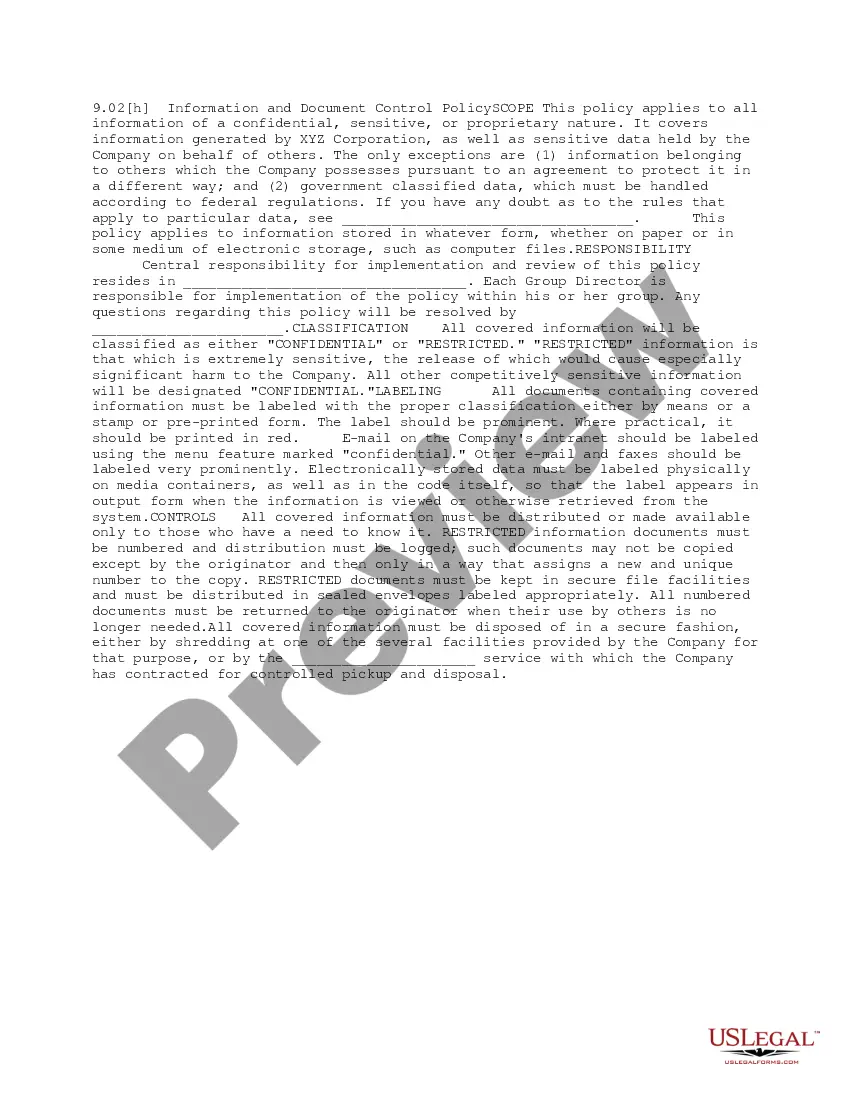
The Information Protection Guidelines for Employees form outlines key procedures and rules intended to safeguard confidential and proprietary information within a company. This form helps employees understand their responsibilities regarding sensitive company data, distinguishing it from other workplace policies that may not focus specifically on information security or confidentiality protocols.
What’s included in this form
- Guidelines for discussing company business and handling visitors on premises.
- Procedures for marking and managing confidential documents.
- Rules regarding employee publications and speeches on technical matters.
- Protocol for protecting company equipment and materials.
- Responsibilities of employees in reporting security breaches.
Situations where this form applies
This form should be used by employees to familiarize themselves with the company's standards for handling confidential information. It is especially important during employee onboarding, as well as when new policies are introduced or existing policies are revised. This form is necessary to ensure compliance and to minimize the risk of accidental disclosure of sensitive information.
Who this form is for
This form is intended for:
- All employees who handle company information.
- New hires who need an understanding of the company's information security protocols.
- Managers responsible for supervising teams that may handle sensitive data.
Completing this form step by step
- Read through all guidelines carefully and highlight points that require clarification.
- Sign the document to acknowledge understanding and compliance with the policies outlined.
- If required, submit any publication or speech drafts to your supervisor for review prior to sharing.
- Familiarize yourself with the classification of documents and apply the appropriate confidentiality stamps.
- Report any security concerns or breaches to your supervisor immediately.
Is notarization required?
This form does not typically require notarization to be legally valid. However, some jurisdictions or document types may still require it. US Legal Forms provides secure online notarization powered by Notarize, available 24/7 for added convenience.
Get your form ready online
Our built-in tools help you complete, sign, share, and store your documents in one place.
Make edits, fill in missing information, and update formatting in US Legal Forms—just like you would in MS Word.
Download a copy, print it, send it by email, or mail it via USPS—whatever works best for your next step.
Sign and collect signatures with our SignNow integration. Send to multiple recipients, set reminders, and more. Go Premium to unlock E-Sign.
If this form requires notarization, complete it online through a secure video call—no need to meet a notary in person or wait for an appointment.
We protect your documents and personal data by following strict security and privacy standards.

Make edits, fill in missing information, and update formatting in US Legal Forms—just like you would in MS Word.

Download a copy, print it, send it by email, or mail it via USPS—whatever works best for your next step.

Sign and collect signatures with our SignNow integration. Send to multiple recipients, set reminders, and more. Go Premium to unlock E-Sign.

If this form requires notarization, complete it online through a secure video call—no need to meet a notary in person or wait for an appointment.

We protect your documents and personal data by following strict security and privacy standards.
Common mistakes
- Failing to stamp documents that contain confidential information.
- Discussing company business outside the workplace.
- Neglecting to submit publications for review before sharing publically.
- Taking company equipment off premises without prior authorization.
Benefits of using this form online
- Convenient access from any device, allowing for easy downloading and printing.
- Editability ensures that the guidelines can be tailored to specific company needs.
- Access to up-to-date legal templates drafted by licensed attorneys.
- Reliable and secure platform for managing sensitive corporate documents.
Legal use & context
- This form serves to protect the companyâs intellectual property and confidential information.
- Adherence to these guidelines minimizes legal risks associated with data breaches.
- Following these protocols can enhance the companyâs reputation for professionalism and security.
Key takeaways
- Understanding your role in protecting the company's confidential information is crucial.
- Follow the guidelines set forth to avoid potential risks to the company.
- Always seek clarification when uncertain about your obligations.
Looking for another form?
Form popularity
FAQ
Control access. Use confidential waste bins and shredders. Lockable document storage cabinets. Secure delivery of confidential documents. Employee training.
Introduction & Scope. GDPR Principles. Lawfulness of Processing Data. Roles & Responsibilities. Data Subject Rights. Relevant Contact Information. Privacy by Design. Transferring Data Across International Borders.
Protect the IT Infrastructure. Perform Comprehensive and Regular Audits. Limit Data Access. Remove Stale Information and Put Secure Backups in Place. Change Your Mindset. The Parting Note.
Train employees to recognize different malware. Password protocol: According to Verizon, 63% of data breaches involve a weak, default or stolen password. Use strong passwords (a combination of letters, symbols and upper and lower case) and different ones for every account. Store in a safe place (not on a sticky note).
Introduction & Scope. GDPR Principles. Lawfulness of Processing Data. Roles & Responsibilities. Data Subject Rights. Relevant Contact Information. Privacy by Design. Transferring Data Across International Borders.
First, Don't Blame Your Employees. Invest in Employee Training. Make Cybersecurity Awareness a Priority. Get Buy-In From the C-Suite. Password Security Training and Best Practices. Train Employees to Recognize Phishing and Social Engineering Attacks.
Protect the data itself, not just the perimeter. Pay attention to insider threats. Encrypt all devices. Testing your security. Delete redundant data. Spending more money and time on Cyber-security. Establish strong passwords. Update your programs regularly.
Confidential Employee Information Confidential employee personal and professional information includes but is not limited to: Personal data: Social Security Number, date of birth, marital status, and mailing address. Job application data: resume, background checks, and interview notes.
Use a Secured USB Drive. Always Log Out of Active Sessions. Use VPN for Wi-Fi Hotspots. Password Hygiene. Backup, Backup, Backup.