Exhibit C Accounting Procedure Joint Operations
Overview of this form
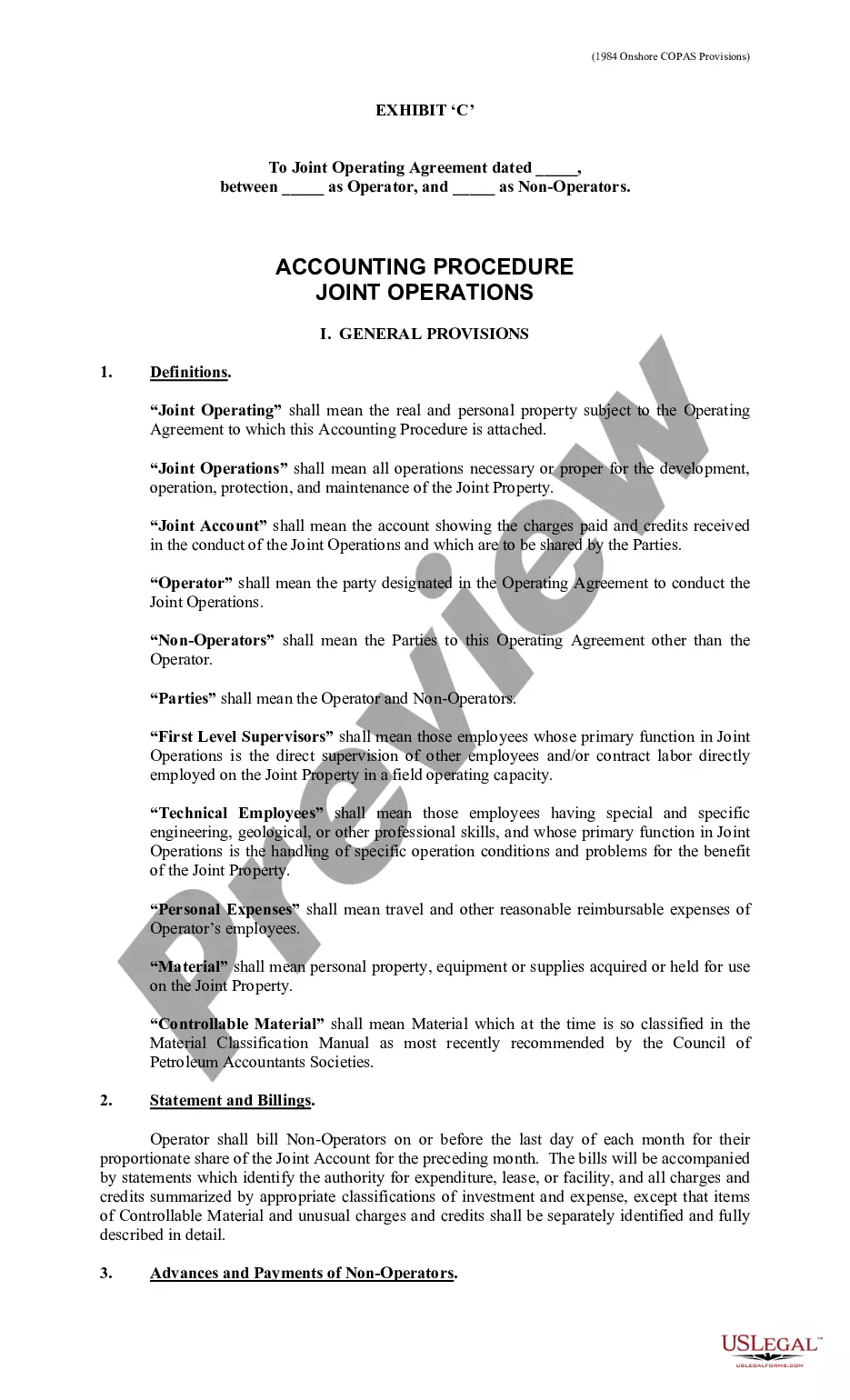
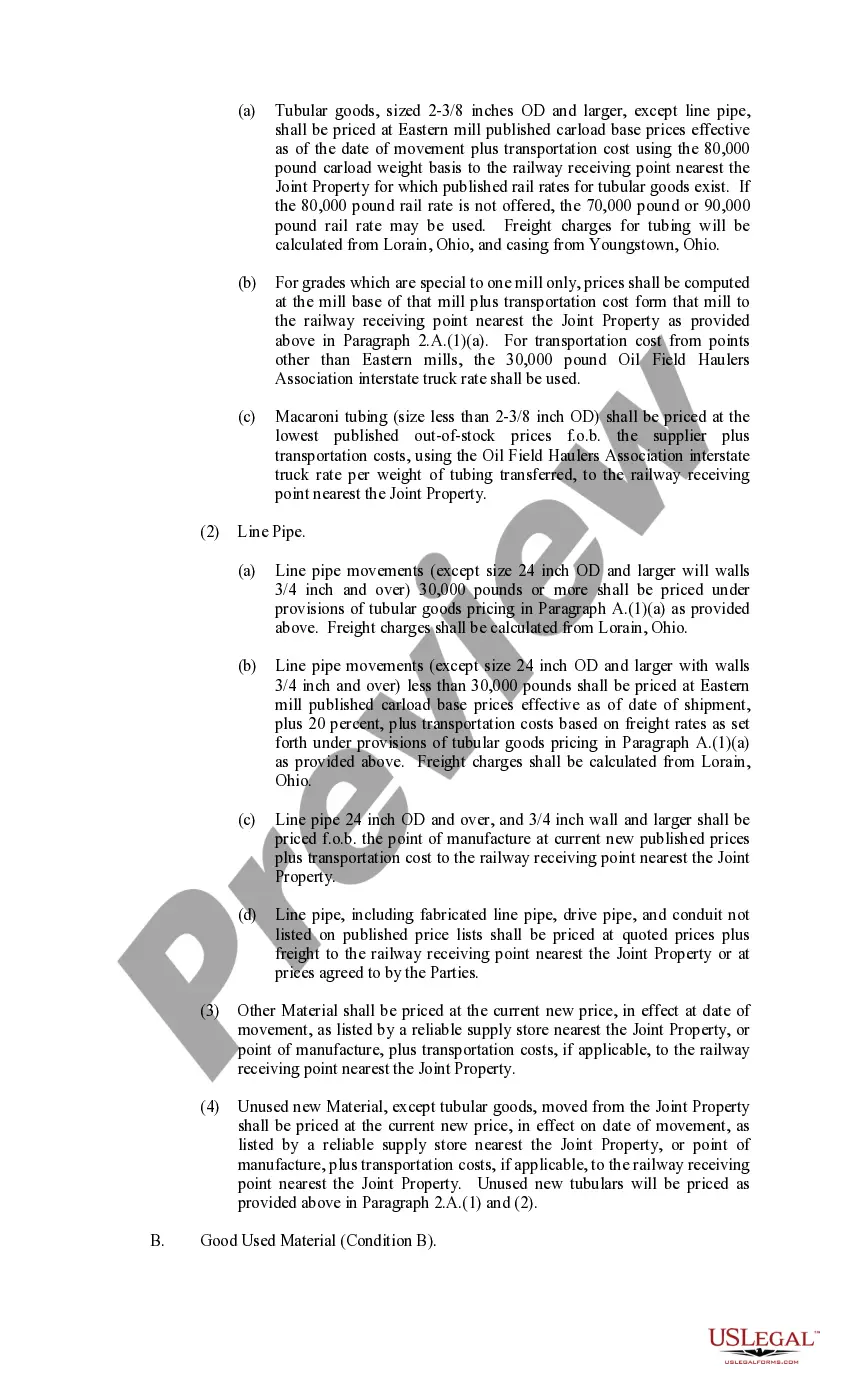
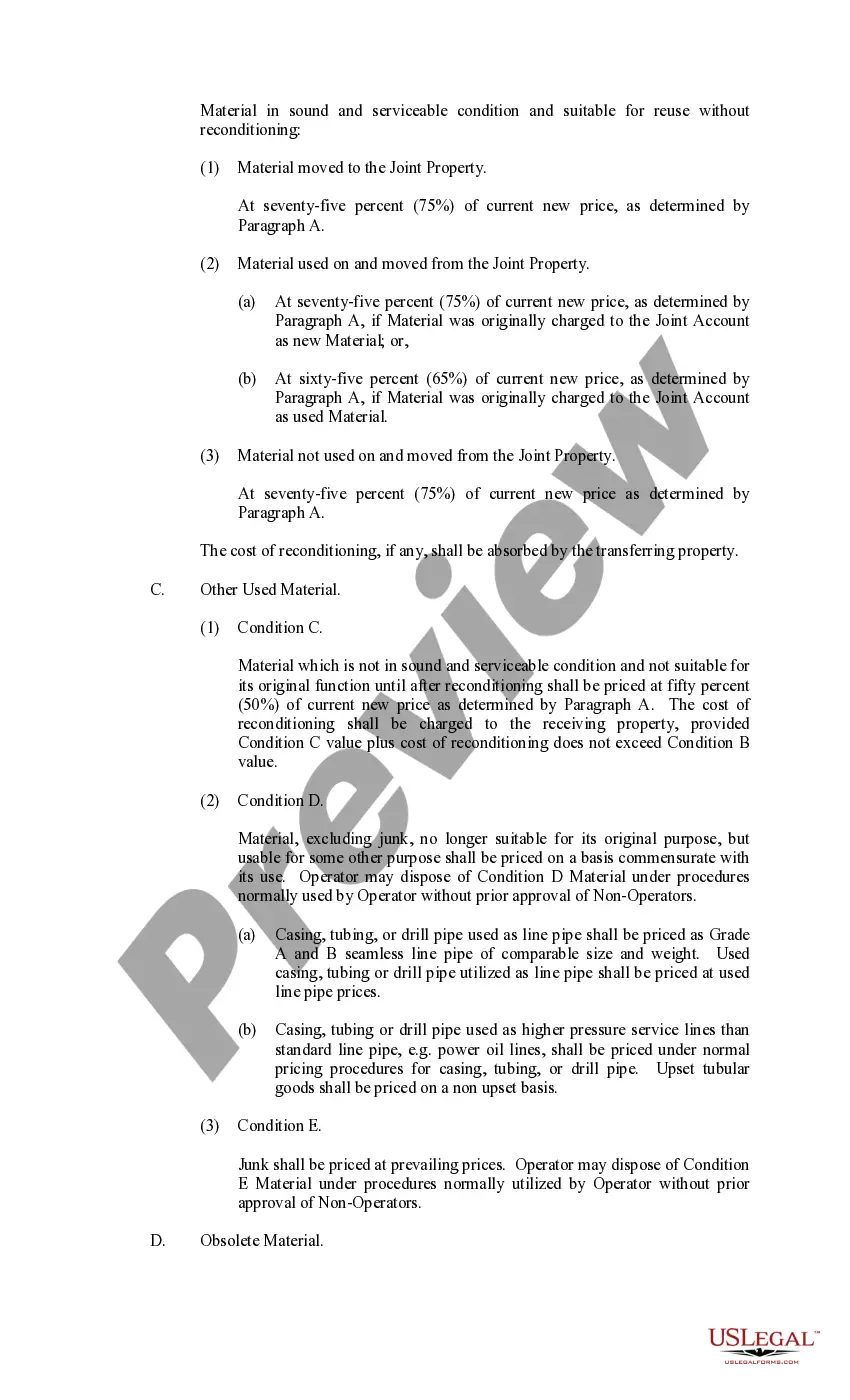
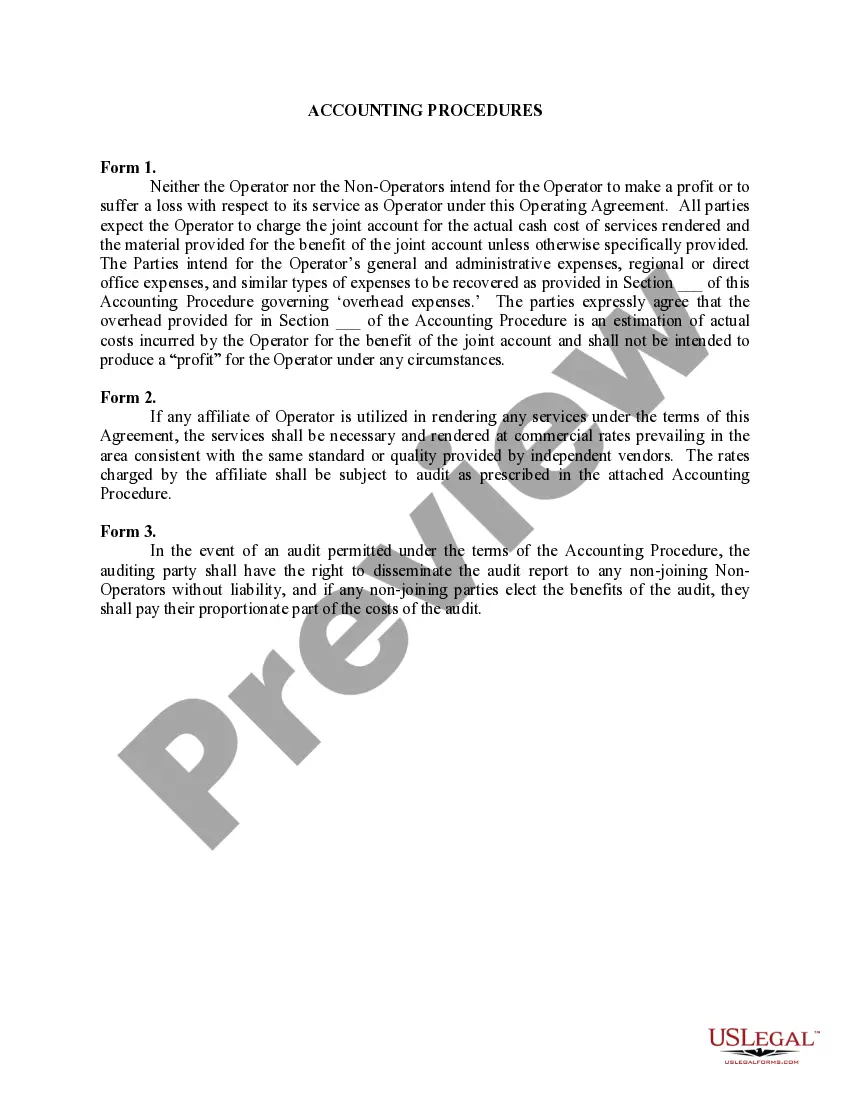
The Exhibit C Accounting Procedure Joint Operations form is a detailed document designed to outline the accounting procedures and responsibilities in joint operations as part of a Joint Operating Agreement. This form specifies how expenses are shared between the Operator and Non-Operators involved in the venture, providing clarity on billing, reimbursements, and the management of accounts. It serves a unique role in joint ventures by ensuring that all financial transactions are documented and accounted for systematically, thereby distinguishing itself from standard operating agreements or basic financial forms.
Main sections of this form
- Definitions of key terms such as Operator, Non-Operator, and Joint Property.
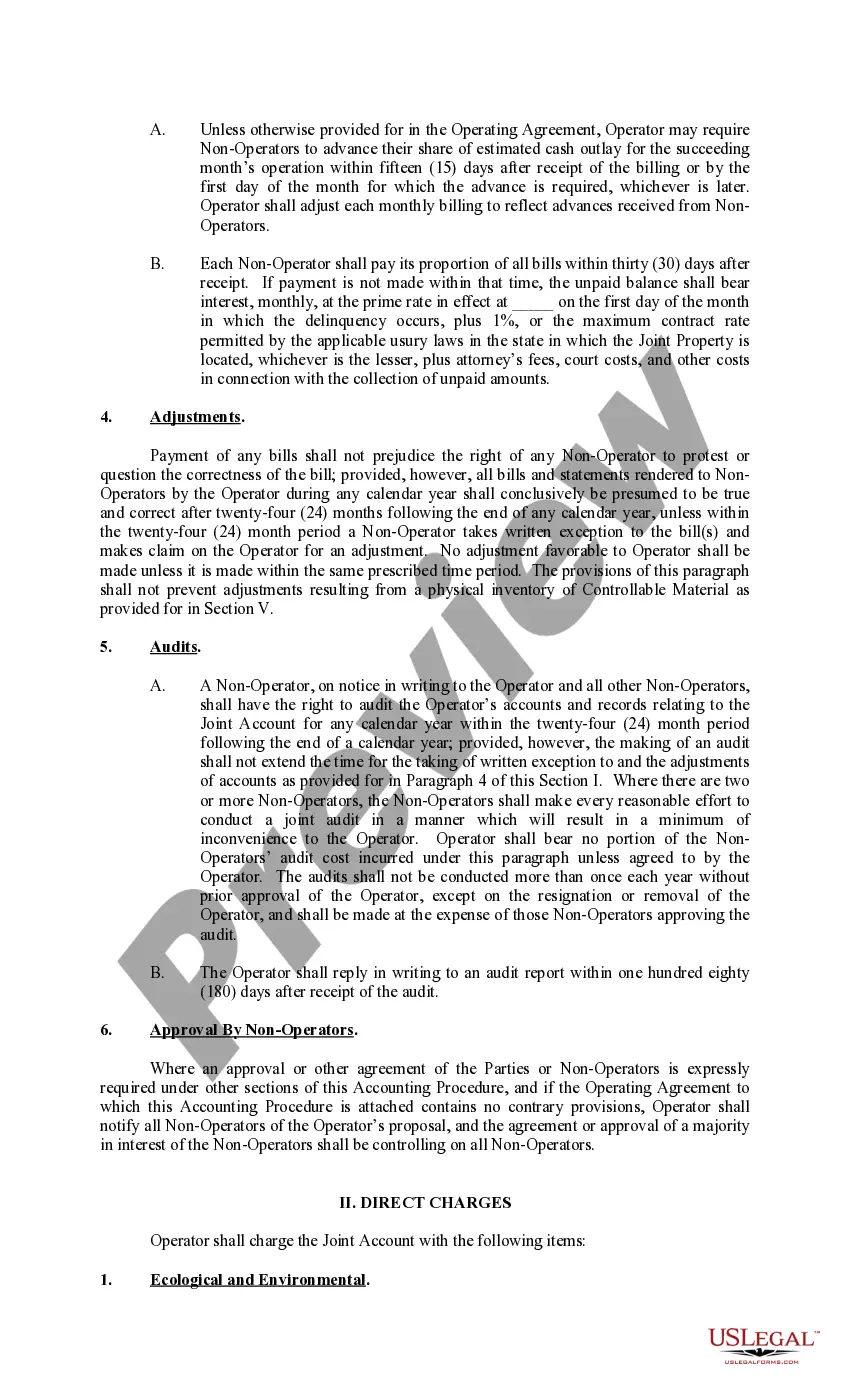
- Billing procedures for Non-Operators, including timelines for payments and adjustments.
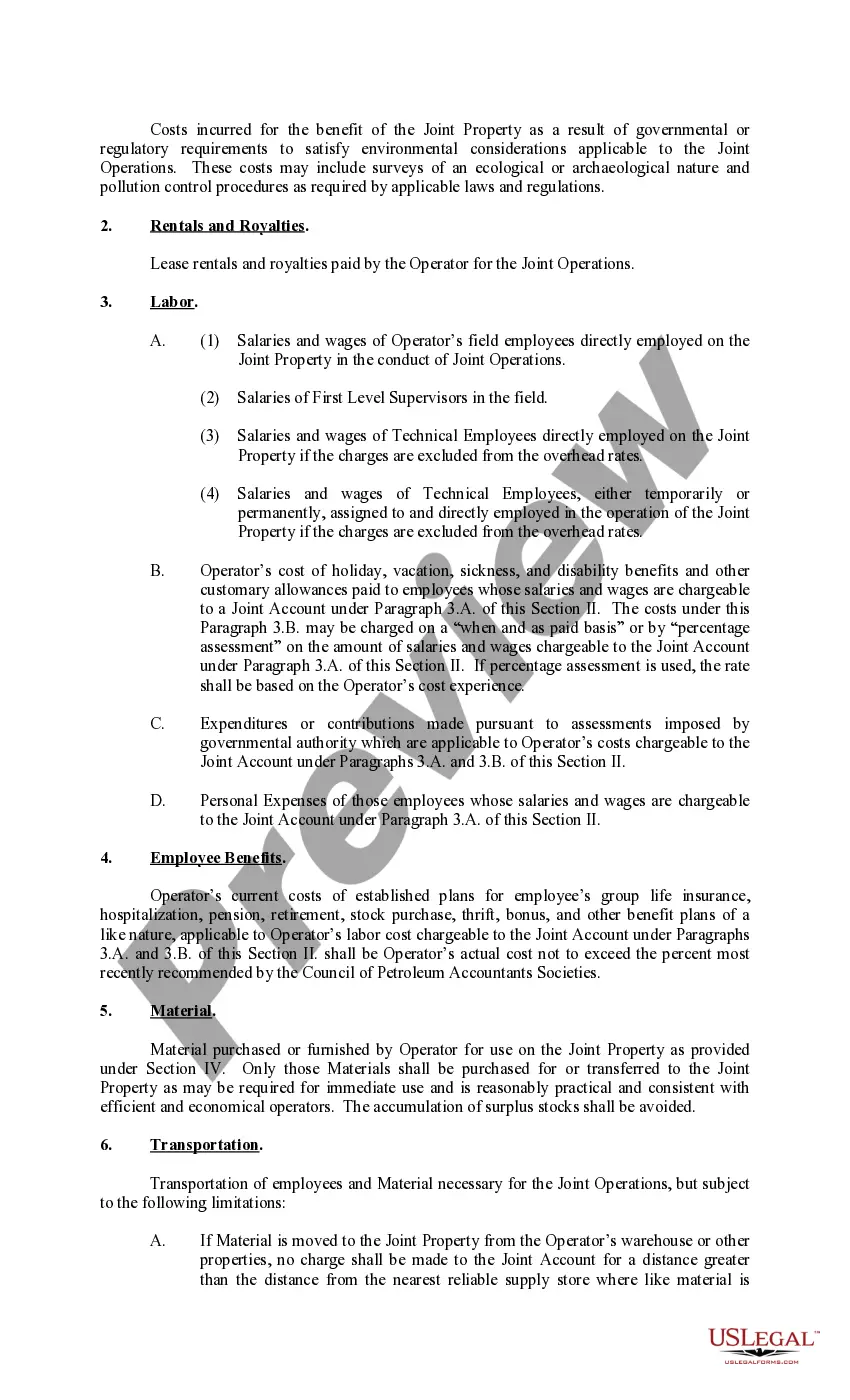
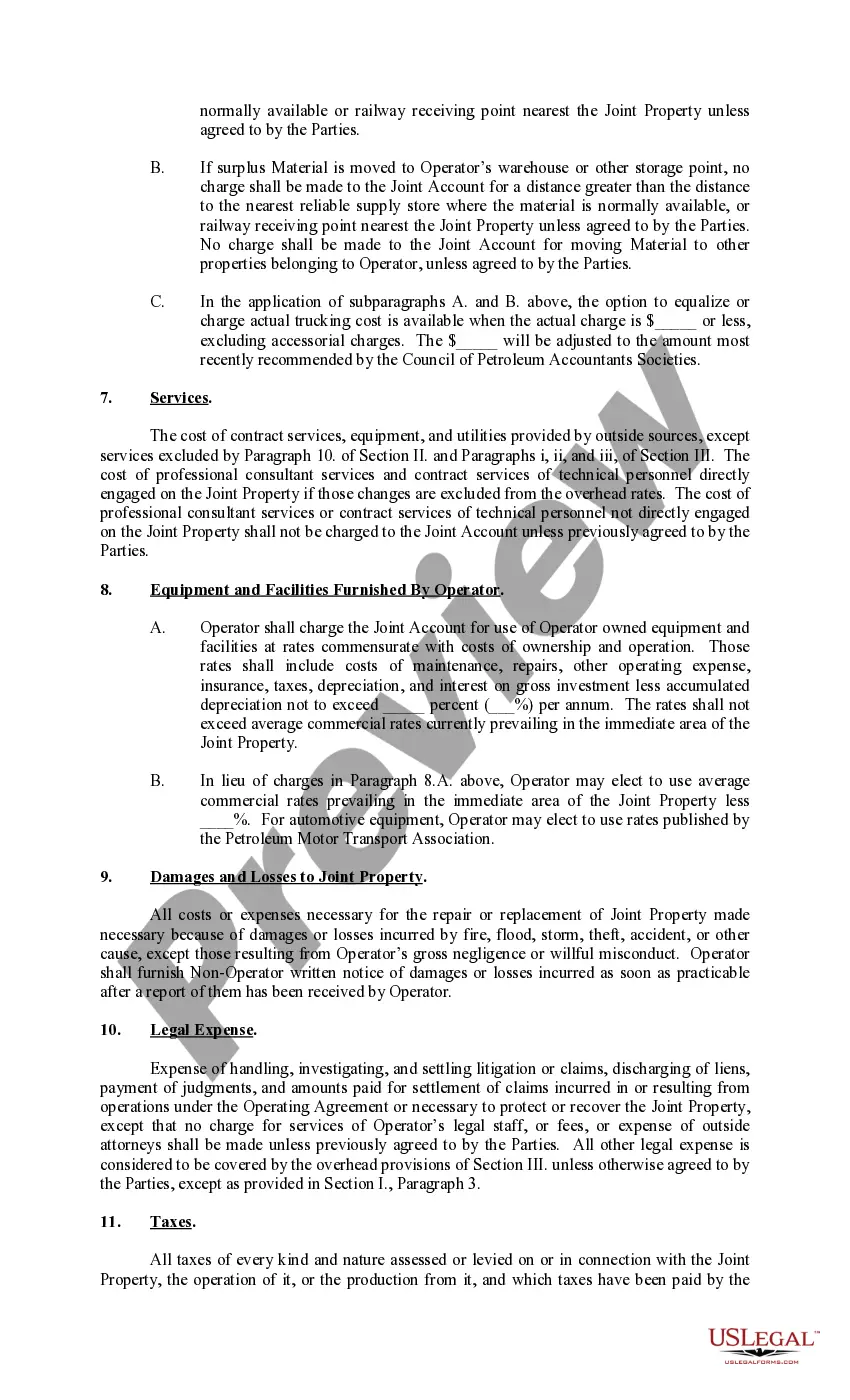
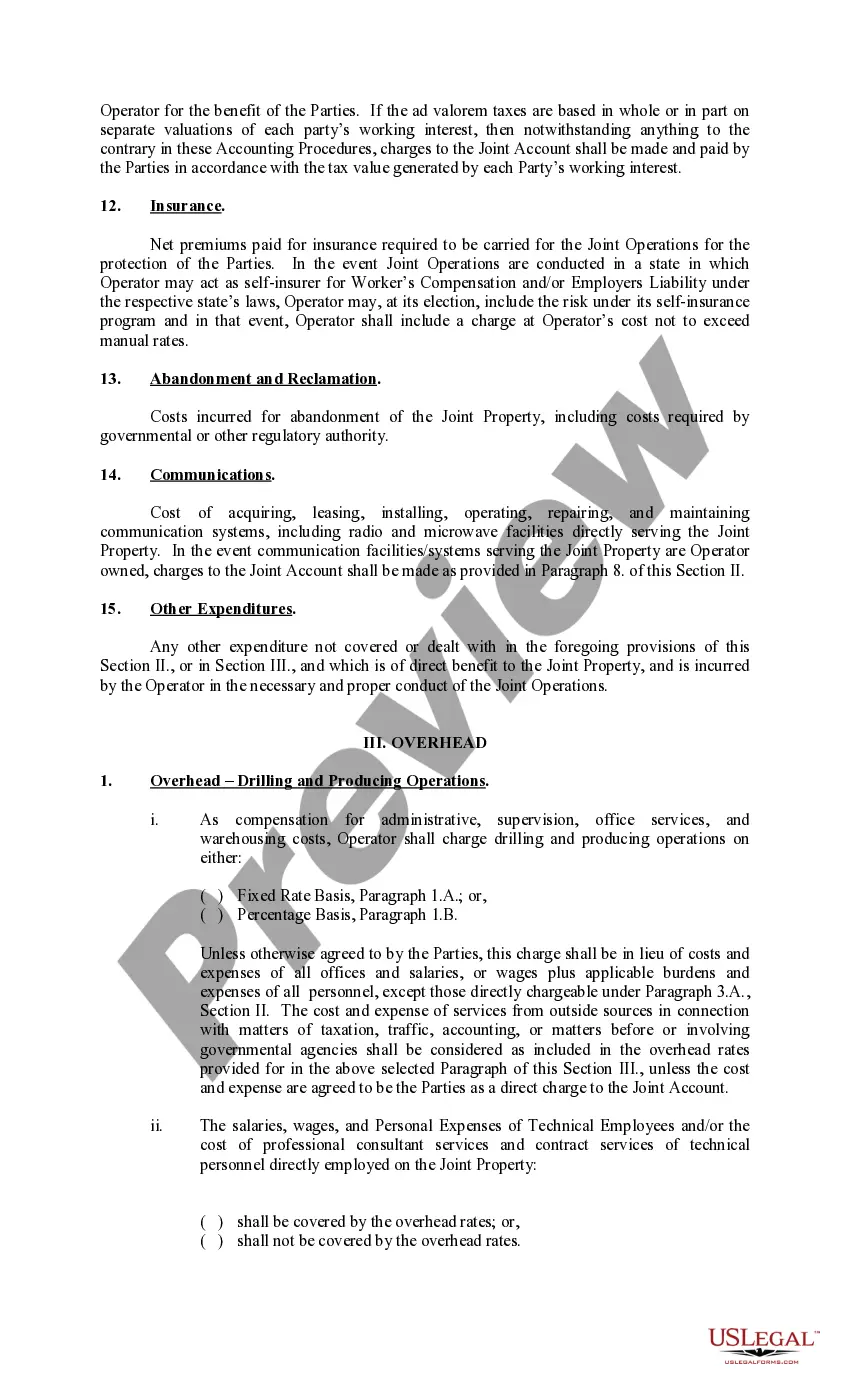
- Direct charges applicable to the Joint Account, covering labor, materials, and legal expenses.
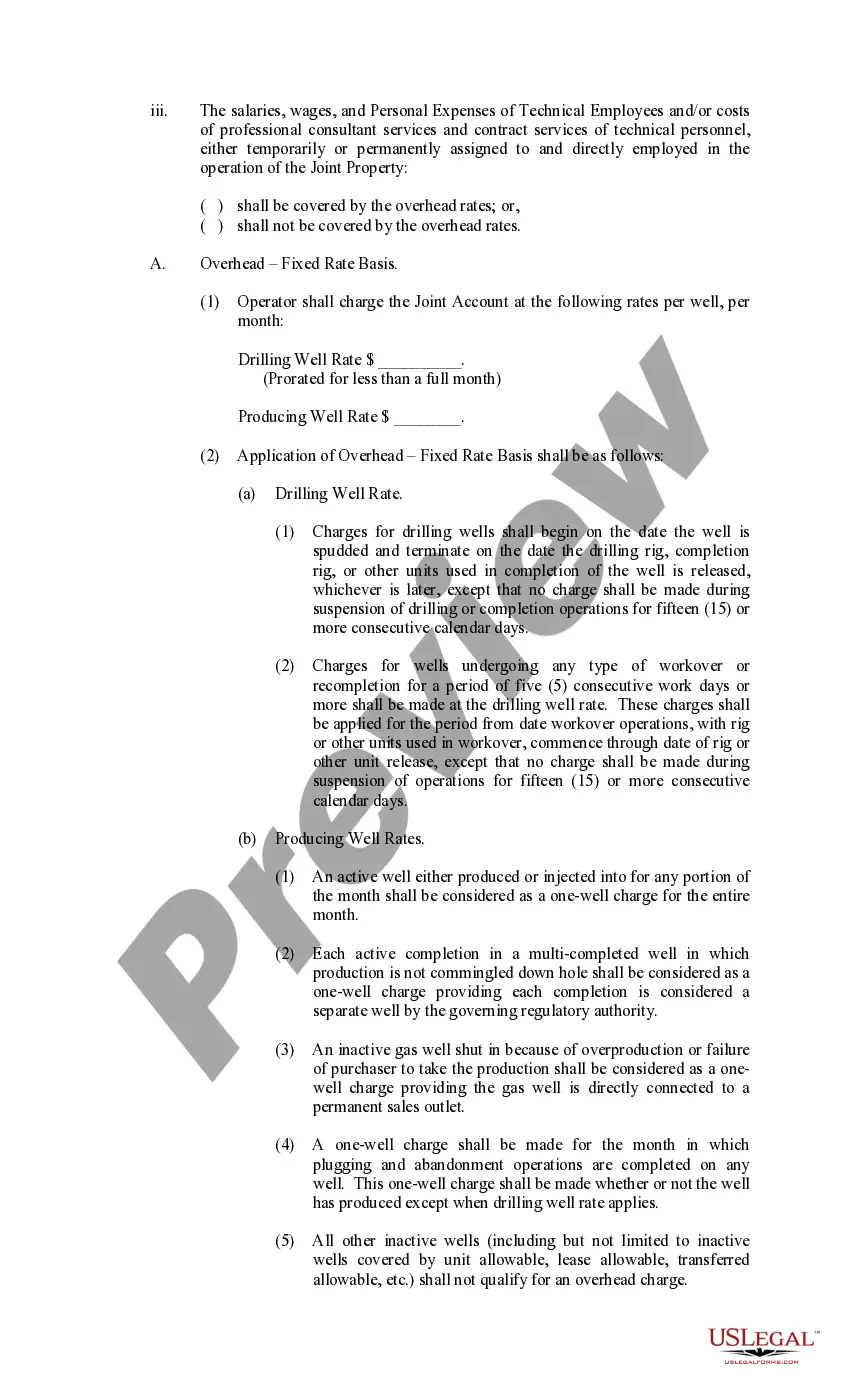
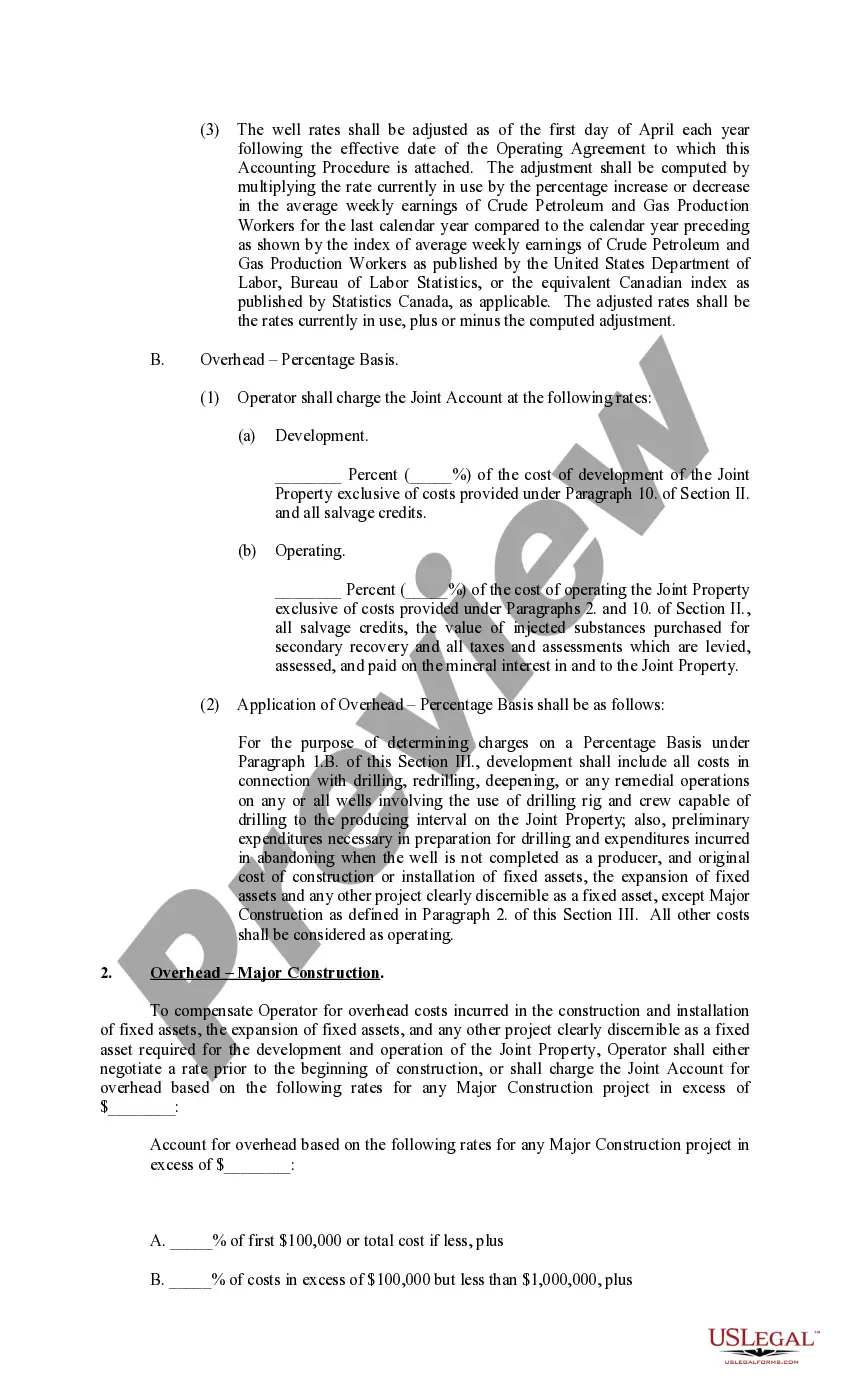
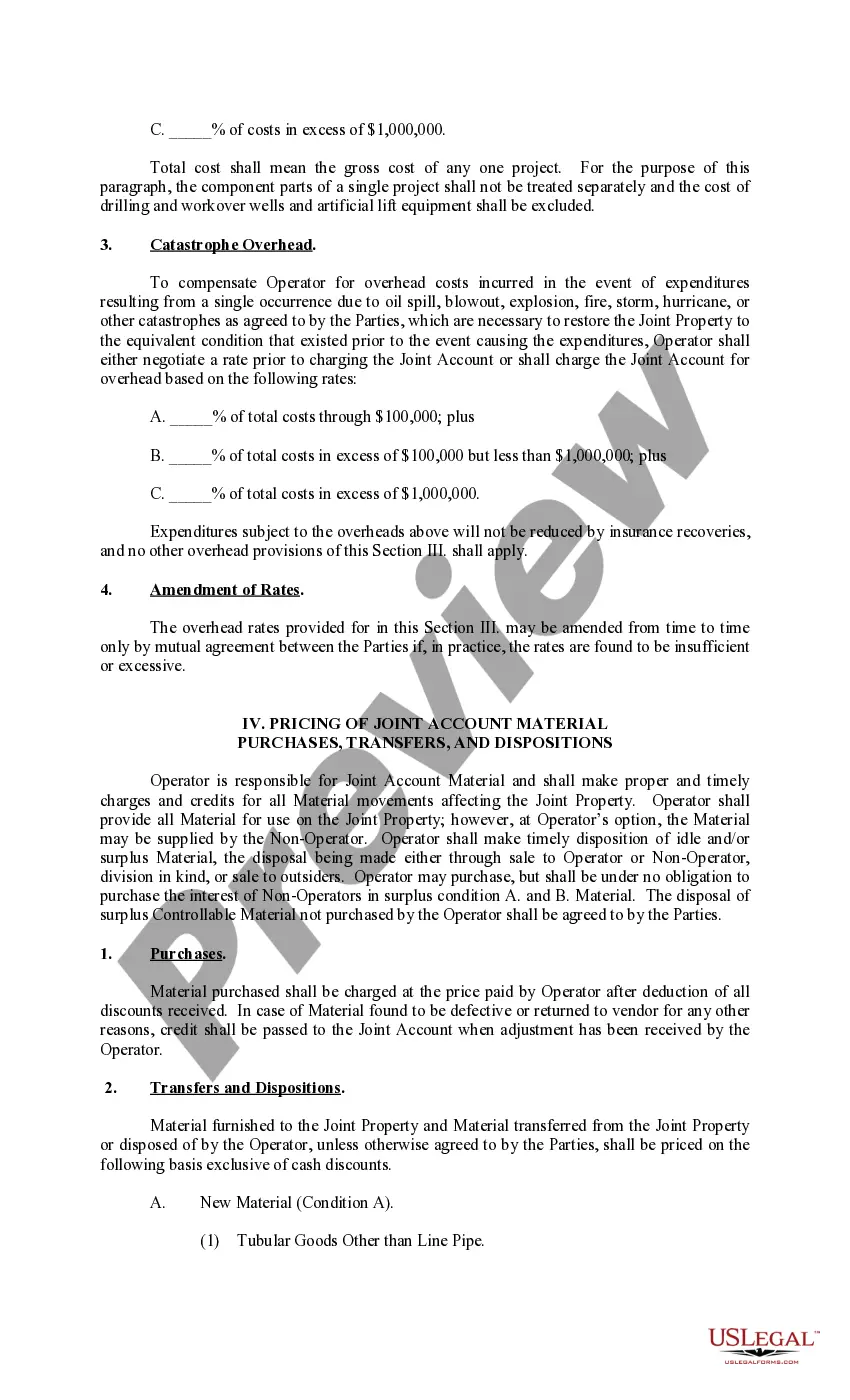
- Overhead charges for administrative and operational support in drilling and production activities.
- Auditing rights and processes for Non-Operators to examine the Operator's financial records.
- Procedures for adjustments and protests regarding billing discrepancies.

When to use this form
This form should be used when two or more parties are entering into joint operations under a Joint Operating Agreement. It is particularly relevant in industries such as oil and gas, where multiple stakeholders share resources and liabilities. Use this form to establish clear accounting protocols for billing expenses, ensuring that all parties understand their financial obligations and rights to audit the shared accounts.
Who should use this form
- Operators who manage joint operations and need a structured approach to expense management.
- Non-Operators participating in joint ventures and requiring clarity on cost allocations and billing practices.
- Legal professionals drafting Joint Operating Agreements to include detailed accounting procedures.
Instructions for completing this form
- Identify the parties involved: clearly specify the Operator and Non-Operators.
- Enter the date of the Joint Operating Agreement at the specified section.
- Review and define all key terms to ensure mutual understanding among parties.
- Complete the billing terms, including due dates and payment methods for Non-Operators.
- Ensure all direct charges are itemized according to the guidelines provided in the form.
- Review the audit and adjustment provisions to establish how discrepancies will be handled.
Notarization guidance
This form does not typically require notarization unless specified by local law. However, it is advisable that all parties sign the form in the presence of a witness to ensure accountability and clarity in agreements.
Get your form ready online
Our built-in tools help you complete, sign, share, and store your documents in one place.
Make edits, fill in missing information, and update formatting in US Legal Forms—just like you would in MS Word.
Download a copy, print it, send it by email, or mail it via USPS—whatever works best for your next step.
Sign and collect signatures with our SignNow integration. Send to multiple recipients, set reminders, and more. Go Premium to unlock E-Sign.
If this form requires notarization, complete it online through a secure video call—no need to meet a notary in person or wait for an appointment.
We protect your documents and personal data by following strict security and privacy standards.

Make edits, fill in missing information, and update formatting in US Legal Forms—just like you would in MS Word.

Download a copy, print it, send it by email, or mail it via USPS—whatever works best for your next step.

Sign and collect signatures with our SignNow integration. Send to multiple recipients, set reminders, and more. Go Premium to unlock E-Sign.

If this form requires notarization, complete it online through a secure video call—no need to meet a notary in person or wait for an appointment.

We protect your documents and personal data by following strict security and privacy standards.
Mistakes to watch out for
- Failing to properly define roles of each party, leading to confusion about responsibilities.
- Not including all applicable charges when itemizing expenses.
- Missing deadlines for billing and payment, resulting in financial disputes.
- Neglecting to document adjustments or protests in writing within the 24-month window.
Benefits of using this form online
- Convenience in accessing the form anytime and anywhere, allowing for easy collaboration among parties.
- Editability to customize provisions according to specific agreements and needs.
- Reliability with professionally drafted content based on applicable legal standards.
Legal use & context
- The form is enforceable as part of a legally binding Joint Operating Agreement between the parties involved.
- It provides a clear basis for accountability and transparency regarding financial transactions and obligations.
- Proper completion and adherence to this form can help prevent disputes over financial issues in joint operations.
Quick recap
- The Exhibit C Accounting Procedure Joint Operations form is essential for managing financial responsibilities in joint ventures.
- Understanding the structure and sections of the form can help prevent common errors and disputes.
- Always ensure all parties review and agree to the terms outlined in the form for smoother operations.