Pool And Spa Installation Contractor Agreement - Self-Employed
What this document covers
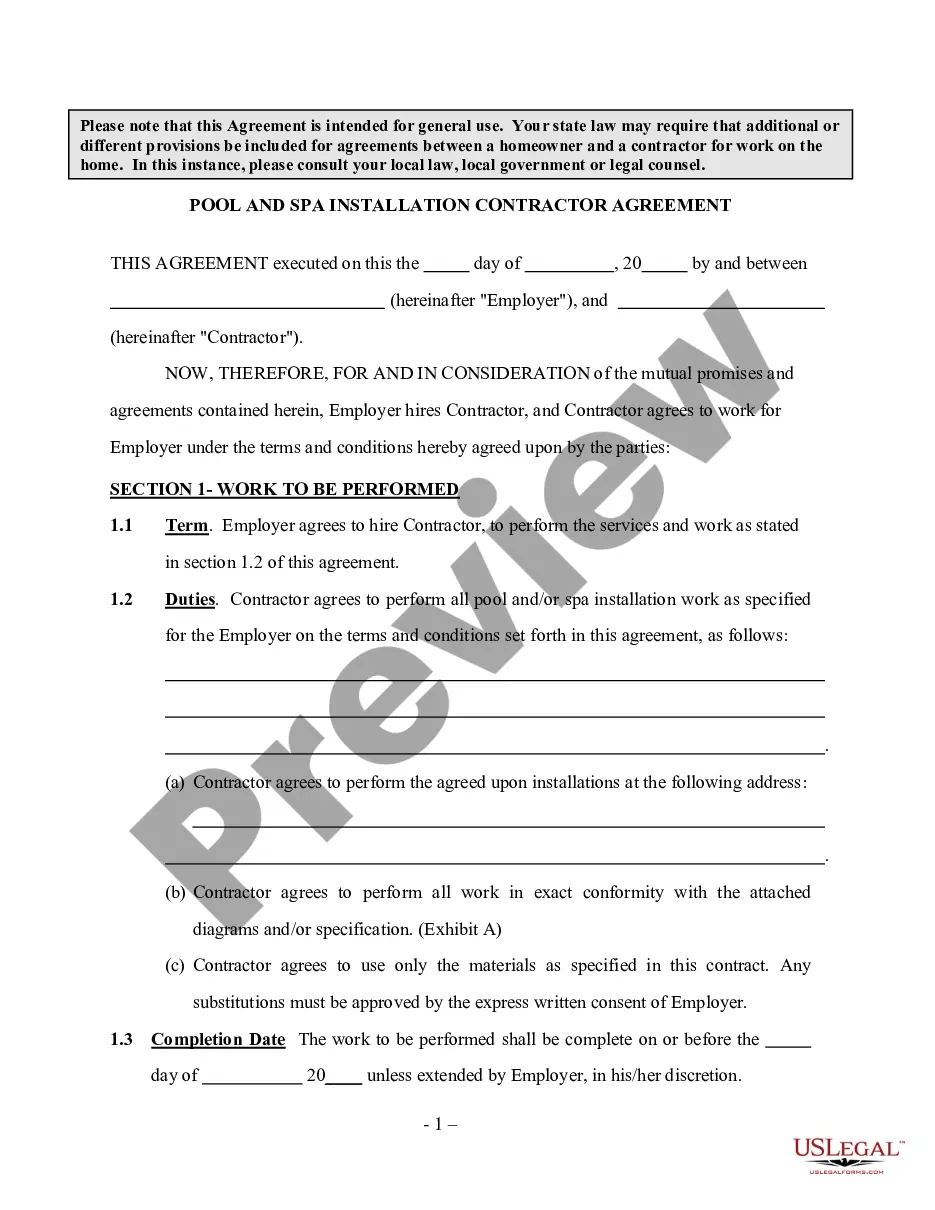
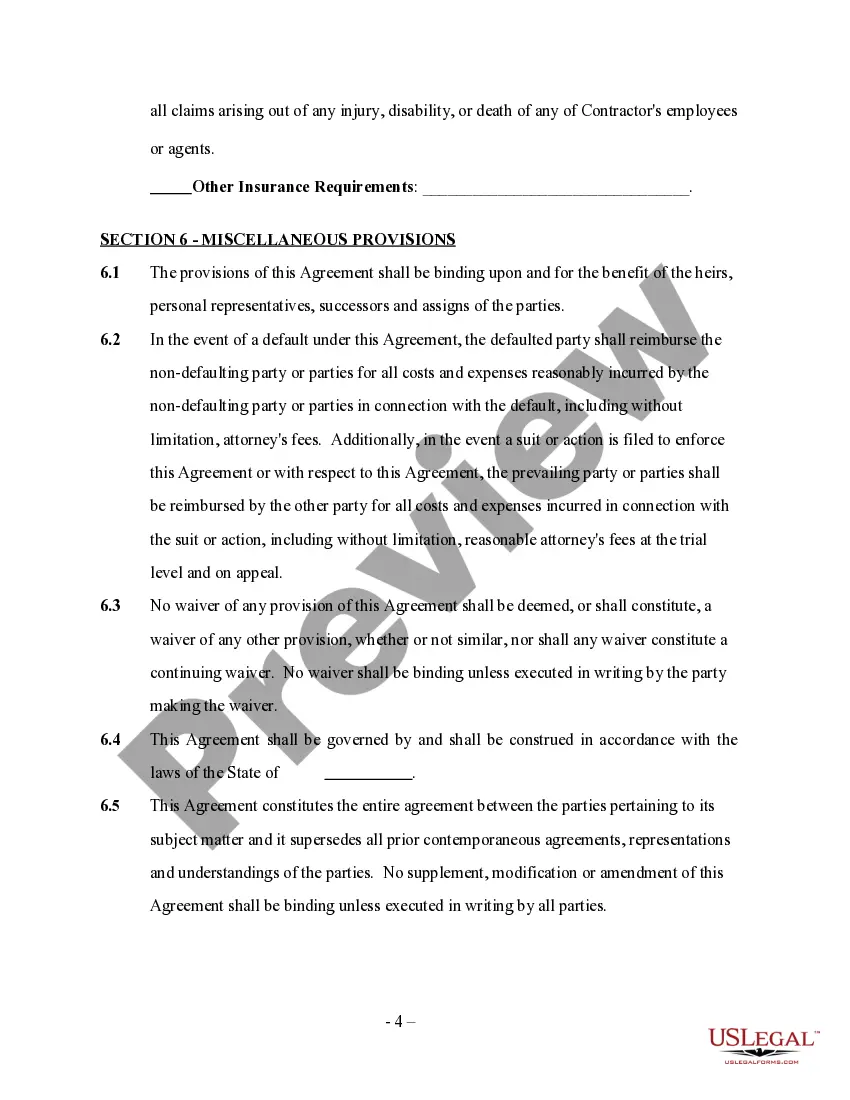
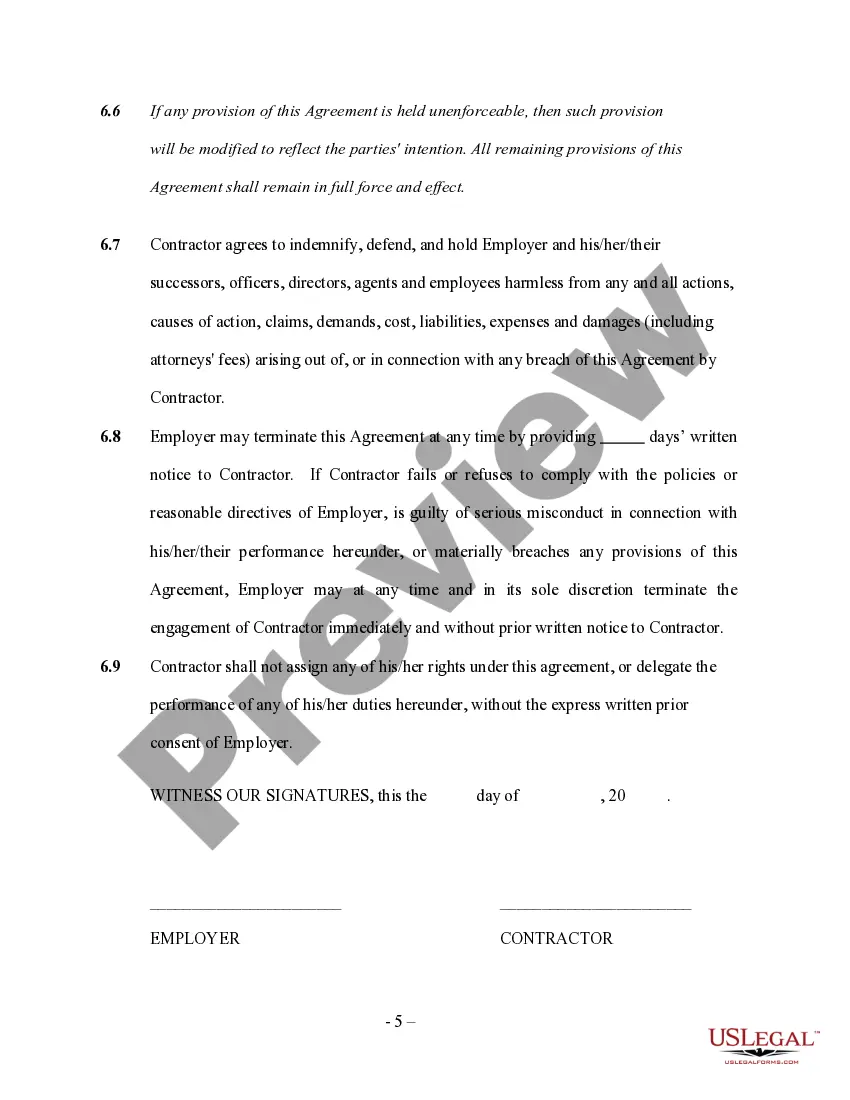
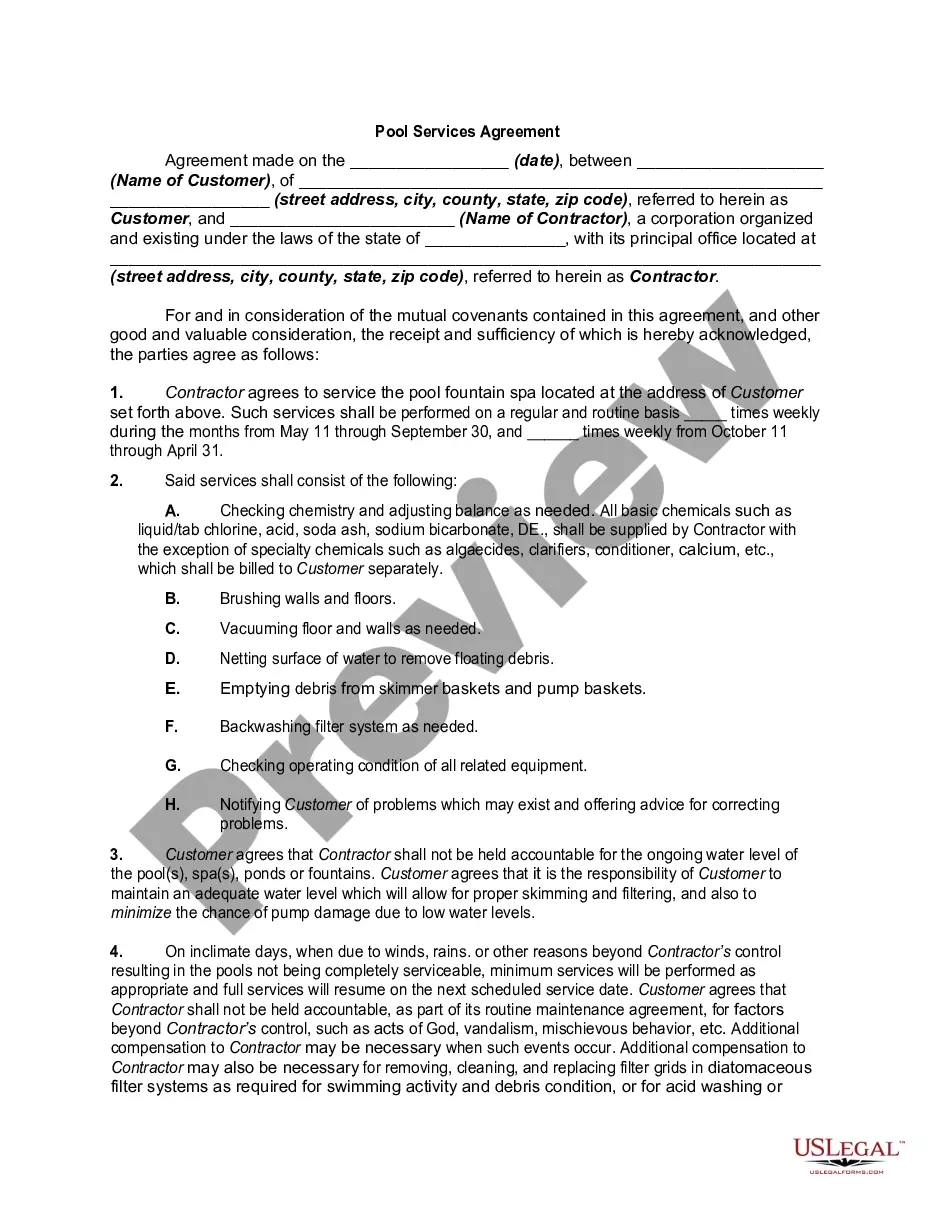
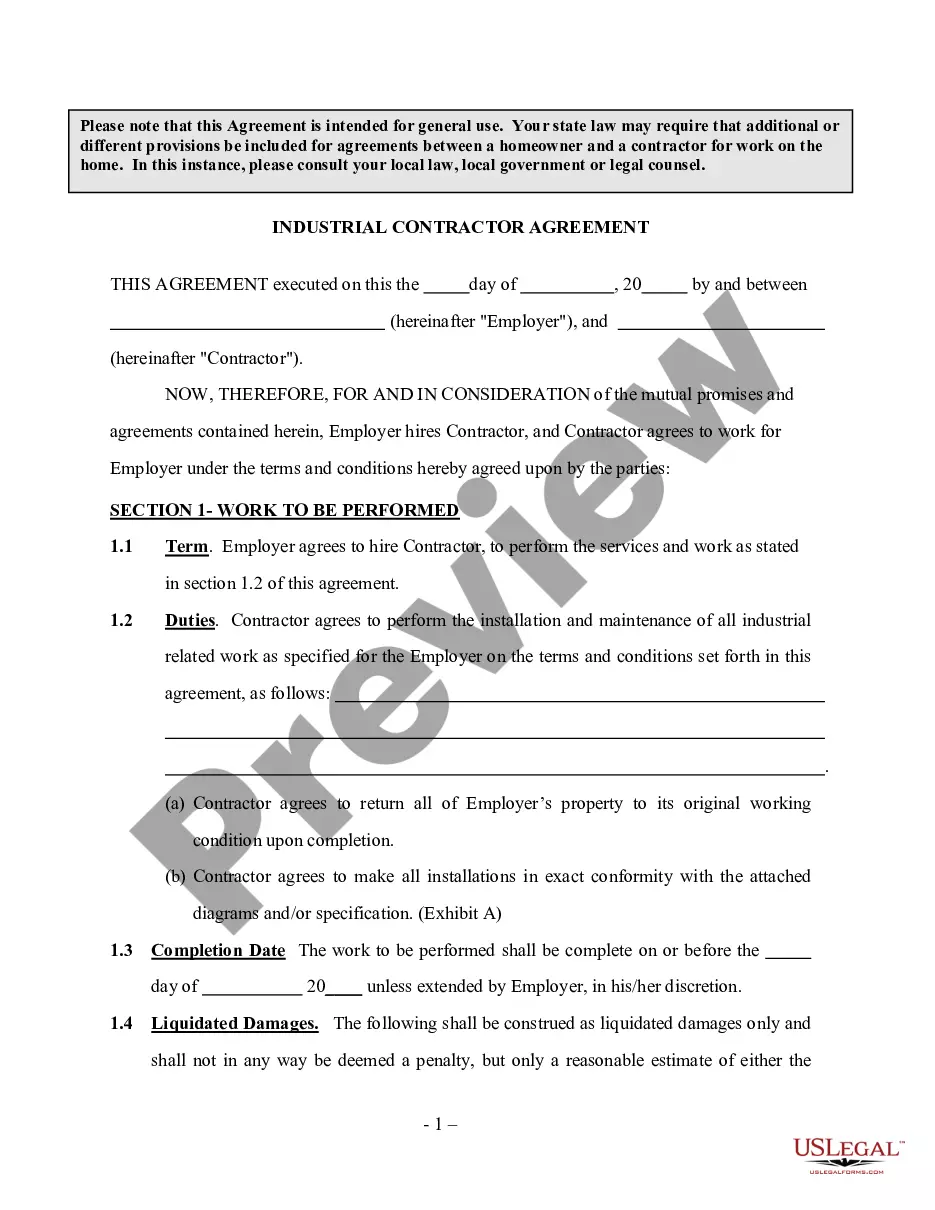
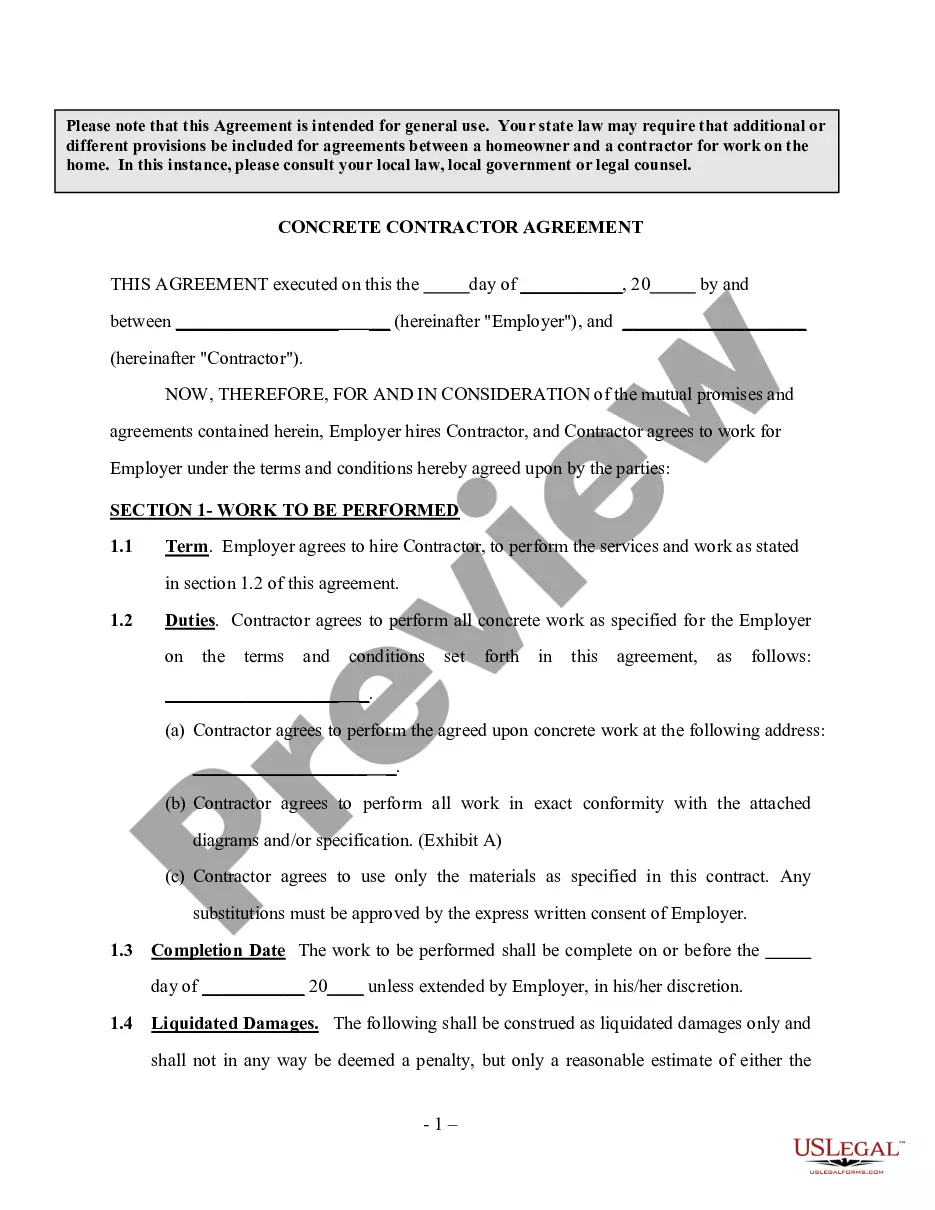
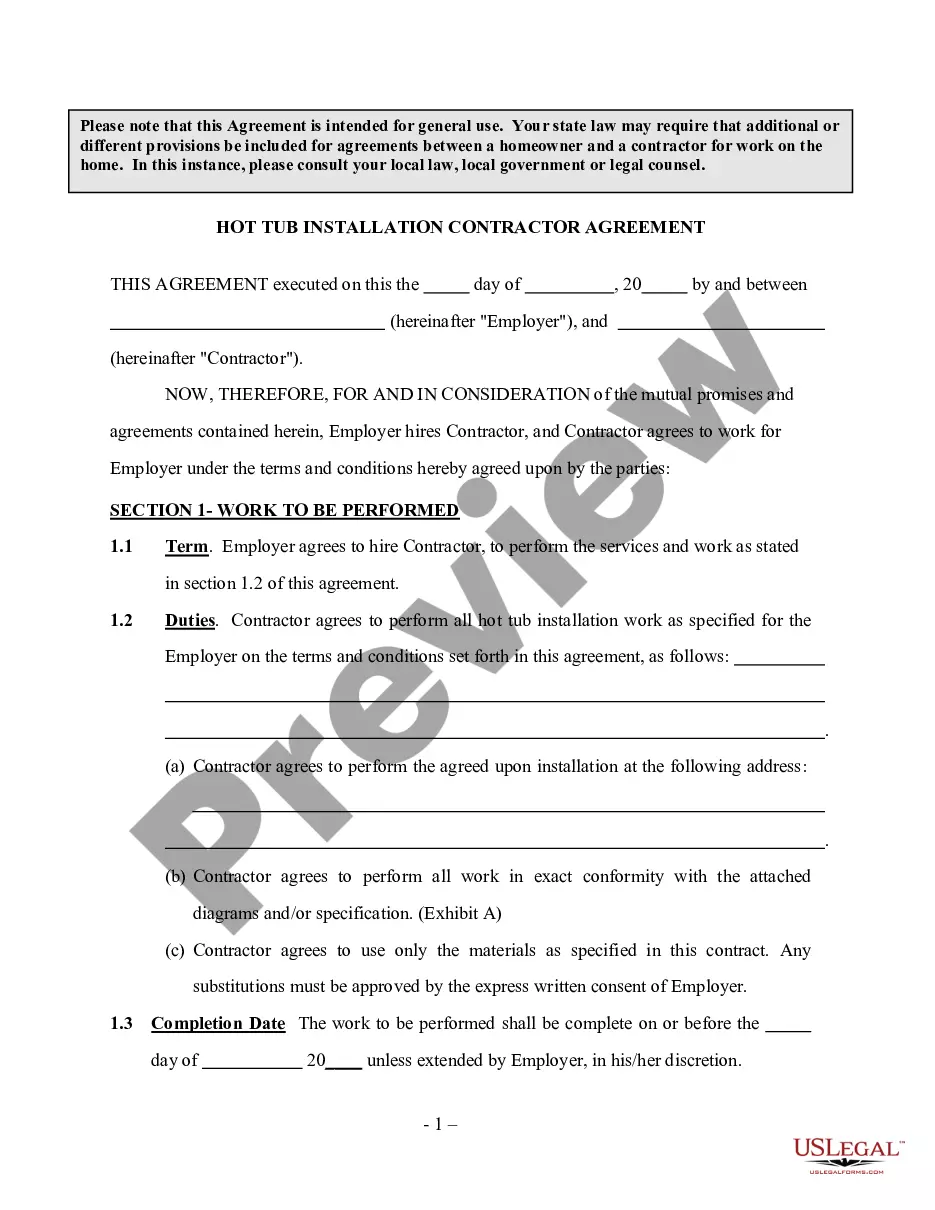
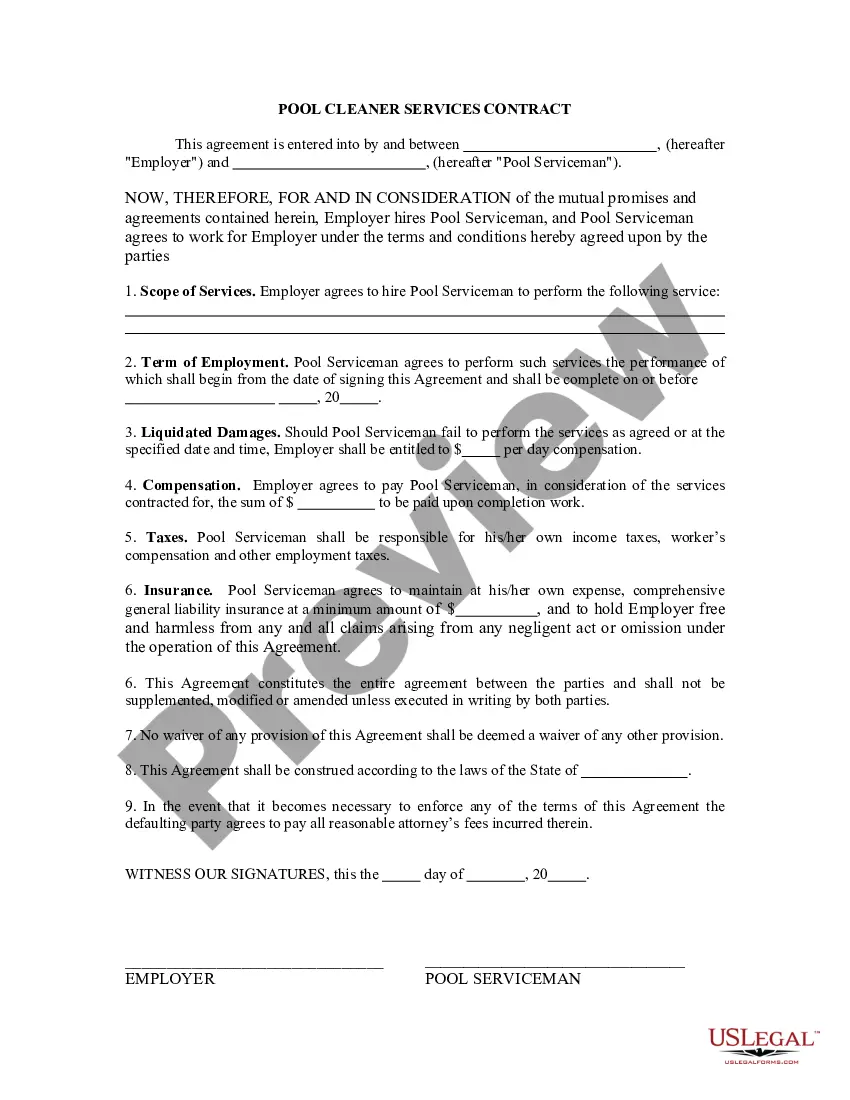
The Pool and Spa Installation Contractor Agreement - Self-Employed is a legal document that formalizes the relationship between a homeowner and an independent contractor hired to install a pool or spa. This agreement outlines the terms of the installation project, ensuring that both parties understand their responsibilities. Unlike other contractor agreements, this form clearly establishes the contractor's independent status, meaning they are not an employee of the homeowner but a self-employed professional. It's essential to ensure it aligns with local laws and regulations.
Key components of this form
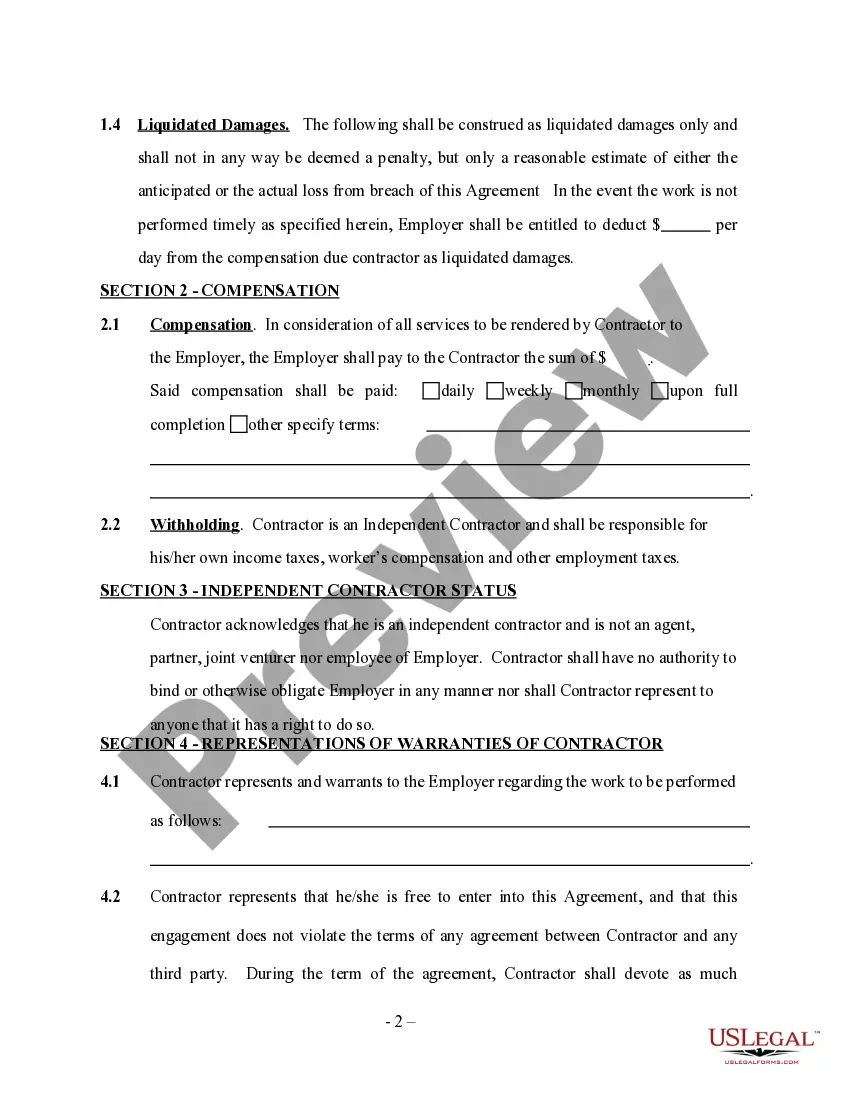
- Work to be performed: Details the specific services the contractor will provide.
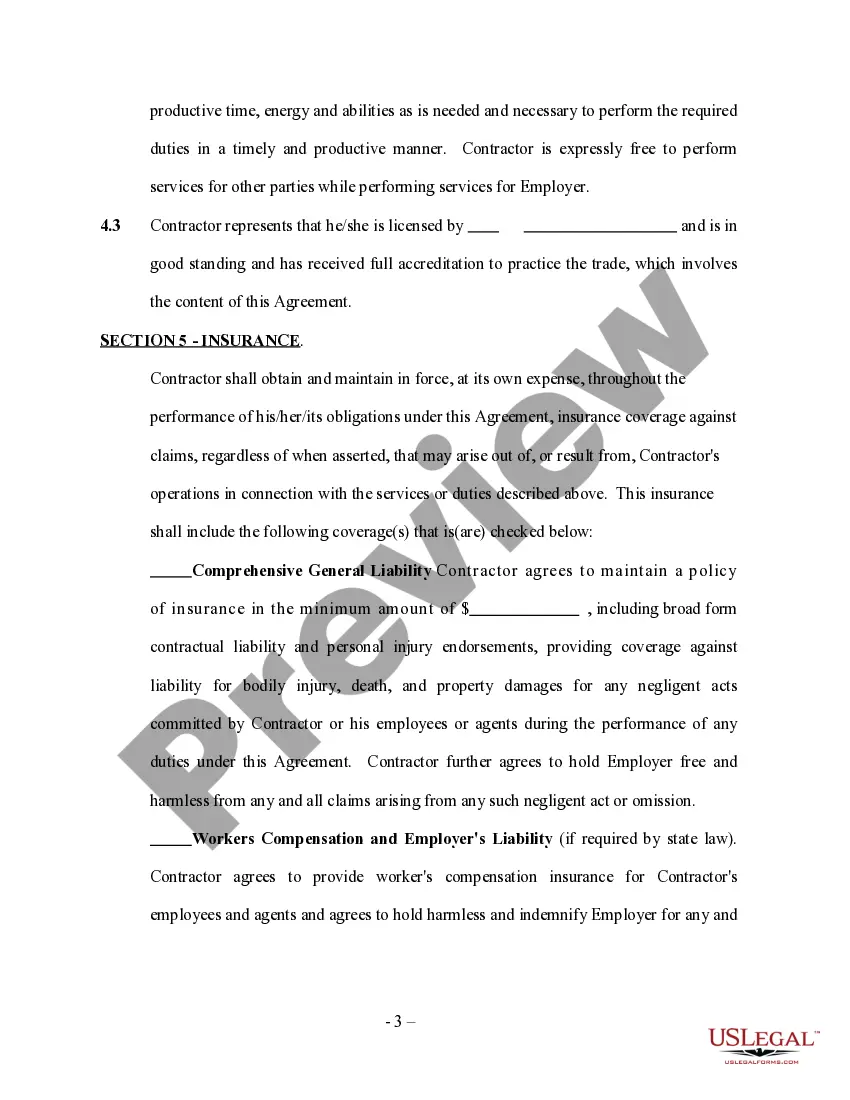
- Independent contractor status: Clarifies that the contractor is not an employee of the homeowner.
- Materials used: Specifies that only approved materials should be utilized during the installation.
- Authority limitations: States that the contractor cannot bind the homeowner to any agreements outside the scope of this contract.
- Warranties and representations: Outlines what the contractor guarantees regarding their work and qualifications.
When this form is needed
This agreement is necessary when a homeowner wants to hire an independent contractor to install a pool or spa. Use this form when you have completed the following: you have determined the scope of work needed, you have identified a qualified contractor, and you both want to formalize the terms of service to avoid misunderstandings later.
Who can use this document
- Homeowners looking to hire a pool or spa installation expert as an independent contractor.
- Self-employed contractors specializing in pool and spa installation services.
- Individuals without extensive legal knowledge seeking a straightforward agreement for a home installation project.
How to complete this form
- Identify the parties involved by including the names and contact information of both the homeowner and the contractor.
- Specify the detailed work to be performed, including any specific installation requirements for the pool or spa.
- Enter the agreed-upon dates for project commencement and completion.
- Detail the materials to be used and ensure both parties agree on any substitutions.
- Review and sign the agreement to validate the terms and conditions outlined.
Notarization guidance
This form does not typically require notarization unless specified by local law. Always check local regulations to ensure compliance.
Get your form ready online
Our built-in tools help you complete, sign, share, and store your documents in one place.
Make edits, fill in missing information, and update formatting in US Legal Forms—just like you would in MS Word.
Download a copy, print it, send it by email, or mail it via USPS—whatever works best for your next step.
Sign and collect signatures with our SignNow integration. Send to multiple recipients, set reminders, and more. Go Premium to unlock E-Sign.
If this form requires notarization, complete it online through a secure video call—no need to meet a notary in person or wait for an appointment.
We protect your documents and personal data by following strict security and privacy standards.

Make edits, fill in missing information, and update formatting in US Legal Forms—just like you would in MS Word.

Download a copy, print it, send it by email, or mail it via USPS—whatever works best for your next step.

Sign and collect signatures with our SignNow integration. Send to multiple recipients, set reminders, and more. Go Premium to unlock E-Sign.

If this form requires notarization, complete it online through a secure video call—no need to meet a notary in person or wait for an appointment.

We protect your documents and personal data by following strict security and privacy standards.
Common mistakes to avoid
- Failing to specify the scope of work clearly, leading to disagreements later.
- Not listing all relevant dates, which can cause scheduling conflicts.
- Not obtaining written approval for any changes in materials, leading to disputes.
- Neglecting to review local laws that may affect the agreement's validity.
- Assuming verbal agreements are sufficient without documenting them in writing.
Advantages of online completion
- Convenience: Easily download and fill out the form from anywhere.
- Editability: Customize the agreement to suit specific project needs.
- Reliability: Access professionally drafted templates created by licensed attorneys.
- Time-saving: Quickly prepare and execute the agreement without the need for attorney visits.
Summary of main points
- The Pool and Spa Installation Contractor Agreement clearly defines the roles of homeowners and contractors.
- It is essential for managing expectations and responsibilities during the pool or spa installation process.
- Review local regulations to ensure that the agreement meets all legal requirements.
Looking for another form?


Form popularity
FAQ
A description of the parties involved in the agreement. A description of the services to be performed. A description of fees and payment schedules. The effective date of the contract, when work will begin, and the terms under which it can be terminated. Include a place for signatures.
Get it in writing. Keep it simple. Deal with the right person. Identify each party correctly. Spell out all of the details. Specify payment obligations. Agree on circumstances that terminate the contract. Agree on a way to resolve disputes.
Terms. This is the first section of any agreement or contract and states the names and locations of the parties involved. Responsibilities & Deliverables. Payment-Related Details. Confidentiality Clause. Contract Termination. Choice of Law.
Identifying/Contact Information. Title and Description of the Project. Projected Timeline and Completion Date. Cost Estimate and Payment Schedule. Stop Work Clause and Stop Payment Clause. Act of God Clause. Change Order Agreement. Warranty.
A contract is a legally binding document that details the expectations and responsibilities of all parties involved in a home improvement project. It clarifies the goals of both homeowner and contractor, and it protects each party's rights regarding the project.
Timeframe or key milestones of the project; hours of work; deliverables of the project; and. way the business will pay the contractor for their services.
Name of contractor and contact information. Name of homeowner and contact information. Describe property in legal terms. List attachments to the contract. The cost. Failure of homeowner to obtain financing. Description of the work and the completion date. Right to stop the project.