Address Label
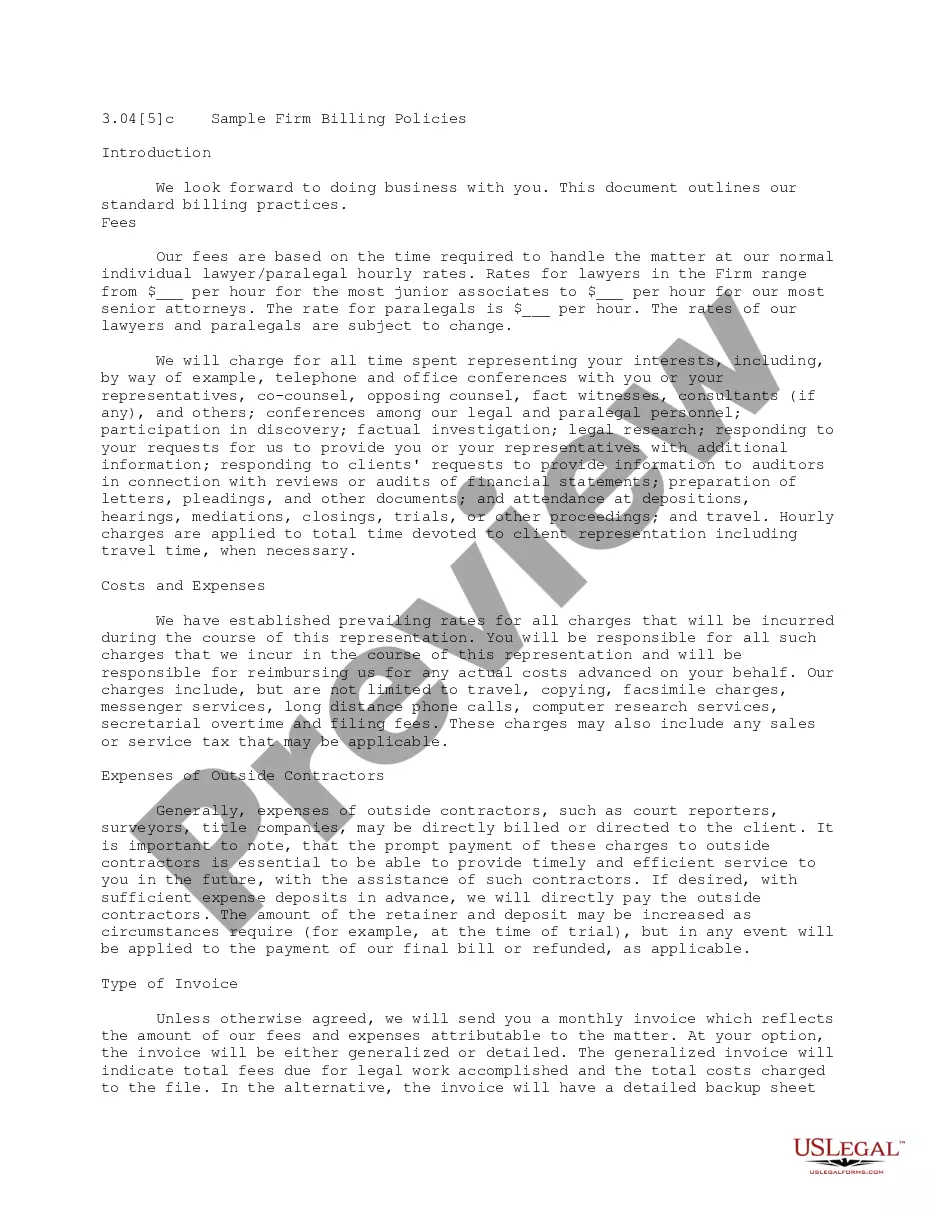
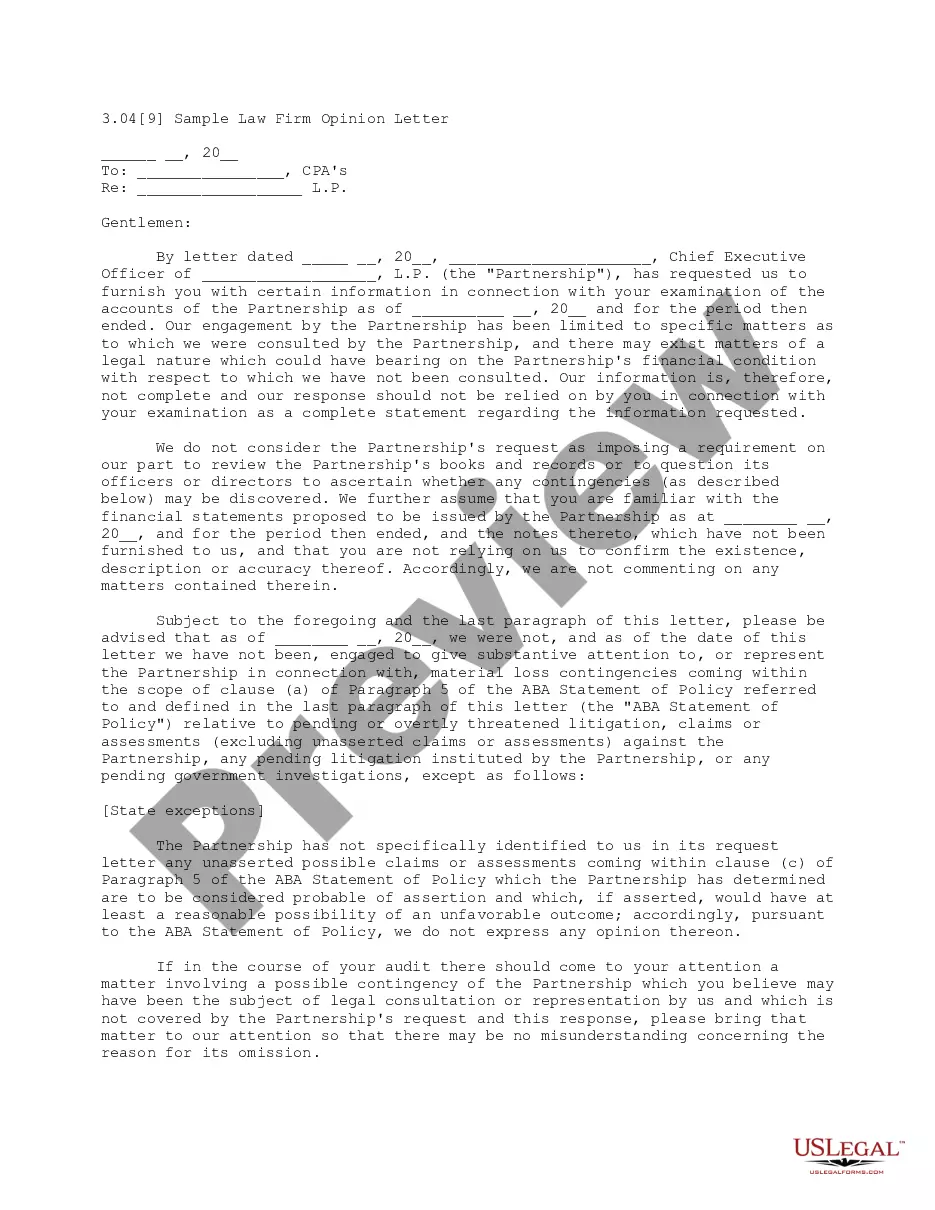
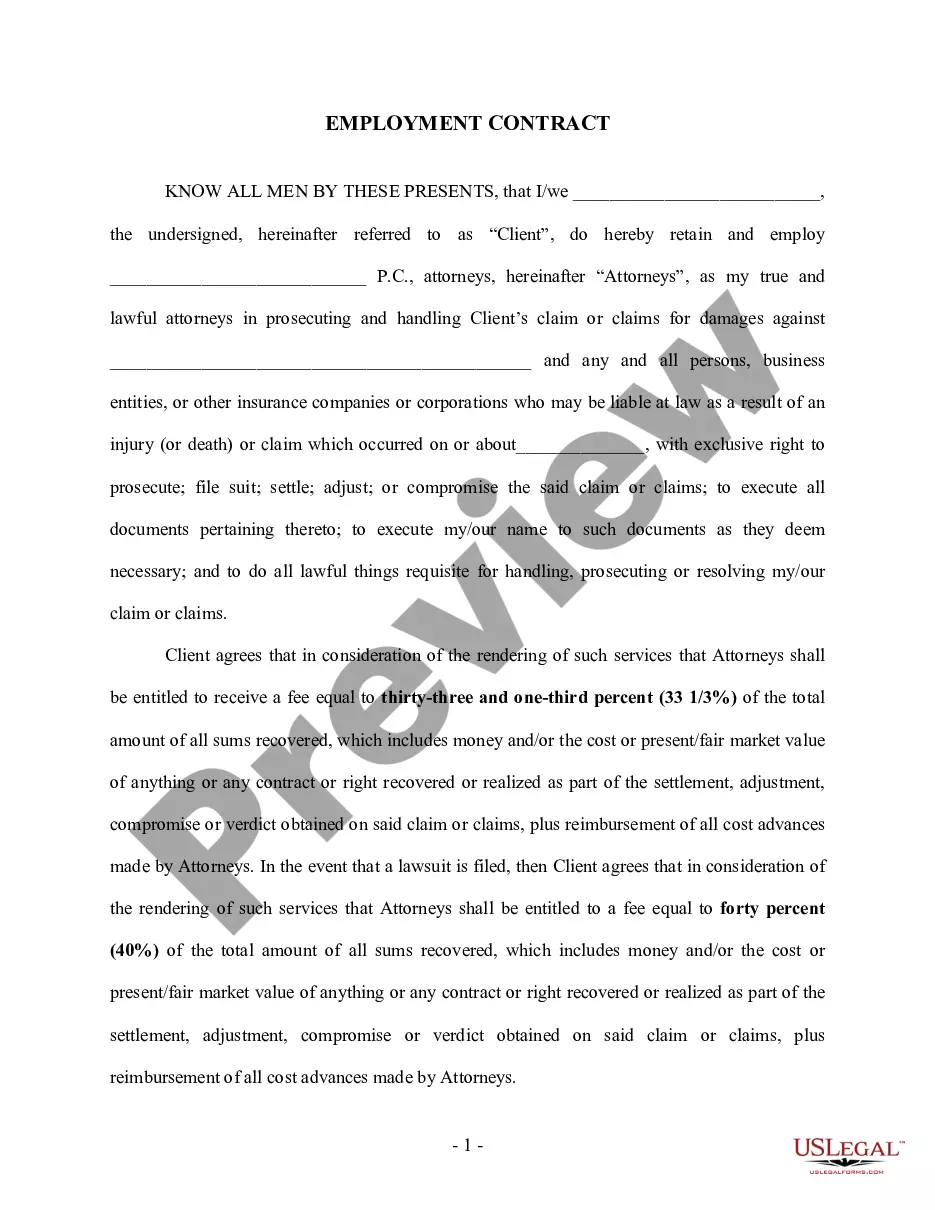
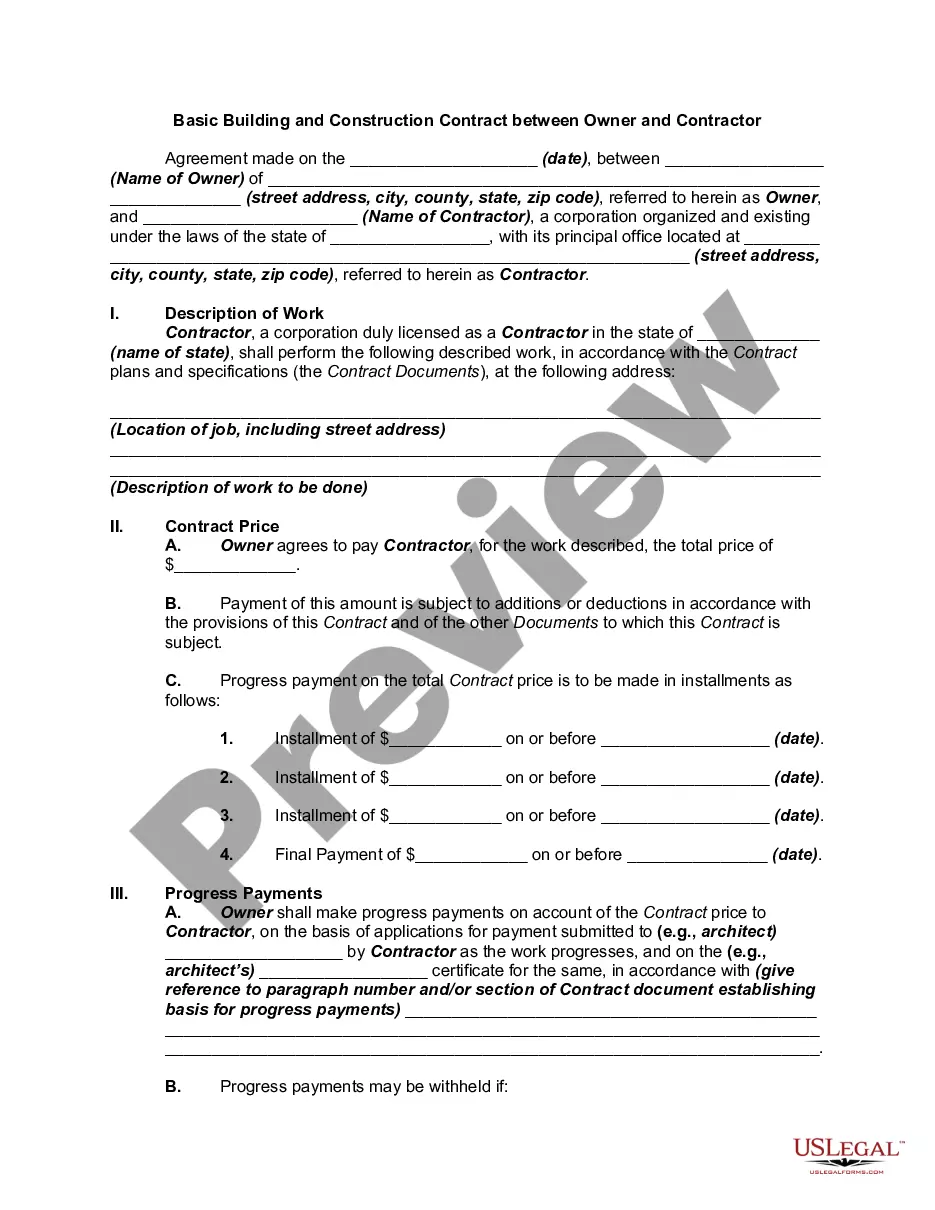
What is this form?
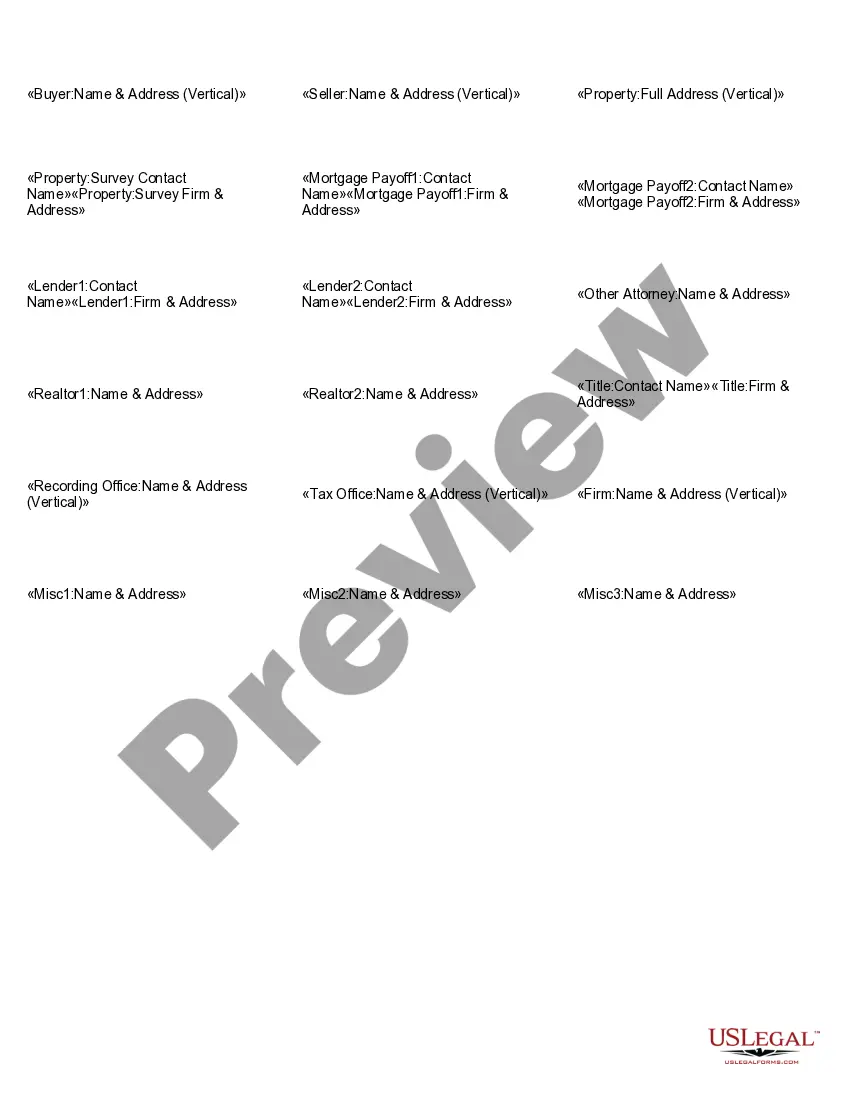
The Address Label form is designed to create professional mailing labels that can be used for various purposes, such as sending documents to clients or organizing addresses for business correspondence. This form streamlines the process of label creation, ensuring that all recipients' information is accurate and clearly presented. Unlike generic label templates, this form allows customization based on specific recipient categories, enhancing its usefulness for legal and professional settings.
Key parts of this document
- Mortgage payoff recipient information, including names and addresses
- Contact information for lenders and realtors
- Fields for legal representatives and title offices
- Space for additional contacts, making it versatile for various purposes
Common use cases
This Address Label form is particularly useful for legal professionals who need to send documents or correspondences to clients, lenders, realtors, and other parties involved in a transaction. It is ideal for situations such as closing a mortgage, notifying clients about important updates, or sending compliance documents to tax offices. When precise and professional labeling is required for efficient communication, this form is an excellent choice.
Who needs this form
The following individuals and organizations should consider using this Address Label form:
- Attorneys and law firms managing real estate transactions
- Mortgage lenders and title companies
- Realtors coordinating with clients and other professionals
- Real estate agents preparing documents for final approvals
Instructions for completing this form
- Identify all recipients that require mailing labels, including lenders, realtors, and clients.
- Fill in each contact's name and corresponding address in the designated fields.
- Ensure all information is accurate and up to date to avoid delivery errors.
- Review the completed labels for clarity and completeness before printing.
- Print the labels using appropriate label sheets for professional presentation.
Does this form need to be notarized?
This form does not typically require notarization unless specified by local law.
Get your form ready online
Our built-in tools help you complete, sign, share, and store your documents in one place.
Make edits, fill in missing information, and update formatting in US Legal Forms—just like you would in MS Word.
Download a copy, print it, send it by email, or mail it via USPS—whatever works best for your next step.
Sign and collect signatures with our SignNow integration. Send to multiple recipients, set reminders, and more. Go Premium to unlock E-Sign.
If this form requires notarization, complete it online through a secure video call—no need to meet a notary in person or wait for an appointment.
We protect your documents and personal data by following strict security and privacy standards.

Make edits, fill in missing information, and update formatting in US Legal Forms—just like you would in MS Word.

Download a copy, print it, send it by email, or mail it via USPS—whatever works best for your next step.

Sign and collect signatures with our SignNow integration. Send to multiple recipients, set reminders, and more. Go Premium to unlock E-Sign.

If this form requires notarization, complete it online through a secure video call—no need to meet a notary in person or wait for an appointment.

We protect your documents and personal data by following strict security and privacy standards.
Common mistakes
- Failing to double-check the spelling of names and addresses
- Using incorrect label sizes or formats for printing
- Not including all necessary contacts for a transaction
Benefits of completing this form online
- Convenient access, allowing for quick creation of labels at any time
- Editable format enables customization as needed
- Professionally designed templates enhance the appearance and professionalism of outgoing correspondence
Main things to remember
- The Address Label form is essential for legal professionals needing organized recipient information.
- Ensure accuracy when filling out contact details to prevent delivery issues.
- This form can be customized for a variety of recipients and is adaptable across states.
Looking for another form?
Form popularity
FAQ
How to write the sender's (return) address Start with your full name. Write your street address on the next line. Use two lines, if needed. Follow that line with the city, state and ZIP code of your address.
The address label can usually be found on the front or back of the package. Some labels will have ?From:? written on the top left of the label. This is where you write your return address. You write the recipient's address information on the ?To:? line of the label.
Address labels are used to indicate the address of the sender or recipient. When sending a letter or a parcel, many companies use address labels instead of writing the address of the sender and receiver by hand.
The return address should be written in the upper left-hand corner of the envelope. The return address is not a requirement on all types of mail. However, omitting a return address prevents the USPS from returning the item to you if it is undeliverable. (Some classes or types of mail do require a valid return address.
How to print mailing labels in Word - YouTube YouTube Start of suggested clip End of suggested clip So click file and print. And when you're ready click print. Now when I print labels I like to takeMoreSo click file and print. And when you're ready click print. Now when I print labels I like to take all the plain paper out of my printer. And then just put in a single sheet of labels. Even.
The name of the sender or recipient. The street name and number. The ZIP code. The city and state (or state abbreviation).
A return label is a sticker adhered to a box or mailer that includes an address, shipping barcode, and other information that a shipping carrier uses to identify the destination and track the package, so it gets returned to the seller or appropriate warehouse.
Create and print labels Go to Mailings > Labels. Select Options and choose a label vendor and product to use.Type an address or other information in the Address box (text only).To change the formatting, select the text, right-click, and make changes with Font or Paragraph. Select OK.