Recruiting Activity Report - Events
What is this form?
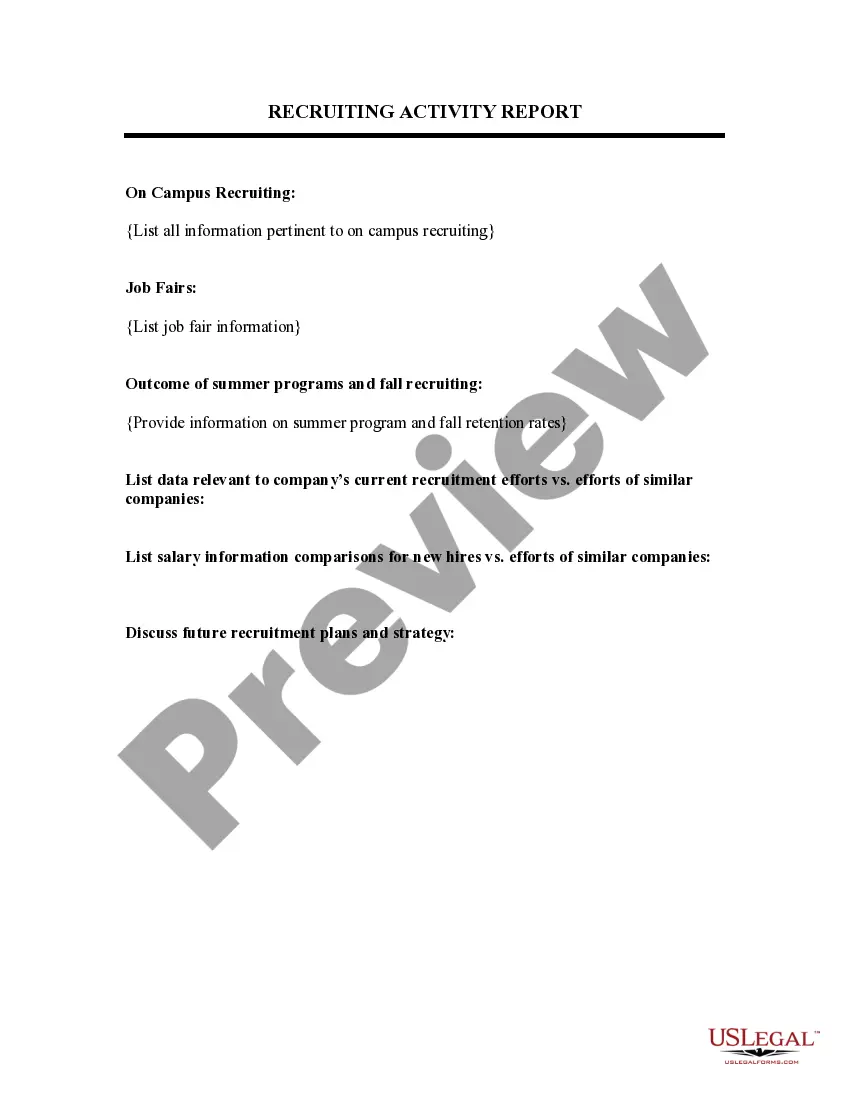
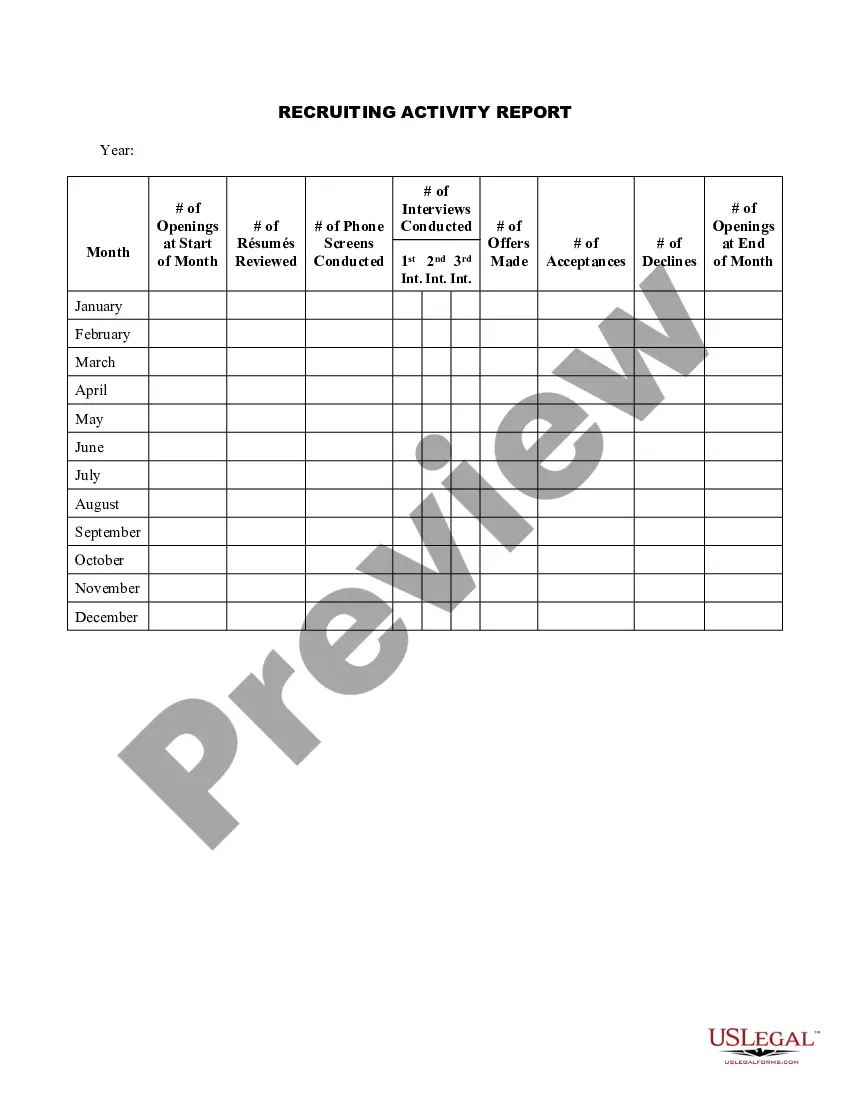
The Recruiting Activity Report - Events is a specialized document that helps assess the effectiveness of recruiting efforts within a company. This form specifically focuses on events like campus recruiting and job fairs, which sets it apart from other general recruitment assessment tools. It is designed to provide an organized way to evaluate your recruiting activities and their outcomes over specific periods, helping to enhance future recruiting strategies.
Key parts of this document
- On Campus Recruiting: Records all relevant details regarding campus recruiting efforts.
- Job Fairs: Includes information related to job fair participation.
- Outcome of Summer Programs: Captures information on summer program outcomes and fall recruiting retention rates.
When to use this form
This form should be used at the end of each recruiting season, especially after hosting on-campus recruiting events or participating in job fairs. It is particularly useful for companies looking to evaluate their recruiting strategies and improve retention rates for summer and fall programs. Utilizing this form can help identify successful practices and areas that need enhancement for better recruitment outcomes.
Intended users of this form
- Human resources professionals involved in recruiting efforts.
- Recruitment managers analyzing recruitment metrics.
- Company executives interested in workforce planning.
Steps to complete this form
- Gather data on all campus recruiting activities.
- Collect details of job fair participation and outcomes.
- Document the outcomes and retention rates from summer programs and fall recruiting efforts.
- Summarize your observations and insights regarding the effectiveness of your recruiting activities.
Does this document require notarization?
In most cases, this form does not require notarization. However, some jurisdictions or signing circumstances might. US Legal Forms offers online notarization powered by Notarize, accessible 24/7 for a quick, remote process.
Get your form ready online
Our built-in tools help you complete, sign, share, and store your documents in one place.
Make edits, fill in missing information, and update formatting in US Legal Forms—just like you would in MS Word.
Download a copy, print it, send it by email, or mail it via USPS—whatever works best for your next step.
Sign and collect signatures with our SignNow integration. Send to multiple recipients, set reminders, and more. Go Premium to unlock E-Sign.
If this form requires notarization, complete it online through a secure video call—no need to meet a notary in person or wait for an appointment.
We protect your documents and personal data by following strict security and privacy standards.

Make edits, fill in missing information, and update formatting in US Legal Forms—just like you would in MS Word.

Download a copy, print it, send it by email, or mail it via USPS—whatever works best for your next step.

Sign and collect signatures with our SignNow integration. Send to multiple recipients, set reminders, and more. Go Premium to unlock E-Sign.

If this form requires notarization, complete it online through a secure video call—no need to meet a notary in person or wait for an appointment.

We protect your documents and personal data by following strict security and privacy standards.
Common mistakes
- Failing to document all recruiting events accurately.
- Not updating retention rates regularly.
- Overlooking the analysis of outcomes from summer and fall programs.
Benefits of completing this form online
- Convenient access to a structured format for evaluating recruiting efforts.
- Editable fields for easy updates as new data becomes available.
- Reliable, attorney-drafted templates ensure legal compliance and effectiveness.
Quick recap
- The Recruiting Activity Report - Events is essential for evaluating recruitment effectiveness.
- Accurate data collection from various recruitment activities is crucial.
- Regular analysis of recruiting practices can improve future hiring success.
Looking for another form?
Form popularity
FAQ
Track your daily and weekly tasks easily using this interactive schedule template. Add events to the event scheduler tab, select the appropriate day on the daily schedule tab, and allow Excel to help manage your day. This is an accessible template.
Make sure to add a header. Start with a brief outline of the accomplishments made during the day. The next section must be about planned tasks. The final section should contain issues and comments about these issues.
Here are some basic guidelines for short reports: Know your purpose. Do your homework. Be objective. Choose a reader-friendly format. Use graphs or tables to summarize data. Write in a concise format.
A recruiting event is a recruitment marketing strategy aimed at building and fostering relationships with candidates in a more personal way. There are many types of recruiting events, but in the end they all have the same goal of gaining more qualified applicants and also increasing positive employer branding.
Start ASAP! Create a timeline with dates and plan out your budget. Tap into employees and key stakeholders at your company early. Make sure everyone knows your event is happening, why it's happening, and what they can contribute to make it successful. Create calendar invites.
A recruiting event is a recruitment marketing strategy aimed at building and fostering relationships with candidates in a more personal way. There are many types of recruiting events, but in the end they all have the same goal of gaining more qualified applicants and also increasing positive employer branding.
Make sure to add a header. Start with a brief outline of the accomplishments made during the day. The next section must be about planned tasks. The final section should contain issues and comments about these issues. Spellcheck and proof your report.
Start ASAP! Create a timeline with dates and plan out your budget. Tap into employees and key stakeholders at your company early. Make sure everyone knows your event is happening, why it's happening, and what they can contribute to make it successful. Create calendar invites.
Step 1: Start With Your Basic Information. Step 2: Place the Date. Step 3: Make a List of the People You Have Recruited. Step 4: Share the Resources Used. Step 5: Describe Any Problems Which Occurred. Step 6: Make Your Conclusion.