Telephone Prescreen Form
What is this form?
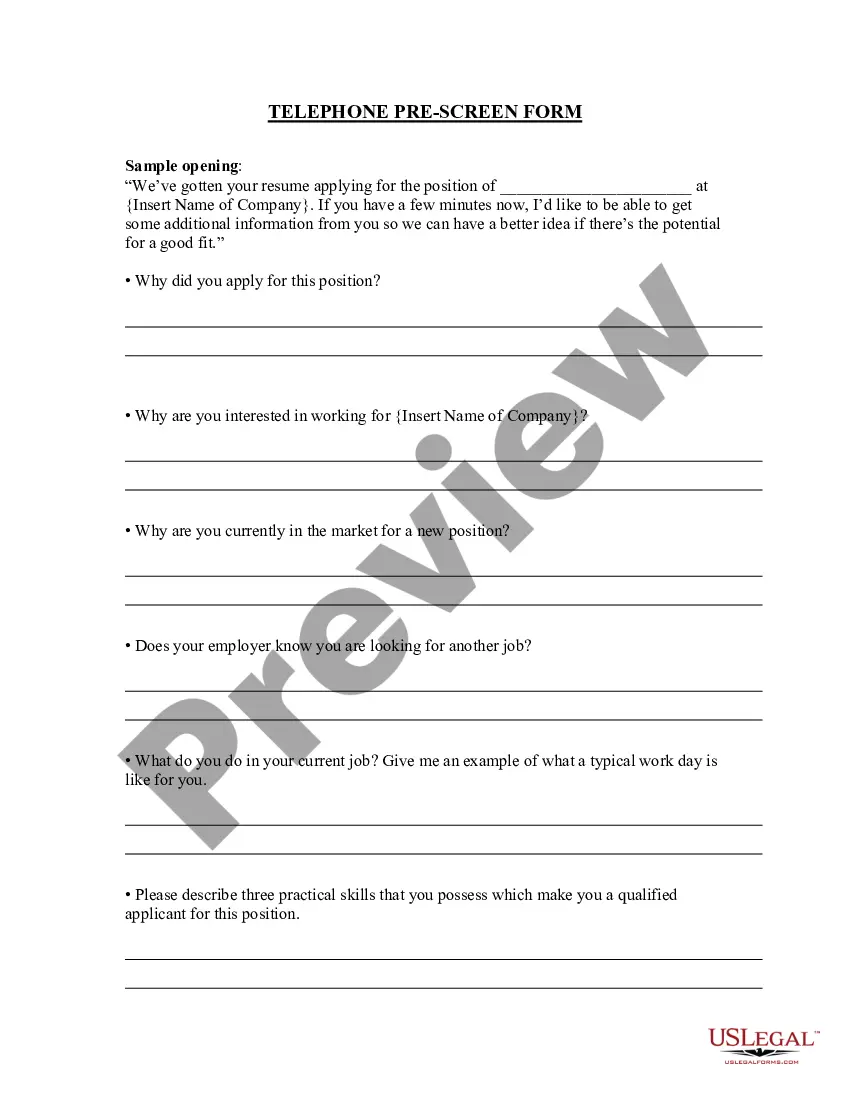
The Telephone Prescreen Form is designed for employers to conduct thorough phone interviews with potential employees. This form assists interviewers in gathering relevant information to assess if a candidate is a suitable fit for a specific job position, complementing other hiring processes such as face-to-face interviews or application reviews.
Key components of this form
- Position title: Clearly state the job title being applied for.
- Company name: Insert the name of the company conducting the interview.
- Candidate introduction: A scripted opening to establish rapport with the candidate.
- Key questions: Important queries to assess the candidateâs motivation and suitability for the role.
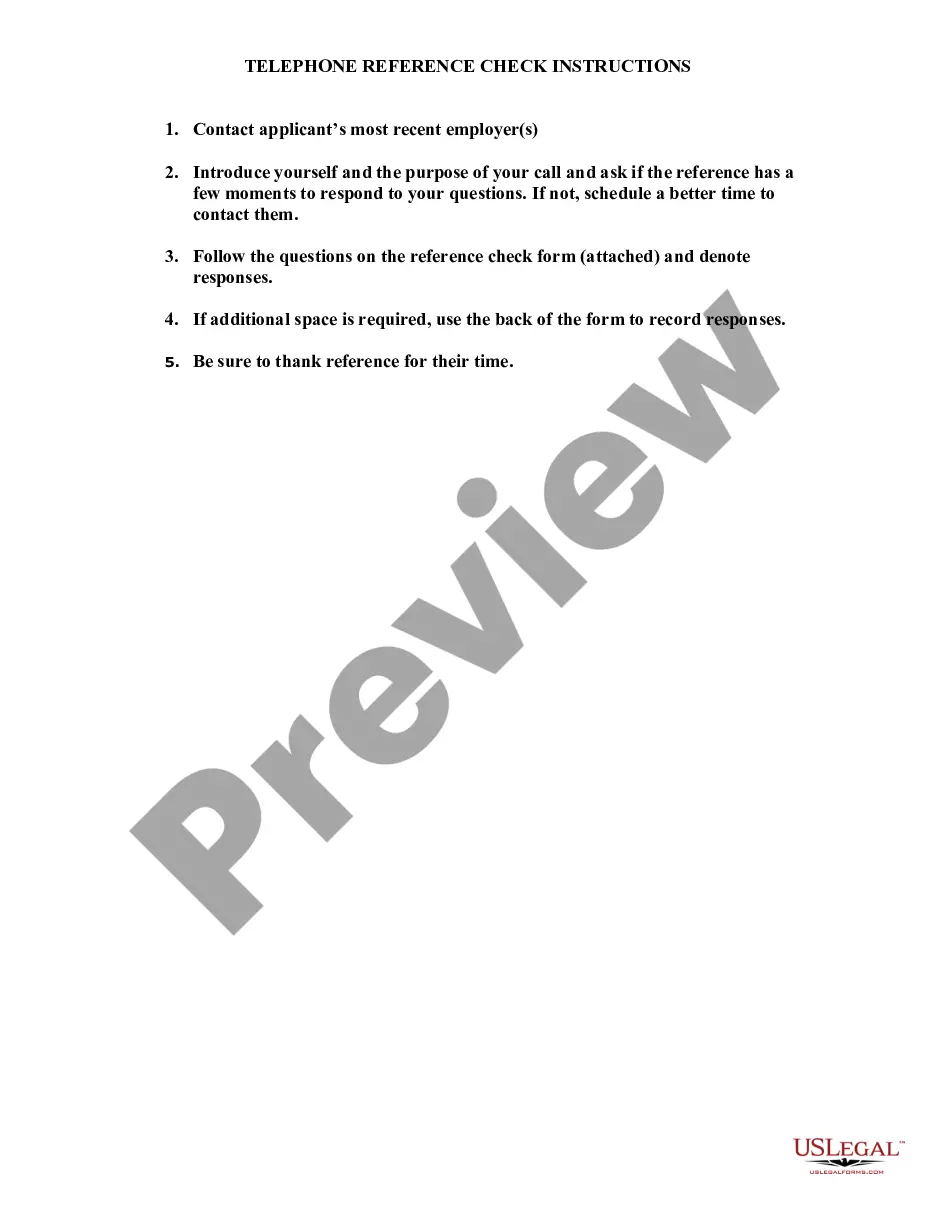
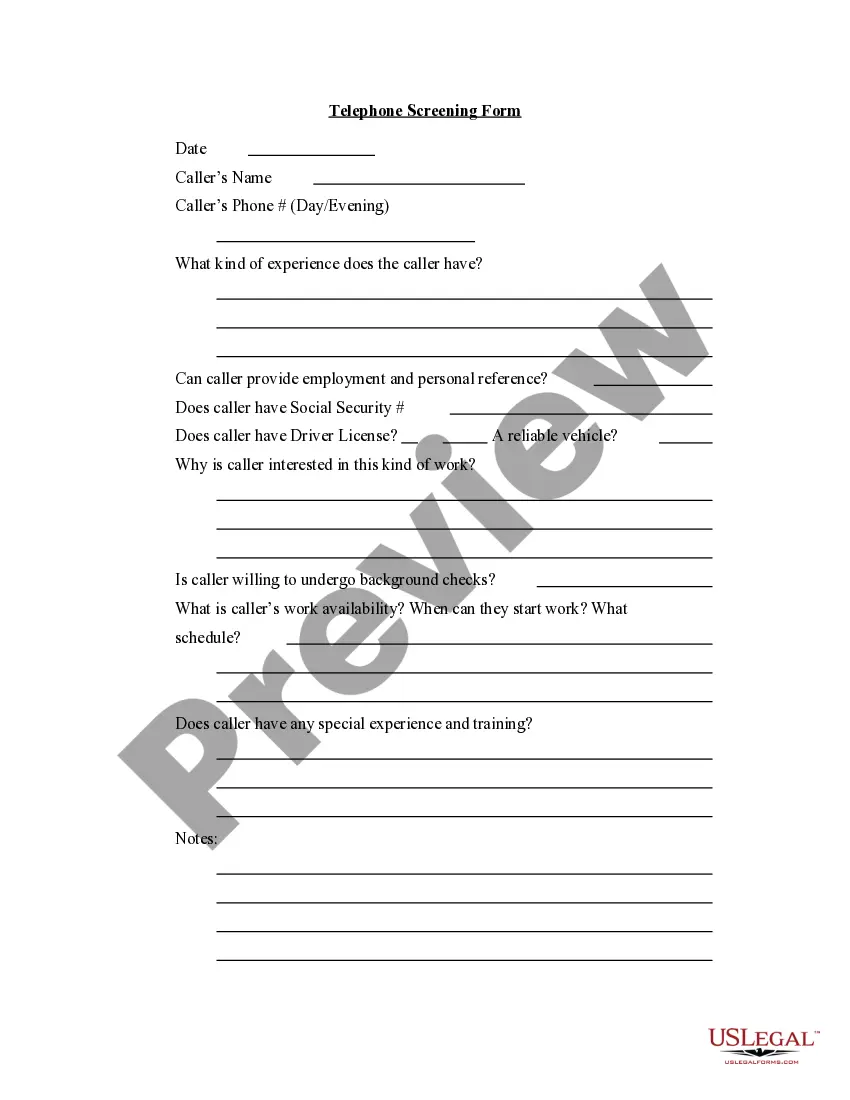
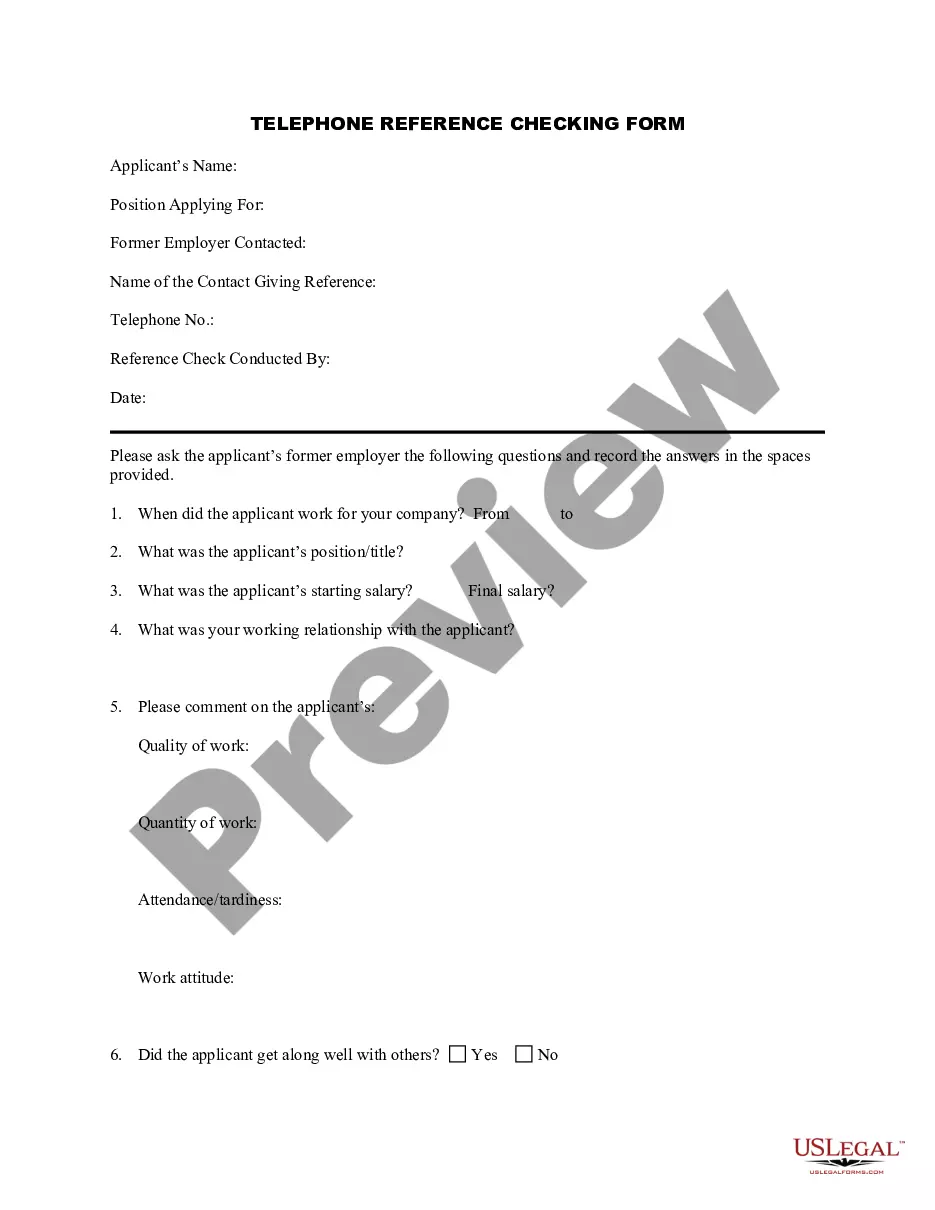
When to use this document
Employers should use the Telephone Prescreen Form when they want to efficiently screen candidates over the phone before deciding to invite them for an in-person interview. This is particularly useful when there is a high volume of applicants and the employer needs to evaluate a candidate's fit quickly and effectively.
Who needs this form
- Hiring managers looking to streamline their interview process.
- Recruiters needing a structured approach for preliminary candidate evaluations.
- Companies of all sizes seeking to improve their candidate selection procedures.
Steps to complete this form
- Begin by entering the position title and company name at the top of the form.
- Read through the scripted introduction to prepare for the interview.
- Ask the candidate why they applied for the position and record their response.
- Follow the structured questions in the form to gather essential information.
- Make notes on the candidate's responses to help with the evaluation process later.
Does this form need to be notarized?
This form does not typically require notarization unless specified by local law.
Get your form ready online
Our built-in tools help you complete, sign, share, and store your documents in one place.
Make edits, fill in missing information, and update formatting in US Legal Forms—just like you would in MS Word.
Download a copy, print it, send it by email, or mail it via USPS—whatever works best for your next step.
Sign and collect signatures with our SignNow integration. Send to multiple recipients, set reminders, and more. Go Premium to unlock E-Sign.
If this form requires notarization, complete it online through a secure video call—no need to meet a notary in person or wait for an appointment.
We protect your documents and personal data by following strict security and privacy standards.

Make edits, fill in missing information, and update formatting in US Legal Forms—just like you would in MS Word.

Download a copy, print it, send it by email, or mail it via USPS—whatever works best for your next step.

Sign and collect signatures with our SignNow integration. Send to multiple recipients, set reminders, and more. Go Premium to unlock E-Sign.

If this form requires notarization, complete it online through a secure video call—no need to meet a notary in person or wait for an appointment.

We protect your documents and personal data by following strict security and privacy standards.
Mistakes to watch out for
- Failing to personalize the script, making the interview feel impersonal.
- Not preparing follow-up questions based on the candidateâs responses.
- Overlooking the importance of taking notes during the interview.
Benefits of completing this form online
- Convenient access to a structured format that can be easily edited.
- Time-saving when compared to conventional paper forms.
- Ensures consistency in the interview process across different candidates.
Key takeaways
- The Telephone Prescreen Form helps streamline the initial interview process.
- It is valuable for employers wanting to assess candidate fit without in-person meetings.
- Careful planning and execution during the interview can improve hiring decisions.
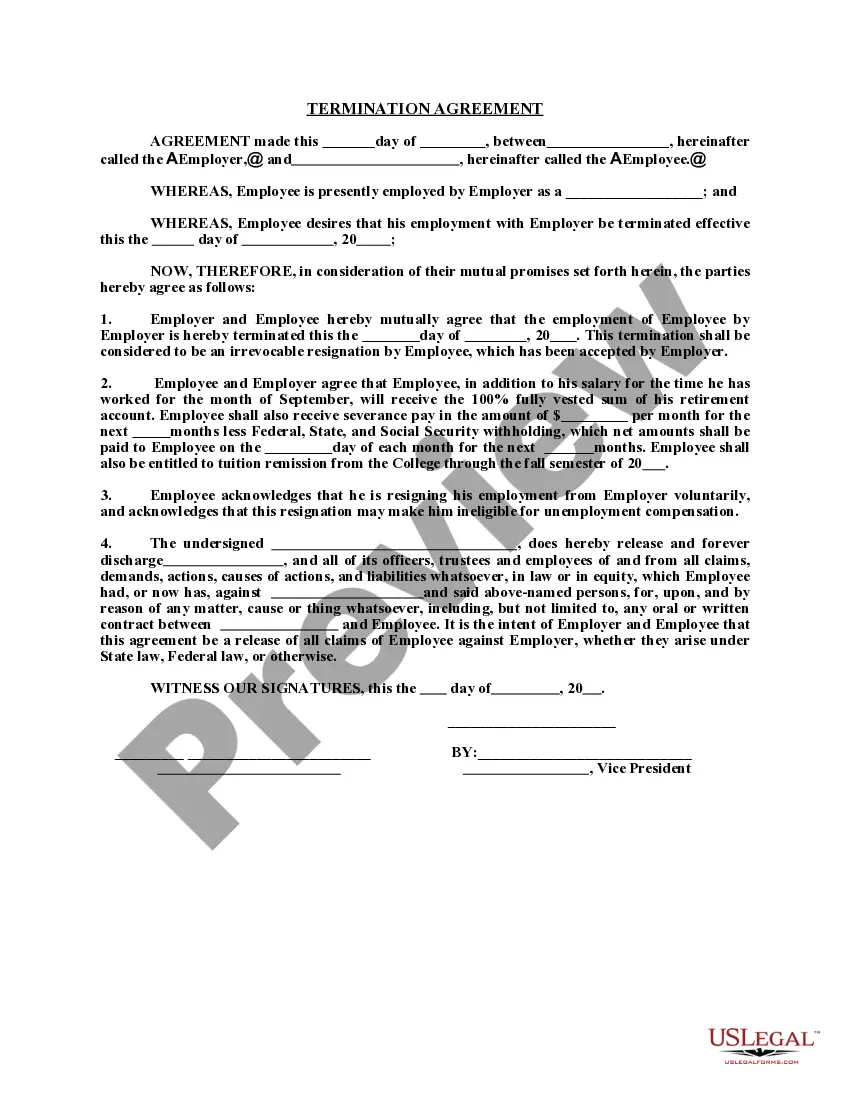
Looking for another form?

Form popularity
FAQ
Determine what really matters. Read their resume. Clear your mind of bias. Be prepared to discuss. 1) Availability/flexibility. 2) Salary expectations. 3) Candidate interest. 4) Knowledge of your company.
The goal of a phone interview is an invitation to come to the employer's location for an in-person interview. Phone interviews are typically called "phone screens" by the employer because they are screening candidates. These interviews are short, usually less than 30 minutes and may be as short as 10 minutes.
The purpose of the phone screen interview is to determine whether a candidate deserves an interview. Bias can diminish its effectiveness. If you were impressed by a candidate's resume and you're already determined to bring them in for an interview, the call is obsolete.
Pre-screen interviews are usually conducted by the organization's Human Resources (HR) representatives or recruiters to narrow down applicants in the candidate selection process, saving the hiring managers time while learning more about the qualified candidates prior to the actual in-person interview.
What Are Your Strengths? What Is Your Greatest Weakness? Why Should We Hire You? Why Did You Leave Your Last Job? Tell Me About Yourself. Why Do You Want to Work Here? Describe Your Current Job Responsibilities. What is Your Management Style?
Telephone interviews are used by companies to screen candidates and narrow the pool of ap- plicants who will be invited for in-person interviews.Companies also use telephone interviews to differentiate between candidates who appear similar on paper and to determine organizational fit.
Put simply, a pre-screen call is an informal interview that happens over the phone. It should be between the hiring managers, HR representatives or the team leader who is hiring for the position. In these calls, informal questions should be asked so that your team lead and the candidate can get onto the same page.
Phone screen refers to the step in the recruitment process which occurs after narrowing the applicant pool through candidate's resume and before asking them to come for an in-person interview. Generally conducted over a call it's used to asses the suitability for a particular role and find more about the candidate.