Privacy in the Workplace Policy
What this document covers
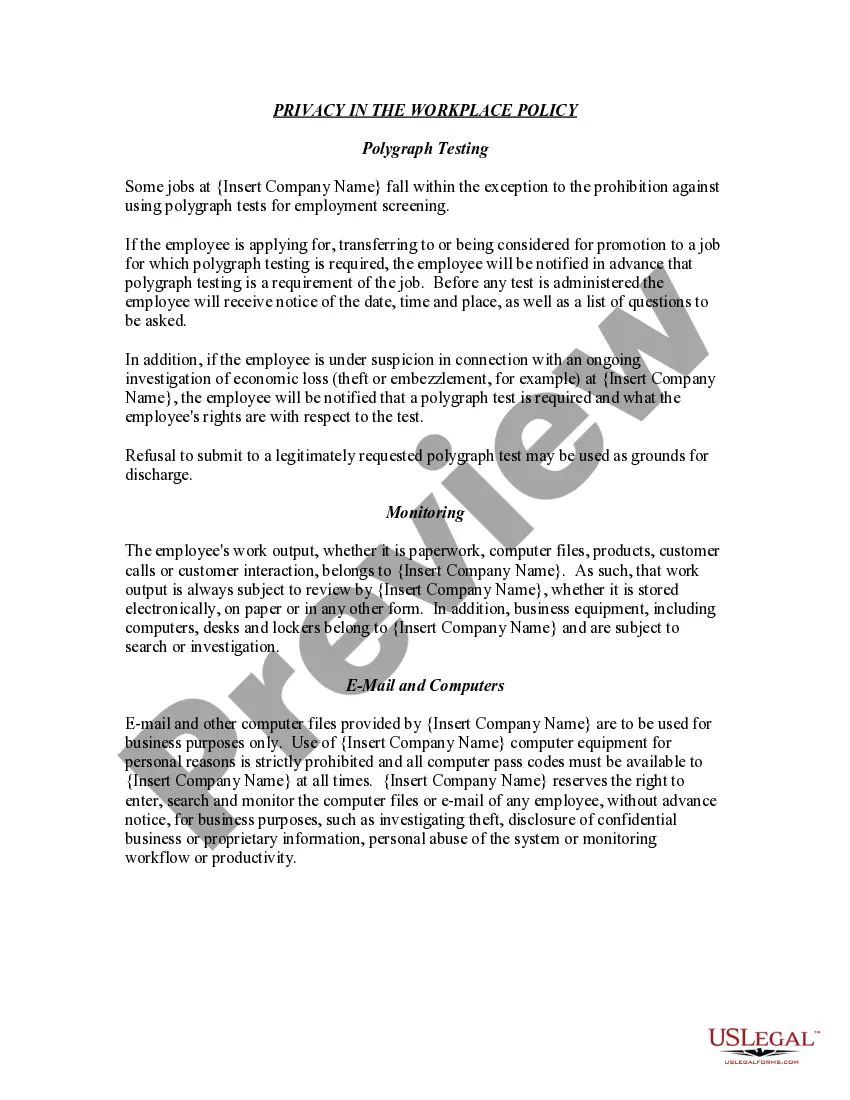
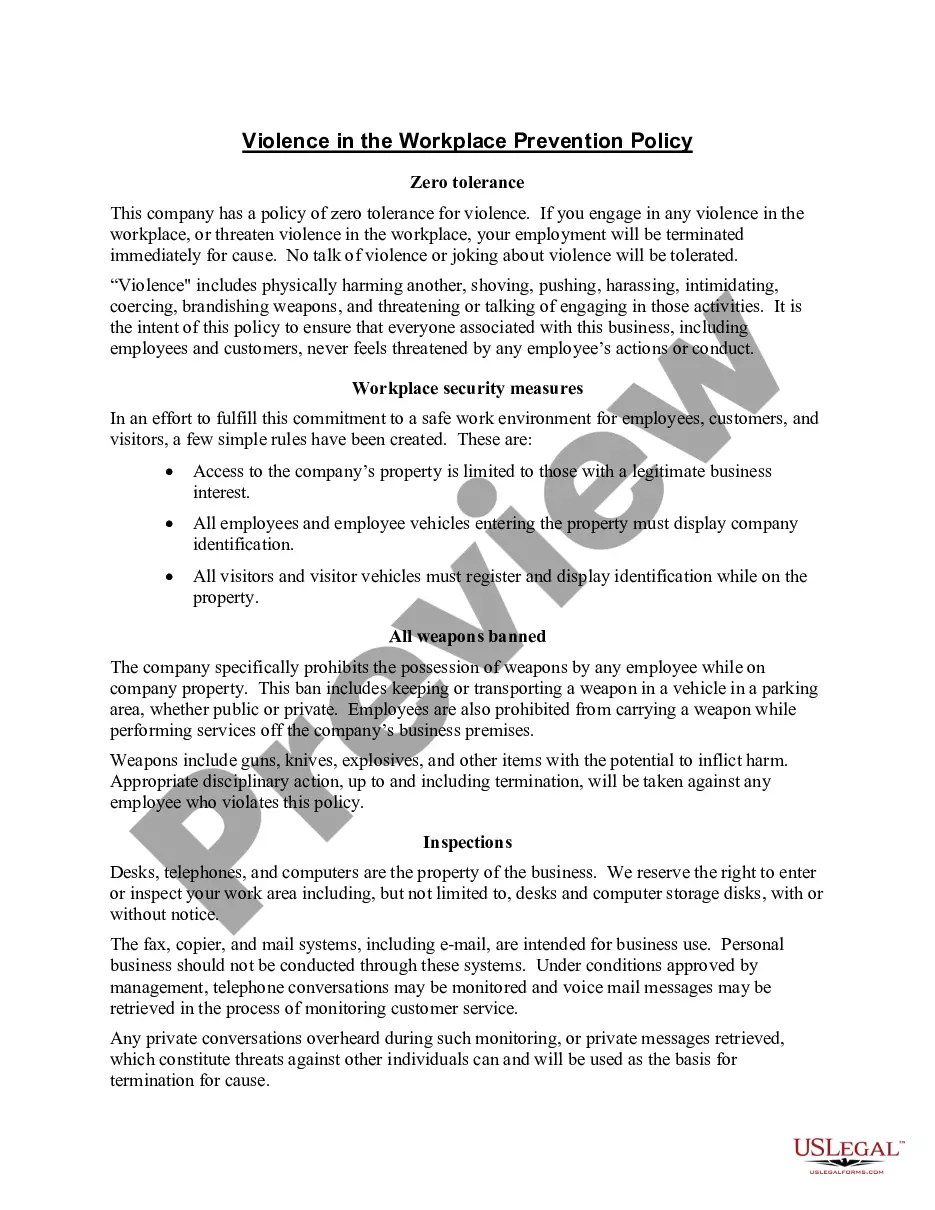
The Privacy in the Workplace Policy is a legal document that outlines the expectations and limitations regarding employee privacy in the workplace. This policy serves to inform employees that their privacy is minimal, and it details the companyâs rights to monitor and search work-related activities and equipment. Unlike personal privacy agreements, this policy specifically addresses how employees should be aware of their rights and the company's monitoring practices in professional settings.
Key parts of this document
- Polygraph Testing: Conditions under which polygraph tests may be administered.
- Monitoring Work Output: Company rights to review and monitor employees' work-related materials.
- E-Mail and Computers: Guidelines on the acceptable use of company technology and monitoring rights.

Common use cases
This policy should be implemented by employers who want to ensure that employees understand the limitations of their privacy while at work. It is useful in various situations, such as when introducing new monitoring technologies, during onboarding of new employees, or when there are changes in workplace monitoring practices.
Who needs this form
- Employers looking to outline workplace privacy policies.
- Human resources departments responsible for employee policy documentation.
- Legal teams needing a comprehensive privacy policy template for workplace settings.
How to complete this form
- Insert the company name where indicated.
- Clearly outline any specific situations involving polygraph testing if applicable.
- Define the scope of acceptable monitoring practices within your organization.
- Review legal compliance based on state-specific regulations.
- Distribute the policy to all employees and obtain acknowledgment of receipt.
Does this form need to be notarized?
This form does not typically require notarization unless specified by local law. Ensure distribution and acknowledgment of policy receipt are documented for legal compliance.
Get your form ready online
Our built-in tools help you complete, sign, share, and store your documents in one place.
Make edits, fill in missing information, and update formatting in US Legal Forms—just like you would in MS Word.
Download a copy, print it, send it by email, or mail it via USPS—whatever works best for your next step.
Sign and collect signatures with our SignNow integration. Send to multiple recipients, set reminders, and more. Go Premium to unlock E-Sign.
If this form requires notarization, complete it online through a secure video call—no need to meet a notary in person or wait for an appointment.
We protect your documents and personal data by following strict security and privacy standards.

Make edits, fill in missing information, and update formatting in US Legal Forms—just like you would in MS Word.

Download a copy, print it, send it by email, or mail it via USPS—whatever works best for your next step.

Sign and collect signatures with our SignNow integration. Send to multiple recipients, set reminders, and more. Go Premium to unlock E-Sign.

If this form requires notarization, complete it online through a secure video call—no need to meet a notary in person or wait for an appointment.

We protect your documents and personal data by following strict security and privacy standards.
Avoid these common issues
- Failing to notify employees about monitoring practices can lead to legal issues.
- Not updating the policy to reflect changes in laws regarding workplace privacy.
- Using vague language that does not clearly define monitoring practices can cause misunderstandings.
Advantages of online completion
- Convenience: Easily accessible for quick downloads and edits.
- Editability: Tailor the policy to fit your company's specific needs.
- Reliability: Form templates provided by licensed attorneys ensure compliance with current legal standards.
Legal use & context
- Employers are legally allowed to monitor employees to protect business interests.
- Employee consent is typically required, which can be achieved through acknowledgment of receipt of the policy.
- State laws may impose additional restrictions on monitoring practices, so verify compliance.
Key takeaways
- The Privacy in the Workplace Policy outlines employee monitoring and privacy expectations.
- It is essential for employers to communicate these practices clearly to avoid misunderstandings.
- Regularly review and update the policy to remain in compliance with evolving legal standards.
Looking for another form?

Form popularity
FAQ
Document the unfair treatment. Report the unfair treatment. Stay away from social media. Take care of yourself. Contact an experienced lawyer.
Protect Confidential Employee Information. Only Use Data for its Intended Purpose. Limit Electronic Surveillance. Limit Camera Surveillance. Have an Employee Monitoring Policy. Use Employee-friendly Productivity Management Software.
Don't Keep Data. Anonymize the Data You Do Need. Encrypt Everything All Your Other Data. Setup Perform Routing Automatic Backups. Add Tracking Software to Workplace PCs. Ensure You Have an Up to Date Antivirus That Suits Your Business Needs. Purposed Servers for Sensitive or Restricted Data.
Write your Privacy Policy in plain, easy-to-understand language. Update your policy regularly to reflect changes in the law, in your business, or within your protocols. Notify users of these updates, and include the effective date with your policy. Be transparent and remain true to your commitment to user privacy.
Step 1: Only Inquire About Job-Related Qualifications During the Hiring Process. Step 2: Put Employees on Notice of Potential Monitoring in the Workplace. Step 3: Conduct Employee Testing for Job-Related Reasons Only. Step 4: Comply With Requirements of Federal and State Law.
Employees have the right to keep private facts about themselves confidential and the right to some degree of personal space. An employer that discloses private facts or lies about an employee may be held accountable in a civil action for invasion of privacy or defamation.
Code of conduct. recruitment policy. internet and email policy. mobile phone policy. non-smoking policy. drug and alcohol policy. health and safety policy. anti-discrimination and harassment policy.
Your privacy statement should be clear, direct and easy to understand. Keep technical jargon and legal terminology to a minimum. If you decide to modify how you use personal information, you must inform your users. A company's privacy policy is only as strong as the staff that implements it.
An Employee Privacy Policy outlines an employee's personal privacy rights while in the workplace and details the employer's policies, procedures, and practices regarding the collection, storage, and disclosure of employee personal information (such as their legal name, residential address, and other identity