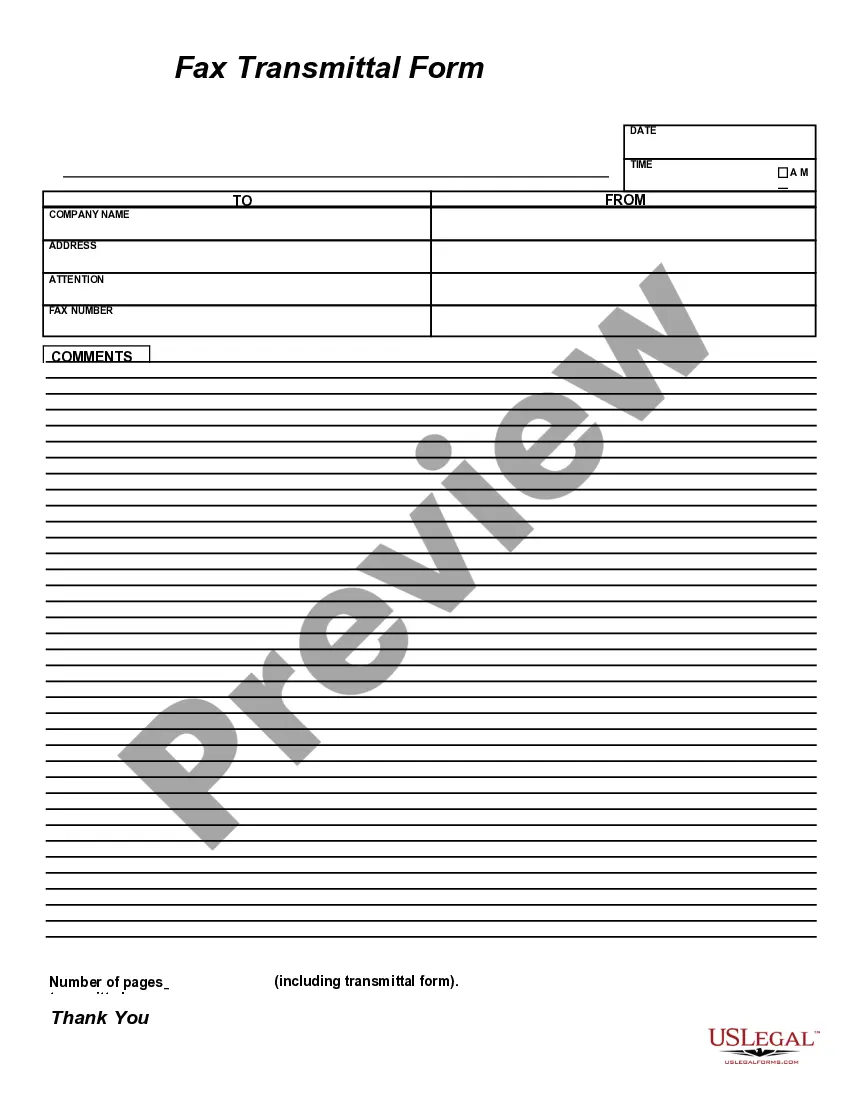
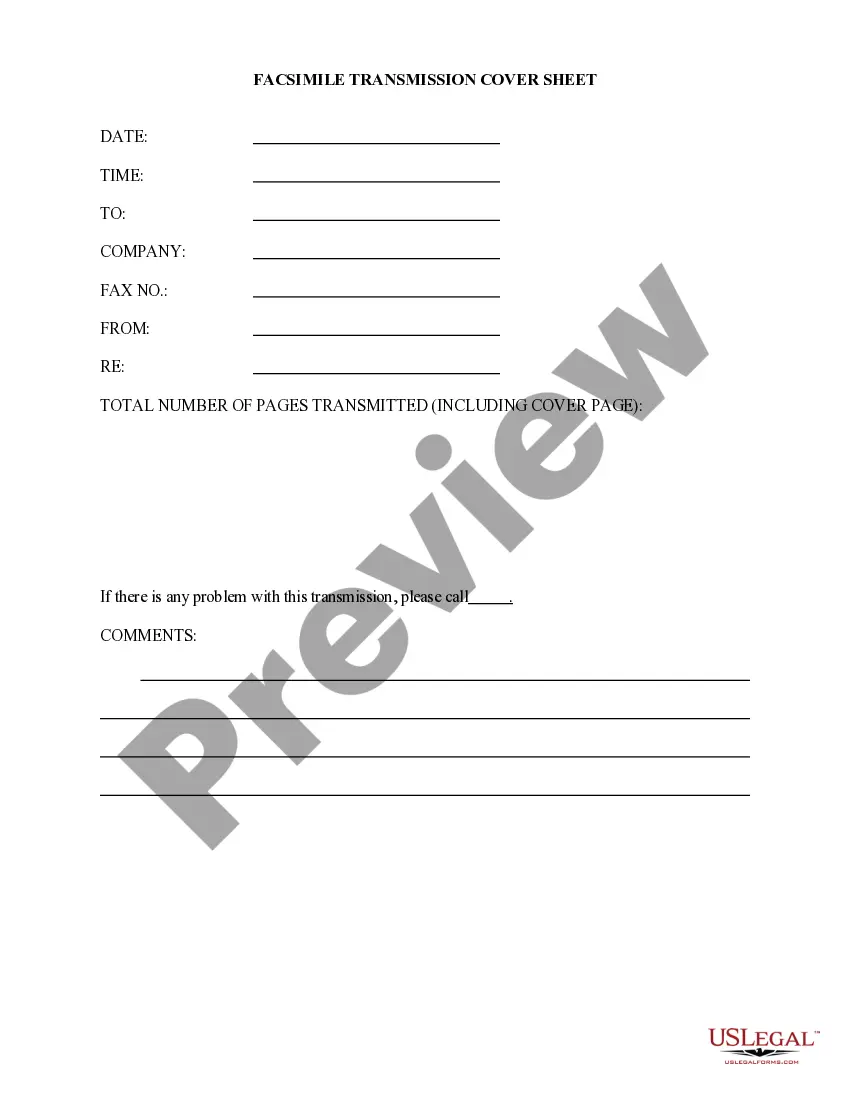
Fax Transmittal Form
What is this form?
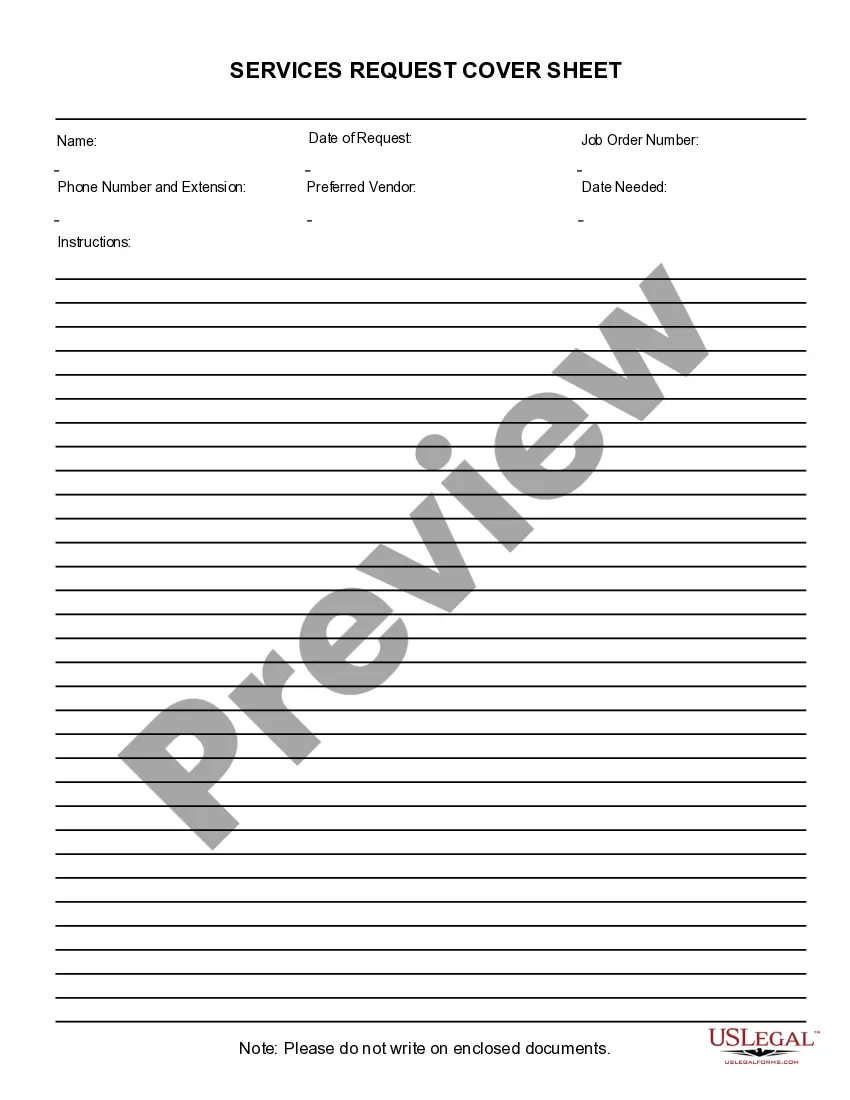
The Fax Transmittal Form is a business document designed to accompany documents sent via fax. It provides essential information about the sender, recipient, and the contents of the fax. Unlike standard cover sheets, this form is specifically formatted for ease of completion in software like Adobe Acrobat or Word, making it user-friendly for all experience levels. The Fax Transmittal Form serves as a clear way to communicate the purpose of the fax and ensures efficient delivery of documents.
Key parts of this document
- Sender's contact information, including name, company, and phone number.
- Recipient's details, such as name and fax number.
- Subject line indicating the purpose of the fax.
- Space for additional comments or instructions.
- Confirmation of the number of pages being transmitted.
Situations where this form applies
This form is useful in various business scenarios where documents need to be faxed securely. Use the Fax Transmittal Form when sending contracts, reports, or confidential information that requires a formal introduction. It is especially important in environments like law offices or medical facilities where clear communication about document content is necessary.
Who this form is for
- Businesses sending documents via fax to clients or partners.
- Legal professionals transmitting case-related documents.
- Medical offices sending patient-related information.
- Anyone needing to ensure that fax recipients understand the purpose of the documents being sent.
How to prepare this document
- Enter your name and contact details as the sender.
- Fill in the recipient's name and fax number.
- Clearly identify the subject of the fax.
- Include any additional comments or instructions for the recipient.
- Specify the total number of pages being sent, including the cover sheet.
Does this document require notarization?
This form does not typically require notarization unless specified by local law.
Get your form ready online
Our built-in tools help you complete, sign, share, and store your documents in one place.
Make edits, fill in missing information, and update formatting in US Legal Forms—just like you would in MS Word.
Download a copy, print it, send it by email, or mail it via USPS—whatever works best for your next step.
Sign and collect signatures with our SignNow integration. Send to multiple recipients, set reminders, and more. Go Premium to unlock E-Sign.
If this form requires notarization, complete it online through a secure video call—no need to meet a notary in person or wait for an appointment.
We protect your documents and personal data by following strict security and privacy standards.

Make edits, fill in missing information, and update formatting in US Legal Forms—just like you would in MS Word.

Download a copy, print it, send it by email, or mail it via USPS—whatever works best for your next step.

Sign and collect signatures with our SignNow integration. Send to multiple recipients, set reminders, and more. Go Premium to unlock E-Sign.

If this form requires notarization, complete it online through a secure video call—no need to meet a notary in person or wait for an appointment.

We protect your documents and personal data by following strict security and privacy standards.
Common mistakes
- Forgetting to include the recipient's fax number, leading to delivery issues.
- Leaving out the senderâs contact information, which may delay responses.
- Not specifying the number of pages, potentially causing confusion.
- Neglecting to include a subject, which can result in misunderstandings about the fax's content.
Why complete this form online
- Easy to complete using familiar software like Adobe Acrobat or Word.
- Editable and reusable, allowing for quick modifications as needed.
- Provides a professional look that enhances communication clarity.
- Streamlines the faxing process, saving time in business communication.
Legal use & context
- Fax records may serve as evidence in legal proceedings if documented correctly.
- Ensure compliance with regulations regarding the transmission of sensitive information.
- Proper use of the form protects both sender and recipient in business communications.
Key takeaways
- The Fax Transmittal Form is essential for clear communications in faxing.
- Completing the form accurately helps ensure smooth document delivery.
- This form is suitable for various professional settings, including legal and medical fields.
- Using the form online makes it easy to edit and manage.
Looking for another form?
Form popularity
FAQ
Date and time sent. Name of recipient. Recipient's fax number. Sender's name and organization. Sender's phone number. HIPAA fax disclaimer.
Enter the date. Date the top of your fax cover letter so the recipient knows when it was sent. Enter the recipient's contact information. Create a new paragraph underneath the date to address your fax cover letter. Enter the sender's contact information. Enter a subject line. Enter the body of the letter. Close the letter.
Date/Time. Sender's company info company name, address, phone number, and fax number. Sender's contact information name, email address, and direct phone number. Recipient's name and fax number. Number of pages. A short message to the recipient (optional)
Date/Time. Sender's company info company name, address, phone number, and fax number. Sender's contact information name, email address, and direct phone number. Recipient's name and fax number. Number of pages. A short message to the recipient (optional)
In short, it is a sheet that provides information to allow the recipient to determine what to do with the fax. It may also include whether the information is confidential or whether the fax is urgent.
Enter the date. Date the top of your fax cover letter so the recipient knows when it was sent. Enter the recipient's contact information. Create a new paragraph underneath the date to address your fax cover letter. Enter the sender's contact information. Enter a subject line. Enter the body of the letter. Close the letter.
Sending Faxes As such, keep in mind these basic guidelines: Always include a cover page, free of any unnecessary information or artwork. Include on the cover sheet your name and contact information, the number of pages (including the fax cover sheet), the intended recipient and any other pertinent information.
Tip: If you're already in Word for the web, get to the fax templates by going to File > New, and then below the template images click More on Office.com. You'll be on the Templates for Word page. In the list of categories, click Fax Covers. To print the fax cover sheet, press Ctrl+P, and wait for the Print dialog.
Fax Cover Sheet Form In short, it is a sheet that provides information to allow the recipient to determine what to do with the fax. It may also include whether the information is confidential or whether the fax is urgent.