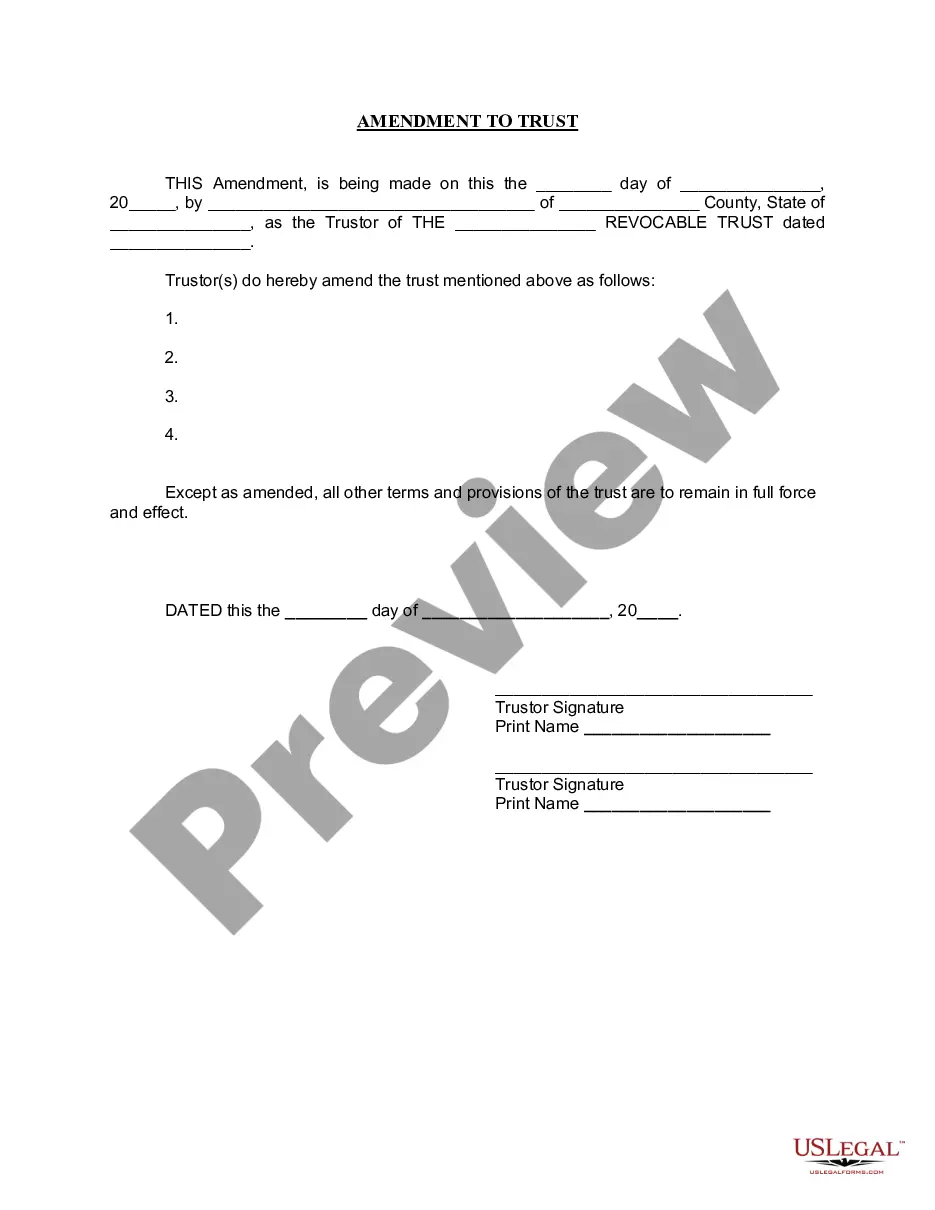
Non-Disclosure Agreement between Software Author and Software Publisher
Overview of this form
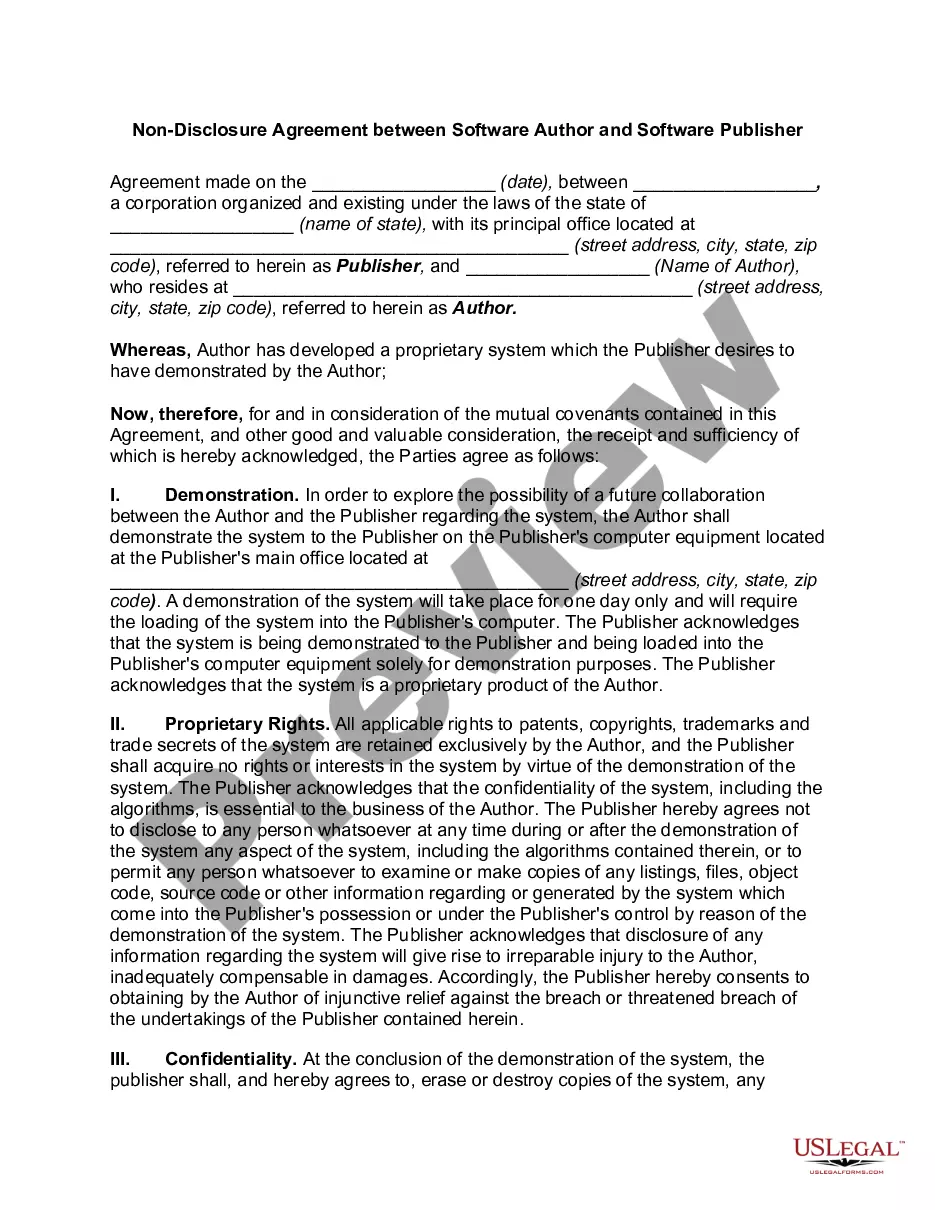
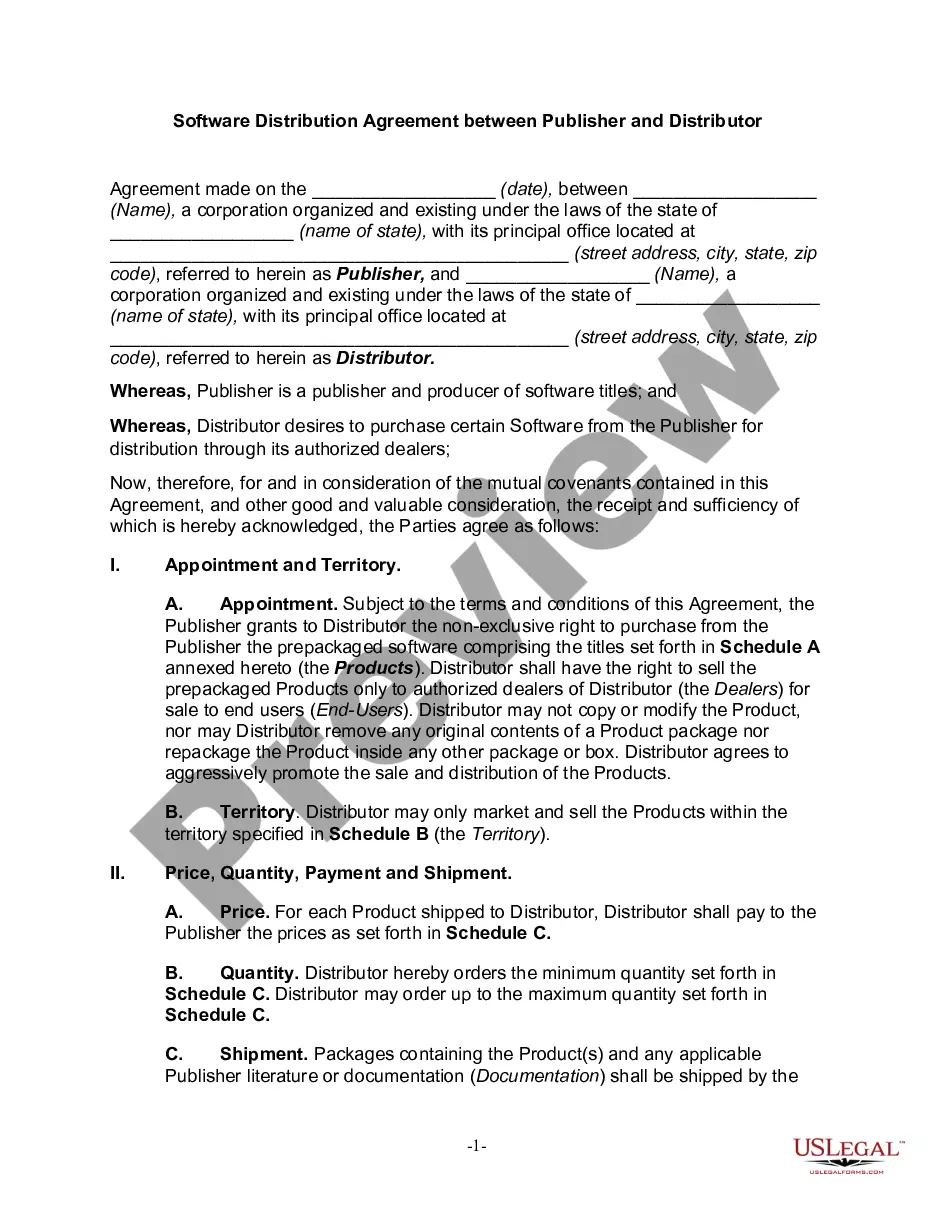
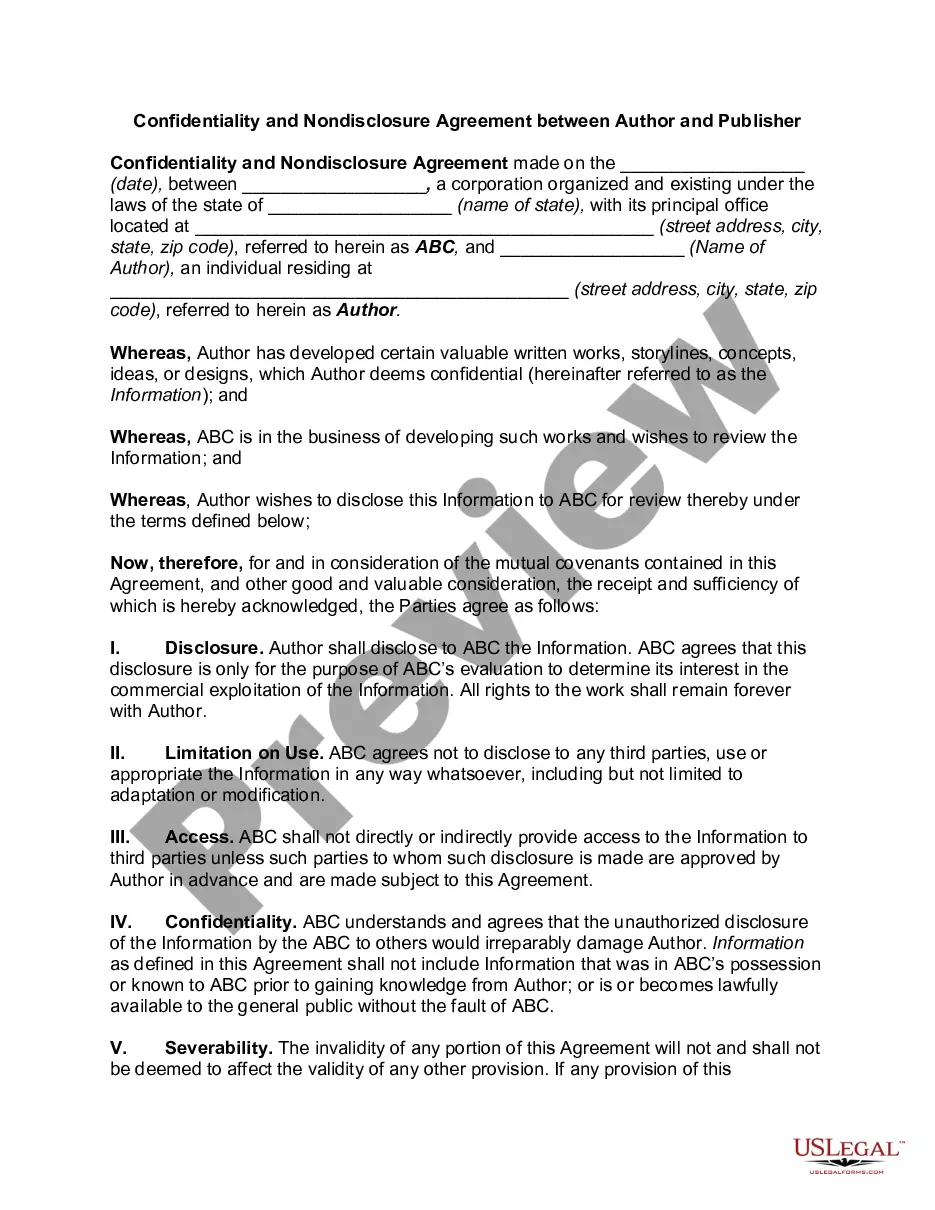
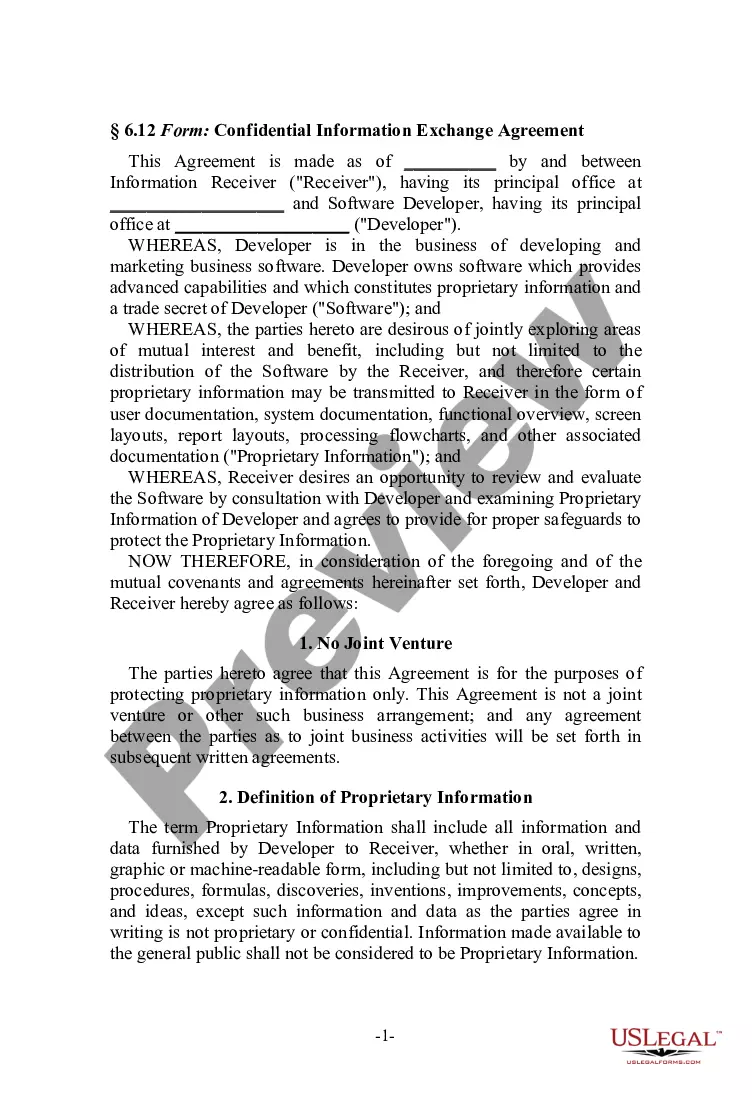
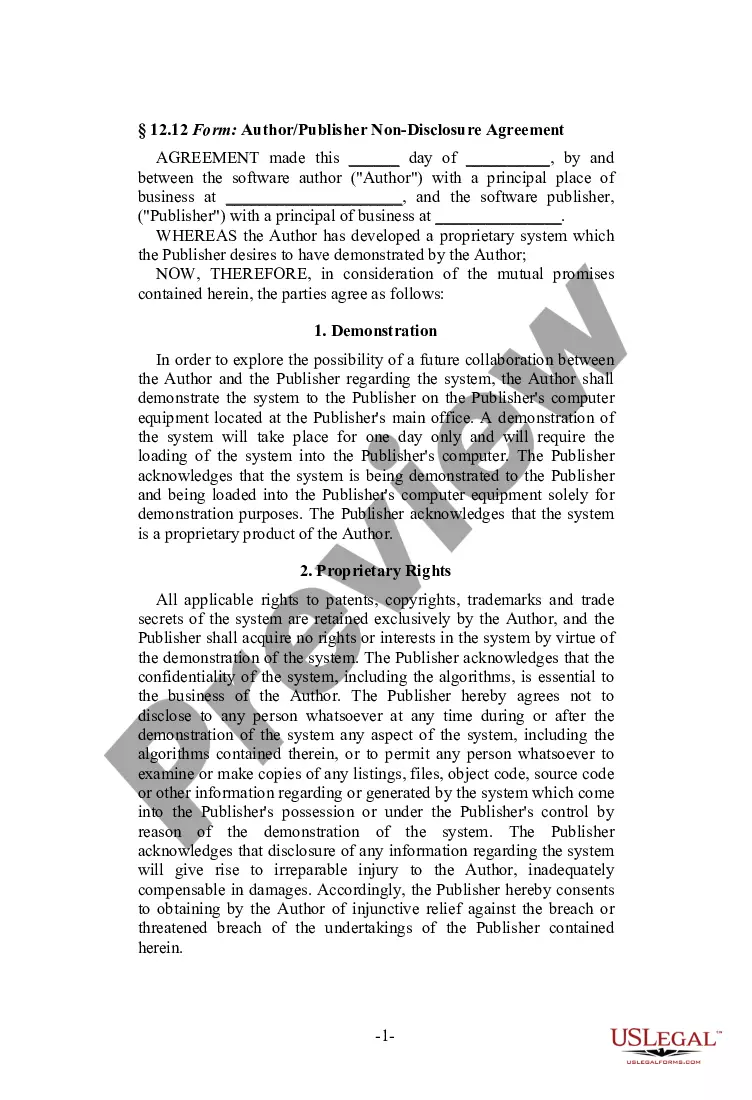
The Non-Disclosure Agreement between Software Author and Software Publisher is a legal document that establishes confidentiality between a software author and a publisher. Its primary purpose is to protect proprietary information shared during the demonstration of a software system, ensuring that neither party discloses any confidential aspects of the system. Unlike standard confidentiality agreements, this form is tailored specifically for the context of software development and publishing.
Main sections of this form
- Date and identification of the parties involved: Publisher and Author.
- Scope of the demonstration of the proprietary system.
- Proprietary rights and acknowledgment of ownership.
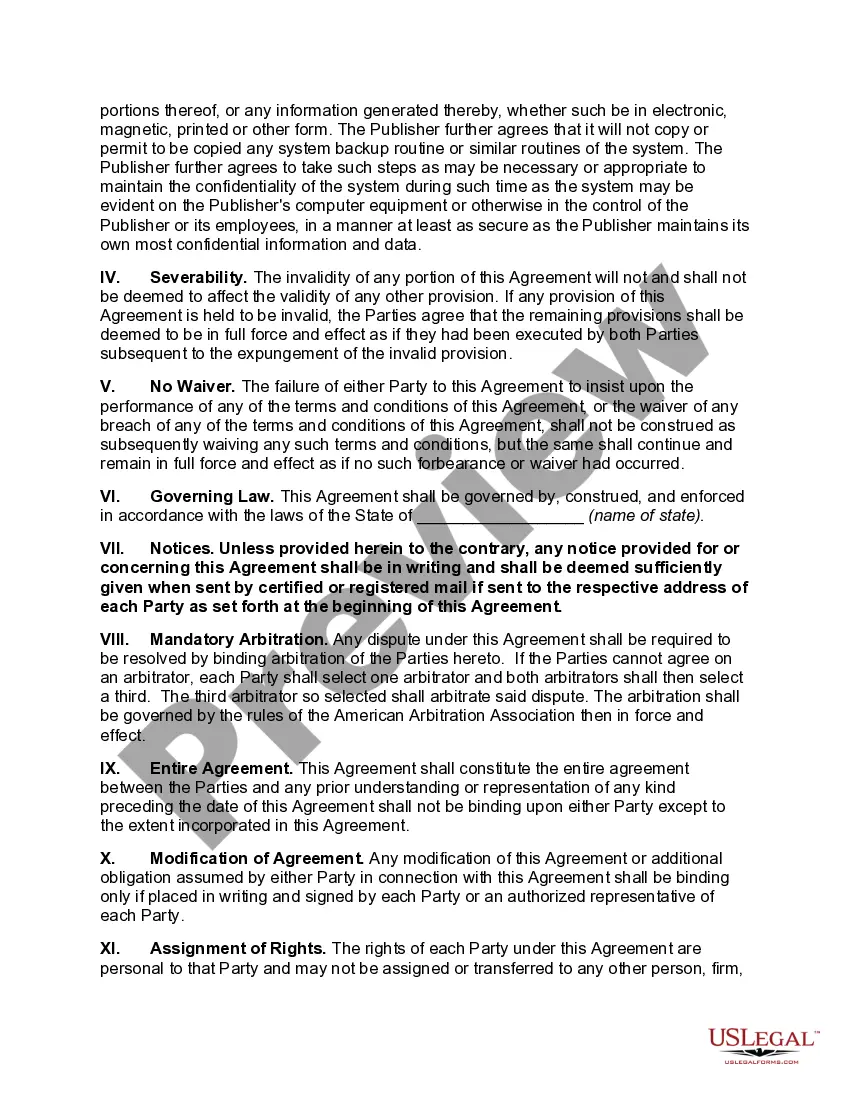
- Confidentiality obligations for the Publisher.
- Severability and waiver clauses to maintain agreement integrity.
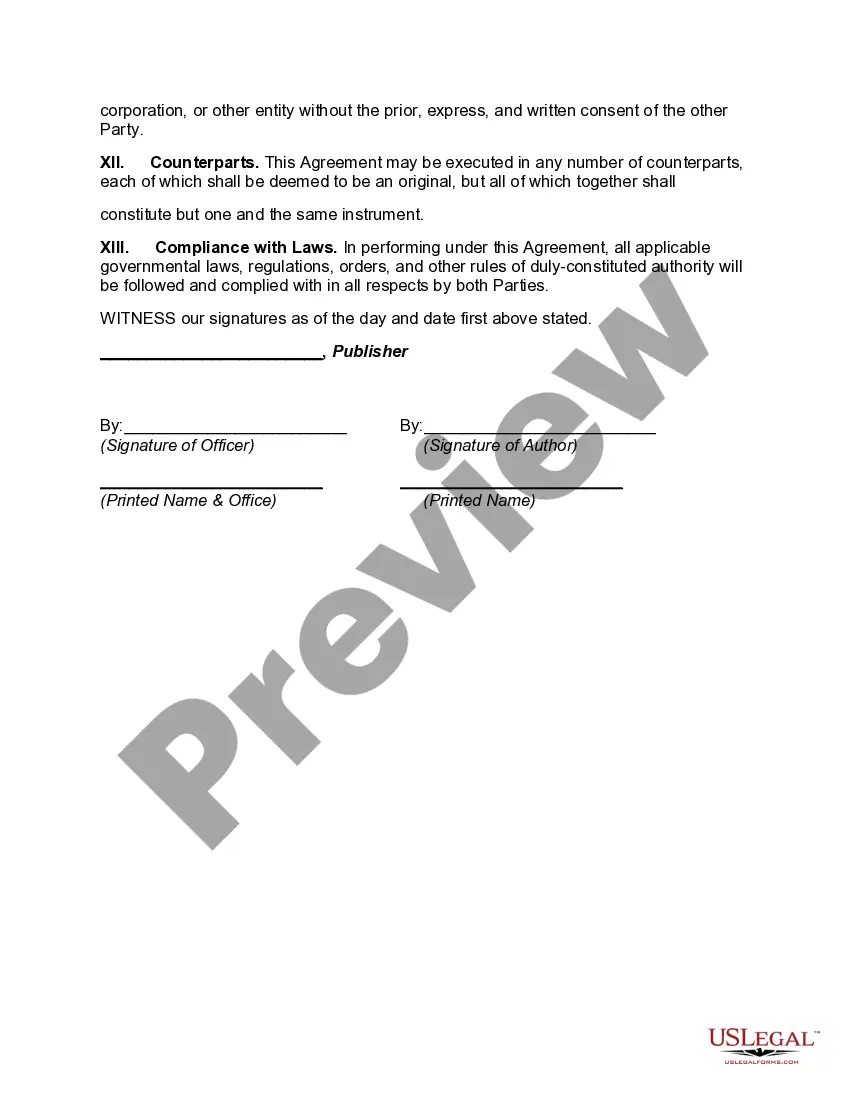
- Governing law and dispute resolution through mandatory arbitration.
Situations where this form applies
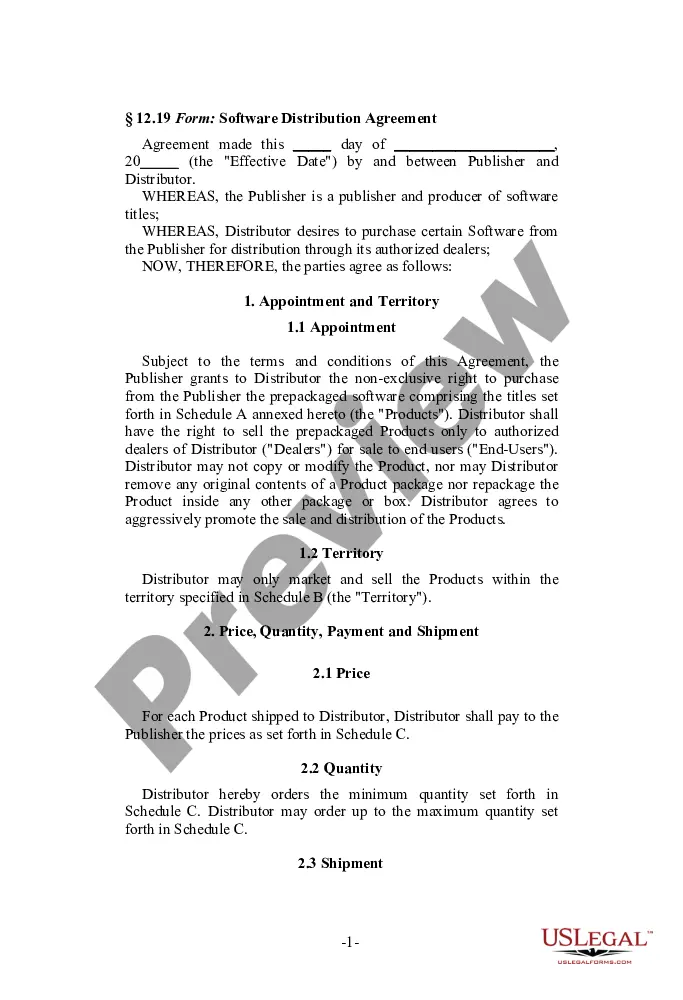
This form should be used when a software author is considering a collaboration with a publisher. It ensures that any sensitive information shared, especially technical aspects of the software, remains confidential. It is particularly important before demoing proprietary software to a publisher, as it protects the author's intellectual property from unauthorized disclosure.
Who can use this document
- Software authors looking to demonstrate their proprietary system to potential publishers.
- Software publishers evaluating new software for potential publishing agreements.
- Legal representatives assisting software authors or publishers in establishing confidentiality terms.
Instructions for completing this form
- Identify and input the date the agreement is made.
- Fill in the names and addresses of both the Publisher and Author.
- Detail the proprietary system being demonstrated, including its purpose.
- Specify any terms regarding the confidentiality of the information shared.
- Have both parties sign and date the agreement to make it legally binding.
Does this form need to be notarized?
This form does not typically require notarization unless specified by local law. It is advisable to check state regulations to ensure compliance.
Get your form ready online
Our built-in tools help you complete, sign, share, and store your documents in one place.
Make edits, fill in missing information, and update formatting in US Legal Forms—just like you would in MS Word.
Download a copy, print it, send it by email, or mail it via USPS—whatever works best for your next step.
Sign and collect signatures with our SignNow integration. Send to multiple recipients, set reminders, and more. Go Premium to unlock E-Sign.
If this form requires notarization, complete it online through a secure video call—no need to meet a notary in person or wait for an appointment.
We protect your documents and personal data by following strict security and privacy standards.

Make edits, fill in missing information, and update formatting in US Legal Forms—just like you would in MS Word.

Download a copy, print it, send it by email, or mail it via USPS—whatever works best for your next step.

Sign and collect signatures with our SignNow integration. Send to multiple recipients, set reminders, and more. Go Premium to unlock E-Sign.

If this form requires notarization, complete it online through a secure video call—no need to meet a notary in person or wait for an appointment.

We protect your documents and personal data by following strict security and privacy standards.
Typical mistakes to avoid
- Failing to clearly identify what constitutes confidential information.
- Not including specific terms about the duration of confidentiality.
- Neglecting to sign the agreement, making it unenforceable.
- Leaving out the governing law, which can lead to jurisdictional issues.
Benefits of using this form online
- Conveniently download and customize the form to meet specific needs.
- Access templates created by licensed attorneys, ensuring legal reliability.
- Quickly complete the form from anywhere, saving time and effort.
Summary of main points
- The Non-Disclosure Agreement is essential for protecting confidential information shared in software demonstrations.
- Both parties must clearly understand their confidentiality obligations under the agreement.
- Proper completion and execution of the form are necessary for legal enforceability.
Looking for another form?


Form popularity
FAQ
No, it is not necessary for the nondisclosure agreement to be "notarized", nor is it necessary under California law for the signatures on such an agreement to be "witnessed".
Identification of the parties. Definition of what is deemed to be confidential. The scope of the confidentiality obligation by the receiving party. The exclusions from confidential treatment. The term of the agreement.
Identify each party in the first section of the form. The NDA form will start by declaring it to be an agreement and identifying who the agreement is between. Whoever is disclosing the information to be protected is the "disclosing party"; write his or her name on this space.
Identify each party in the first section of the form. The NDA form will start by declaring it to be an agreement and identifying who the agreement is between. Whoever is disclosing the information to be protected is the "disclosing party"; write his or her name on this space.
Identification of the parties. Definition of what is deemed to be confidential. The scope of the confidentiality obligation by the receiving party. The exclusions from confidential treatment. The term of the agreement.
No, unless the confidentiality provision specifically provides for disclosure to a spouse (some do such as settlement agreements) then a person bound by an NDA may not disclose to a spouse or their dog or their best buddy. Spouses are not s legally extension of s person bound by confidentiality.
Set the date of the agreement. Describe the two parties, sometimes called the Disclosing Party and the Receiving Party.7feff Include names and identification, so there can be no misunderstanding about who signed the agreement.
The party to be charged must have signed the contract. Since the NDAs benefit you, so long as the other party has signed, that ishould be sufficient.