Check Requisition Report
Overview of this form
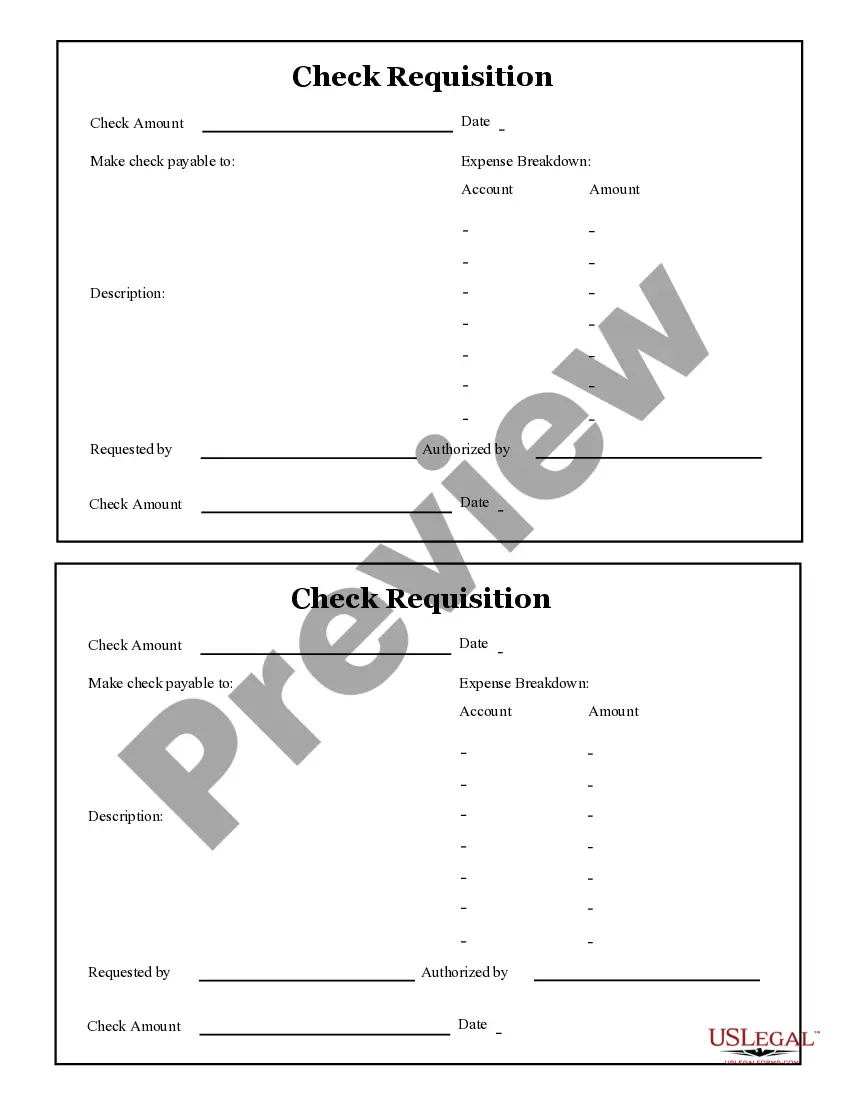
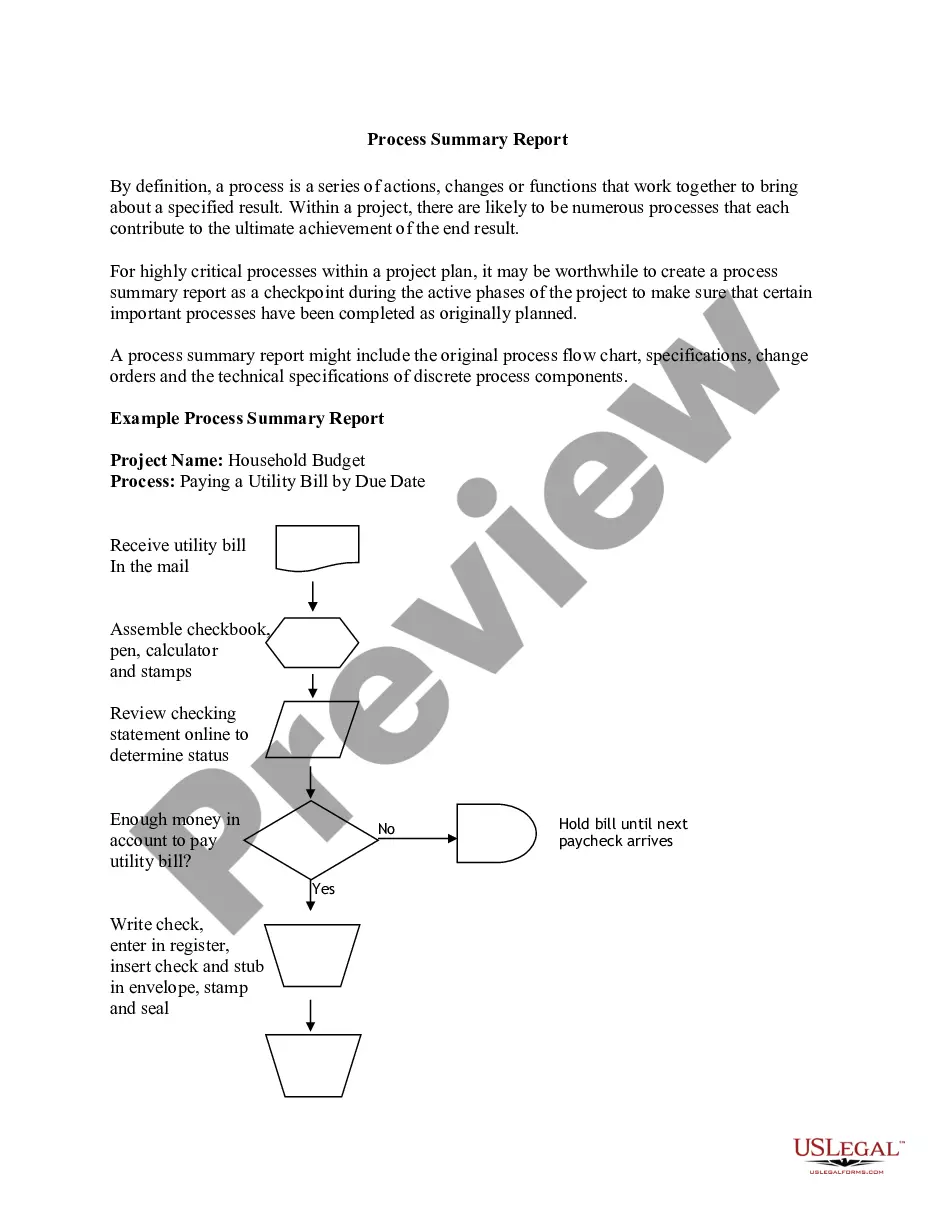
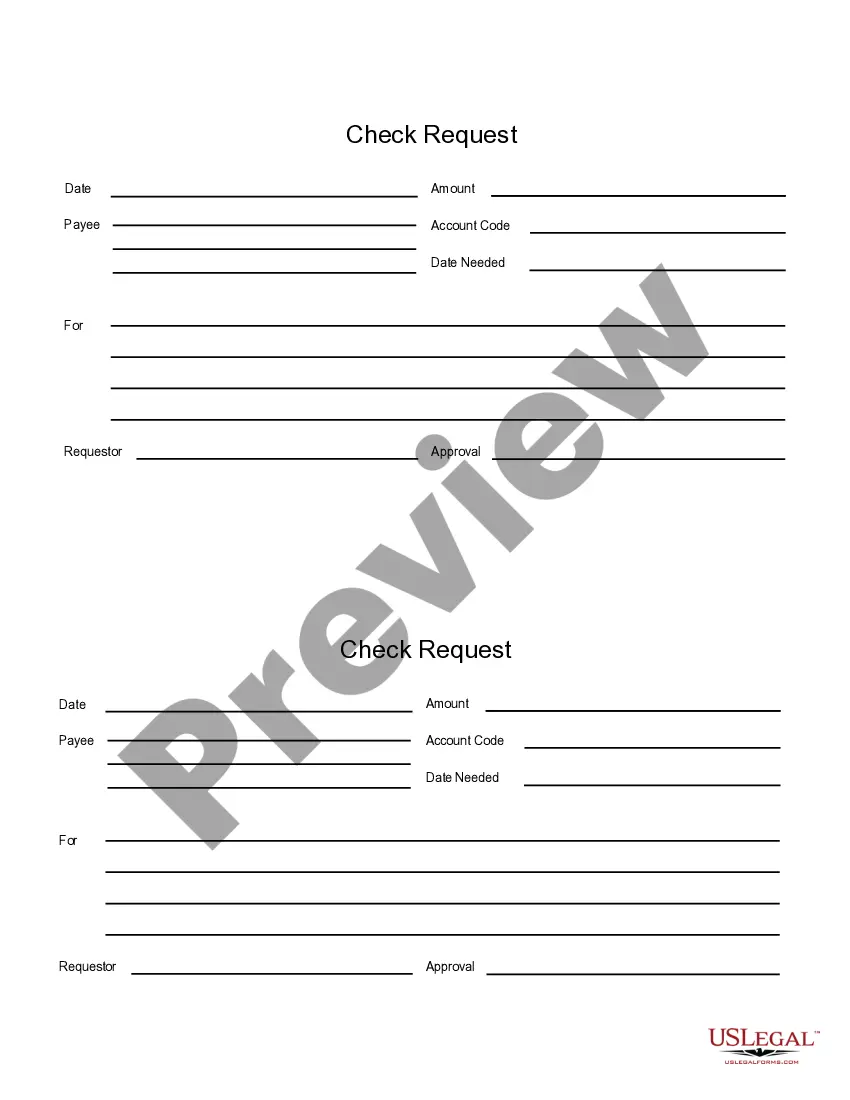
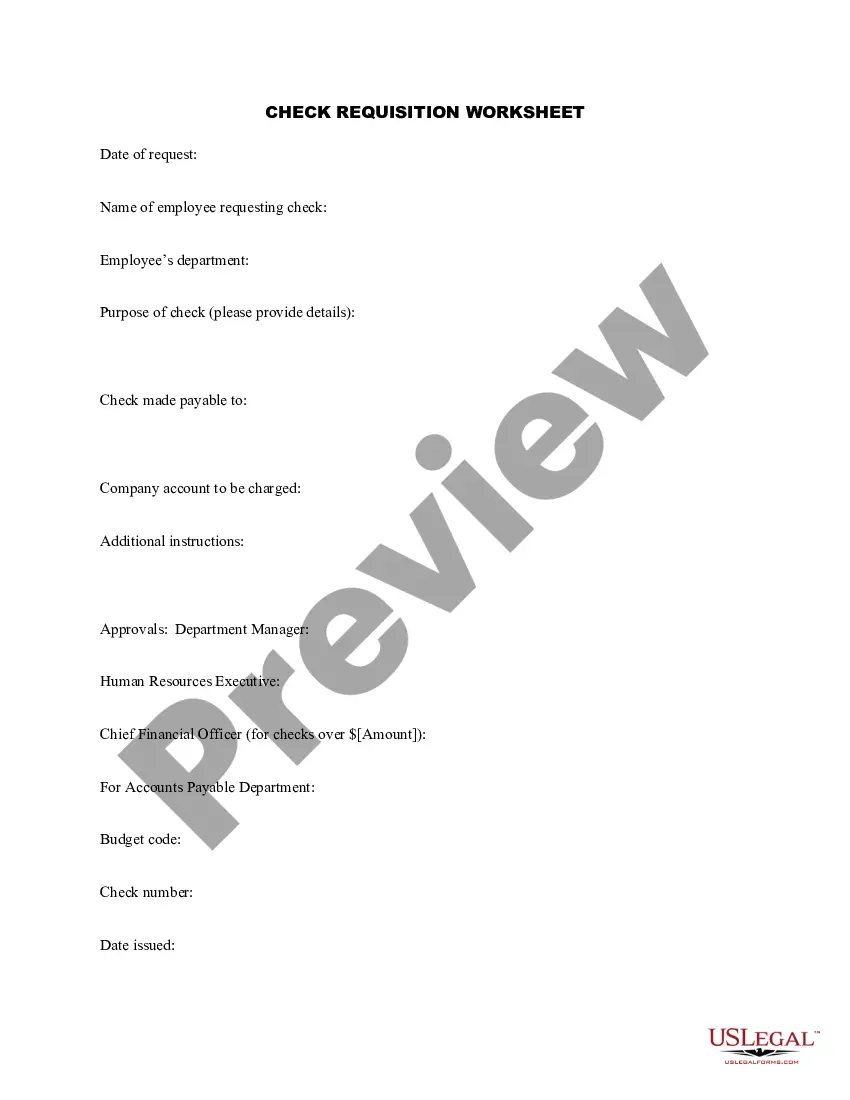
The Check Requisition Report is a business-related form designed for requesting the issuance of checks for various expenses. Unlike other expense-related forms, this report is specifically structured to facilitate detailed tracking of expenses by breaking down the required information into clear fields. It allows users to systematically submit requests for payments while maintaining an organized record of each transaction.
What’s included in this form
- Date: The date when the requisition is being submitted.
- Make check payable to: The name of the individual or entity who should receive the check.
- Expense breakdown: Detailed categorization of the expenses related to the requisition.
- Account: The account from which the funds will be drawn.
- Amount: The total monetary amount requested for the check.
- Description: A brief description of the purpose of the payment.
Common use cases
This form should be used when a business or organization needs to request payments via check for specific expenses. Typical scenarios include submitting reimbursements for employee expenses, paying vendors for services, or processing payments for supplies. It helps maintain proper financial documentation and ensures accurate tracking of all outgoing funds.
Who this form is for
Eligible users of the Check Requisition Report include:
- Business owners needing to manage and document payments.
- Employees seeking reimbursement for business-related expenses.
- Accounting departments handling payment requests.
- Organizations requiring meticulous record-keeping for financial transactions.
How to prepare this document
- Enter the date of the requisition at the top of the form.
- Specify the name of the individual or entity to whom the check should be made payable.
- Detail the breakdown of expenses by indicating the account and associated costs.
- Clearly state the total amount being requested for the check.
- Provide a brief description explaining the reason for the payment.
Notarization guidance
Notarization is not commonly needed for this form. However, certain documents or local rules may make it necessary. Our notarization service, powered by Notarize, allows you to finalize it securely online anytime, day or night.
Get your form ready online
Our built-in tools help you complete, sign, share, and store your documents in one place.
Make edits, fill in missing information, and update formatting in US Legal Forms—just like you would in MS Word.
Download a copy, print it, send it by email, or mail it via USPS—whatever works best for your next step.
Sign and collect signatures with our SignNow integration. Send to multiple recipients, set reminders, and more. Go Premium to unlock E-Sign.
If this form requires notarization, complete it online through a secure video call—no need to meet a notary in person or wait for an appointment.
We protect your documents and personal data by following strict security and privacy standards.

Make edits, fill in missing information, and update formatting in US Legal Forms—just like you would in MS Word.

Download a copy, print it, send it by email, or mail it via USPS—whatever works best for your next step.

Sign and collect signatures with our SignNow integration. Send to multiple recipients, set reminders, and more. Go Premium to unlock E-Sign.

If this form requires notarization, complete it online through a secure video call—no need to meet a notary in person or wait for an appointment.

We protect your documents and personal data by following strict security and privacy standards.
Typical mistakes to avoid
- Failing to provide a complete or accurate description of the expenses.
- Forgetting to include the correct date, which is crucial for tracking requests.
- Not specifying the correct recipient for the check.
- Omitting the expense breakdown leading to confusion in processing.
Why use this form online
- Convenient completion and submission from any location.
- Editability allows for quick adjustments and changes.
- Streamlined process helps maintain organized financial records.
- Time-saving compared to traditional paper-based forms.
Legal use & context
- This form serves as a formal request for payment, creating a record for both the issuer and recipient.
- Using this report correctly helps ensure compliance with business financial policies and regulations.
Main things to remember
- The Check Requisition Report is essential for organizing and tracking business payments.
- Proper completion of the form helps to avoid common mistakes.
- This form is user-friendly and can be conveniently filled online.
Looking for another form?
Form popularity
FAQ
Requisition (Purchase Order) Upon receipt of invoice for goods and services purchased on Requisition (Purchase Order) the DPS author will certify receipt by submitting the invoice with the correct items purchased, the Accounting Copy, Signature Copy and Receiving Report.
1a : the act of formally requiring or calling upon someone to perform an action. b : a formal demand made by one nation upon another for the surrender or extradition of a fugitive from justice.
A payment requisition is a request from a department for permission to pay a bill. The bill can only be paid when you sign the payment requisition, and this gives you control over expenditures each month.
Select ECC. At the top level of SAP, select. Select ME23N. Select ME23N SRM. Enter the PO Number. The most recent. Review the PO. View the Purchase Order History.
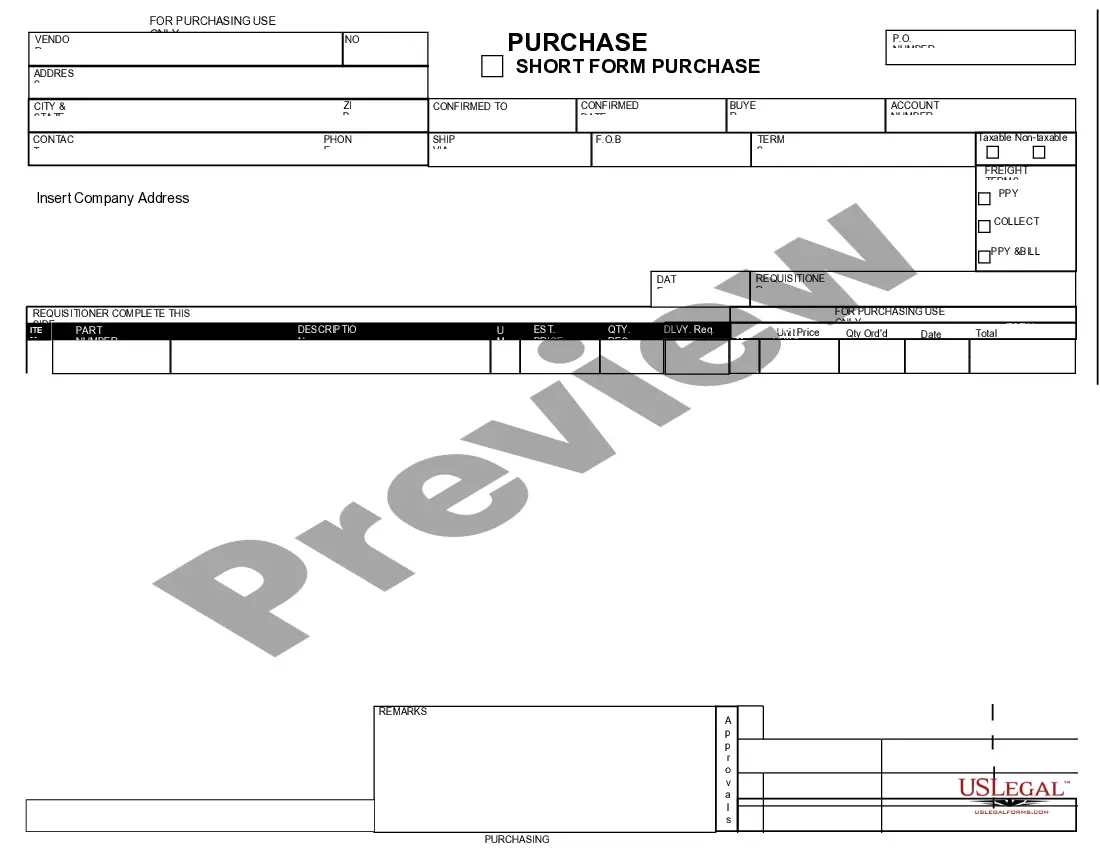
A purchase requisition is an internal document in which one department is asking another department for permission to buy goods or services. A purchase order is created after the requisition and is a document that is used to actually purchase those goods or services from an outside vendor.
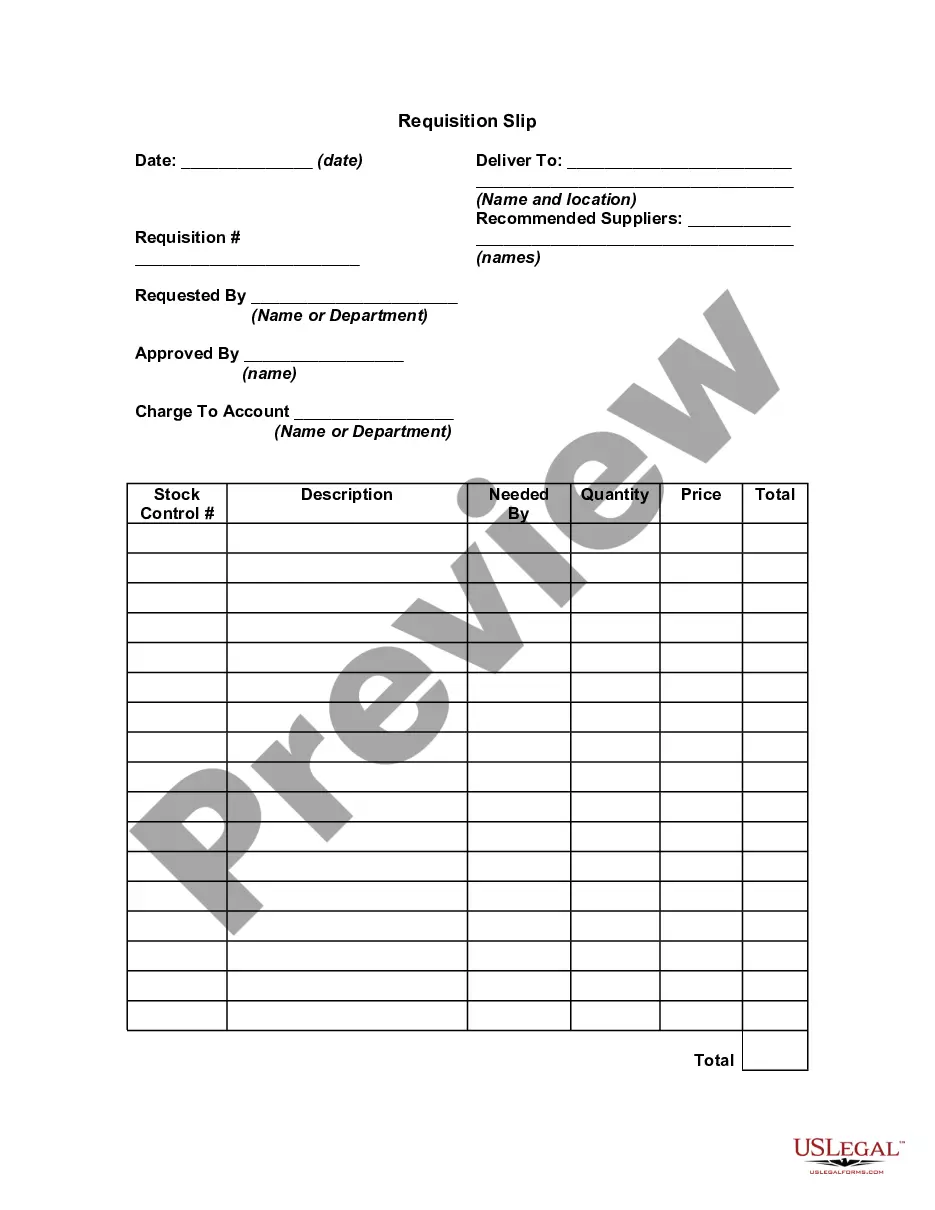
A requisition is a formal request for obtaining a product or service, typically initiated by a business. The requisition process typically requires the use of standardized documents, known as requisition forms, to maintain an audit trail along the way, although today most of these are electronic forms.
A requisition refers to the process of formally requesting a service or item, typically using a purchase requisition form or other standardized document. The requisition process is a standardized way of keeping track of and accounting for all requisitions made within a business.
Enter the purchase requisition number and execute. In Menu, click on settings>formal list>choose fields. Select the fields BANFN,BNFPO,STATUS and EBELN. System displays PR status and purchase order number.
Purpose. The Purchase Requisition Summary report provides basic purchase requisition information. For example, Purchasing Agents use this report to determine what has been requested by users in the firm, but not yet ordered.