Sample Letter for Order Approving Third and Final Accounting
What this document covers
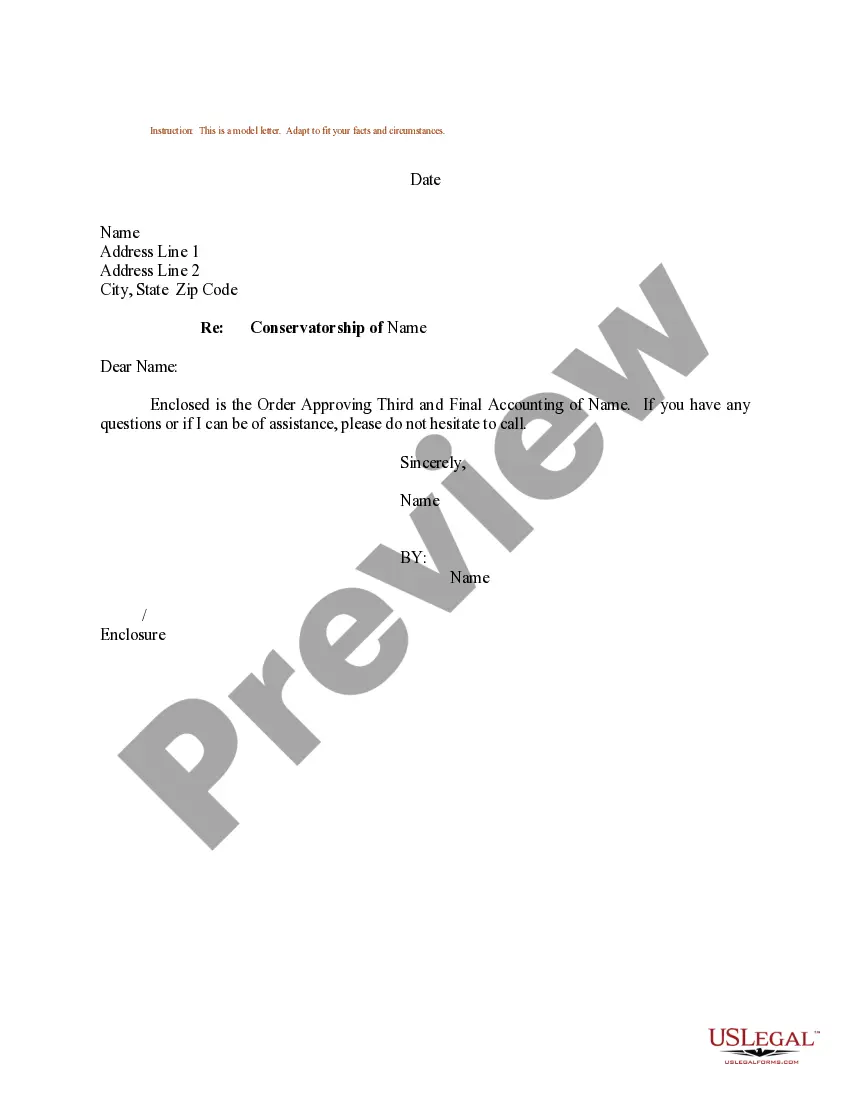
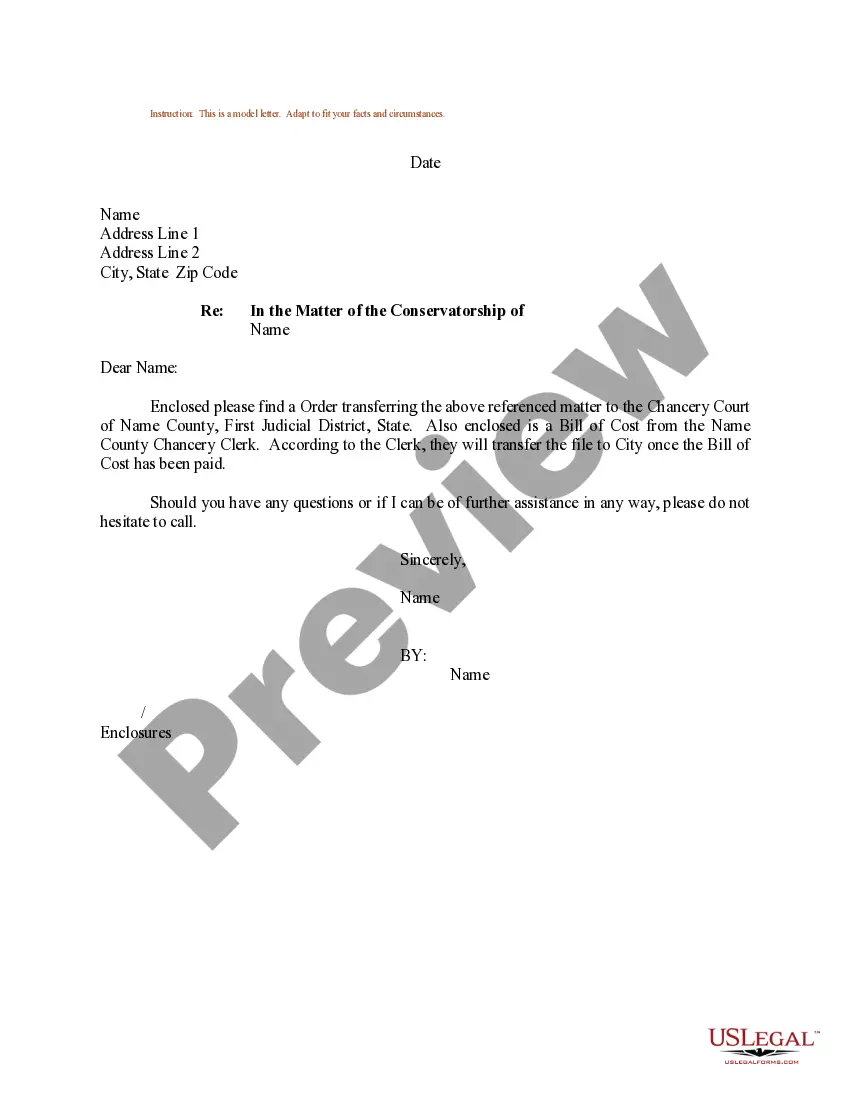
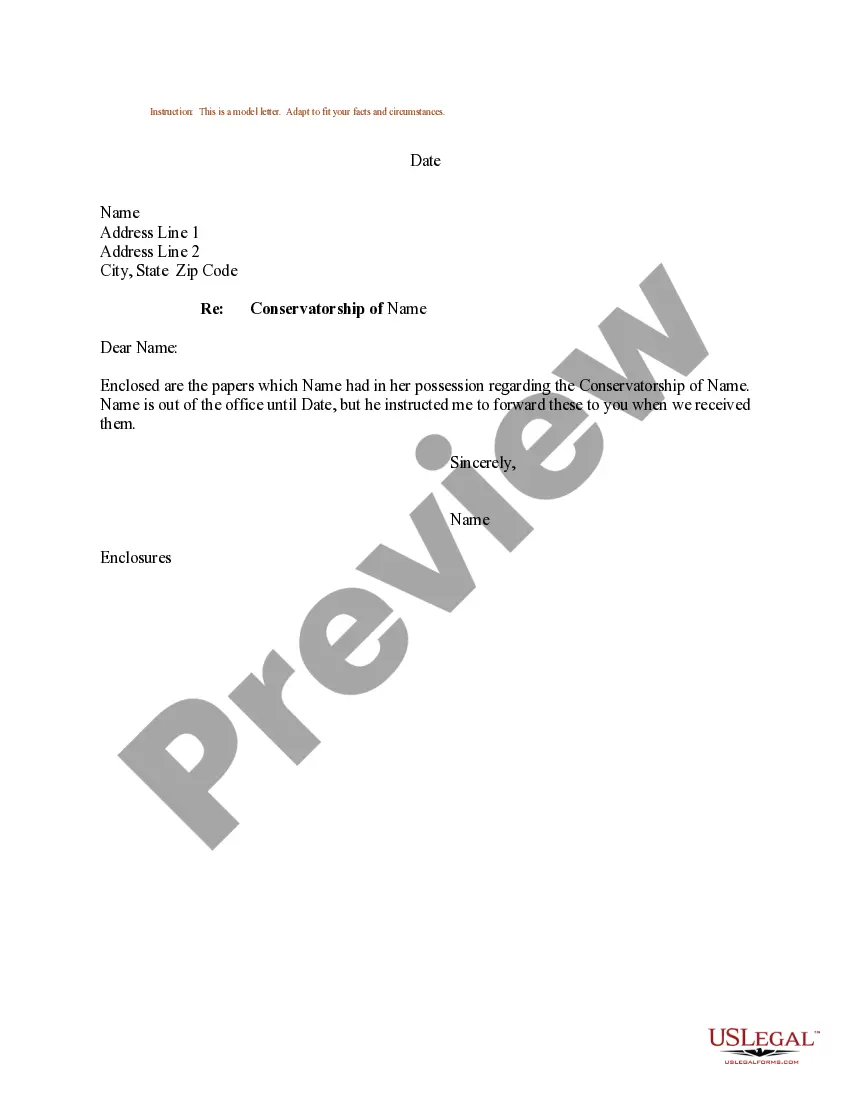
The Sample Letter for Order Approving Third and Final Accounting is a model letter designed to formally notify parties involved in a conservatorship about the approval of the third and final accounting. This letter serves as a communication tool to ensure transparency and documentation during the conservatorship process, distinguishing it from other legal correspondence that may not be specific to final financial accountings.
Key parts of this document
- Date: The date on which the letter is written.
- Recipient's name and address: Information of the person receiving the letter.
- Subject heading: Clearly states the purpose of the letter related to the conservatorship.
- Enclosure reference: Indicates that the order approving the accounting is included.
- Closing statement: Offers assistance if the recipient has any questions.

Situations where this form applies
This form should be used when a conservator needs to inform involved parties about the approval of the third and final accounting. It is typically applicable after the financial activities of the conservatorship have been completed and the official order has been secured from the court. This letter is crucial for ensuring all stakeholders are aware of the final financial standing and reporting.
Who should use this form
- Conservators managing an estate or guardianship who have completed their financial accounting.
- Attorneys representing conservators or interested parties in conservatorship matters.
- Family members or beneficiaries of the conservatorship who need formal communication about financial reporting.
Completing this form step by step
- Identify the date of writing the letter.
- Enter the recipient's name and full address accurately.
- Include the subject heading that clarifies the purpose related to the conservatorship.
- Attach the Order Approving Third and Final Accounting to the letter.
- Sign off the letter and offer assistance if needed.
Notarization guidance
This form does not typically require notarization unless specified by local law. However, it's recommended to consult relevant state regulations to confirm if notarization is necessary for your particular situation.
Get your form ready online
Our built-in tools help you complete, sign, share, and store your documents in one place.
Make edits, fill in missing information, and update formatting in US Legal Forms—just like you would in MS Word.
Download a copy, print it, send it by email, or mail it via USPS—whatever works best for your next step.
Sign and collect signatures with our SignNow integration. Send to multiple recipients, set reminders, and more. Go Premium to unlock E-Sign.
If this form requires notarization, complete it online through a secure video call—no need to meet a notary in person or wait for an appointment.
We protect your documents and personal data by following strict security and privacy standards.

Make edits, fill in missing information, and update formatting in US Legal Forms—just like you would in MS Word.

Download a copy, print it, send it by email, or mail it via USPS—whatever works best for your next step.

Sign and collect signatures with our SignNow integration. Send to multiple recipients, set reminders, and more. Go Premium to unlock E-Sign.

If this form requires notarization, complete it online through a secure video call—no need to meet a notary in person or wait for an appointment.

We protect your documents and personal data by following strict security and privacy standards.
Avoid these common issues
- Failing to include the correct date can lead to confusion.
- Not enclosing the final accounting document may frustrate recipients.
- Omitting the subject heading could result in miscommunication.
Advantages of online completion
- Convenient access to a template that can be customized for specific situations.
- Editable format allows easy adjustments to fit your unique circumstances.
- Reliable source of legal documentation drafted by licensed attorneys.
Summary of main points
- The Sample Letter for Order Approving Third and Final Accounting is essential for clear communication in conservatorship matters.
- It ensures all parties are informed about the financial closure of the conservatorship.
- Using this form online saves time and guarantees you have a professionally drafted legal document.
Looking for another form?
Form popularity
FAQ
Subject. Your order letter should start with a subject line. Salutation. Use the appropriate greeting for the seller. Company introduction. Order details. How to pay. Shipping. Important instructions. Future business relationship.
Write this letter as soon as you decide to purchase the products. Refer to former communication of the order. Mention details about the order example important specifications. Describe the mode of payment. Mention about the advance payment.
Usually order letter is a brief letter and is specific about what to write. You have to be sure what order you are placing; mention the details of the orders properly and clearly, if the quantity of the product should be written in both number and words .
An order letter needs to pen down the terms and conditions of the purchase. These benefit both the involved parties. It generally contains details such as product specifications, their quantities, a price that the parties have agreed upon, the date of delivery, what to do in case there occurs a late delivery, etc.
First, Identify Your Target Audience. Know Your Customer by Name. Write a Powerful, Engaging Headline. Craft an Intriguing Introduction. Elaborate You Sales Message Using Subheads. Pose a Problem, BUT ALWAYS Give the Solution. State the Features and Benefits... Use Bullet Points for Easy Comprehension.
Usually order letter is a brief letter and is specific about what to write. You have to be sure what order you are placing; mention the details of the orders properly and clearly, if the quantity of the product should be written in both number and words .