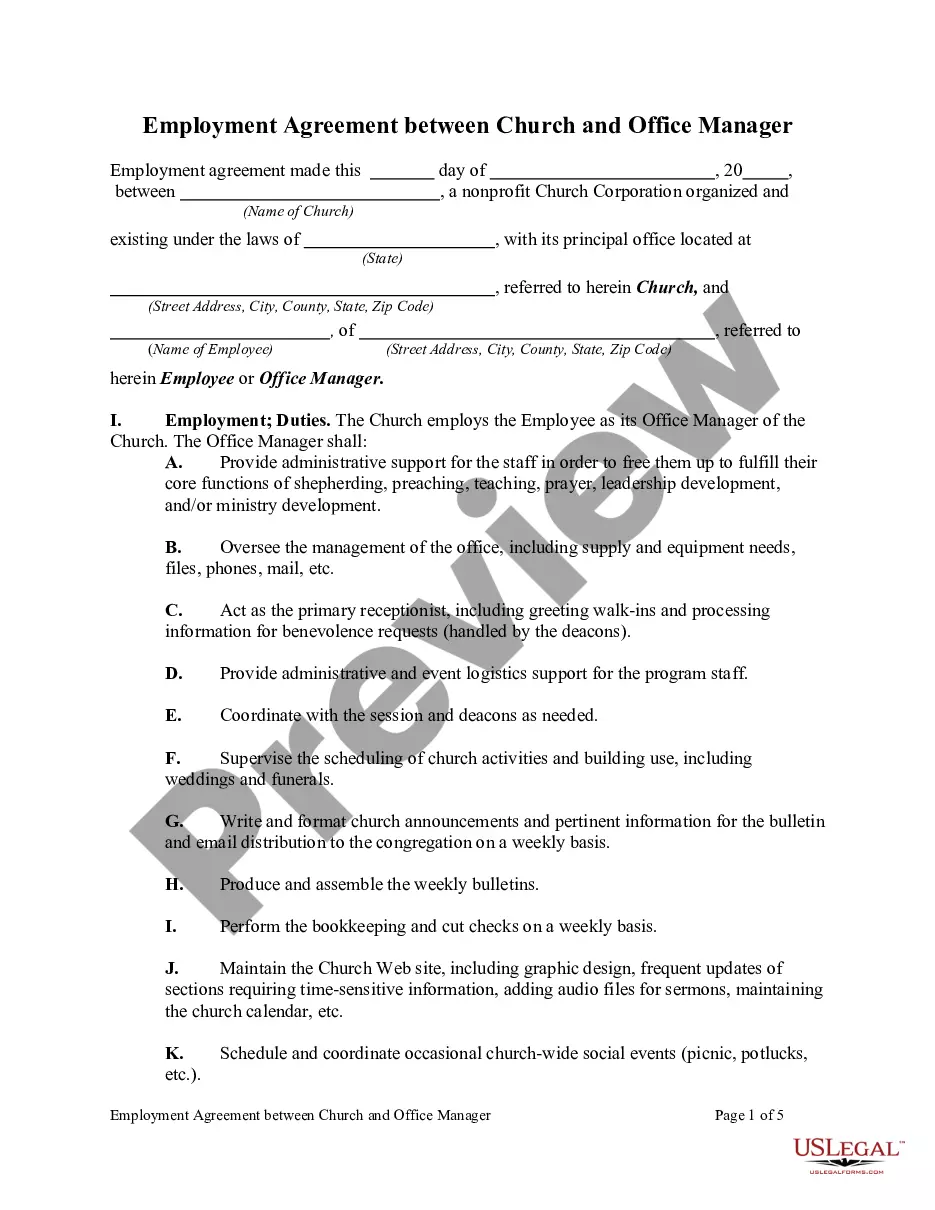
Employment Agreement Between Church and Office Manager
Overview of this form
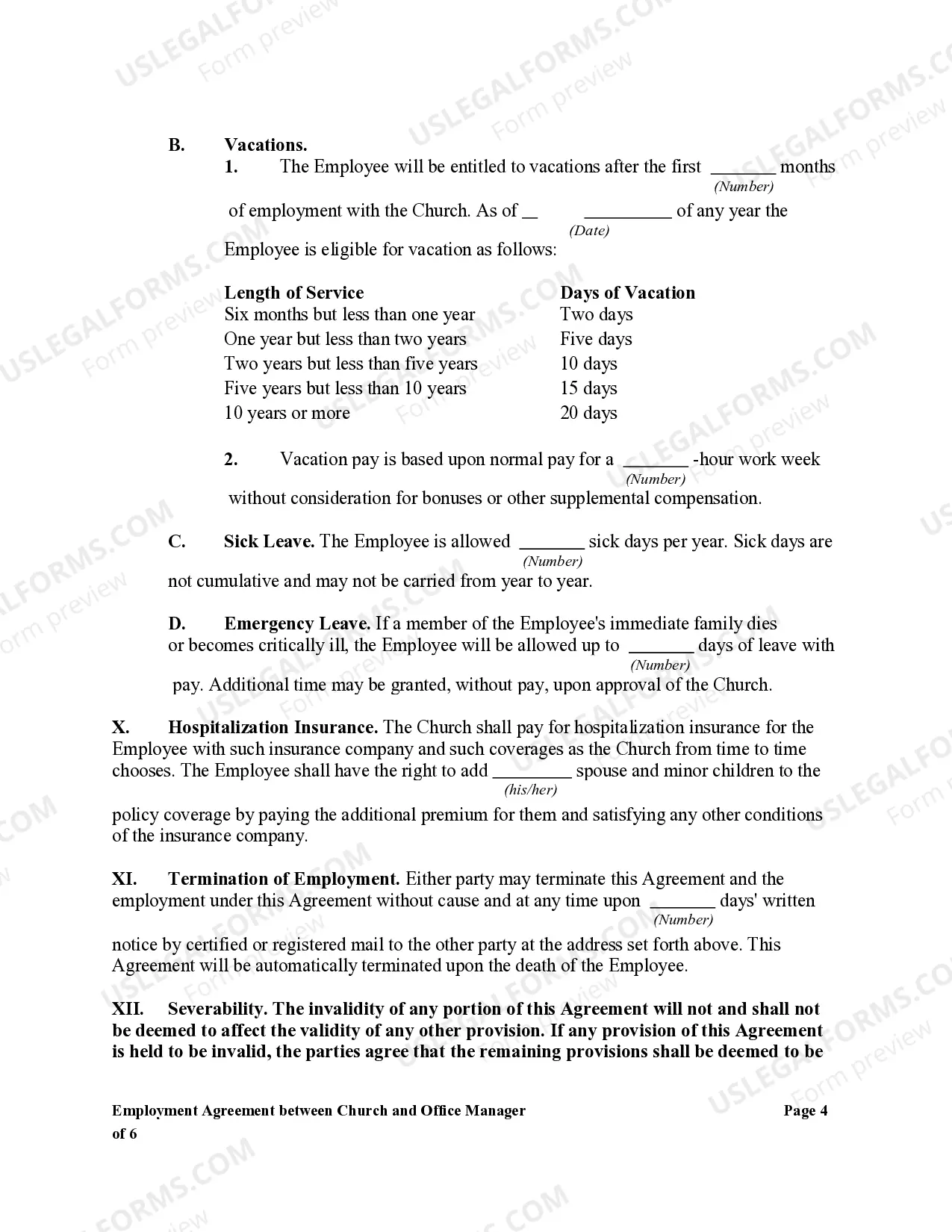
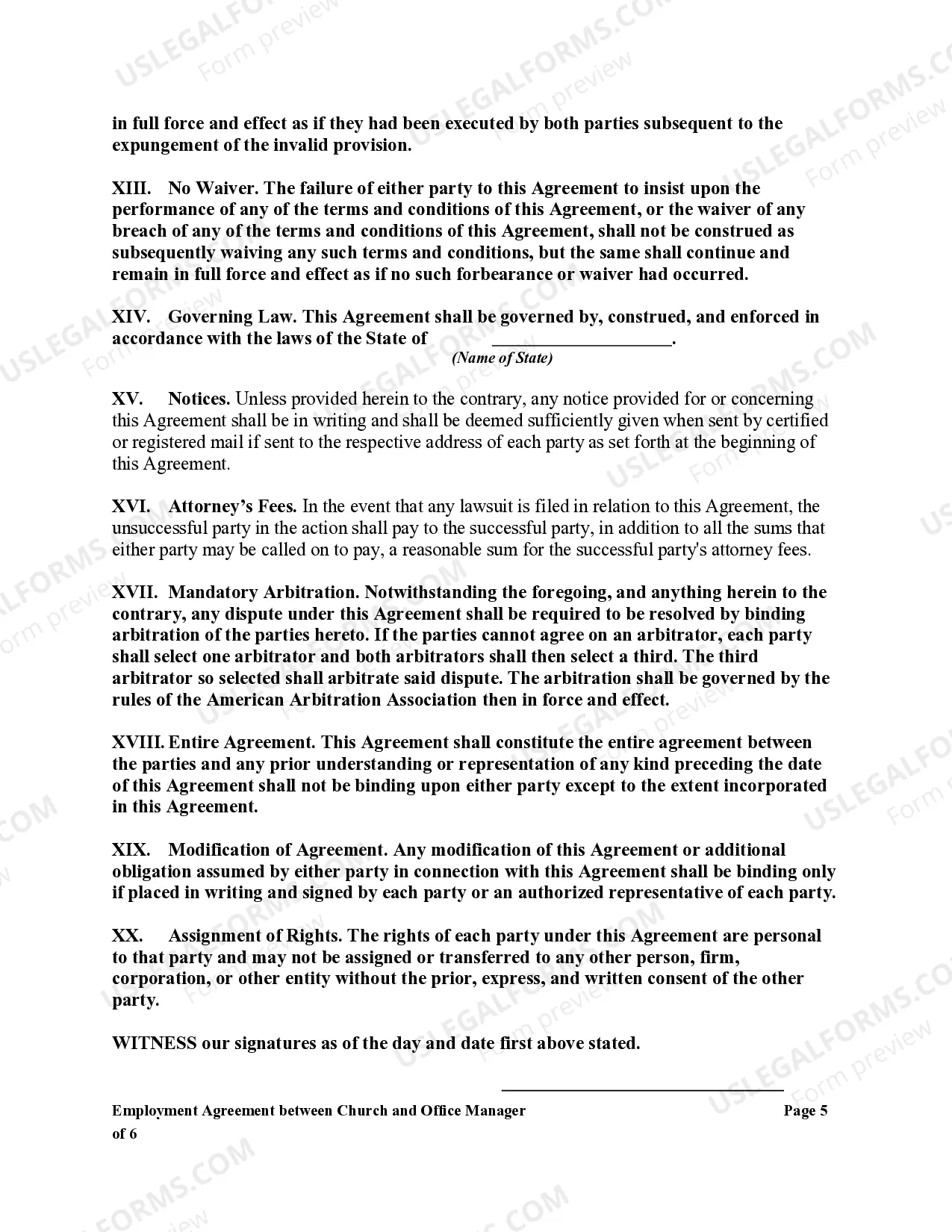
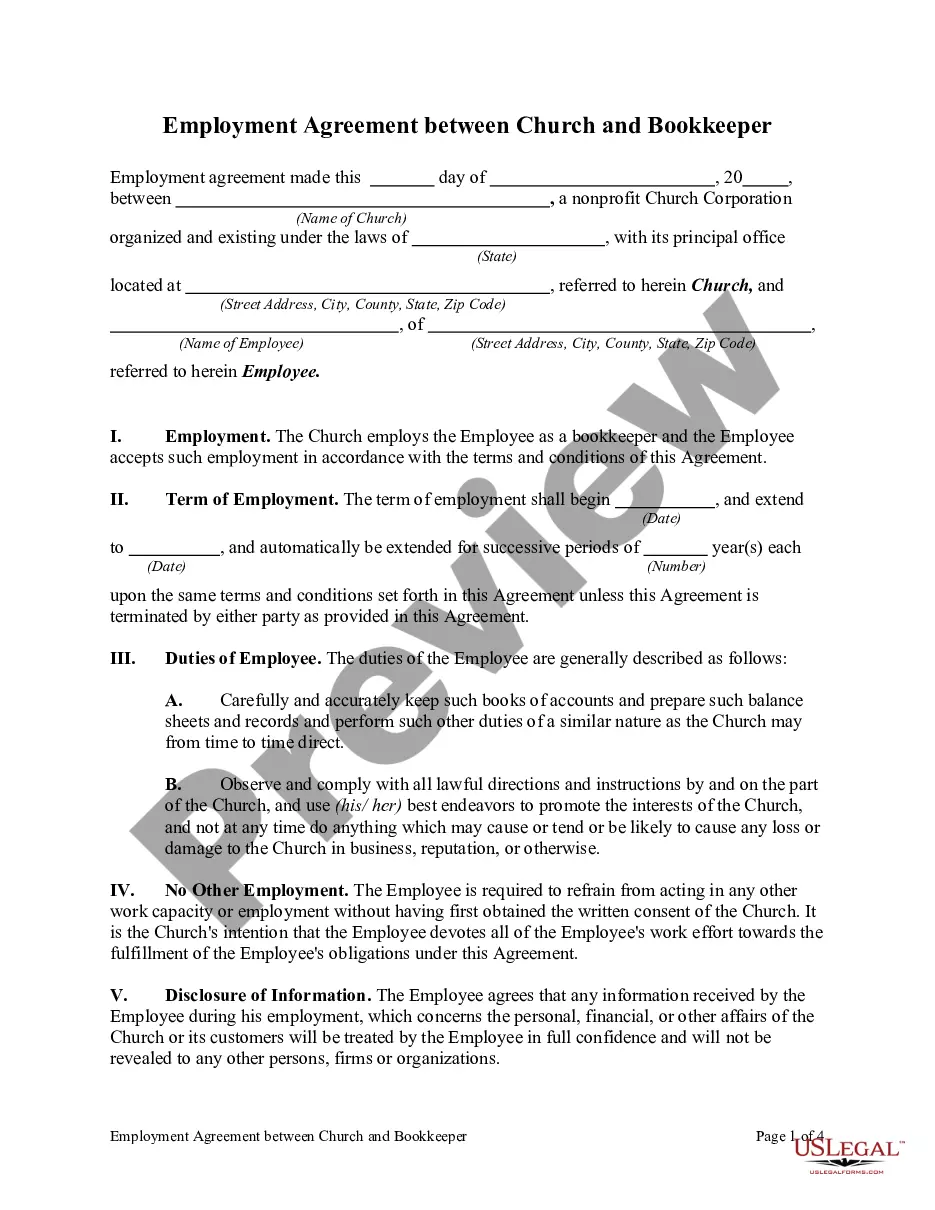
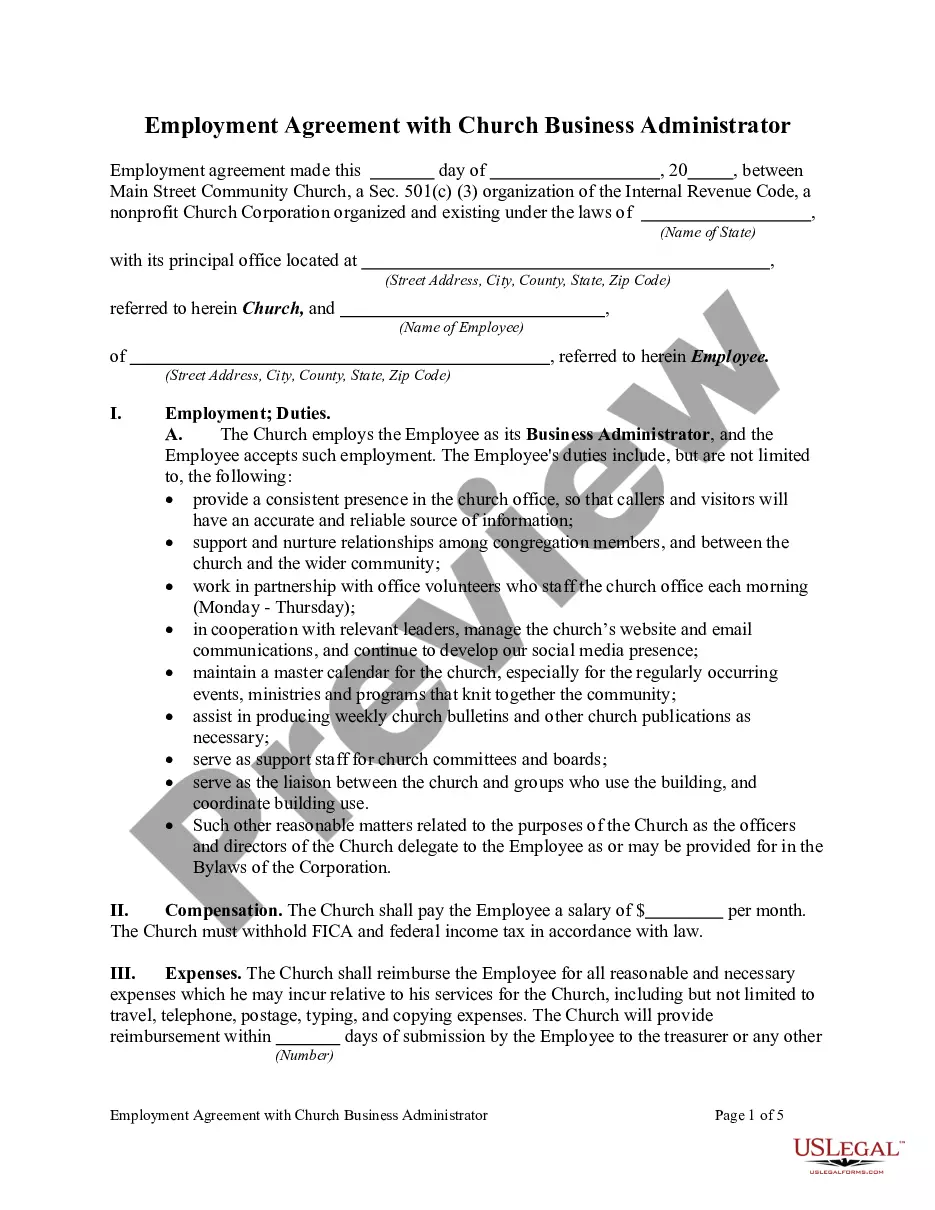
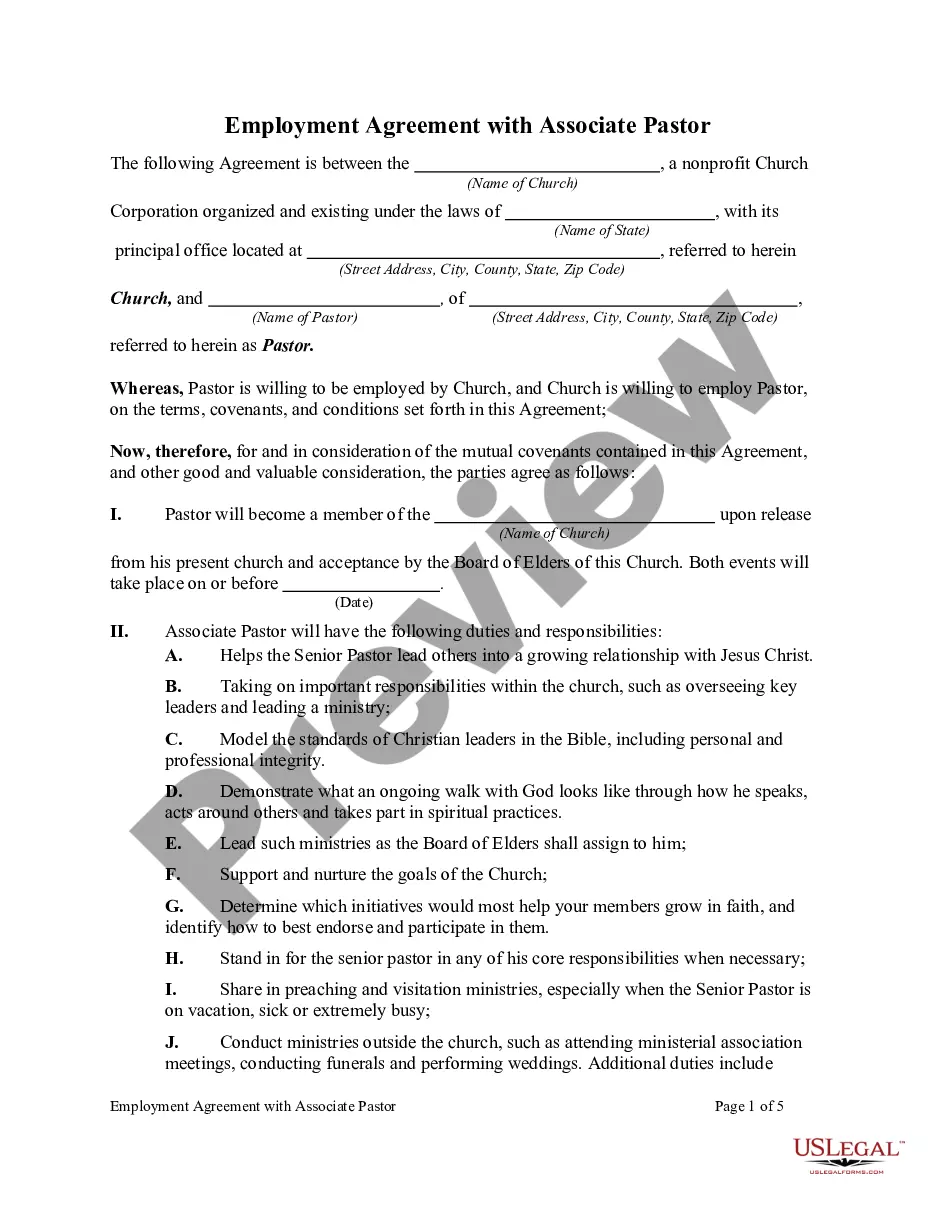
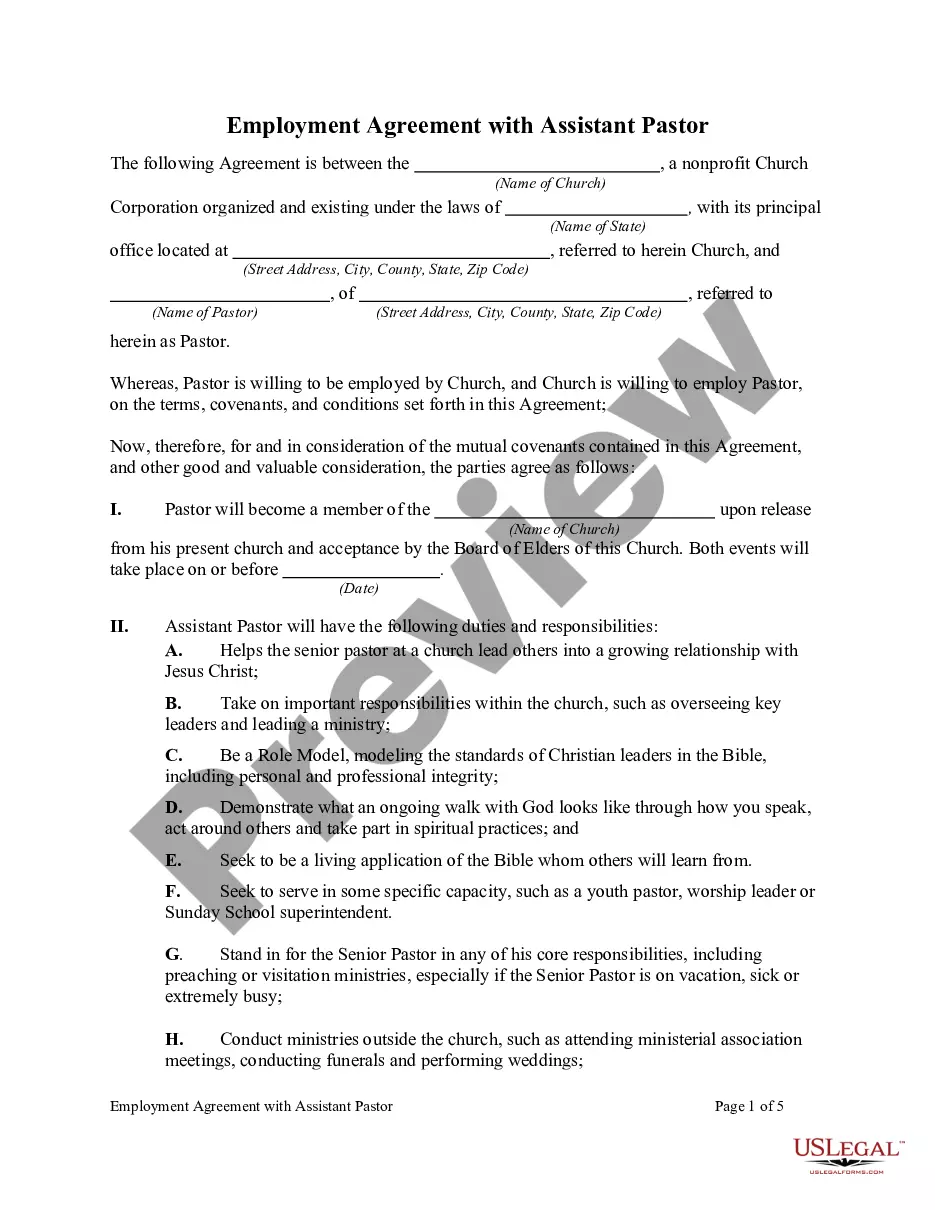
The Employment Agreement Between Church and Office Manager is a legal document that outlines the roles, responsibilities, and expectations for the Office Manager position within a church. This form differs from general employment contracts by focusing specifically on duties related to church operations and administrative support for program staff, ensuring community and ministry needs are met effectively.
Main sections of this form
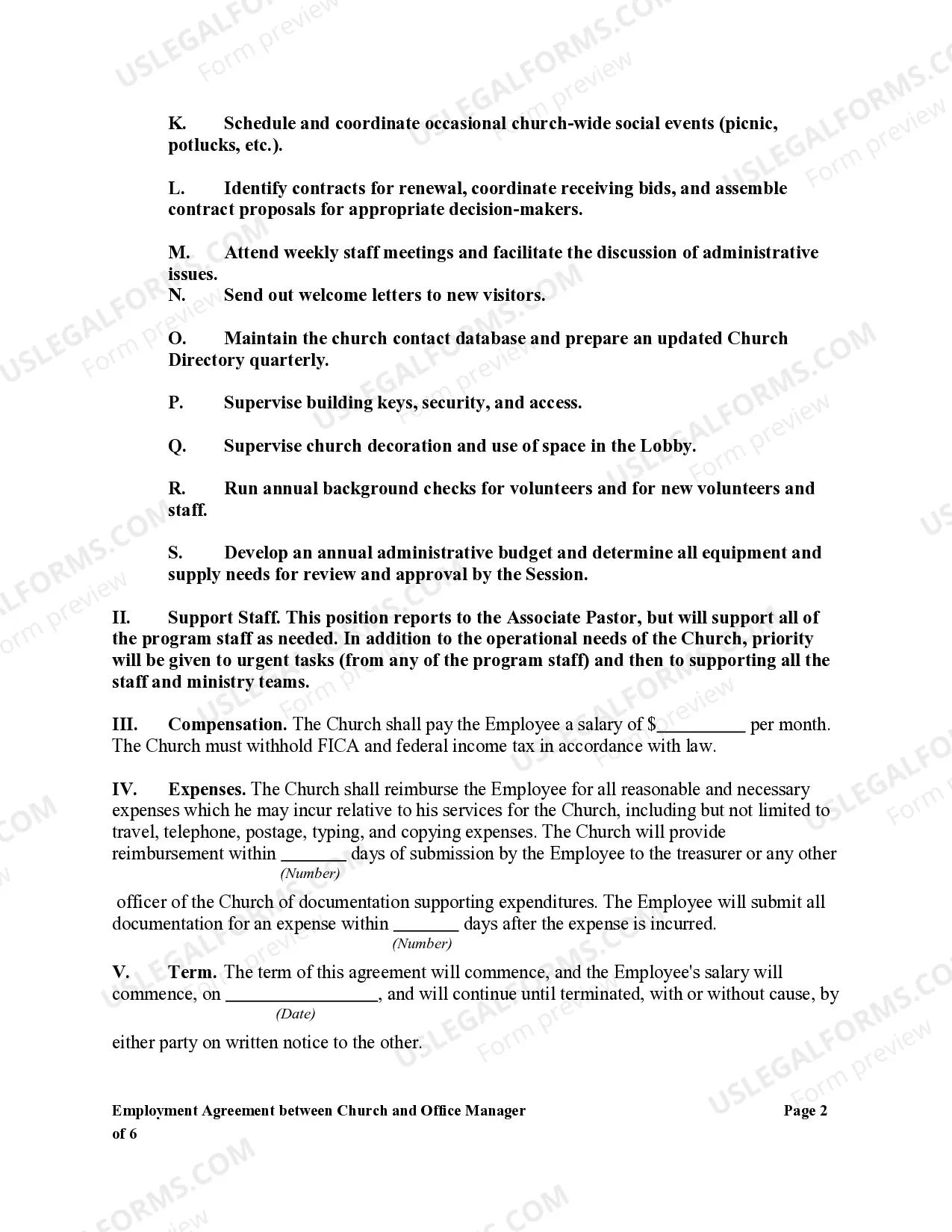
- Employment duties detailing the specific tasks of the Office Manager.
- Reporting structure indicating that the Office Manager reports to the Associate Pastor.
- Administrative support expectations for program staff.
- Details about scheduling and managing church events and activities.
- Bookkeeping and financial responsibilities outlined.
- Maintenance of church communication materials, including bulletins and website updates.
Common use cases
This form should be used when a church is hiring an Office Manager to handle administrative functions, support program staff, and manage office operations. It ensures clarity in job responsibilities and aligns the employment relationship with the church's operational needs.
Intended users of this form
This form is intended for:
- Church leaders hiring an Office Manager.
- Current Office Managers seeking formal employment agreements.
- Church administrators looking to structure employee roles effectively.
How to prepare this document
- Identify the church and the Office Manager as the parties involved.
- Clearly outline the specific duties and expectations of the Office Manager.
- Include details on the reporting structure and support to program staff.
- Specify any additional requirements, such as background checks and budgeting responsibilities.
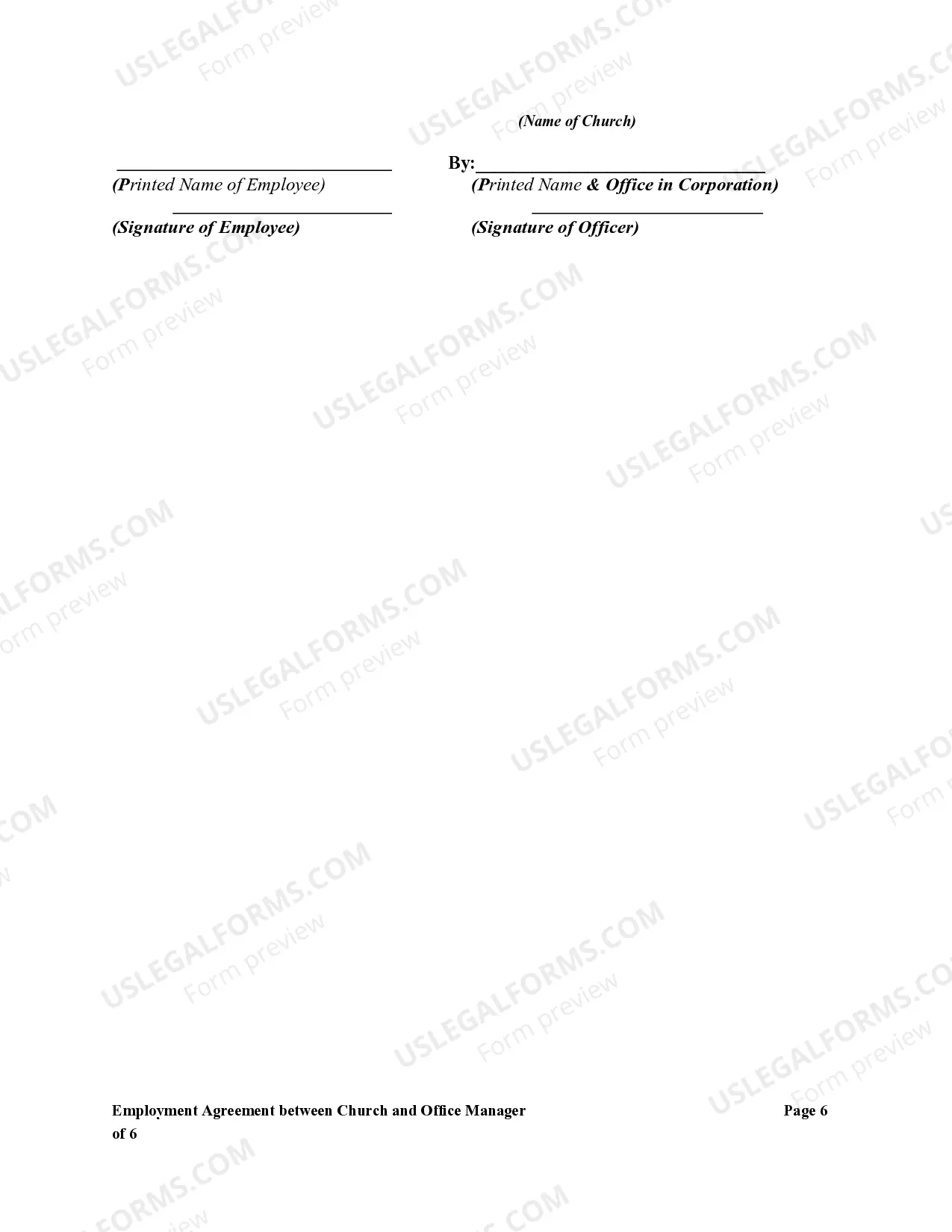
- Have both parties review, sign, and date the agreement to formalize it.
Notarization guidance
This form does not typically require notarization unless specified by local law. Ensure compliance by checking state regulations regarding employment agreements.
Get your form ready online
Our built-in tools help you complete, sign, share, and store your documents in one place.
Make edits, fill in missing information, and update formatting in US Legal Forms—just like you would in MS Word.
Download a copy, print it, send it by email, or mail it via USPS—whatever works best for your next step.
Sign and collect signatures with our SignNow integration. Send to multiple recipients, set reminders, and more. Go Premium to unlock E-Sign.
If this form requires notarization, complete it online through a secure video call—no need to meet a notary in person or wait for an appointment.
We protect your documents and personal data by following strict security and privacy standards.

Make edits, fill in missing information, and update formatting in US Legal Forms—just like you would in MS Word.

Download a copy, print it, send it by email, or mail it via USPS—whatever works best for your next step.

Sign and collect signatures with our SignNow integration. Send to multiple recipients, set reminders, and more. Go Premium to unlock E-Sign.

If this form requires notarization, complete it online through a secure video call—no need to meet a notary in person or wait for an appointment.

We protect your documents and personal data by following strict security and privacy standards.
Common mistakes
- Failing to detail specific job duties, leading to misunderstandings.
- Not specifying the reporting structure, causing confusion over authority.
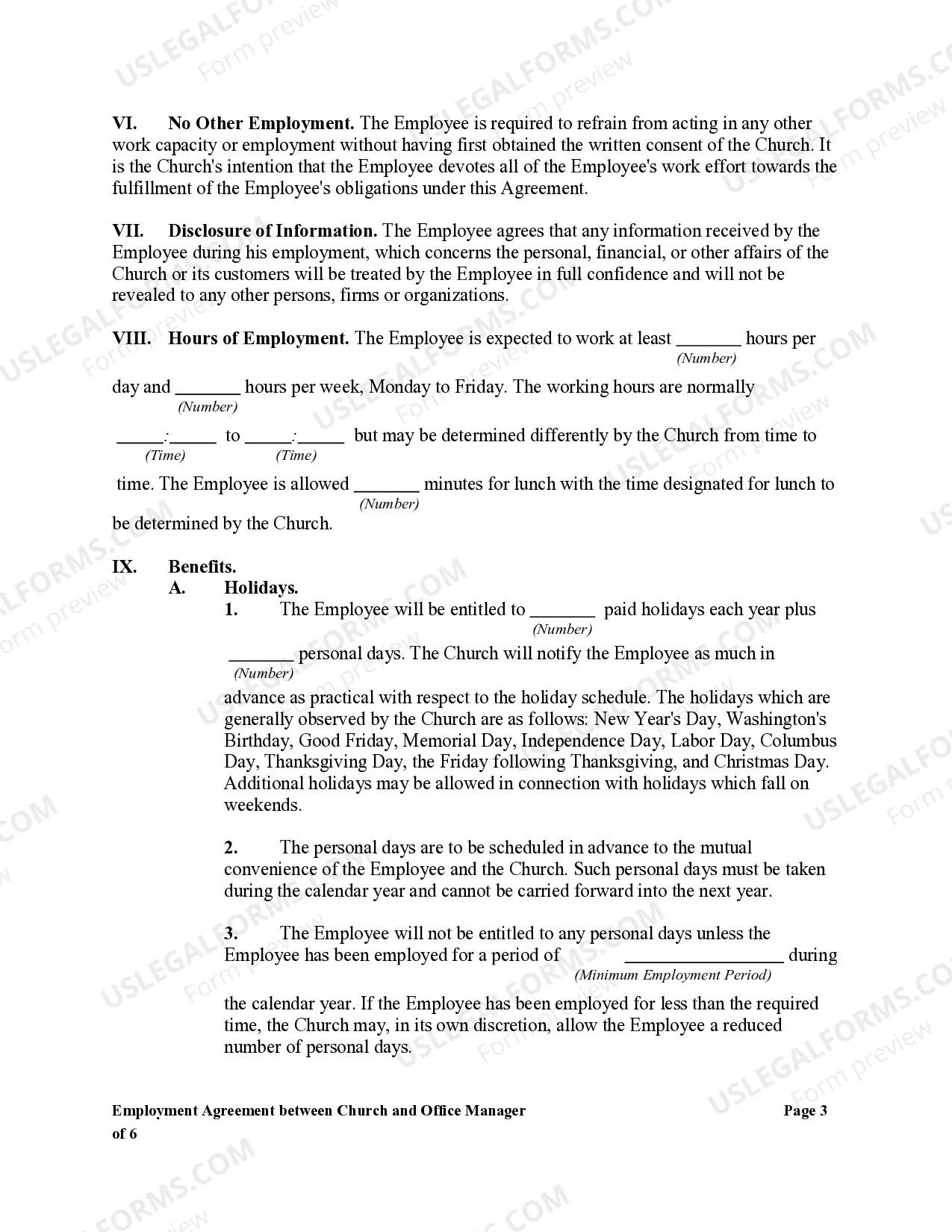
- Overlooking the importance of a scheduling policy for personal days.
- Neglecting to include a clause for renewals of contracts or bid management.
Why use this form online
- Convenience of completing and downloading the form from any location.
- Editability allows customization to meet specific church needs.
- Reliability, with templates prepared by licensed attorneys ensuring compliance with legal standards.
Legal use & context
- This agreement creates a legal employment relationship between the church and the Office Manager.
- It ensures compliance with labor laws and church governance practices.
- Properly executed, the agreement can help prevent disputes over job expectations.
Main things to remember
- The Employment Agreement ensures clear expectations for an Office Manager's role in the church.
- It is crucial for both church leaders and Office Managers to understand their responsibilities.
- Properly completed forms foster better communication and transparency within church operations.
Looking for another form?
Form popularity
FAQ
An enterprise agreement must be signed before an employer or a bargaining representative can apply to the Fair Work Commission for approval. A copy of an enterprise agreement is a signed copy only if it has been signed by the employer, and at least 1 representative of the employees, covered by the agreement.
If you didn't use a job description, take an hour to sit down and write out the duties you want your employee to perform. Be as specific as possible. The job description also should have included the target wage. You should consider whether or not you are paying a fair rate.
If an employer makes a change to a contract without getting agreement (including by using flexibility clauses unreasonably), employees may: have the right to refuse to work under the new conditions. say that they're working any new terms under protest, and are treating the change as a breach of contract.
Names of the Parties. The employer's organisation details and the employee's full name and address. Start Date. Job Title and Description. Place of Work. Hours of Work. Probationary Period. Salary. Assessments.
An employer cannot use the fact that an employee has not signed the contract as a way to deny employees their statutory rights, for example to not allow them to take their annual leave.Making changes to an employee's contract will, in most cases, require you to obtain the employee's consent.
Add employment details. Agreement to employers policies, rules & regulations. Mention position related responsibilities. Compensation package. Vacation contract. Employee benefits contract. Add probation period details. Performance reviews. Termination.
Get it in writing. Keep it simple. Deal with the right person. Identify each party correctly. Spell out all of the details. Specify payment obligations. Agree on circumstances that terminate the contract. Agree on a way to resolve disputes.
A clear job description. This should set out the role and duties of the employee. Salary or wage details. The nature of the employment. The reporting structure. Leave entitlements. Confidentiality. Non-compete/restraint of trade. Protection of intellectual property.
It's a common question we receive from employees, What happens if I don't sign my employment contract? Simply put, with no contract signature you and your employee don't have the right to change the document.