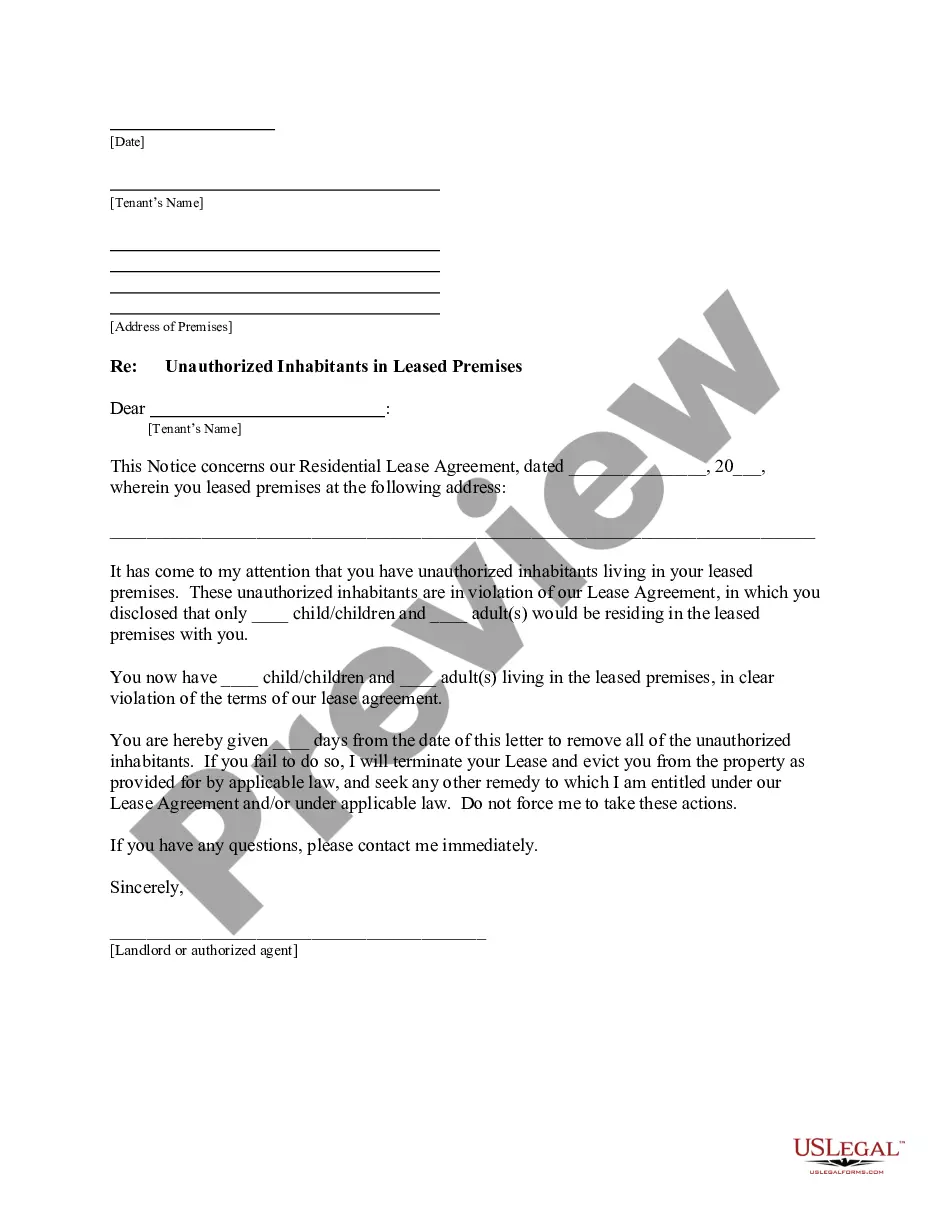
Church Member Satisfaction Survey
Overview of this form
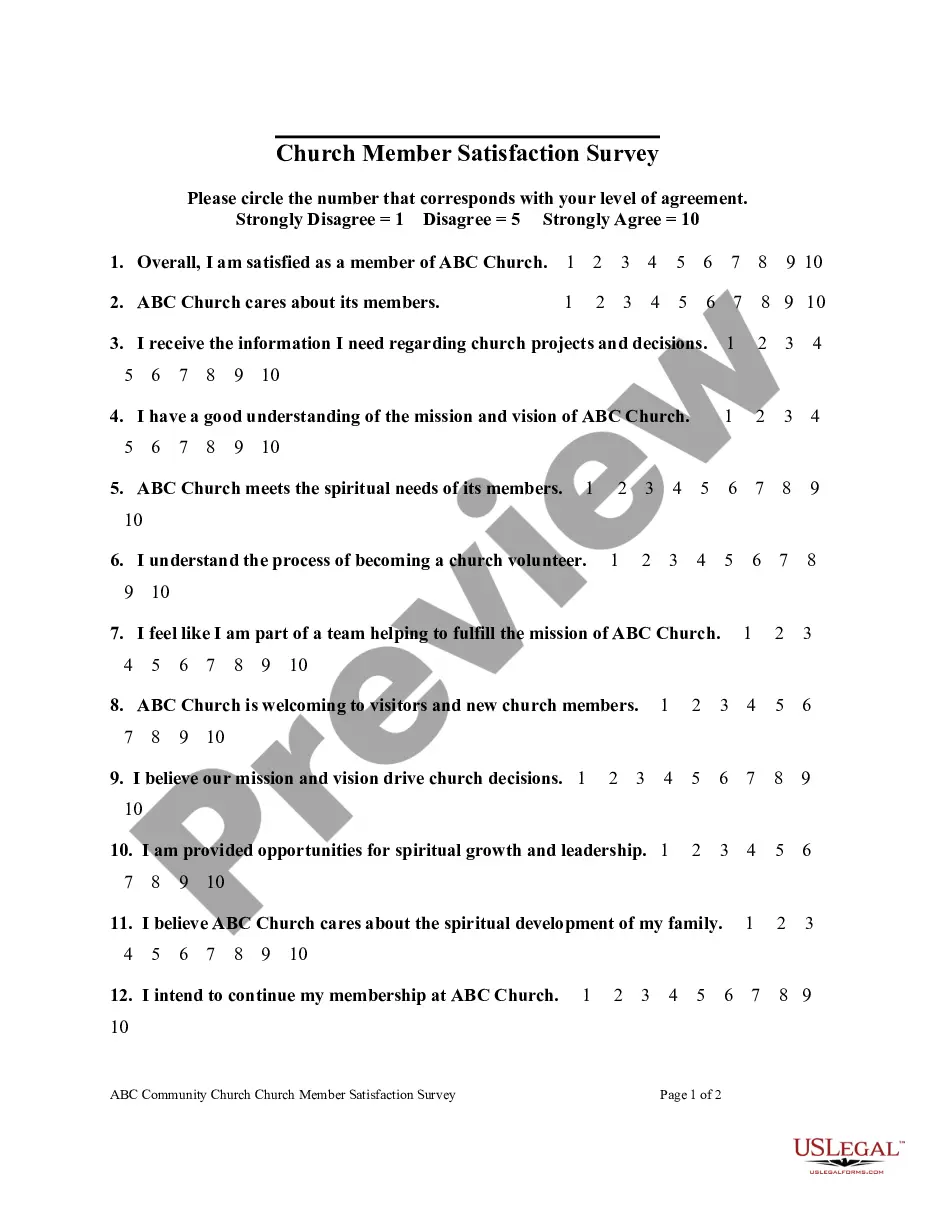
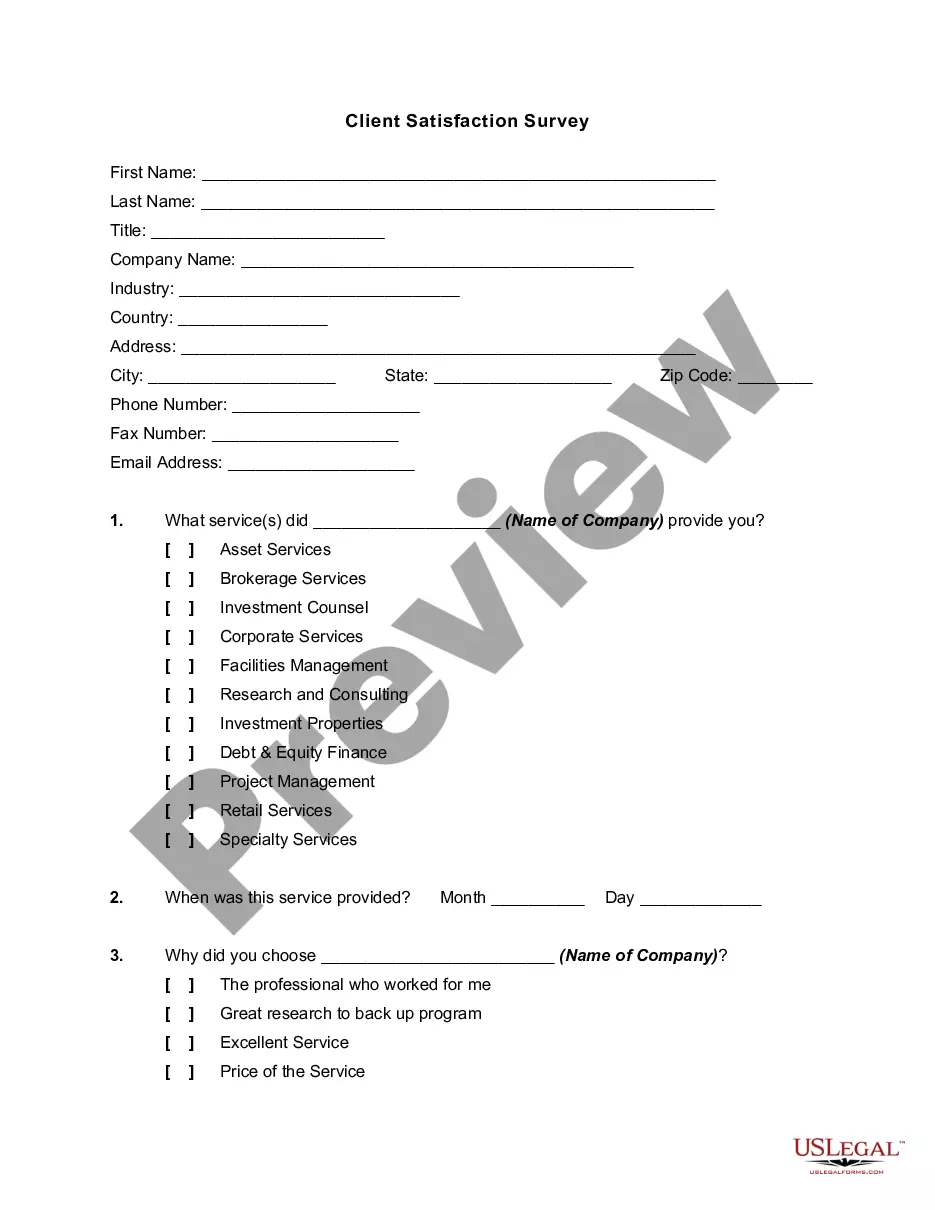
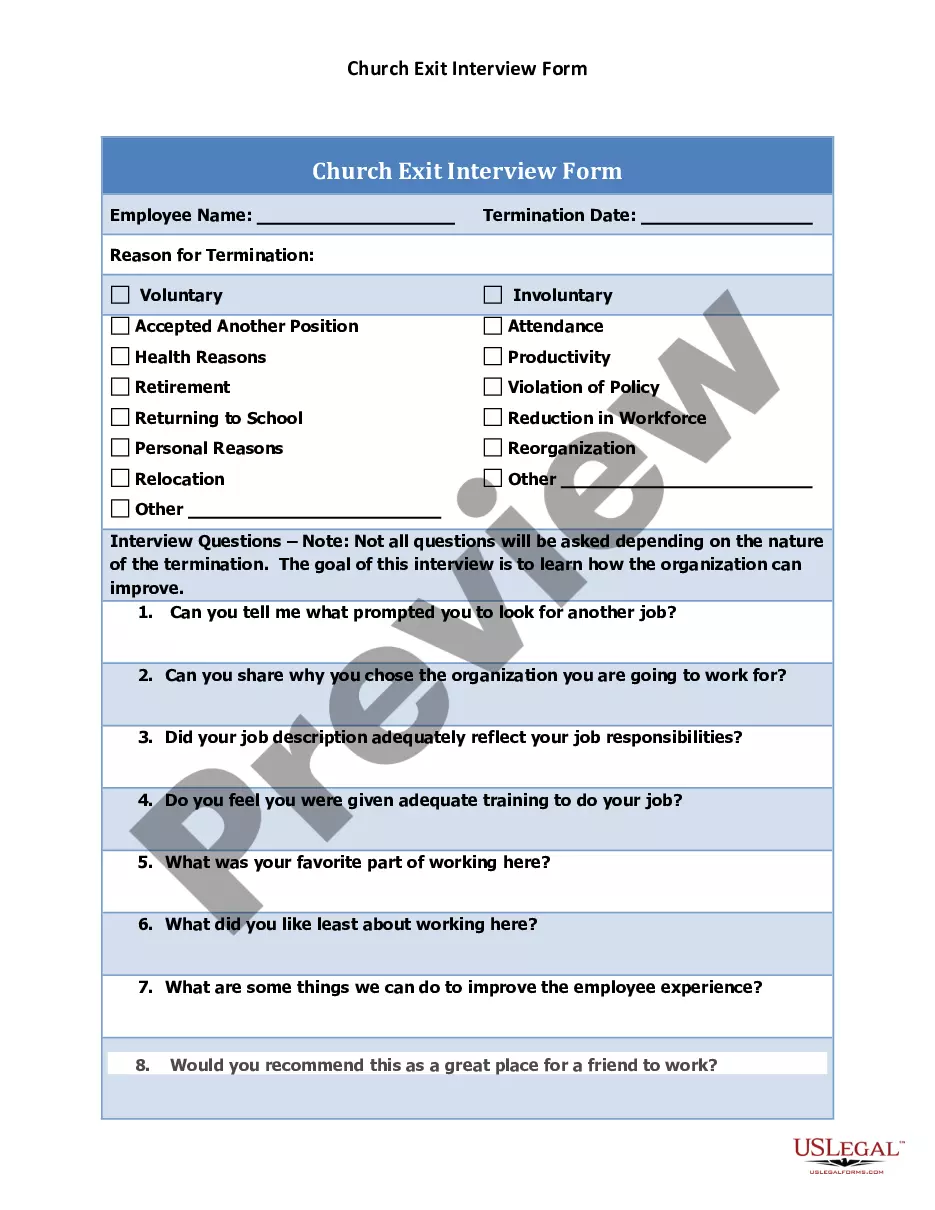
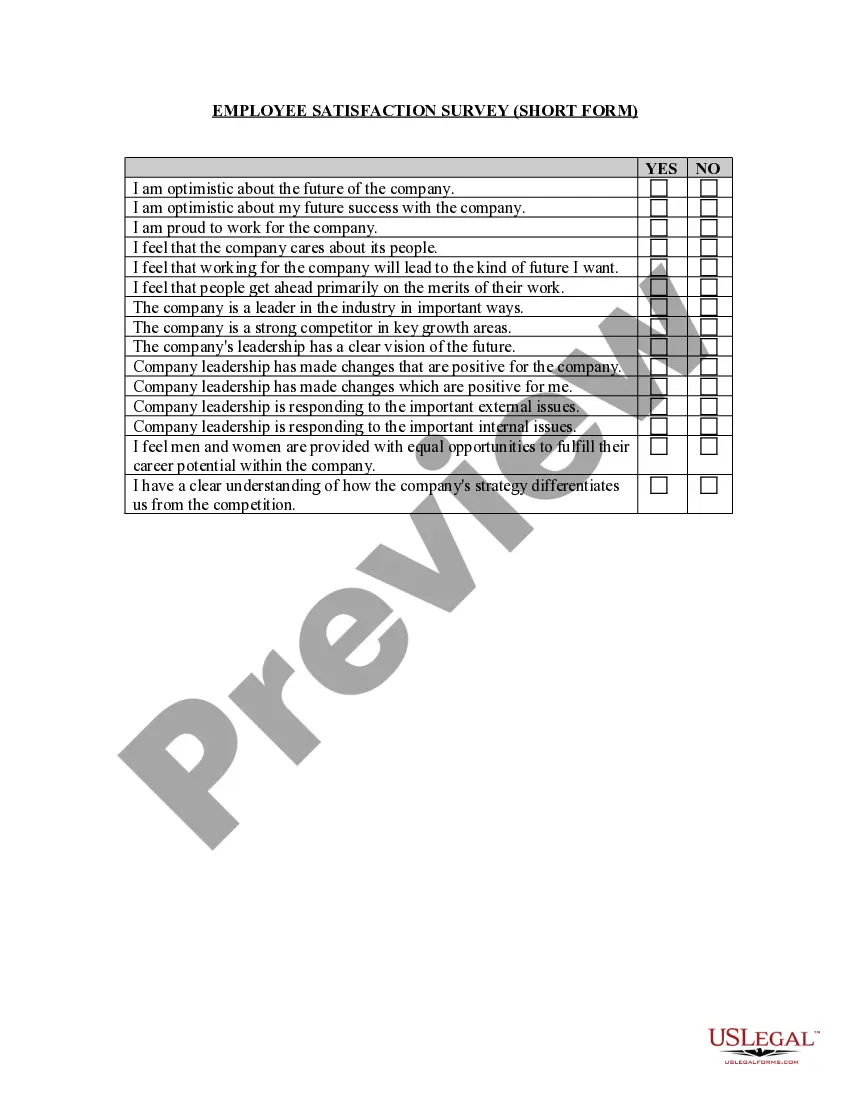
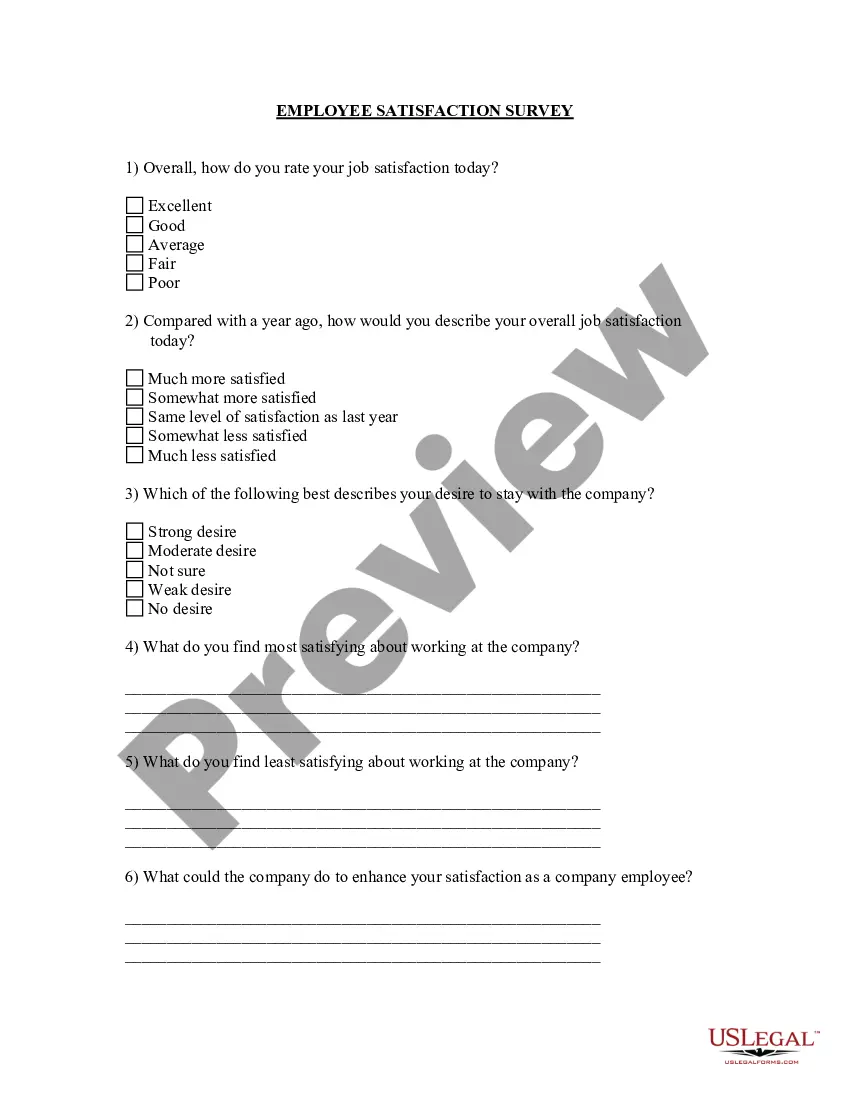
The Church Member Satisfaction Survey is a tool used by churches to assess the needs and satisfaction of their members. This survey allows church leadership to gather valuable feedback on various aspects of church life, ensuring that both members and the church itself thrive. Unlike other forms that may simply collect basic information, this survey focuses on the spiritual and participatory experiences of members, enabling informed decisions to improve church services and outreach.
Key parts of this document
- Questions evaluating member satisfaction with church communication and project information.
- Assessments of understanding and alignment with the church's mission and vision.
- Feedback on the spiritual support provided to members and their families.
- Opportunities for volunteering and participation within the church community.
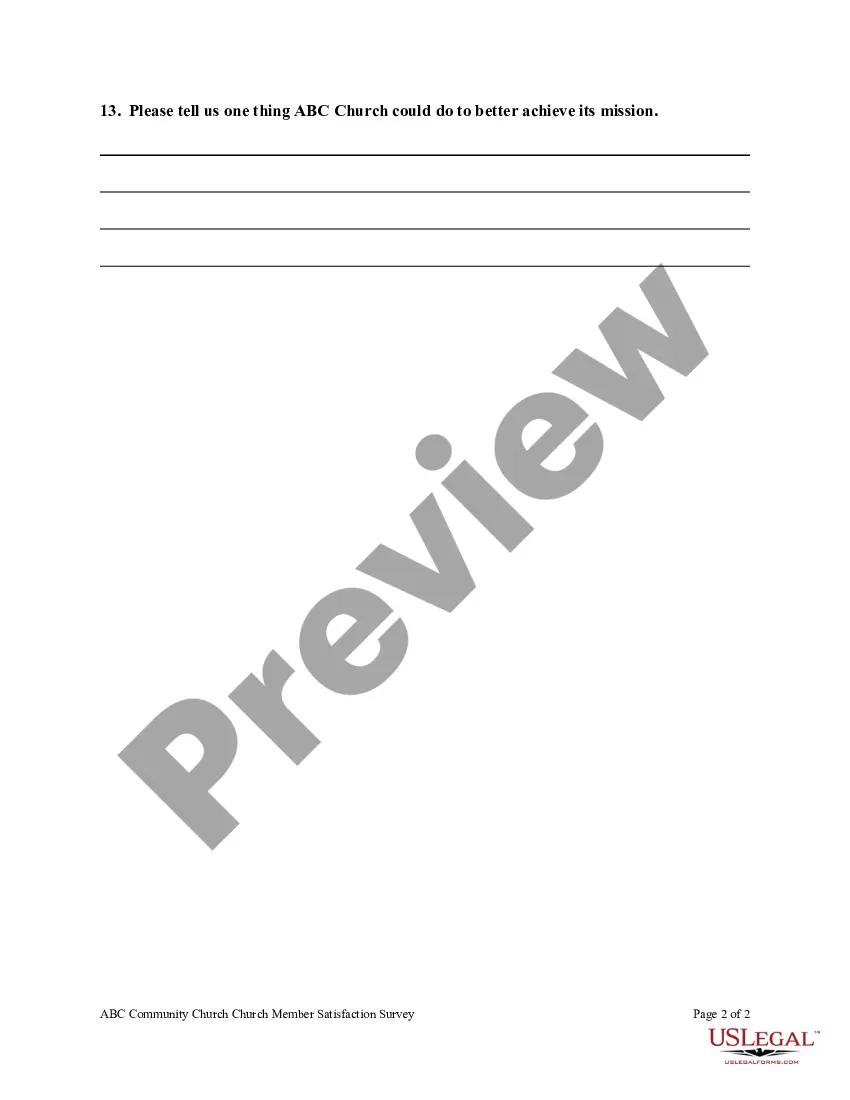
- Open-ended question inviting suggestions for improvement.
When this form is needed
This form is useful when a church wants to gather insights about member satisfaction and engagement. It is particularly beneficial during annual evaluations, as part of strategic planning sessions, or when implementing new programs. The survey can help identify areas where the church is excelling and where there are opportunities for growth, ensuring that the needs of both the church and its members are being met.
Who should use this form
This survey is designed for:
- Church leadership and administrative staff seeking feedback from members.
- Committees focused on church growth and member engagement.
- Pastors or ministers wanting to better understand their congregation's needs.
How to complete this form
- Start by clearly stating the church's name at the top of the survey.
- Invite members to respond to each satisfaction question using a scale from one to ten.
- Encourage members to provide feedback on the open-ended question regarding improvements.
- Collect all completed surveys to maintain responses confidentially.
- Review and analyze the feedback to identify trends and areas needing attention.
Is notarization required?
This form does not typically require notarization to be legally valid. However, some jurisdictions or document types may still require it. US Legal Forms provides secure online notarization powered by Notarize, available 24/7 for added convenience.
Get your form ready online
Our built-in tools help you complete, sign, share, and store your documents in one place.
Make edits, fill in missing information, and update formatting in US Legal Forms—just like you would in MS Word.
Download a copy, print it, send it by email, or mail it via USPS—whatever works best for your next step.
Sign and collect signatures with our SignNow integration. Send to multiple recipients, set reminders, and more. Go Premium to unlock E-Sign.
If this form requires notarization, complete it online through a secure video call—no need to meet a notary in person or wait for an appointment.
We protect your documents and personal data by following strict security and privacy standards.

Make edits, fill in missing information, and update formatting in US Legal Forms—just like you would in MS Word.

Download a copy, print it, send it by email, or mail it via USPS—whatever works best for your next step.

Sign and collect signatures with our SignNow integration. Send to multiple recipients, set reminders, and more. Go Premium to unlock E-Sign.

If this form requires notarization, complete it online through a secure video call—no need to meet a notary in person or wait for an appointment.

We protect your documents and personal data by following strict security and privacy standards.
Typical mistakes to avoid
- Providing vague or unclear questions that do not elicit useful feedback.
- Failing to encourage responses to open-ended questions.
- Not ensuring that the survey reaches all members, including those who may not attend regularly.
- Overlooking the importance of follow-up discussions based on survey results.
Why complete this form online
- Convenient access for members to complete the survey at their own pace.
- Editable format allows for easy updates to questions or response scales.
- Secure collection of responses ensures confidentiality and trust.
- Automated analysis tools help leadership quickly interpret survey outcomes.
Legal use & context
- This survey is a non-legal form used for assessing member satisfaction and feedback.
- The feedback collected can be used to inform church policies and enhance member engagement.
Quick recap
- The Church Member Satisfaction Survey helps identify and address member needs.
- It provides a structured way to gather feedback about church activities and spiritual fulfillment.
- Regularly using this survey can enhance member engagement and satisfaction.
- This form can be adapted for any church, regardless of geographic location.
Looking for another form?

Form popularity
FAQ
Write questions that are simple and to the point. Use words with clear meanings. Limit the number of ranking options. In a multiple choice question, cover all options without overlapping. Avoid double-barreled questions. Offer an out for questions that don't apply. Avoid offering too few or too many options.
Focus on the goal. Use Simple, Precise Language. Write Straightforward Questions. Short & Sweet Questions. Response Options Need to be Inclusive.
#1: Identify your research aims and the goal of your questionnaire. #2: Define your target respondents. #3: Develop questions. #4: Choose your question type. #5: Design question sequence and overall layout. #6: Run a pilot.
Decide the information required. Define the target respondents. Choose the method(s) of reaching your target respondents. Decide on question content. Develop the question wording. Put questions into a meaningful order and format.
Step one: create the questions. Step two: ask the questions. Step three: tally the results. Step four: present the results.
Determine who will participate in the survey. Decide the type of survey (mail, online, or in-person) Design the survey questions and layout. Distribute the survey. Analyze the responses. Write up the results.
Use Simple, Direct Language. Be Specific. Break Down Big Ideas into Multiple Questions. Avoid Leading Questions. Ask One Thing per Question. Use More Interval Questions.
Simple Salutation Personalisation. Tell Them Why They are Receiving the Invite. Don't Tell Them How Great You Are. Explain the Purpose of the Survey. Give a Realistic Estimate of the Time it Will Take. Give Them a Place to Ask Questions. Show Them the Survey Link.
Multiple choice questions. Rating scale questions. Likert scale questions. Matrix questions. Dropdown questions. Open-ended questions. Demographic questions. Ranking questions.