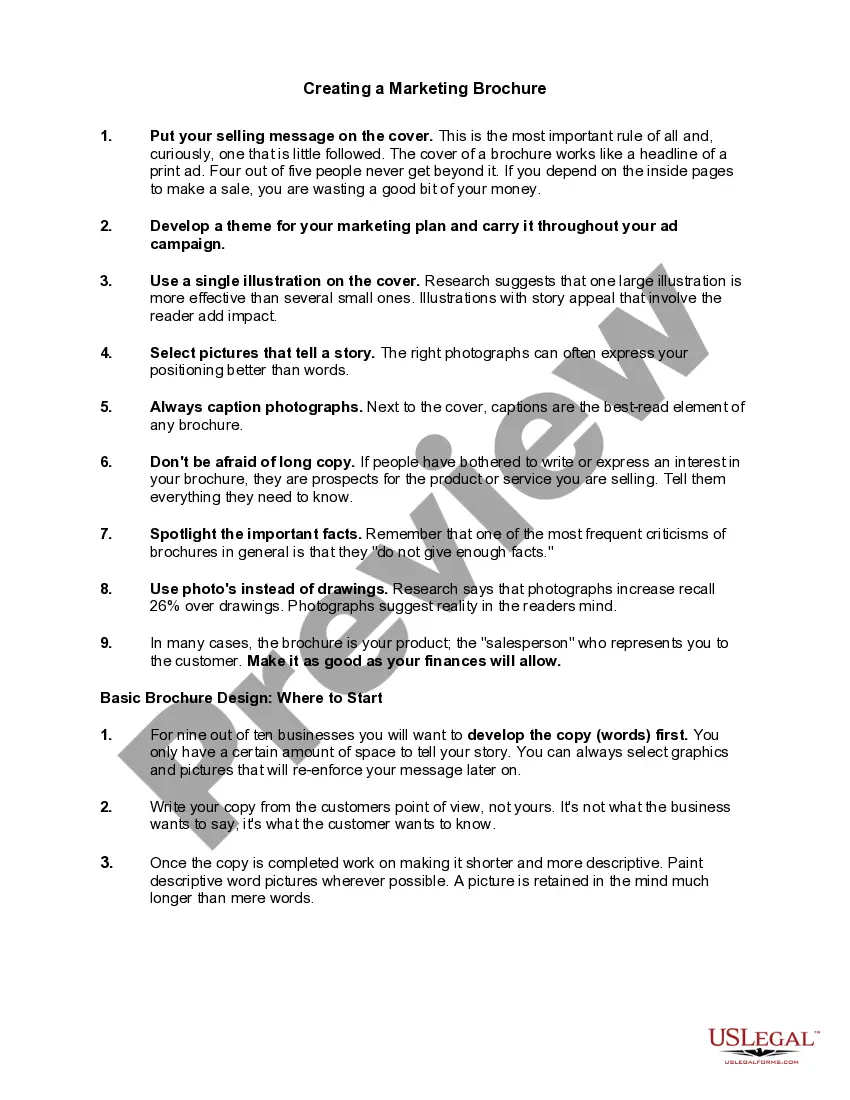
Creating a Marketing Brochure
About this form
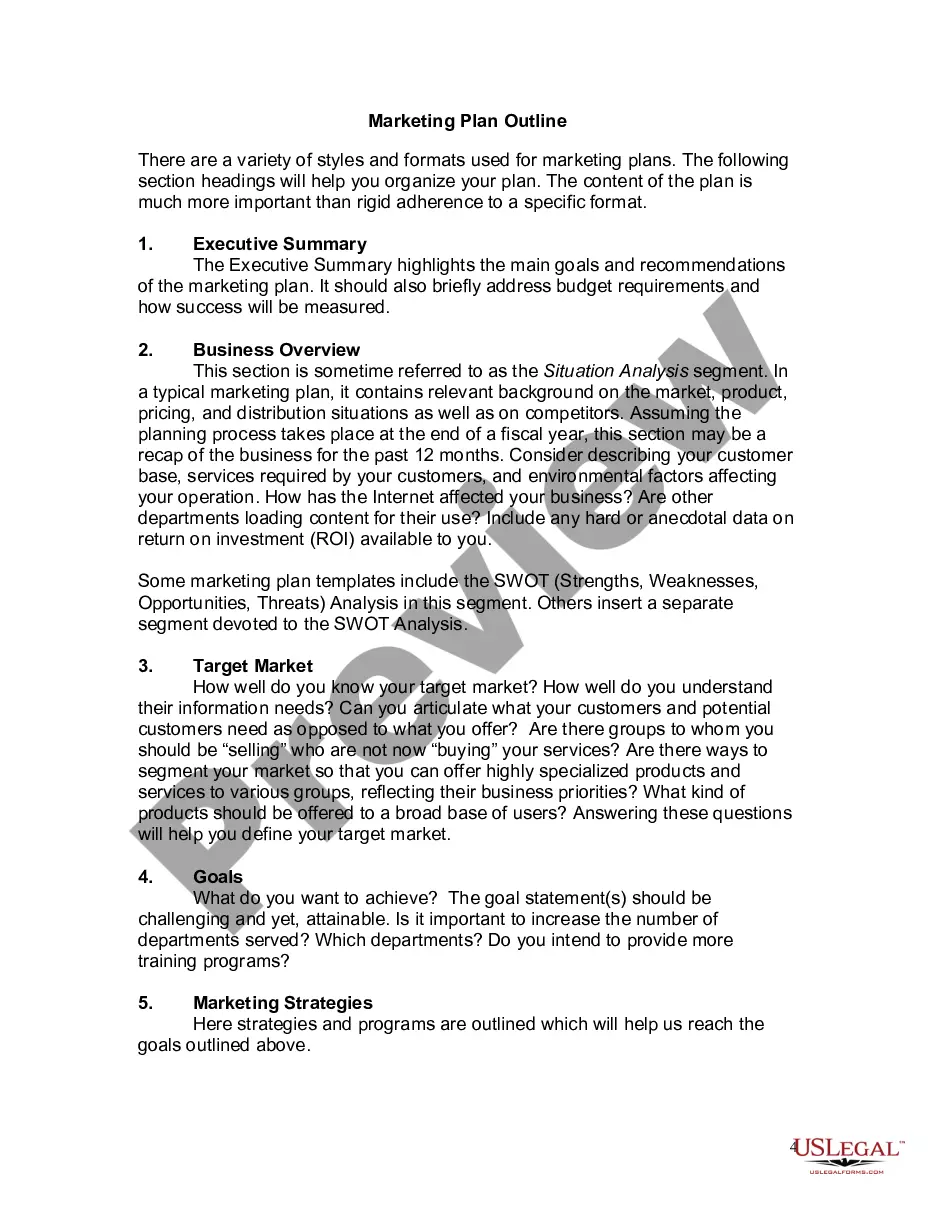
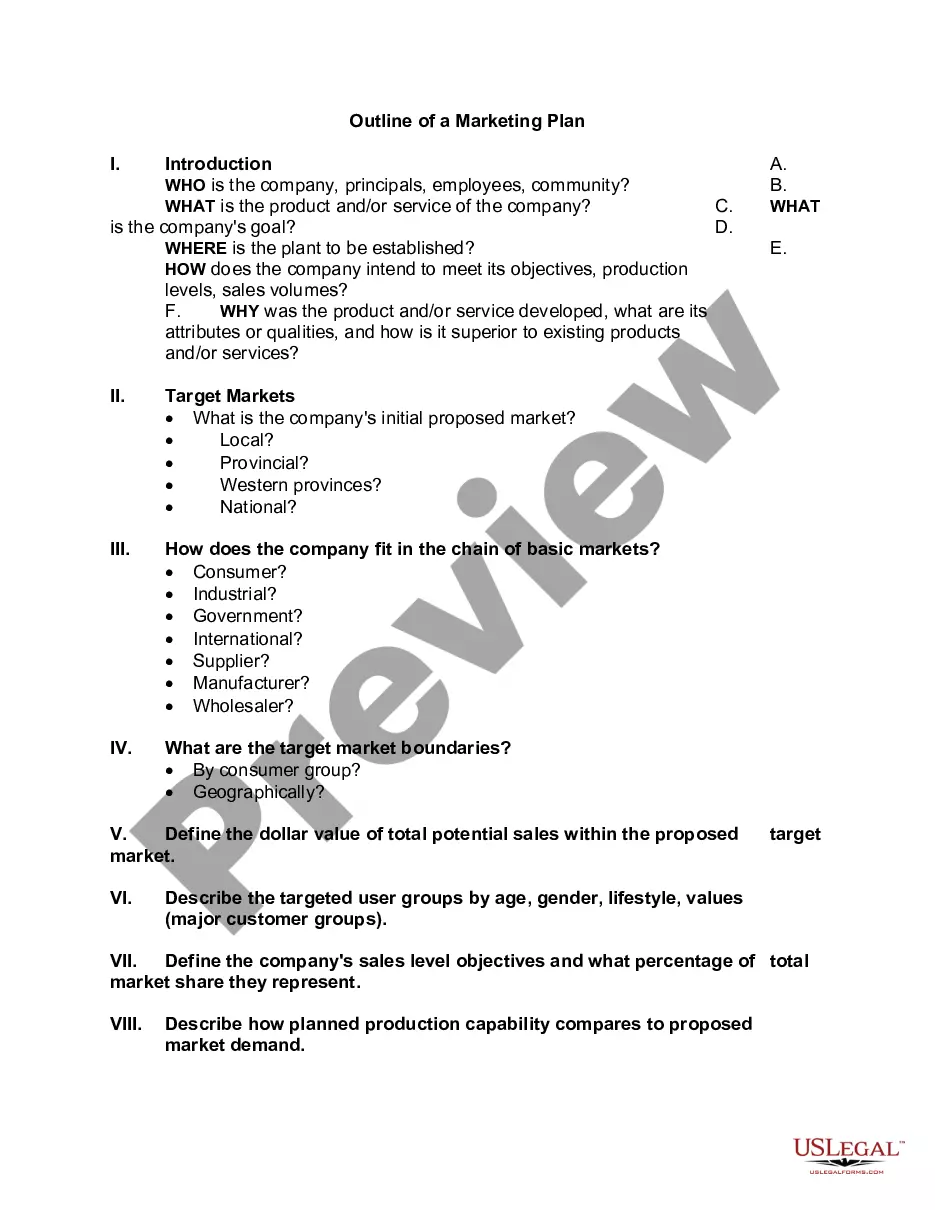
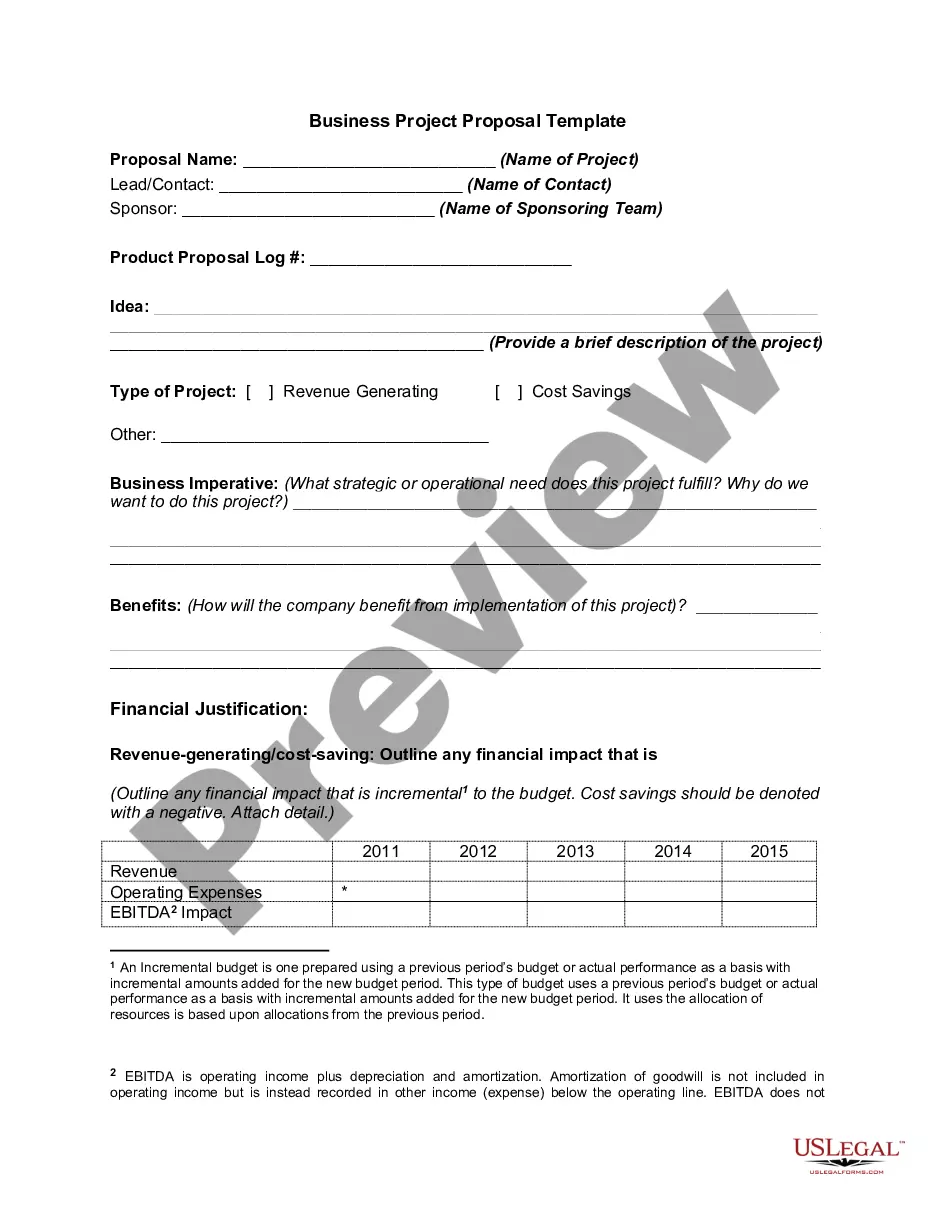
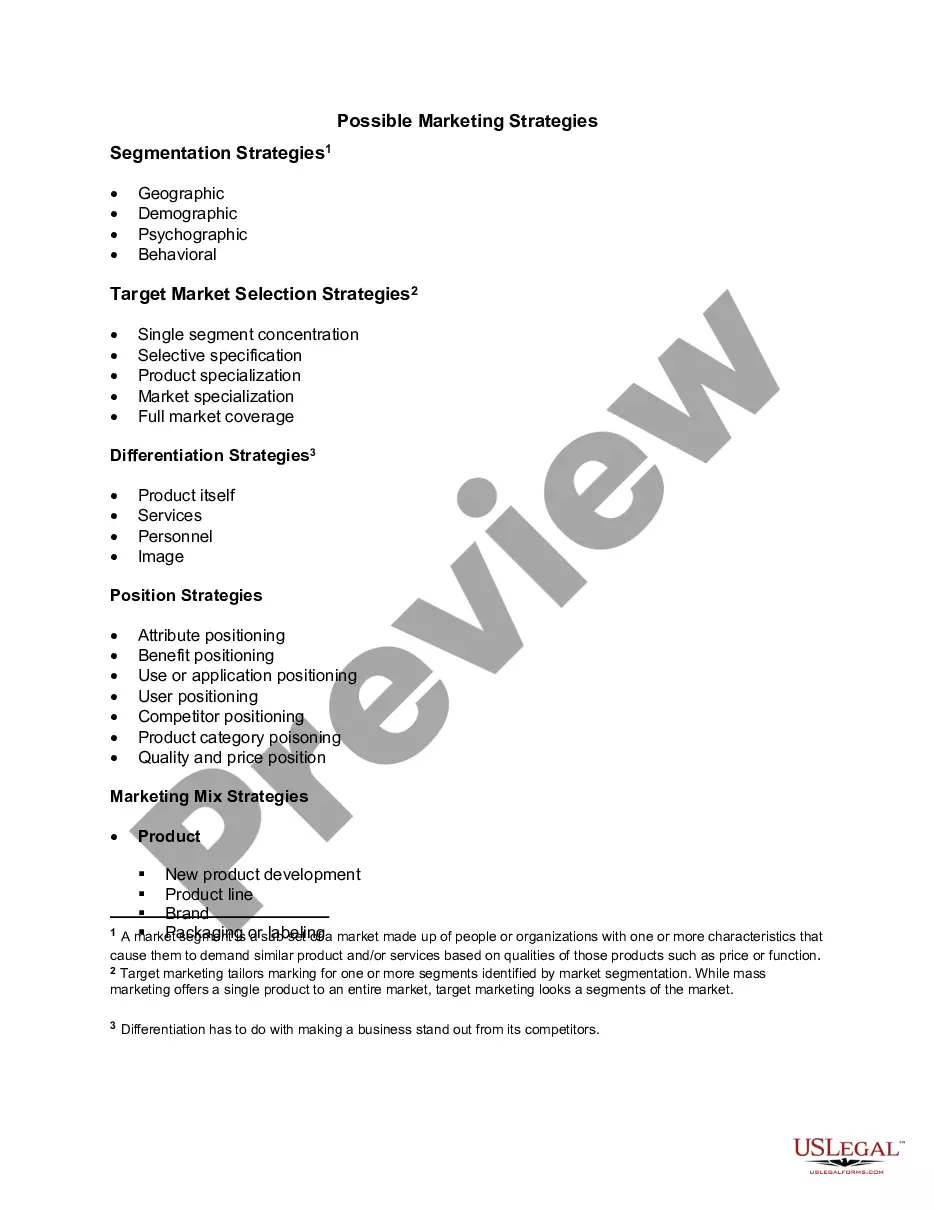
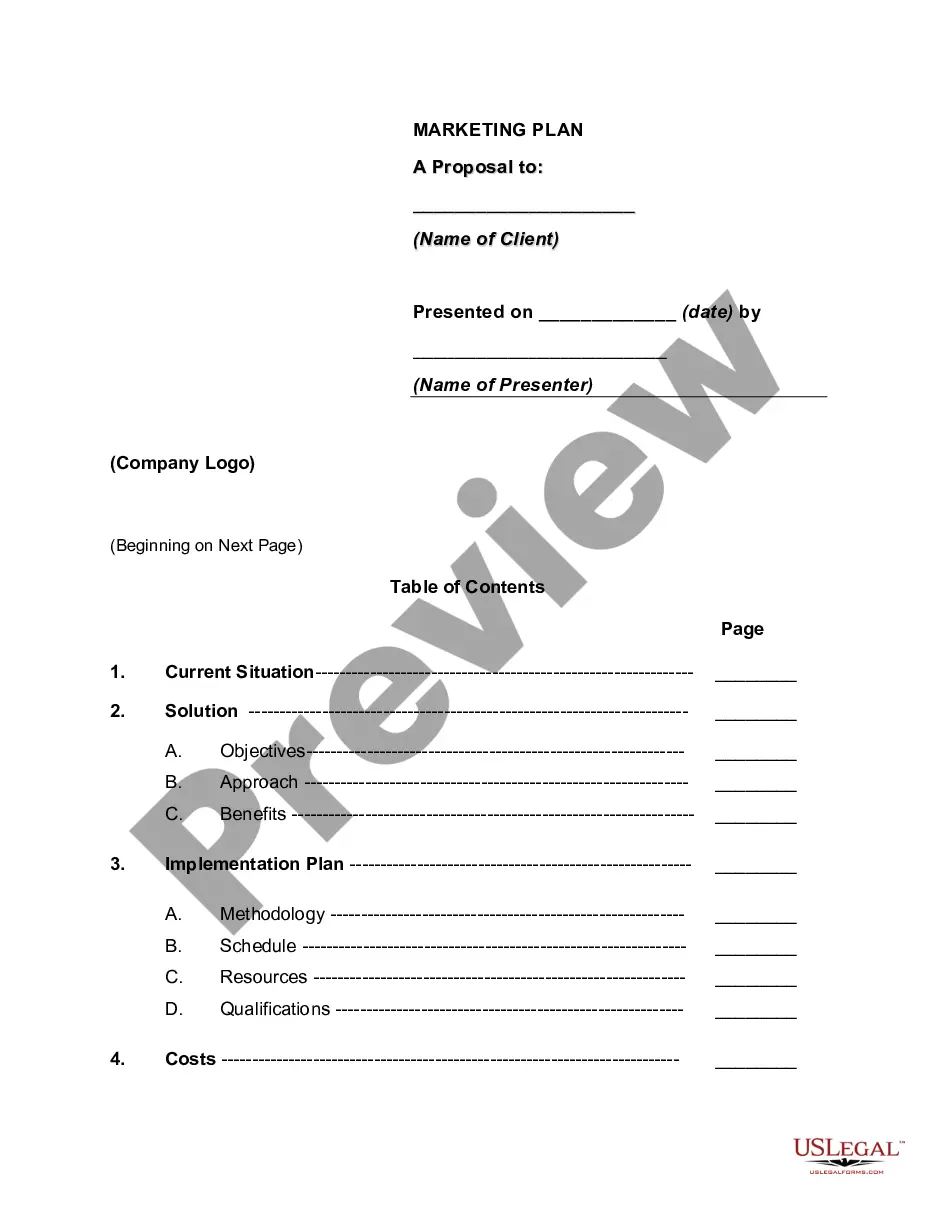
This form is designed for creating a marketing brochure. A marketing brochure is a concise publication that provides information about a product, service, or event, primarily for advertising purposes. Unlike other advertising formats, brochures allow for a detailed presentation of key messages and visuals in a compact format, making them an essential tool for businesses aiming to engage potential customers effectively.
Main sections of this form
- Cover with a selling message to capture attention.
- Consistent theme throughout the brochure design.
- Single impactful illustration that aligns with the message.
- Compelling photographs that convey important stories.
- Short, descriptive captions accompanying the images.
- Well-structured copy that provides detailed information without being overwhelming.
When this form is needed
This form is ideal when you need to create a marketing brochure to promote products, services, events, or initiatives. Business owners can use it for trade shows, community events, or direct mail campaigns. If you need to reach potential customers effectively and visually, this form will help streamline that process.
Who this form is for
- Business owners looking to create promotional materials.
- Marketing professionals tasked with designing engaging content.
- Event organizers needing to advertise an upcoming event.
- Non-profit organizations seeking to raise awareness about causes.
Completing this form step by step
- Draft the cover message to ensure it grabs attention immediately.
- Develop the main content from the perspective of your target audience.
- Incorporate relevant images and illustrations to enhance your message.
- Edit your copy for clarity and brevity, maintaining focus on key selling points.
- Review the overall layout for consistency and visual appeal before finalizing.
Does this document require notarization?
Notarization is not commonly needed for this form. However, certain documents or local rules may make it necessary. Our notarization service, powered by Notarize, allows you to finalize it securely online anytime, day or night.
Get your form ready online
Our built-in tools help you complete, sign, share, and store your documents in one place.
Make edits, fill in missing information, and update formatting in US Legal Forms—just like you would in MS Word.
Download a copy, print it, send it by email, or mail it via USPS—whatever works best for your next step.
Sign and collect signatures with our SignNow integration. Send to multiple recipients, set reminders, and more. Go Premium to unlock E-Sign.
If this form requires notarization, complete it online through a secure video call—no need to meet a notary in person or wait for an appointment.
We protect your documents and personal data by following strict security and privacy standards.

Make edits, fill in missing information, and update formatting in US Legal Forms—just like you would in MS Word.

Download a copy, print it, send it by email, or mail it via USPS—whatever works best for your next step.

Sign and collect signatures with our SignNow integration. Send to multiple recipients, set reminders, and more. Go Premium to unlock E-Sign.

If this form requires notarization, complete it online through a secure video call—no need to meet a notary in person or wait for an appointment.

We protect your documents and personal data by following strict security and privacy standards.
Mistakes to watch out for
- Neglecting to prioritize the cover message, which may lead to reduced engagement.
- Using too many illustrations or images that confuse the primary message.
- Writing the content from the business's perspective instead of the customer's.
- Overloading with too much information, making it difficult to retain key points.
Benefits of using this form online
- Convenience of downloading and editing the document from anywhere.
- Time-saving, as you can quickly customize the template to meet your needs.
- Accessibility to professional content structured for effective marketing.
- Cost-effective, minimizing the need for expensive design services.
Legal use & context
- While marketing brochures are primarily promotional documents, their content must be truthful to avoid misleading potential customers.
- Brochures can serve as a legal document when providing information about products or services within regulatory guidelines.
Main things to remember
- A well-designed brochure is a powerful marketing tool that can significantly influence potential customers.
- Ensure your messaging is customer-focused and visually engaging to capture attention.
- Utilize this form to streamline the process of creating a professional marketing brochure.
Looking for another form?
Form popularity
FAQ
Define the target market for your marketing brochure. Write copy that speaks to your target market. Use images, icons, and illustration to support your messaging. Layout the brochure around your copy, images, and branding.
Don't ignore the basics when creating a brochure; it should include standard information, such as company name, at least two types of contact information, a logo and tagline. It should also include a headline on the front and two or three brief items outlining benefits your organization can provide.
1. ) Create an outline or plan of attack. 2.) Write a compelling headline. 3.) Be concise and use plain language. 4.) Limit the copy to 1-2 typefaces. 5.) Give readers a reason to keep your brochure. Include next steps or a call-to-action. 7.) 8.)
Determine your purpose. As with all planning, the very first step is to identify your brochure's objectives. Know your brochure folds. Review your copy. Choose your fonts. Know your paper stock and coating. Use high resolution photos. Include a call-to-action.
Focus on a Topic. Let's say you're creating a brochure for a company that rents kayaks in Florida. Create a Grabbing Title. Be Specific. Mix Writing Styles. Consider Including Testimonials. Include Pictures. End With a Call to Action.
Understand your customer. Plan your brochure for AIDA. Don't put a picture of your building on the cover of the sales brochure. Do use images that are important to your customer. Sell, don't tell. Use headlines and graphics your audience cares about.
Remember your brand design standards. Design with the reader in mind. Choose your brochure type. Gather your copy and images. Find your style. Pick the perfect CTA.
Don't ignore the basics when creating a brochure; it should include standard information, such as company name, at least two types of contact information, a logo and tagline. It should also include a headline on the front and two or three brief items outlining benefits your organization can provide.