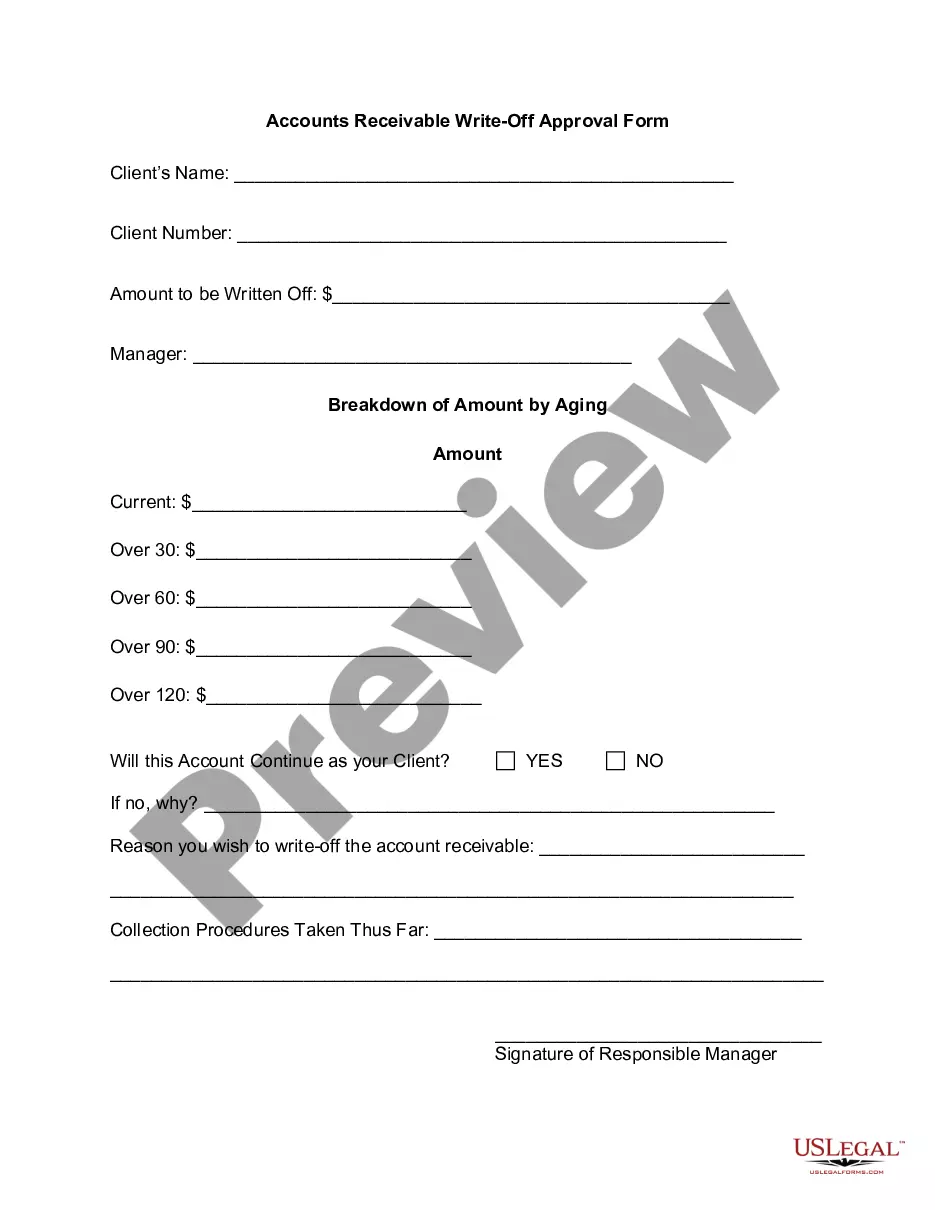
Accounts Receivable Write-Off Approval Form
What this document covers
The Accounts Receivable Write-Off Approval Form is a document used by businesses to formally request the approval needed to eliminate uncollectible accounts receivable from their financial records. This form serves to document the reasons for the write-off and the steps taken prior to the request, differentiating it from other accounting forms that may not require managerial approval.
What’s included in this form
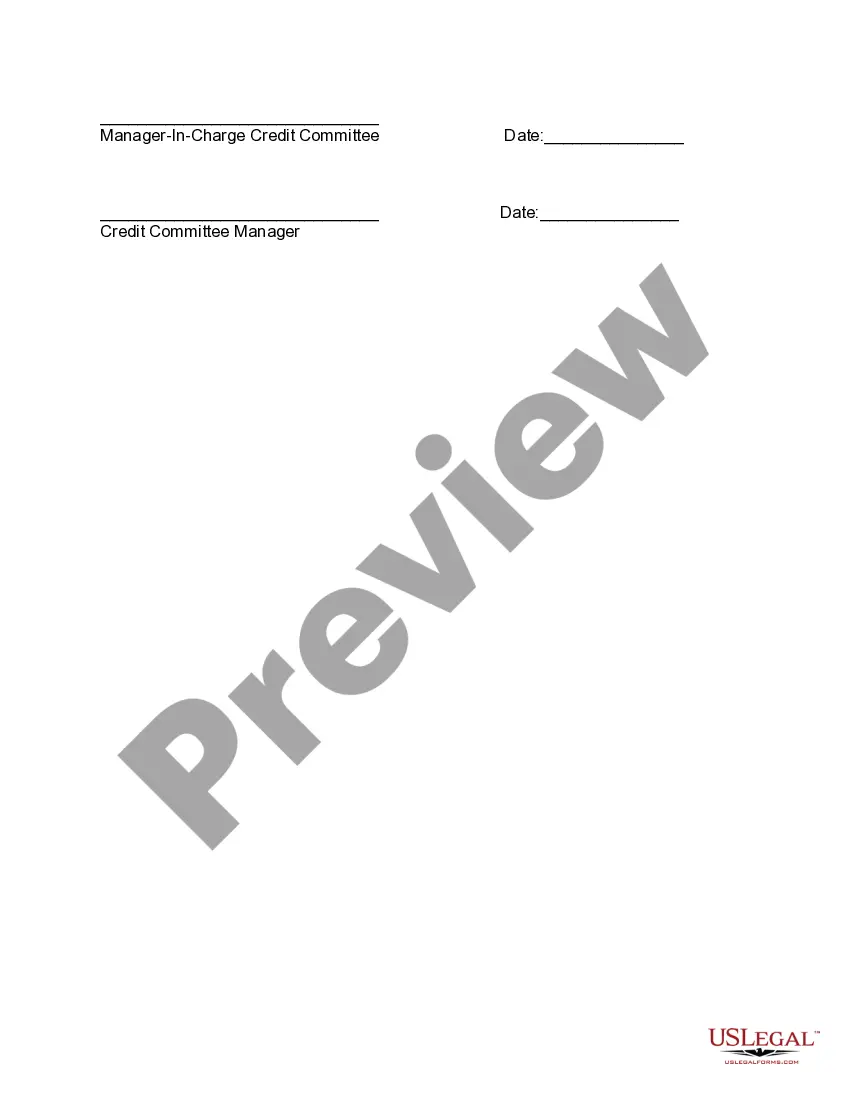
- Section for manager signature to authorize the write-off.
- Field to explain the reason for writing off the account.
- Section to detail the collection procedures that have been attempted.
- Space for additional comments regarding the account.
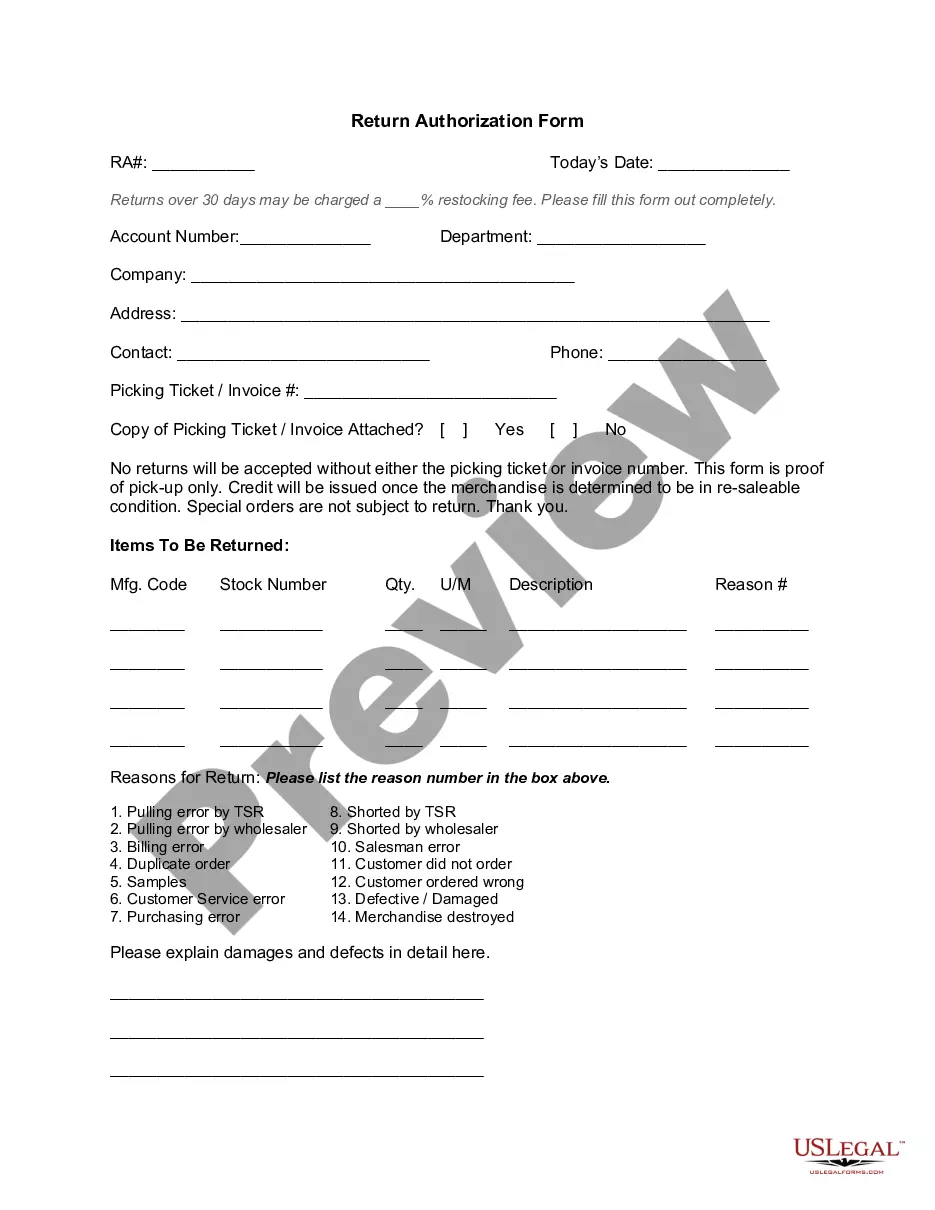
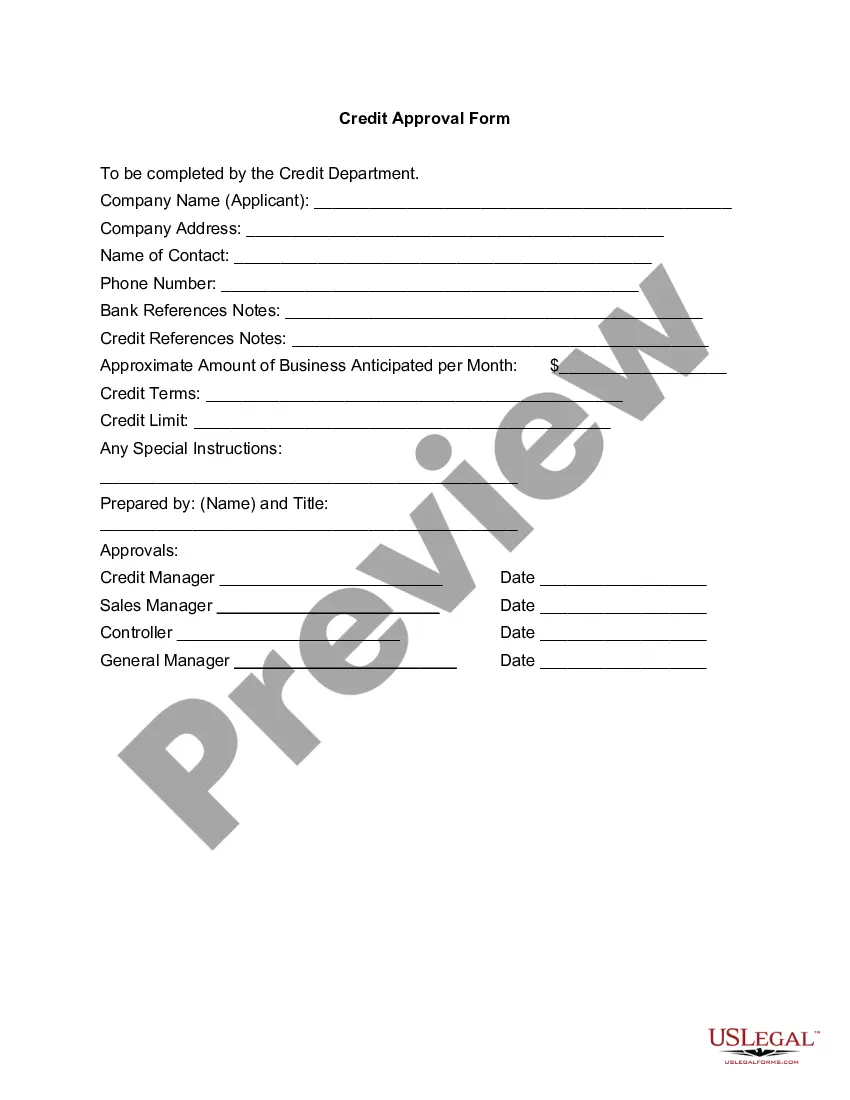
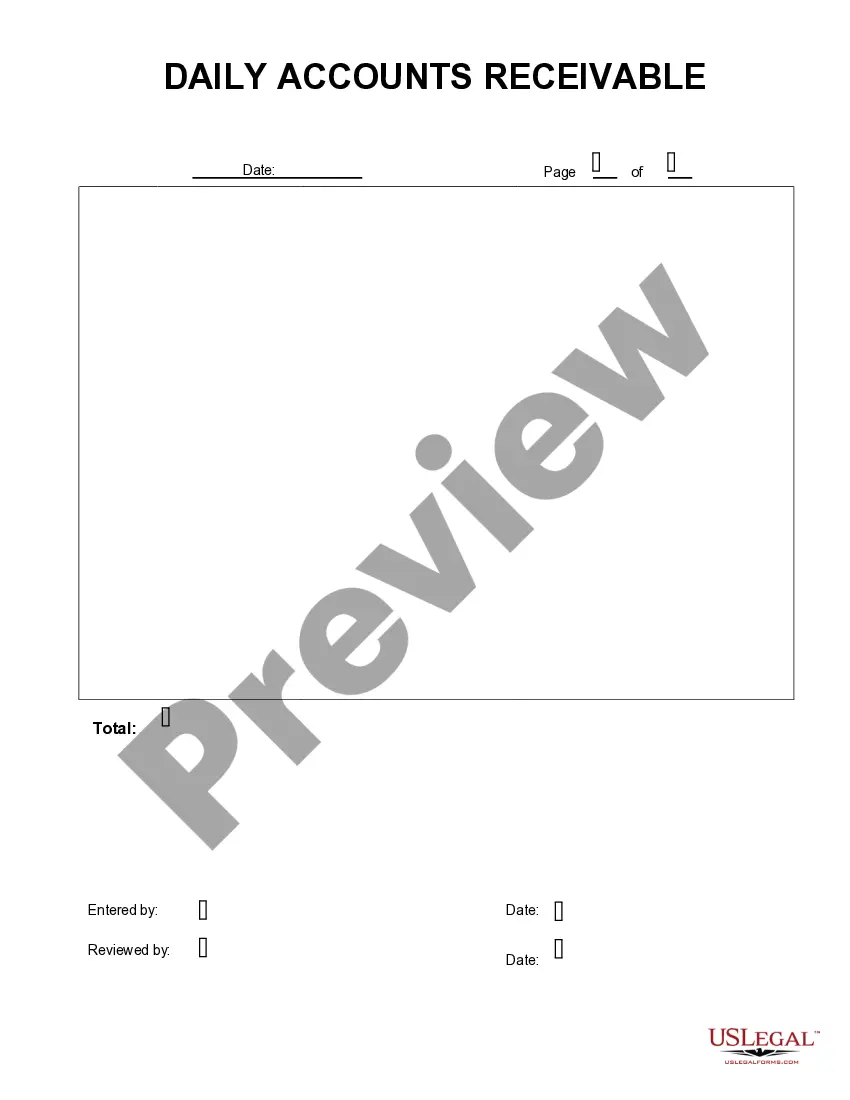
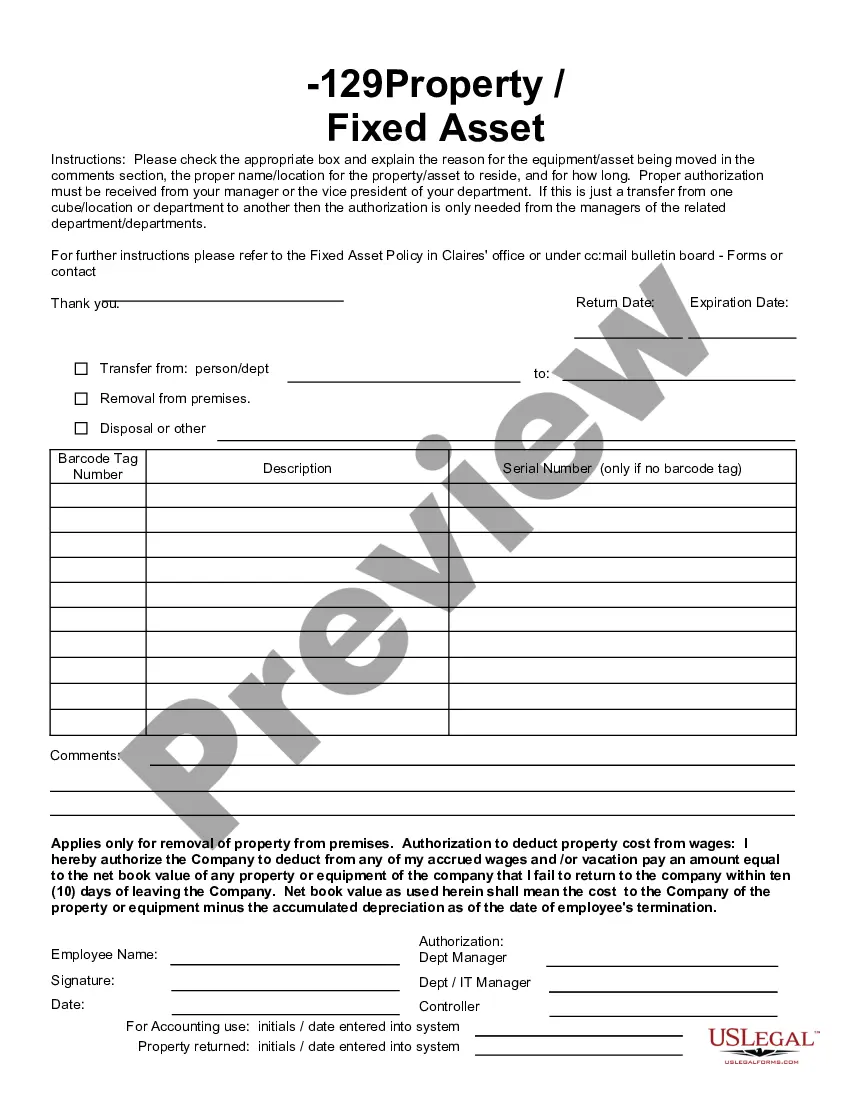
When to use this form
This form should be used when a business determines that certain accounts receivable are unlikely to be collected. This situation typically arises when a customer is unable to pay due to financial difficulties, or when other collection efforts, such as calls or letters, have failed. It is important to document the write-off process for accounting records and tax purposes.
Who this form is for
- Businesses looking to write off bad debts from their accounts receivable.
- Accounting professionals managing financial records.
- Managers responsible for reviewing and approving financial write-offs.
Steps to complete this form
- Identify the account receivable that you wish to write off.
- Provide a detailed reason for the write-off in the designated space.
- List the collection procedures that have been attempted to recover the debt.
- Sign the form to confirm your approval of the write-off.
- Submit the form to the appropriate managerial staff for final approval.
Notarization guidance
This form does not typically require notarization to be legally valid. However, some jurisdictions or document types may still require it. US Legal Forms provides secure online notarization powered by Notarize, available 24/7 for added convenience.
Get your form ready online
Our built-in tools help you complete, sign, share, and store your documents in one place.
Make edits, fill in missing information, and update formatting in US Legal Forms—just like you would in MS Word.
Download a copy, print it, send it by email, or mail it via USPS—whatever works best for your next step.
Sign and collect signatures with our SignNow integration. Send to multiple recipients, set reminders, and more. Go Premium to unlock E-Sign.
If this form requires notarization, complete it online through a secure video call—no need to meet a notary in person or wait for an appointment.
We protect your documents and personal data by following strict security and privacy standards.

Make edits, fill in missing information, and update formatting in US Legal Forms—just like you would in MS Word.

Download a copy, print it, send it by email, or mail it via USPS—whatever works best for your next step.

Sign and collect signatures with our SignNow integration. Send to multiple recipients, set reminders, and more. Go Premium to unlock E-Sign.

If this form requires notarization, complete it online through a secure video call—no need to meet a notary in person or wait for an appointment.

We protect your documents and personal data by following strict security and privacy standards.
Common mistakes
- Failing to provide a clear reason for the write-off.
- Not documenting all collection attempts made prior to submitting the form.
- Forgetting to obtain the necessary managerial signature before submission.
Why use this form online
- Convenient access to the form anytime and anywhere.
- Ability to edit and customize the form as needed.
- Quick and secure download for immediate use in your accounting process.
Main things to remember
- The Accounts Receivable Write-Off Approval Form is essential for documenting uncollectible debts.
- This form helps ensure that write-offs are approved by management.
- It can be used universally across U.S. states, making it a versatile tool for businesses.
Looking for another form?
Form popularity
FAQ
The entry to write off a bad account affects only balance sheet accounts: a debit to Allowance for Doubtful Accounts and a credit to Accounts Receivable. No expense or loss is reported on the income statement because this write-off is "covered" under the earlier adjusting entries for estimated bad debts expense.
Set up your Excel sheet to include Invoice Dates in column A, Invoice Numbers in column B, and Due Dates in column C. Add a column for Total Amount Due in column E and add the corresponding information. In cell J3, the first cell under the Balance Due column, add the following formula: =E3-SUM(F3:I3).
The formula looks like the following: Step 1: Beginning accounts receivable + ending accounts receivable / 2 = net accounts receivable. Step 2: Net credit sales / accounts receivable = accounts receivable turnover.
An example of accounts receivable includes an electric company that bills its clients after the clients received the electricity. The electric company records an account receivable for unpaid invoices as it waits for its customers to pay their bills.
To record a journal entry for a sale on account, one must debit a receivable and credit a revenue account. When the customer pays off their accounts, one debits cash and credits the receivable in the journal entry. The ending balance on the trial balance sheet for accounts receivable is usually a debit.