Invoice Template for Independent Contractor
About this form
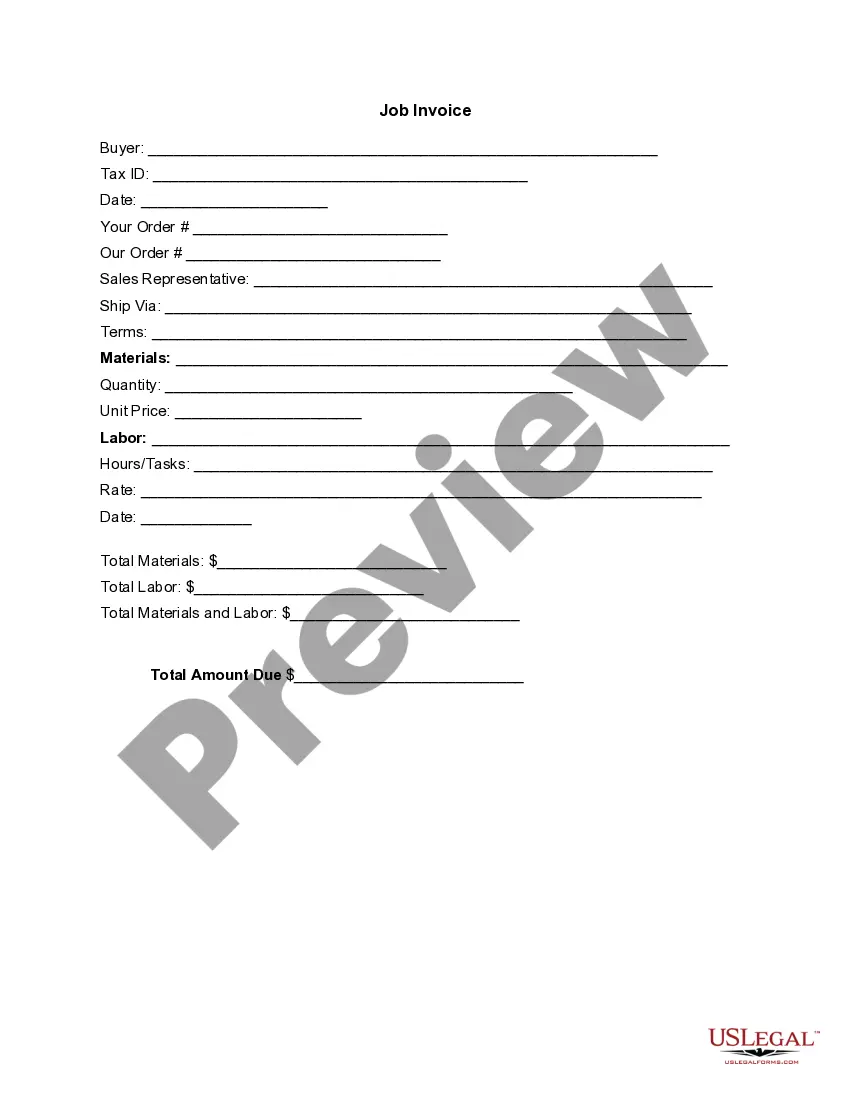
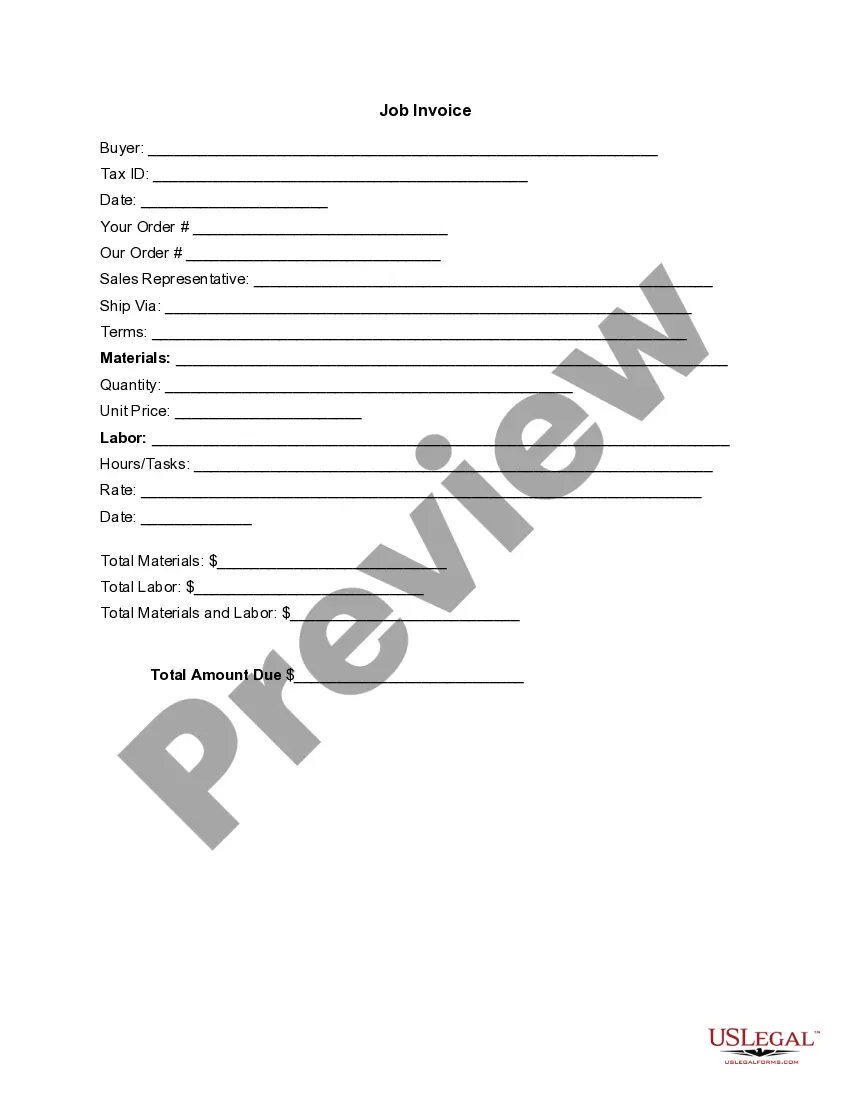
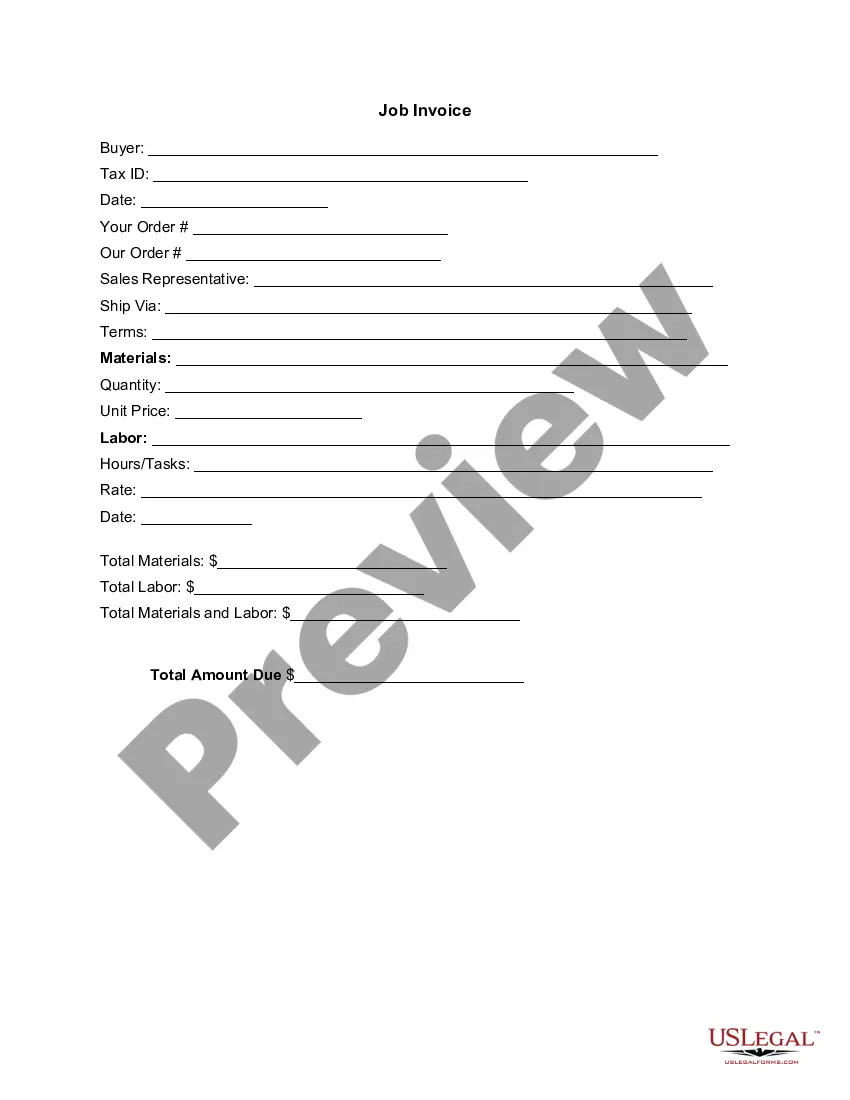
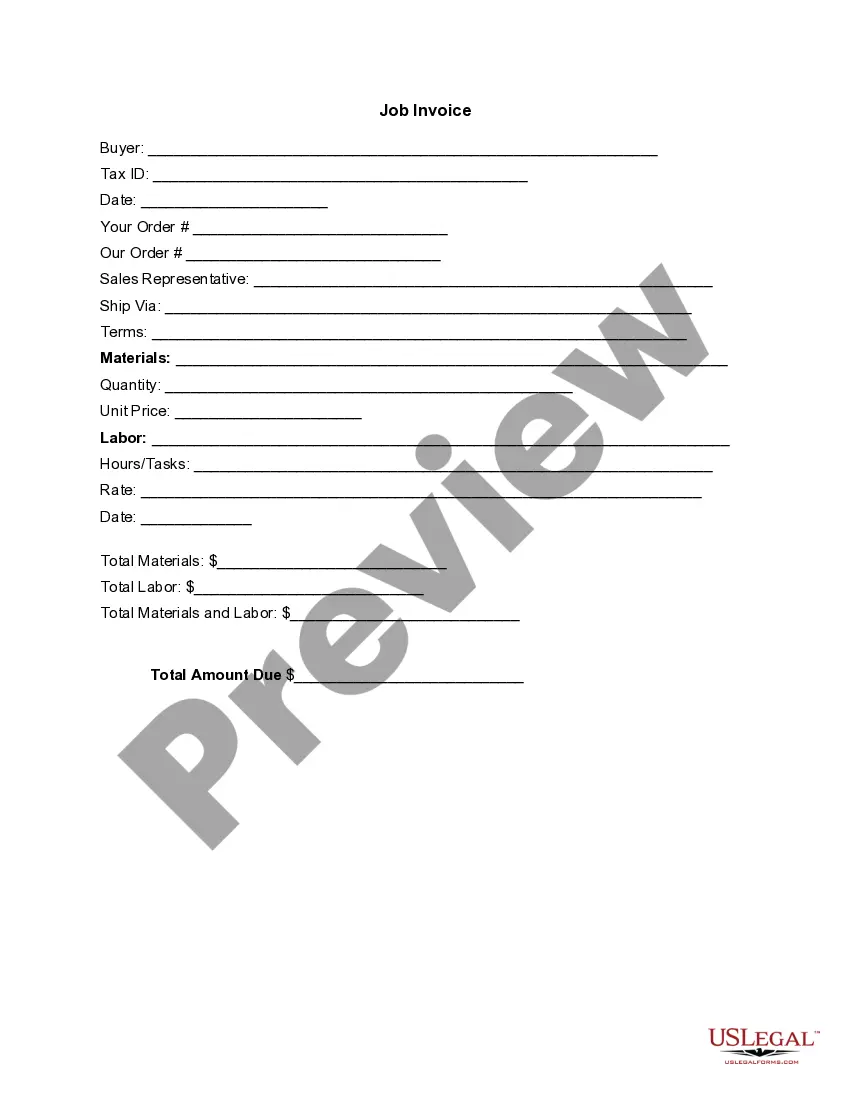
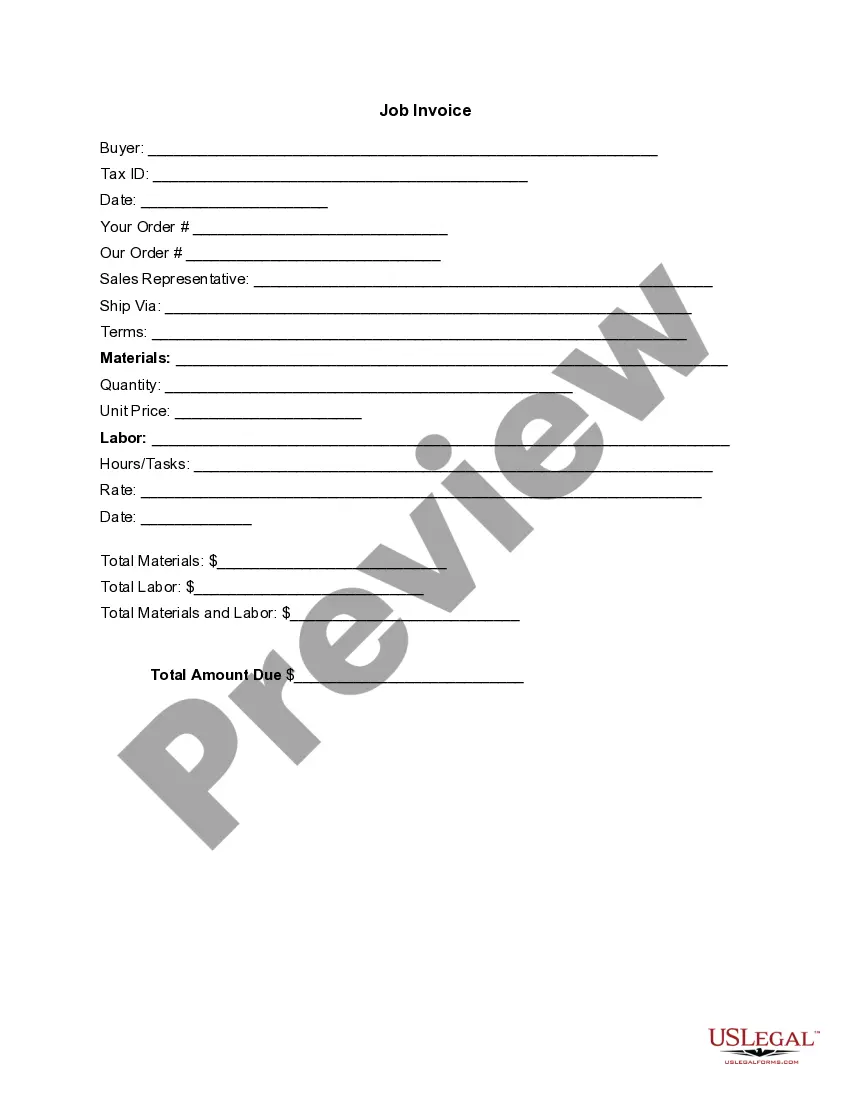
The Invoice Template for Independent Contractor is a structured document that allows independent contractors to provide clients with a detailed account of services rendered or goods provided. This invoice serves the purpose of formalizing requests for payment by itemizing costs associated with each line item, distinguishing it from simpler billing methods. It helps clarify expectations and ensures that both parties are on the same page regarding payment terms and amounts due.
Key parts of this document
- Buyer information, including name and Tax ID
- Date of the invoice
- Detailed listing of materials and labor with quantities and unit prices
- Sales representative and shipping method
- Total amounts due for materials, labor, and the combined total

When to use this document
This form should be used when independent contractors complete a job or provide services to a client. It is particularly useful in freelance work, consulting, or part-time employment where formal payment requests are necessary. Utilizing this invoice template helps maintain professional standards and ensures clear communication regarding payments.
Who can use this document
- Independent contractors offering various services
- Freelancers working in creative, technical, or consulting fields
- Small business owners who provide services to clients
- Individuals seeking to formalize their billing process
Completing this form step by step
- Identify the buyer and enter their information, including name and Tax ID.
- Fill in the date of the invoice and any relevant order numbers.
- List the items being billed under materials, including quantity and unit price.
- Document hours worked or tasks completed, along with their respective rates.
- Calculate totals for materials, labor, and then the overall amount due to ensure transparency.
Notarization guidance
This form does not typically require notarization unless specified by local law. Always check relevant laws in your jurisdiction to ensure compliance.
Get your form ready online
Our built-in tools help you complete, sign, share, and store your documents in one place.
Make edits, fill in missing information, and update formatting in US Legal Forms—just like you would in MS Word.
Download a copy, print it, send it by email, or mail it via USPS—whatever works best for your next step.
Sign and collect signatures with our SignNow integration. Send to multiple recipients, set reminders, and more. Go Premium to unlock E-Sign.
If this form requires notarization, complete it online through a secure video call—no need to meet a notary in person or wait for an appointment.
We protect your documents and personal data by following strict security and privacy standards.

Make edits, fill in missing information, and update formatting in US Legal Forms—just like you would in MS Word.

Download a copy, print it, send it by email, or mail it via USPS—whatever works best for your next step.

Sign and collect signatures with our SignNow integration. Send to multiple recipients, set reminders, and more. Go Premium to unlock E-Sign.

If this form requires notarization, complete it online through a secure video call—no need to meet a notary in person or wait for an appointment.

We protect your documents and personal data by following strict security and privacy standards.
Common mistakes
- Not including all necessary buyer information, which can delay payments.
- Failing to itemize services or goods clearly, leading to confusion.
- Neglecting to calculate totals correctly, which can lead to disputes.
- Omitting payment terms, which may result in delayed payments.
Advantages of online completion
- Immediate access to a customizable template that can be edited as needed.
- Availability for download and use at any time, increasing efficiency.
- A professionally drafted format that enhances credibility.
- Elimination of physical paperwork, allowing for easy tracking and recordkeeping.
Looking for another form?



Form popularity
FAQ
Your invoice should generally include the following: Service details: Be as clear as possible when describing the product or service you're providing. Service Date: Including a service date is optional, but if you decide to note it, this would be the date you performed the contractor service. Description: Be specific.
Your company/trading name, VAT number (if applicable), address and contact info. Your customer's company/trading name, address and contact info. A unique invoice number. The date of the invoice. A description of what you are charging for.
Download the Square Invoices app on your iOS or Android device. Create your free Square account or sign in with your existing Square account. Tap the '+' sign on the navigation bar and select 'Invoice'.When your clients receive the invoice in their email, they can pay you securely online.
Identify the Document as an Invoice. Include Your Business Information. Add the Client's Contact Details. Assign a Unique Invoice Number. Add the Invoice Date. Provide Details of Your Services. Include Your Payment Terms. List the Total Amount Due.
Your company/trading name, VAT number (if applicable), address and contact info. Your customer's company/trading name, address and contact info. A unique invoice number. The date of the invoice. A description of what you are charging for.
Identify the Document as an Invoice. Include Your Business Information. Add the Client's Contact Details. Assign a Unique Invoice Number. Add the Invoice Date. Provide Details of Your Services. Include Your Payment Terms. List the Total Amount Due.
Your name or the name of your company. Your client's name. Invoice number and/or work order number. The date or duration you're providing your services. For labor costs, a description of your services rendered. For flat rate: Dollar amount for cost of labor.