Invoice with sales tax
What is this form?
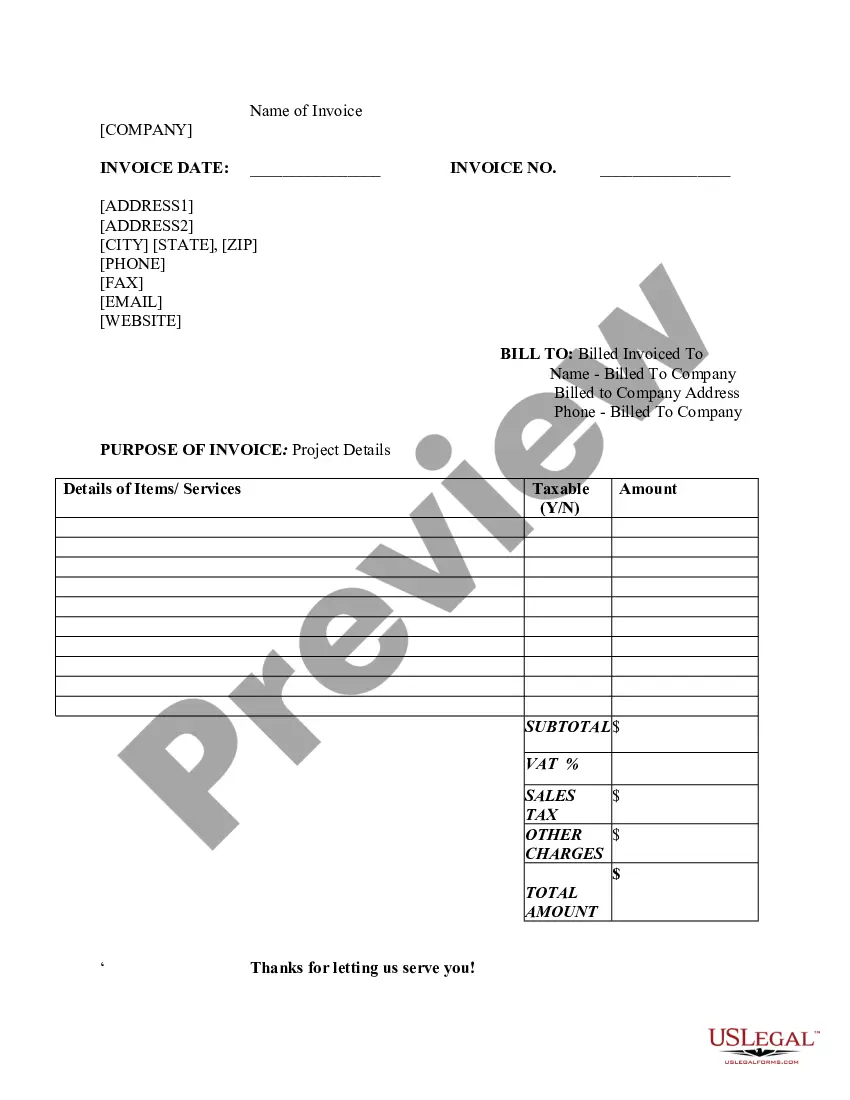
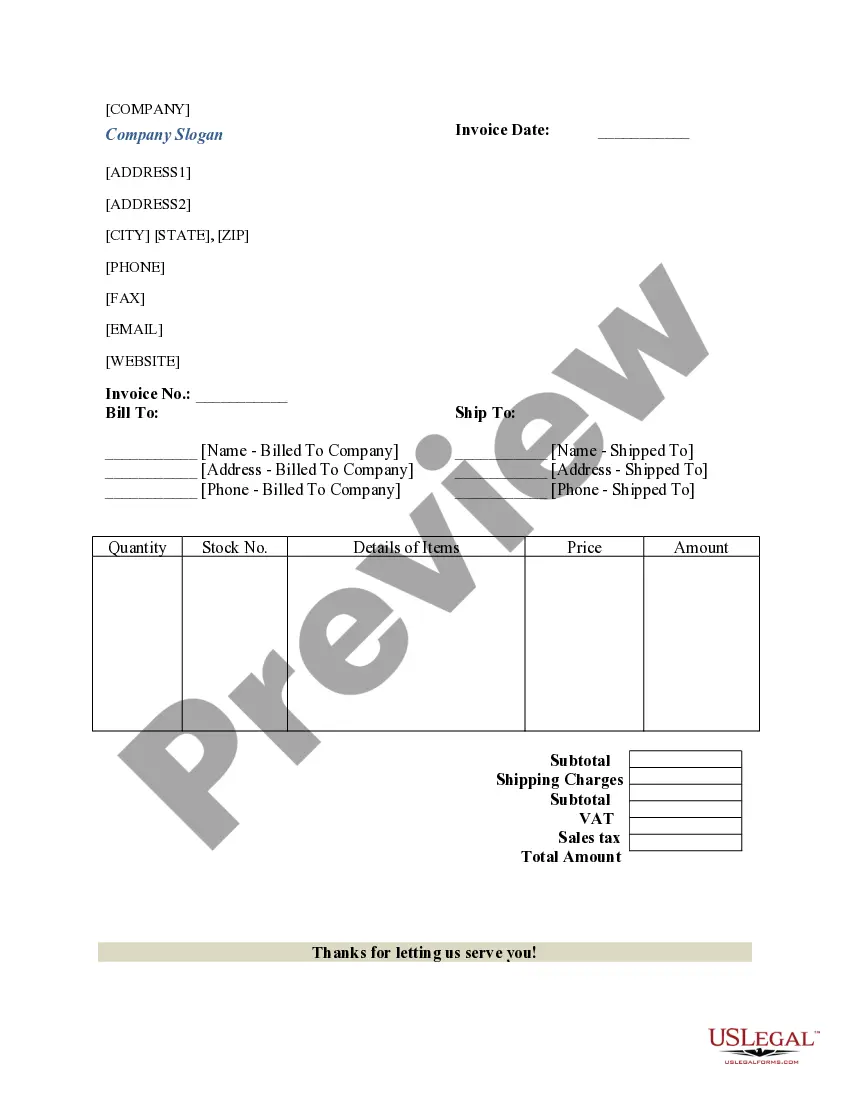
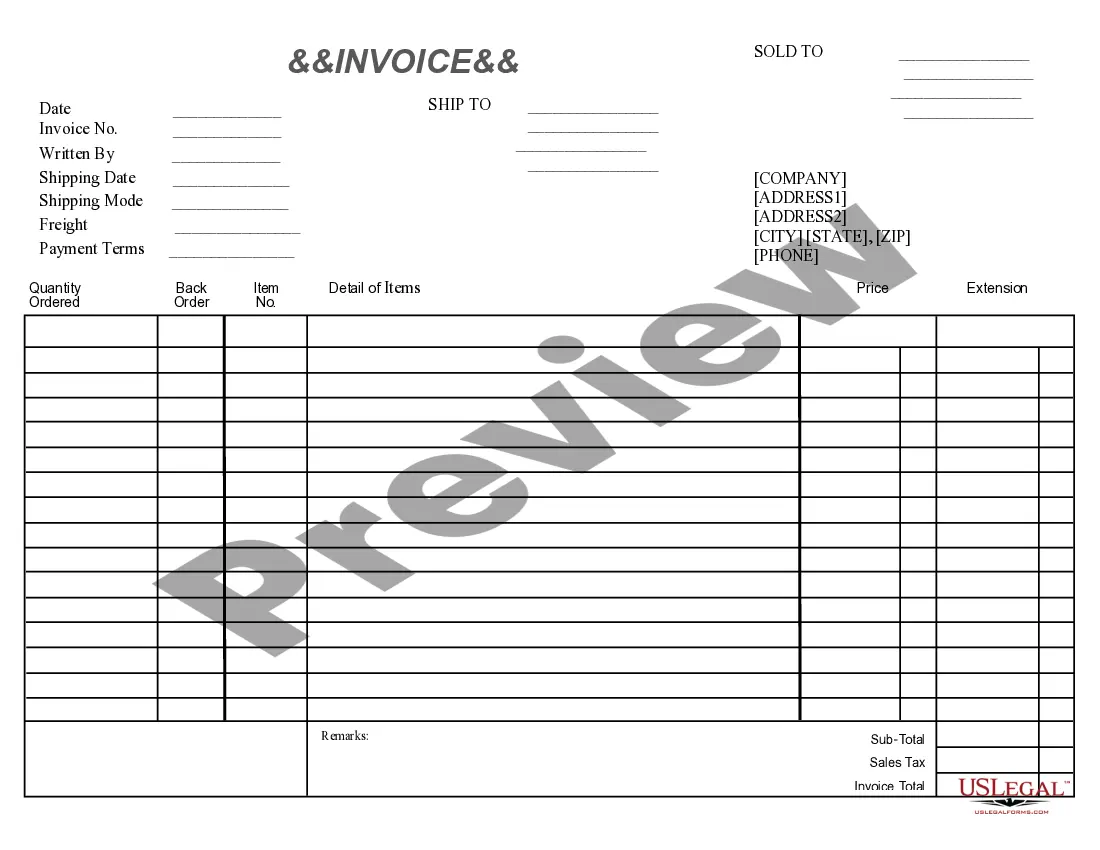
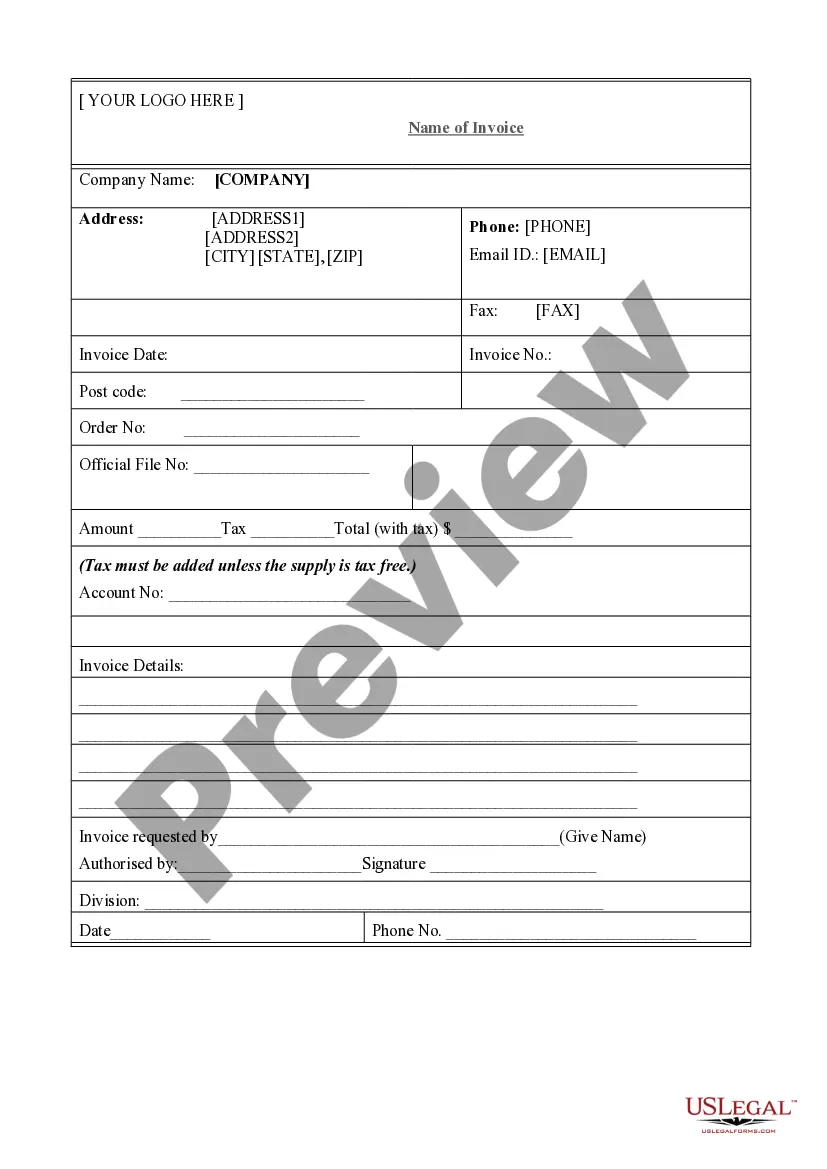
An invoice with sales tax is a detailed document that outlines items sold and the total amount due, including applicable taxes. It serves as a formal request for payment from a buyer to a seller and is commonly referred to as a bill. This specific form is crucial in business transactions where sales tax is applicable, as it ensures compliance with tax laws and maintains clear records for both parties involved.
What’s included in this form
- Company details: Includes the seller's name and contact information.
- Invoice date: The date when the invoice is issued.
- Invoice number: A unique identifier for the invoice.
- Billing address: The address of the buyer receiving the invoice.
- Project details: A description of the items or services provided.
- Taxable status: A field to indicate whether each item is subject to sales tax.
- Amounts: Includes subtotals, sales tax, and total amount due.


When to use this document
This form should be used whenever goods or services are sold that require sales tax to be collected. Businesses often utilize it in transactions with customers where they need to detail the items sold, calculate the applicable taxes, and formally request payment. It is essential for maintaining accurate bookkeeping and ensuring compliance with tax regulations.
Who can use this document
- Small business owners who sell goods or services.
- Freelancers needing to bill clients for services provided.
- Retailers selling taxable items.
- Service providers that require payment and need to document their charges.
Completing this form step by step
- Identify the company details by entering your business name and contact information.
- Fill in the invoice date and assign a unique invoice number.
- Enter the billing information for the recipient, including their name and address.
- Detail the items or services rendered, indicating if they are taxable.
- Calculate the subtotal, sales tax, and any additional charges to determine the total amount due.
Does this form need to be notarized?
In most cases, this form does not require notarization. However, some jurisdictions or signing circumstances might. US Legal Forms offers online notarization powered by Notarize, accessible 24/7 for a quick, remote process.
Get your form ready online
Our built-in tools help you complete, sign, share, and store your documents in one place.
Make edits, fill in missing information, and update formatting in US Legal Forms—just like you would in MS Word.
Download a copy, print it, send it by email, or mail it via USPS—whatever works best for your next step.
Sign and collect signatures with our SignNow integration. Send to multiple recipients, set reminders, and more. Go Premium to unlock E-Sign.
If this form requires notarization, complete it online through a secure video call—no need to meet a notary in person or wait for an appointment.
We protect your documents and personal data by following strict security and privacy standards.

Make edits, fill in missing information, and update formatting in US Legal Forms—just like you would in MS Word.

Download a copy, print it, send it by email, or mail it via USPS—whatever works best for your next step.

Sign and collect signatures with our SignNow integration. Send to multiple recipients, set reminders, and more. Go Premium to unlock E-Sign.

If this form requires notarization, complete it online through a secure video call—no need to meet a notary in person or wait for an appointment.

We protect your documents and personal data by following strict security and privacy standards.
Avoid these common issues
- Forgetting to include sales tax calculations.
- Not providing a unique invoice number, which can lead to confusion.
- Missing the invoice date, which can affect payment timelines.
- Neglecting to clarify which items are taxable.
Advantages of online completion
- Immediate access to professionally drafted templates.
- Ability to customize your invoice for different clients and services.
- Facilitates accurate calculations for sales tax automatically.
- Easy to download and store electronically for record-keeping.
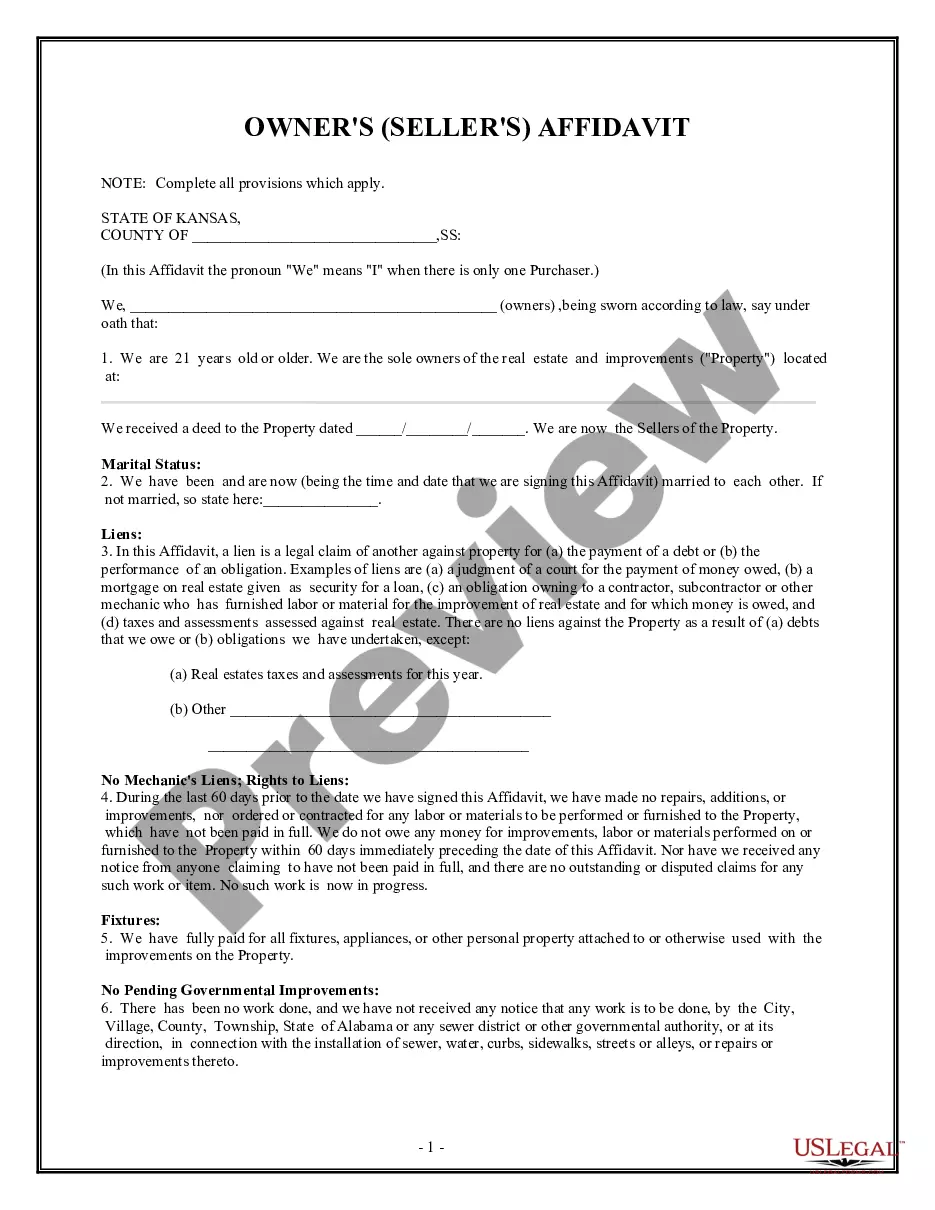
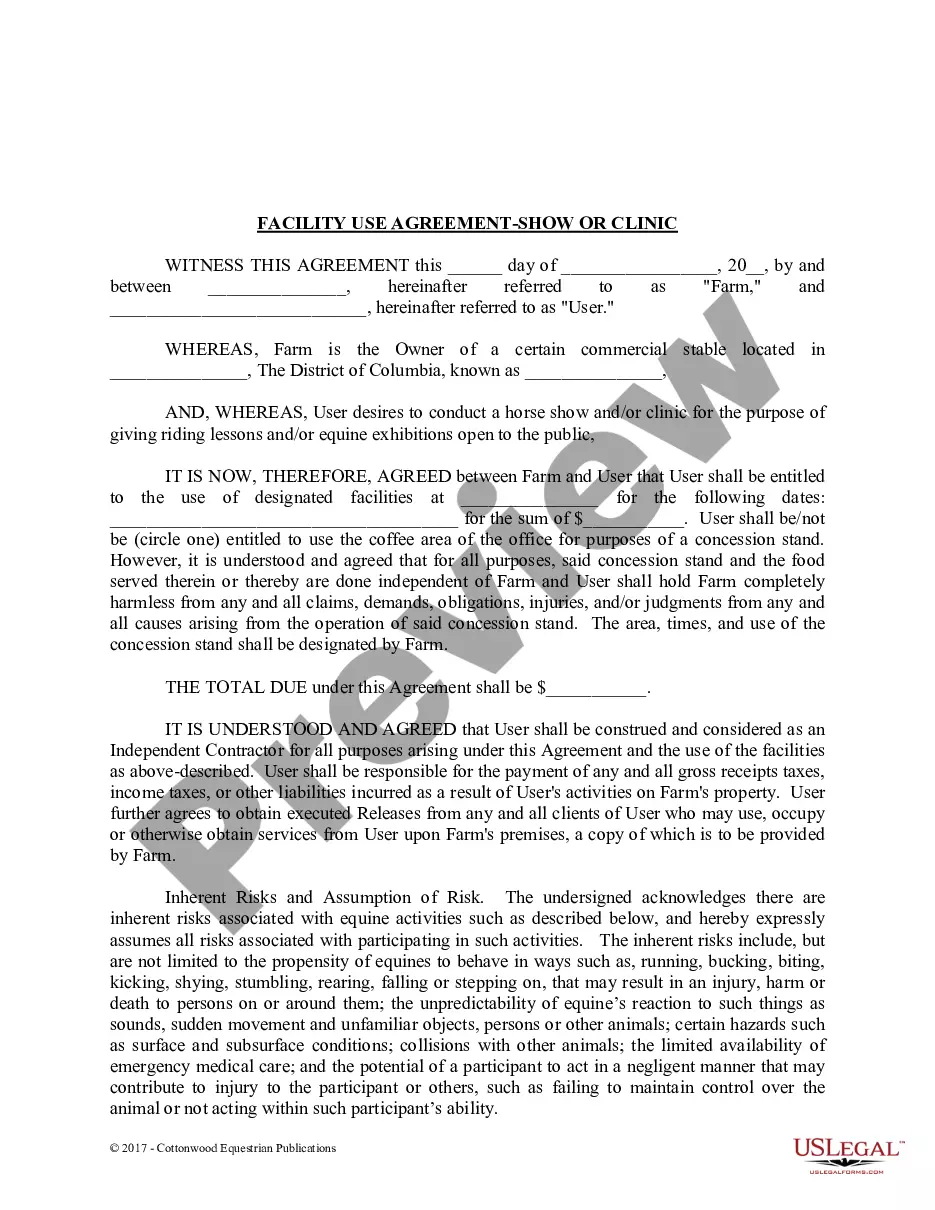
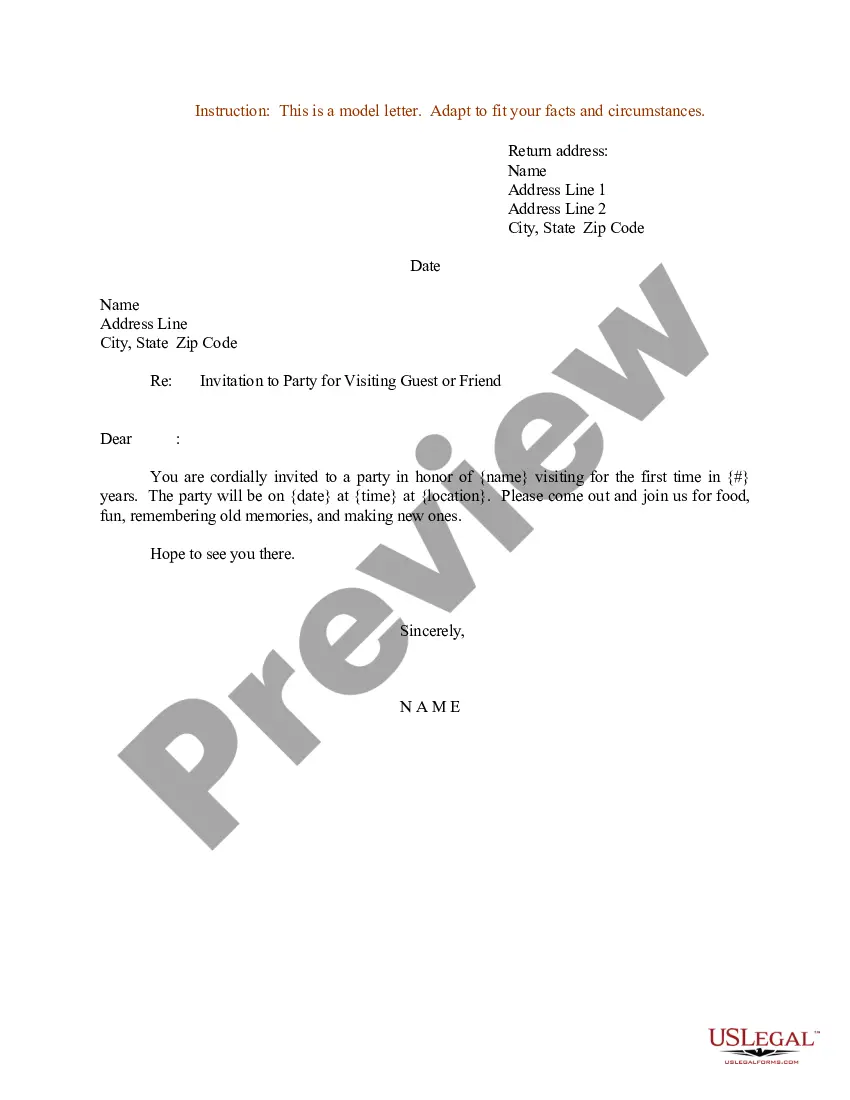
Looking for another form?

Form popularity
FAQ
The seller must file a sales tax report and remit the sales taxes it had collected. Basically, the company making the sale and collecting the sales taxes is an agent for the state and local government. Therefore, the sales taxes collected are not part of the seller's sales or revenues.
If the invoice represents a bill of sale?and, as a result, is subject to sales tax?then yes, you will need to include taxes. The first line of the invoice should include the total charges, including all services and goods that have been rendered.
Tax invoices - If you're registered for GST, you're usually required to provide tax invoices. Regular invoices - If you run a business that is not registered for goods and services tax (GST), your invoices won't include a tax component. These are called regular invoices. They should not include the words 'tax invoice'.
To record received sales tax from customers, debit your Cash account, and credit your Sales Revenue and Sales Tax Payable accounts. When you remit the sales tax to the government, you can reverse your initial journal entry. To do this, debit your Sales Tax Payable account and credit your Cash account.
Tax invoices - If you're registered for GST, you're usually required to provide tax invoices. Regular invoices - If you run a business that is not registered for goods and services tax (GST), your invoices won't include a tax component. These are called regular invoices. They should not include the words 'tax invoice'.
What tax rate do I use? The current standard California statewide sales and use tax rate is 7.25 percent. However, the sales and use tax rate is not the same throughout California. Total sales and use tax rates are higher in areas where there are voter-approved district taxes.
How do you add tax to estimates and invoices? Go to Edit, then Preferences. Click Sales Tax, then Company Preferences. Click Add sales tax item. Under Type, choose Sales Tax Item. Then, type the Sales Tax Name, Description, Tax Rate (%), and the Tax Agency (vendor that you collect for). Click OK.