Employment Application for Website Developer
About this form
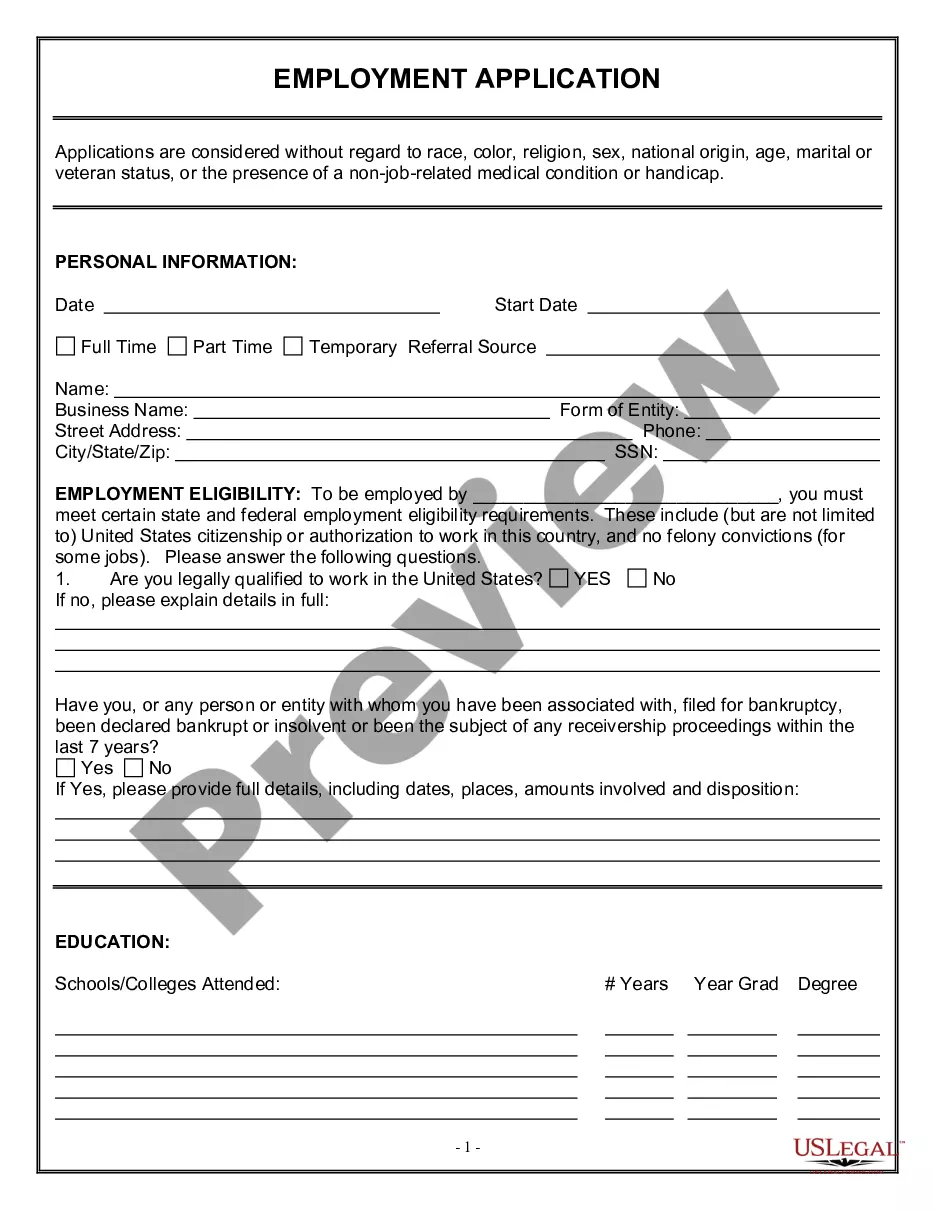
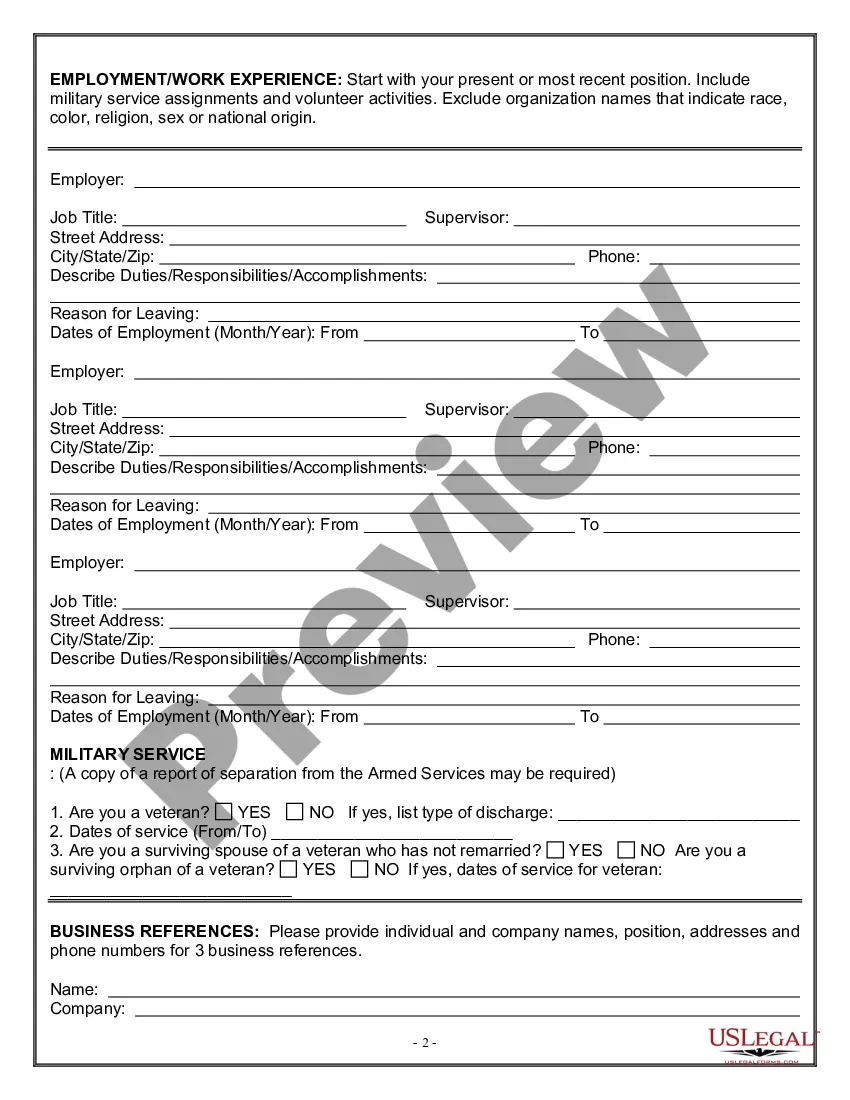
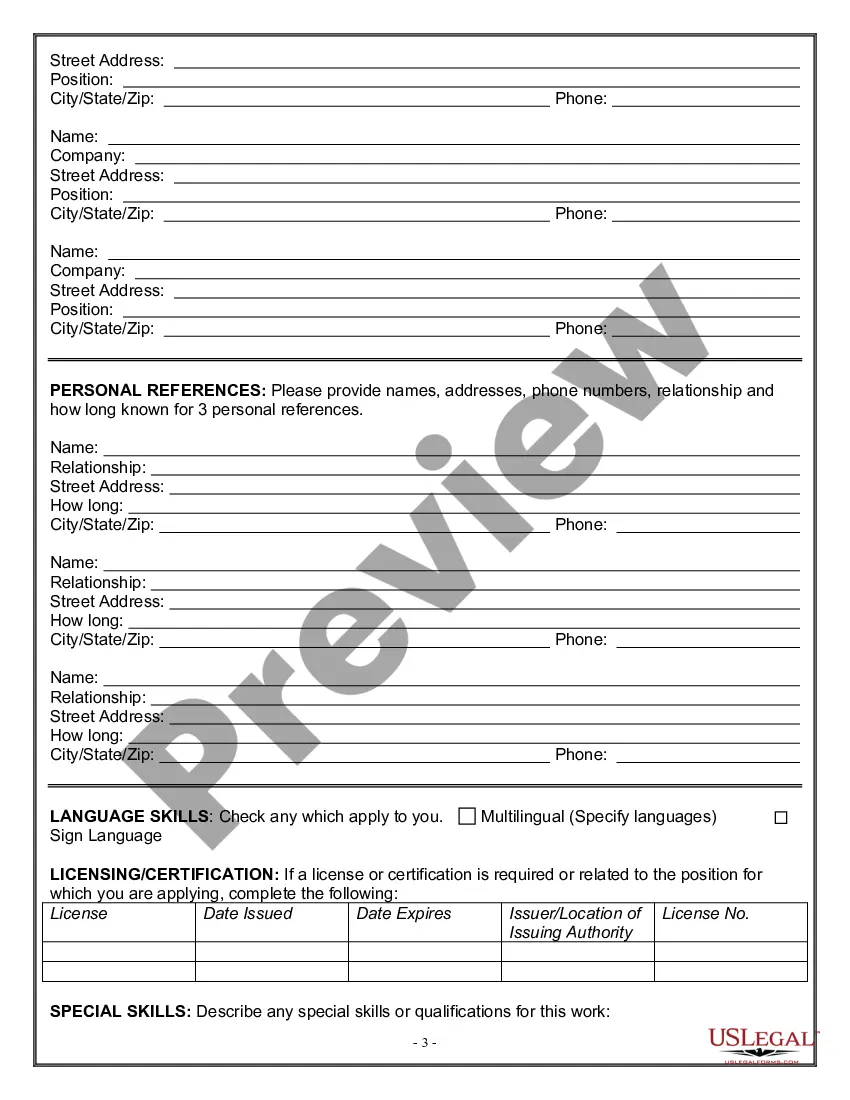
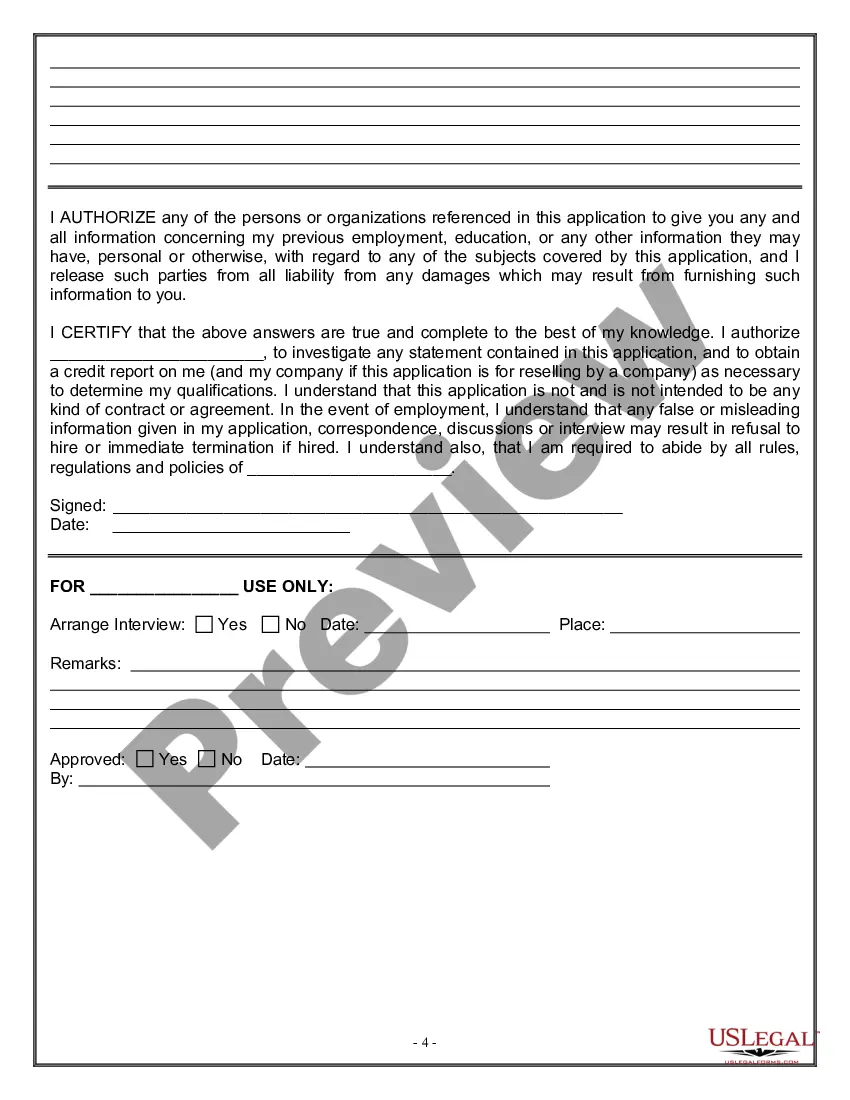
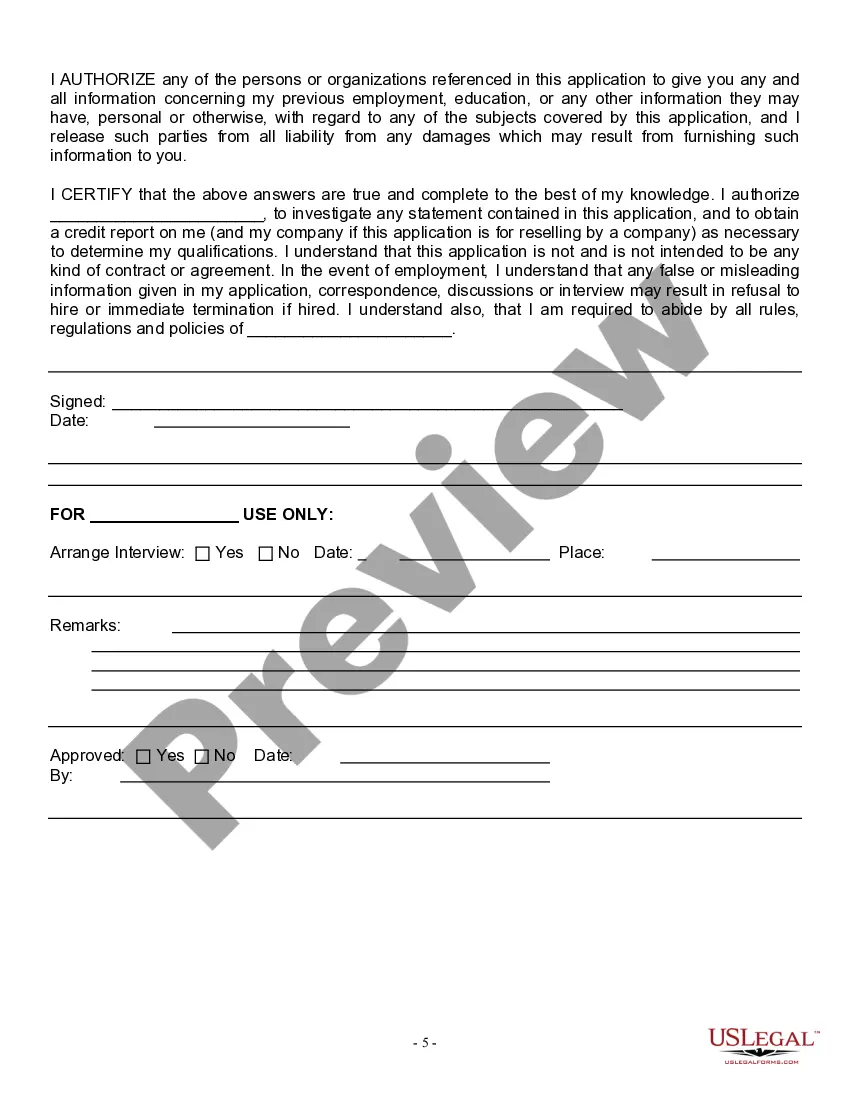
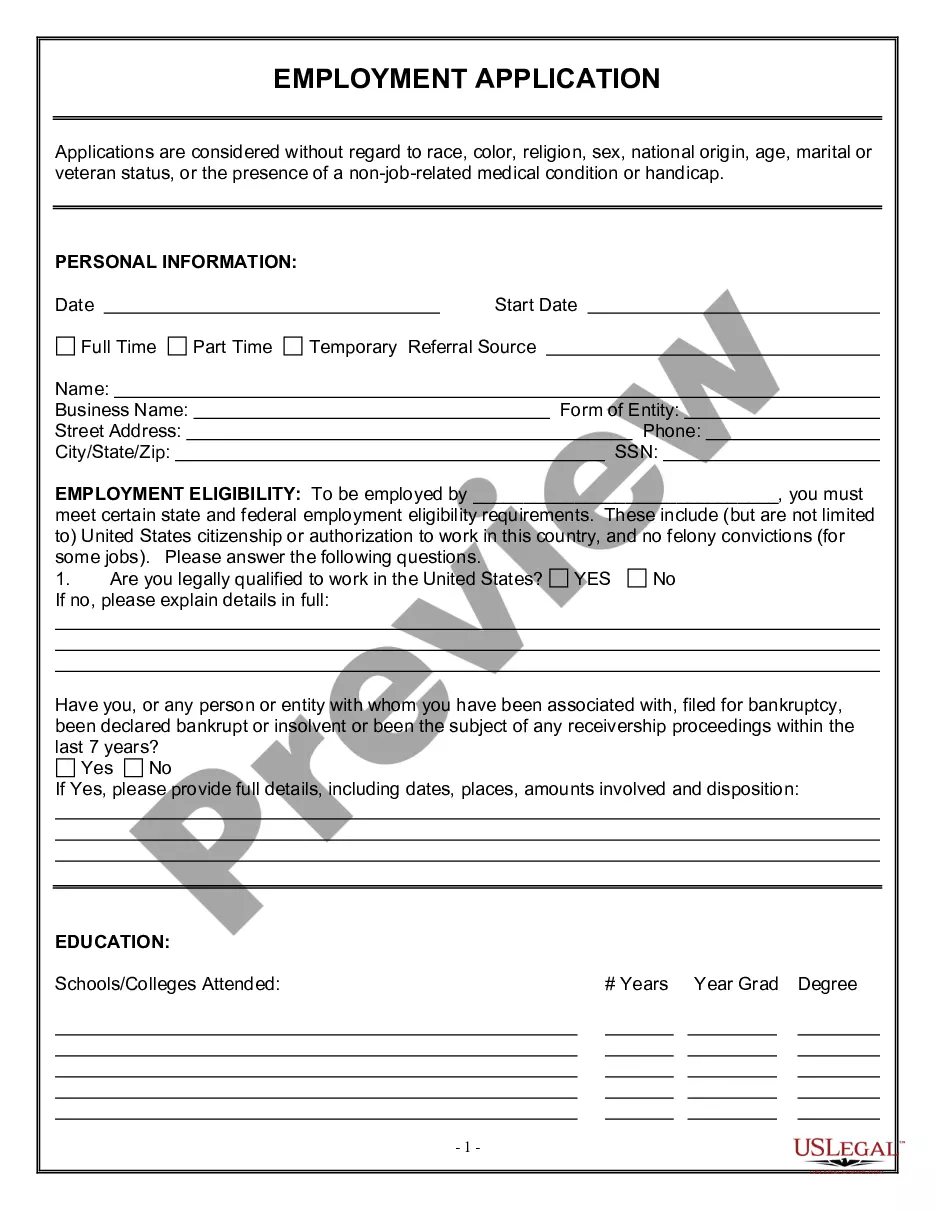
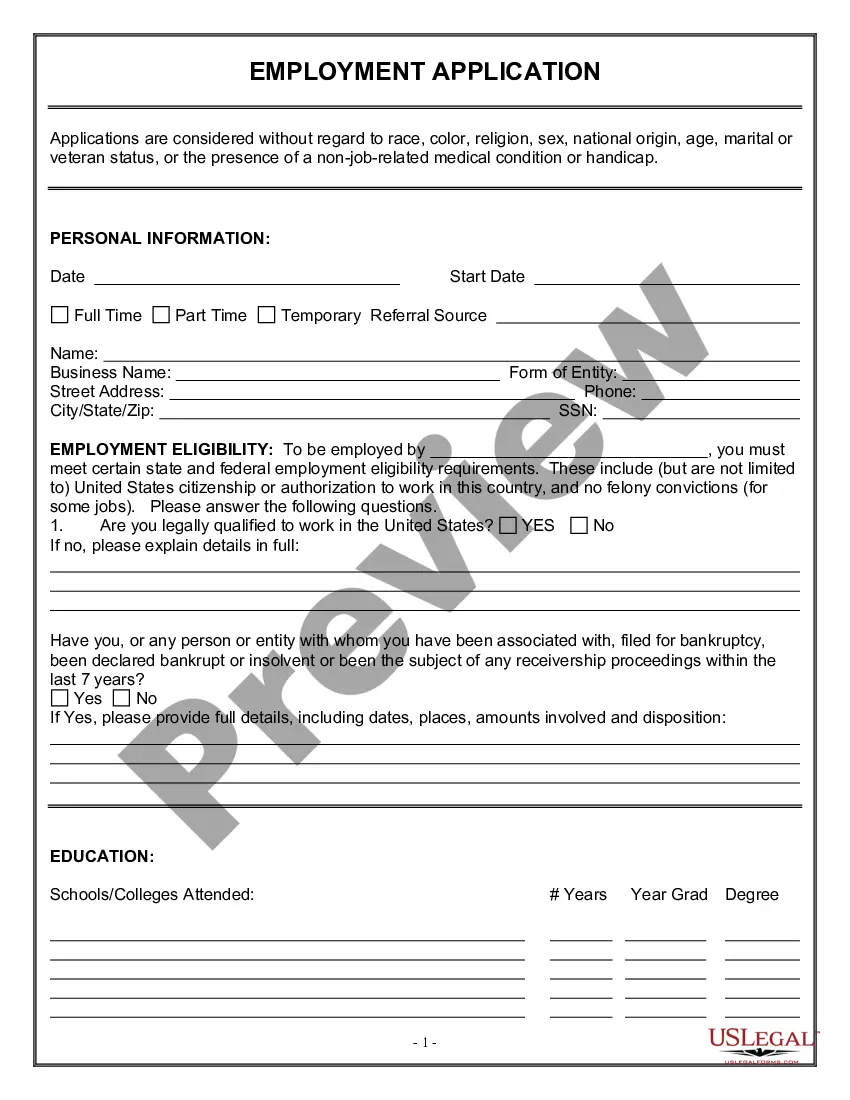
The Employment Application for Website Developer is a legally recognized document used by employers to collect personal and professional information from candidates applying for the position of website developer. This form ensures that applications are evaluated fairly, without discrimination based on race, color, religion, sex, national origin, age, marital or veteran status, or any other non-job-related medical conditions. It serves as a crucial initial step in the hiring process, distinguishing it from similar forms by focusing specifically on technical qualifications and experiences relevant to website development roles.
Key components of this form
- Personal information section to verify legal work eligibility.
- Questions regarding military service and veteran status.
- Declarations of non-discriminatory practices by the employer.


When this form is needed
This form should be utilized during the recruitment process for website developer positions. Employers may use it to gather essential details about candidates' qualifications, work eligibility, and any veteran connections that may provide opportunities under veteran employment policies. It serves as a standard application tool to facilitate a consistent and fair hiring process.
Who needs this form
This form is intended for:
- Employers seeking to fill website developer positions.
- Candidates applying for a website developer job.
- Recruiters and human resource professionals involved in the hiring process.
Completing this form step by step
- Fill out your personal information, indicating your legal eligibility to work in the U.S.
- Specify relevant dates of service if you are a veteran or a surviving spouse/orphan of a veteran.
- Answer all questions honestly, particularly regarding legal qualifications and veteran status.
Notarization guidance
This form does not typically require notarization unless specified by local law. Ensure you verify any specific requirements in your state.
Get your form ready online
Our built-in tools help you complete, sign, share, and store your documents in one place.
Make edits, fill in missing information, and update formatting in US Legal Forms—just like you would in MS Word.
Download a copy, print it, send it by email, or mail it via USPS—whatever works best for your next step.
Sign and collect signatures with our SignNow integration. Send to multiple recipients, set reminders, and more. Go Premium to unlock E-Sign.
If this form requires notarization, complete it online through a secure video call—no need to meet a notary in person or wait for an appointment.
We protect your documents and personal data by following strict security and privacy standards.

Make edits, fill in missing information, and update formatting in US Legal Forms—just like you would in MS Word.

Download a copy, print it, send it by email, or mail it via USPS—whatever works best for your next step.

Sign and collect signatures with our SignNow integration. Send to multiple recipients, set reminders, and more. Go Premium to unlock E-Sign.

If this form requires notarization, complete it online through a secure video call—no need to meet a notary in person or wait for an appointment.

We protect your documents and personal data by following strict security and privacy standards.
Common mistakes to avoid
- Providing incomplete or inaccurate personal information.
- Failing to disclose military service when relevant.
- Not answering all questions, which may result in disqualification.
Why use this form online
- Easy access to the form from any device, allowing candidates to apply anytime.
- Editable templates enable users to customize their applications efficiently.
- Secure and reliable options for storing completed applications digitally.
Legal use & context
- Employers must comply with federal and state anti-discrimination laws when using this form.
- Information collected is subject to confidentiality and privacy laws.
- The form serves as a foundation for potential employment contracts and background checks.
Summary of main points
- The Employment Application for Website Developer helps standardize the hiring process.
- It is essential for gathering vital information from candidates while ensuring nondiscrimination.
- Completing the form accurately and fully is critical for a successful application process.
Looking for another form?
Form popularity
FAQ
Research and Visualize. Learn the Skills. Add to your Portfolio and Gain Experience. Be Part of a Community. Think Like a Recruiter. The Opportunity is Yours.
Open your GoDaddy editor. Reach the page you want to insert the form on. And click on the Add Section. Select the HTML and Add it to your site. Paste your embed code into the Custom Code field and click Done.
Have a portfolio ready. Have some references ready. Show your non-technical skills. Make sure you understand the basic concepts for interviews. Be willing to shotgun applications.
What You Need to Apply. Sihuo0860371 / iStockPhoto. Get Your Resume Ready. Peter Dazeley / Photographer's Choice / Getty Images. Know Your Employment History. Review Sample Job Application Forms. Create Accounts on Job Sites. Post Your Resume or a Candidate Profile Online. Use Job Search Keywords. Search for Jobs Online.
Not all jobs take equal time to learn them. For the front-end development jobs, you should start applying as soon as you learn HTML, CSS, and JavaScript and have a few real websites built with them.
Is it hard to get a job as a web developer? Yes, it is hard to get a job if you're trying to get hired through job advertisements. You're comparing yourself with thousands of other people, which is why it's hard! Besides applying for jobs through advertisements, try talking to people and sharing what you've built.
Create a Job Application Form in WordPress. Customize Your Job Application Form. Enable Conditional Logic. Configure Your Form Settings. Customize Your Job Application Form's Notifications. Configure Your Form's Confirmations. Add Your Job Application Form to Your Website.
Click on New Form and select the blank option. Use the panel on the left to drag and drop the fields that you need on the form. Once you are done with building your questions and structuring your form layout, customize its design by going to Edit 2192 Theme.
Applicant's legal and preferred name. Applicant's address. Applicant's contact information (phone number, email, etc.) Position they are applying for. Instructions on how to fill out the form. Job description. Education. Work history.