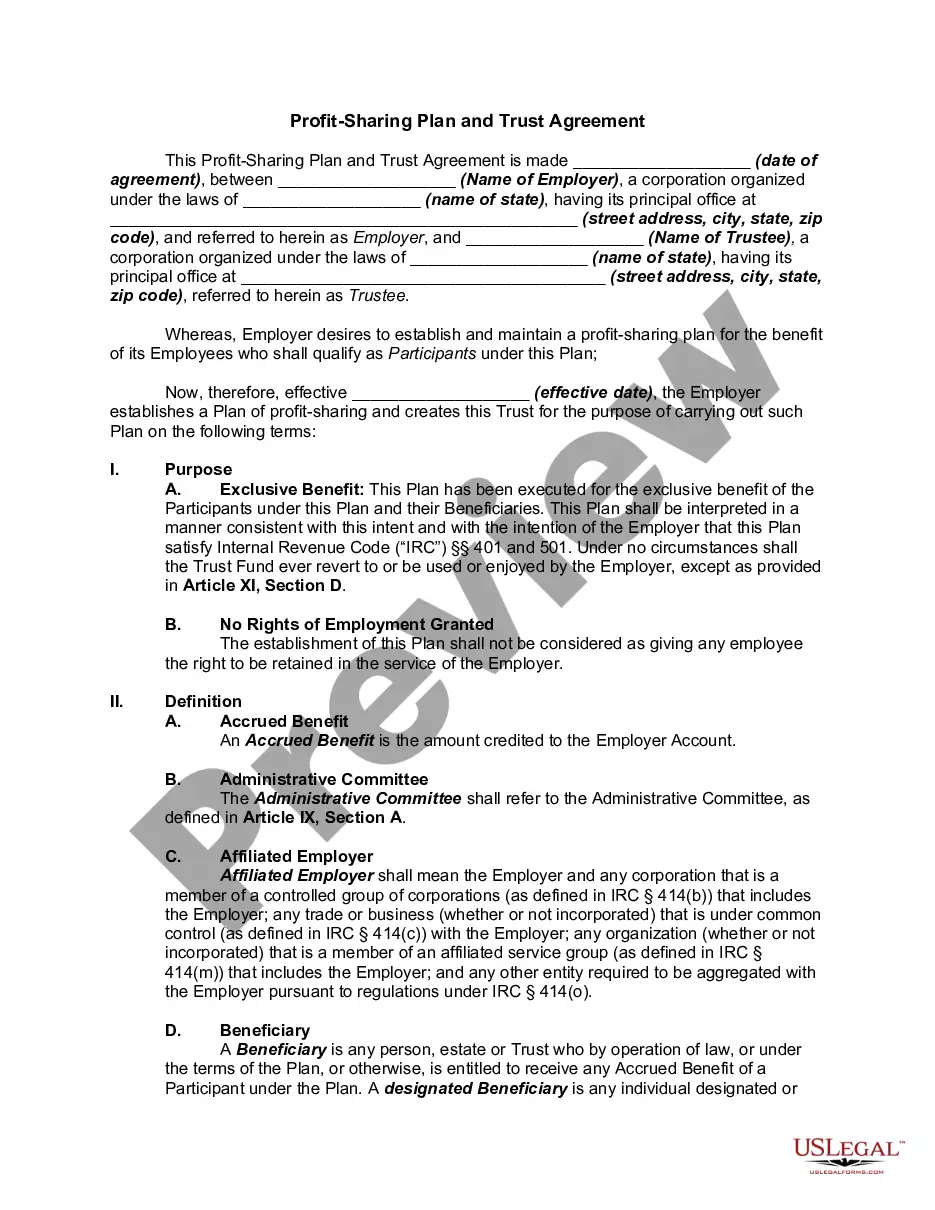
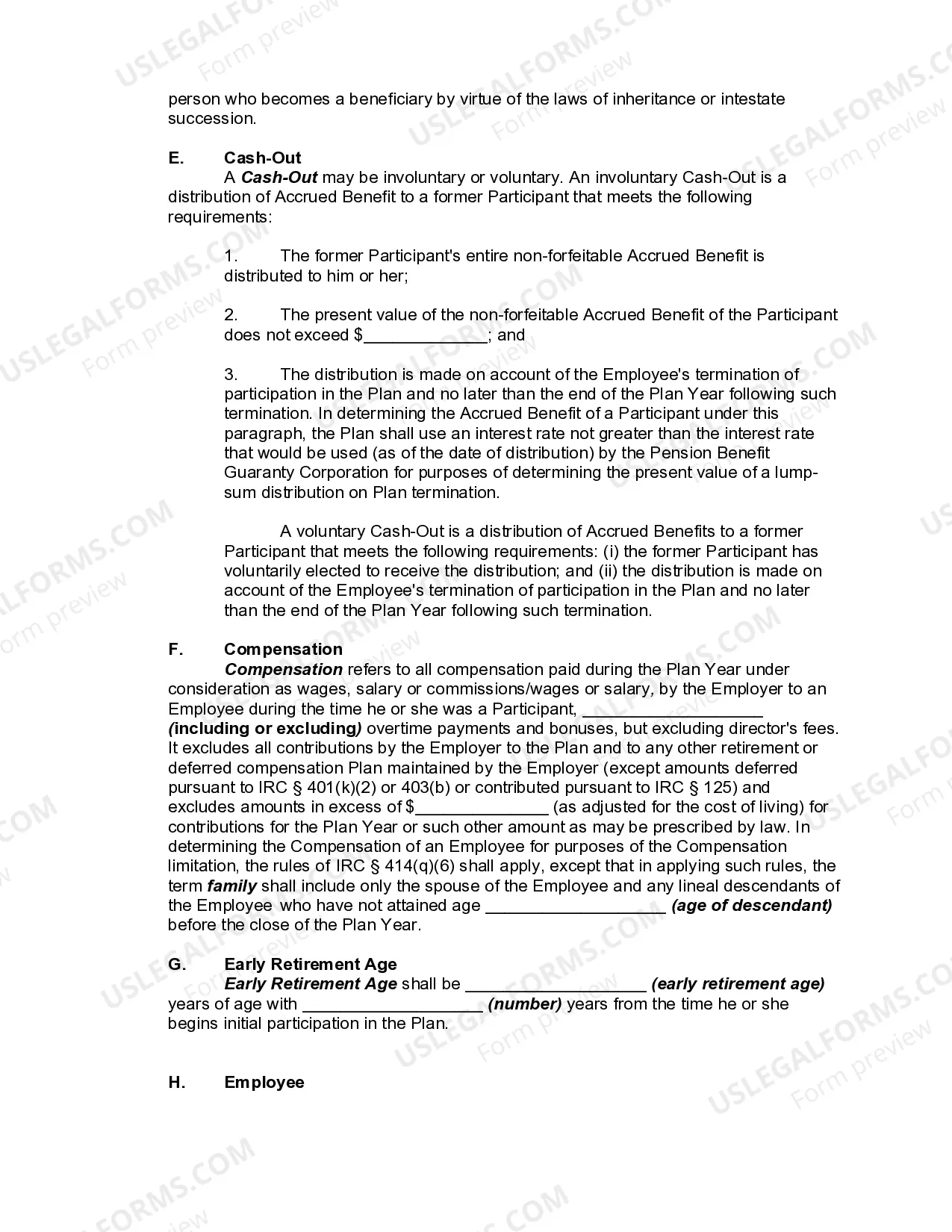
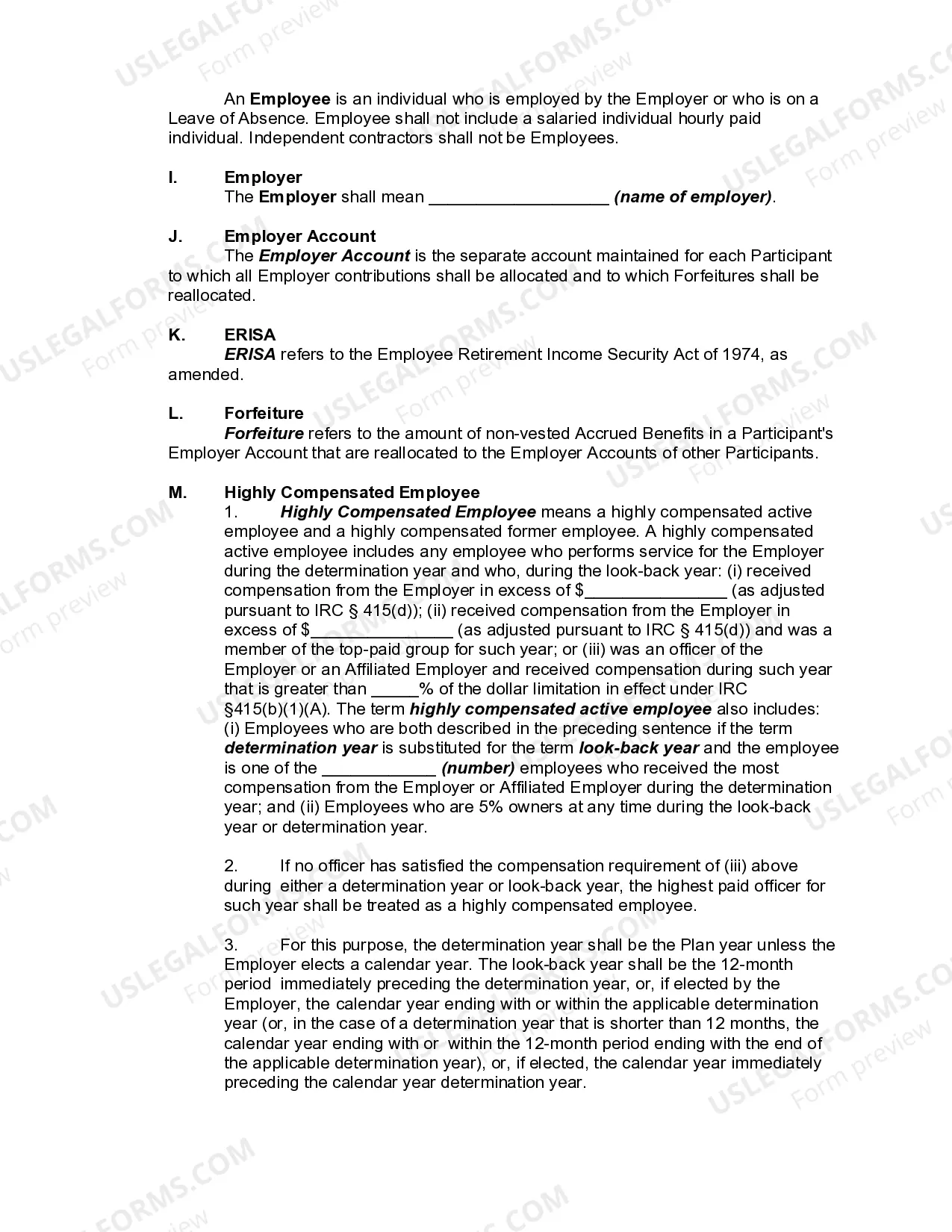
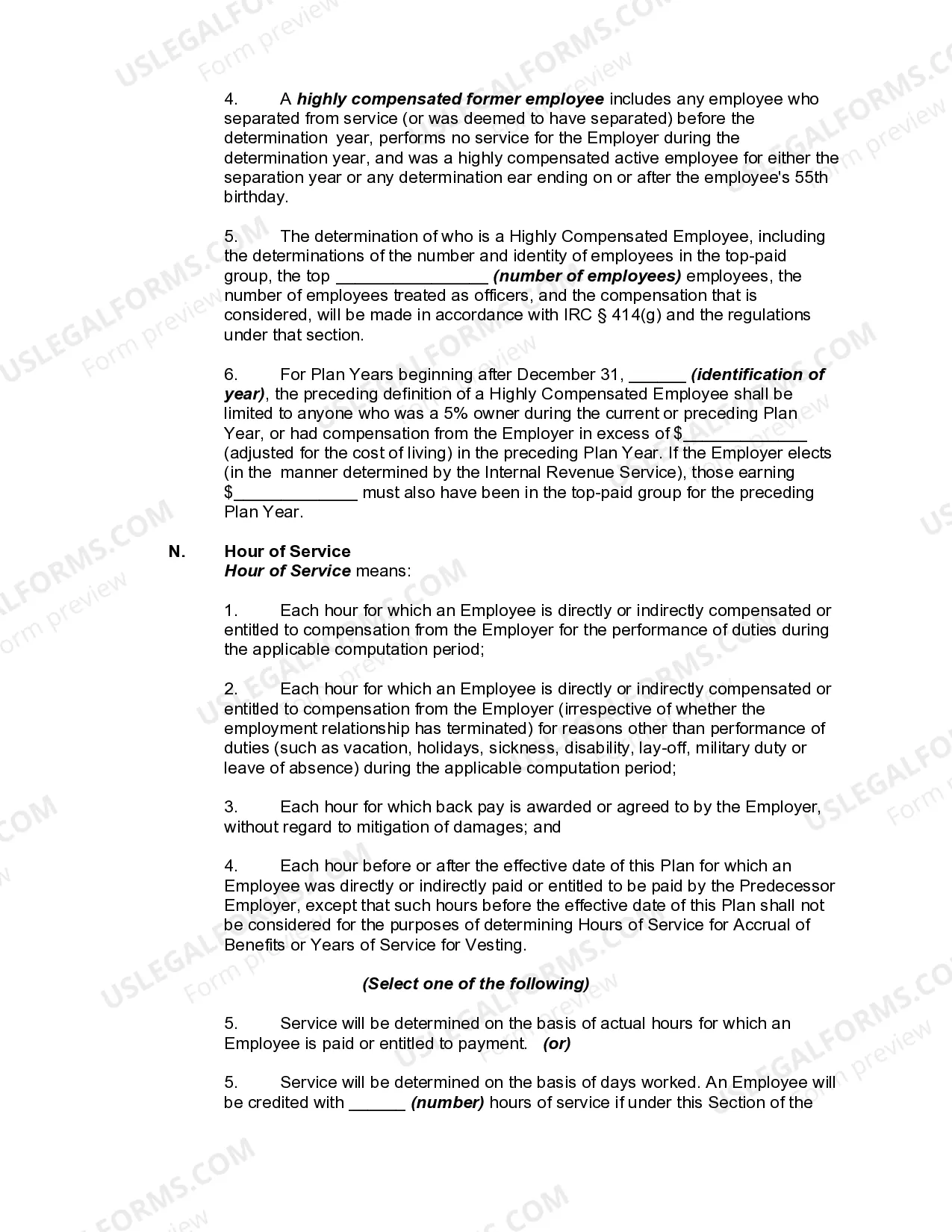
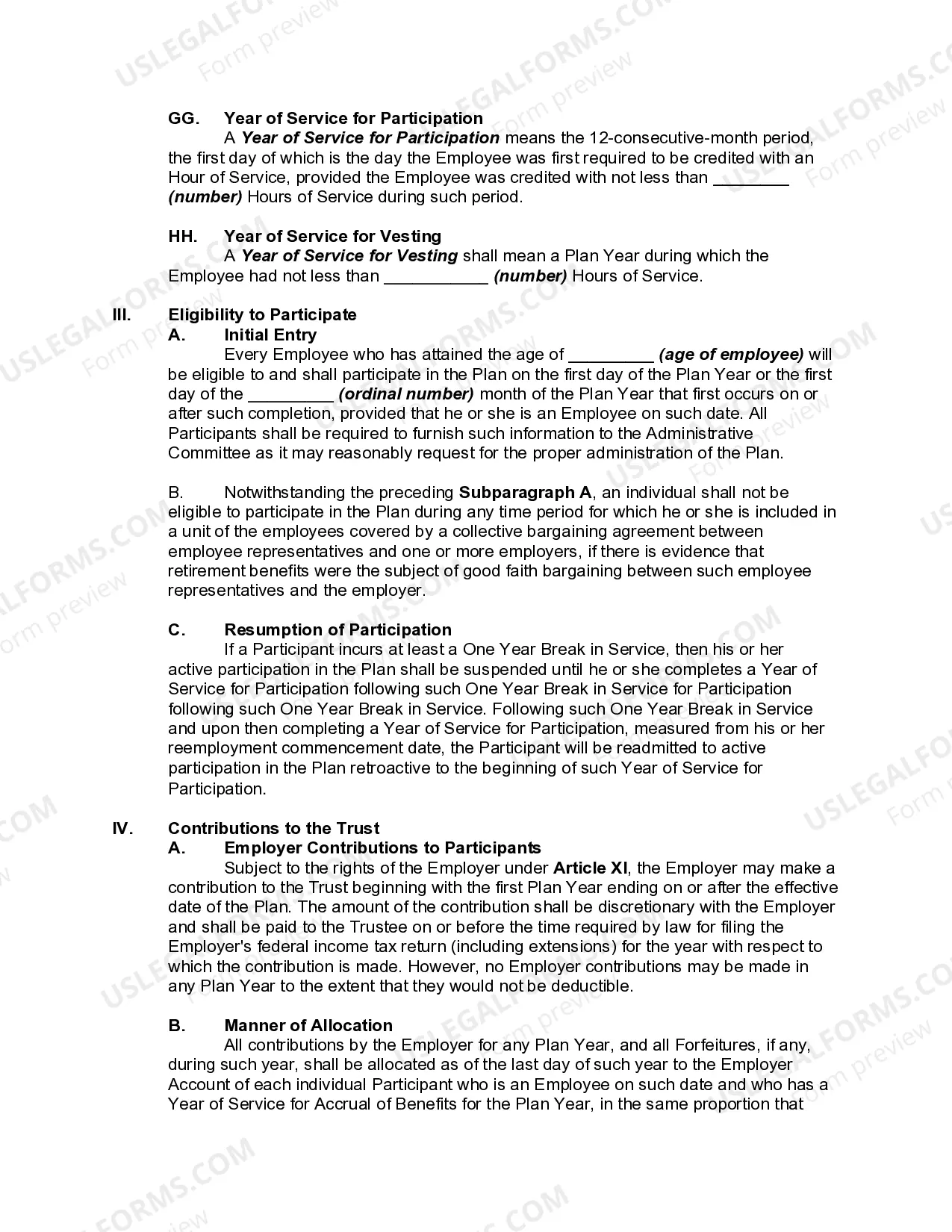
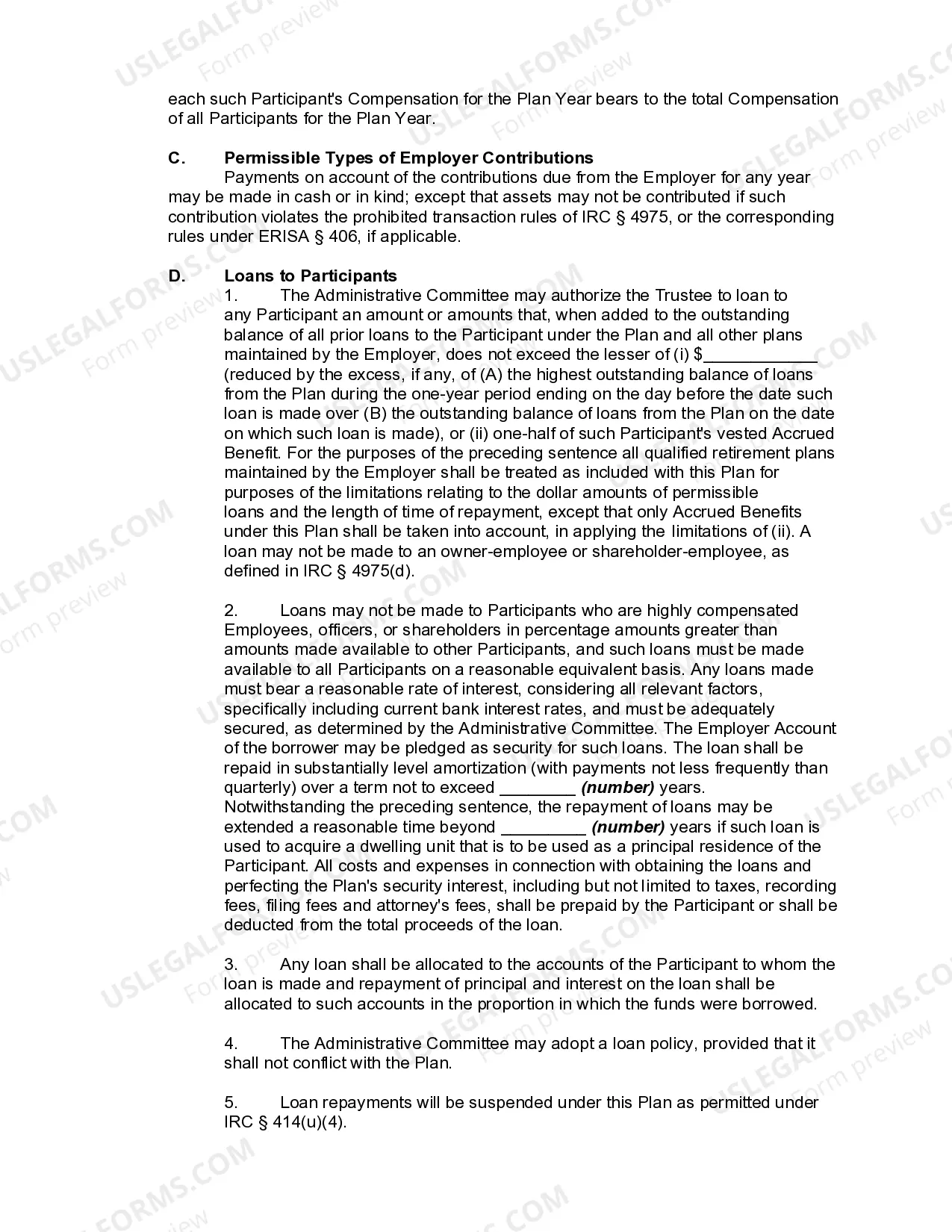
A profit-sharing plan is a defined-contribution plan established and maintained by an employer to provide for the participation in profits by employees and their beneficiaries. The plan must provide a definite predetermined formula for allocating the contributions made to the plan among the participants and for distributing the funds accumulated under the plan.
Texas Profit-Sharing Plan and Trust Agreement
Category:
State:
Multi-State
Control #:
US-03101BG
Format:
Word;
Rich Text
Instant download
Description
Free preview
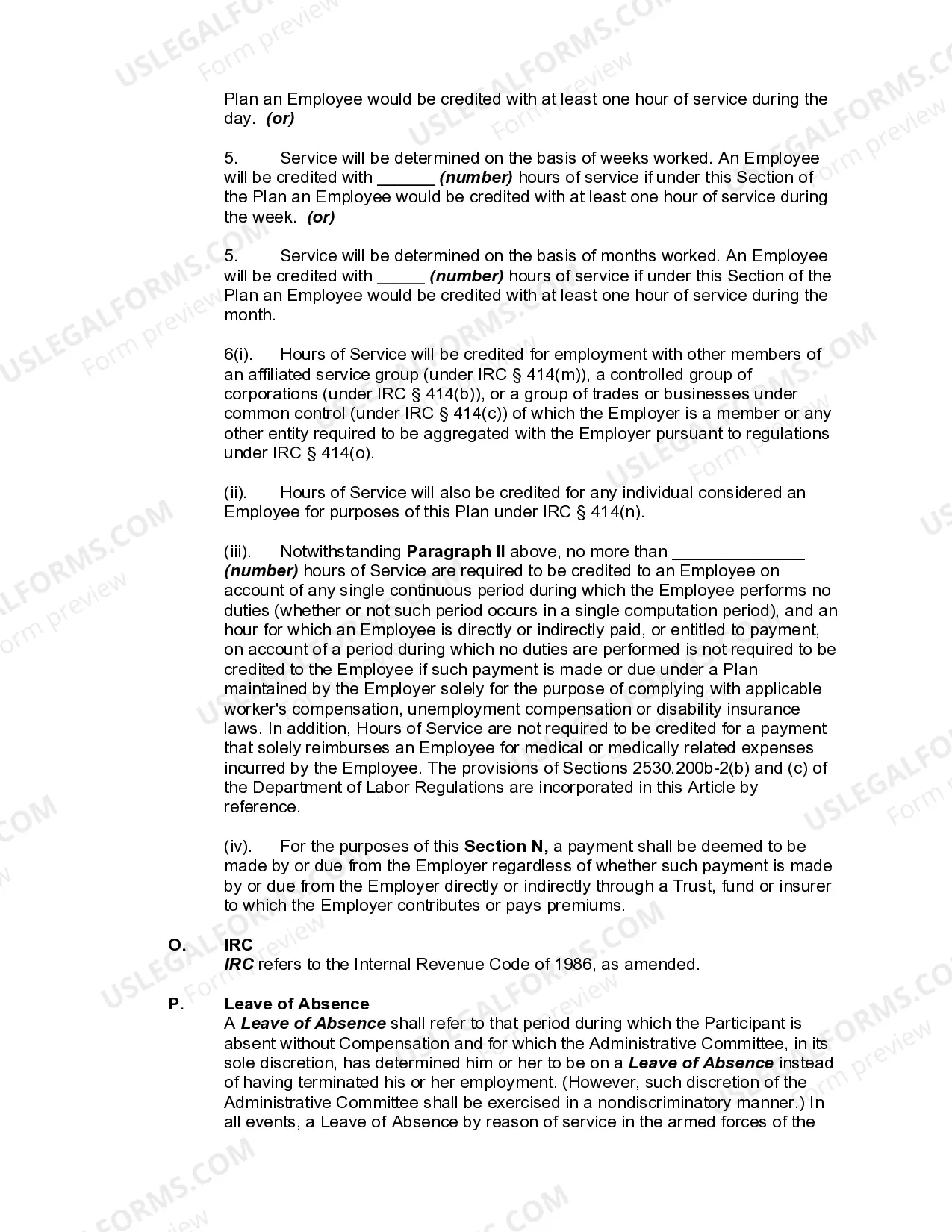
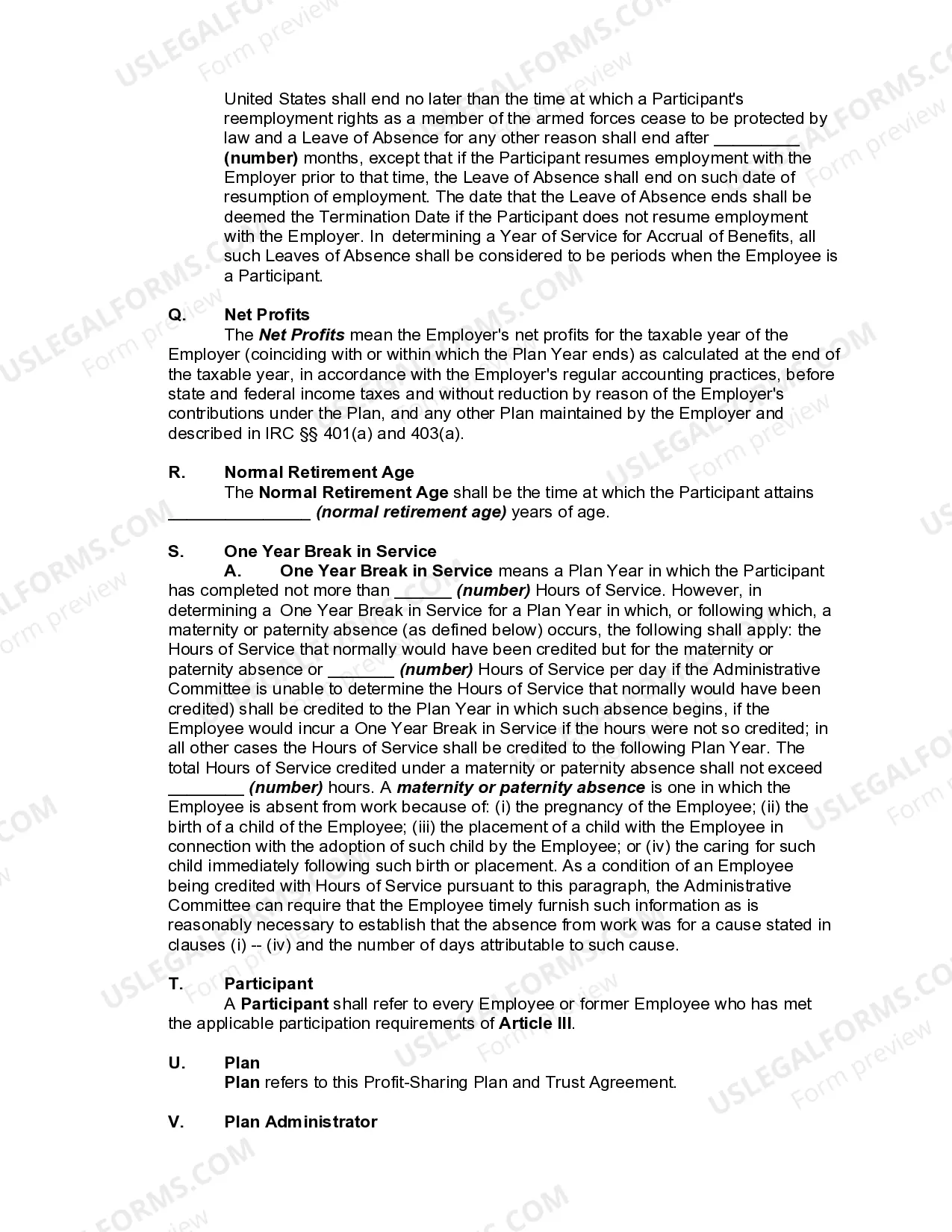
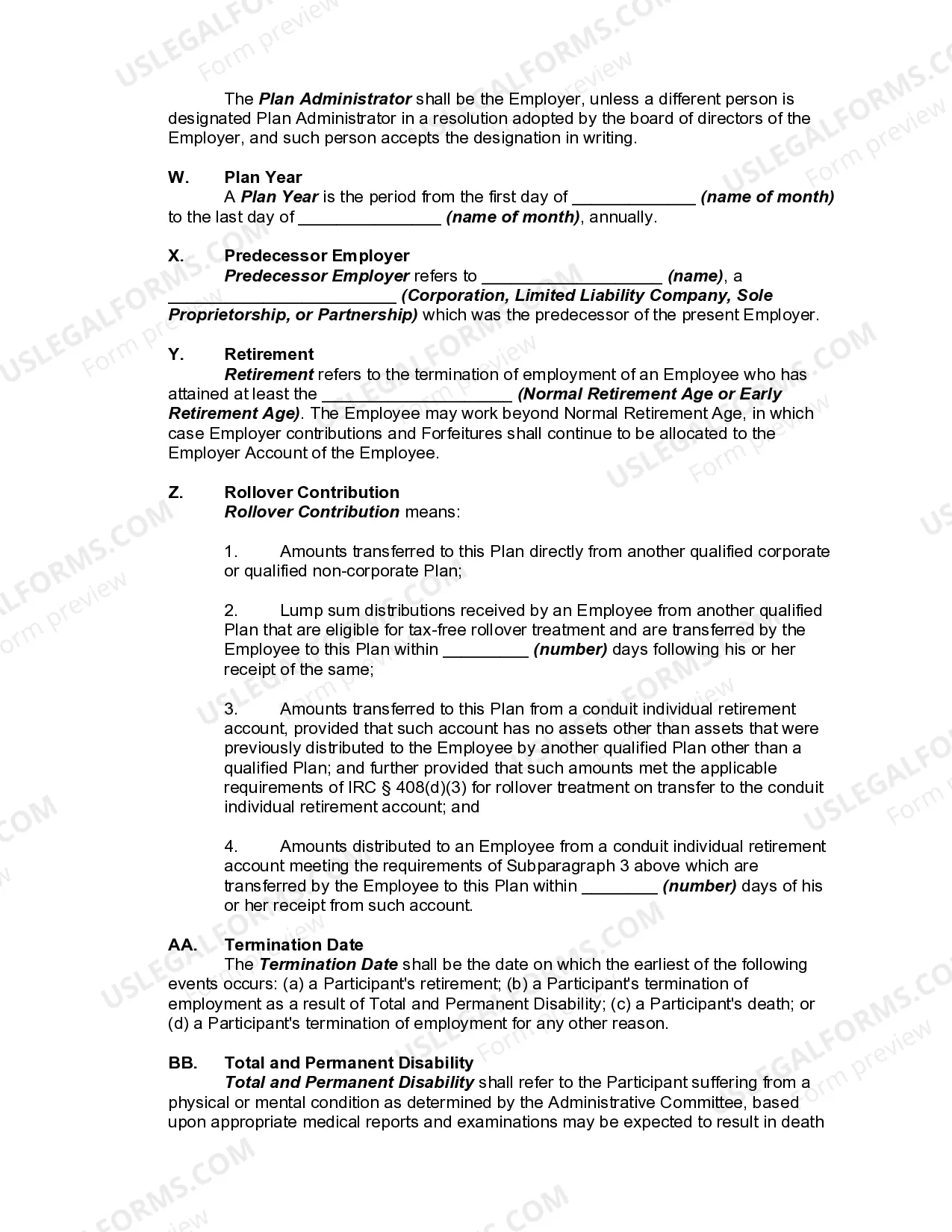
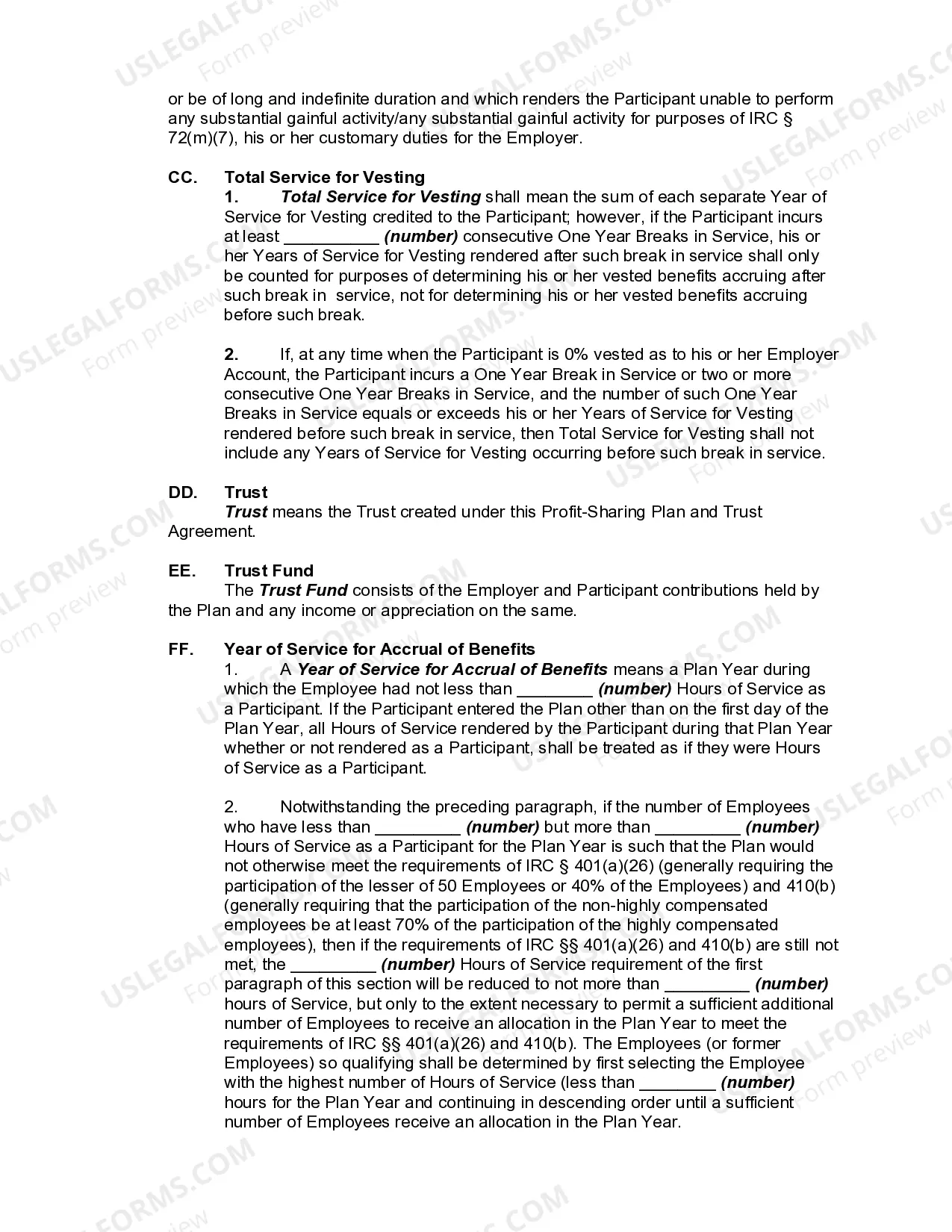

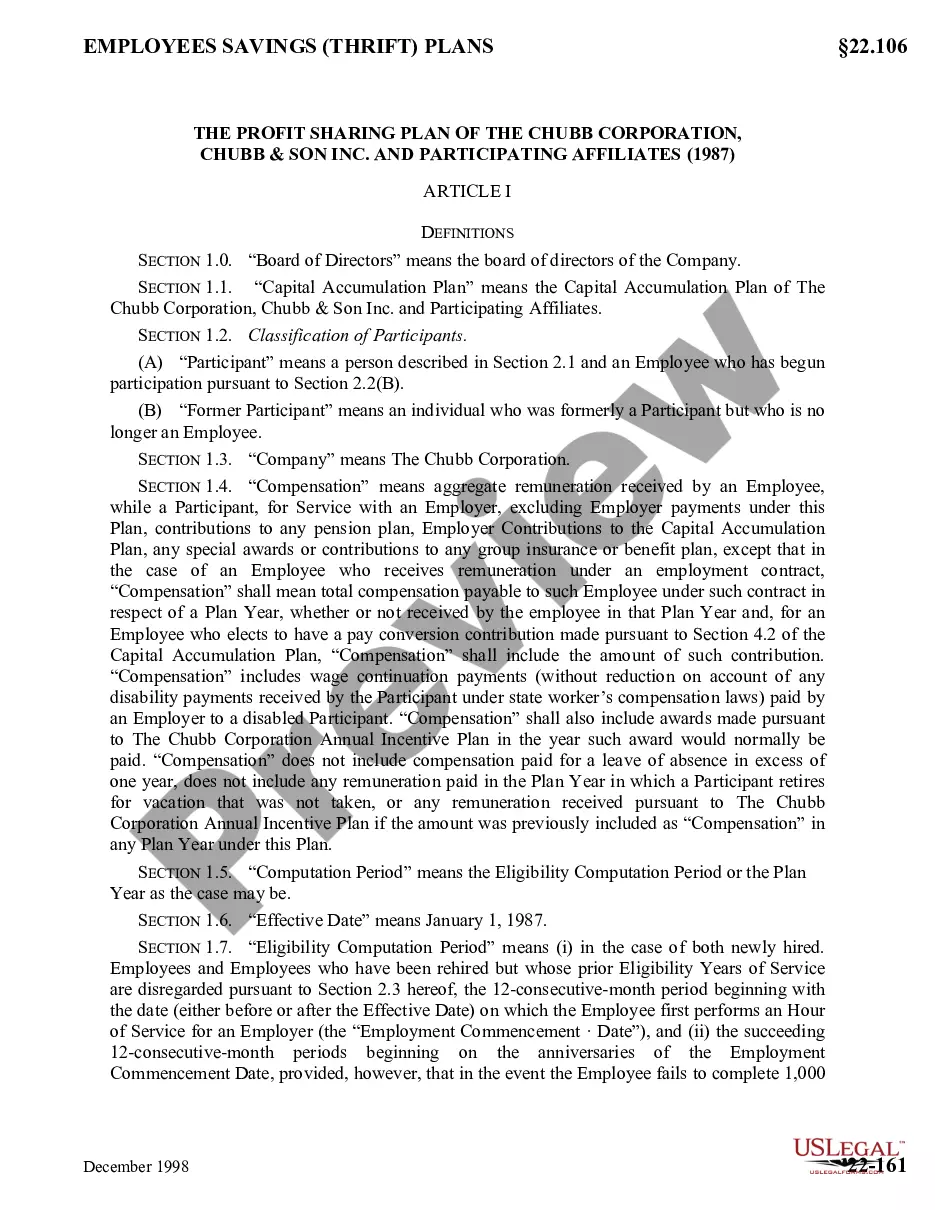
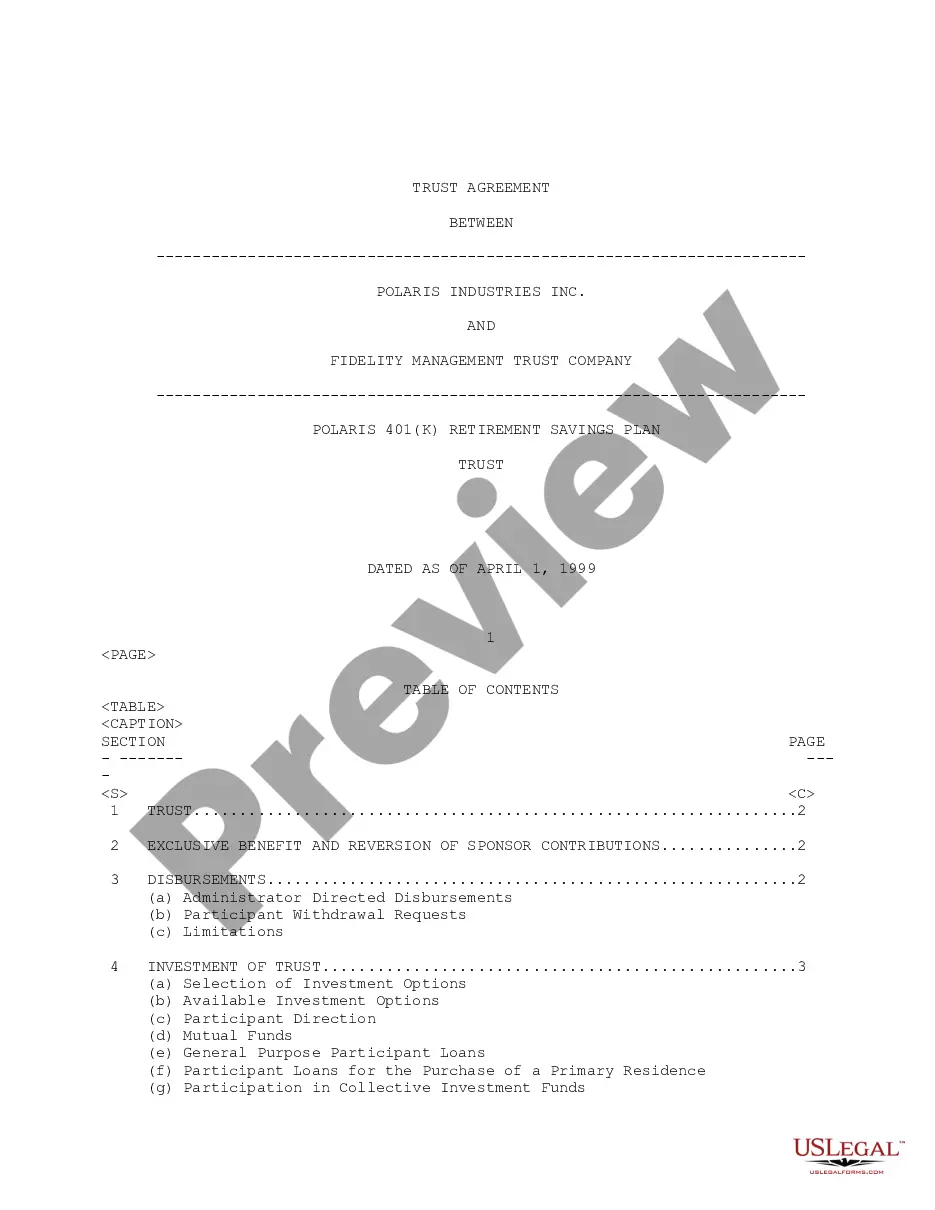
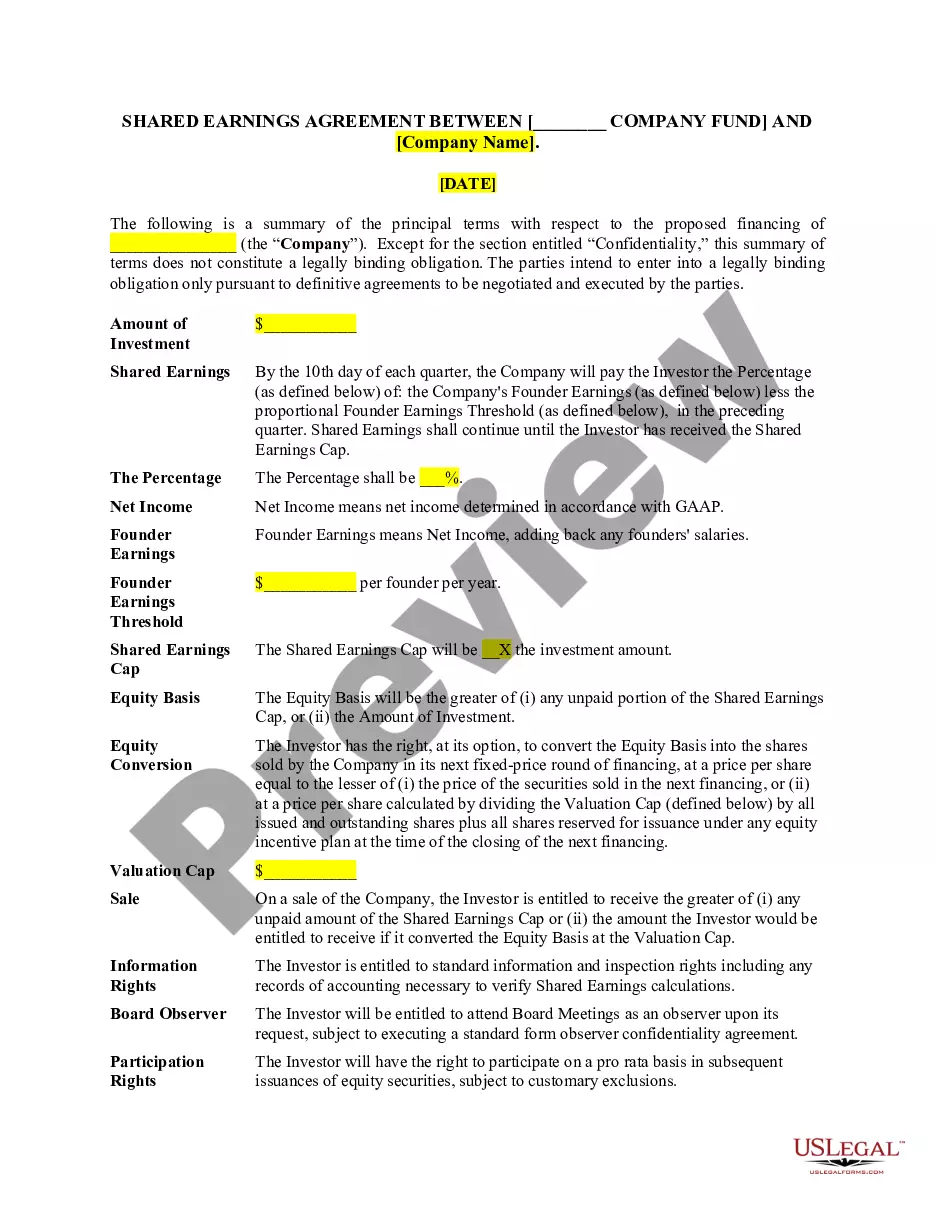
Get your form ready online
Our built-in tools help you complete, sign, share, and store your documents in one place.
Built-in online Word editor
Make edits, fill in missing information, and update formatting in US Legal Forms—just like you would in MS Word.
Export easily
Download a copy, print it, send it by email, or mail it via USPS—whatever works best for your next step.
E-sign your document
Sign and collect signatures with our SignNow integration. Send to multiple recipients, set reminders, and more. Go Premium to unlock E-Sign.
Notarize online 24/7
If this form requires notarization, complete it online through a secure video call—no need to meet a notary in person or wait for an appointment.
Store your document securely
We protect your documents and personal data by following strict security and privacy standards.

Make edits, fill in missing information, and update formatting in US Legal Forms—just like you would in MS Word.

Download a copy, print it, send it by email, or mail it via USPS—whatever works best for your next step.

Sign and collect signatures with our SignNow integration. Send to multiple recipients, set reminders, and more. Go Premium to unlock E-Sign.

If this form requires notarization, complete it online through a secure video call—no need to meet a notary in person or wait for an appointment.

We protect your documents and personal data by following strict security and privacy standards.
Looking for another form?






How to fill out Profit-Sharing Plan And Trust Agreement?
US Legal Forms - among the largest collections of official documents in the United States - offers a broad selection of legal document templates that you can download or create.
By using the website, you can access thousands of documents for business and personal use, organized by categories, states, or keywords. You can obtain the latest versions of documents like the Texas Profit-Sharing Plan and Trust Agreement within moments.
If you already possess a membership, Log In and retrieve the Texas Profit-Sharing Plan and Trust Agreement from the US Legal Forms library. The Download button will appear on every document you view.
If you are satisfied with the document, confirm your choice by clicking the Get now button. Then, select your preferred pricing plan and provide your credentials to register for an account.
Complete the payment. Use your Visa or Mastercard or PayPal account to finalize the transaction. Select the format and download the document to your device. Edit. Fill out, revise, print, and sign the downloaded Texas Profit-Sharing Plan and Trust Agreement.
Each document you added to your account does not have an expiration date and is yours indefinitely. So if you wish to download or print another copy, simply go to the My documents section and click on the document you need.
Access the Texas Profit-Sharing Plan and Trust Agreement with US Legal Forms, one of the most extensive collections of legal document templates. Use thousands of professional and state-specific templates that fulfill your business or personal needs and requirements.
- You have access to all previously downloaded documents in the My documents section of your account.
- If you are looking to use US Legal Forms for the first time, here are simple steps to get you started.
- Make sure you have selected the correct document for your city/state.
- Click the Preview button to review the document's content.
- Read the document description to ensure you have chosen the right one.
- If the document does not meet your needs, use the Search field at the top of the page to find one that does.
Form popularity
FAQ
The difference between a 401(k) and a profit-sharing plan lies primarily in their funding mechanisms. A 401(k) plan allows employees to save a portion of their salary, whereas a profit-sharing plan distributes corporate profits to employees, encouraging a collective investment in the company's success. This distinction can be articulated in a Texas Profit-Sharing Plan and Trust Agreement, which can enhance clarity and ensure compliance. US Legal Forms can guide you in establishing these differences clearly in your documentation.
The primary difference between a 401(k) and a profit-sharing plan is the source of contributions. A 401(k) relies on employee contributions, often supplemented by employer matches, while a profit-sharing plan distributes a portion of company profits to employees as contributions. Both can be outlined in a Texas Profit-Sharing Plan and Trust Agreement, creating a hybrid approach that maximizes benefits. To explore these distinctions further, US Legal Forms provides valuable resources and templates that can assist in planning.
sharing trust allows employees to receive a share of company profits, whereas a 401(k) plan focuses on employee contributions, often matched by employers. Both can be incorporated into a Texas ProfitSharing Plan and Trust Agreement, but they operate under different structures and tax implications. The flexibility of profitsharing can encourage increased employee engagement, while the 401(k) offers consistent savings options. Using US Legal Forms helps in ensuring both types of plans are set up correctly.
Section 112.054 of the Texas Trust Code addresses the modification of irrevocable trusts under certain circumstances, providing a pathway for changes when necessary. This is particularly relevant in the context of a Texas Profit-Sharing Plan and Trust Agreement, allowing for adjustments that can accommodate shifting financial objectives or changes in the workforce. Understanding this section can empower trust creators to adapt their plans proactively. US Legal Forms can offer insights and templates to navigate these legal nuances effectively.
While a profit-sharing plan itself is not a trust, it can be structured as one through a Texas Profit-Sharing Plan and Trust Agreement. This agreement allows for the management and distribution of assets in a way that complies with legal standards and meets participants' needs. By defining the terms under which the plan operates, companies can enhance security for their employees. Using US Legal Forms can assist in creating a comprehensive agreement that meets these objectives.
sharing plan is not inherently a trust, but it can be structured to function as one by using a Texas ProfitSharing Plan and Trust Agreement. This agreement allows the plan to hold assets in trust for the benefit of participants, thus providing legal protections and tax deferral until withdrawals occur. Essentially, while profitsharing plans can exist independently, integrating them with trust agreements enhances their security and benefits. Utilizing platforms like US Legal Forms can help in drafting a solid structure.
Profit-sharing is considered a type of retirement plan where employees receive a share of the company's profits, usually based on predetermined criteria. This arrangement can be integrated into a Texas Profit-Sharing Plan and Trust Agreement, offering both the employer and employees tax advantages. In essence, profit-sharing fosters a collaborative spirit between employees and the organization, aligning their success with that of the company. US Legal Forms simplifies this process by providing structured formats and expert advice.
In Texas, trust funds must comply with the Texas Trust Code, which governs the creation and administration of trusts. It's essential to understand the legal framework surrounding a Texas Profit-Sharing Plan and Trust Agreement, as it offers guidelines on fiduciary duties and the rights of beneficiaries. Trusts must be properly established to ensure compliance and protect the interests of all parties involved. By using a platform like US Legal Forms, you can easily access templates and guidance to create a compliant trust.
Generally, trusts do not file Texas franchise tax unless they have a business purpose or generate income from Texas sources. However, specific tax classifications may apply based on the trust's activities and income levels. It's wise to consult tax professionals when navigating the implications of your Texas Profit-Sharing Plan and Trust Agreement, ensuring compliance and maximizing benefits.
Implementing a profit-sharing plan involves determining the plan's structure, setting eligibility requirements, and defining contribution formulas. Employers should develop a comprehensive plan document that outlines rules, contributions, and distributions. Utilizing resources from platforms like uslegalforms can simplify the process of creating a Texas Profit-Sharing Plan and Trust Agreement.