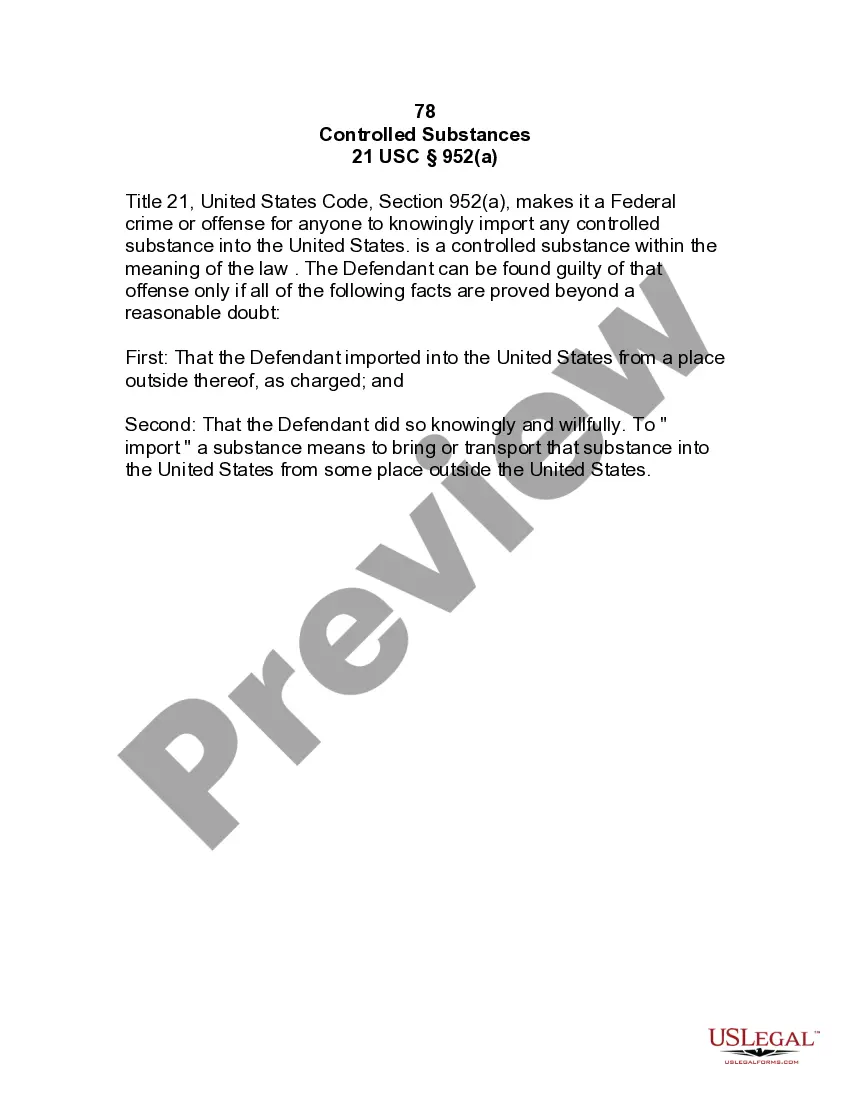
Texas Correspondence Letter
Description
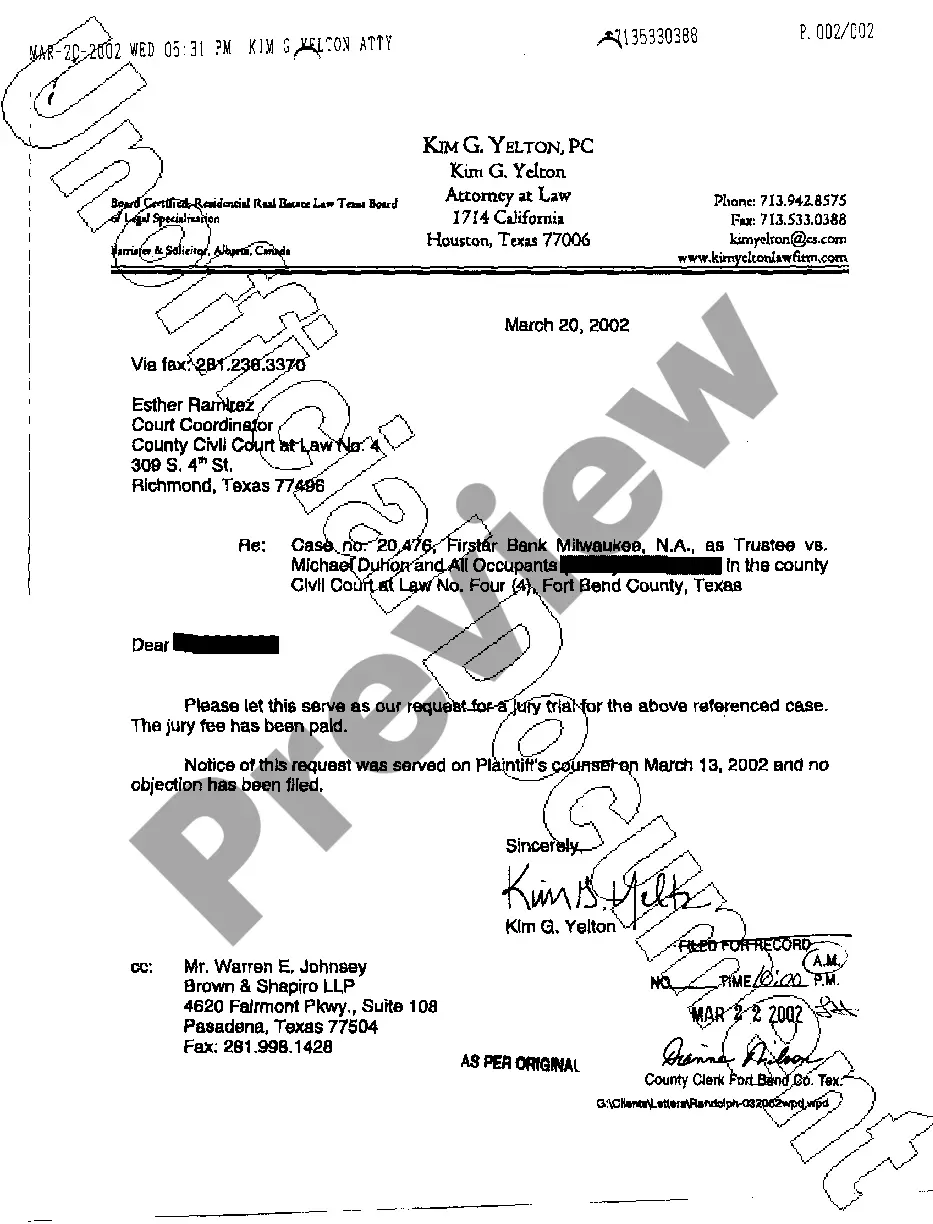
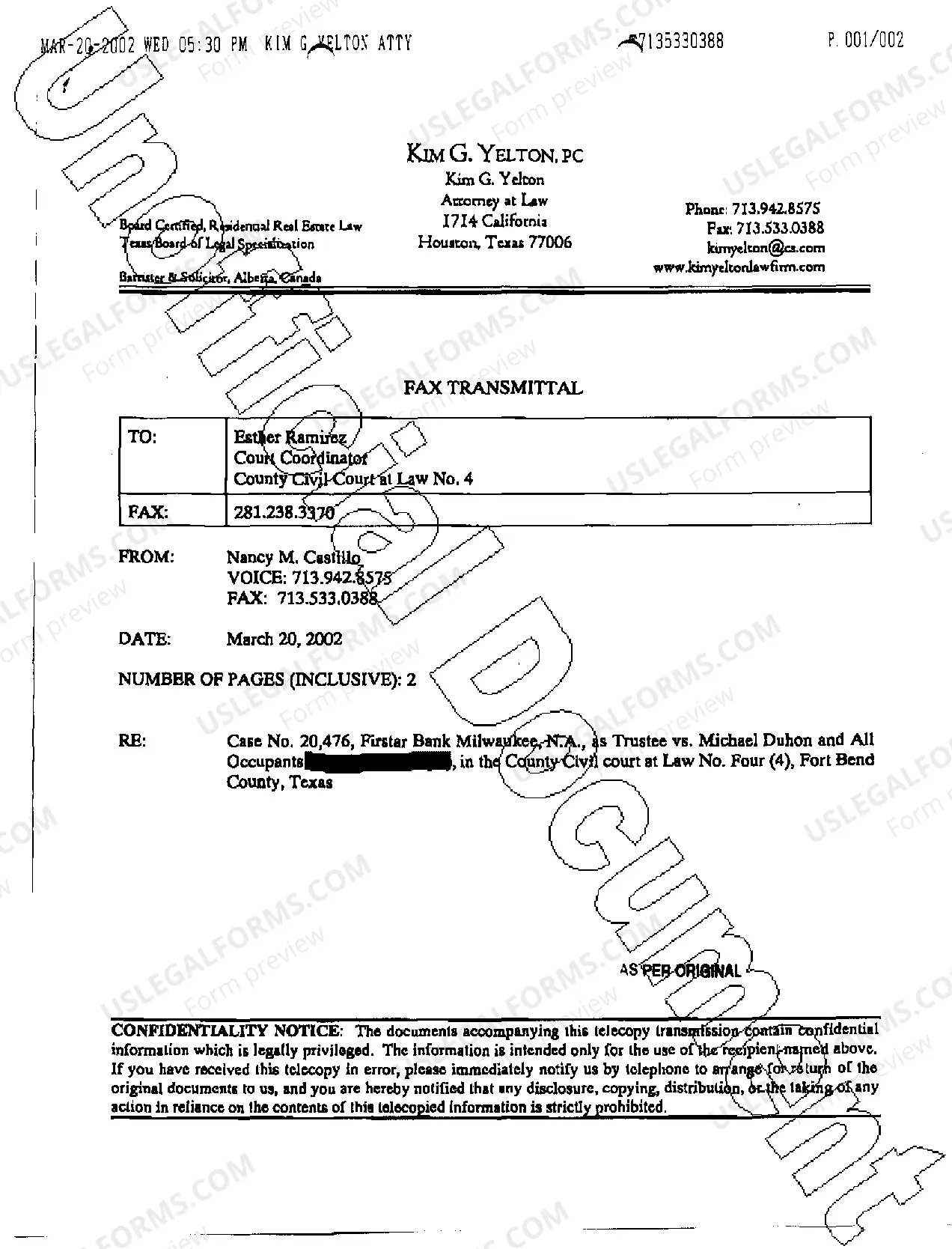
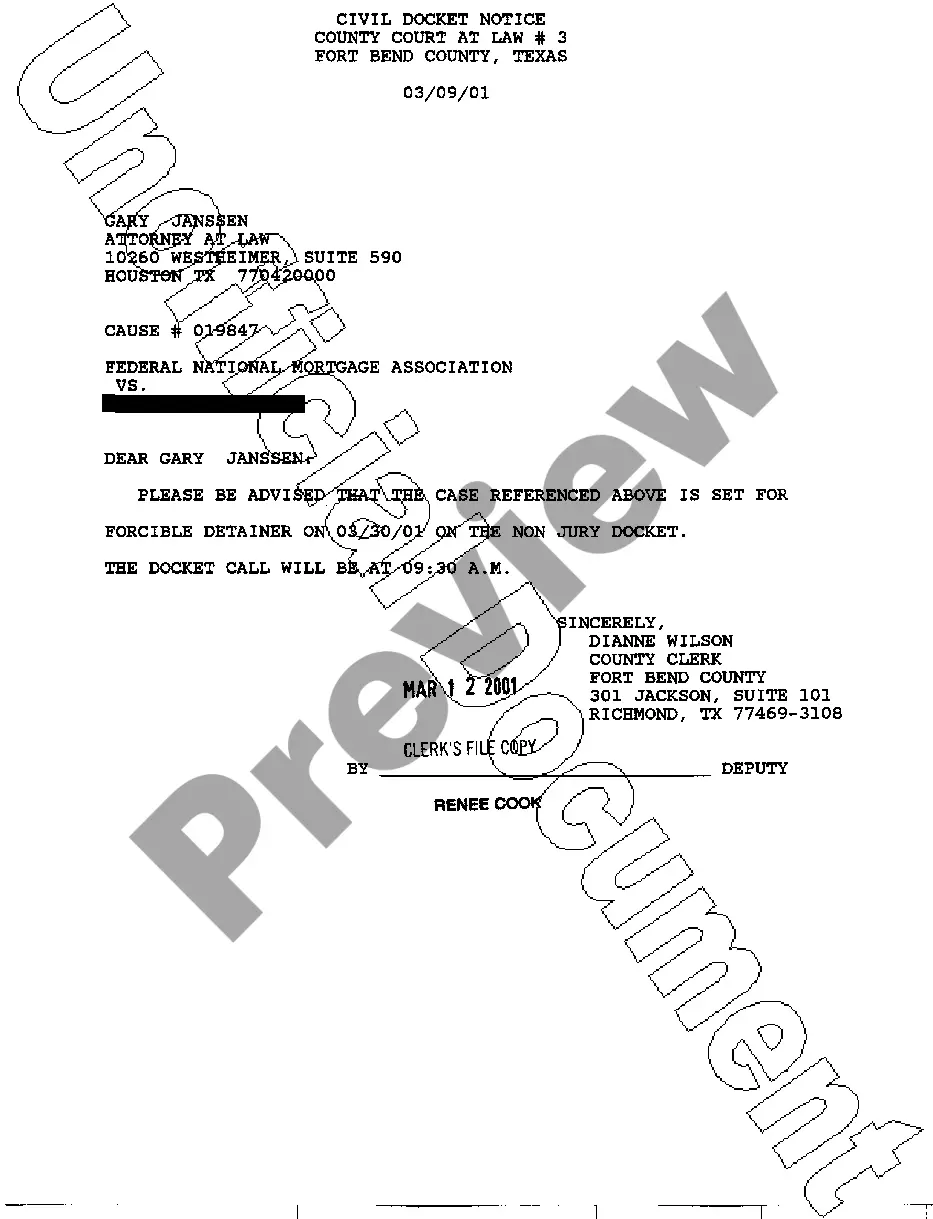
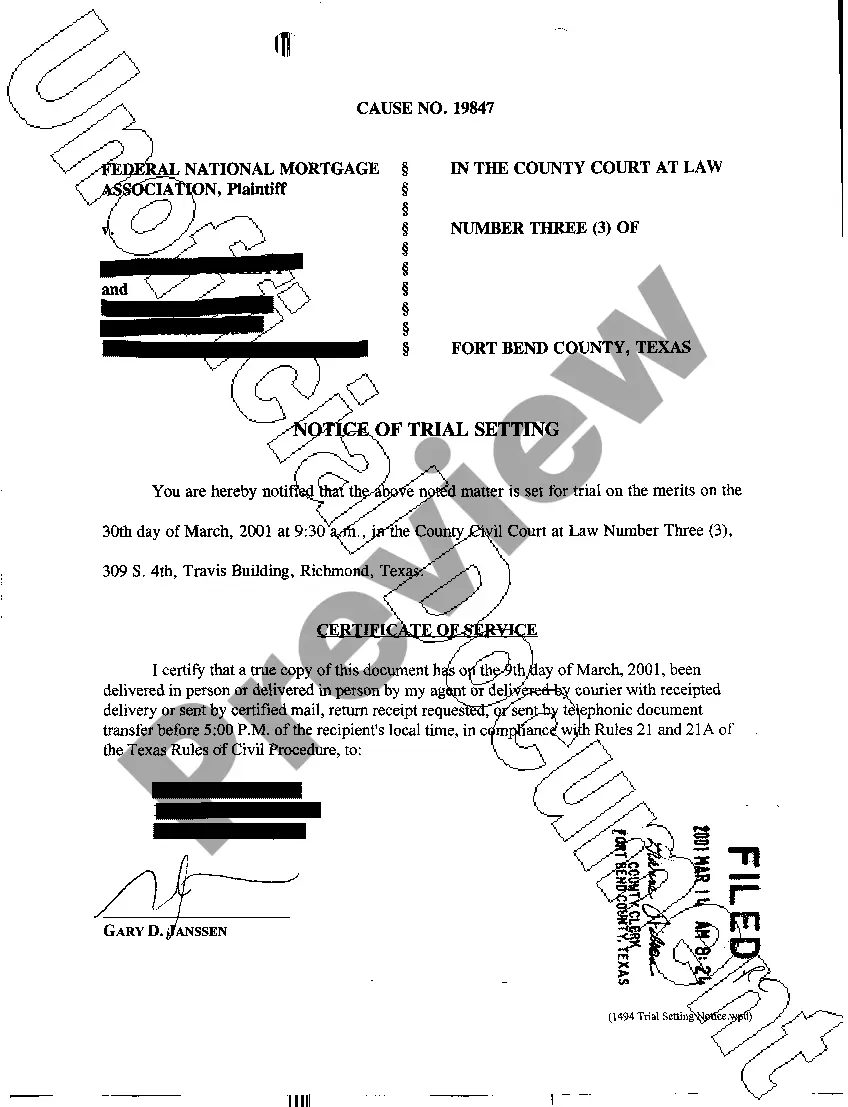
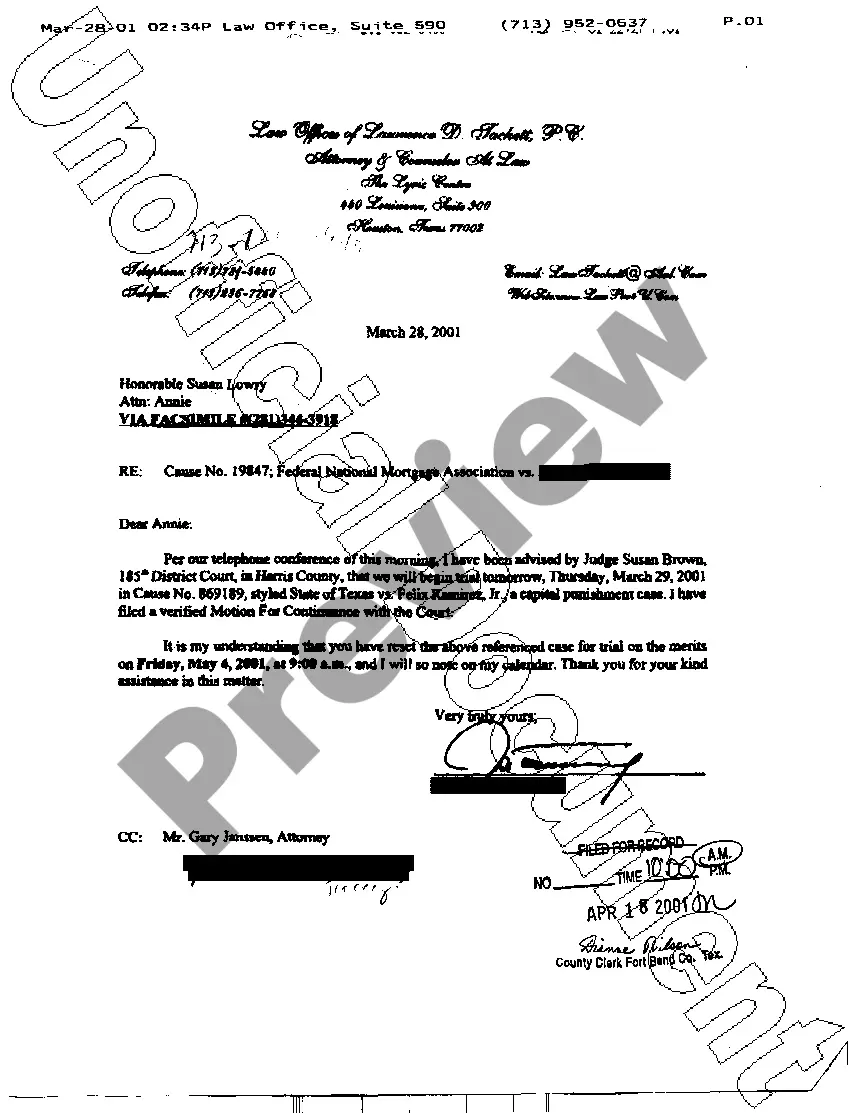
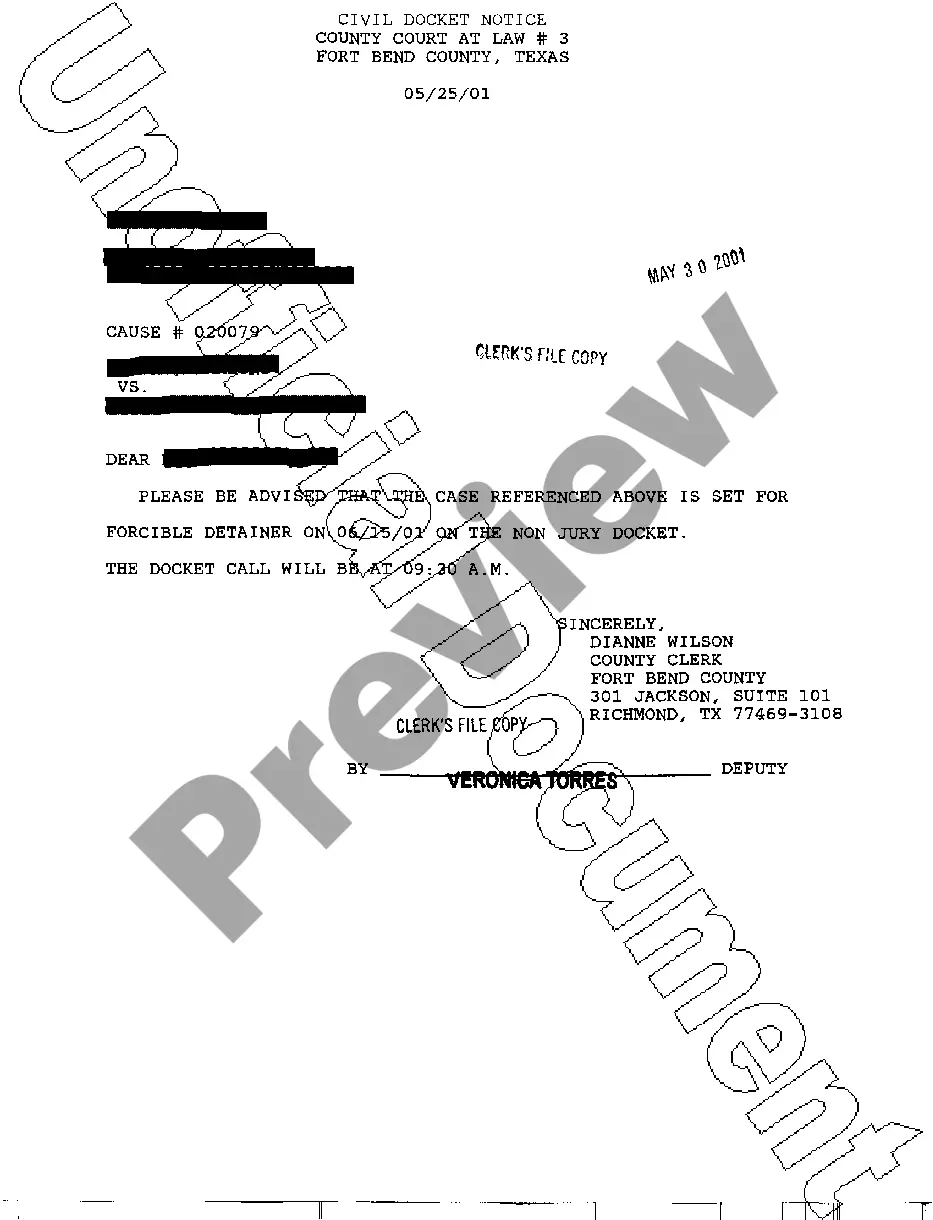
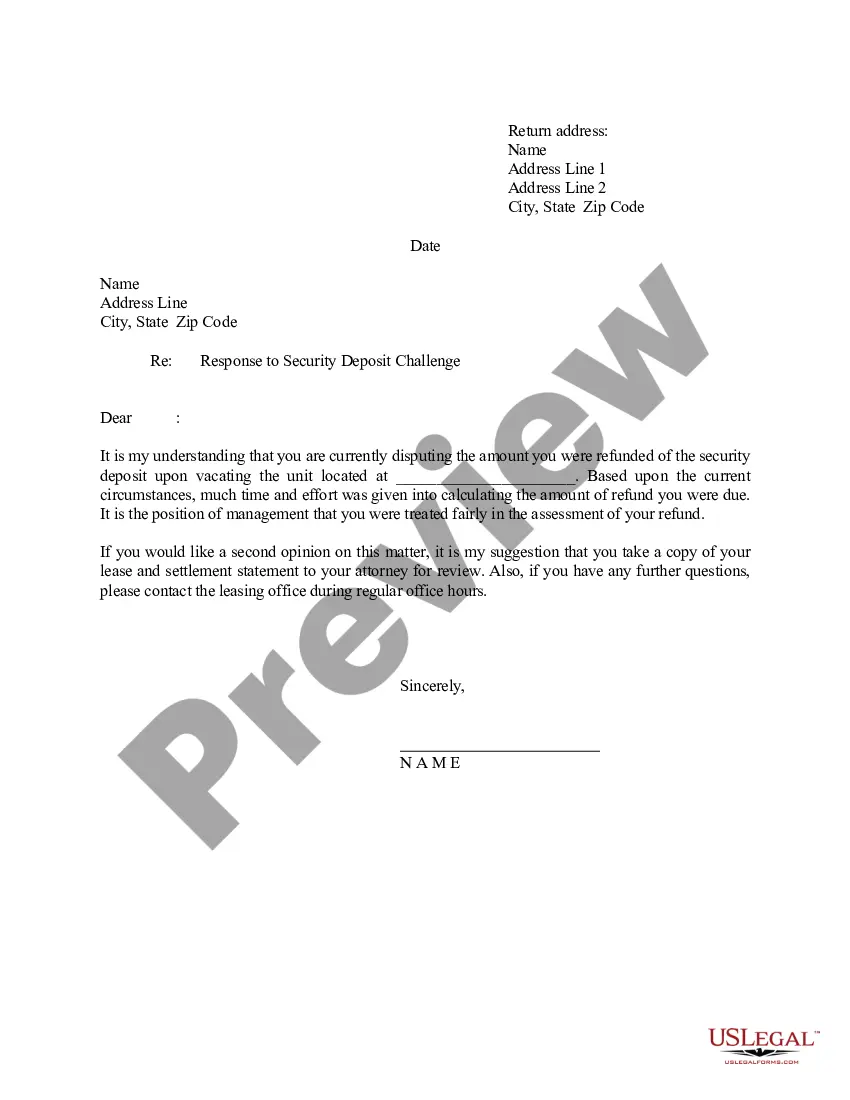
How to fill out Texas Correspondence Letter?
Access to high quality Texas Correspondence Letter templates online with US Legal Forms. Steer clear of days of lost time searching the internet and dropped money on forms that aren’t up-to-date. US Legal Forms gives you a solution to just that. Get more than 85,000 state-specific authorized and tax forms that you could save and complete in clicks within the Forms library.
To find the example, log in to your account and click on Download button. The file will be stored in two places: on the device and in the My Forms folder.
For individuals who don’t have a subscription yet, have a look at our how-guide listed below to make getting started simpler:
- Verify that the Texas Correspondence Letter you’re considering is suitable for your state.
- See the sample making use of the Preview function and read its description.
- Go to the subscription page by clicking on Buy Now button.
- Select the subscription plan to go on to sign up.
- Pay out by credit card or PayPal to complete making an account.
- Choose a favored format to download the document (.pdf or .docx).
You can now open the Texas Correspondence Letter sample and fill it out online or print it out and get it done yourself. Think about sending the file to your legal counsel to ensure all things are filled in correctly. If you make a mistake, print and complete application again (once you’ve created an account every document you save is reusable). Make your US Legal Forms account now and get more samples.
Form popularity
FAQ
You have new correspondence from NC DES concerning your claim for unemployment insurance benefits." This email is actually a notification that a tax form related to your unemployment payment, including additional funds from COVID-19 legislation, is available.31, 2021, according to NC DES.
After your first week of full-time work, stop requesting payments. Once you have returned to full-time work, you are no longer eligible for unemployment benefits, even if you have a balance remaining on your claim. If you have not received payment for the waiting week, see Waiting Week.
I filed for unemployment insurance. Why do I have a $0 balance? A $0 balance just means that your claim is still under review. In general, it takes on average about 21 days from the time that you first apply and become eligible to receiving benefits either by direct deposit or by debit card in the mail.
Electronic Correspondence allows you to receive most, but not all, of your unemployment notices and forms electronically in a secure, online mailbox. Documents Included. 2022 benefits information packet. 2022 work search notification. 2022 payment request filing.
Electronic correspondence is the department's new and improved way for you to receive all of your business tax correspondence in Document Center.