Texas Answer
Description
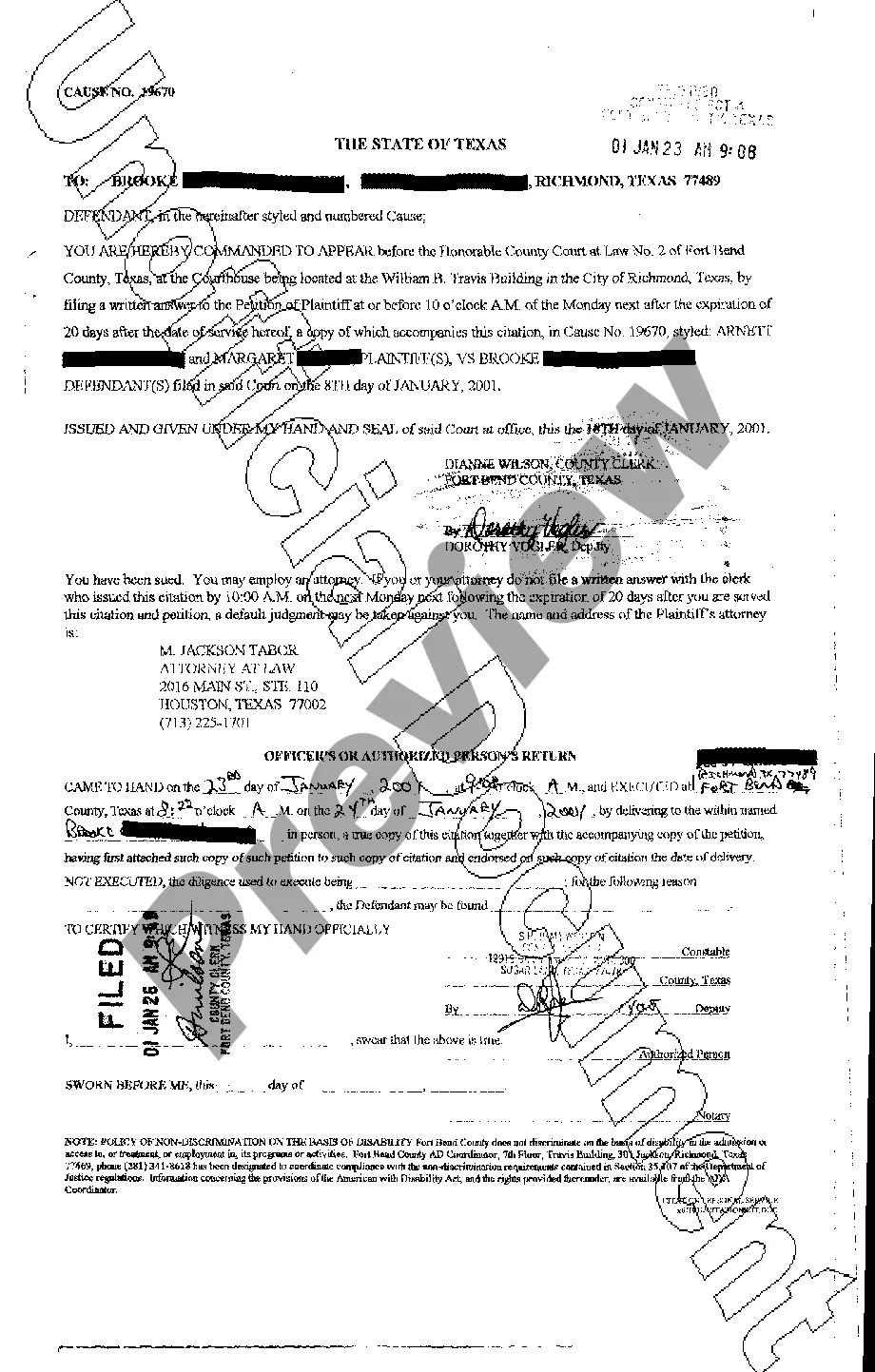
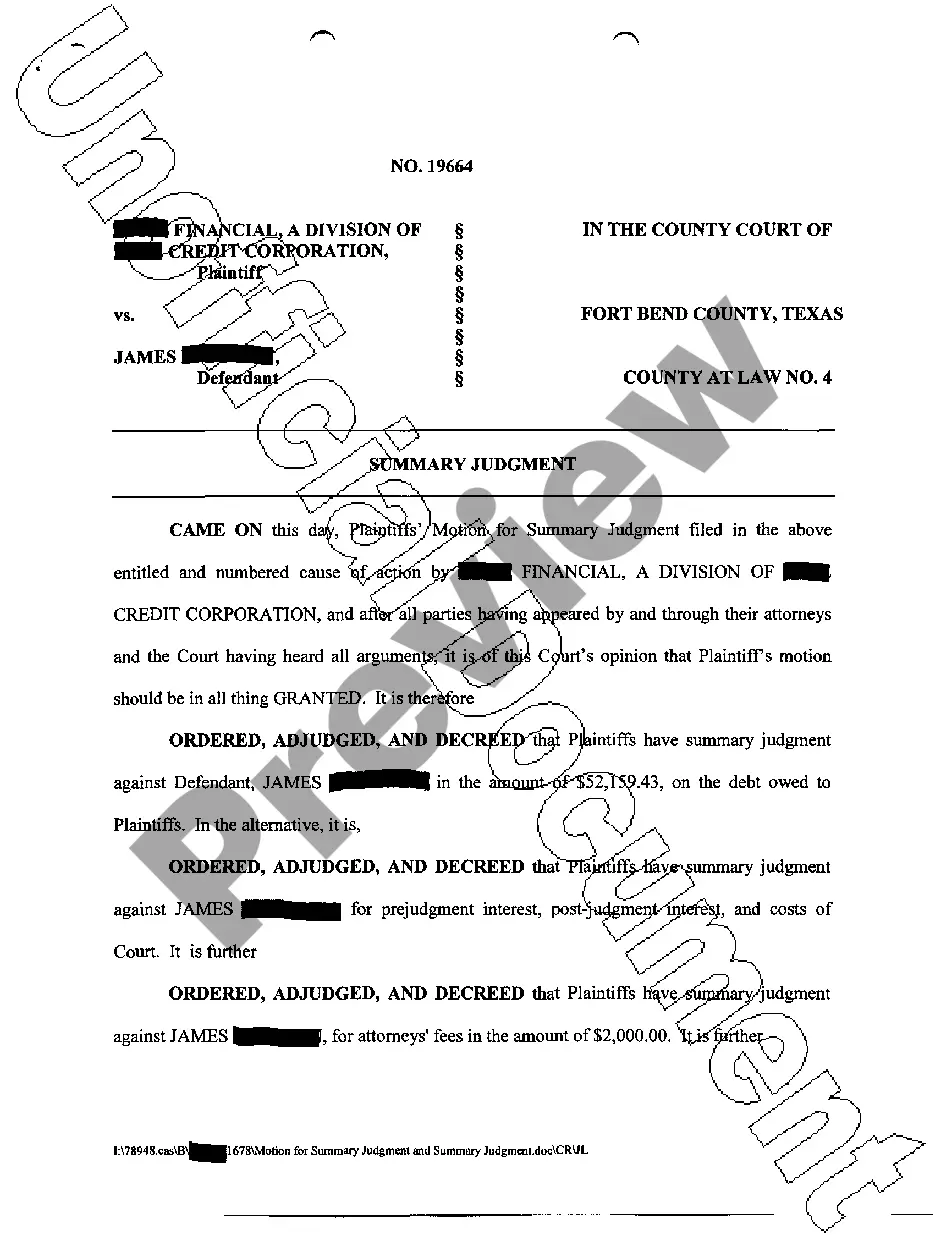
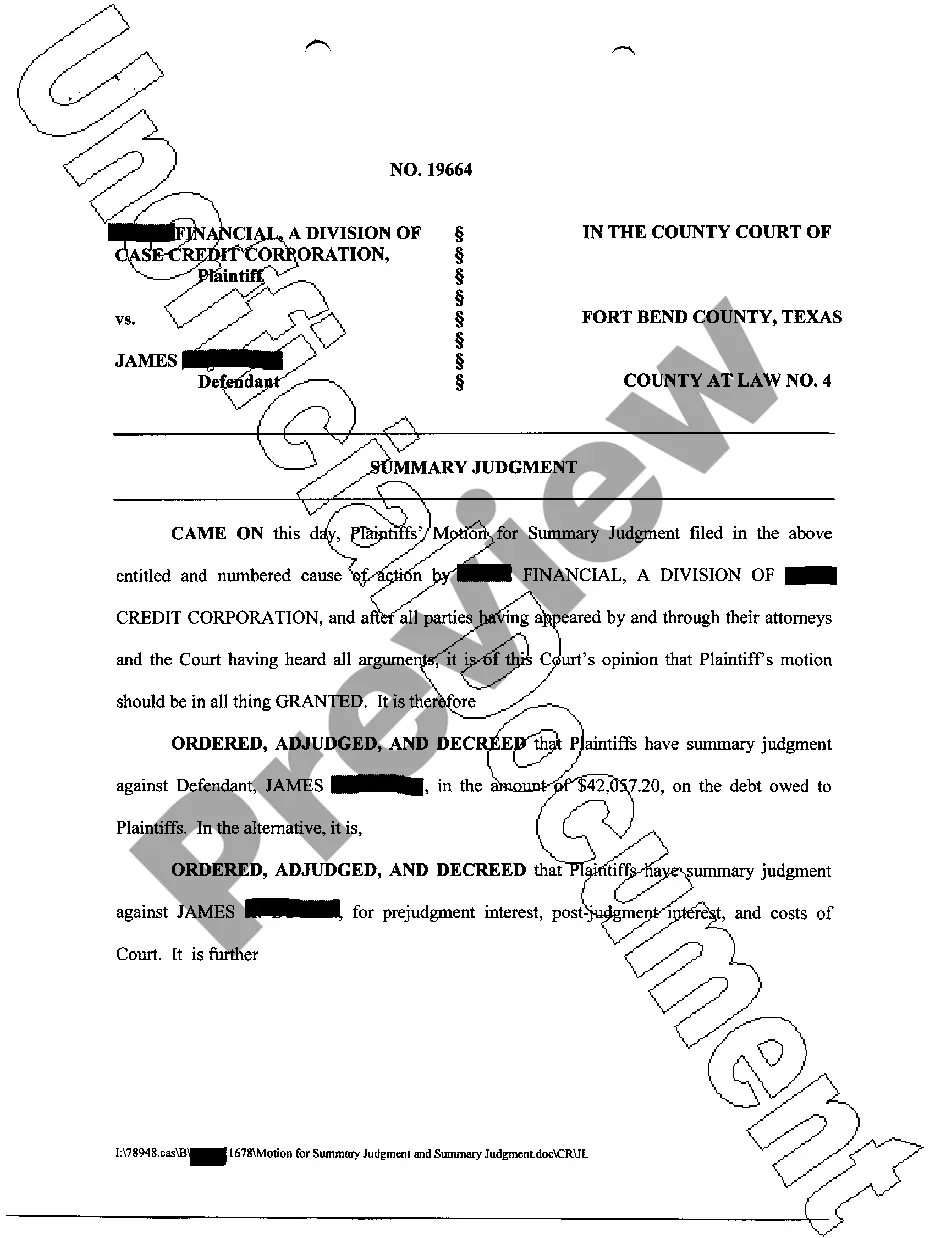
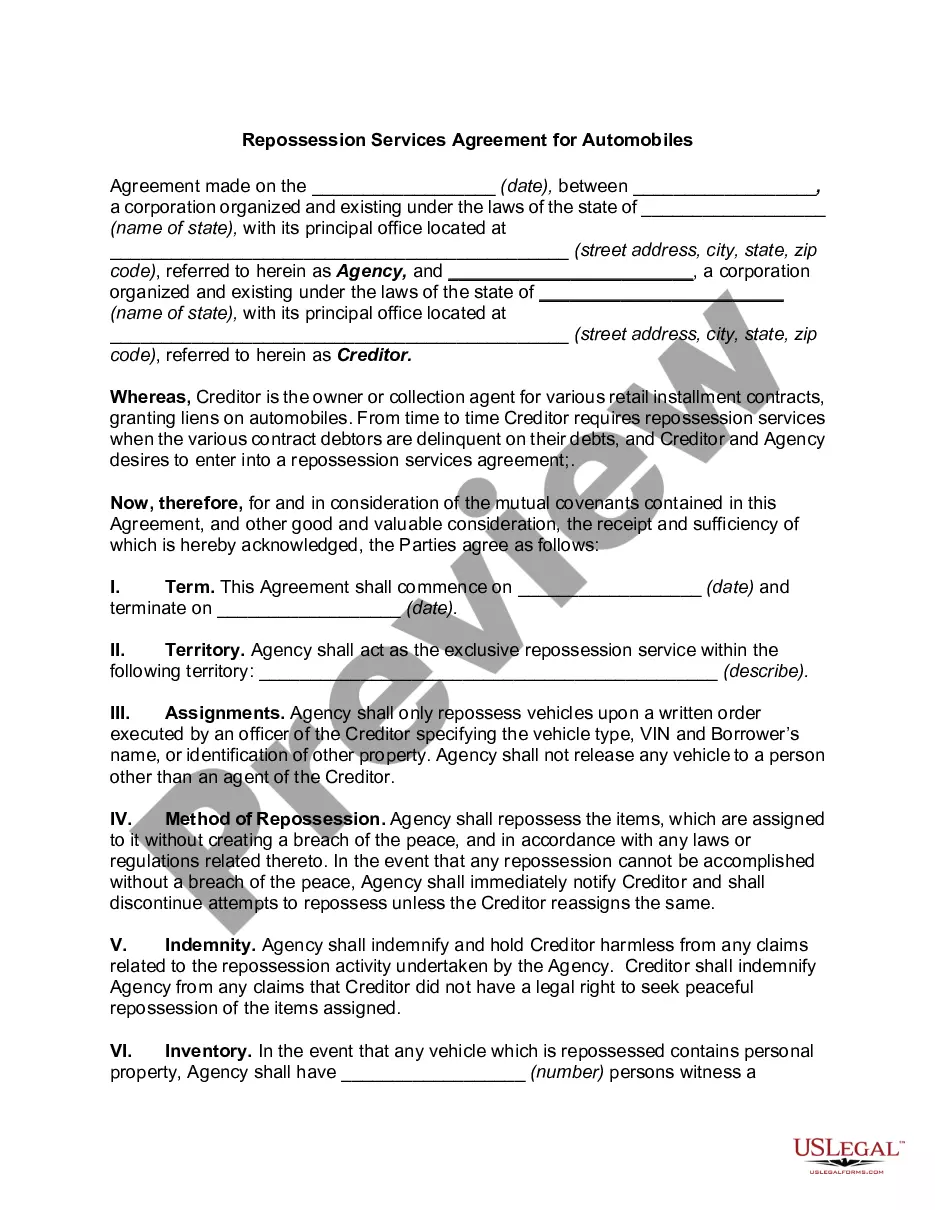
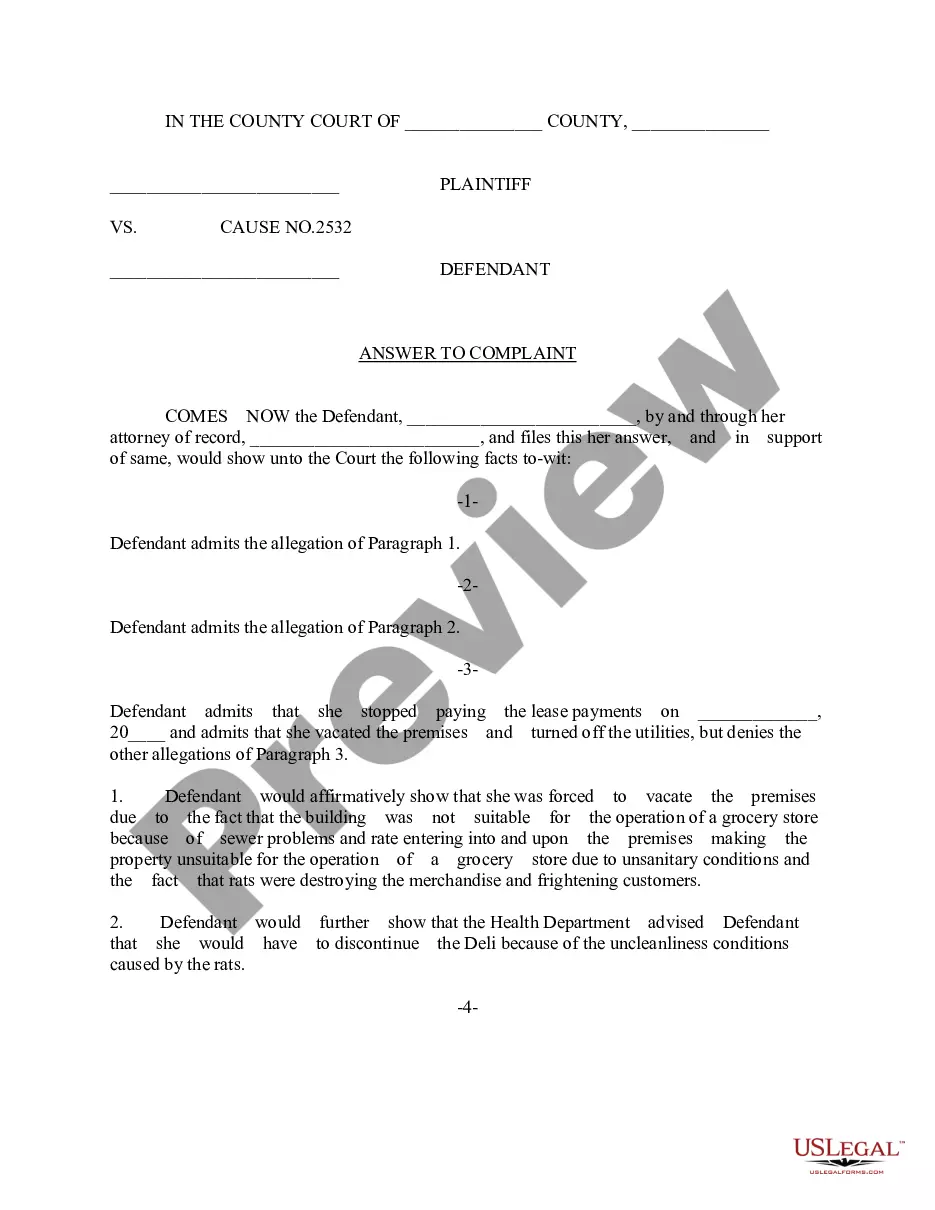


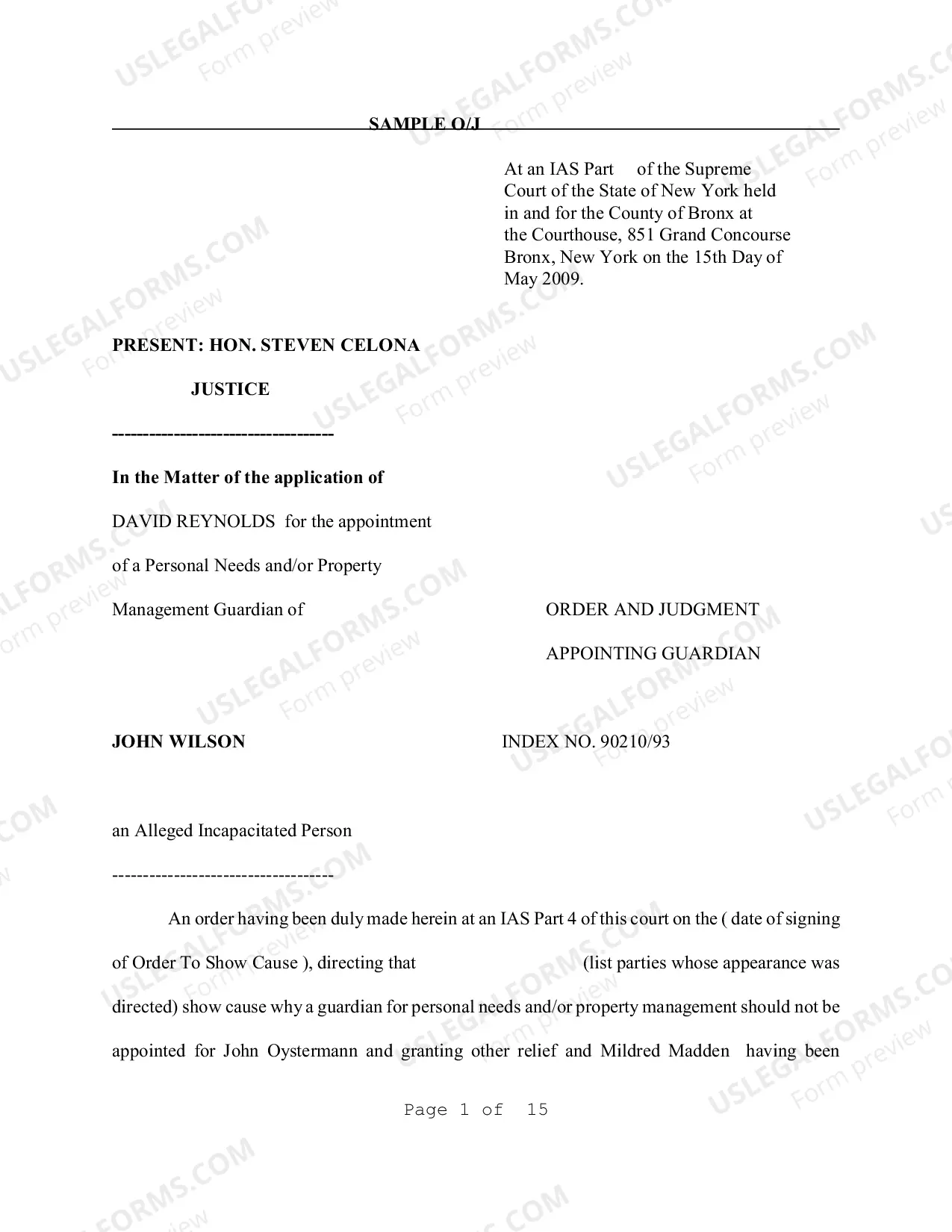
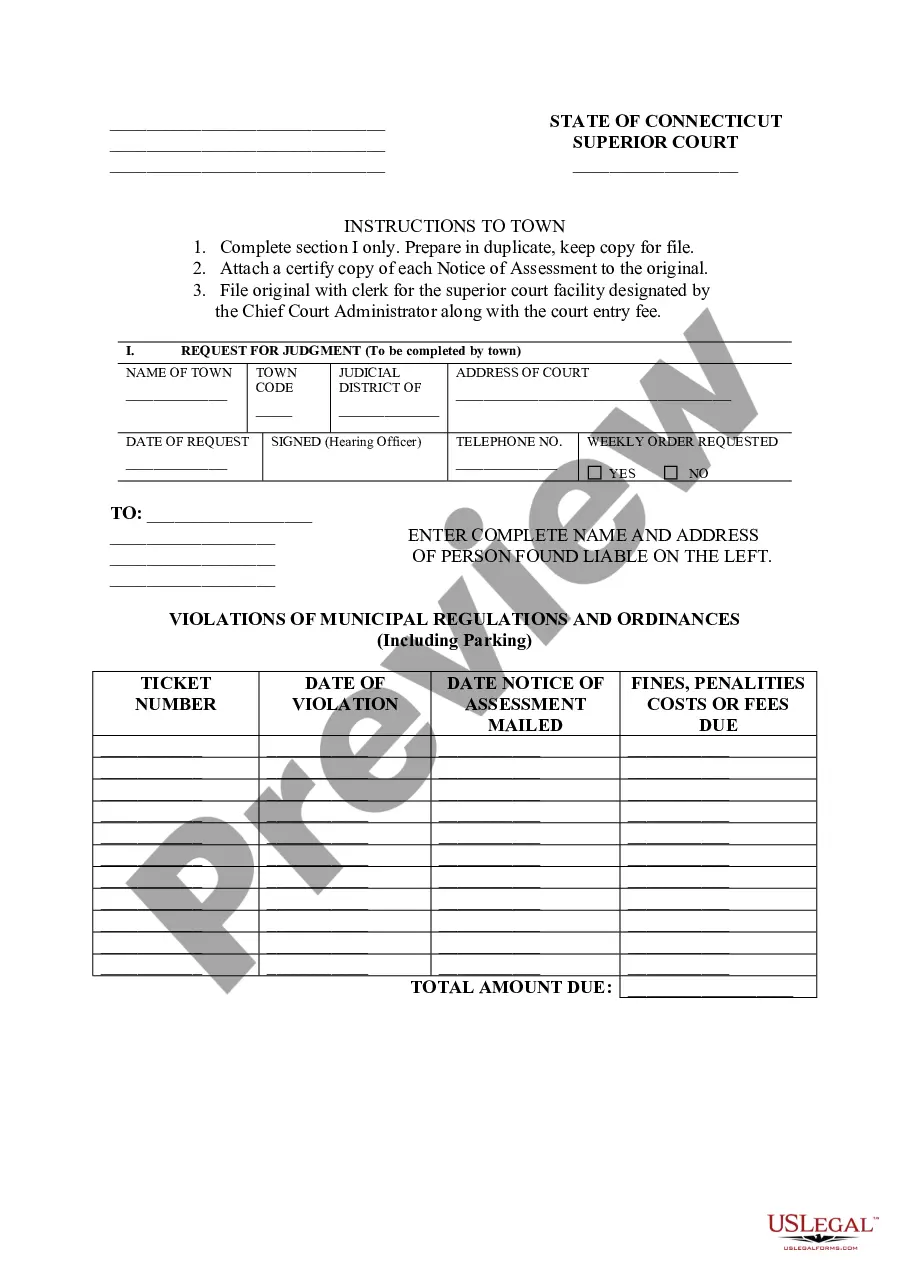
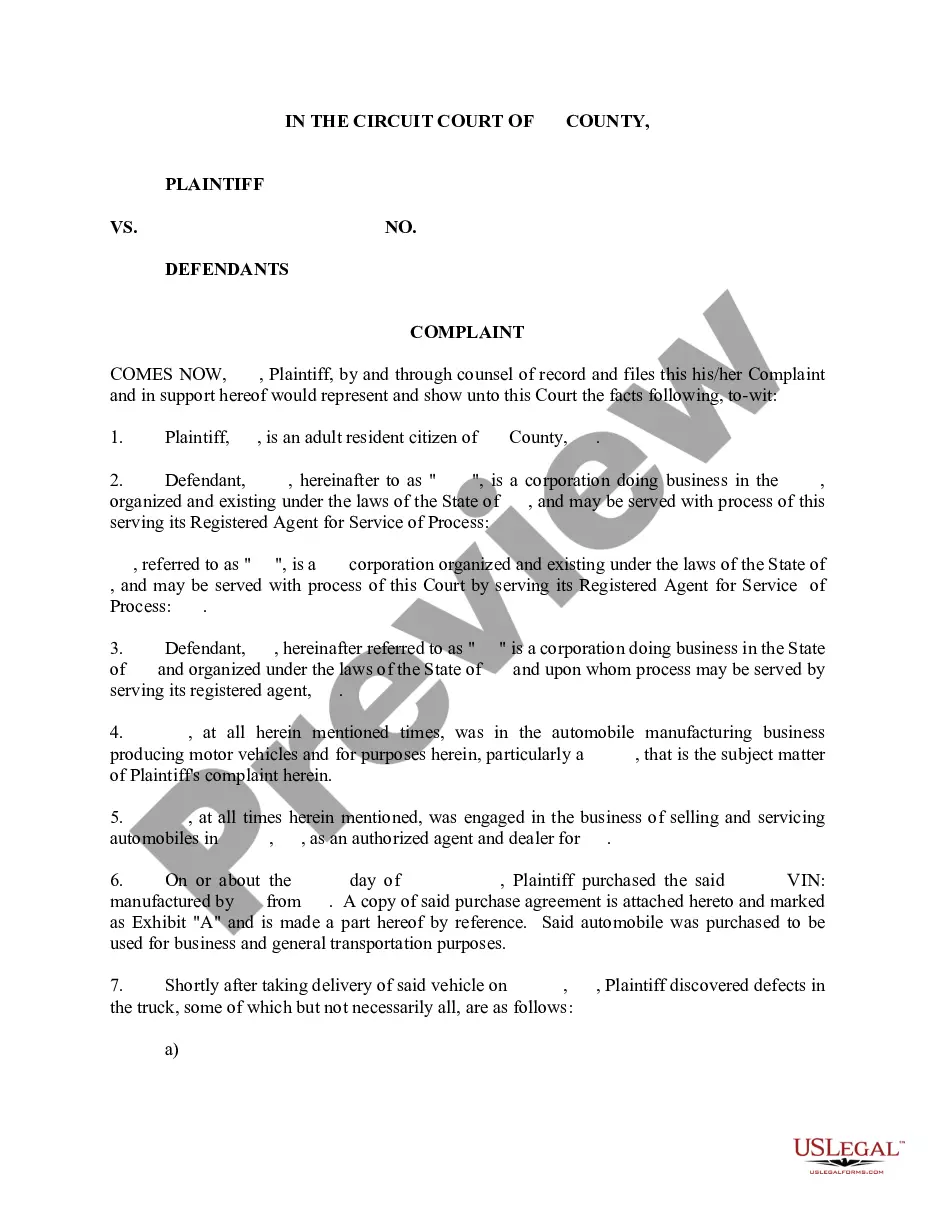

How to fill out Texas Answer?
Access to top quality Texas Answer samples online with US Legal Forms. Prevent days of lost time searching the internet and dropped money on files that aren’t updated. US Legal Forms provides you with a solution to just that. Get more than 85,000 state-specific legal and tax templates that you can download and complete in clicks within the Forms library.
To receive the example, log in to your account and click on Download button. The file will be saved in two places: on your device and in the My Forms folder.
For those who don’t have a subscription yet, check out our how-guide listed below to make getting started simpler:
- See if the Texas Answer you’re looking at is appropriate for your state.
- View the sample making use of the Preview function and browse its description.
- Go to the subscription page by simply clicking Buy Now.
- Select the subscription plan to continue on to sign up.
- Pay by card or PayPal to finish making an account.
- Select a preferred file format to save the document (.pdf or .docx).
Now you can open up the Texas Answer sample and fill it out online or print it and do it by hand. Think about sending the document to your legal counsel to make certain all things are completed properly. If you make a error, print out and fill sample once again (once you’ve made an account every document you download is reusable). Create your US Legal Forms account now and get access to a lot more samples.
Form popularity
FAQ
Your answer can be a handwritten letter to the court that says you do not agree with the lawsuit. Include your case (cause) number and mailing address and any defenses you may have to the lawsuit; for example, the amount they claim you owe is incorrect, the account isn't yours, or the debt is older than 4 years.
All words any words phrase. general denial. n. a statement in an answer to a lawsuit or claim by a defendant in a lawsuit, in which the defendant denies everything alleged in the complaint without specifically denying any allegation.
Read the summons and make sure you know the date you must answer by. Read the complaint carefully. Write your answer. Sign and date the answer. Make copies for the plaintiff and yourself. Mail a copy to the plaintiff. File your answer with the court by the date on the summons.
Current filing fees are: In district court, the fee for defendant's first filing is typically $223.00, but that might vary depending on the type of case. To verify your filing fee, click to visit Filing Fees and Waivers. In justice court, the fee for defendant's first filing is typically $71.
A general denial tells the court that you disagree with what the other side says in their filings. By saying you disagree with what the other side says, you help make sure that the court requires the other side to prove their case. Most Answer forms on TexasLawHelp contain a general denial.