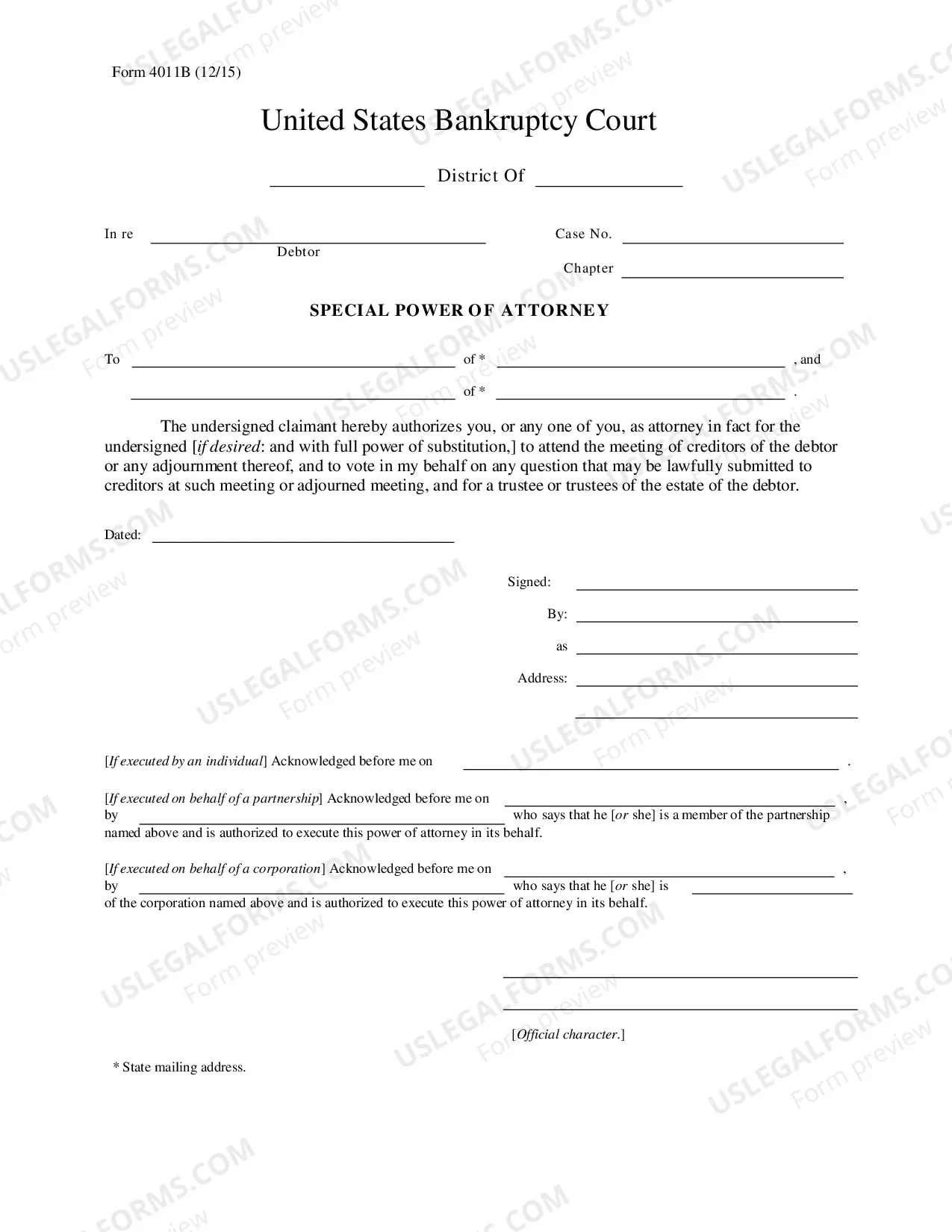
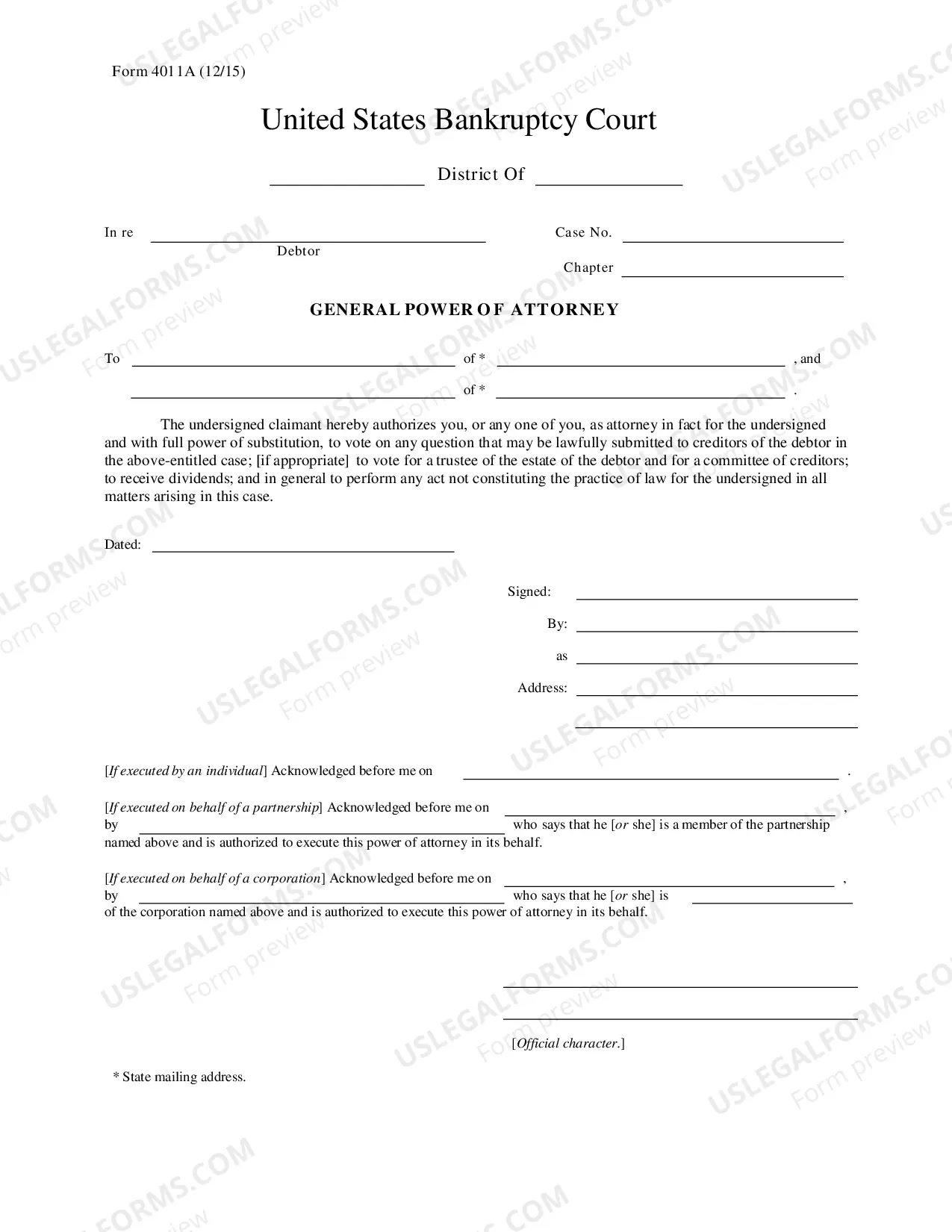
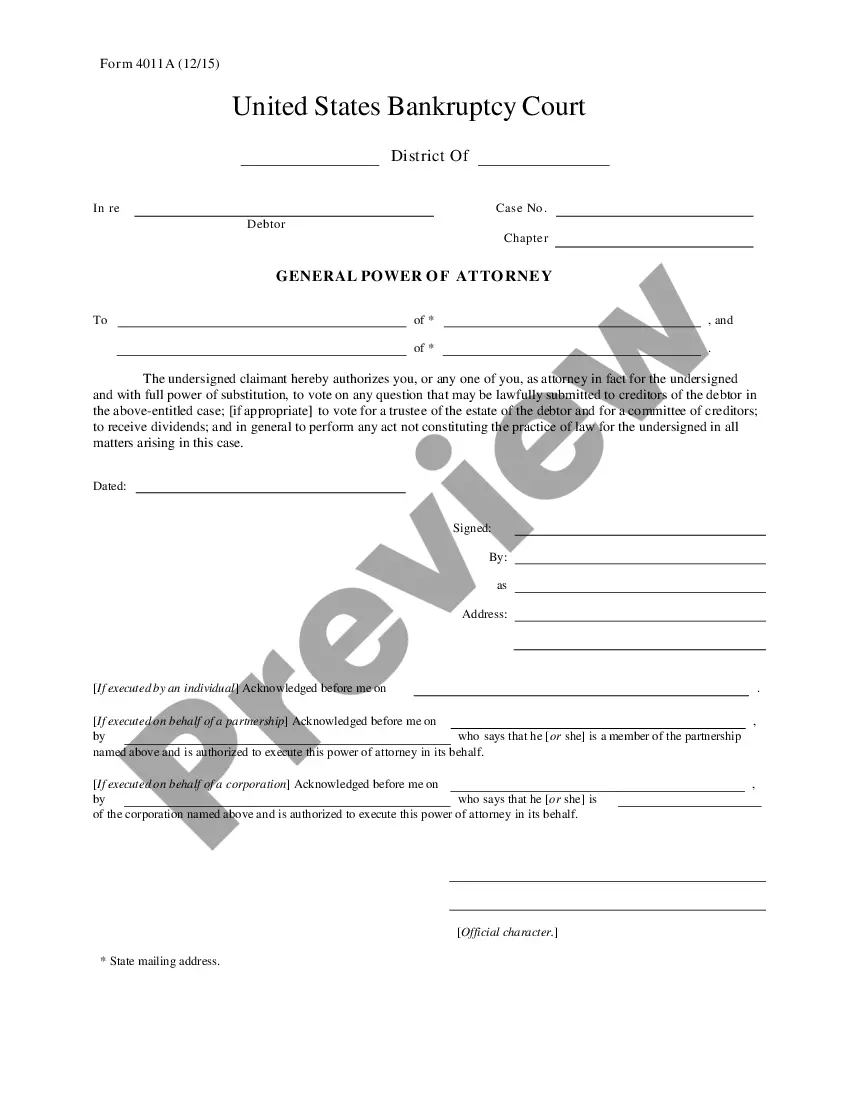
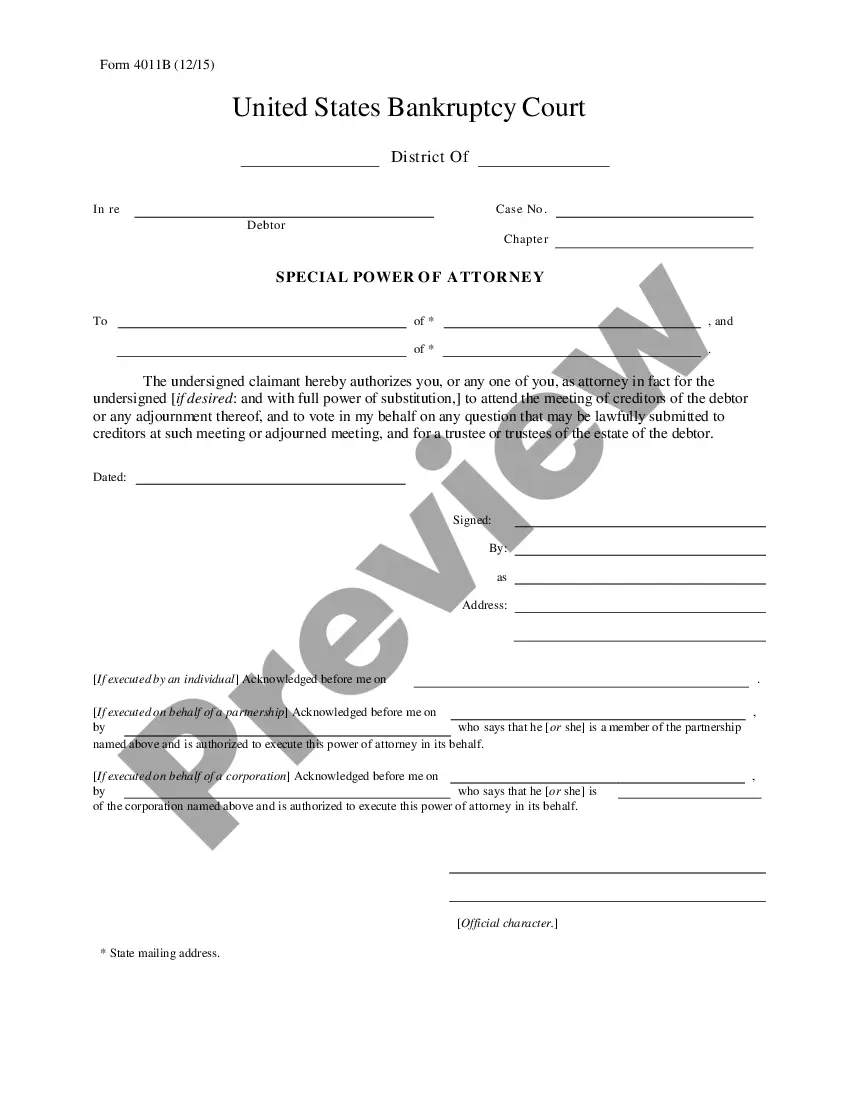
Texas Special Power of Attorney
Description
Get your form ready online
Our built-in tools help you complete, sign, share, and store your documents in one place.
Make edits, fill in missing information, and update formatting in US Legal Forms—just like you would in MS Word.
Download a copy, print it, send it by email, or mail it via USPS—whatever works best for your next step.
Sign and collect signatures with our SignNow integration. Send to multiple recipients, set reminders, and more. Go Premium to unlock E-Sign.
If this form requires notarization, complete it online through a secure video call—no need to meet a notary in person or wait for an appointment.
We protect your documents and personal data by following strict security and privacy standards.

Make edits, fill in missing information, and update formatting in US Legal Forms—just like you would in MS Word.

Download a copy, print it, send it by email, or mail it via USPS—whatever works best for your next step.

Sign and collect signatures with our SignNow integration. Send to multiple recipients, set reminders, and more. Go Premium to unlock E-Sign.

If this form requires notarization, complete it online through a secure video call—no need to meet a notary in person or wait for an appointment.

We protect your documents and personal data by following strict security and privacy standards.
Looking for another form?


How to fill out Texas Special Power Of Attorney?
US Legal Forms is the most simple and affordable way to locate suitable legal templates. It’s the most extensive online library of business and individual legal paperwork drafted and checked by legal professionals. Here, you can find printable and fillable templates that comply with federal and local regulations - just like your Texas Special Power of Attorney.
Obtaining your template requires only a few simple steps. Users that already have an account with a valid subscription only need to log in to the website and download the document on their device. Later, they can find it in their profile in the My Forms tab.
And here’s how you can obtain a professionally drafted Texas Special Power of Attorney if you are using US Legal Forms for the first time:
- Read the form description or preview the document to make sure you’ve found the one meeting your requirements, or locate another one utilizing the search tab above.
- Click Buy now when you’re certain about its compatibility with all the requirements, and choose the subscription plan you like most.
- Create an account with our service, sign in, and pay for your subscription using PayPal or you credit card.
- Decide on the preferred file format for your Texas Special Power of Attorney and download it on your device with the appropriate button.
Once you save a template, you can reaccess it whenever you want - simply find it in your profile, re-download it for printing and manual completion or import it to an online editor to fill it out and sign more effectively.
Take advantage of US Legal Forms, your reliable assistant in obtaining the corresponding official documentation. Try it out!
Form popularity
FAQ
We often hear the question, ?does the power of attorney need to be notarized in Texas?? The answer is yes; the document and any changes to it should be formally notarized.
In general, the Principal (whomever created the Power of Attorney, or POA) can always override the legal document.
In order for this power of attorney to be valid it must be notarized, but it doesn't need to be signed by any witnesses like a will does. You do not need to file a power of attorney at the courthouse unless you want your agent to be able to act on your behalf in regards to a real estate transaction.
It must be signed and notarized, and. It must say how the power of attorney is to be used.
In Texas, you must notarize the POA. This means that you must sign it before a notary public, who will verify your identity and sign and stamp the document.
Texas's statutory form of durable power of attorney is found in Section 752.051 of the Texas Estates Code. It is a financial durable power of attorney - this means that it only allows the agent to handle financial matters. It does not permit the agent to make decisions about the principal's health care.
Some sites allow you to create a POA online for about $35 but you will also have to get it notarized for about $50.
Here are the basic steps to make your Texas power of attorney: Decide which type of power of attorney to make.Decide who you want to be your agent.Decide what powers you want to give your agent.Get a power of attorney form.Complete your POA form, sign it, and execute it.