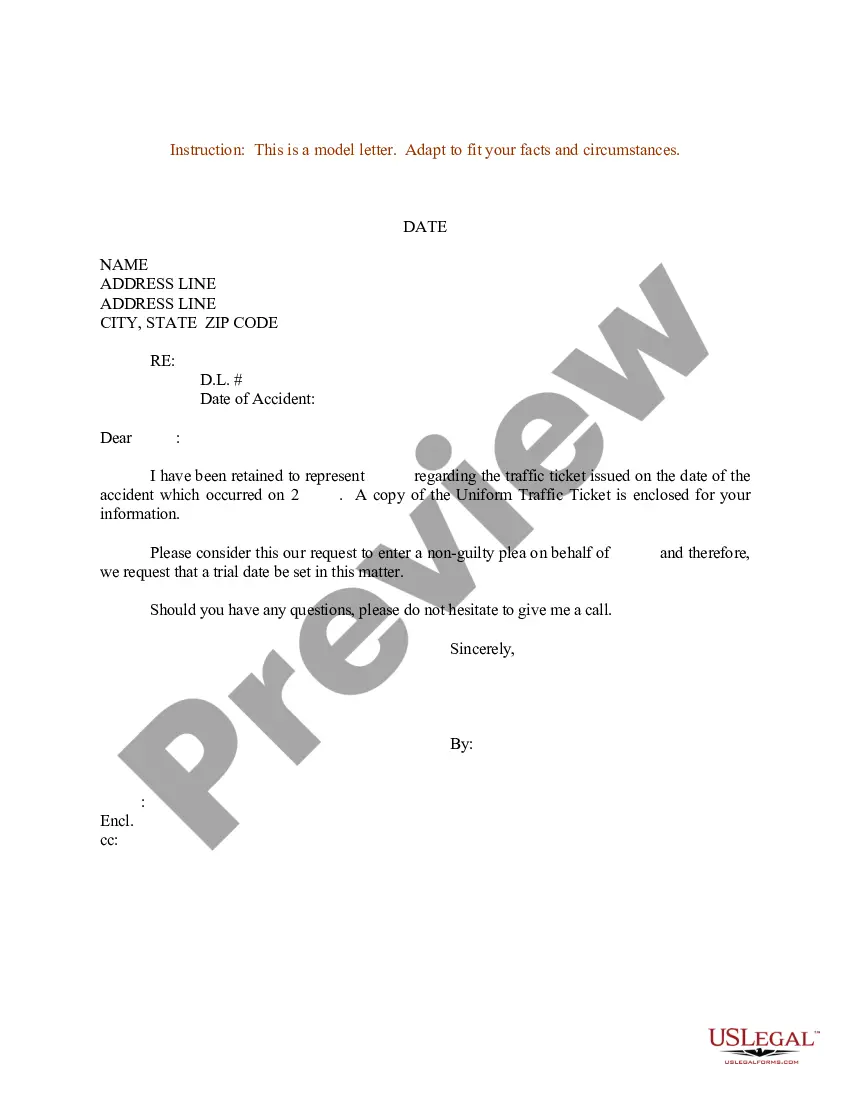
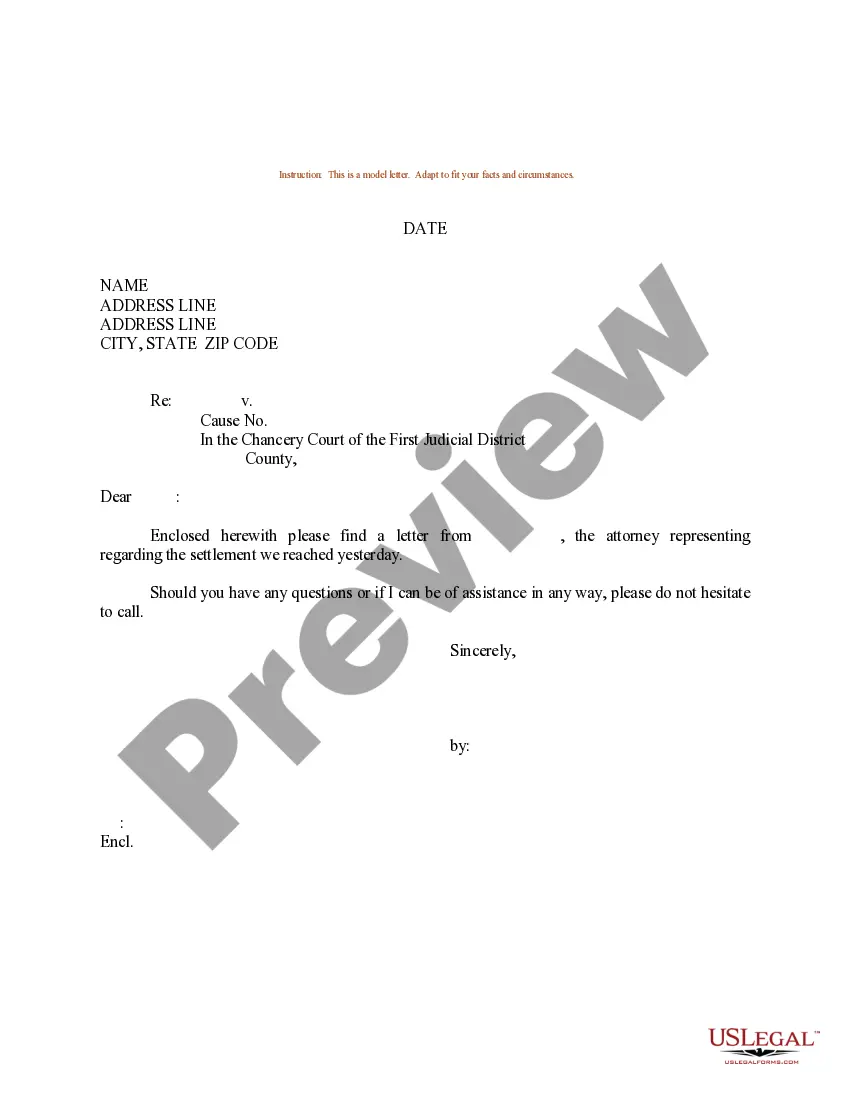
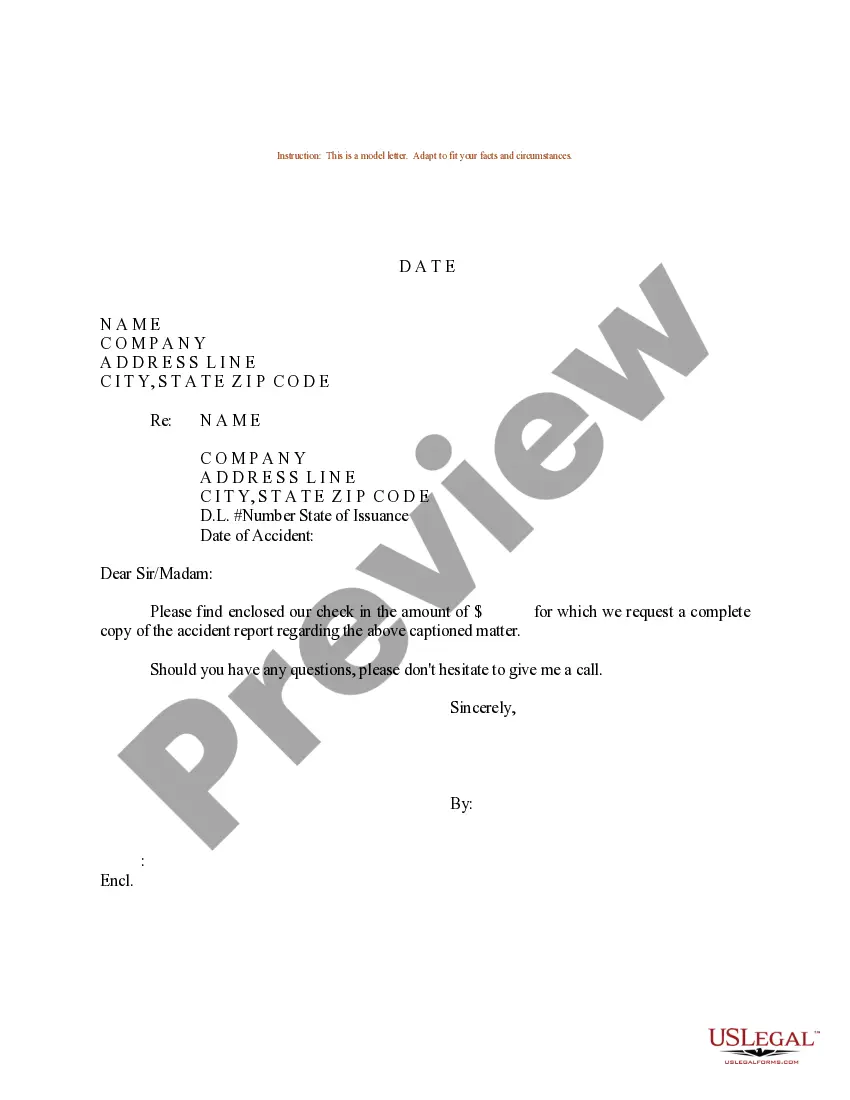
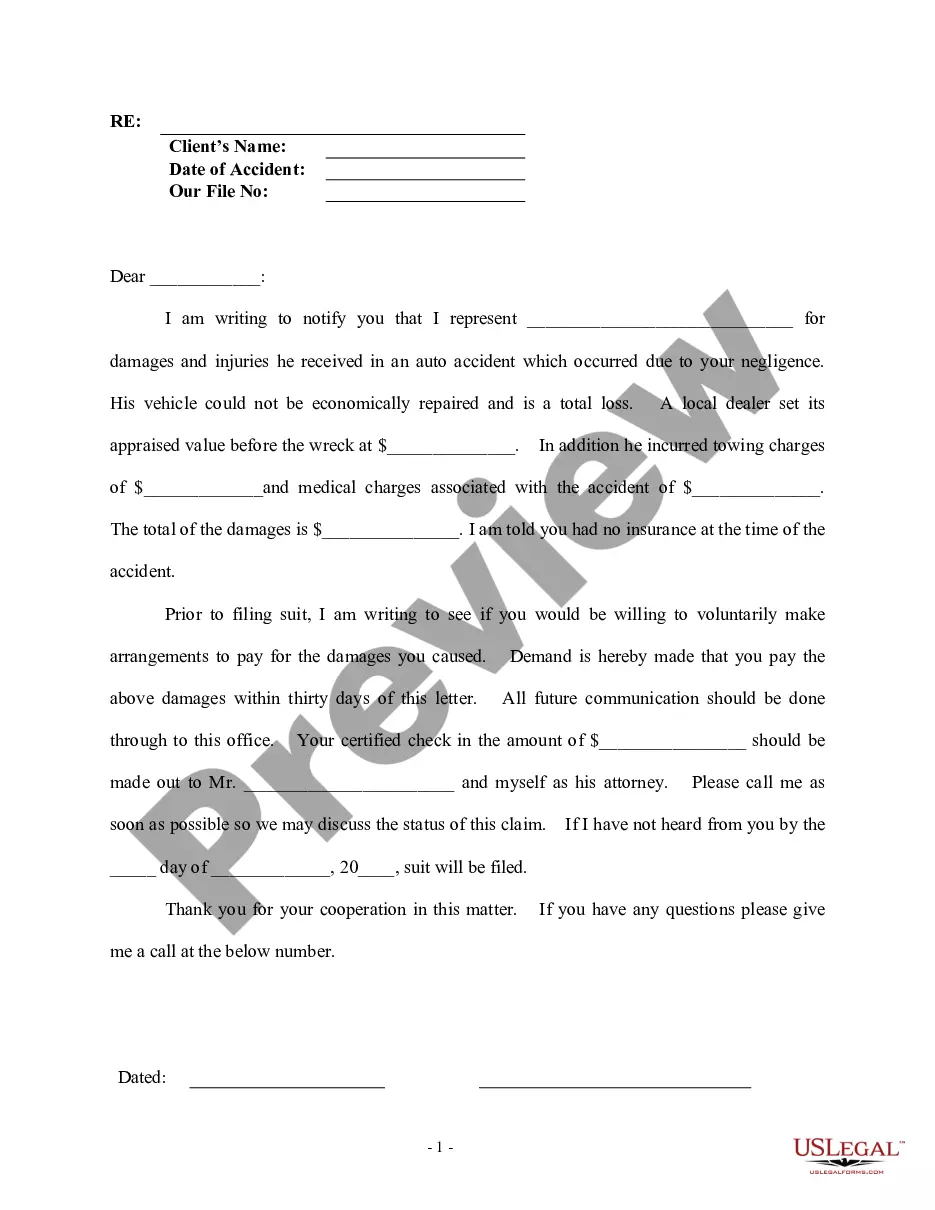
Tennessee Sample Letter Stating Lawyer's Representing client for Traffic Violation
Description
Get your form ready online
Our built-in tools help you complete, sign, share, and store your documents in one place.
Make edits, fill in missing information, and update formatting in US Legal Forms—just like you would in MS Word.
Download a copy, print it, send it by email, or mail it via USPS—whatever works best for your next step.
Sign and collect signatures with our SignNow integration. Send to multiple recipients, set reminders, and more. Go Premium to unlock E-Sign.
If this form requires notarization, complete it online through a secure video call—no need to meet a notary in person or wait for an appointment.
We protect your documents and personal data by following strict security and privacy standards.

Make edits, fill in missing information, and update formatting in US Legal Forms—just like you would in MS Word.

Download a copy, print it, send it by email, or mail it via USPS—whatever works best for your next step.

Sign and collect signatures with our SignNow integration. Send to multiple recipients, set reminders, and more. Go Premium to unlock E-Sign.

If this form requires notarization, complete it online through a secure video call—no need to meet a notary in person or wait for an appointment.

We protect your documents and personal data by following strict security and privacy standards.
Looking for another form?


How to fill out Sample Letter Stating Lawyer's Representing Client For Traffic Violation?
You can invest several hours online attempting to find the lawful document web template that meets the state and federal needs you want. US Legal Forms provides a huge number of lawful forms that happen to be examined by pros. It is possible to acquire or print the Tennessee Sample Letter Stating Lawyer's Representing client for Traffic Violation from your assistance.
If you have a US Legal Forms accounts, you may log in and click the Obtain switch. Next, you may total, change, print, or signal the Tennessee Sample Letter Stating Lawyer's Representing client for Traffic Violation. Every single lawful document web template you buy is the one you have permanently. To acquire one more copy for any purchased kind, visit the My Forms tab and click the related switch.
If you work with the US Legal Forms web site initially, keep to the easy directions beneath:
- Initial, make sure that you have chosen the proper document web template for your region/area that you pick. Browse the kind outline to ensure you have chosen the right kind. If available, utilize the Review switch to check throughout the document web template also.
- If you wish to find one more version of the kind, utilize the Lookup industry to discover the web template that suits you and needs.
- Upon having located the web template you desire, click Acquire now to proceed.
- Find the rates strategy you desire, type in your credentials, and register for an account on US Legal Forms.
- Complete the financial transaction. You should use your charge card or PayPal accounts to purchase the lawful kind.
- Find the file format of the document and acquire it in your product.
- Make adjustments in your document if necessary. You can total, change and signal and print Tennessee Sample Letter Stating Lawyer's Representing client for Traffic Violation.
Obtain and print a huge number of document layouts making use of the US Legal Forms website, which offers the largest variety of lawful forms. Use professional and condition-certain layouts to tackle your organization or specific demands.
Form popularity
FAQ
Include the date of the legal statement; the topic of the statement; the date(s) of the topic to be discussed; the basic facts involved in the reasoning for the statement; the identities of all pertinent parties; their connections to the case; and if possible, the signatures of the parties. 3.
The greeting, or salutation, is the opening of a legal letter and is located two lines below the reference or subject line. Because legal letters are professional documents, the greetings you write should be professional. If you don't know the name of person to whom you're writing, make an ef- fort to find it.
Greet your attorney. For example: "Dear Mr. Jones" or "Dear Ms. Fisher" Position the greeting on the left side of the page. Follow the greeting with a colon, i.e. "Dear Ms. Fisher:"
Receiving full legal representation means your attorney will handle most, if not all aspects of your court case. This includes filing court documents, scheduling court dates, delivering arguments, and much more.
Address the outside of your letter's envelope with the name of your main recipient in the middle address block. On the second line, underneath their name, add "c/o" and the name of the person connected with the address you're sending the letter to. You'd then add the street address, state, city, and zip code.
The sections of a legal business letter are: Sender's address (if not included in the letterhead) Date of correspondence. Recipient's address. Caption (RE: Topic of the correspondence) Salutation. Introduction. Body of letter (Limited to two or three points, each in its own paragraph) Closing.