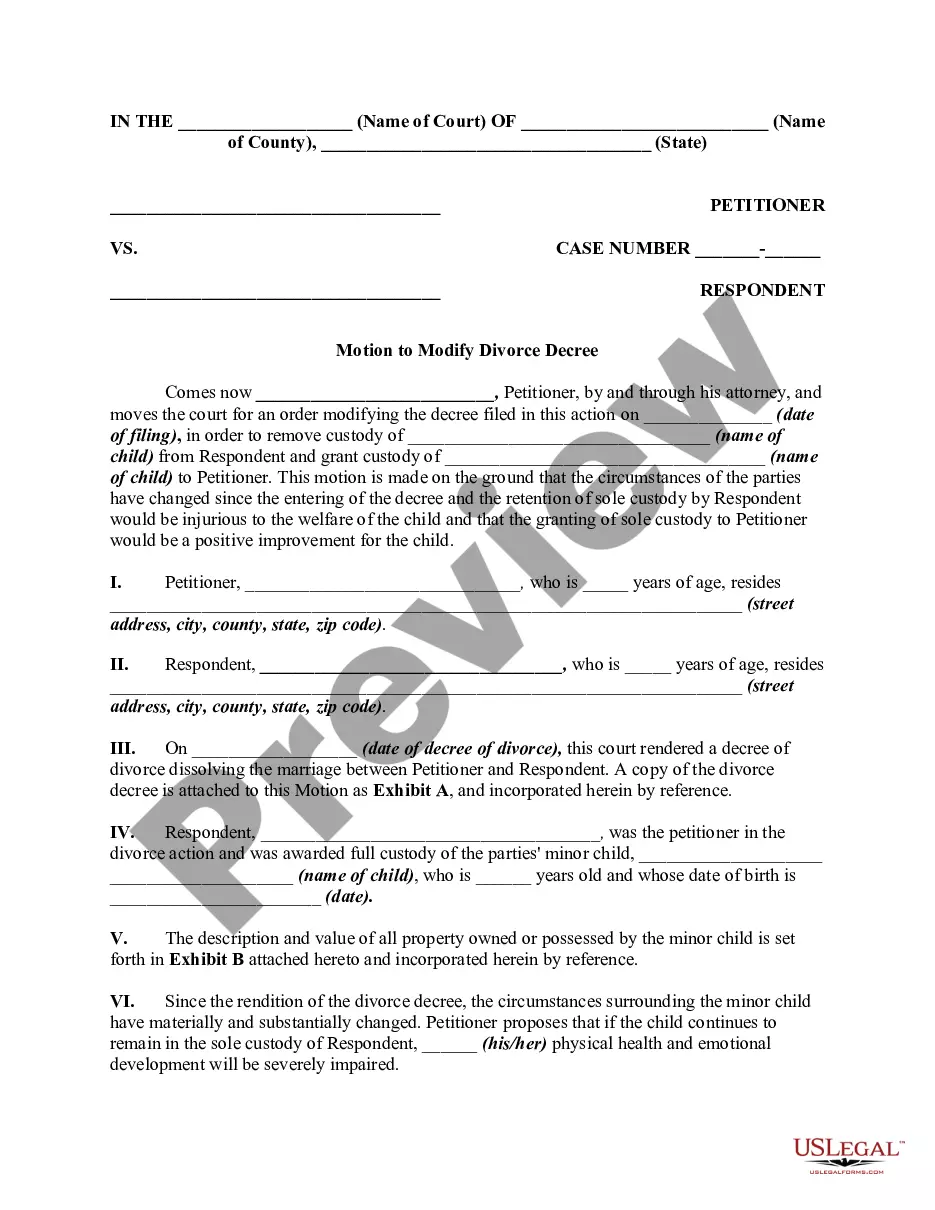
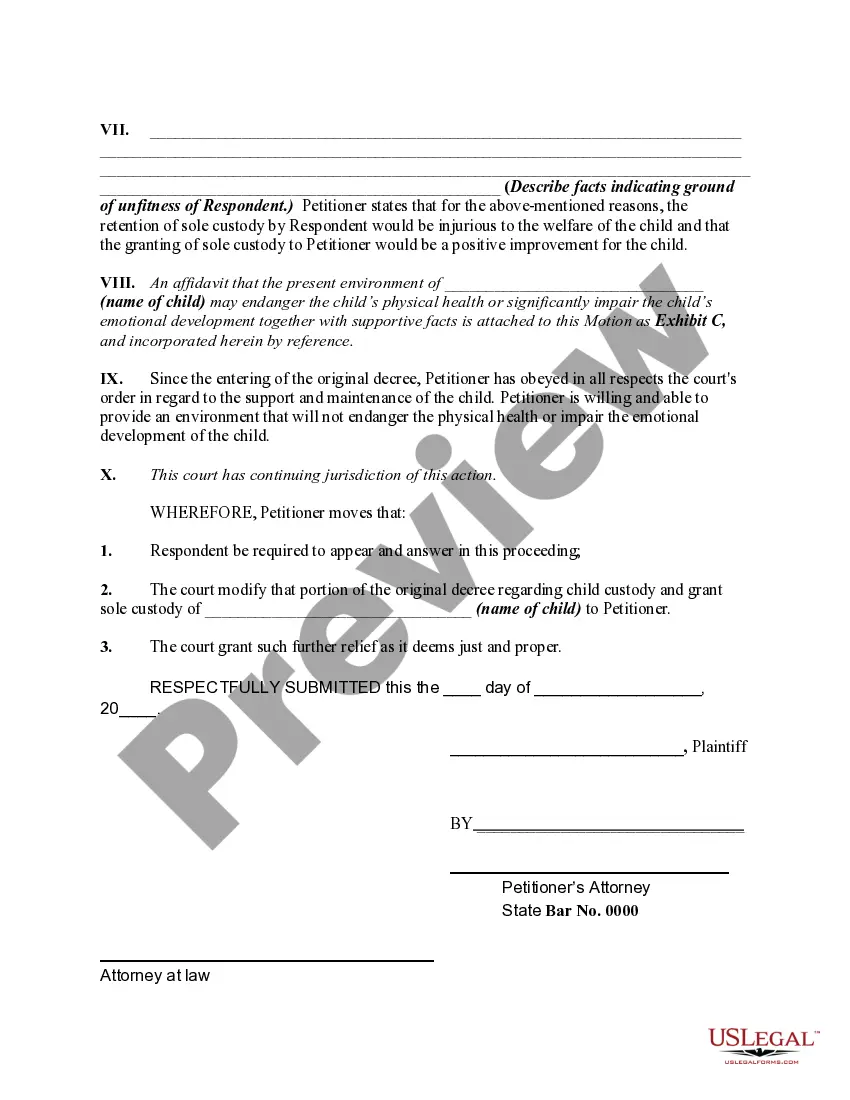
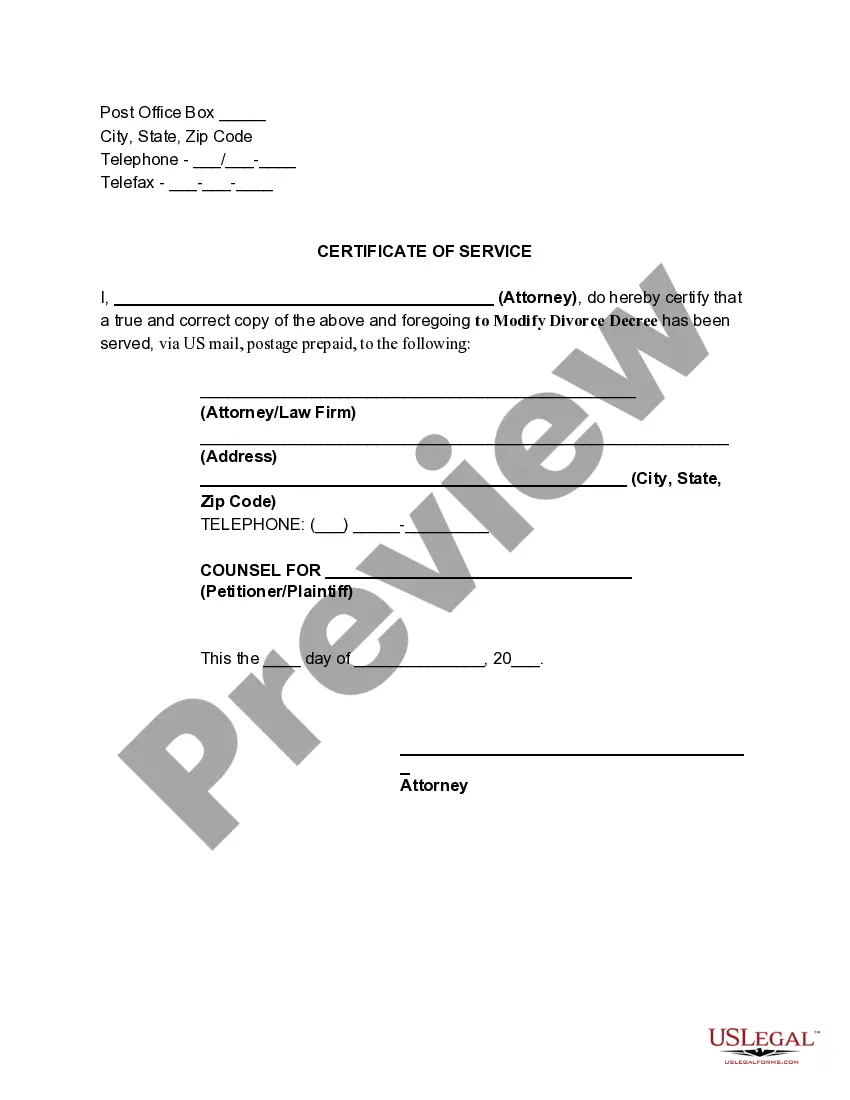
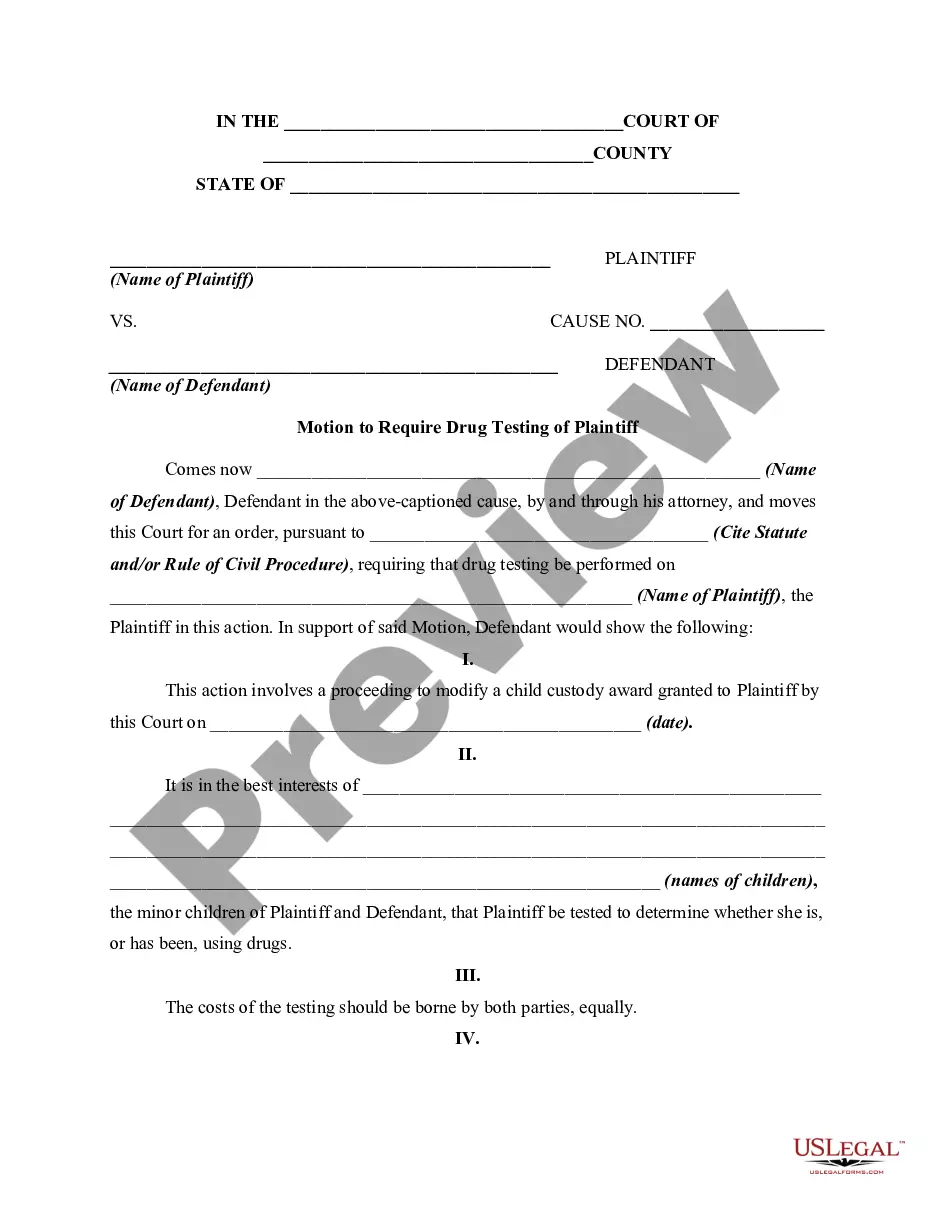
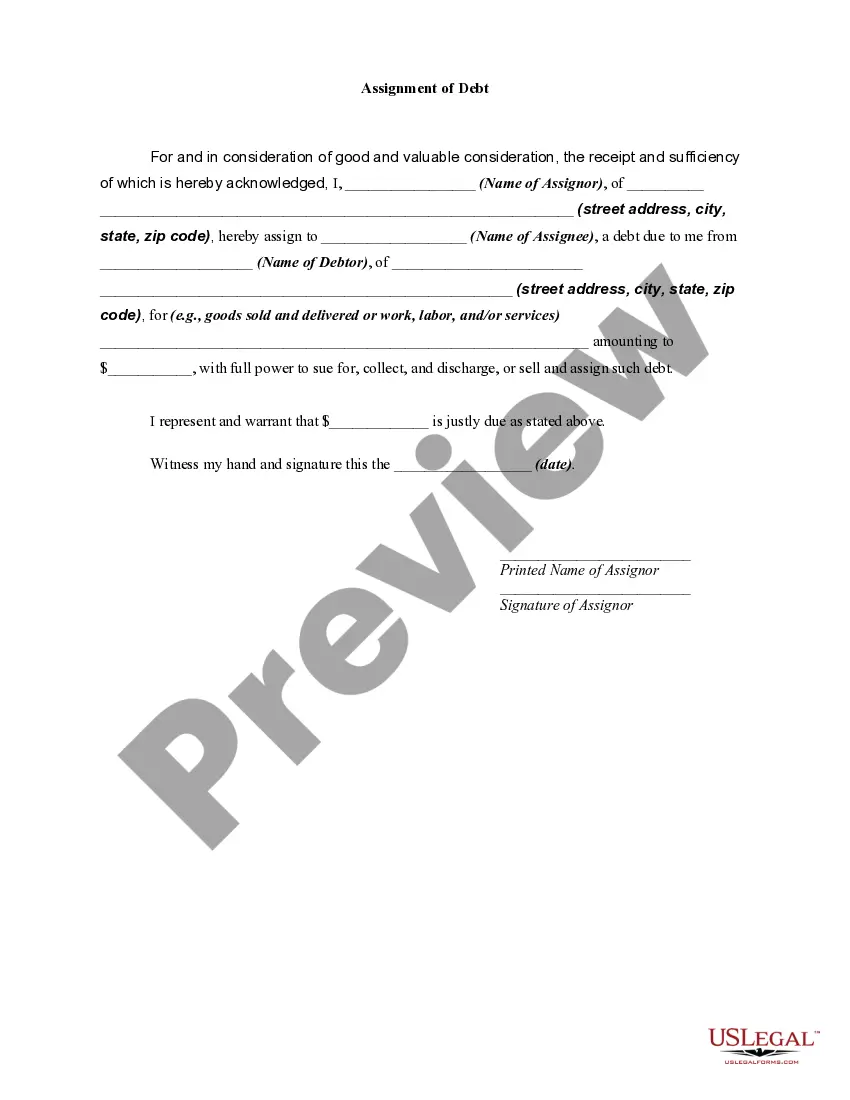
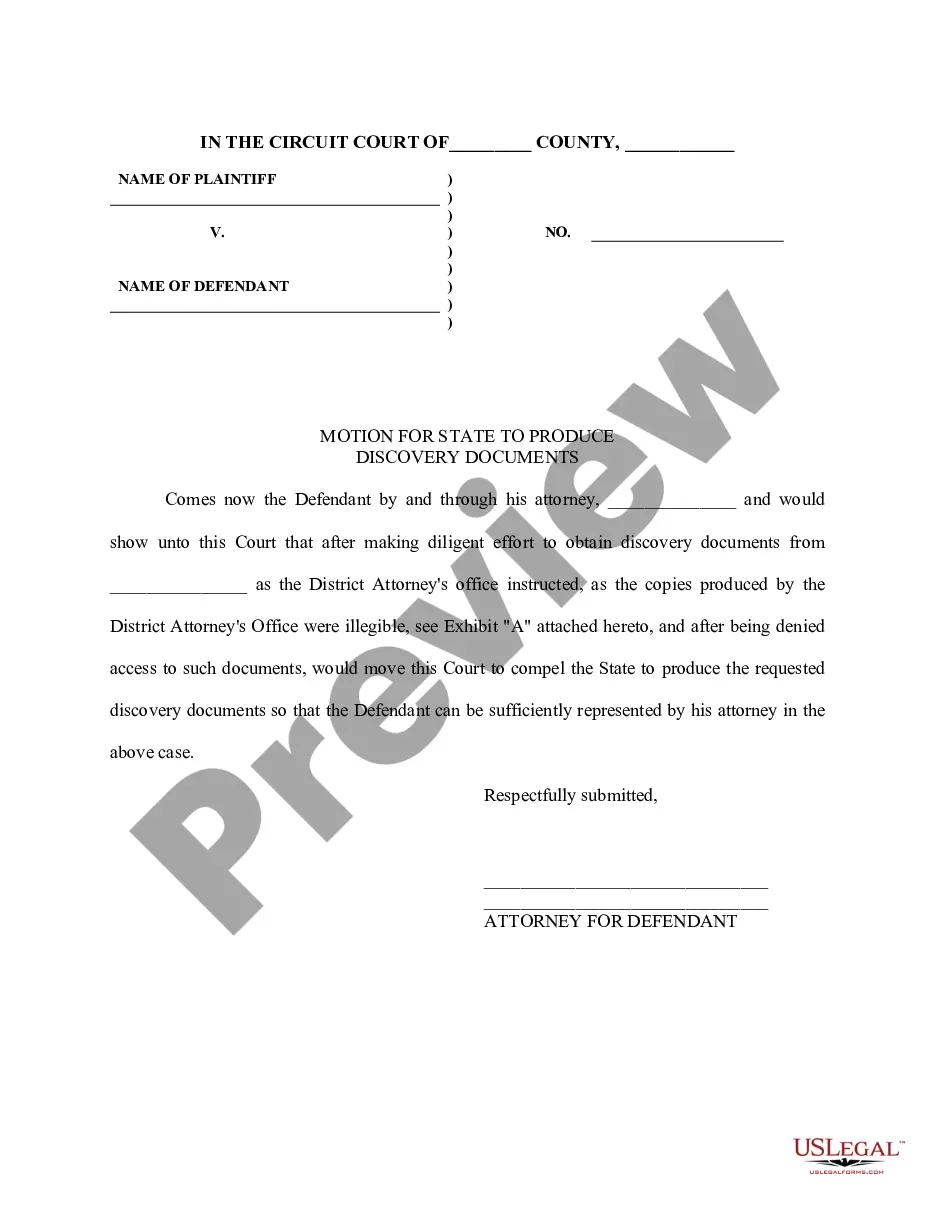
This form is motion for modification of a prior custody divorce decree in order to obtain sole custody of a minor child on the grounds that the present custodial parent is unfit to continue to have sole custody of the child. This form is a generic example of such an motion that may be referred to when preparing such a pleading for your particular state.
South Dakota Motion for Modification or Amendment of Prior Custody Order in Divorce Decree to Obtain Sole Custody of Minor Child Due to Unfitness of Custodial Parent
State:
Multi-State
Category:
Control #:
US-00901BG
Format:
Word;
Rich Text
560 downloads
Description
Free preview
Get your form ready online
Our built-in tools help you complete, sign, share, and store your documents in one place.
Built-in online Word editor
Make edits, fill in missing information, and update formatting in US Legal Forms—just like you would in MS Word.
Export easily
Download a copy, print it, send it by email, or mail it via USPS—whatever works best for your next step.
E-sign your document
Sign and collect signatures with our SignNow integration. Send to multiple recipients, set reminders, and more. Go Premium to unlock E-Sign.
Notarize online 24/7
If this form requires notarization, complete it online through a secure video call—no need to meet a notary in person or wait for an appointment.
Store your document securely
We protect your documents and personal data by following strict security and privacy standards.
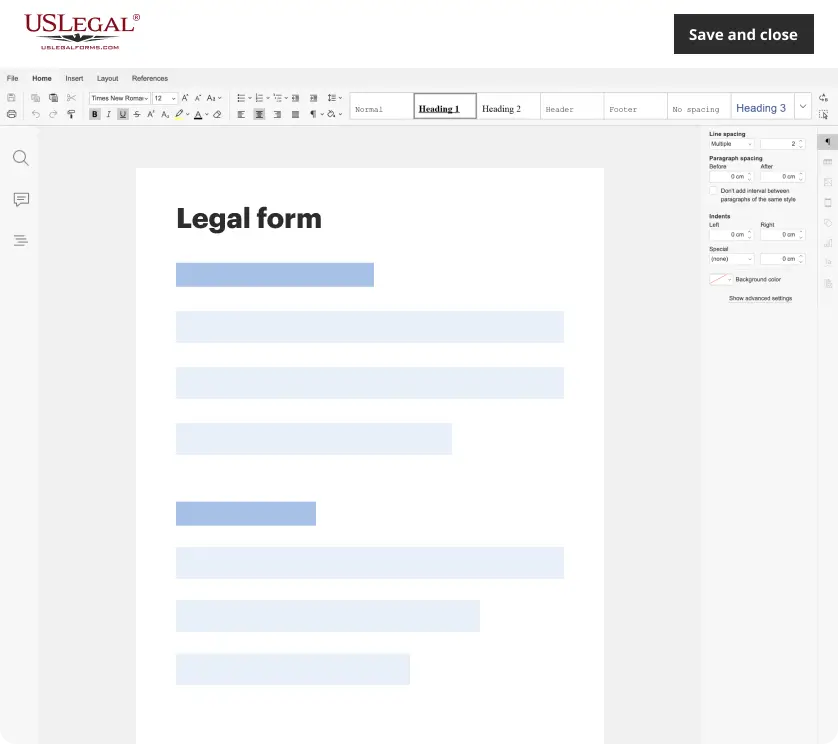
Make edits, fill in missing information, and update formatting in US Legal Forms—just like you would in MS Word.
Download a copy, print it, send it by email, or mail it via USPS—whatever works best for your next step.
Sign and collect signatures with our SignNow integration. Send to multiple recipients, set reminders, and more. Go Premium to unlock E-Sign.

If this form requires notarization, complete it online through a secure video call—no need to meet a notary in person or wait for an appointment.
We protect your documents and personal data by following strict security and privacy standards.
Looking for another form?






How to fill out Motion For Modification Or Amendment Of Prior Custody Order In Divorce Decree To Obtain Sole Custody Of Minor Child Due To Unfitness Of Custodial Parent?
If you desire to be thorough, obtain, or create official document templates, utilize US Legal Forms, the largest collection of legal forms that are available online.
Employ the site's user-friendly and efficient search to find the documents you require. Many templates for business and personal purposes are organized by categories and states, or keywords.
Use US Legal Forms to access the South Dakota Motion for Modification or Amendment of Prior Custody Order in Divorce Decree to Secure Sole Custody of Minor Child Due to Unfitness of Custodial Parent with just a few clicks.
Step 5. Process the transaction. You can use your credit card or PayPal account to complete the transaction.
Step 6. Select the format of the legal form and download it to your device. Step 7. Complete, modify, and print or sign the South Dakota Motion for Modification or Amendment of Prior Custody Order in Divorce Decree to Secure Sole Custody of Minor Child Due to Unfitness of Custodial Parent.
Every legal document template you obtain is yours to keep indefinitely. You will have access to every form you acquired with your account. Select the My documents section and choose a form to print or download again.
Compete and acquire, and print the South Dakota Motion for Modification or Amendment of Prior Custody Order in Divorce Decree to Secure Sole Custody of Minor Child Due to Unfitness of Custodial Parent with US Legal Forms. There are millions of professional and state-specific forms you can utilize for your business or personal needs.
- If you are currently a US Legal Forms user, Log In to your account and click the Acquire button to obtain the South Dakota Motion for Modification or Amendment of Prior Custody Order in Divorce Decree to Secure Sole Custody of Minor Child Due to Unfitness of Custodial Parent.
- You can also access forms you previously obtained in the My documents tab of your account.
- If you are using US Legal Forms for the first time, follow the instructions below.
- Step 1. Ensure you have selected the form for the correct area/state.
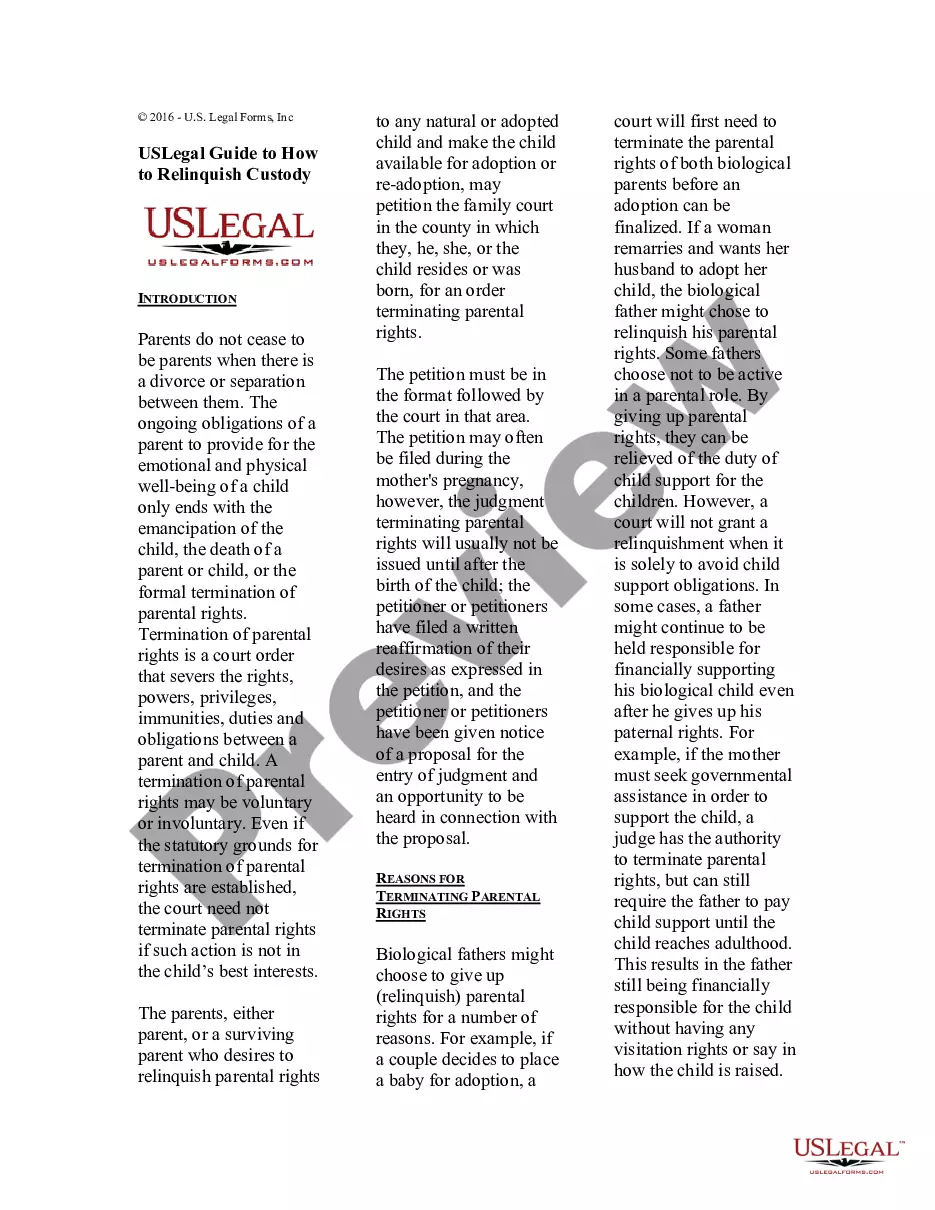
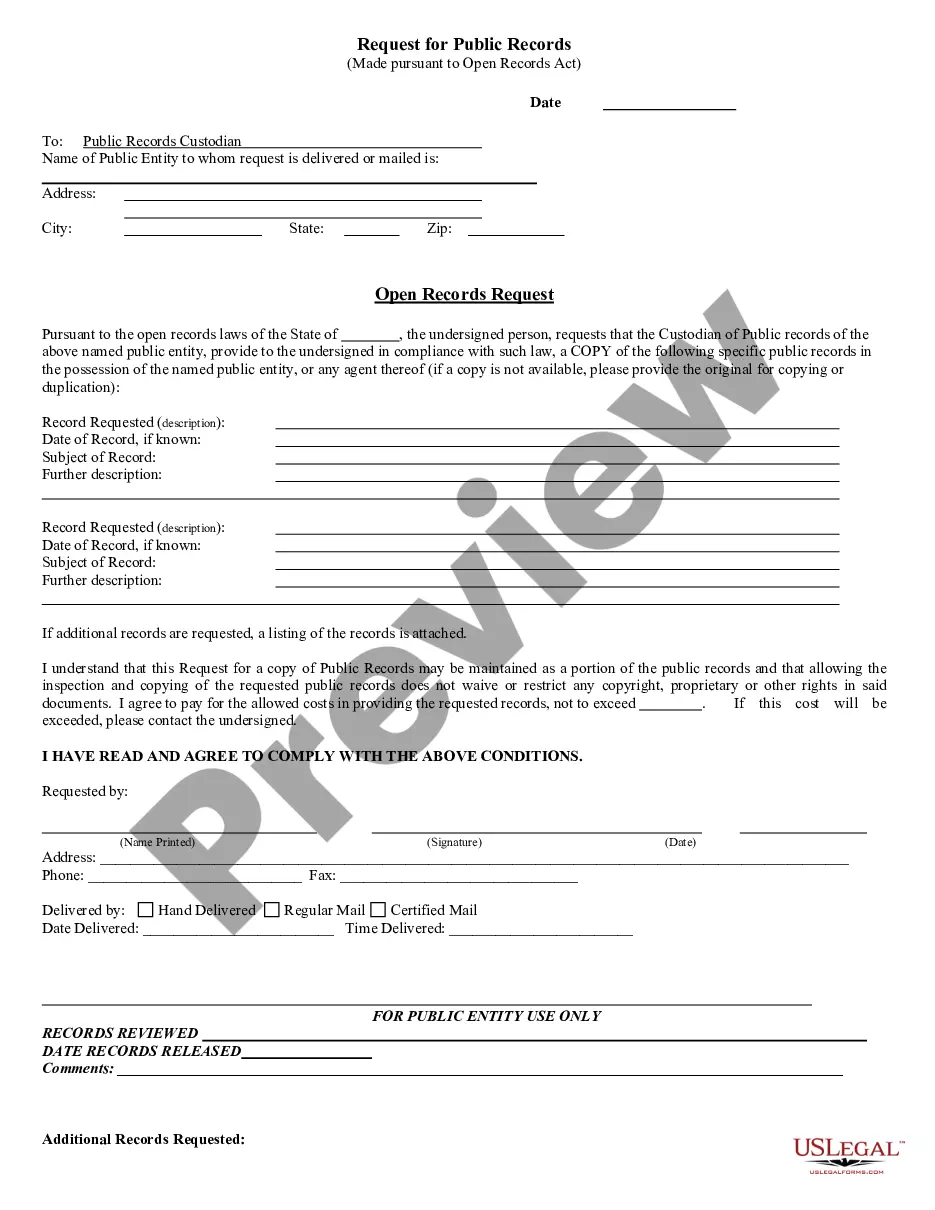
- Step 2. Utilize the Preview option to review the form's content. Don't forget to check the description.
- Step 3. If you are not satisfied with the form, use the Search field at the top of the screen to find other versions of the legal form template.
- Step 4. Once you have found the form you need, click the Acquire now button. Choose the payment plan you prefer and enter your information to register for an account.
Form popularity
FAQ
How To Handle An Uncooperative Co-Parent Preemptively Address Issues. ... Set Emotional Boundaries. ... Let Go of What You Can't Control. ... Use Non-Combative Language. ... Stick to Your Commitments. ... Know Their Triggers. ... Encourage a Healthy Relationship with the Kids. ... Avoid Direct Contact with the Uncooperative Co-Parent.
Co-parenting harassment can include such things as excessive and repeated text messages or calls, name-calling, and threatening or condescending behavior. It may occur when parents cannot agree about the care of the child or about decisions they must make on behalf of the child.
You either have to create a parenting plan and arrangement on your own regarding decision-making authority or the court will do it for you. The Judicial Branch of California explains the process.
Parenting Together When You Can't Agree on a Parenting Style Disagreement Is Normal. Be Clear About Your Parenting Style. Don't Criticize Each Other in Front of the Kids. Use a Catchphrase When Help Is Needed. Make Couple Time. See a Therapist. Know It Is Never Too Late.
Some of the most common dirty tricks used in child custody battles include: Making false accusations of abuse or neglect. This is a serious allegation that can have devastating consequences for the accused parent. Spreading rumors and lies about the other parent.
If parents really can't agree, they have to compromise. This often means choosing one parent's idea to test out. If that doesn't work for the child, then test out the other parent's approach. In a good marriage or a divorce where parents get along, having different parenting styles is not a bad thing.
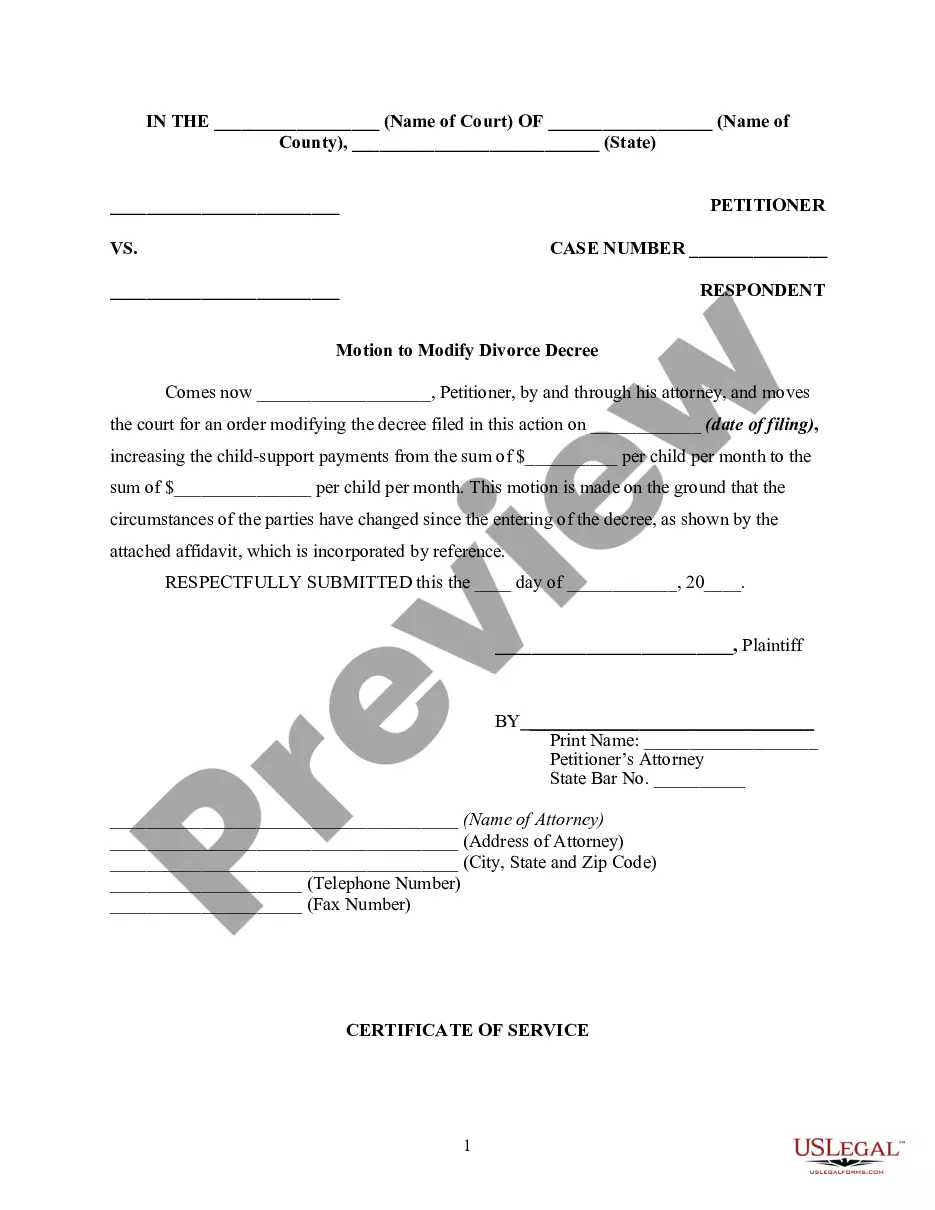
How do I modify child custody in South Dakota? In South Dakota, the Circuit Court is the only entity with authority to modify a child support obligation. This is usually done in response to a petition filed by one of the parents. Either parent or a representative may file a petition to modify their child support order.
Keep talking. If you disagree about something important, you will need to continue communicating. Never discuss your differences of opinions with or in front of your child. If you still can't agree, you may need to talk to a third party, like a therapist or mediator.