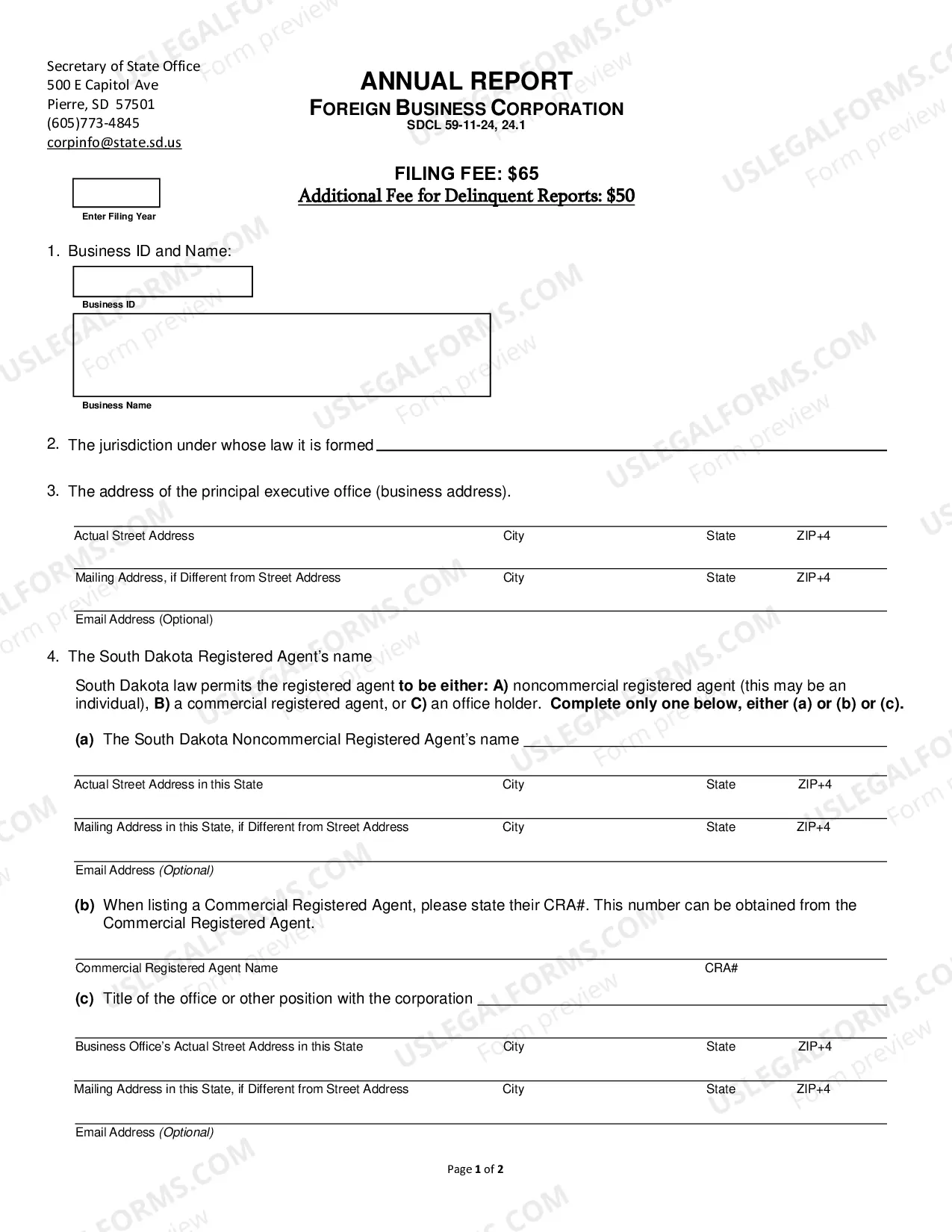
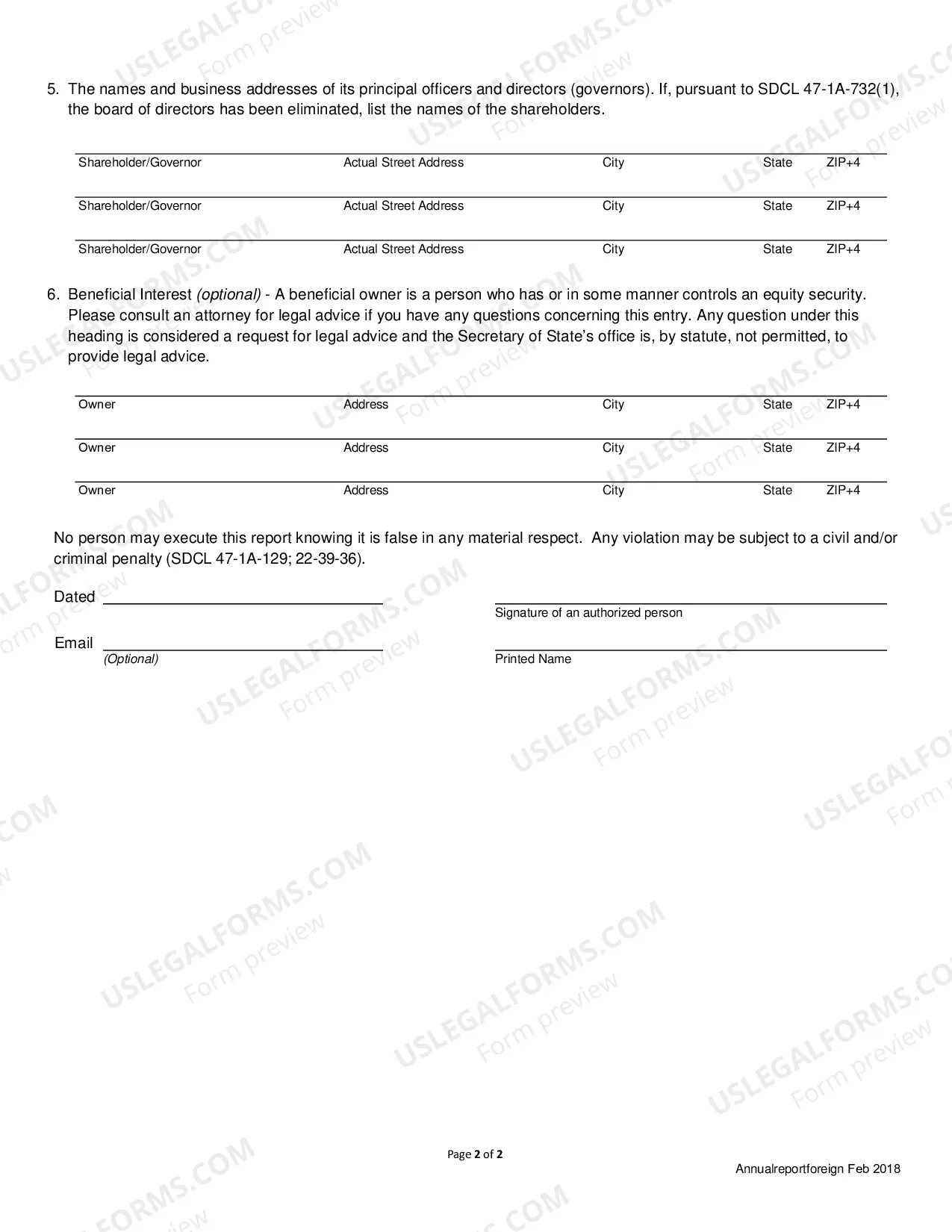
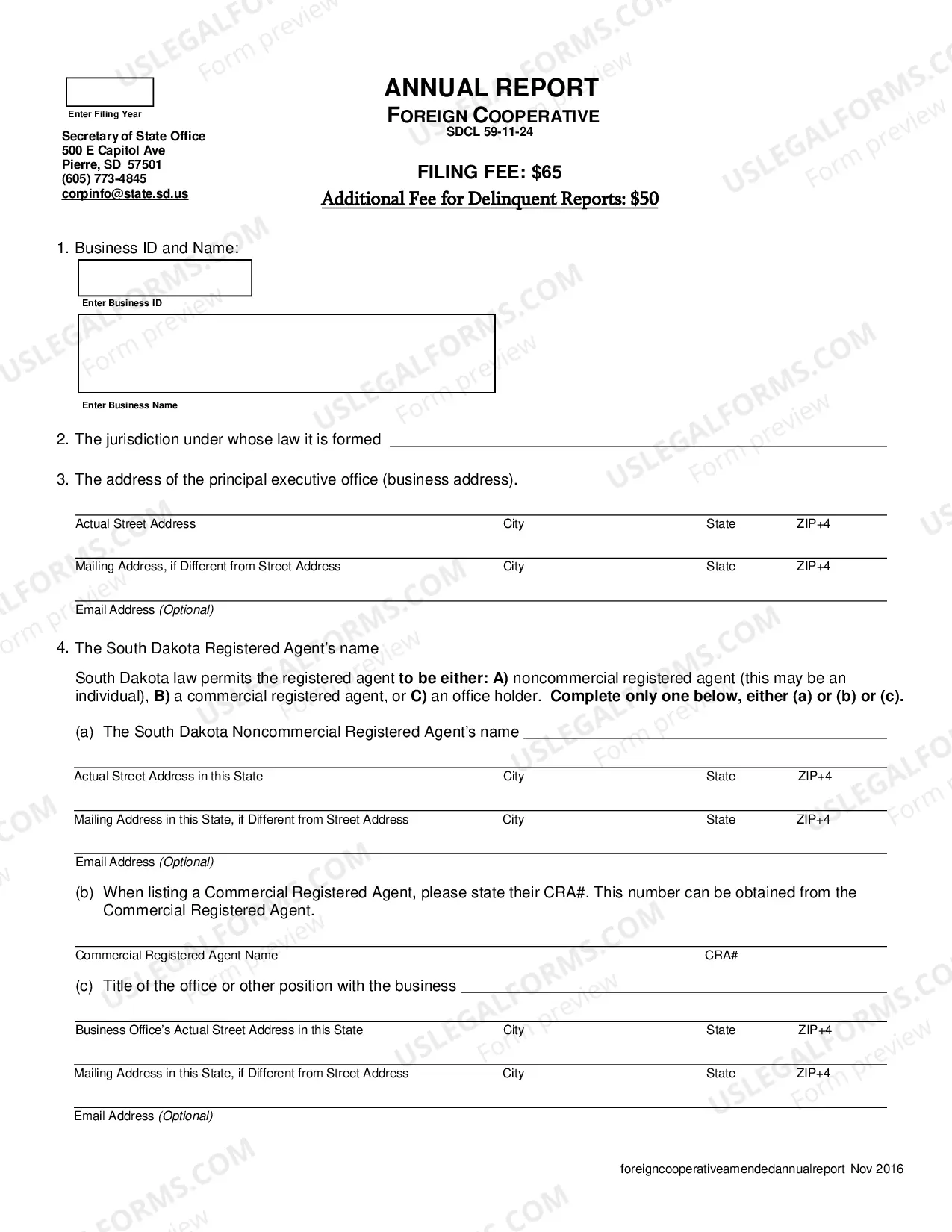
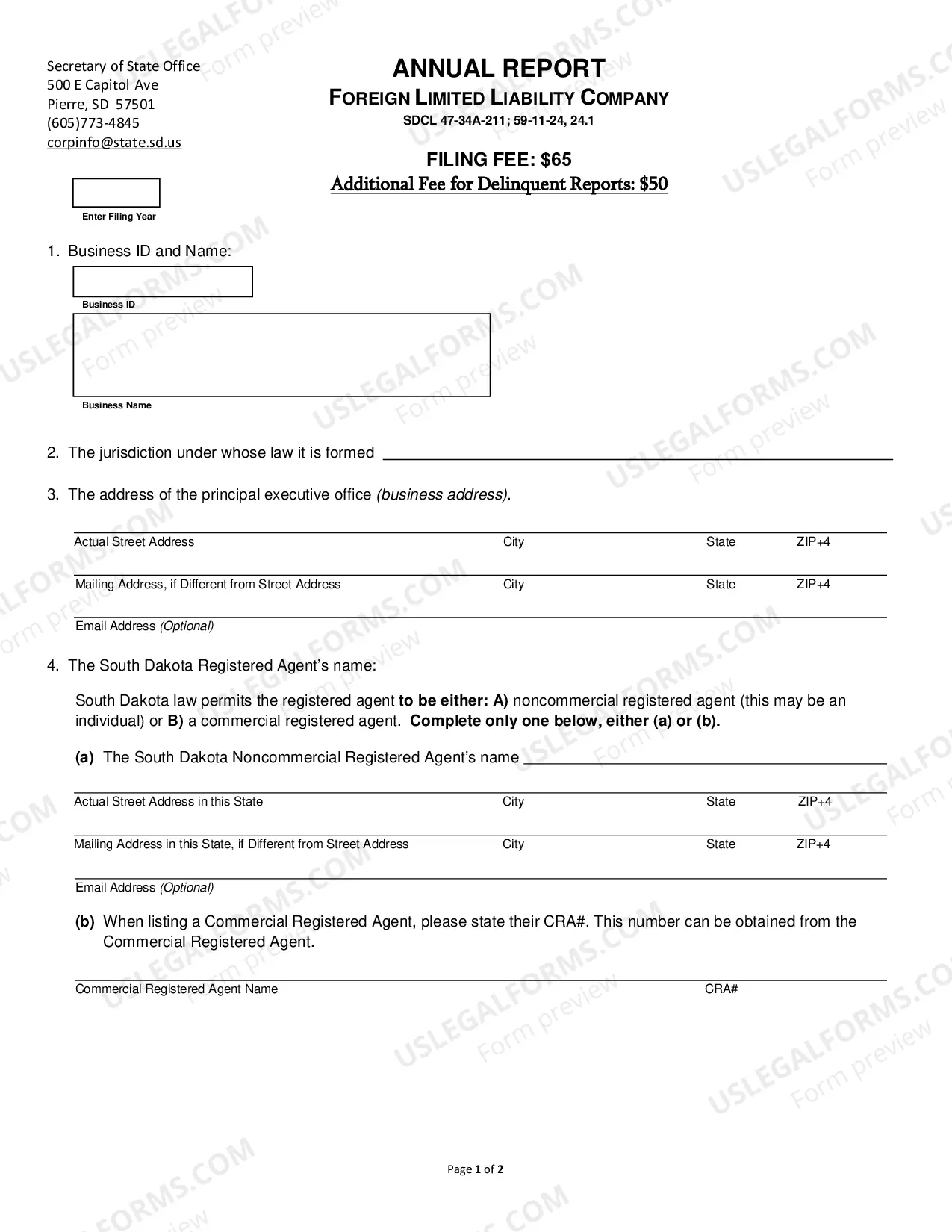
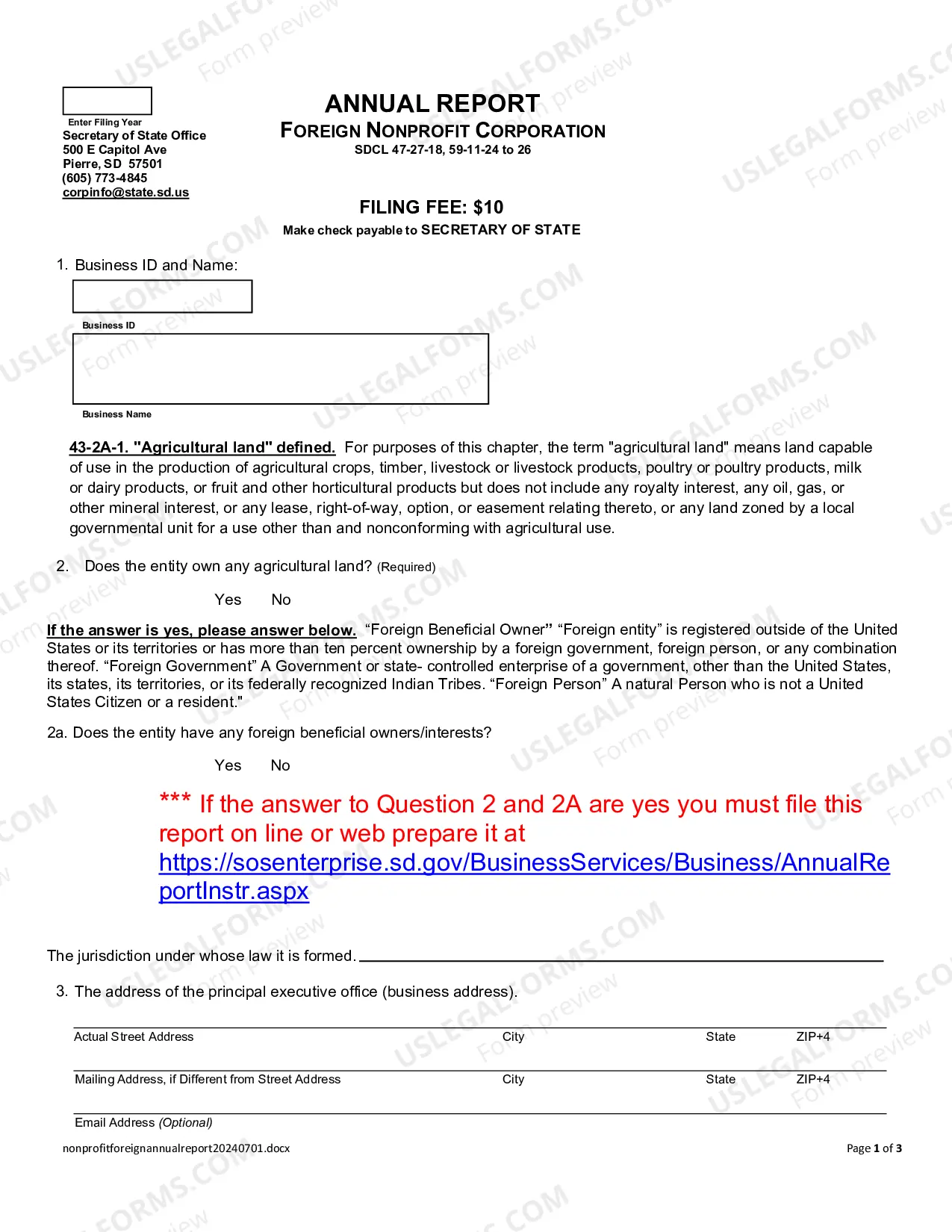
South Dakota Annual Farm Report (Foreign Business Corp)
Description
Get your form ready online
Our built-in tools help you complete, sign, share, and store your documents in one place.
Make edits, fill in missing information, and update formatting in US Legal Forms—just like you would in MS Word.
Download a copy, print it, send it by email, or mail it via USPS—whatever works best for your next step.
Sign and collect signatures with our SignNow integration. Send to multiple recipients, set reminders, and more. Go Premium to unlock E-Sign.
If this form requires notarization, complete it online through a secure video call—no need to meet a notary in person or wait for an appointment.
We protect your documents and personal data by following strict security and privacy standards.

Make edits, fill in missing information, and update formatting in US Legal Forms—just like you would in MS Word.

Download a copy, print it, send it by email, or mail it via USPS—whatever works best for your next step.

Sign and collect signatures with our SignNow integration. Send to multiple recipients, set reminders, and more. Go Premium to unlock E-Sign.

If this form requires notarization, complete it online through a secure video call—no need to meet a notary in person or wait for an appointment.

We protect your documents and personal data by following strict security and privacy standards.
Looking for another form?

How to fill out South Dakota Annual Farm Report (Foreign Business Corp)?
If you’re searching for a way to properly prepare the South Dakota Annual Farm Report (Foreign Business Corp) without hiring a legal professional, then you’re just in the right spot. US Legal Forms has proven itself as the most extensive and reliable library of official templates for every personal and business scenario. Every piece of documentation you find on our web service is created in accordance with federal and state laws, so you can be certain that your documents are in order.
Follow these straightforward guidelines on how to get the ready-to-use South Dakota Annual Farm Report (Foreign Business Corp):
- Make sure the document you see on the page corresponds with your legal situation and state laws by examining its text description or looking through the Preview mode.
- Enter the document name in the Search tab on the top of the page and choose your state from the list to find an alternative template if there are any inconsistencies.
- Repeat with the content check and click Buy now when you are confident with the paperwork compliance with all the demands.
- Log in to your account and click Download. Register for the service and select the subscription plan if you still don’t have one.
- Use your credit card or the PayPal option to purchase your US Legal Forms subscription. The blank will be available to download right after.
- Decide in what format you want to get your South Dakota Annual Farm Report (Foreign Business Corp) and download it by clicking the appropriate button.
- Import your template to an online editor to fill out and sign it rapidly or print it out to prepare your hard copy manually.
Another great advantage of US Legal Forms is that you never lose the paperwork you purchased - you can pick any of your downloaded templates in the My Forms tab of your profile any time you need it.
Form popularity
FAQ
The name itself CANNOT be changed through an amendment. Instead, you would need to file a NEW DBA-Business Name and file a cancellation of the unused name. You are required to file an amendment if the address of the fictitious name or owners(s) information has changed.
How much is a South Dakota Business License? South Dakota doesn't have a general business license at the state level, so there are no fees there. However, your business may need a state-level occupational license or municipal-level license or permit to operate.
To amend your South Carolina articles of incorporation, file two copies of the Articles of Amendment with the South Carolina Secretary of State, Division of Business Filings (SOS).
Articles of amendment may be filed online at or filed by paper by submitting this completed form to our office.
How do you dissolve/terminate a South Dakota Limited Liability Company? To dissolve/terminate your domestic LLC in South Dakota, you must submit the completed Articles of Termination form to the South Dakota Secretary of State by mail or in person and in duplicate along with the filing fee.
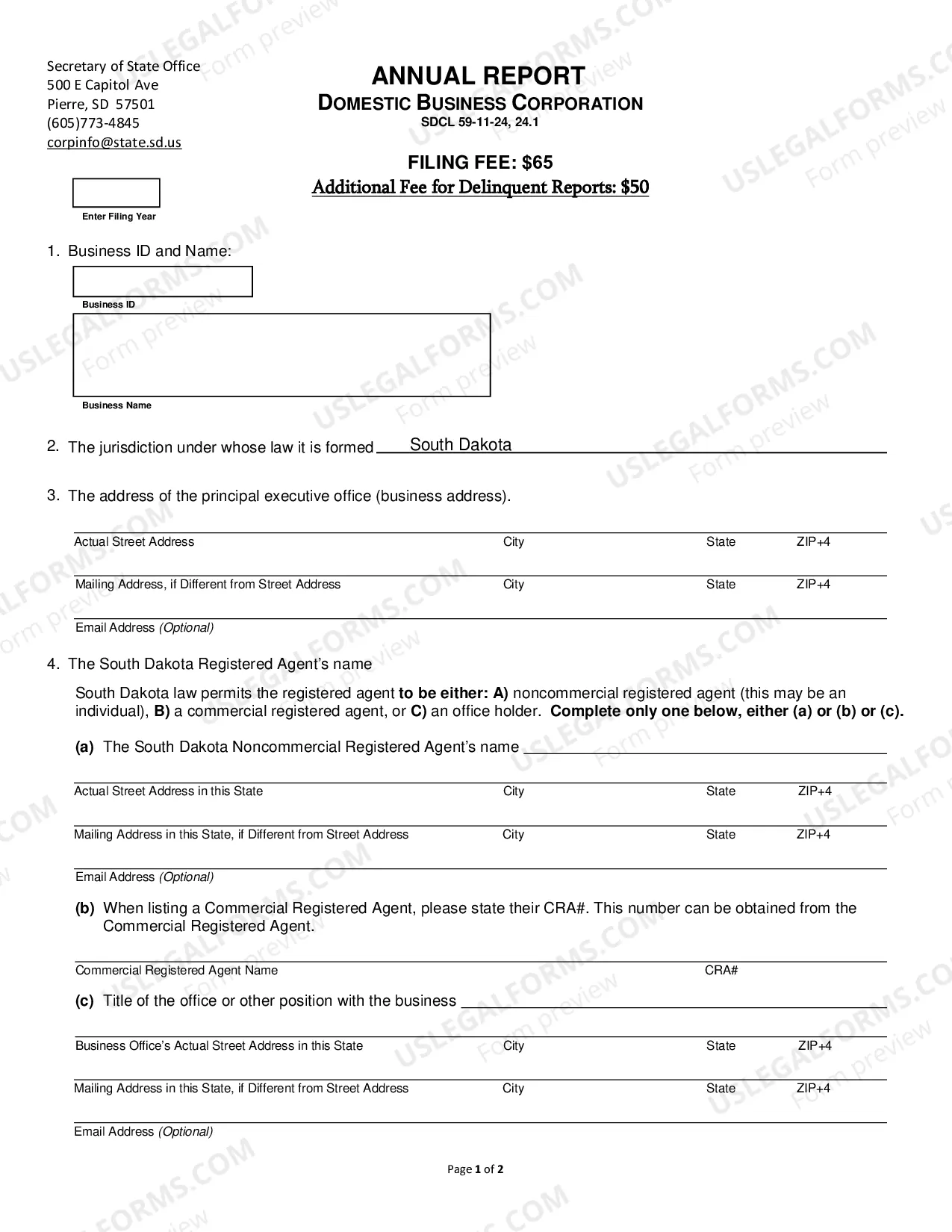
South Dakota Corporation Annual Report Requirements: Filing Method: Mail or online. Agency Fee: $65 via mail or $50 online.
You amend the articles of your South Dakota Corporation by submitting the completed Amendment to Articles of Incorporation form in duplicate by mail or in person, along with the filing fee to the South Dakota Secretary of State.
The South Dakota LLC filing fee is $150, with an additional cost of $15 if you choose to file via a paper form. You only need to file your Articles of Organization once, however all LLCs in South Dakota must file an annual report once a year to remain compliant with the Secretary of State.