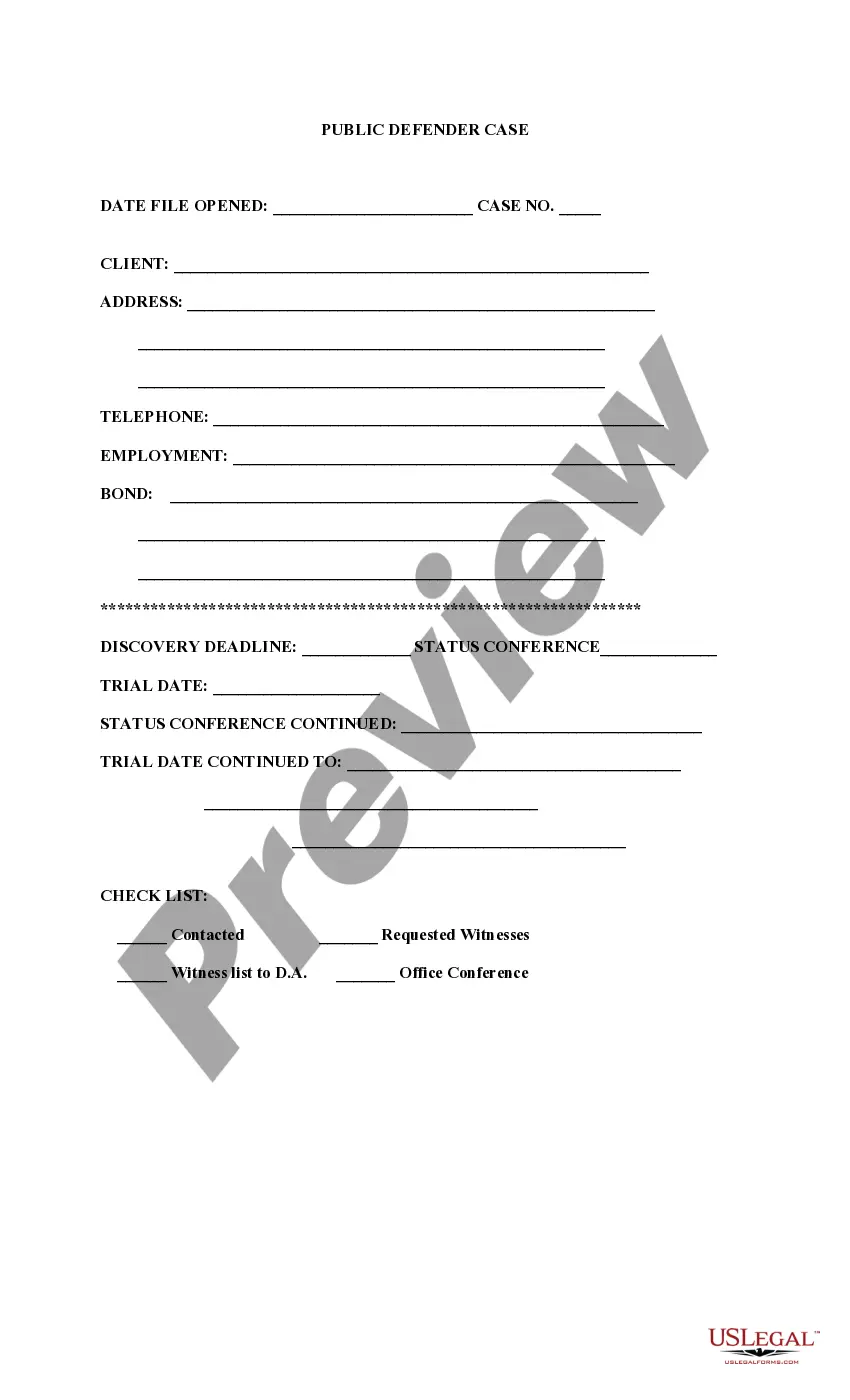
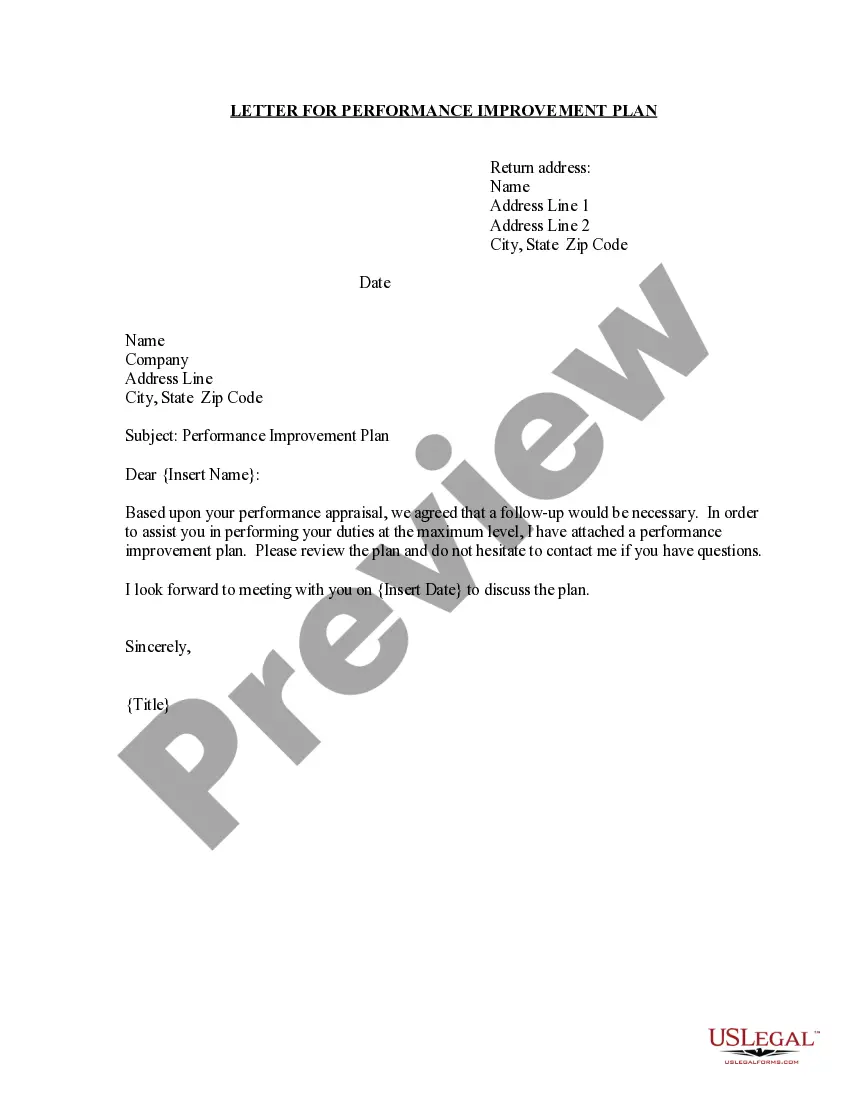
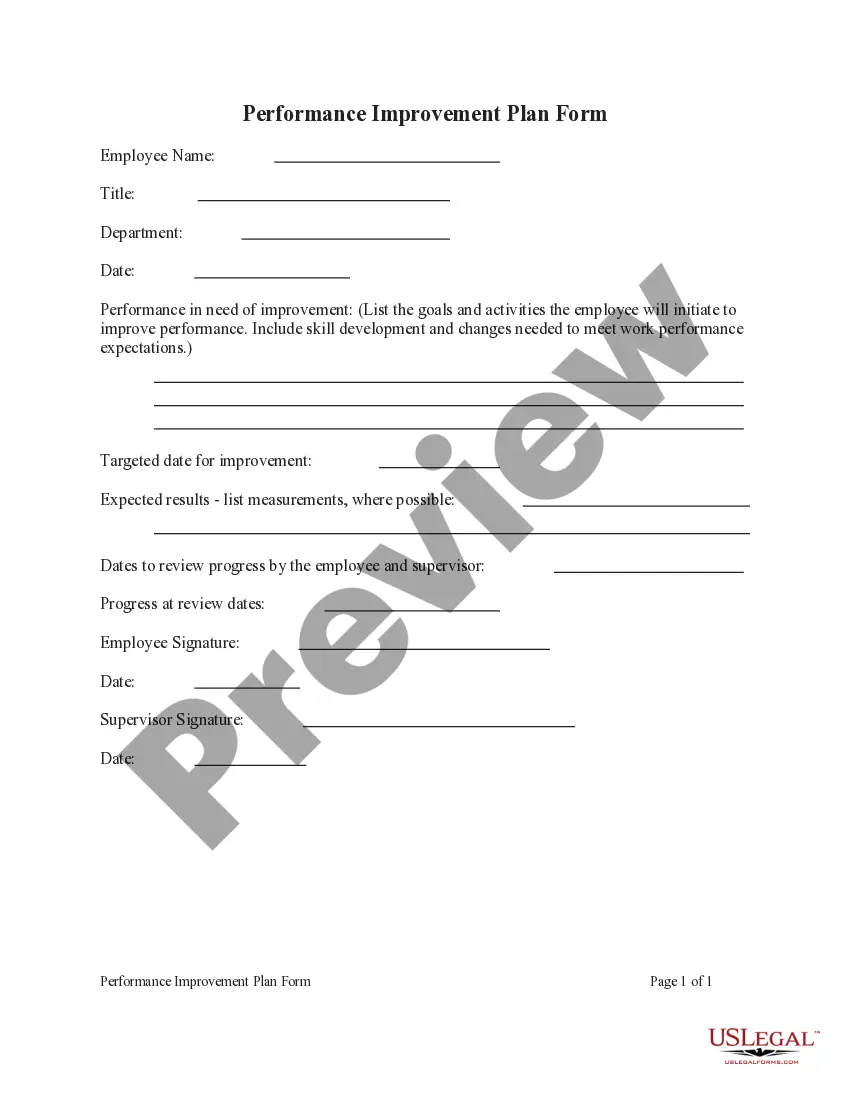
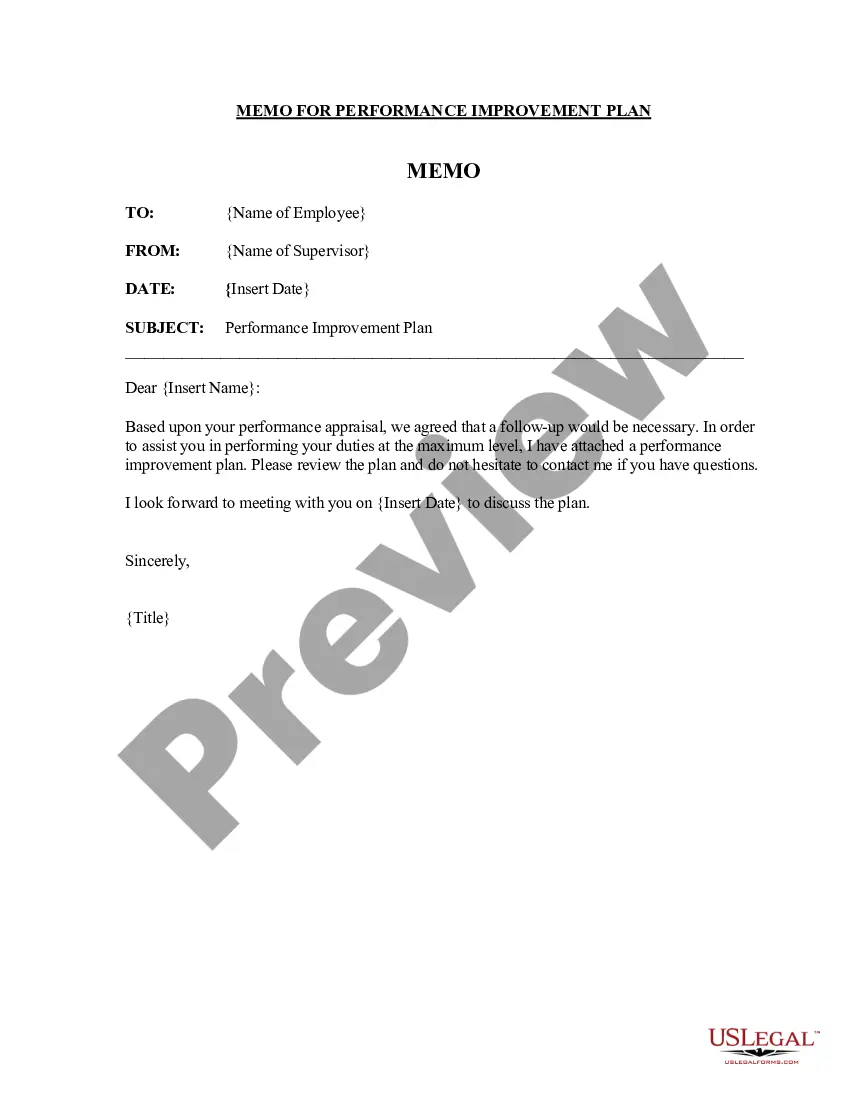
South Carolina Letter for Performance Improvement Plan - Simple
Description
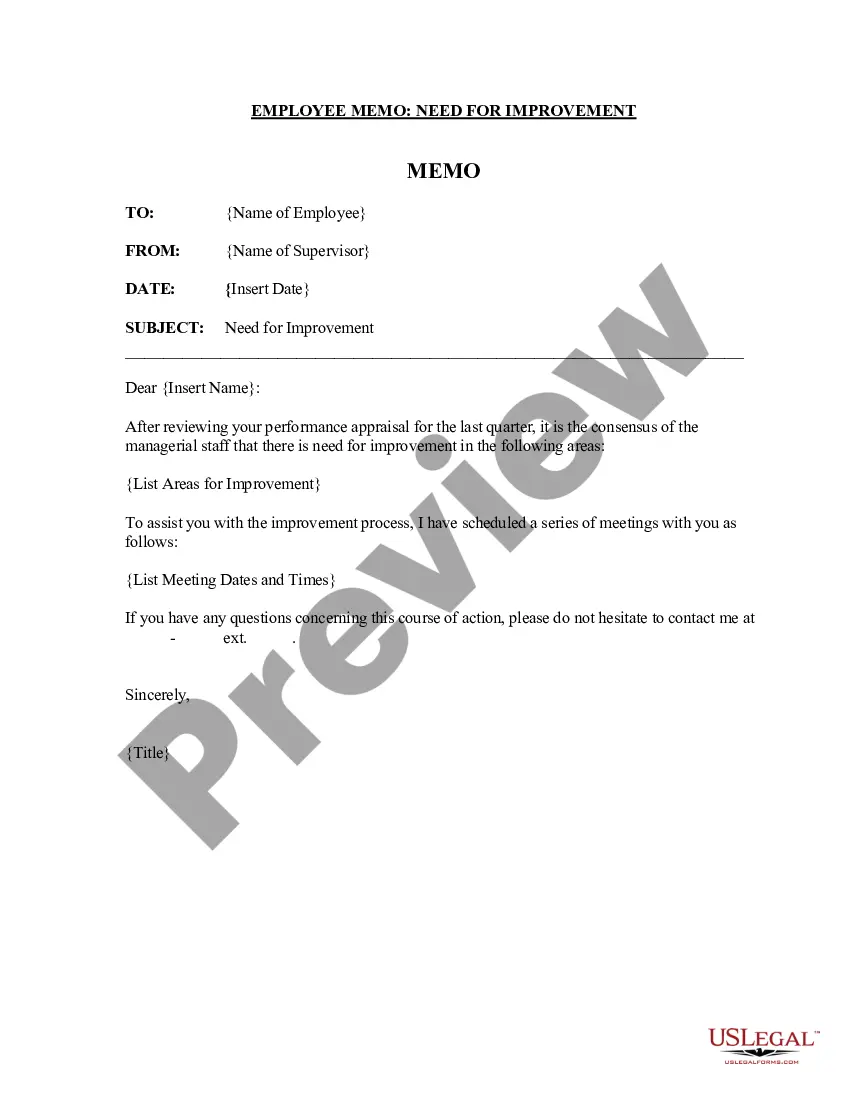
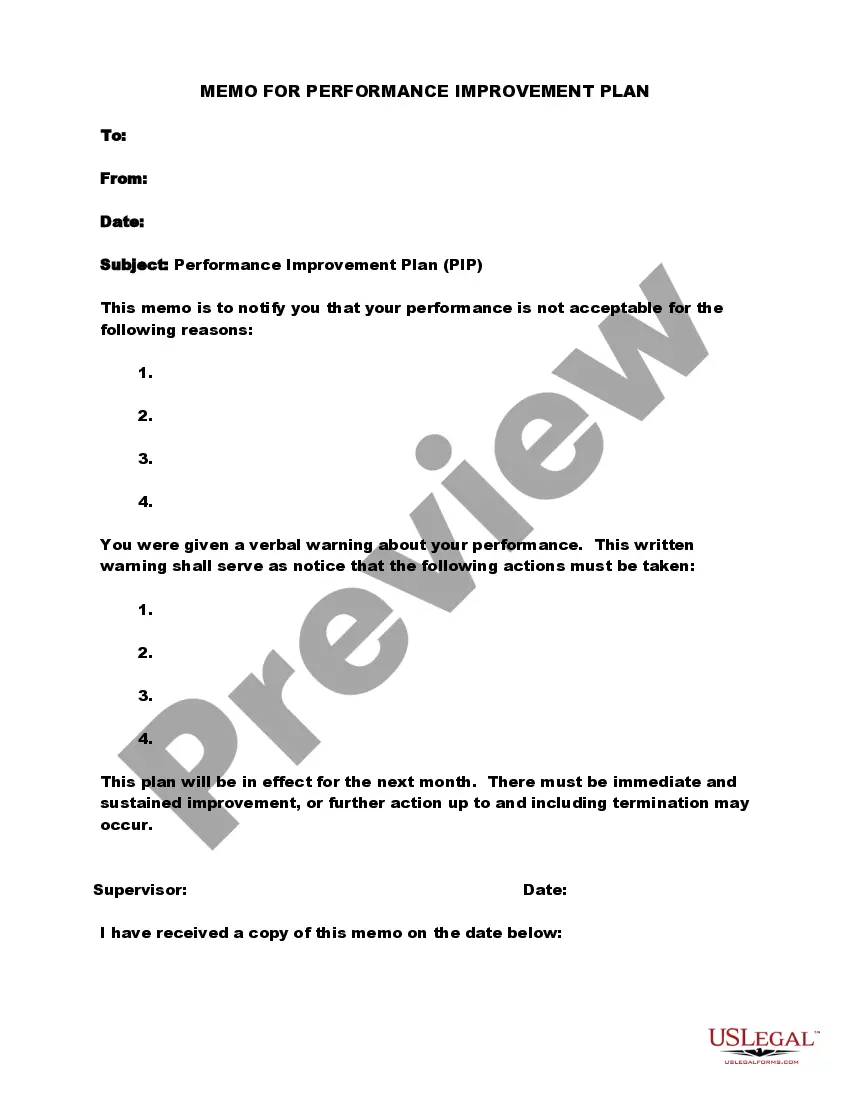
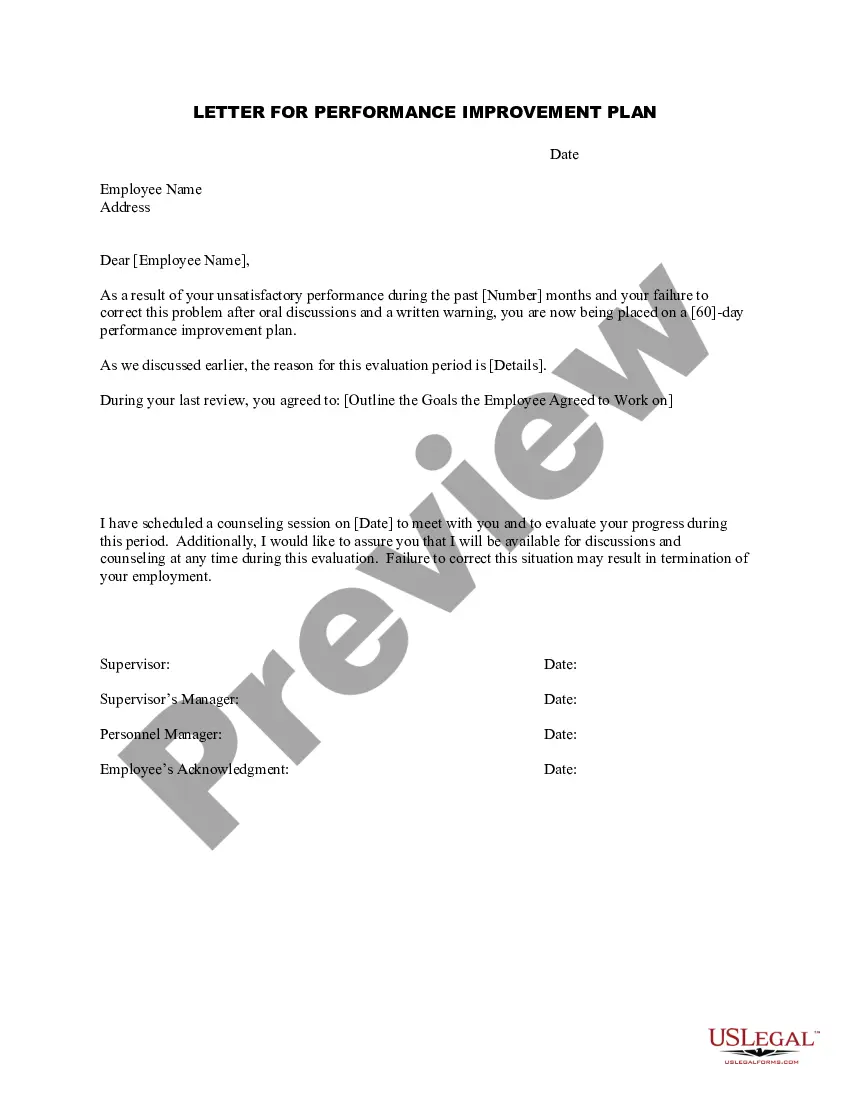
Get your form ready online
Our built-in tools help you complete, sign, share, and store your documents in one place.
Make edits, fill in missing information, and update formatting in US Legal Forms—just like you would in MS Word.
Download a copy, print it, send it by email, or mail it via USPS—whatever works best for your next step.
Sign and collect signatures with our SignNow integration. Send to multiple recipients, set reminders, and more. Go Premium to unlock E-Sign.
If this form requires notarization, complete it online through a secure video call—no need to meet a notary in person or wait for an appointment.
We protect your documents and personal data by following strict security and privacy standards.

Make edits, fill in missing information, and update formatting in US Legal Forms—just like you would in MS Word.

Download a copy, print it, send it by email, or mail it via USPS—whatever works best for your next step.

Sign and collect signatures with our SignNow integration. Send to multiple recipients, set reminders, and more. Go Premium to unlock E-Sign.

If this form requires notarization, complete it online through a secure video call—no need to meet a notary in person or wait for an appointment.

We protect your documents and personal data by following strict security and privacy standards.
Looking for another form?
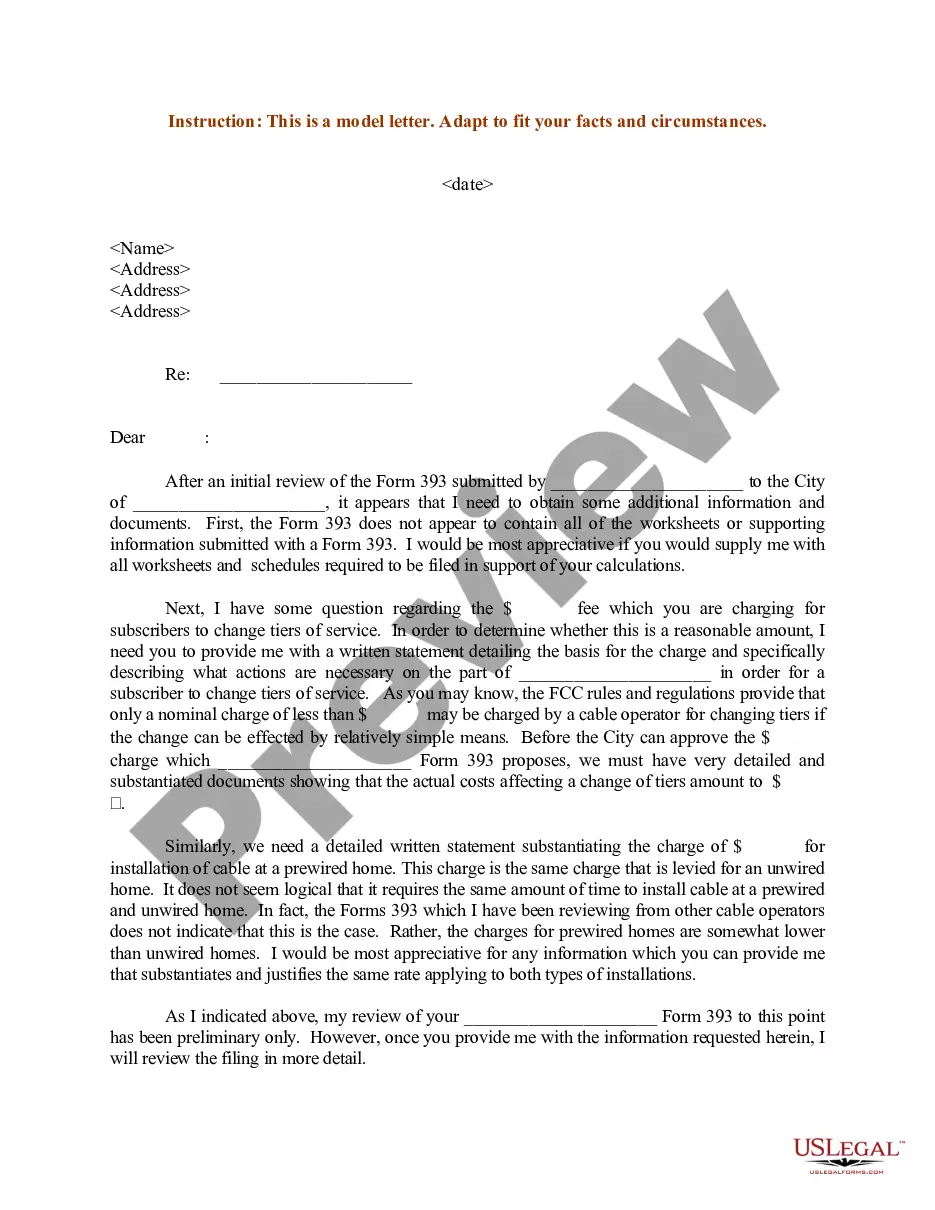

How to fill out Letter For Performance Improvement Plan - Simple?
If you seek to fulfill, acquire, or produce sanctioned document formats, utilize US Legal Forms, the largest assortment of legal templates available online.
Employ the site's simple and convenient search function to obtain the documents you need.
Various templates for business and personal purposes are organized by categories and regions, or keywords.
Step 5. Process the transaction. You can use your credit card or PayPal account to complete the transaction.
Step 6. Select the format of the legal document and download it to your device.
- Use US Legal Forms to acquire the South Carolina Letter for Performance Improvement Plan - Basic with just a few clicks.
- If you are already a US Legal Forms user, sign in to your account and click the Download button to locate the South Carolina Letter for Performance Improvement Plan - Basic.
- You can also access documents you have previously downloaded in the My documents section of your account.
- If this is your first time using US Legal Forms, adhere to the instructions below.
- Step 1. Ensure you have selected the form for the correct state/region.
- Step 2. Use the Preview option to review the form's content. Do not forget to read the description.
- Step 3. If you are not satisfied with the form, take advantage of the Search field at the top of the screen to find other variations in the legal document template.
- Step 4. Once you have discovered the form you need, click the Get now button. Choose your preferred pricing plan and enter your information to create an account.
Form popularity
FAQ
Five steps to an effective Performance Improvement PlanIdentify any underlying issues. Before you start to put the plan together, make sure you are fully aware of any issues which may be behind poor performance.Involve the employee.Set clear objectives.Agree training and support.Review progress regularly.28-Jan-2020
Thank you for meeting with me and name and role on date to discuss my concerns about your performance and the proposal to put in place a Performance Improvement Plan (PIP) to support you to improve your performance to the standard required.
Letters from your carer, friends or family can help support your PIP claim as they are likely to see you frequently, they can comment on how they help you - washing, bathing, cooking, dressing etc. - and why you would have difficulty doing specific tasks yourself.
A personal statement should be two pages maximum and can explain the history of your condition(s) and how your ability differs on both good and bad days. You can also explain your average week so the person reading this manages to gain a full picture of how you are affected.
Doing more in an hour of work. For example, an employee who finds a way to get through their daily emails in 20 minutes as opposed to 3 hours.
How do you write a PIP performance improvement plan?Identify the performance/behavior that needs improving.Provide specific examples for reasoning.Outline expected standard.Identify training and support.Schedule check-ins and review points.Sign and acknowledge.
How do you write an effective performance improvement plan?Add the employee's name, position, and department.Add the name of the manager or supervisor handling the performance improvement plan.Write a brief introduction.List the employee's performance issues and improvement objectives.More items...
You can write a letter to your GP/healthcare professional requesting medical evidence to support your PIP application.
The request was successful. Dear Department for Work and Pensions, Please could you provide the FREEPOST address for submitting additional evidence for a PIP application. To clarify I already have been given this address: Personal Independence Payment 1, Mail Handling site A, Wolverhampton, WV98 1AA.