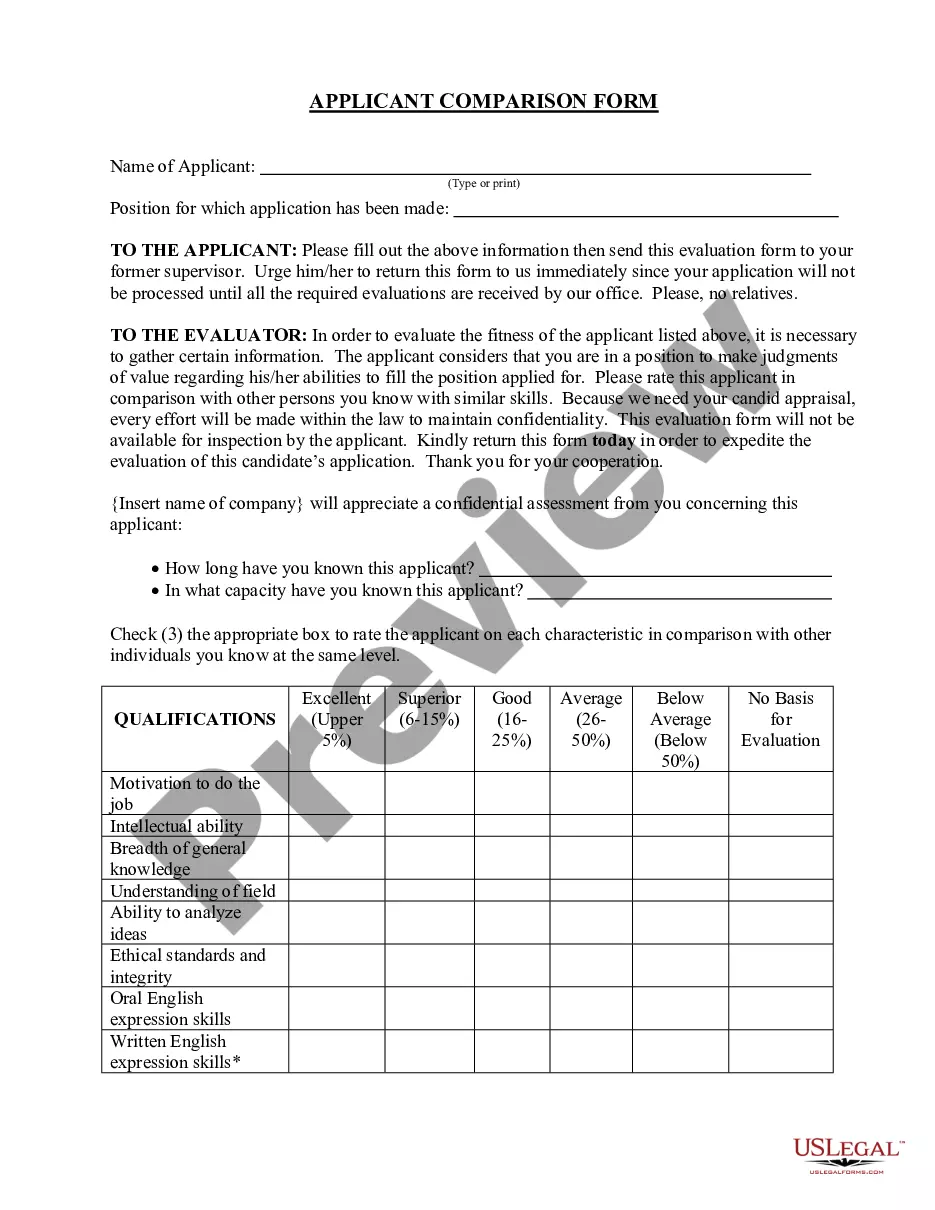
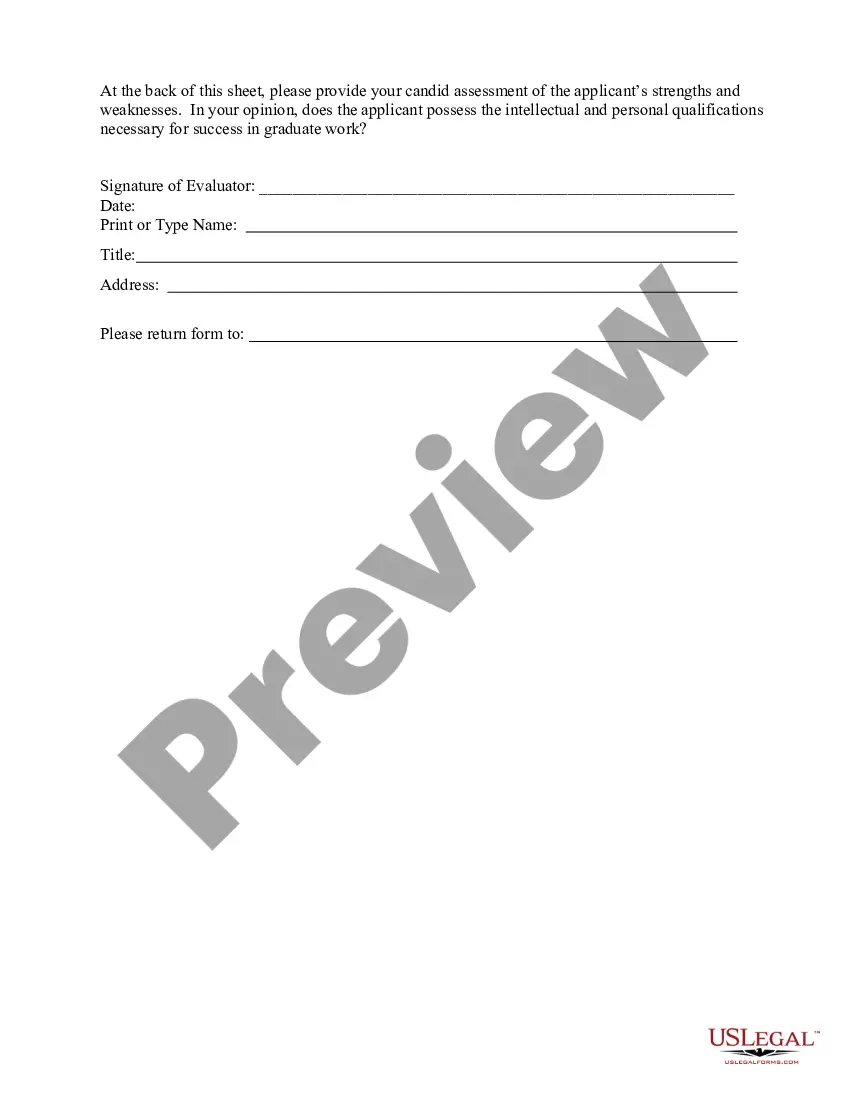
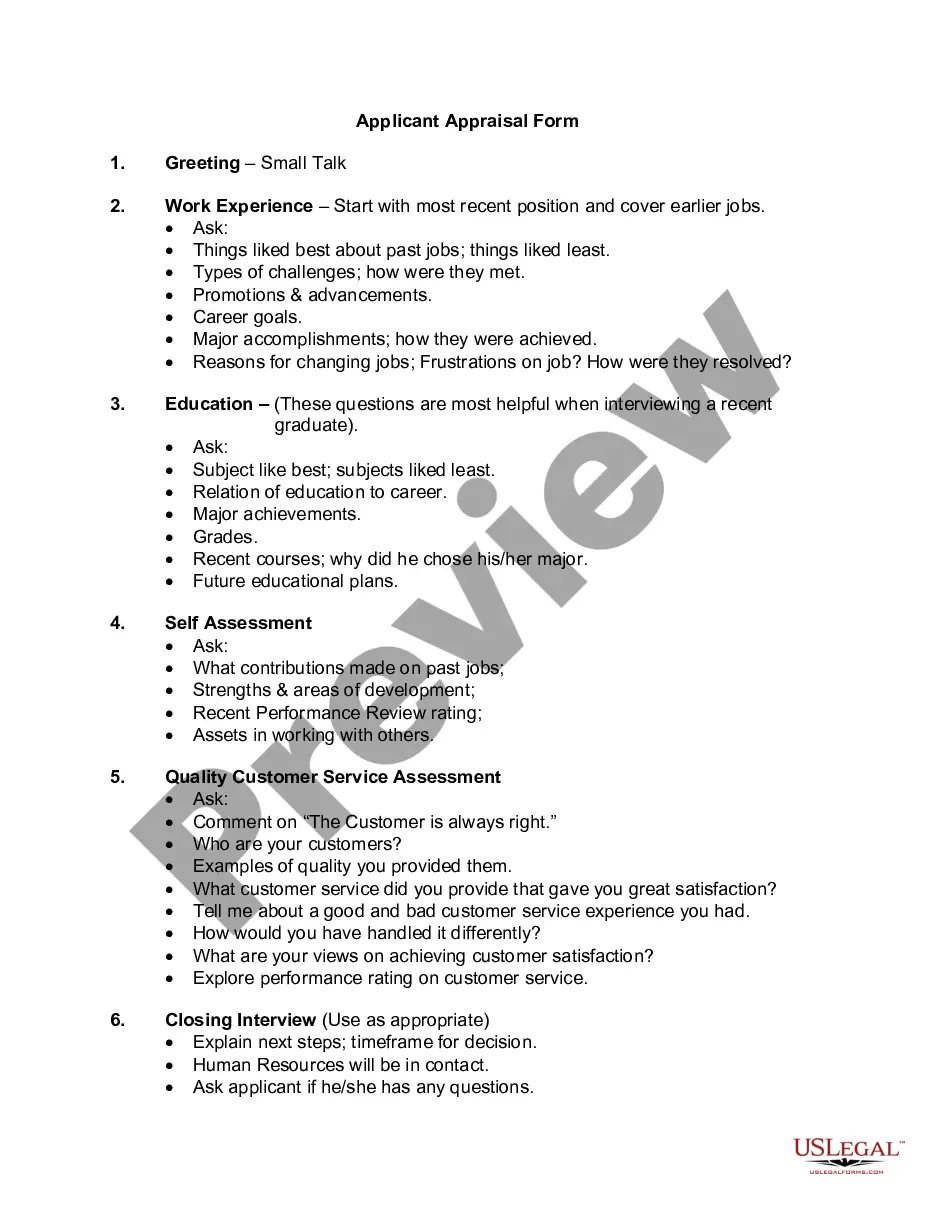
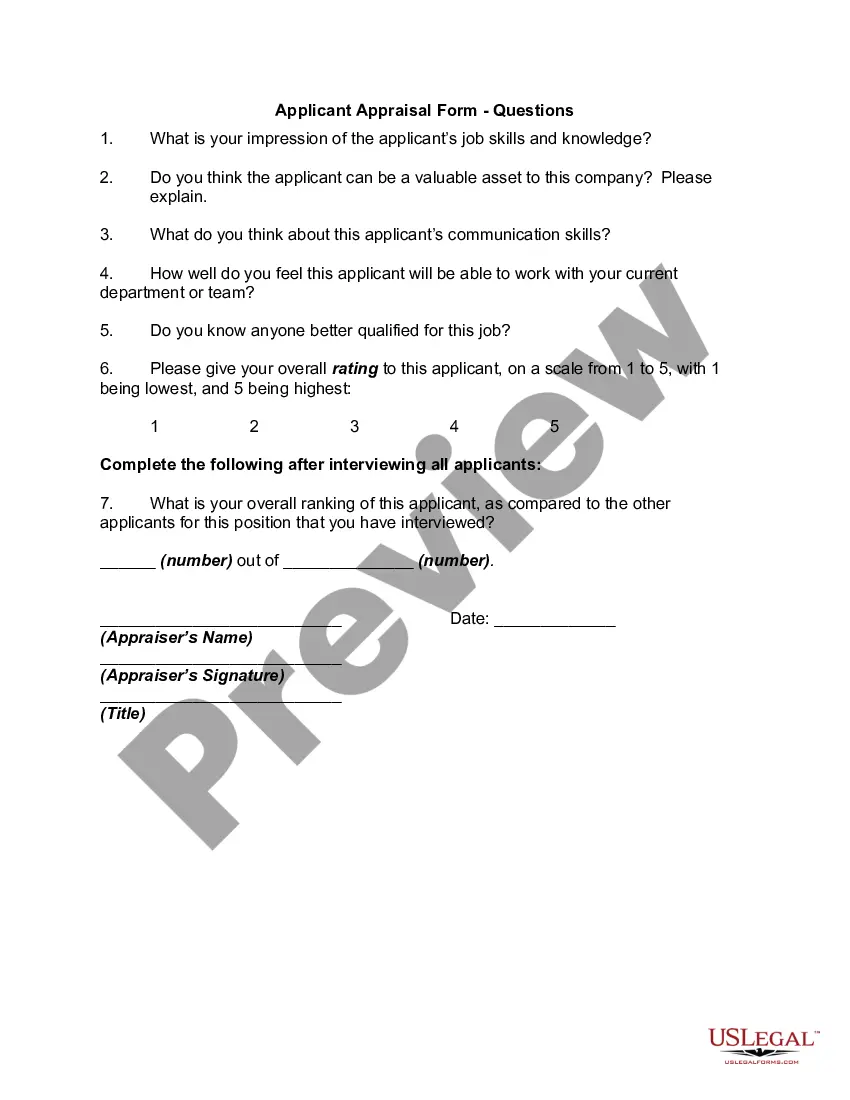
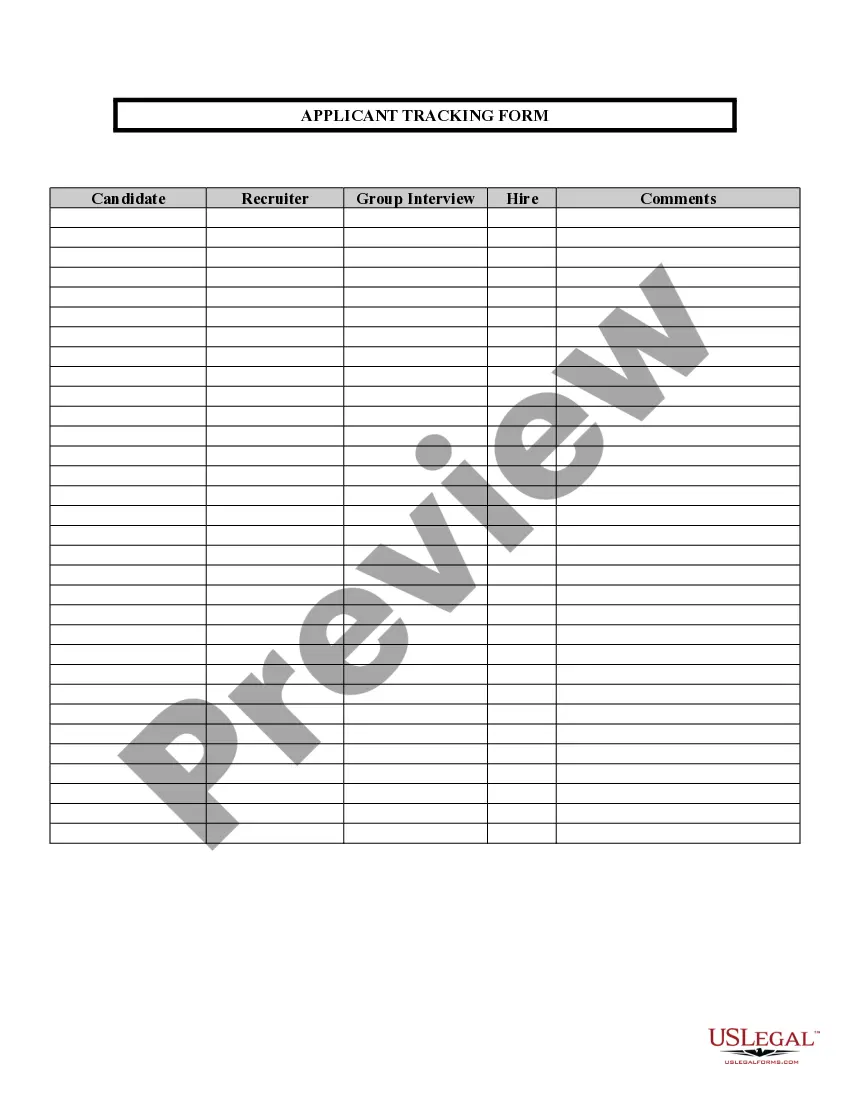
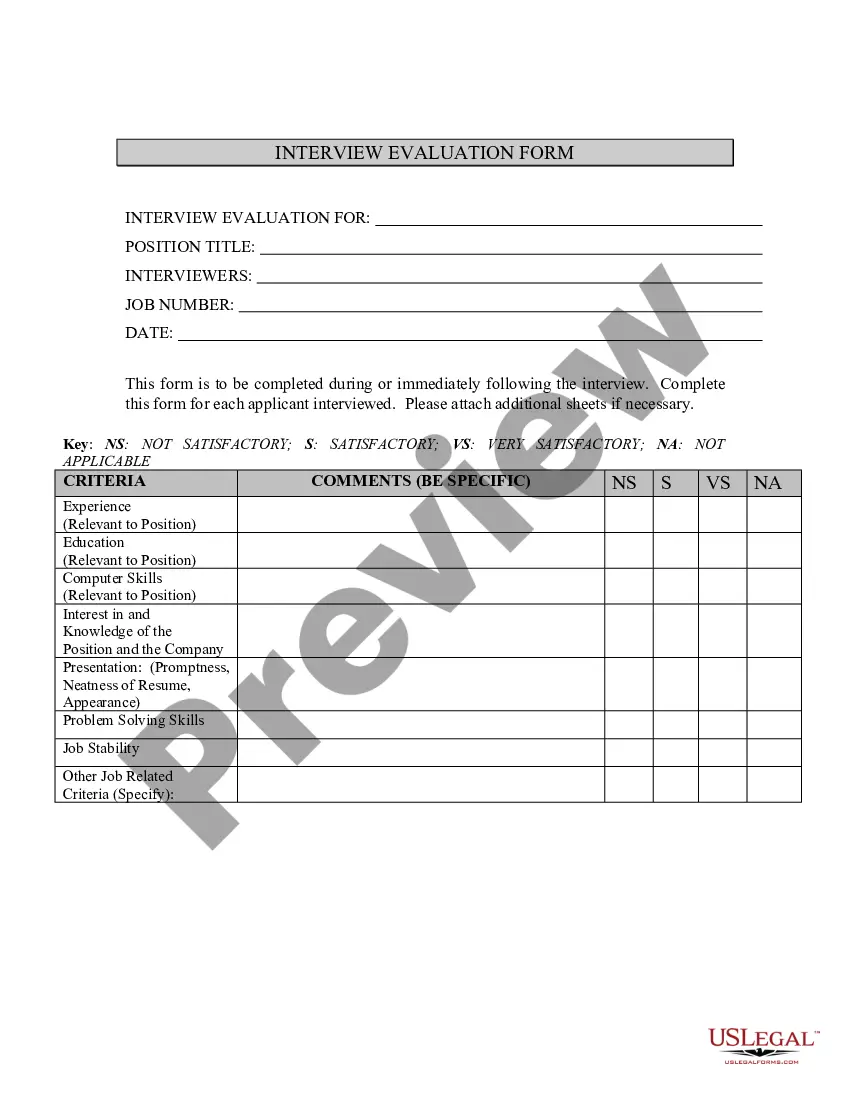
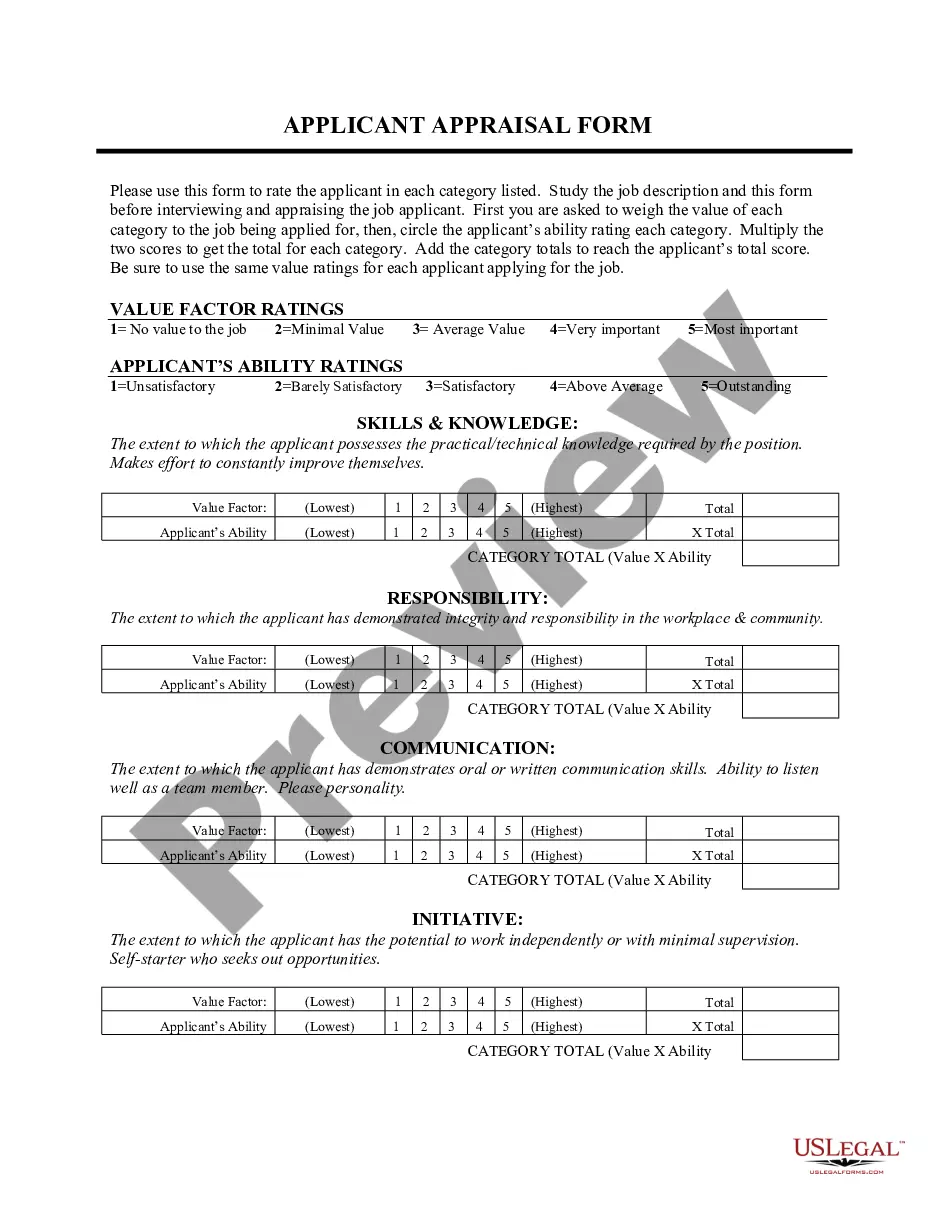
South Carolina Applicant Comparison Form
Description
Get your form ready online
Our built-in tools help you complete, sign, share, and store your documents in one place.
Make edits, fill in missing information, and update formatting in US Legal Forms—just like you would in MS Word.
Download a copy, print it, send it by email, or mail it via USPS—whatever works best for your next step.
Sign and collect signatures with our SignNow integration. Send to multiple recipients, set reminders, and more. Go Premium to unlock E-Sign.
If this form requires notarization, complete it online through a secure video call—no need to meet a notary in person or wait for an appointment.
We protect your documents and personal data by following strict security and privacy standards.

Make edits, fill in missing information, and update formatting in US Legal Forms—just like you would in MS Word.

Download a copy, print it, send it by email, or mail it via USPS—whatever works best for your next step.

Sign and collect signatures with our SignNow integration. Send to multiple recipients, set reminders, and more. Go Premium to unlock E-Sign.

If this form requires notarization, complete it online through a secure video call—no need to meet a notary in person or wait for an appointment.

We protect your documents and personal data by following strict security and privacy standards.
Looking for another form?




How to fill out Applicant Comparison Form?
If you want to obtain, acquire, or print authorized document templates, utilize US Legal Forms, the largest collection of legal forms, which can be accessed online.
Utilize the site’s simple and user-friendly search to find the paperwork you require.
Various templates for business and personal use are organized by categories and states, or keywords.
Step 4. Once you have found the form you need, click the Get Now button. Choose the pricing plan you prefer and provide your credentials to sign up for an account.
Step 5. Process the payment. You can use your credit card or PayPal account to complete the transaction. Step 6. Select the format of your legal form and download it to your device. Step 7. Fill out, modify, and print or sign the South Carolina Applicant Comparison Form.
- Use US Legal Forms to obtain the South Carolina Applicant Comparison Form with just a few clicks.
- If you are already a US Legal Forms customer, Log In to your account and then click the Download button to locate the South Carolina Applicant Comparison Form.
- You can also find forms you have previously downloaded in the My documents section of your account.
- If you are using US Legal Forms for the first time, please follow the instructions provided below.
- Step 1. Ensure you have chosen the form for the correct city/state.
- Step 2. Use the Preview option to review the form’s content. Remember to read the description.
- Step 3. If you are not satisfied with the form, use the Search area at the top of the screen to find other versions of the legal form template.
Form popularity
FAQ
General GRE is required. No minimum requirements are established for GRE. An original score must be sent to the School of Industrial and Systems Engineering by ETS.
We recommend an English or social science paper, an essay exam or a research paper. Additionally, the paper must be written in English. Note: You can submit any supplemental material(s) through your UofSC Admissions Portal through Feb.
Georgia Tech College of Sciences is waiving the GRE (subject and general test) and will not require the exam for fall 2021 applications into any of the College's graduate programs.
Letters of recommendation are not considered for general university admission. Do not send letters of recommendation unless you are applying to our South Carolina Honors College.
Typical High School Grades Applicants require exceptionally good grades to get into UofSC. The average high school GPA of the admitted freshman class at University of South Carolina Columbia was 4.15 on the 4.0 scale indicating that primarily A students are accepted and ultimately attend.
While most USC graduate programs require either GRE or GMAT scores, test requirements may vary by program. Please contact your intended program directly to determine if they will accept any other standardized tests.
The acceptance rate at University of South Carolina is 68.6%. For every 100 applicants, 69 are admitted. This means the school is moderately selective. The school expects you to meet their requirements for GPA and SAT/ACT scores, but they're more flexible than other schools.
GRE InformationApplications for Fall 2022 admissions will not require a GRE as part of the admissions requirement. However, we will accept GRE scores that are submitted as part of your overall application. In general, we do not use a minimum score when evaluating applications.
We accept the Common Application or the UofSC Application. Choose the application you are most comfortable using; we do not prefer one application over the other. You must select two major choices and complete the essay and activities section regardless of application type.
In 2019, the average high school GPA of University of South Carolina's incoming freshman class was 4.0, and 80% of incoming students had average GPAs of 3.75 and above.
