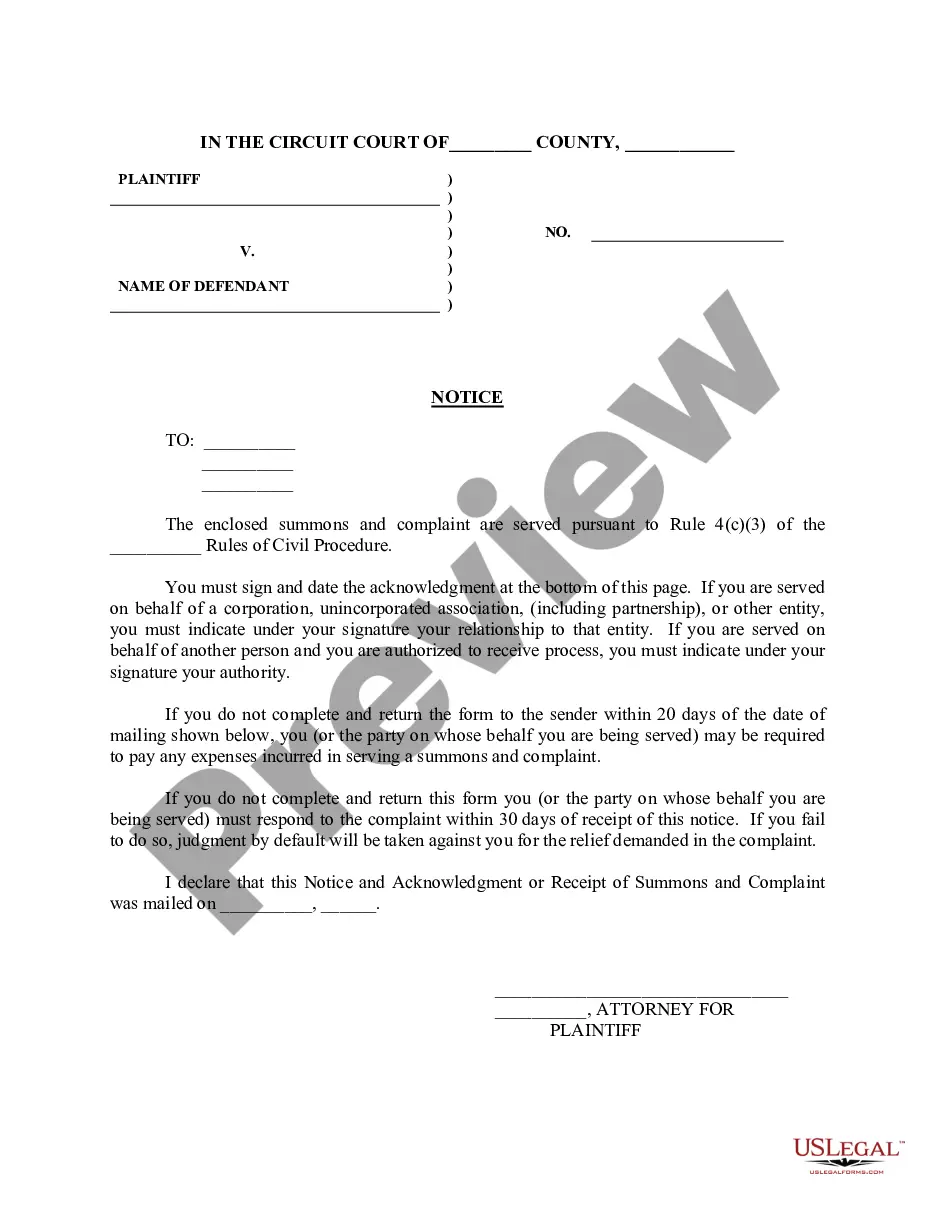
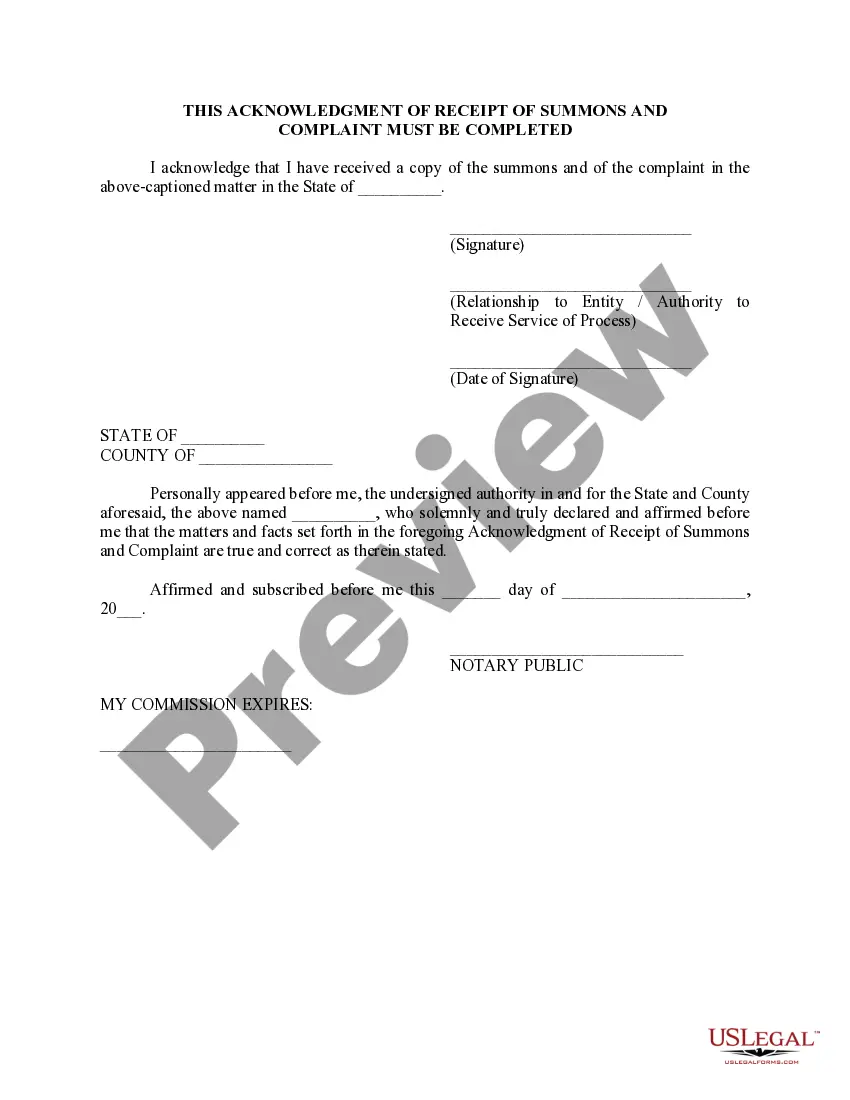
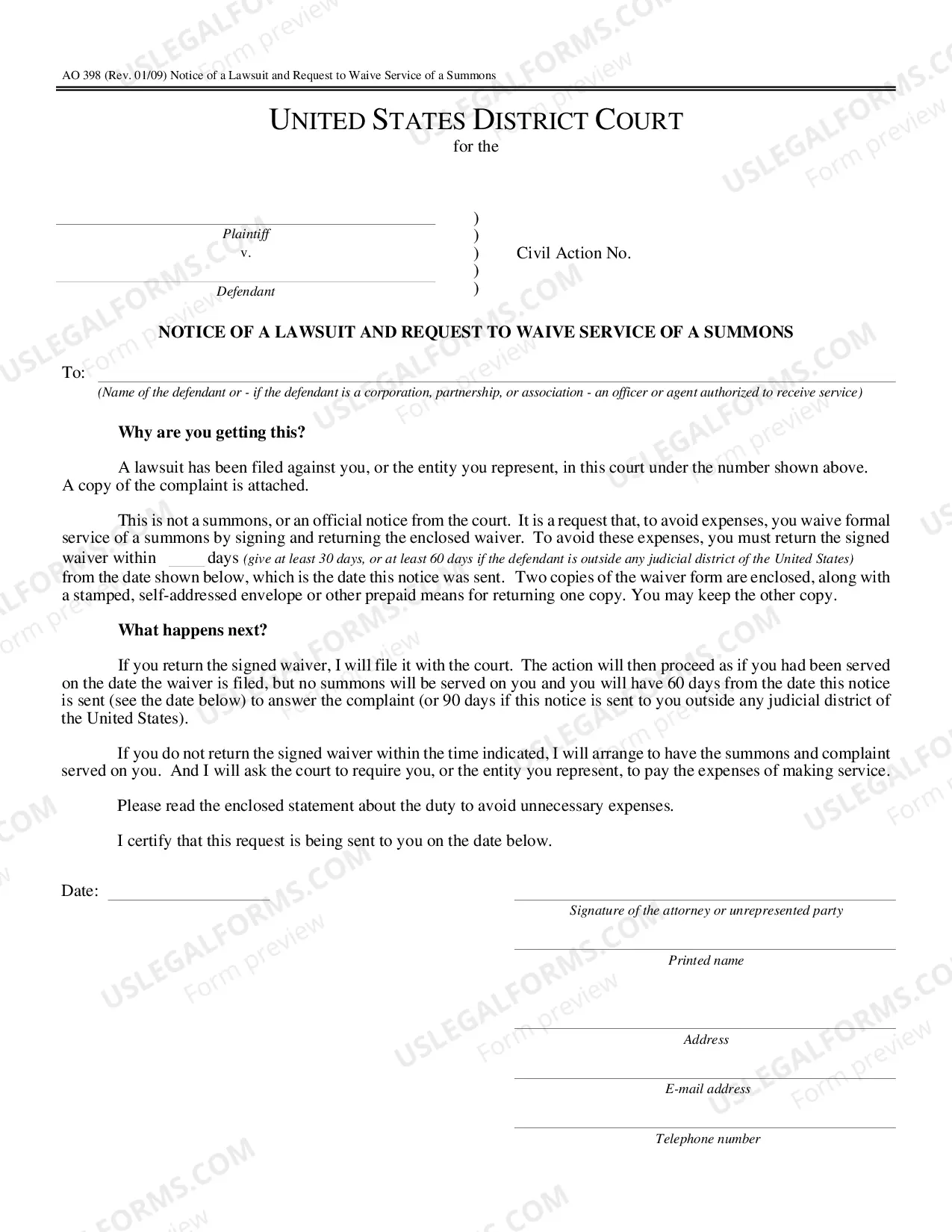
South Carolina Notice - served with Complaint and Summons
Description
Get your form ready online
Our built-in tools help you complete, sign, share, and store your documents in one place.
Make edits, fill in missing information, and update formatting in US Legal Forms—just like you would in MS Word.
Download a copy, print it, send it by email, or mail it via USPS—whatever works best for your next step.
Sign and collect signatures with our SignNow integration. Send to multiple recipients, set reminders, and more. Go Premium to unlock E-Sign.
If this form requires notarization, complete it online through a secure video call—no need to meet a notary in person or wait for an appointment.
We protect your documents and personal data by following strict security and privacy standards.

Make edits, fill in missing information, and update formatting in US Legal Forms—just like you would in MS Word.

Download a copy, print it, send it by email, or mail it via USPS—whatever works best for your next step.

Sign and collect signatures with our SignNow integration. Send to multiple recipients, set reminders, and more. Go Premium to unlock E-Sign.

If this form requires notarization, complete it online through a secure video call—no need to meet a notary in person or wait for an appointment.

We protect your documents and personal data by following strict security and privacy standards.
Looking for another form?

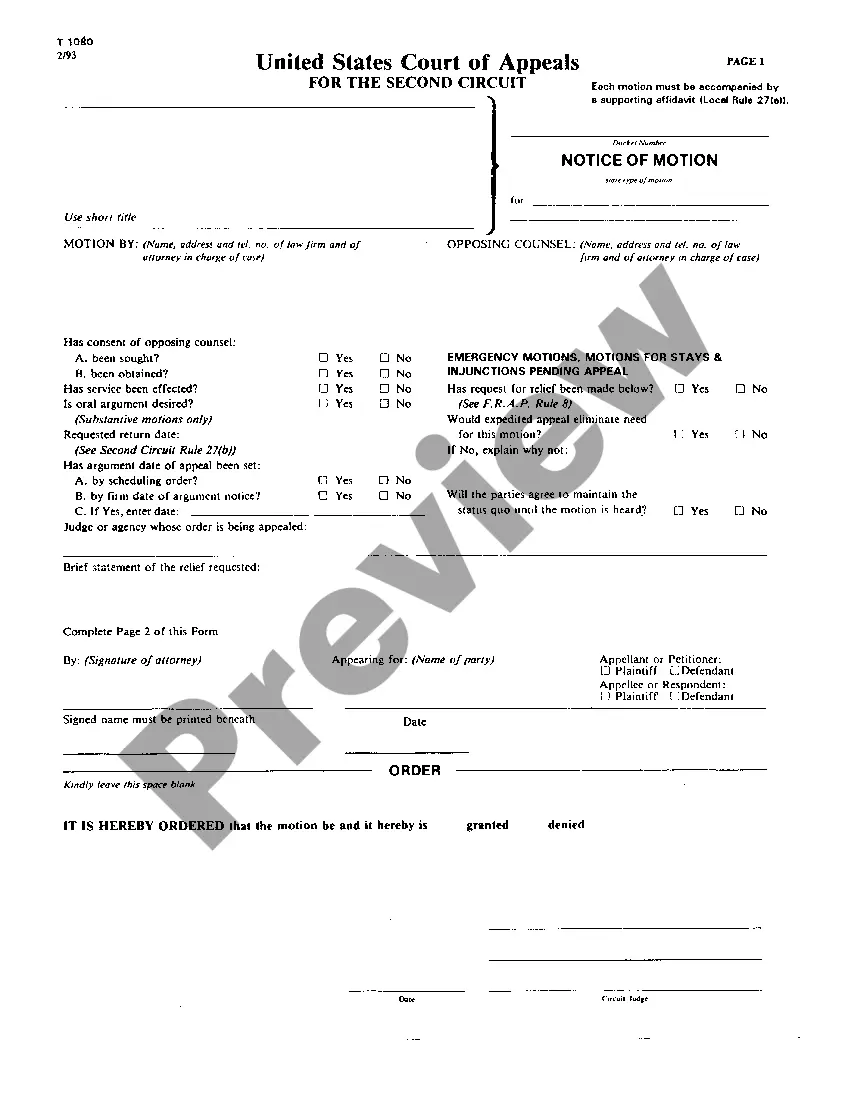

How to fill out Notice - Served With Complaint And Summons?
US Legal Forms - one of the largest collections of legal documents in the United States - offers a range of legal document formats that you can download or print. By using the website, you can access thousands of forms for business and personal use, organized by categories, states, or keywords. You can find the latest versions of documents such as the South Carolina Notice - to be served with Complaint and Summons in moments.
If you already have an account, Log In and download the South Carolina Notice - to be served with Complaint and Summons from your US Legal Forms library. The Download button will appear on every form you view. You have access to all previously saved forms within the My documents section of your account.
To use US Legal Forms for the first time, here are simple steps to get started: Ensure you have selected the correct form for your city/state. Click the Preview button to review the form's content. Check the form description to confirm that you have chosen the right one. If the form doesn’t meet your requirements, use the Search field at the top of the screen to find the one that does. If you are satisfied with the form, confirm your choice by clicking the Get now button. Then, select the payment plan you prefer and provide your details to create an account. Process the payment. Use your credit card or PayPal account to complete the transaction. Choose the format and download the form to your device. Make edits. Fill out, modify and print, then sign the downloaded South Carolina Notice - to be served with Complaint and Summons. Each template you added to your account has no expiration date and is yours permanently. So, if you need to download or print another copy, simply visit the My documents section and click on the form you need.
- Access the South Carolina Notice - to be served with Complaint and Summons with US Legal Forms, the most extensive collection of legal document formats.
- Utilize a vast number of professional and state-specific templates that meet your business or personal needs.
Form popularity
FAQ
A plaintiff must inform defendants about a complaint filed against them. This is called service of process. Generally, a lawsuit must be filed in the jurisdiction where the defendant resides or where the claim arose.
But, now that you filed the lawsuit, you have to let the defendant know formally that you are suing. This is called "service". You have to have all papers "served" on every party in the whole lawsuit. To start your case, you have to have the defendant served with a Summons, Complaint and Civil Lawsuit Notice.
On a separate page or pages, write a short and plain statement of the answer to the allegations in the complaint. Number the paragraphs. The answer should correspond to each paragraph in the complaint, with paragraph 1 of the answer corresponding to paragraph 1 of the complaint, etc.
If you received a Summons and Complaint it is important that you file an Answer within 30 days of being served. You must also mail a copy to the Plaintiff or their lawyer (if they have one) before you file the answer with the court.
Alternative dispute resolution (ADR): Methods of resolving disputes out of court, including mediation and arbitration. answer: a defendant's response to a plaintiff's initial court filing (called a complaint or petition).
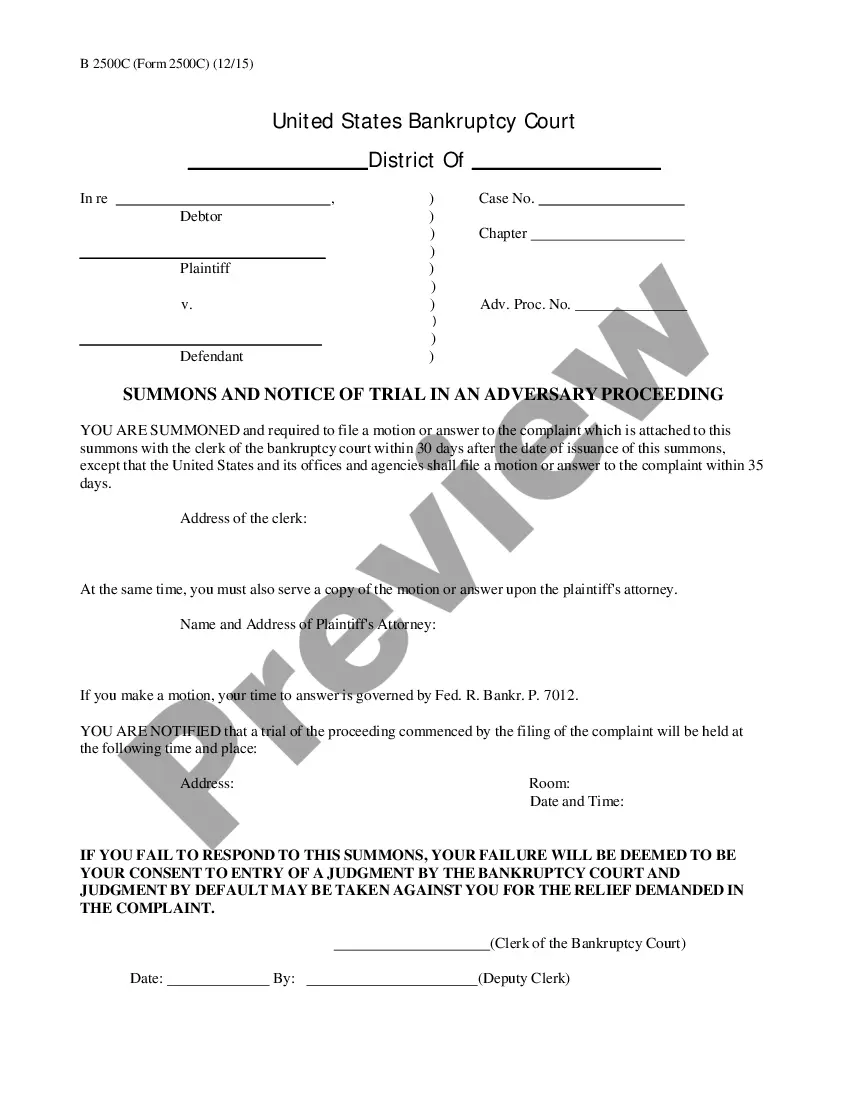
Typically, a defendant will respond to a complaint one of two ways: by filing a motion to dismiss or an answer, sometimes including affirmative defenses, counter-claims, cross-claims and/or third party claims as part of the answer.
Proof of service shall be filed within ten (10) days after service of the summons and complaint. Upon failure to serve the summons and complaint, the action may be dismissed by the court on the court's own initiative or upon application of any party.
The plaintiff has failed to obtain service of process on the defendant within one hundred twenty (120) days of filing her Complaint, as is required by the South Carolina Rules of Civil Procedure.