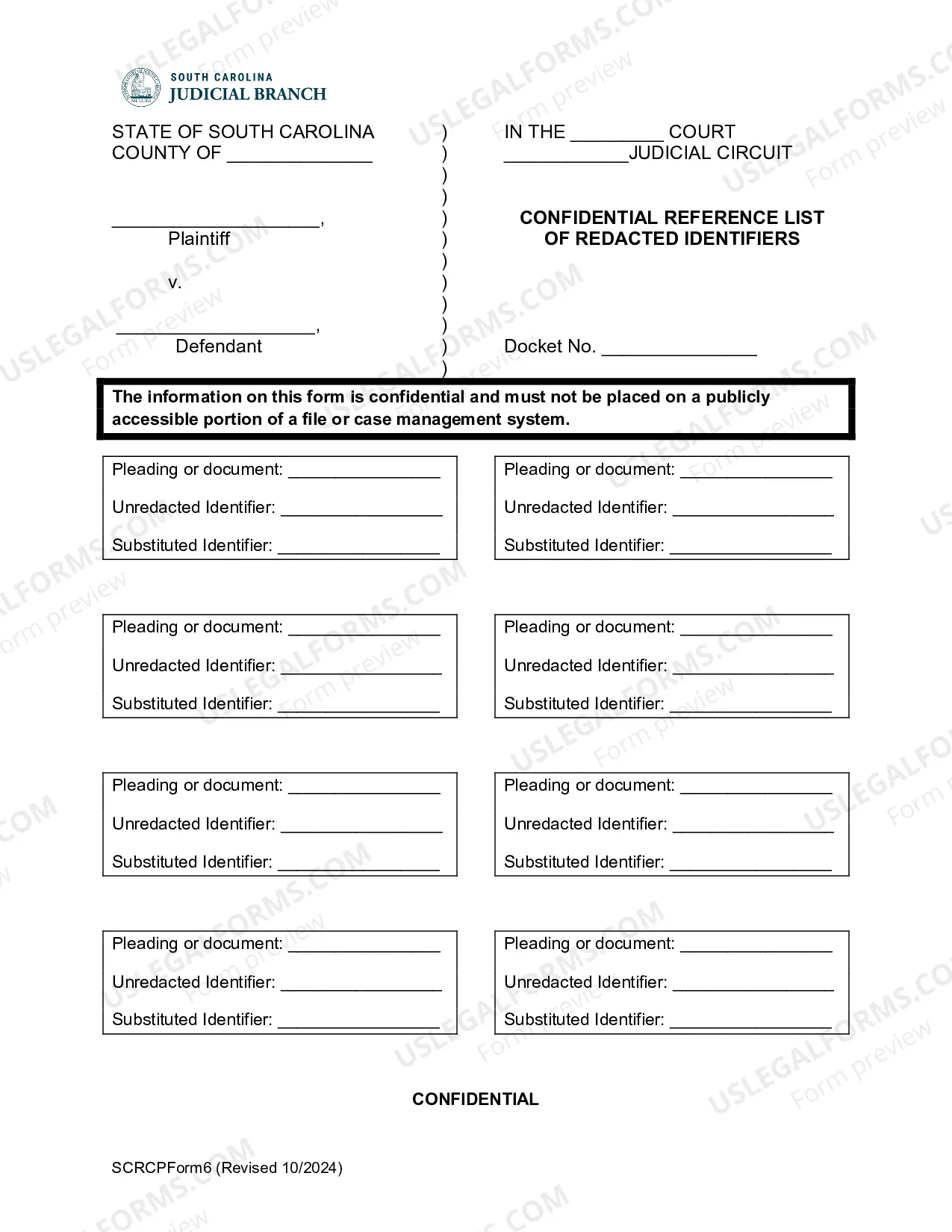
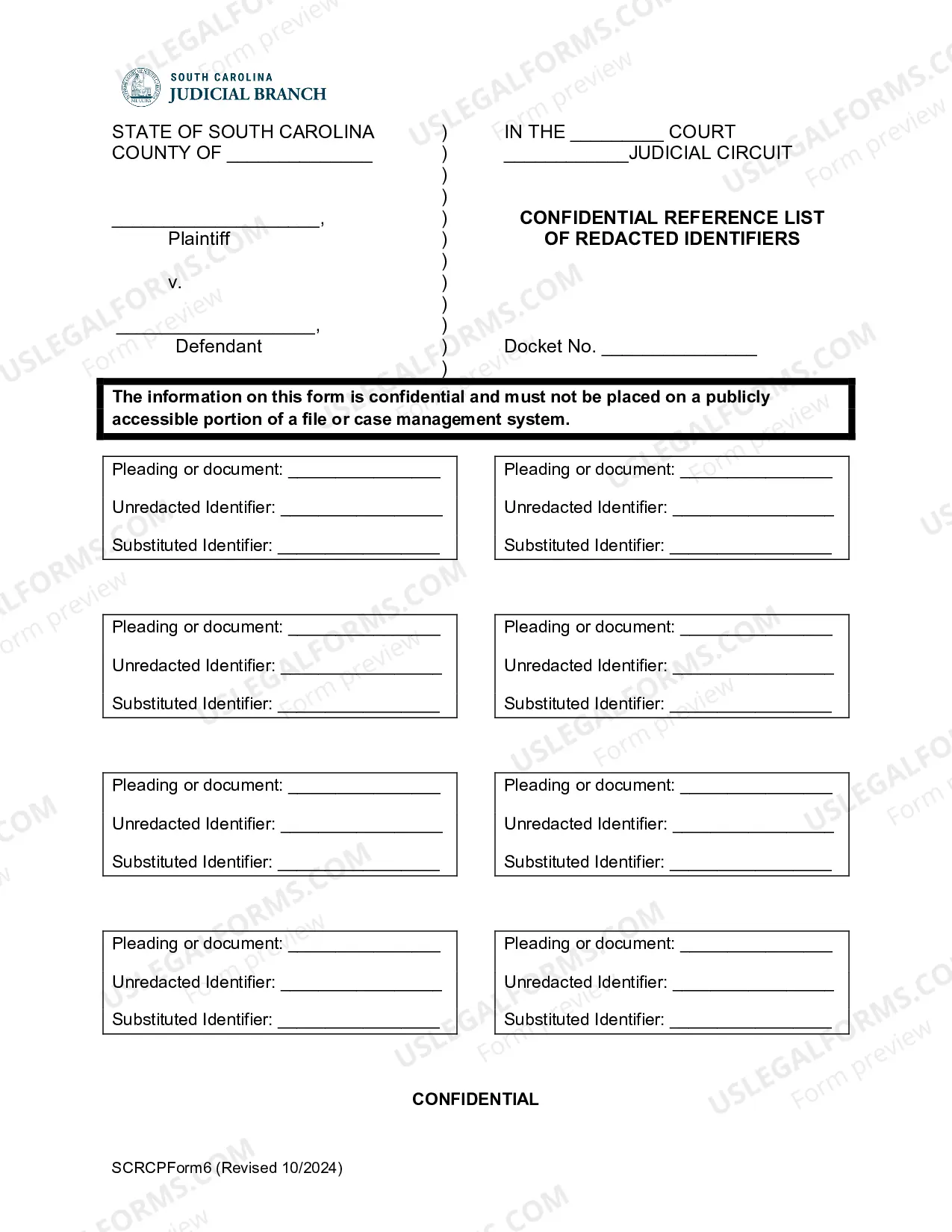
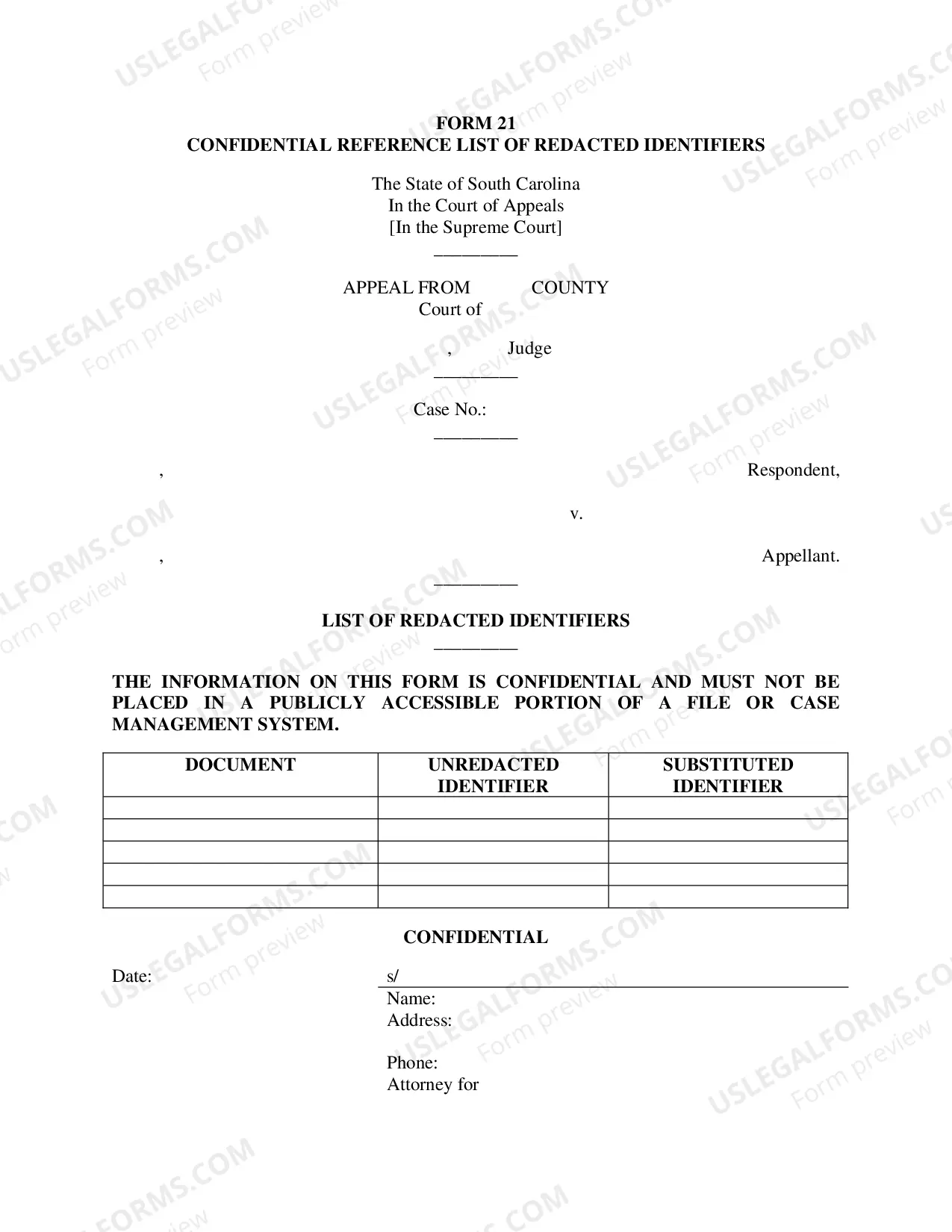
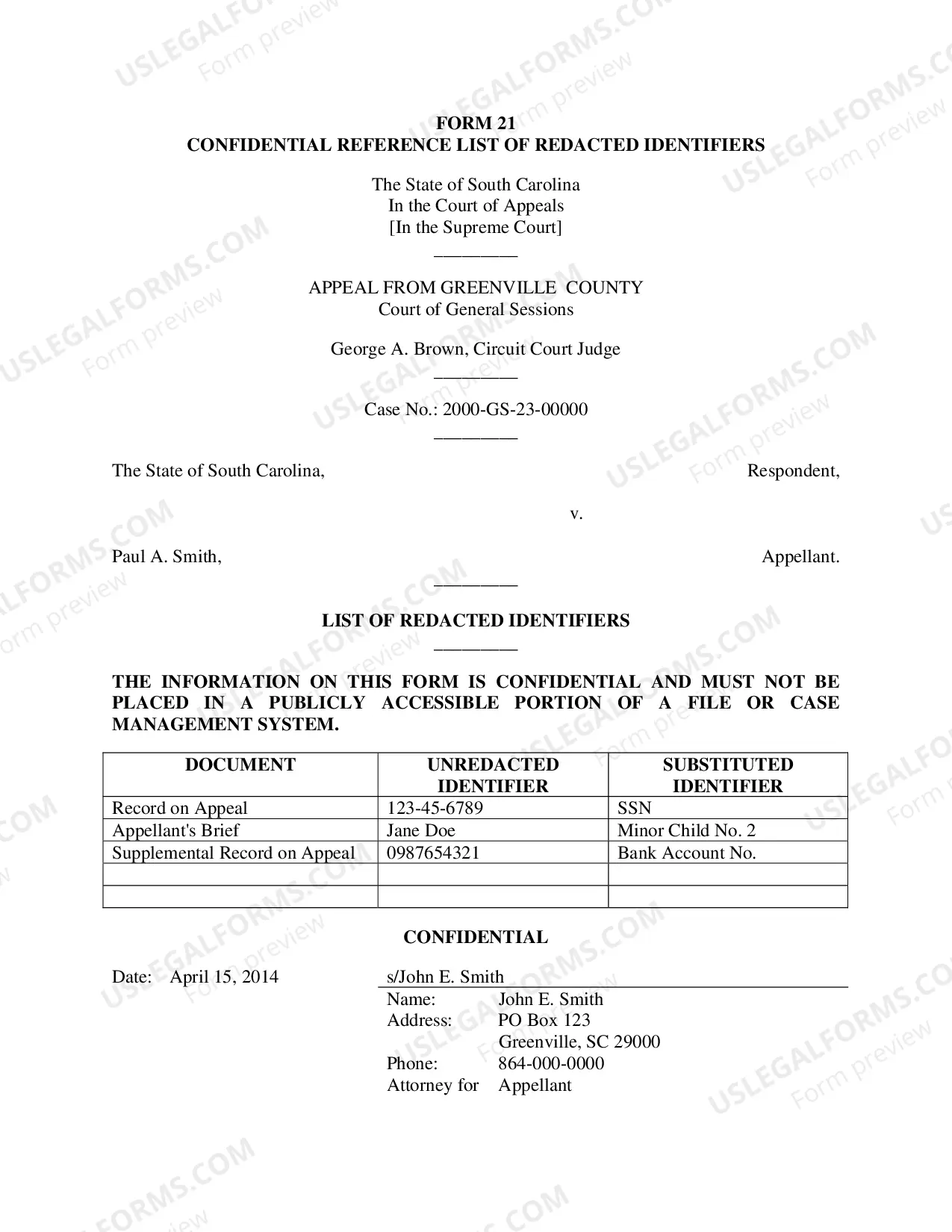
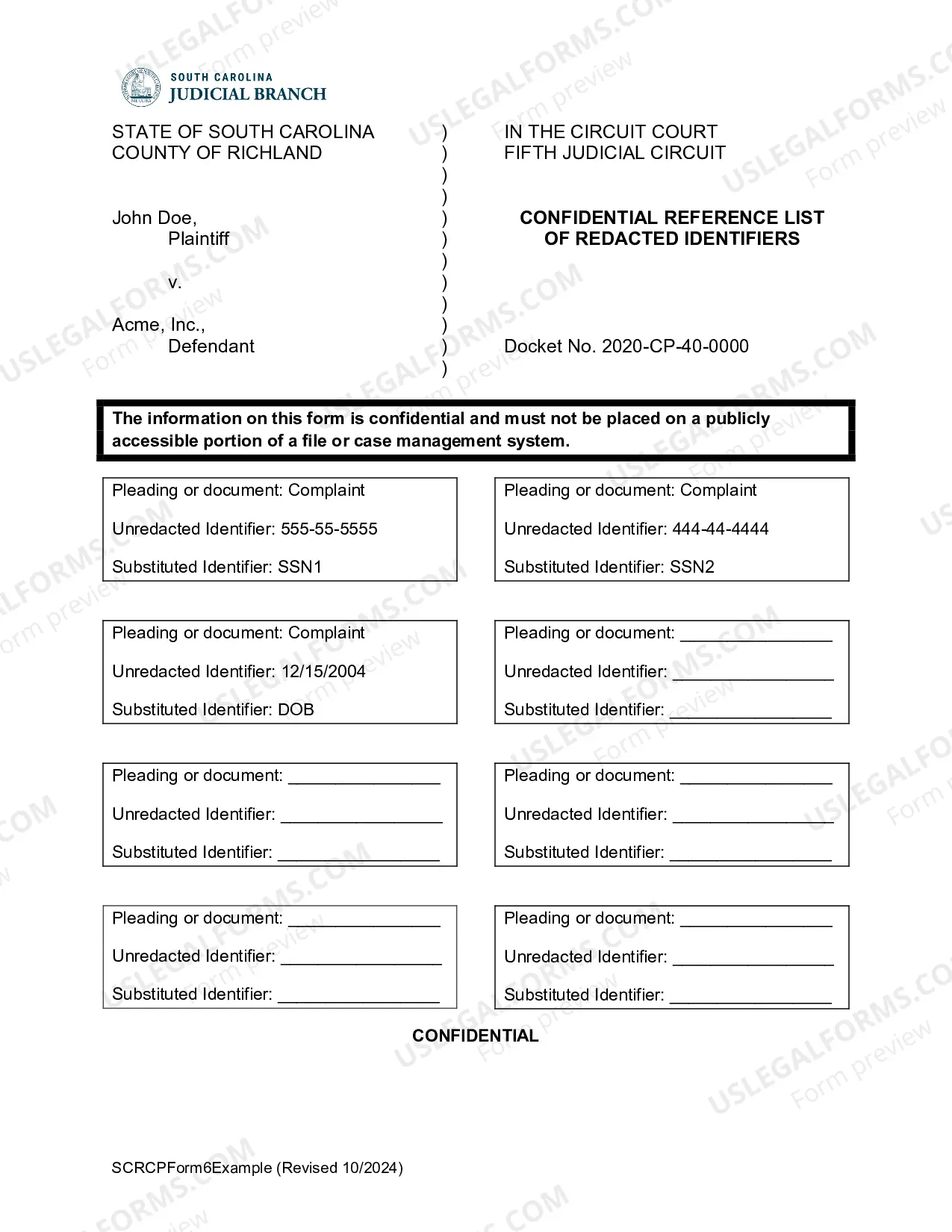
South Carolina Confidential Reference List of Redacted Identifiers
Description
Get your form ready online
Our built-in tools help you complete, sign, share, and store your documents in one place.
Make edits, fill in missing information, and update formatting in US Legal Forms—just like you would in MS Word.
Download a copy, print it, send it by email, or mail it via USPS—whatever works best for your next step.
Sign and collect signatures with our SignNow integration. Send to multiple recipients, set reminders, and more. Go Premium to unlock E-Sign.
If this form requires notarization, complete it online through a secure video call—no need to meet a notary in person or wait for an appointment.
We protect your documents and personal data by following strict security and privacy standards.

Make edits, fill in missing information, and update formatting in US Legal Forms—just like you would in MS Word.

Download a copy, print it, send it by email, or mail it via USPS—whatever works best for your next step.

Sign and collect signatures with our SignNow integration. Send to multiple recipients, set reminders, and more. Go Premium to unlock E-Sign.

If this form requires notarization, complete it online through a secure video call—no need to meet a notary in person or wait for an appointment.

We protect your documents and personal data by following strict security and privacy standards.
Looking for another form?
How to fill out South Carolina Confidential Reference List Of Redacted Identifiers?
US Legal Forms is the most straightforward and affordable way to find suitable legal templates. It’s the most extensive online library of business and individual legal documentation drafted and checked by legal professionals. Here, you can find printable and fillable blanks that comply with federal and local regulations - just like your South Carolina Confidential Reference List of Redacted Identifiers.
Getting your template takes only a few simple steps. Users that already have an account with a valid subscription only need to log in to the website and download the document on their device. Afterwards, they can find it in their profile in the My Forms tab.
And here’s how you can obtain a professionally drafted South Carolina Confidential Reference List of Redacted Identifiers if you are using US Legal Forms for the first time:
- Look at the form description or preview the document to ensure you’ve found the one meeting your demands, or locate another one using the search tab above.
- Click Buy now when you’re certain about its compatibility with all the requirements, and choose the subscription plan you prefer most.
- Register for an account with our service, sign in, and purchase your subscription using PayPal or you credit card.
- Choose the preferred file format for your South Carolina Confidential Reference List of Redacted Identifiers and save it on your device with the appropriate button.
Once you save a template, you can reaccess it whenever you want - simply find it in your profile, re-download it for printing and manual completion or upload it to an online editor to fill it out and sign more effectively.
Benefit from US Legal Forms, your reputable assistant in obtaining the corresponding formal documentation. Try it out!
Form popularity
FAQ
For instance, if 89 2 00056 8 is a case number. This means that the case was the 56th civil case filed in 1989, while the check digit is 8.
The court system is comprised of the Supreme Court, Court of Appeals, Circuit Courts, Family Courts, the Magisterial Courts, Municipal Courts, Probate Courts, and Master-in-Equity Courts. The prosecutorial system is made up of the circuit solicitors and the Attorney General's Office.
District/Municipal Court Case Types and Valid Participant Types CFCriminal FelonyPCProbable CausePRParkingSCSmall ClaimsCVCivil4 more rows
Rule 41.2 details the type of personal information that parties are required to redact in court filings. The Rule is intended to address privacy concerns raised by easy access to electronic court records.
Pursuant to this provision, the Family Court is the sole forum for the hearing of all cases concerning marriage, divorce, legal separation, custody, visitation rights, termination of parental rights, adoption, support, alimony, division of marital property, and change of name.
In 1974 a uniform case numbering system was adopted for cases filed in South Carolina courts. Each case number identifies the year (two digits), court (CP , GS, DR, or JU), county (numeric code) and sequential number of that case within a given calendar year.