South Carolina Certification of Trust
About this form
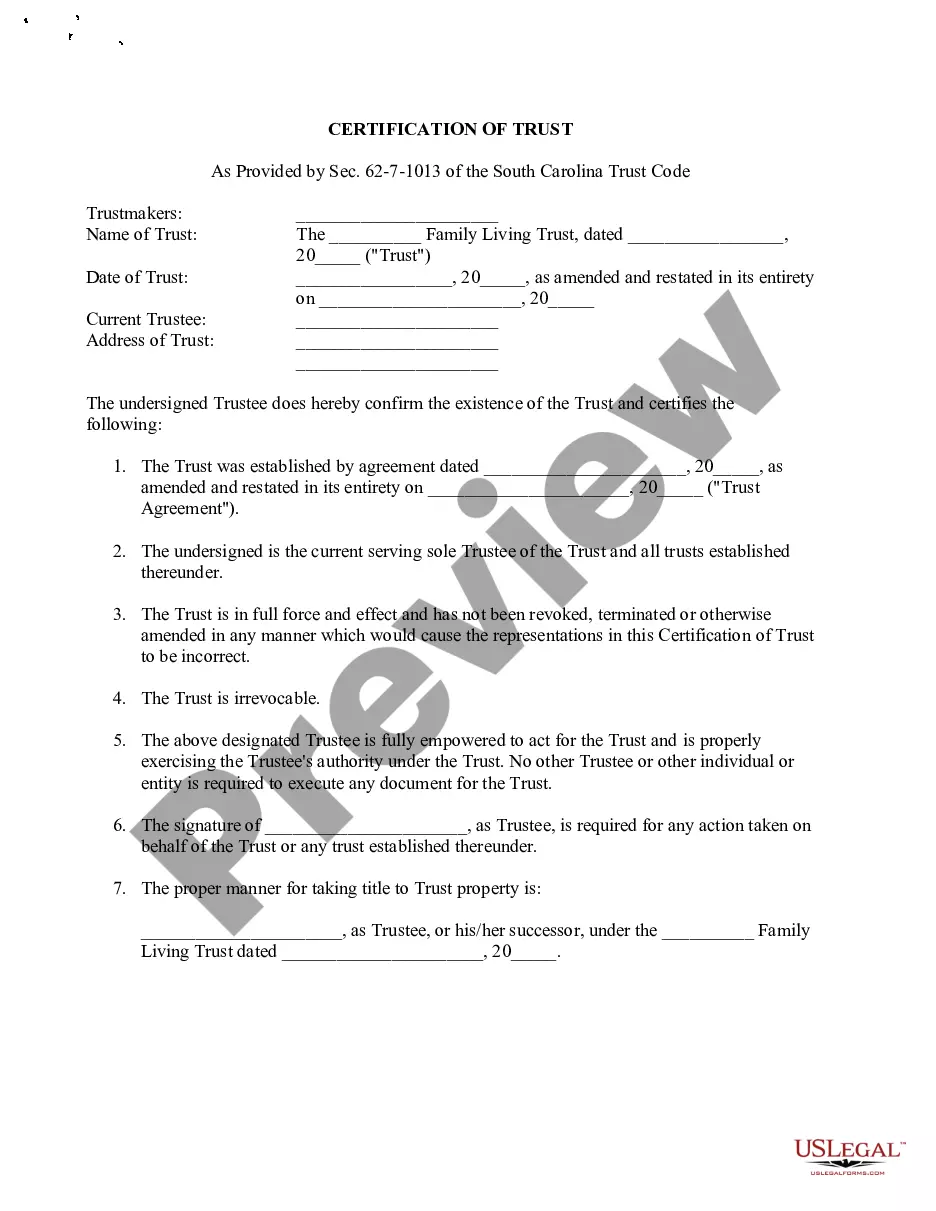
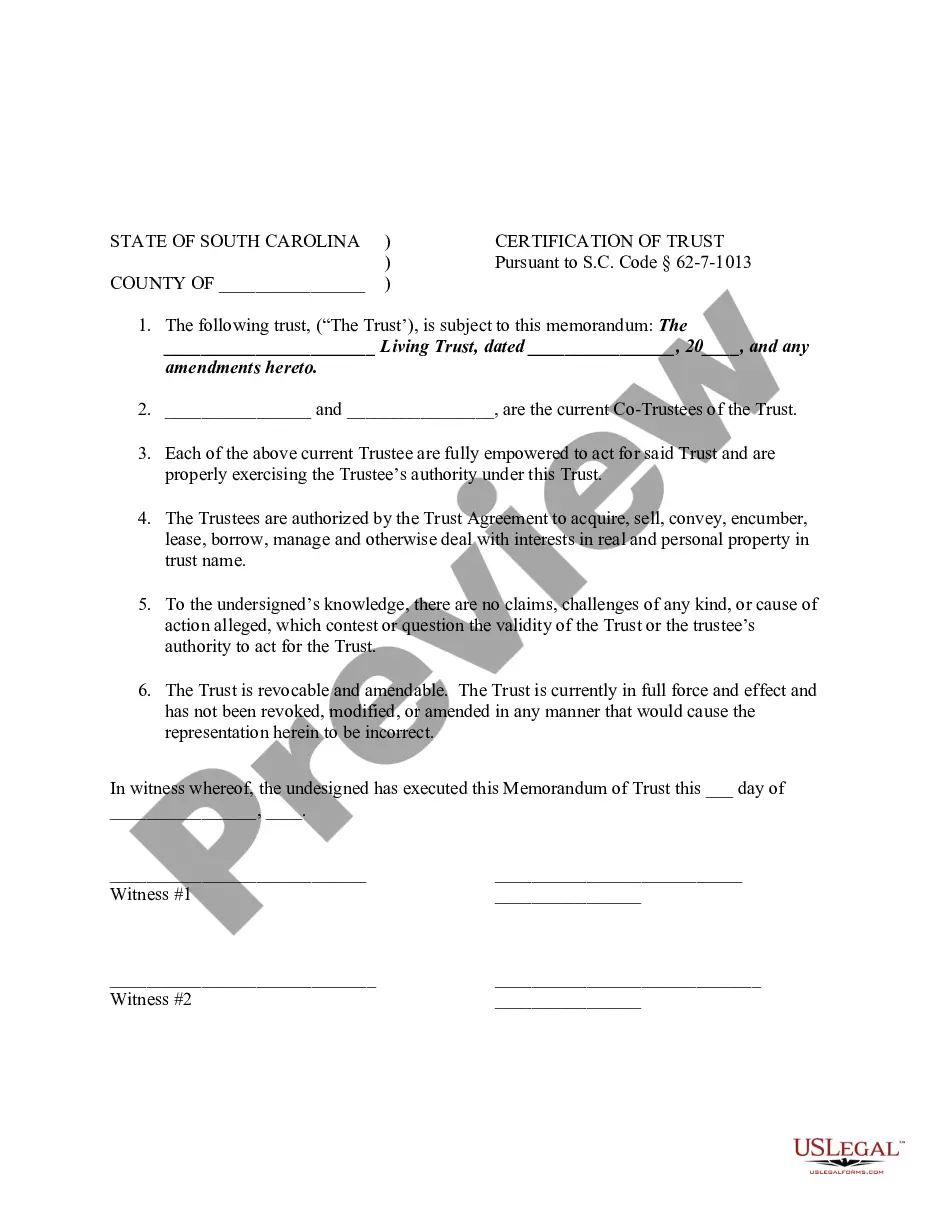
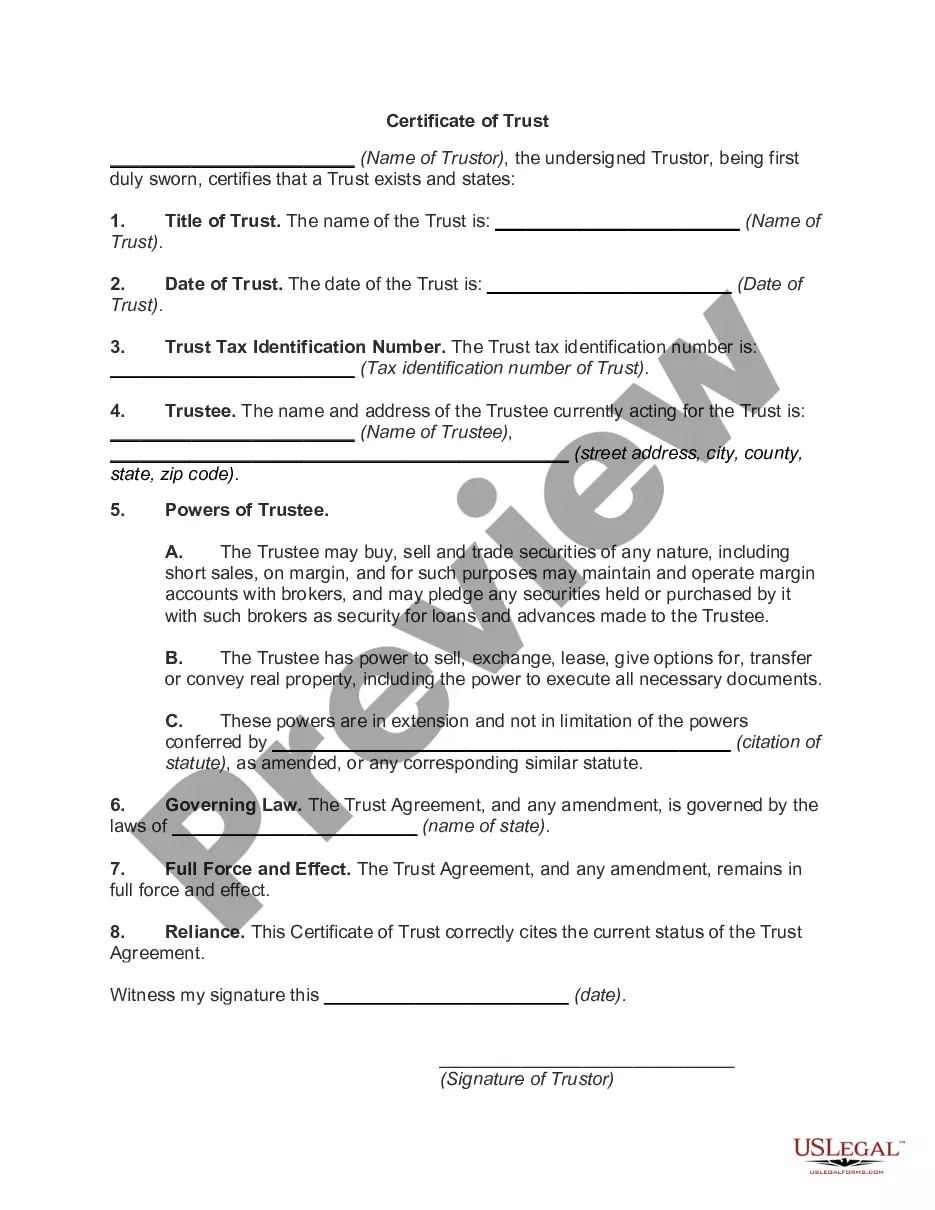
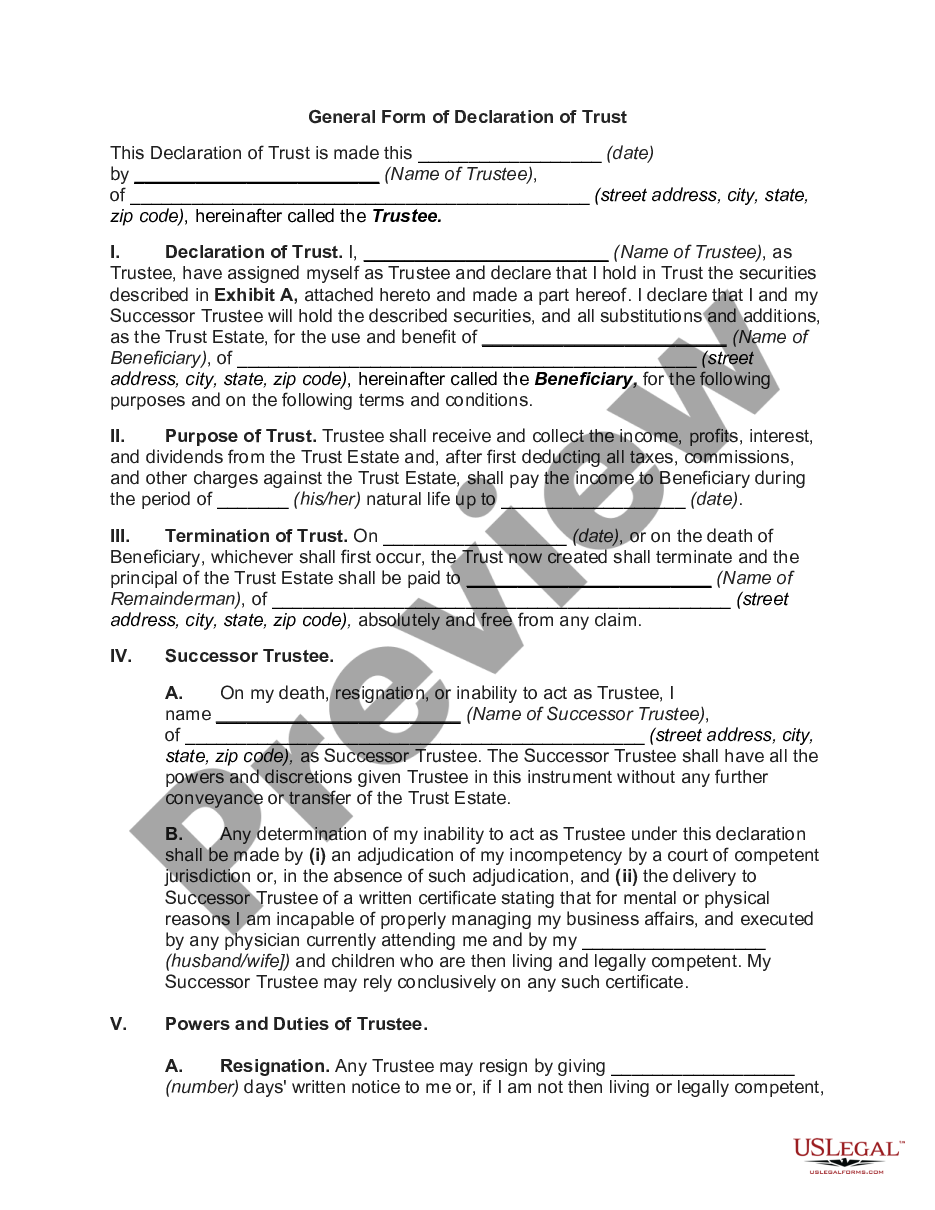
The Certification of Trust is a legal document that affirms the existence and terms of a trust. It outlines how your assets, including investments, bank accounts, real estate, and personal property, are managed during your lifetime and specifies their distribution upon your death. Unlike a trust agreement, the Certification of Trust simplifies the process of proving the trust's validity to financial institutions and other entities without disclosing the entire trust document.
Key components of this form
- Name of the trust and date it was established
- Current trustee's information
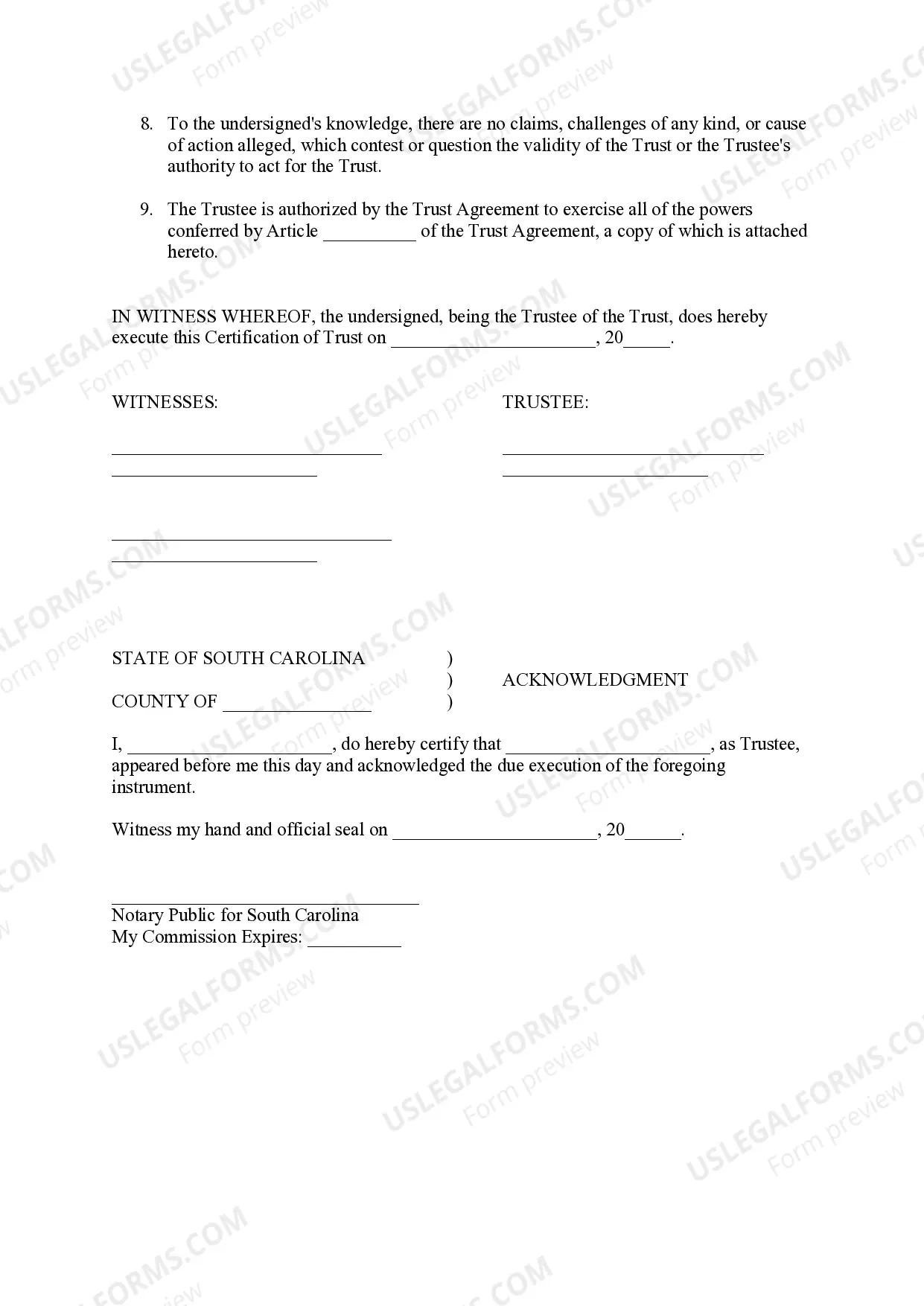
- Certification of the trust's validity and irrevocability
- Authority of the trustee to act on behalf of the trust
- Signatures of the trustee and witnesses
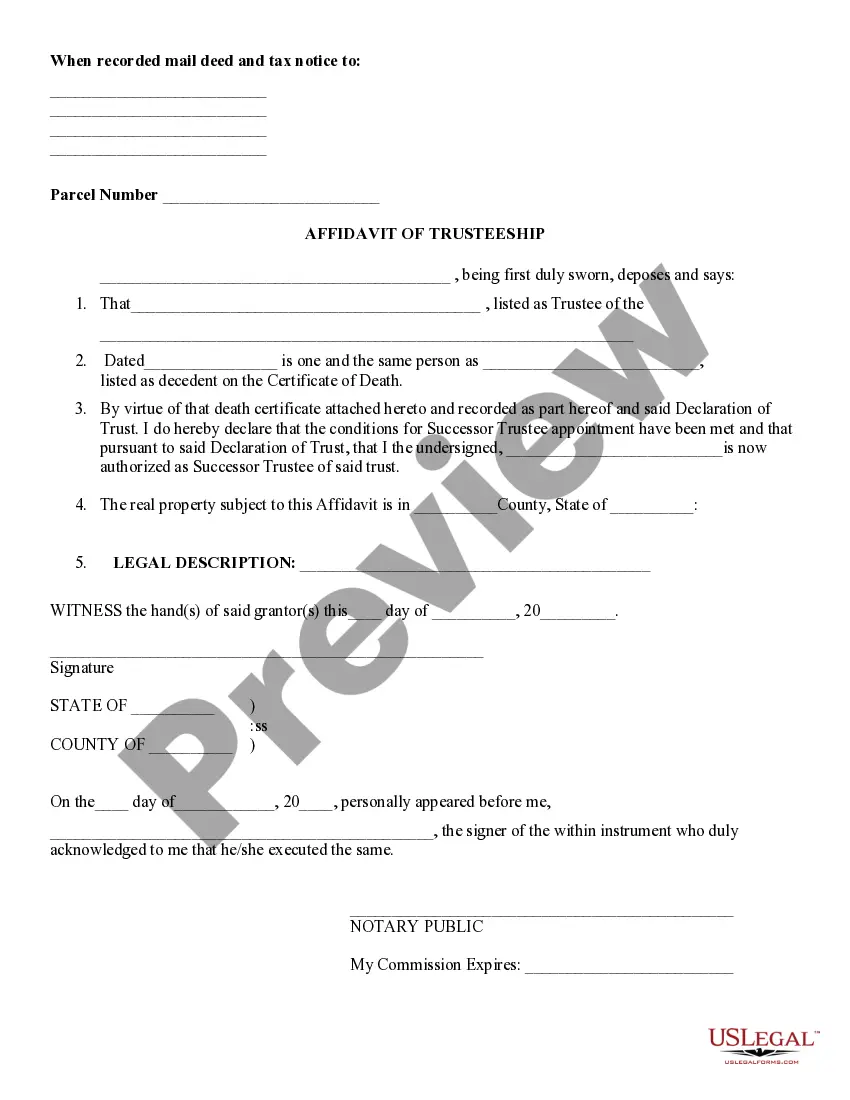
- Acknowledgment statement for notarization
When to use this form
This form is commonly used when you need to prove the existence of your trust to financial institutions, real estate agents, or other entities that require verification of asset ownership. It is also necessary during the administration of your trust, especially when settling your estate after your death.
Intended users of this form
- Individuals who have established a trust for estate planning purposes
- Trustees seeking to manage the assets of a trust
- Beneficiaries needing to confirm the trust's validity
- Financial institutions and professionals involved in trust management
Completing this form step by step
- Enter the name of the trust and the date it was created.
- Fill in the current trustee's name and address.
- Provide details of the trust agreement and any amendments.
- Have the trustee sign the document in the presence of witnesses.
- Complete the notary acknowledgment section with the notary's details.
Does this form need to be notarized?
Yes, this form must be notarized to be legally valid. US Legal Forms offers integrated online notarization services that are available 24/7 via secure video call, ensuring convenience and legal equivalence without the need for travel.
Get your form ready online
Our built-in tools help you complete, sign, share, and store your documents in one place.
Make edits, fill in missing information, and update formatting in US Legal Forms—just like you would in MS Word.
Download a copy, print it, send it by email, or mail it via USPS—whatever works best for your next step.
Sign and collect signatures with our SignNow integration. Send to multiple recipients, set reminders, and more. Go Premium to unlock E-Sign.
If this form requires notarization, complete it online through a secure video call—no need to meet a notary in person or wait for an appointment.
We protect your documents and personal data by following strict security and privacy standards.

Make edits, fill in missing information, and update formatting in US Legal Forms—just like you would in MS Word.

Download a copy, print it, send it by email, or mail it via USPS—whatever works best for your next step.

Sign and collect signatures with our SignNow integration. Send to multiple recipients, set reminders, and more. Go Premium to unlock E-Sign.

If this form requires notarization, complete it online through a secure video call—no need to meet a notary in person or wait for an appointment.

We protect your documents and personal data by following strict security and privacy standards.
Avoid these common issues
- Failing to enter the correct name and date of the trust.
- Not including the current trustee's correct address.
- Omitting necessary signatures from witnesses or the trustee.
- Neglecting to have the form notarized if required by law.
Why complete this form online
- Convenience of instant access and download.
- Editability to tailor the form to your specific needs.
- Reliability with templates drafted by licensed attorneys.
Looking for another form?
Form popularity
FAQ
Look for an attorney to draw up the paperwork. In addition, you can go online and use a legal website, to search for a copy of a recorded living trust, or forms on a CD to make the living trust. Sign the living trust in front of a notary public to notarize it.
A Certificate of Trust is recorded in the Official Records of the county in which any trust real property is located. It aids in clearing title to the property. Generally, where the trust owns no real property, there is no need to record a Certificate...
A certification of trust (or "trust certificate") is a short document signed by the trustee that simply states the trust's essential terms and certifies the trust's authority without revealing private details of the trust that aren't relevant to the pending transaction.
Yes, trust agreements are private documents.Among other things, the law provides that a summary of the terms of a trust (a/k/a Certificate or Certification of Trust) should contain: name and date of the trust; the identity of the settlor (a/k/a trustor, grantor or trust-maker);