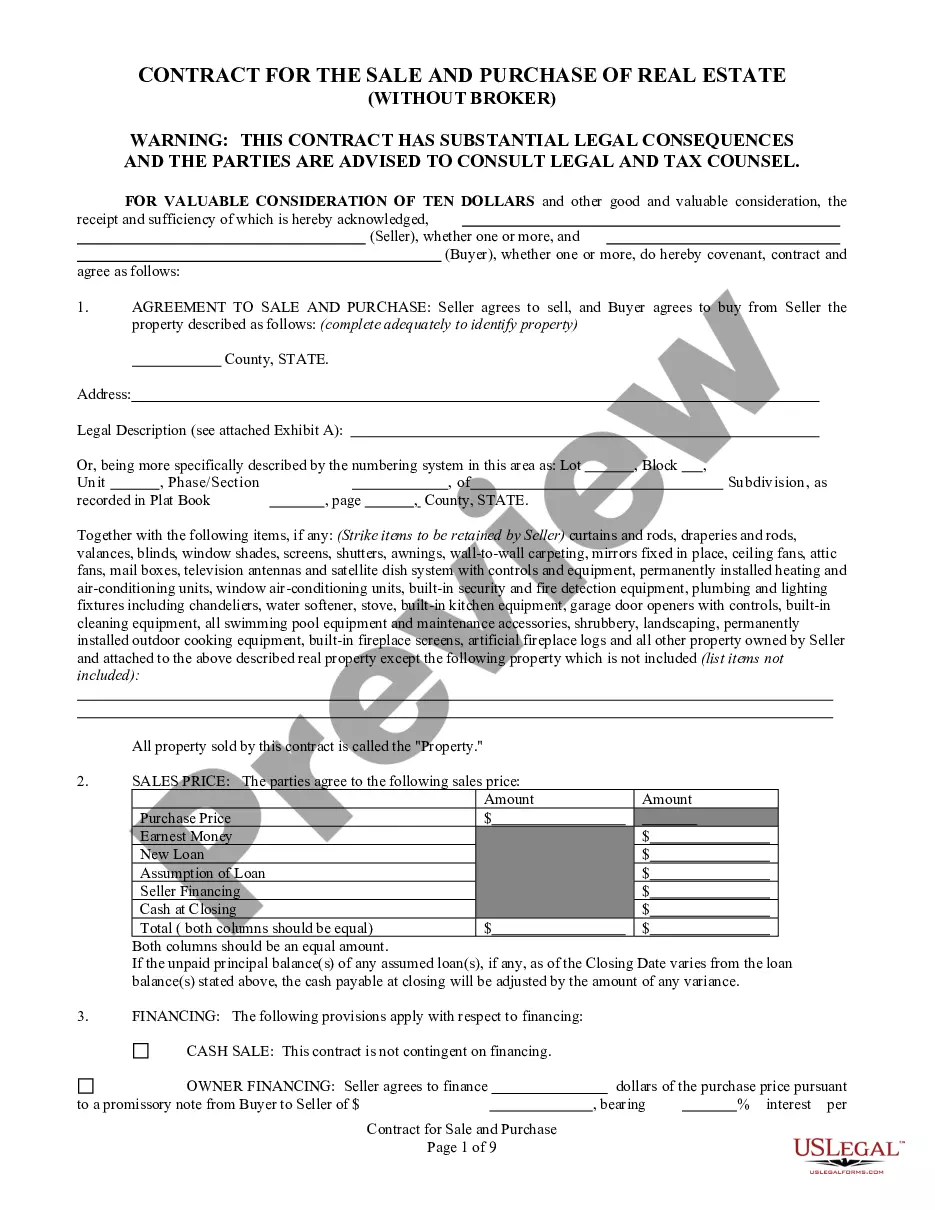
This form is a Contract for the sale of real estate for use in South Carolina. It can be used for a cash sale, assumption or new loan buyer. The contract contains provisions common to a real estate transaction. No broker involved.
South Carolina Contract for Sale and Purchase of Real Estate with No Broker for Residential Home Sale Agreement
Instant download
Description
Free preview
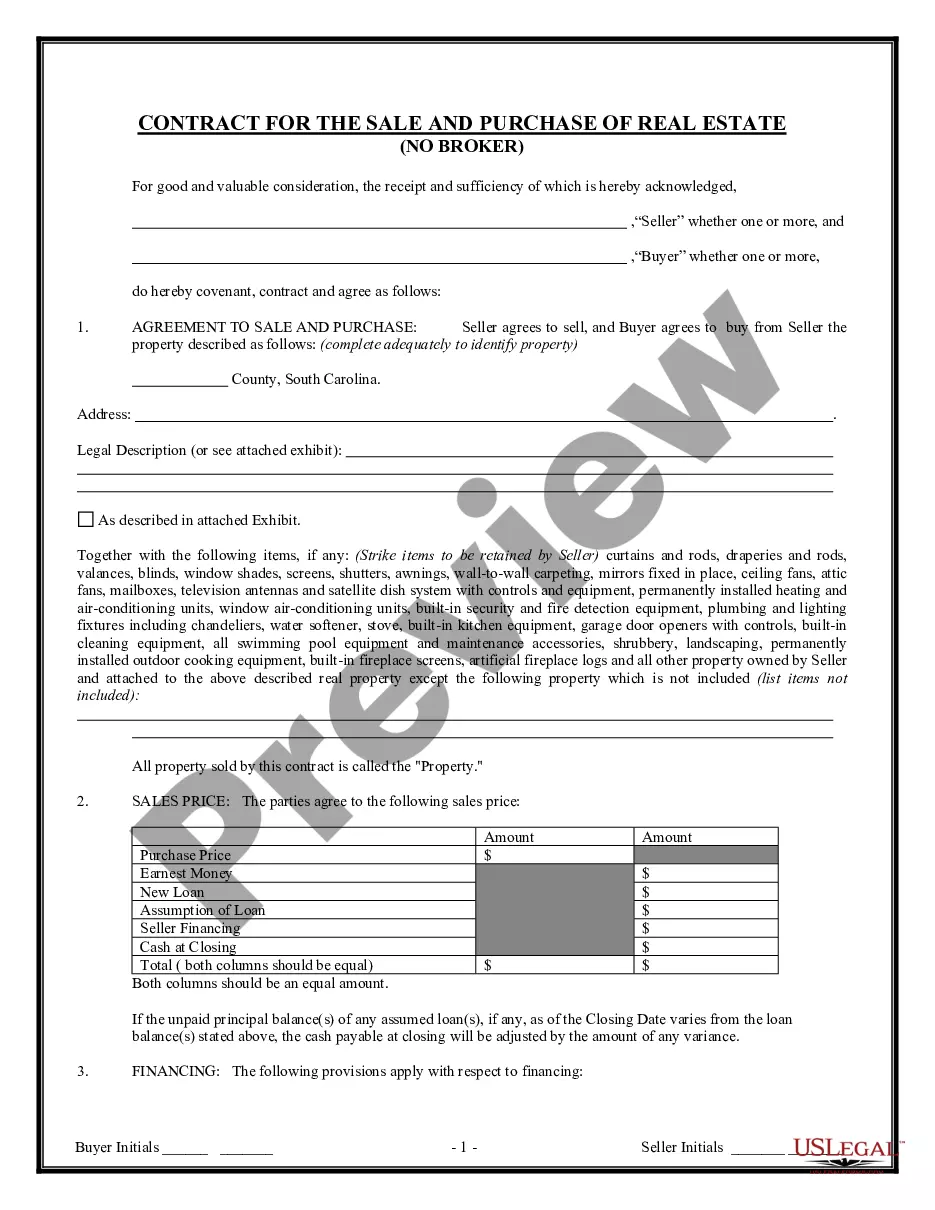
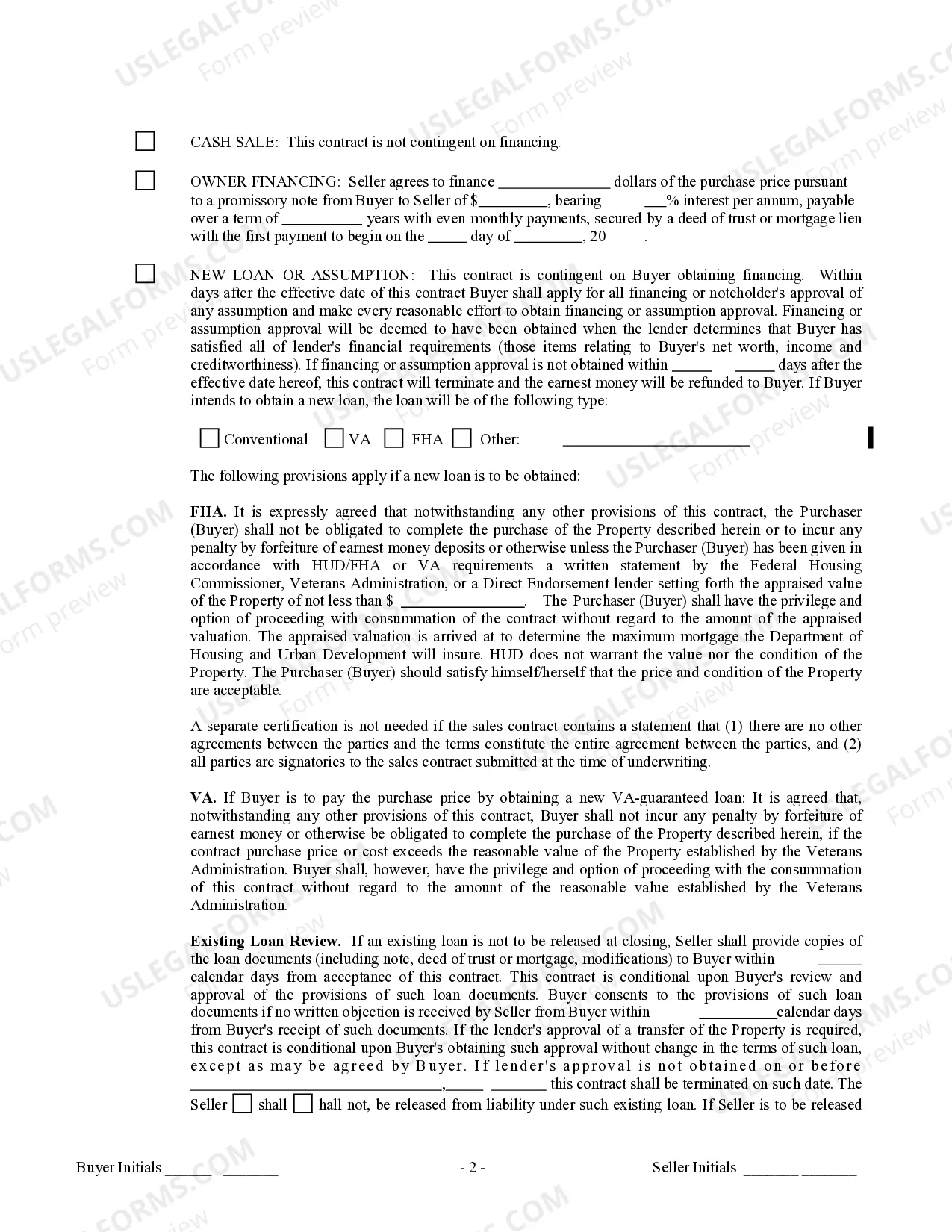
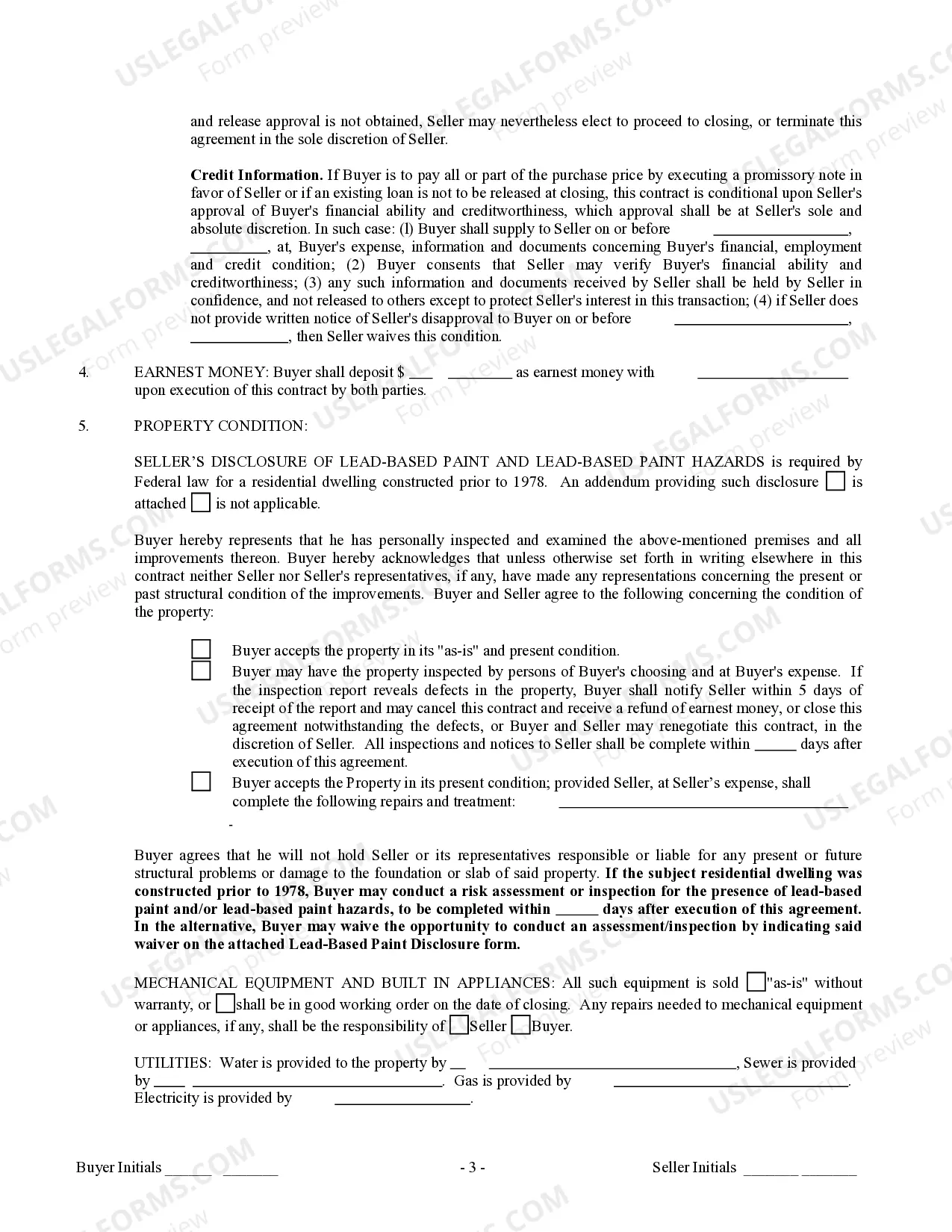
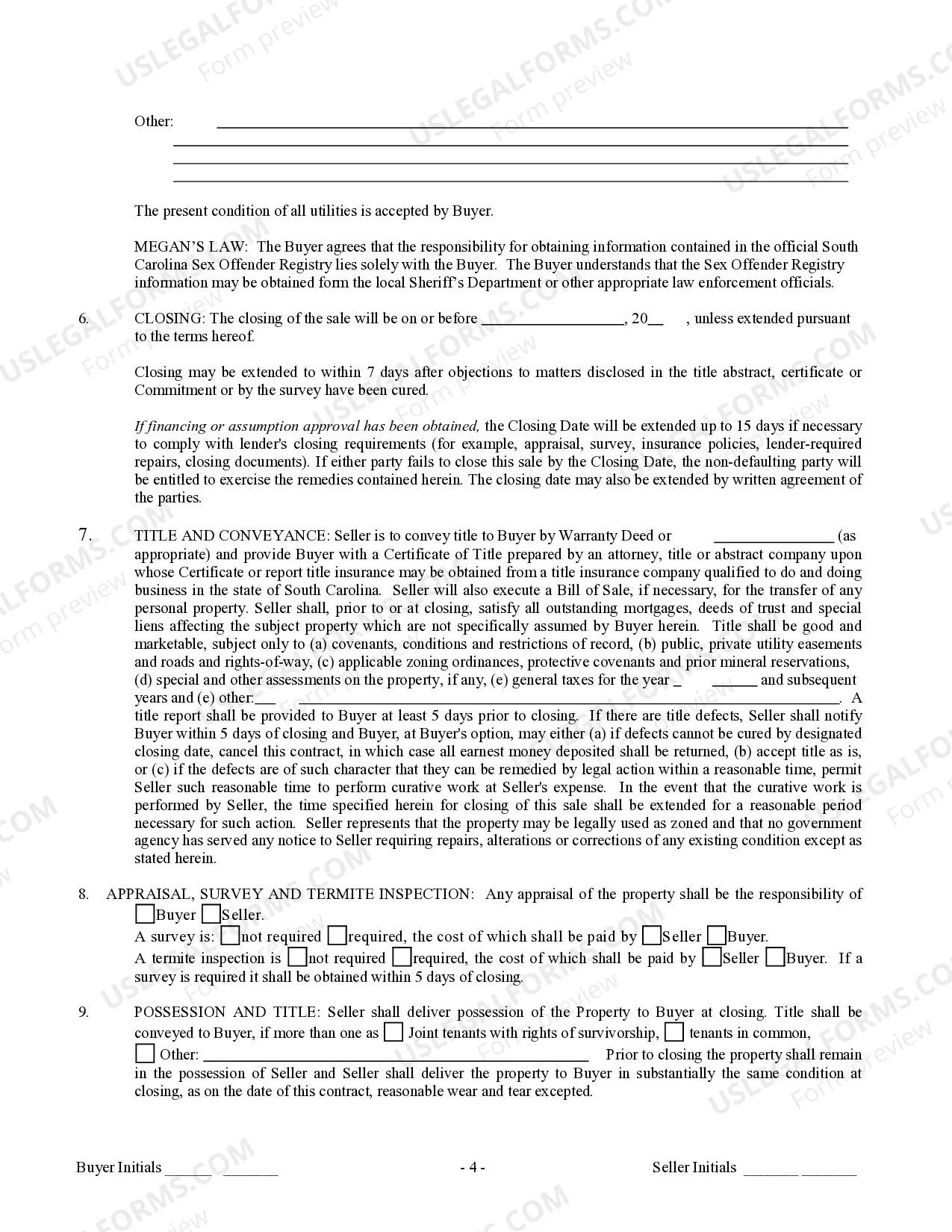
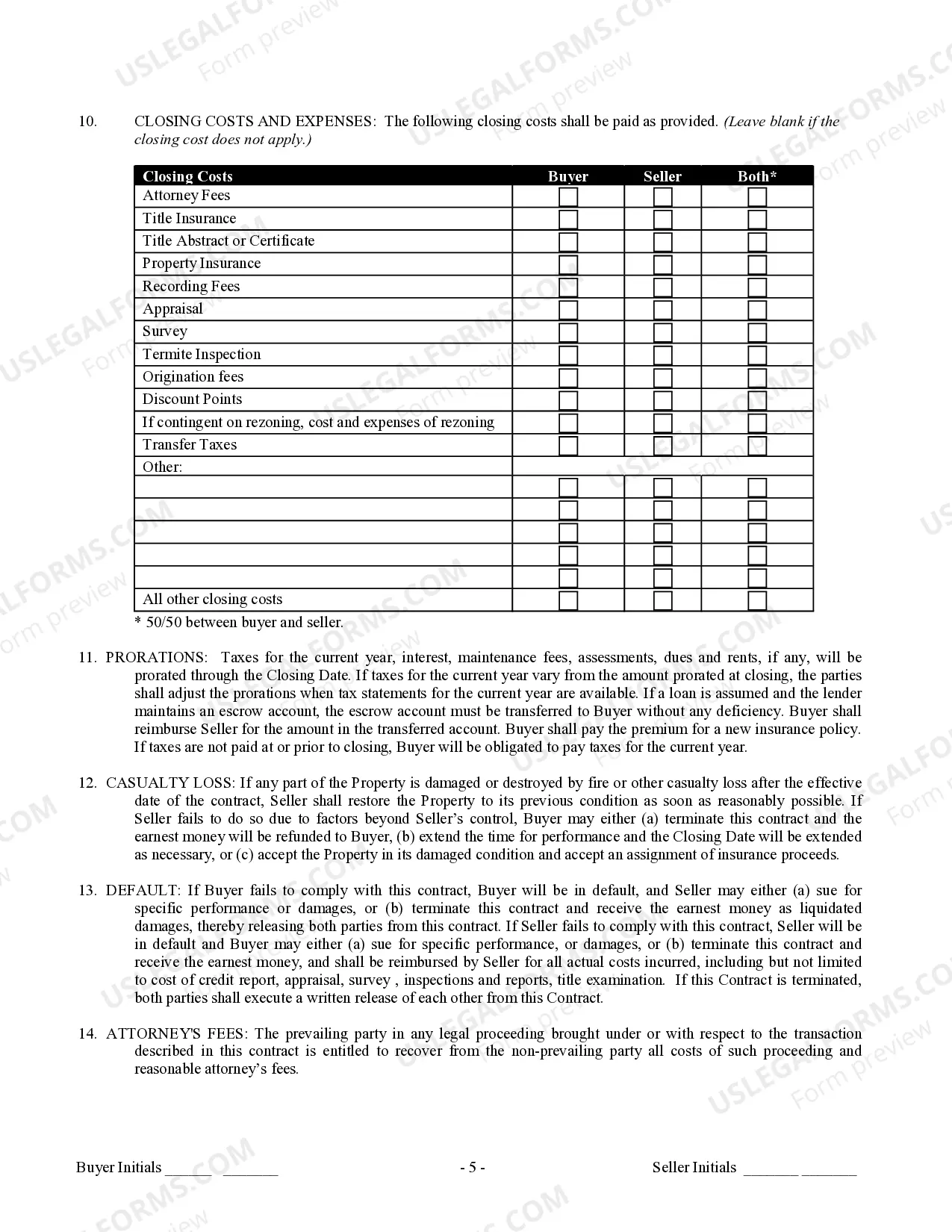
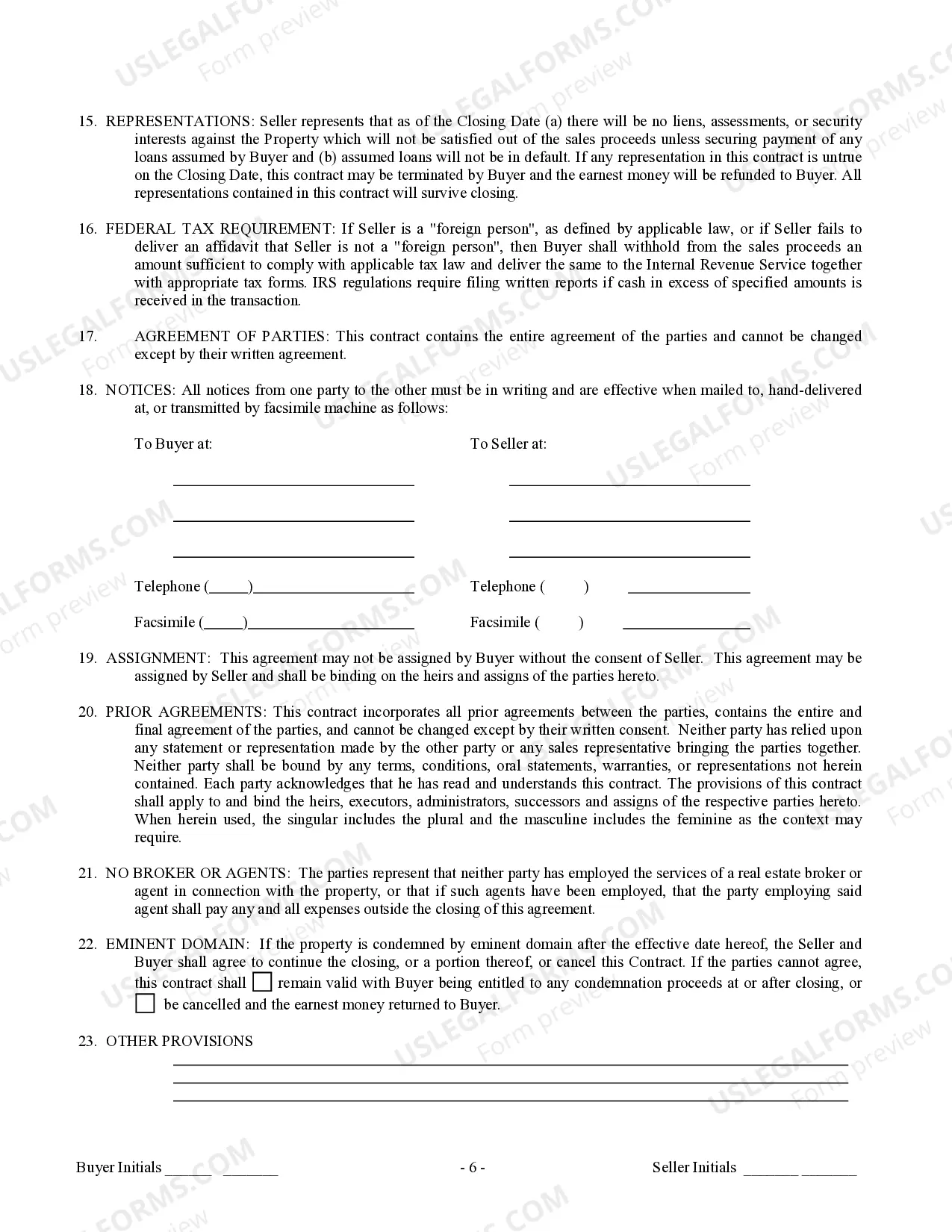
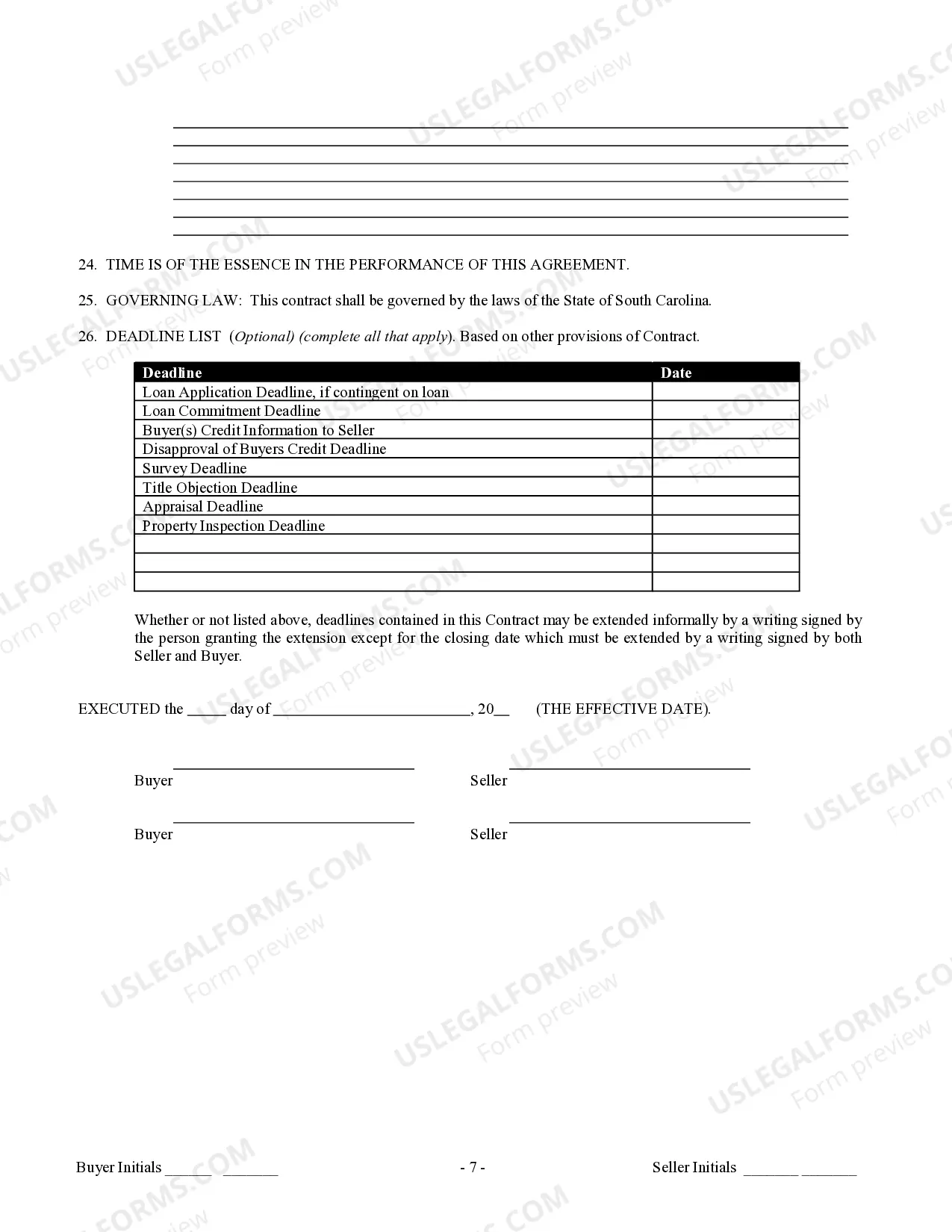
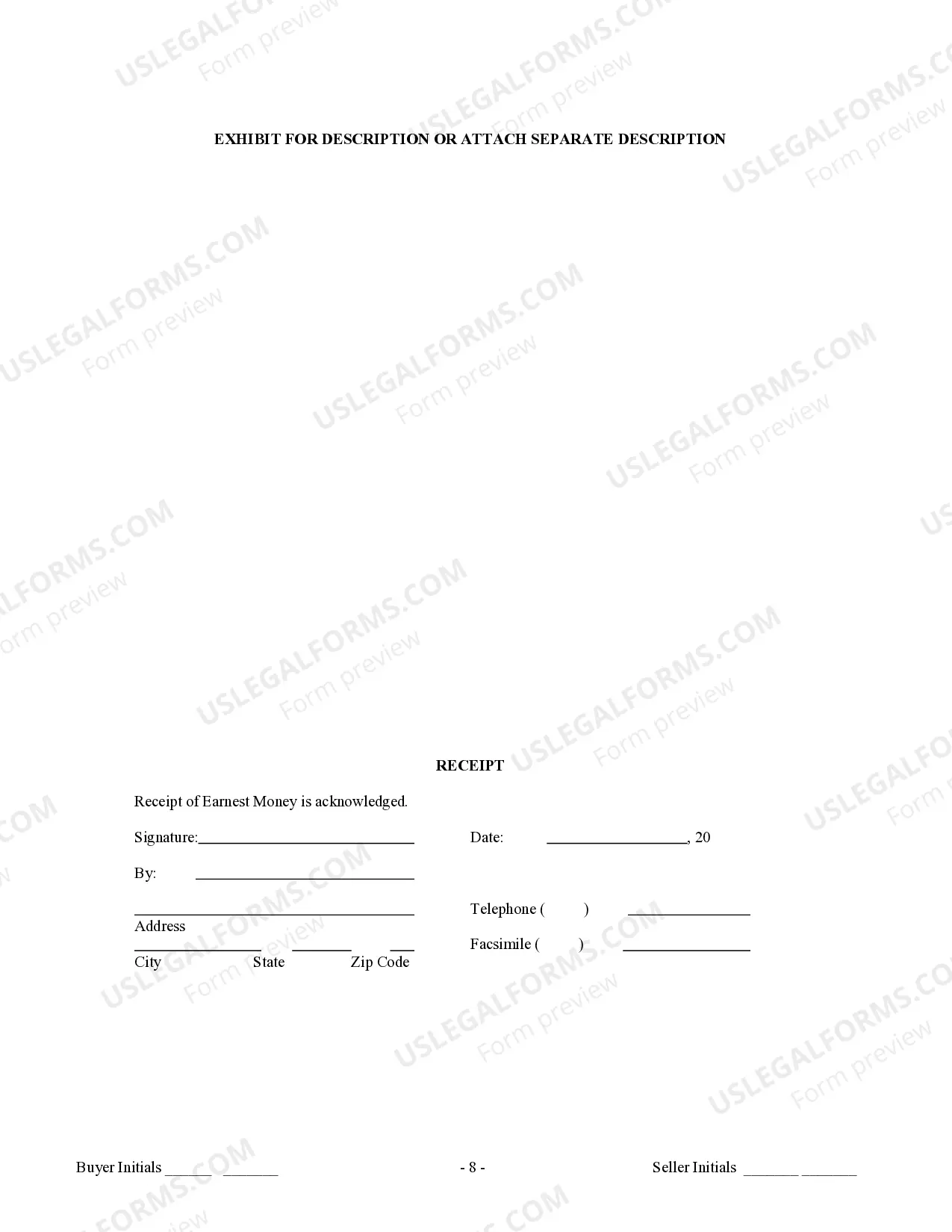

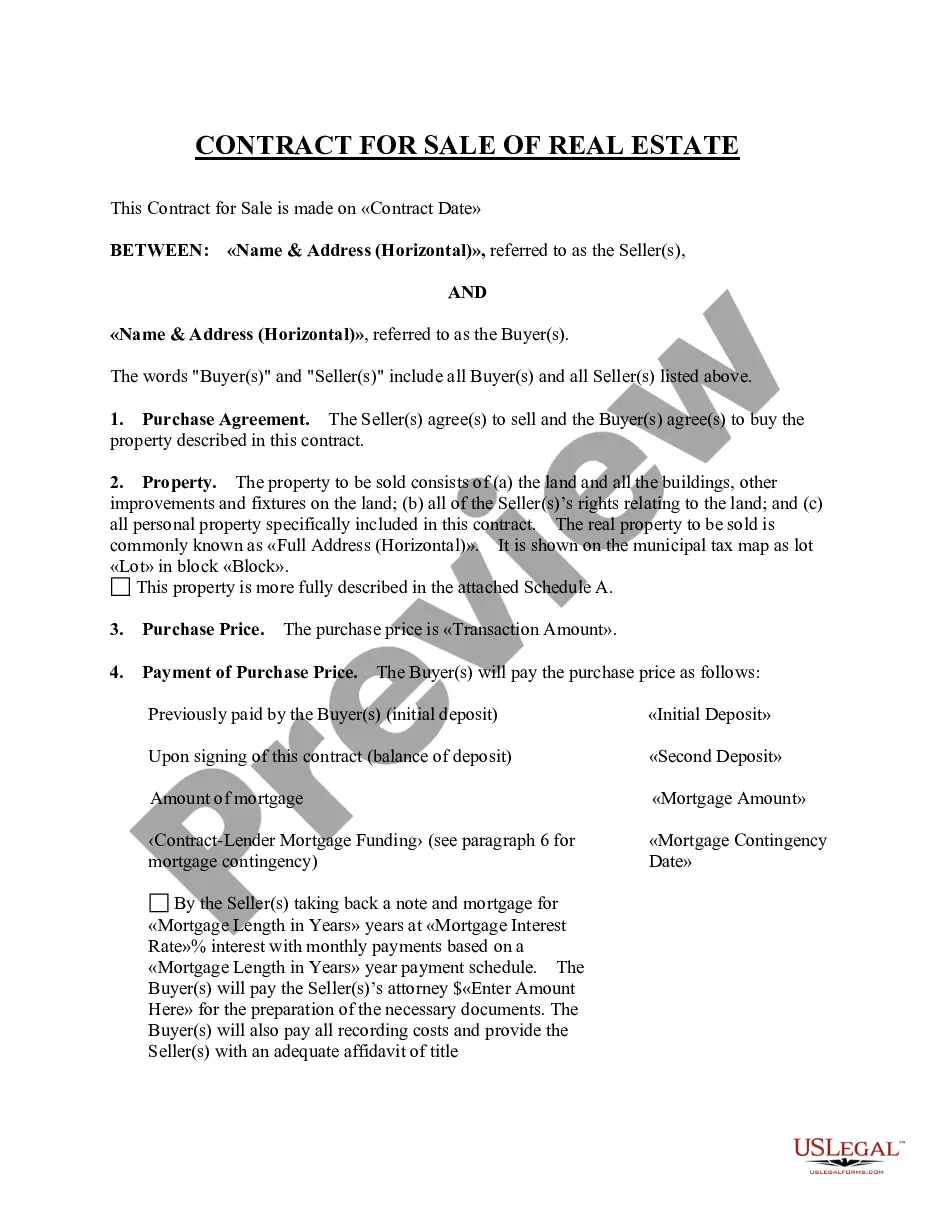
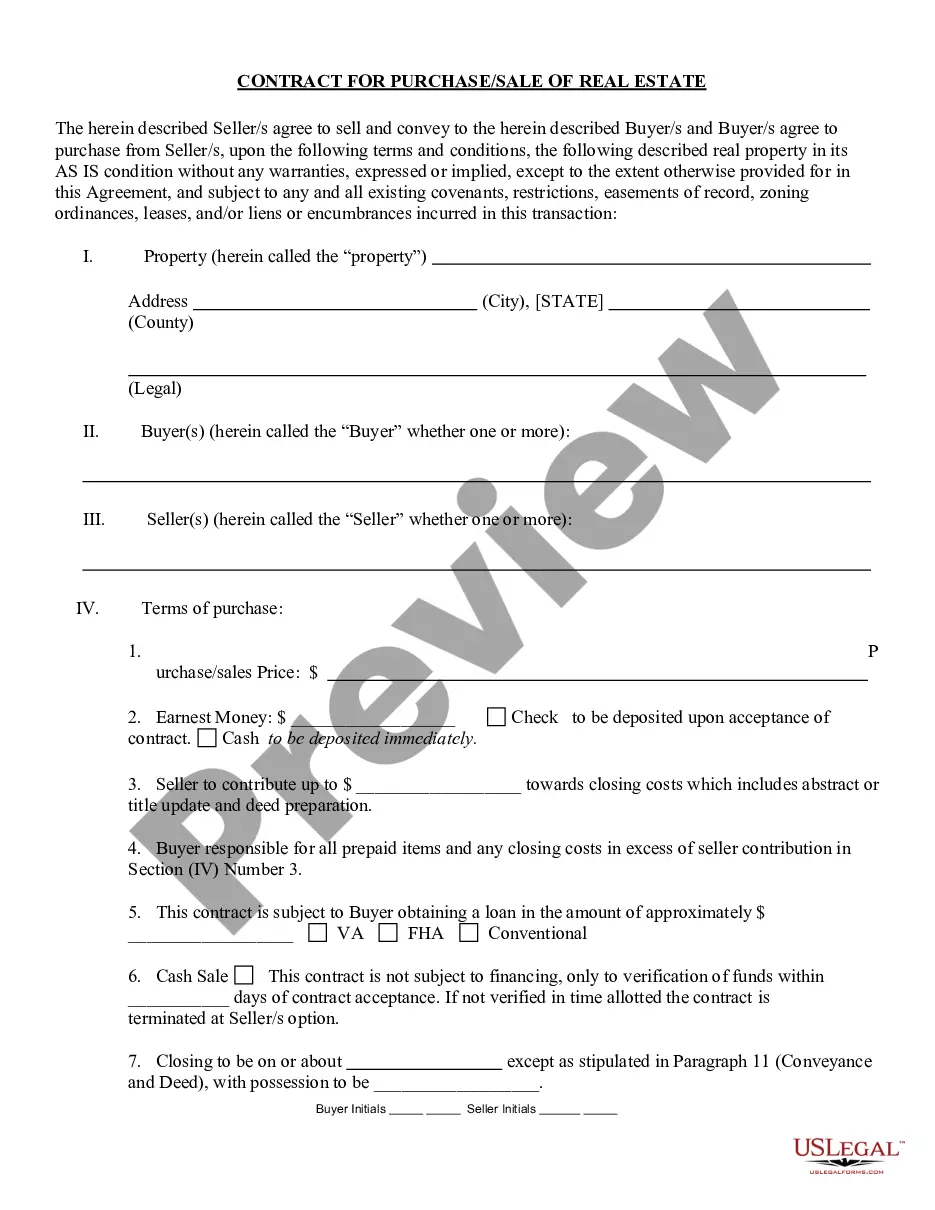

How to fill out South Carolina Contract For Sale And Purchase Of Real Estate With No Broker For Residential Home Sale Agreement?
Creating documents isn't the most uncomplicated job, especially for people who almost never work with legal paperwork. That's why we advise utilizing correct South Carolina Contract for Sale and Purchase of Real Estate with No Broker for Residential Home Sale Agreement samples made by professional attorneys. It gives you the ability to prevent troubles when in court or handling formal organizations. Find the samples you require on our site for top-quality forms and exact information.
If you’re a user having a US Legal Forms subscription, simply log in your account. Once you are in, the Download button will automatically appear on the file web page. Right after getting the sample, it will be saved in the My Forms menu.
Customers without an active subscription can easily get an account. Make use of this brief step-by-step help guide to get your South Carolina Contract for Sale and Purchase of Real Estate with No Broker for Residential Home Sale Agreement:
- Make certain that the sample you found is eligible for use in the state it is necessary in.
- Verify the document. Utilize the Preview option or read its description (if readily available).
- Buy Now if this file is the thing you need or utilize the Search field to get another one.
- Select a convenient subscription and create your account.
- Utilize your PayPal or credit card to pay for the service.
- Download your document in a wanted format.
Right after finishing these straightforward steps, it is possible to fill out the form in an appropriate editor. Recheck completed info and consider asking a legal professional to examine your South Carolina Contract for Sale and Purchase of Real Estate with No Broker for Residential Home Sale Agreement for correctness. With US Legal Forms, everything gets much simpler. Try it now!
Form popularity
FAQ
A South Carolina bill of sale is a legal form documenting the sale and purchase of personal property. For vehicles, a bill of sale form can be used to register and title a vehicle and is usually completed at the time of the sale, but it cannot prove vehicle ownership.
Recreational licenses can be purchased online 24 hours a day, seven days a week at a reduced convenience fee of $3 and customers can print the licenses instantly from any computer. Payment is safe and easy as individuals can use their debit or credit card through SC.
To use the online form, you'll need: Your SC car registration certificate.
The application for a duplicate title can be submitted either by mail or with a visit to a local DMV office. To apply, the owner must turn in a completed the _Application for Certificate of Title/Registration --_Form 400 -- which must include mileage as well as the names of any lienholders.
When you visit the SCDMV, you must bring your paid property tax receipt with you. The amount you owe is based on the item's sales price. If the item costs $9999 or less, your IMF will be 5 percent of the sales price. If it's over $10,000, you'll owe $500.
Car Without a Title - How to get a Bonded Title The only person who can tell you if you are eligible for a bonded title is your local DMV. Call and explain your situation. Ask if you are eligible for a bonded title. If they say yes, you can start the process to get a bonded title.
In South Carolina, the title transfer fee is based on the tax value of the vehicle. There is a $15 flat fee for the service of transferring the title, and a 5% (up to $500 maximum) road tax toward South Carolina infrastructure.
You won't be able to sell your vehicle without the title, so if you've lost your title you'll need to get a duplicate title to replace the original. To order a replacement title, you'll need to provide the South Carolina DMV with the following: Application for Duplicate Title (SCDMV Form 400)